Inspiration
When you're stuck on a concept, a textbook can't answer back and a chatbot can't see what you're looking at. We wanted a tutor that can see your screen and point at things.
What it does
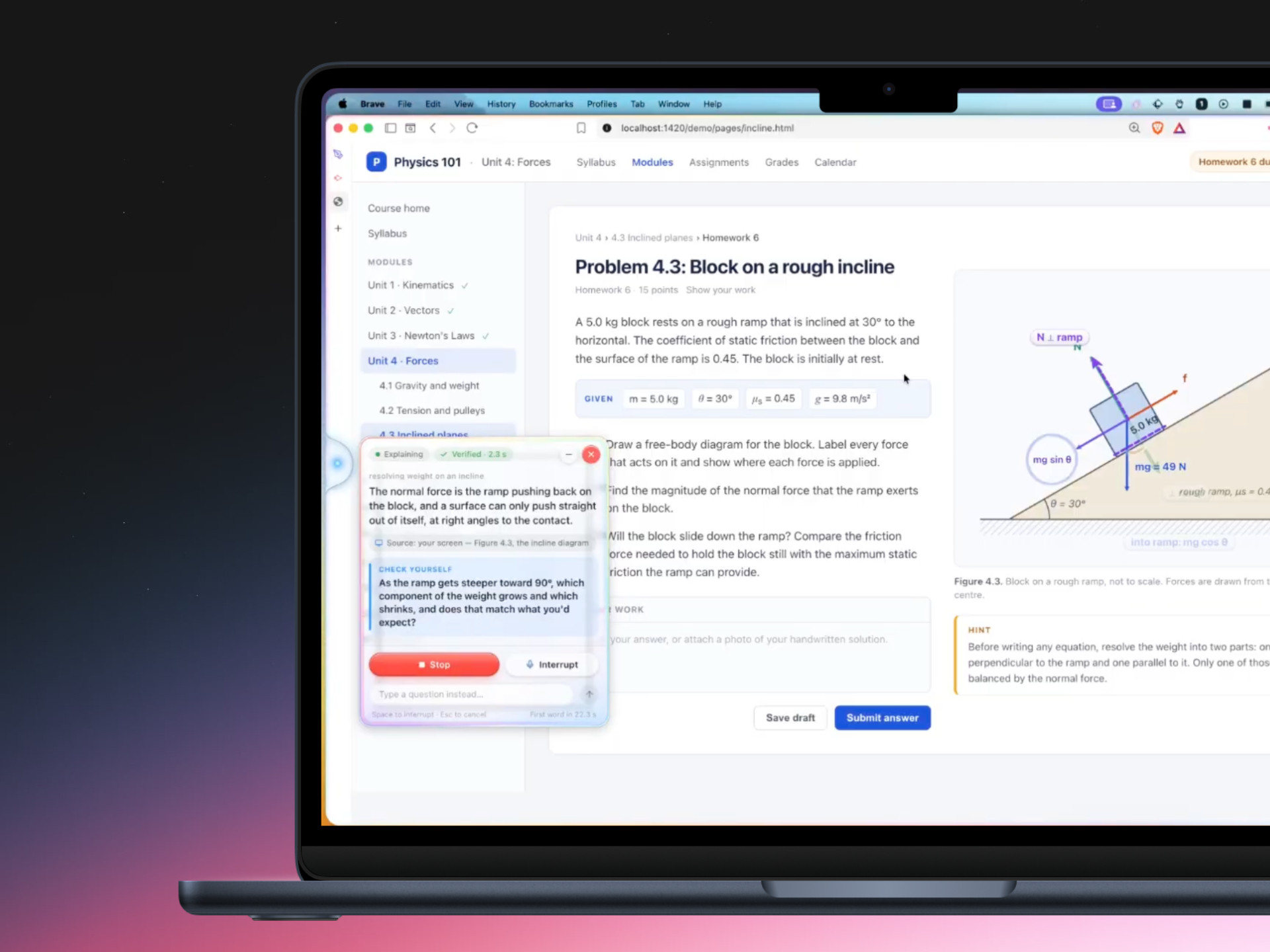
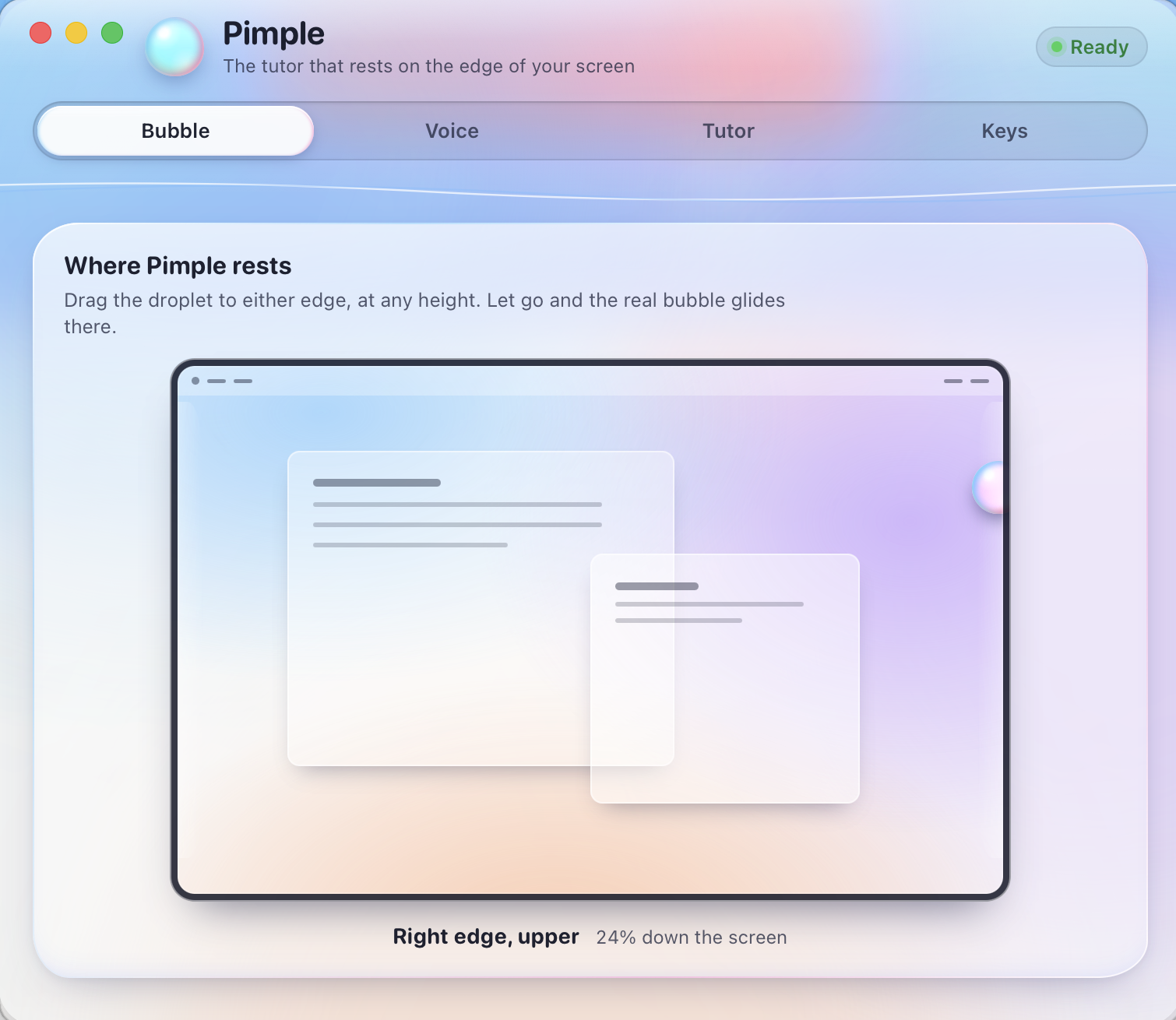
Pinple is a tutor that lives on your Mac's screen. Click the bubble, ask your question out loud, and it explains in a few spoken sentences while drawing circles, arrows and vectors directly on top of what you're looking at. You can hold Space to interrupt and challenge a point, and it ends each explanation with a question to check you understood.
How we built it
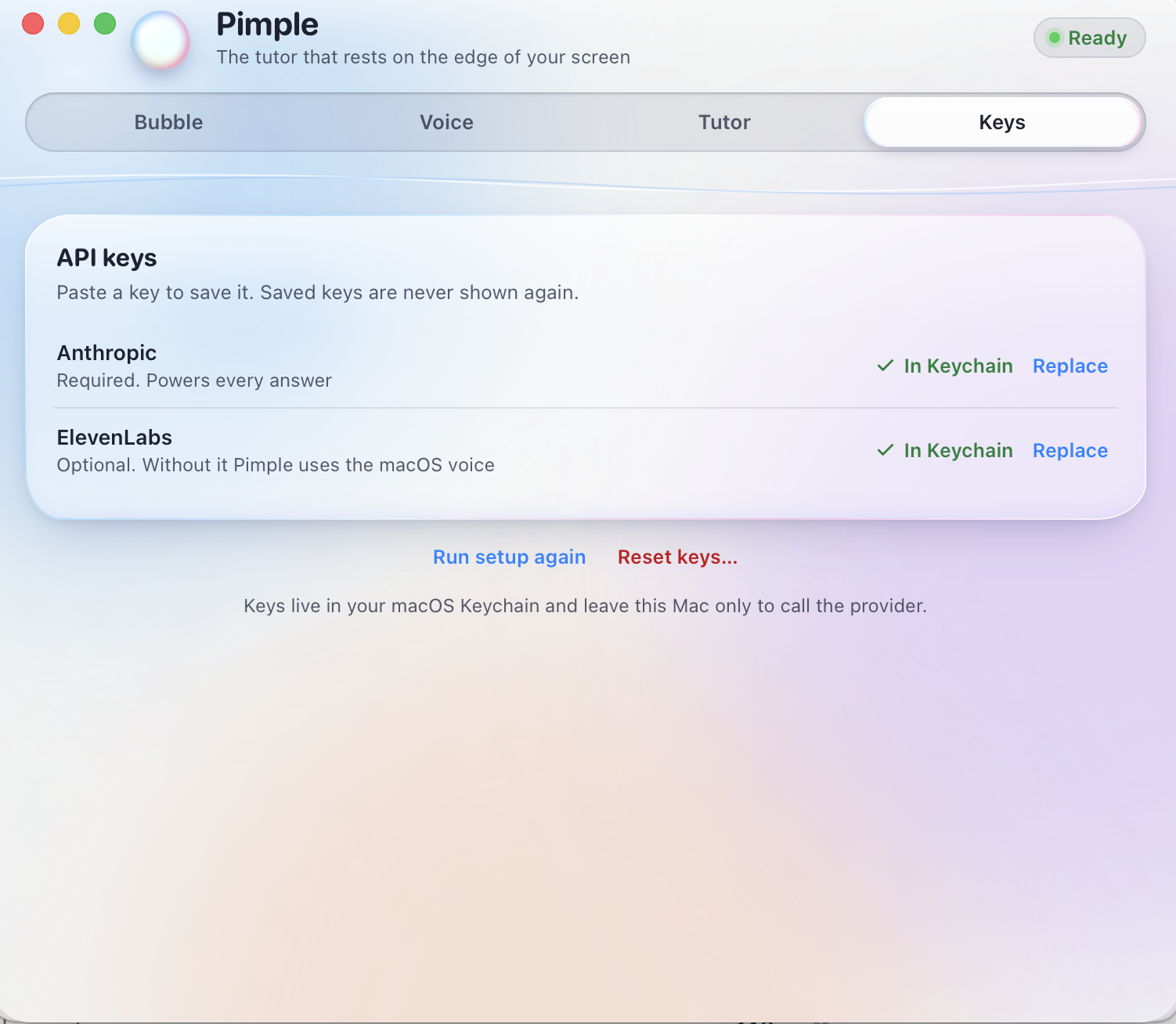
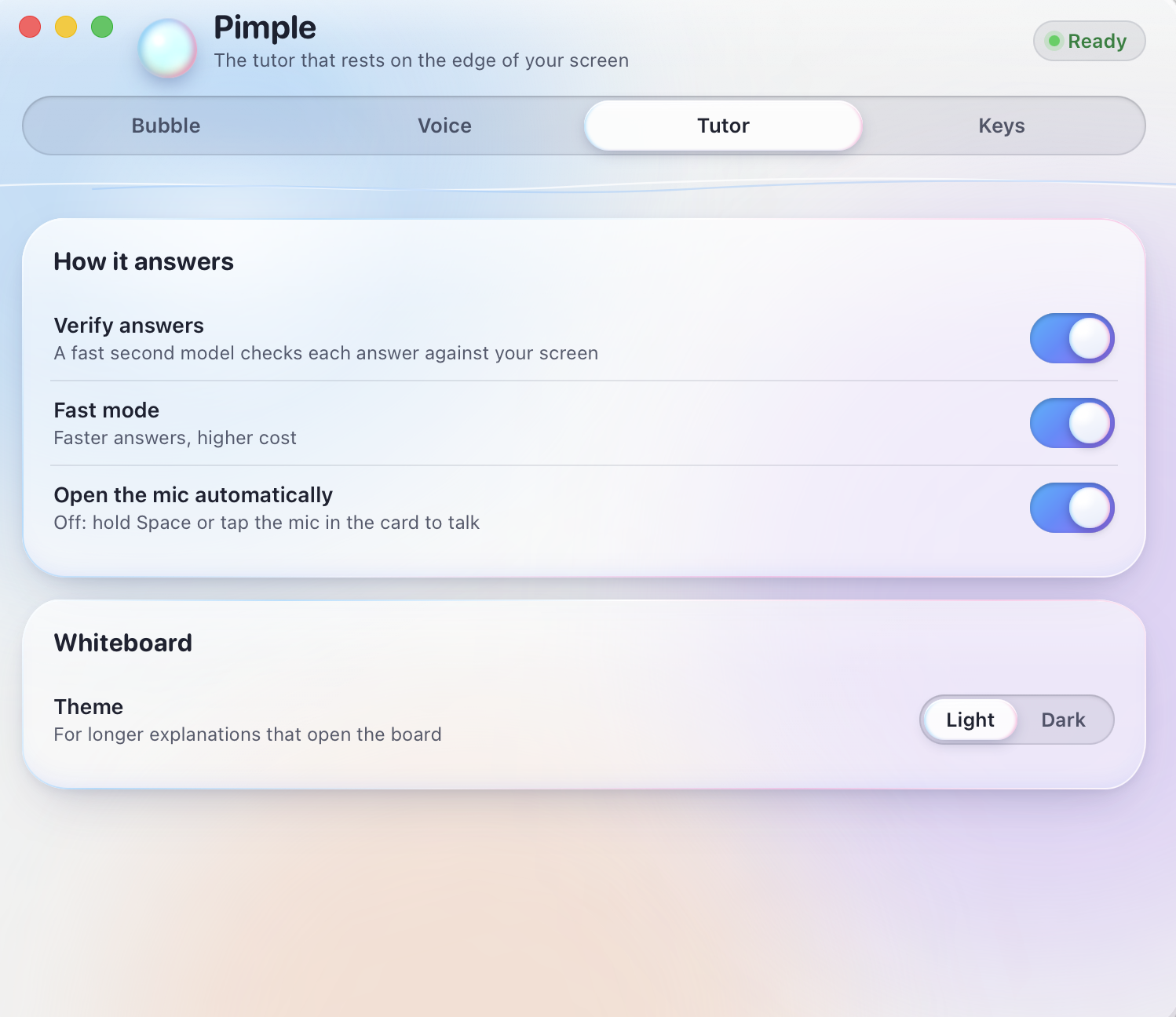
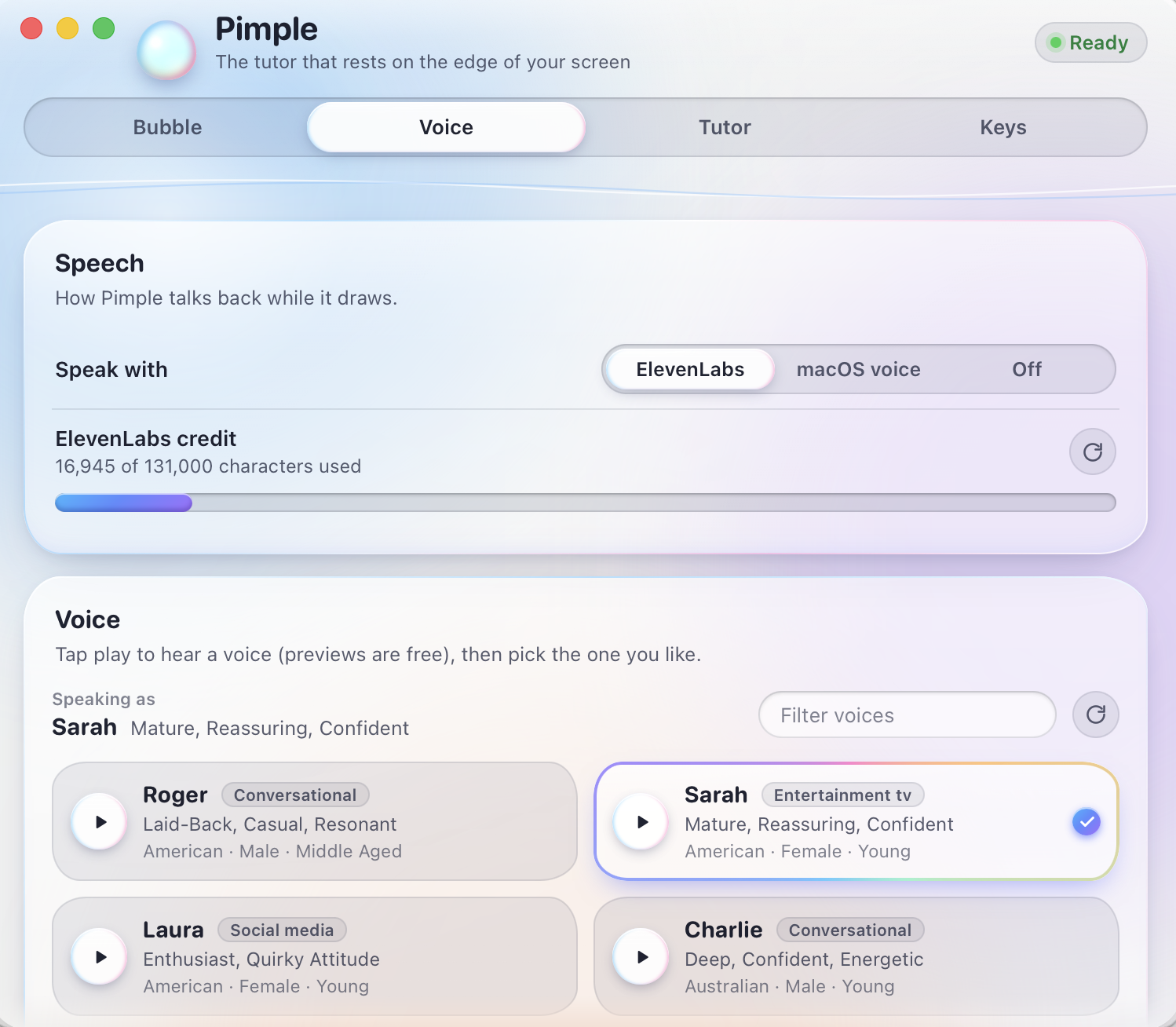
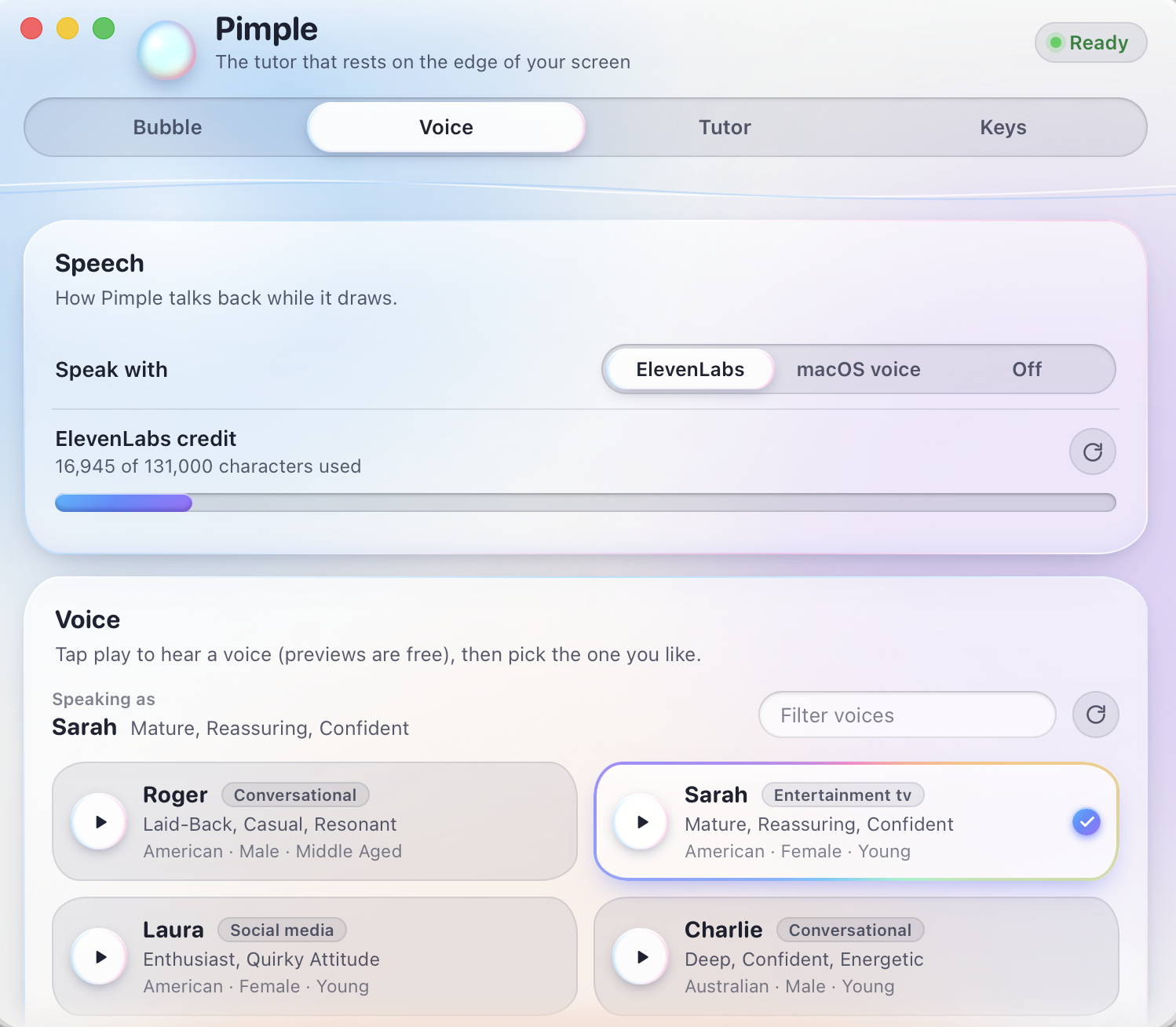
Pinple is a Tauri desktop app: Rust for screenshots, the microphone and audio, and React with TypeScript for the interface. We built it on top of Handy, an open-source dictation app. Speech-to-text runs on the Mac itself, Claude Opus writes the explanation and the drawing instructions, Claude Haiku fact-checks each sentence against the screen, and ElevenLabs provides the voice.
Challenges
Getting the first spoken word out in about 3 seconds, and making the drawings land on the right spot on a Retina display.
What we learned
Committing to one idea early, and building on an open-source project, let us finish in four hours. Splitting the work clearly and swapping roles kept everyone unblocked.

