-
-
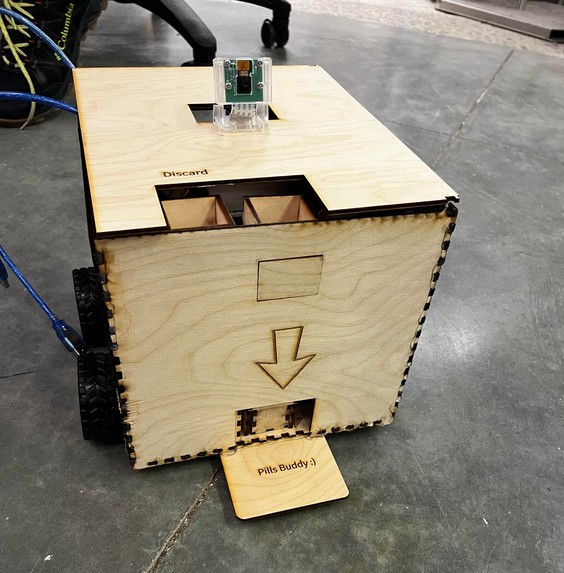
Pills Buddy Robot
-
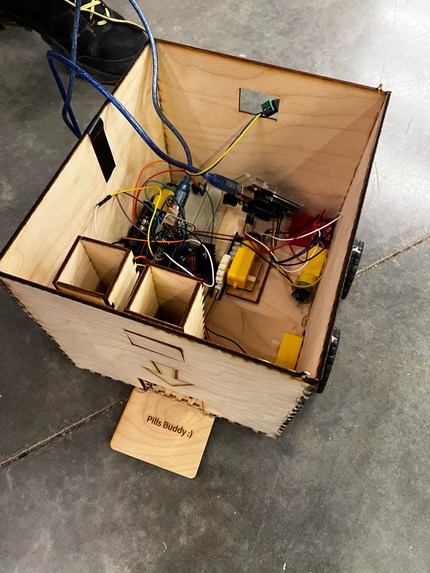
Electronics in Pills Buddy Robot
Inspiration
Many of us have elderly relatives to care for. We love them but at times it can get difficult, especially in the fast paced post pandemic world. This brings us stress as we want to make sure they are safe and under good supervision. Our inspiration for this robot was brought by our experiences with our grandparents, particularly their pill taking habits. We noticed that pills are often mixed up, not taken on time, or not taken at all. This impacts our elderly as they suffer from the effects of not taking their medicine and could also put them in danger by taking the wrong amount. As we get busier, we stress out about this more and need to make sure they are taking their medicine correctly and safely. To give everybody peace of mind for our own mental wellness and the wellness of our elderly, we developed a robot that addresses this need.
What it does
Pills Robot gives boxes containing daily pills that are put together by the caregiver. This is to ensure that the proper amount of medicine is given every day. At determined times as prescribed by the doctor, the robot finds the elderly relative using CV and dispenses their pills for them.
How we built it
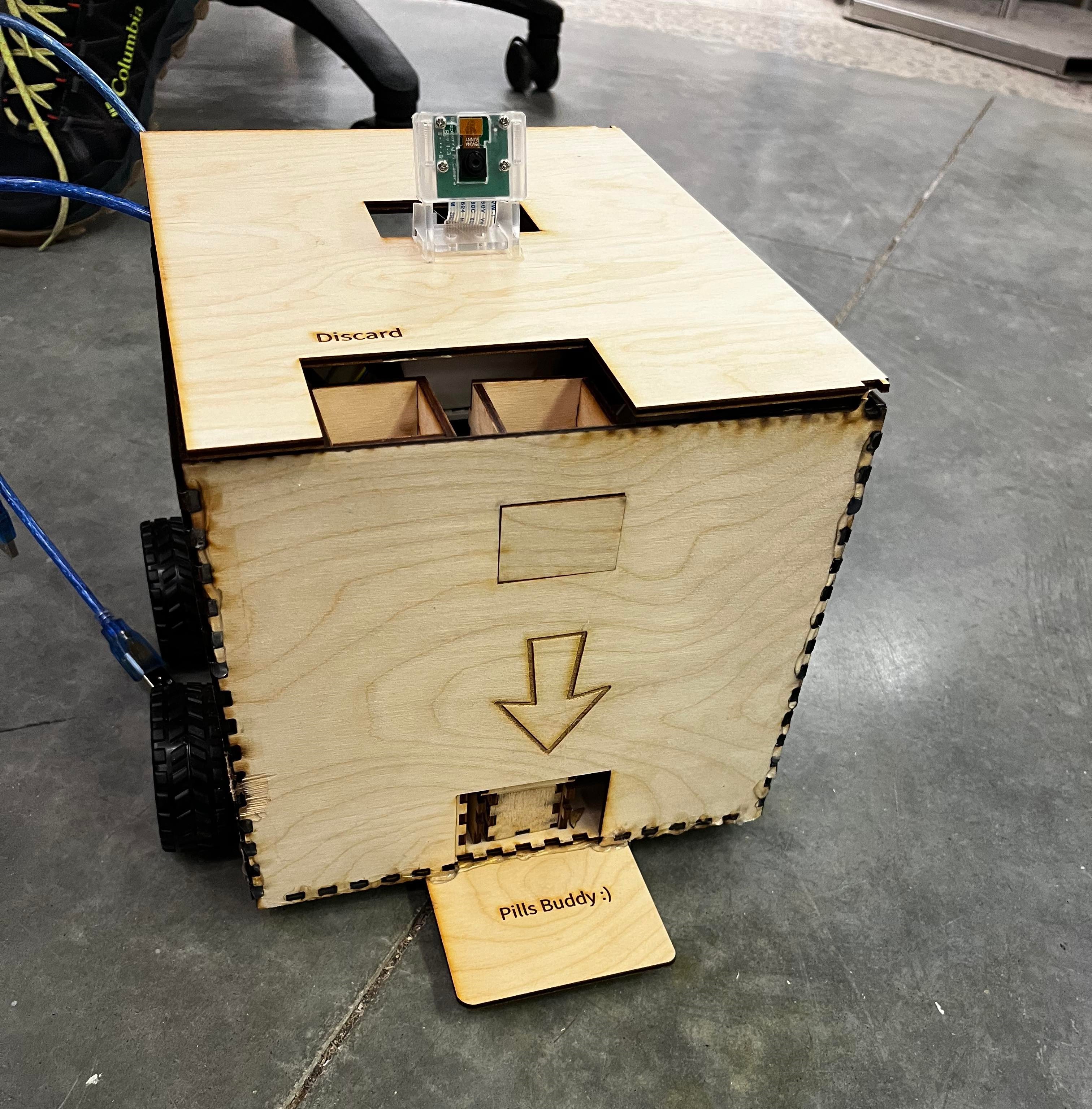
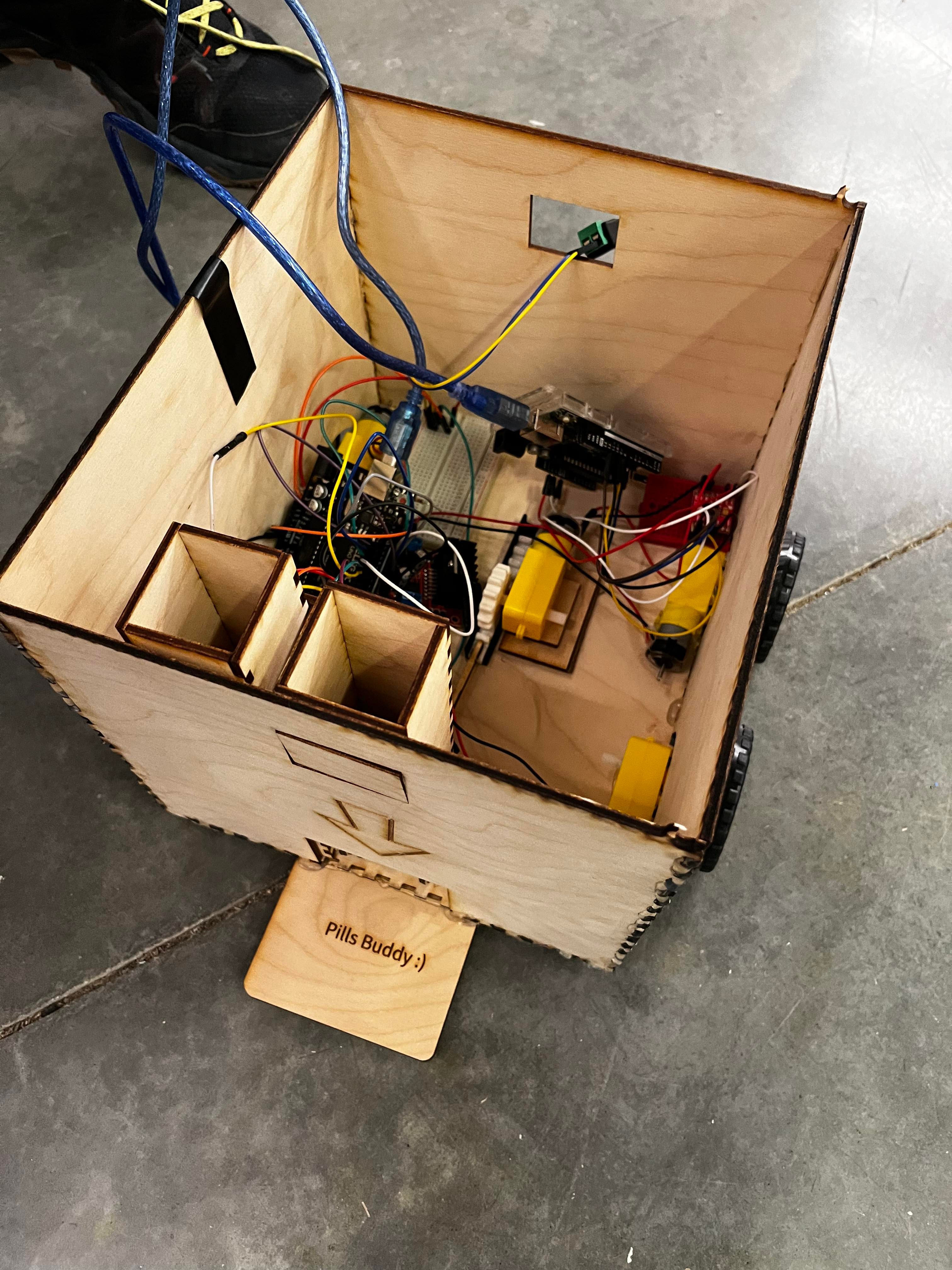
We utilized a raspberry pi, camera, two Arduino microcontrollers, motors, wheels, a linear actuator, and a wooden chassis for the robot. Our raspberry pi is the main brains of the robot, providing processing for the camera for our computer vision subsystems. We use the camera for the robot to detect its surroundings to find people to drive towards. Using CV algorithms, we developed a system that distinguish faces and people. With this, the Raspberry Pi sends signals to our Arduino, which controls our four motors. Depending on if a face is seen, the robot is either in seek mode or approach mode. When in seek mode, the robot moves forward and turns while the camera scans for people. When a person is found, the robot enters approach mode, where the robot moves forward to approach the elderly person. Once the robot reaches, it dispenses the box of pills. The boxes are stored in a laser-cutted storage tower within the robot, with an opening at the bottom. When it dispenses, a linear actuator pushes the pill box out where it can be retrieved. The design also has a section where the caregivers can put the new boxes of pills into the robot.
Challenges we ran into
One challenge we ran into was motor control directly from the Raspberry Pi. We used the Raspberry Pi for our camera processing, so we thought it would be simple and streamlined to control our motors from the same source. However, many motor controllers didn't interface well with the Pi, which caused many issues with connecting and outputting the right behavior. The largest issue that occurred was when power supply to the motor controller ended up frying one of our Pis. We ended up using an Arduino as a peripheral controller and sending signals from the Pi to the Arduino. Some other challenges we ran into were problems with raspberry pi communication with the camera and Arduino. The Raspberry Pi sends character commands to the Arduino where specific functions are called for motor control. We noticed our commands were constantly being sent, resulting in an overflowed input buffer on the Arduino. We had two commands sent from the pi: person found on camera, and person not found on camera. With the over clogged input buffer, even if a person was found, the robot would continue to receive the person not found and run the corresponding function. To solve this, we changed our command structure by simply sending out one command upon a found person so there would be no backlog on the buffer.
Accomplishments that we're proud of
We're proud of the fact that we got our facial recognition technology to work. With that, we're also proud that we were able to successfully use that information to get the robot to perform specific actions. It seemed very difficult to get our facial recognition to work, especially on the Raspberry Pi with limited resources and capabilities. It seemed more difficult to use this data to send proper commands to the peripheral controllers (Arduino in particular) and for a while it seemed that it wouldn't properly work and we may have to come up with another way to send the data. Learning what happened and overcoming it was
What we learned
We've all learned a bit on the electronics hardware and electronics system. One technical thing we learned is that we can use an Arduino attached to serial ports of Pi through USB for fast communication. Besides the technical things we learned, we learned that it is very important to divide tasks and set deadlines before starting our project. Due to the time constraint of only having 36 hours to complete our project, it was crucial for us to ensure that our individual tasks were functioning properly and that they could be integrated effectively to form a cohesive whole.
What's next for Pills Buddy
In order to transform Pills Buddy into a tangible product, certain modifications need to be made. Firstly, we must switch from utilizing wall power to power the Pi and Arduinos to utilizing a battery. Additionally, we can enhance the device by utilizing a larger Arduino with more GPIO pins, which will reduce its size and power consumption compared to using two separate Arduinos. Lastly, we can make Pills Buddy more user-friendly for elderly individuals by dispensing the pills from a higher elevation.

Log in or sign up for Devpost to join the conversation.