Inspiration
We kept running into the same problem: the important stuff in our lives never arrives already organized.
A deadline is buried in a syllabus. An event is in a screenshot. A few things you need to do are floating around in your head. Meeting notes contain two action items hidden inside a page of discussion. And every productivity app seems to expect you to manually translate all of that into tasks, calendar events, folders, and reminders.
That felt backwards.
We wanted to build something where you could just throw information in however it naturally comes to you and let the software figure out what actually matters.
That became Pile.
What it does
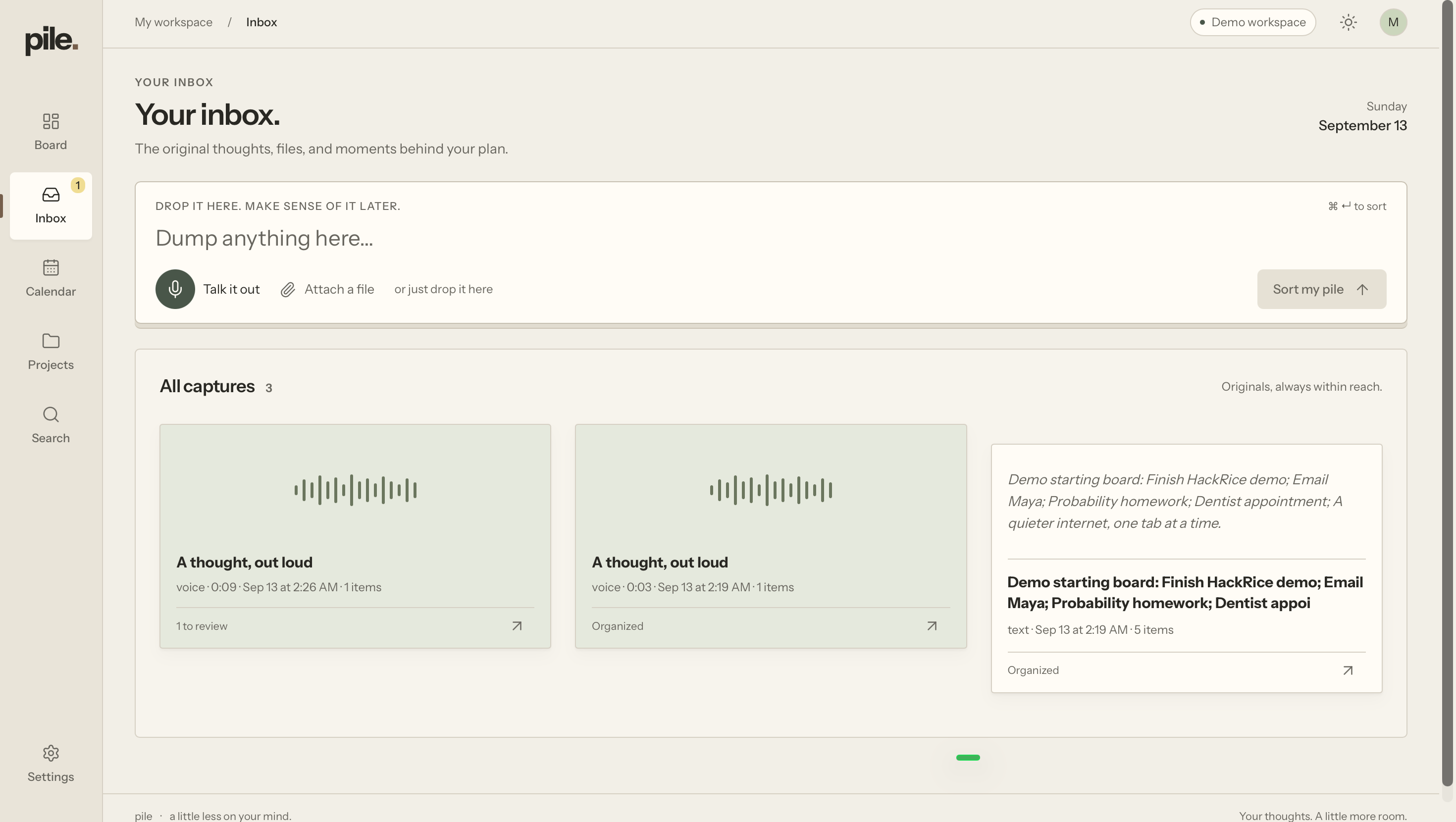
Pile is a universal productivity inbox for messy information.
You can talk to it, type a brain dump, upload a PDF, or drop in an image. Pile analyzes the source and pulls out the things that actually affect you, such as:
- tasks
- deadlines
- events
- reminders
- recurring schedules
- useful references
Instead of turning every sentence into another item to manage, Pile tries to be deliberately selective.
For example, if you upload a syllabus, it can pull out your exams, assignments, class meetings, and useful office hours while leaving grading policies, professor bios, and random course prose inside the original document.
Everything stays connected to its source, so you can always see where an item came from.
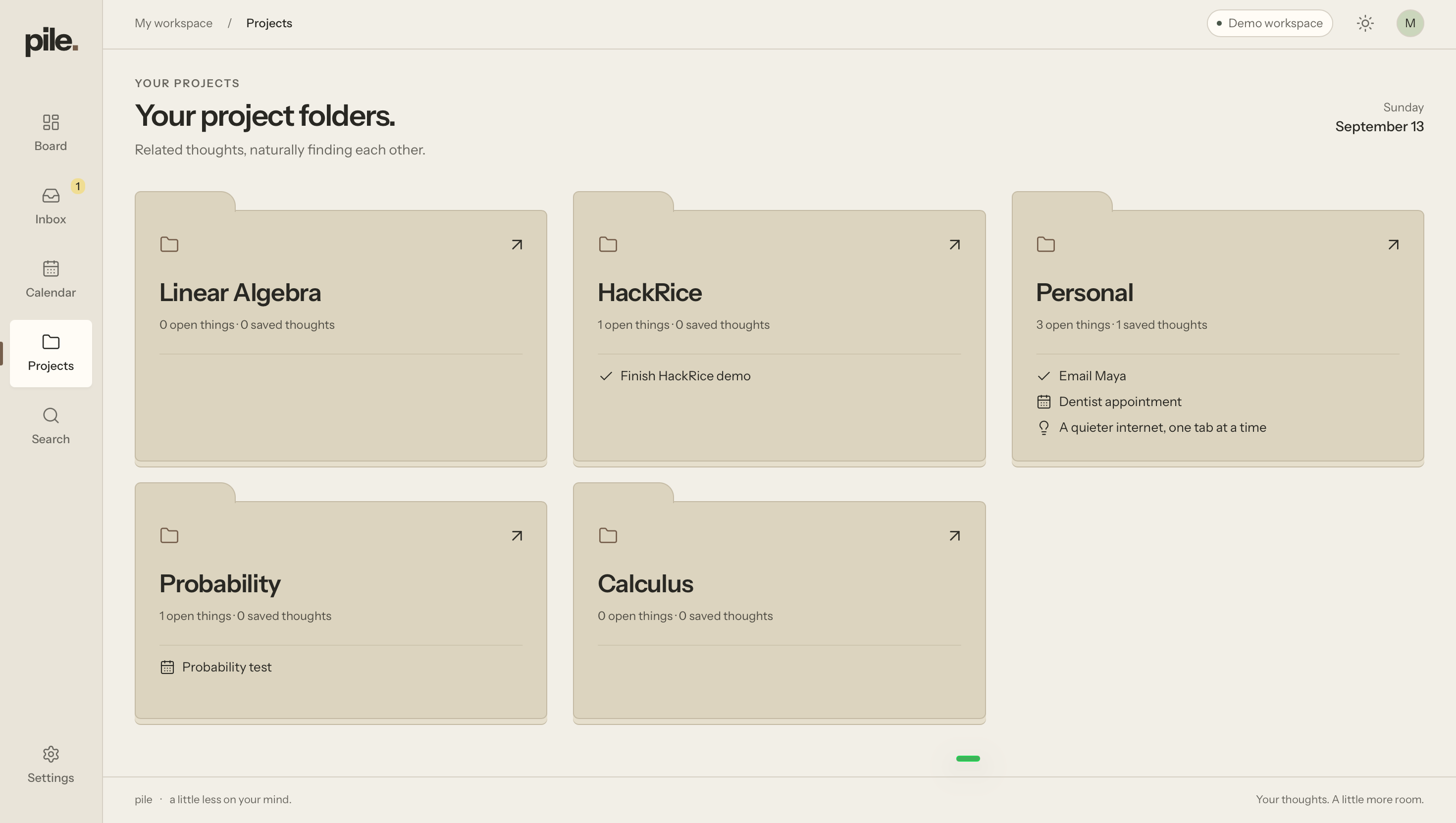
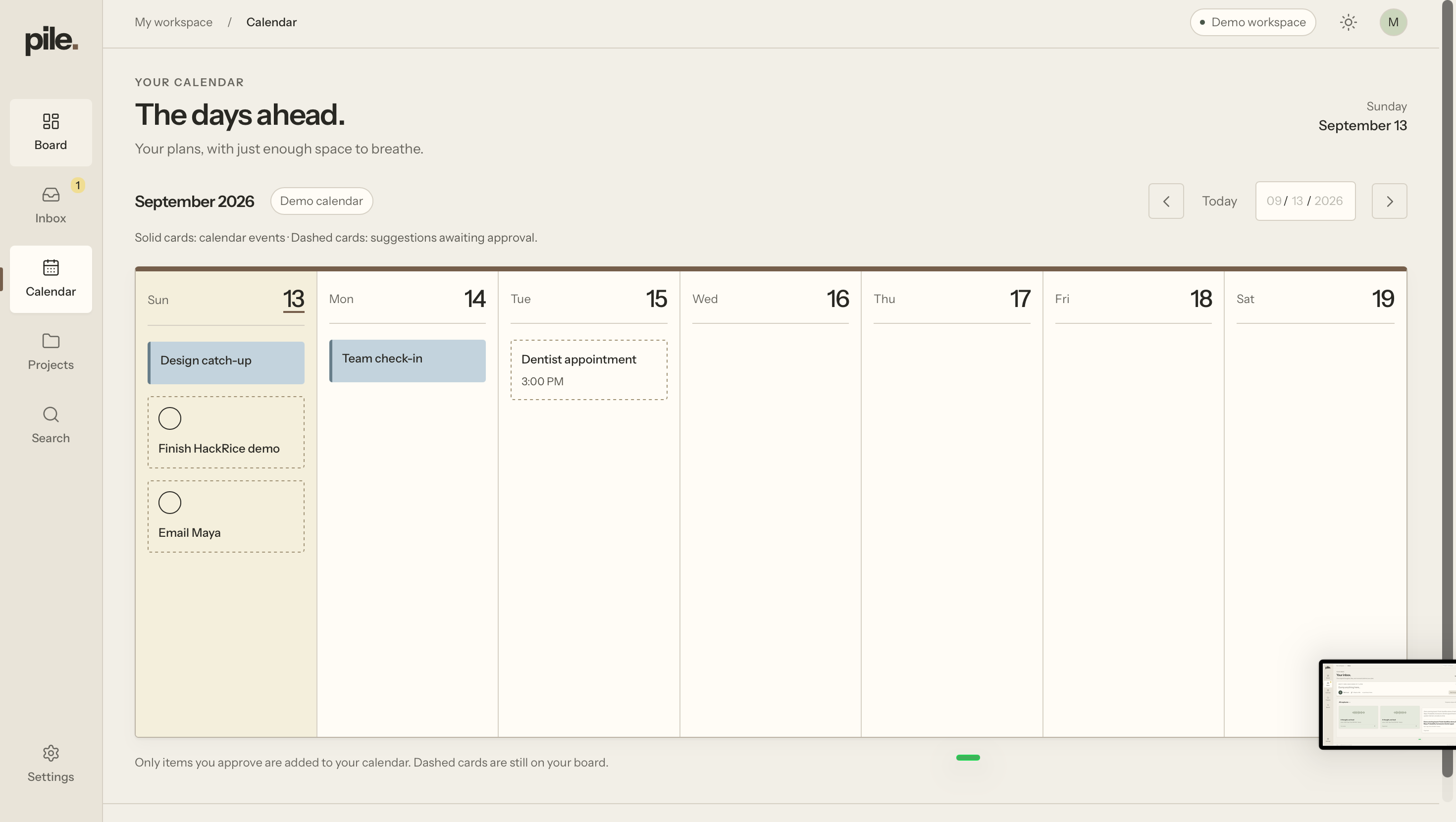
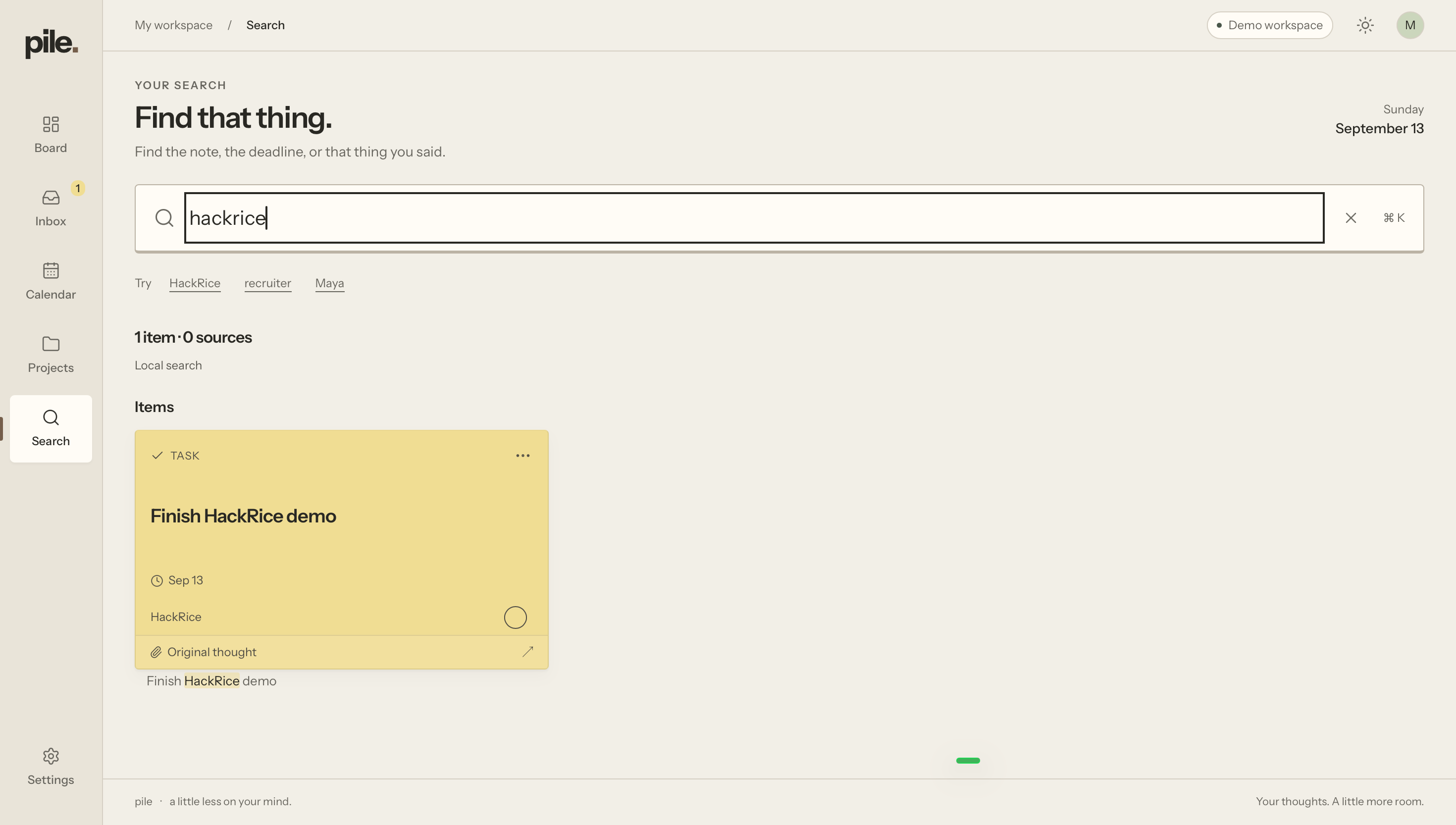
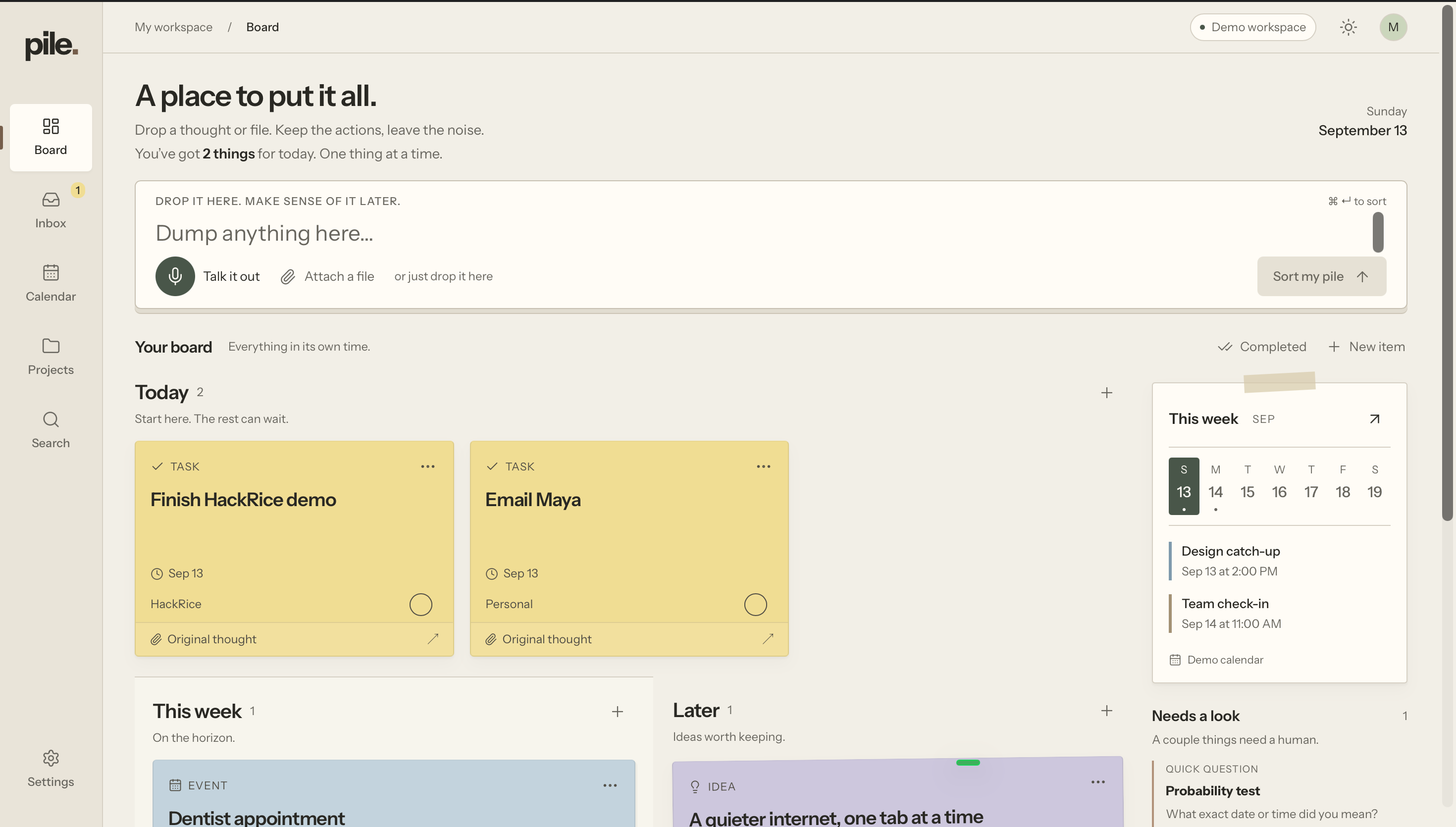
From there, Pile organizes everything into a calm bulletin-board-style workspace and lets you move useful dates into your calendar. You can also search back through things you have captured without needing to remember exactly where you put them.
The basic idea is simple:
dump it in → Pile sorts it out
How we built it
Pile is built with Next.js, React, and TypeScript.
Every input first becomes a preserved source. From there, it passes through a structured extraction pipeline that:
- understands the content
- separates distinct actions and events
- extracts dates and recurring schedules
- filters out non-actionable noise
- deduplicates repeated information
- creates structured Pile items
We designed the system around a distinction that became really important during development: finding information is not the same as finding useful information.
Our early parser could technically extract a huge amount from a document, but that just created a new form of clutter. We reworked the pipeline around actionability so Pile would rather surface seven important things from a syllabus than fifty technically correct but useless facts.
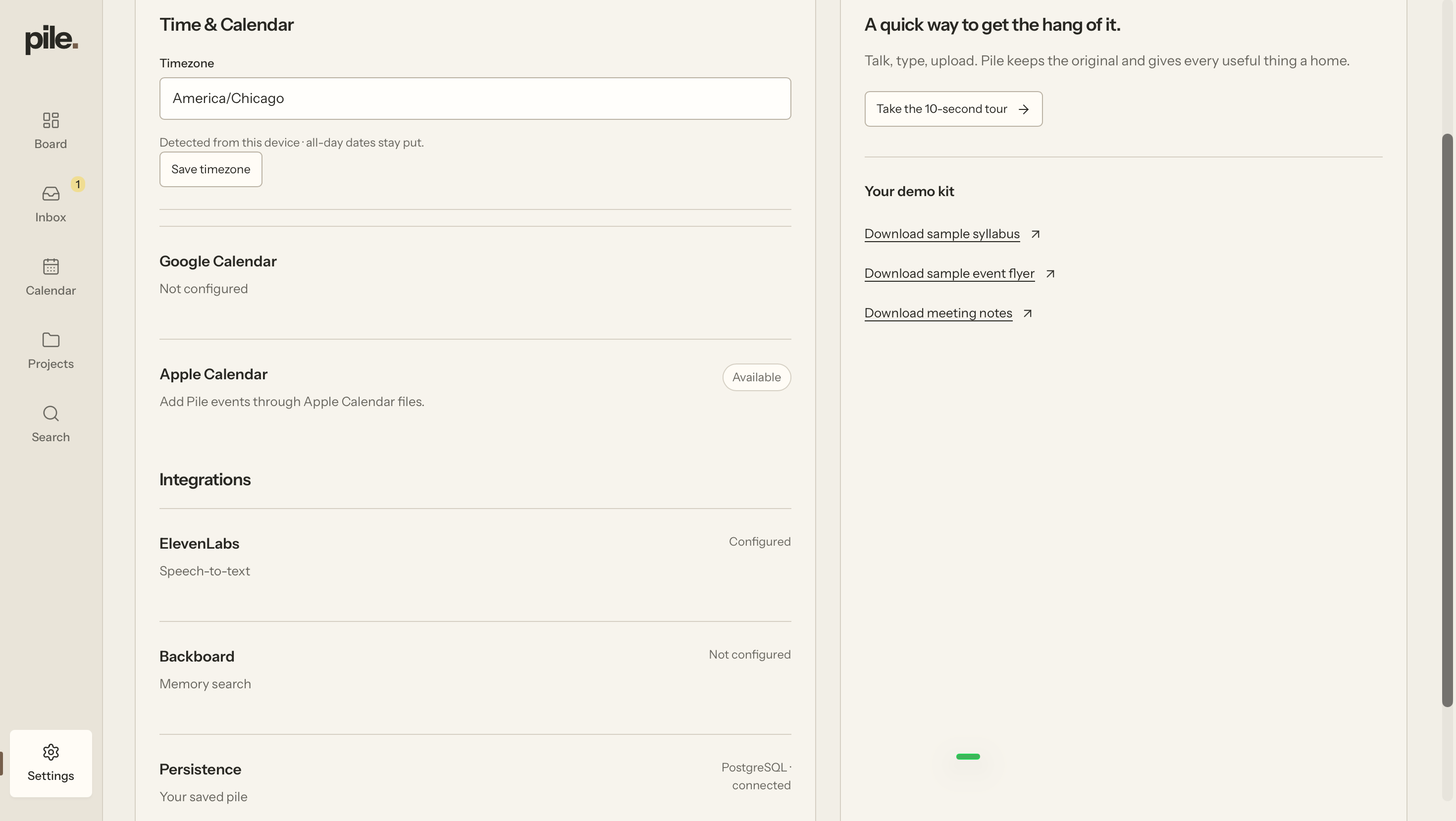
For voice capture, we use ElevenLabs speech-to-text before passing the transcript through the same organization pipeline.
We use Backboard for persistent semantic memory and retrieval, allowing Pile to recall things based on meaning rather than only exact keywords.
Our structured data layer is built on PostgreSQL with support for Tiger Data, storing sources, extracted items, projects, calendar state, and other persistent information.
We also built calendar support for Google Calendar along with .ics export for Apple Calendar, including recurring events and timezone-aware scheduling.
Challenges we ran into
The hardest part was not getting AI to extract information. It was getting it to know what not to extract.
One of our first syllabus tests produced dozens of items. It found professor information, Canvas links, policy paragraphs, headings, and sentences that happened to contain words like "deadline." Technically, the extraction worked. As a productivity product, it was terrible.
We ended up building a much more conservative actionability layer that distinguishes between:
- actual actions and deadlines
- optional but useful information
- project metadata
- ordinary source material that should stay out of the user's way
Voice introduced another interesting problem. A person might casually say:
"I have a probability test, my linear algebra midterm is Wednesday, and my calc homework is due Friday."
That needs to become three separate items with the correct dates attached to each one, not one giant task. We had to make the pipeline reason about individual intentions inside a single messy capture.
We also spent a lot of time making the app feel less like another AI dashboard. We wanted Pile to feel calm and tactile, so we built the interface around a warm bulletin-board and sticky-note visual language rather than putting a chatbot in the middle of the screen.
What we learned
The biggest thing we learned was that good AI productivity software is less about generating more information and more about removing decisions from the user.
The user should not need to decide:
- where something belongs
- whether it is a task or event
- which folder to put it in
- what parts of a document matter
- whether two mentions refer to the same deadline
Those little organizational decisions add up.
We also learned how much product quality depends on edge cases. Parsing dates, handling ambiguous language, separating multiple tasks from natural speech, avoiding duplicate calendar events, preserving source context, and keeping test data out of the demo workspace ended up mattering just as much as the headline AI features.
What's next
We want Pile to become a true capture layer across the places people already work.
Some directions we would explore next are:
- email and browser capture
- deeper calendar synchronization
- cross-device accounts
- smarter long-term memory
- better support for scanned documents
- automatic ingestion from the tools people already use
- more personalized organization as Pile learns how someone works
The long-term goal is for organization to become almost invisible.
You shouldn't need to maintain a productivity system.
You should just be able to throw things on the Pile.
Built With
- ai
- api
- backboard.io
- calendar
- computer
- css
- data
- elevenlabs
- framer
- language
- natural
- next.js
- openai
- pglite
- playwright
- postgresql
- processing
- react
- speech-to-text
- tailwind
- tiger
- typescript
- vision

Log in or sign up for Devpost to join the conversation.