-
-
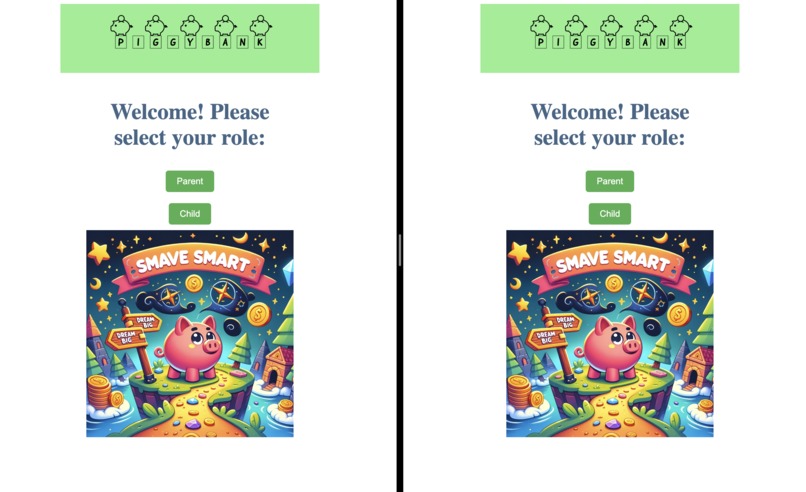
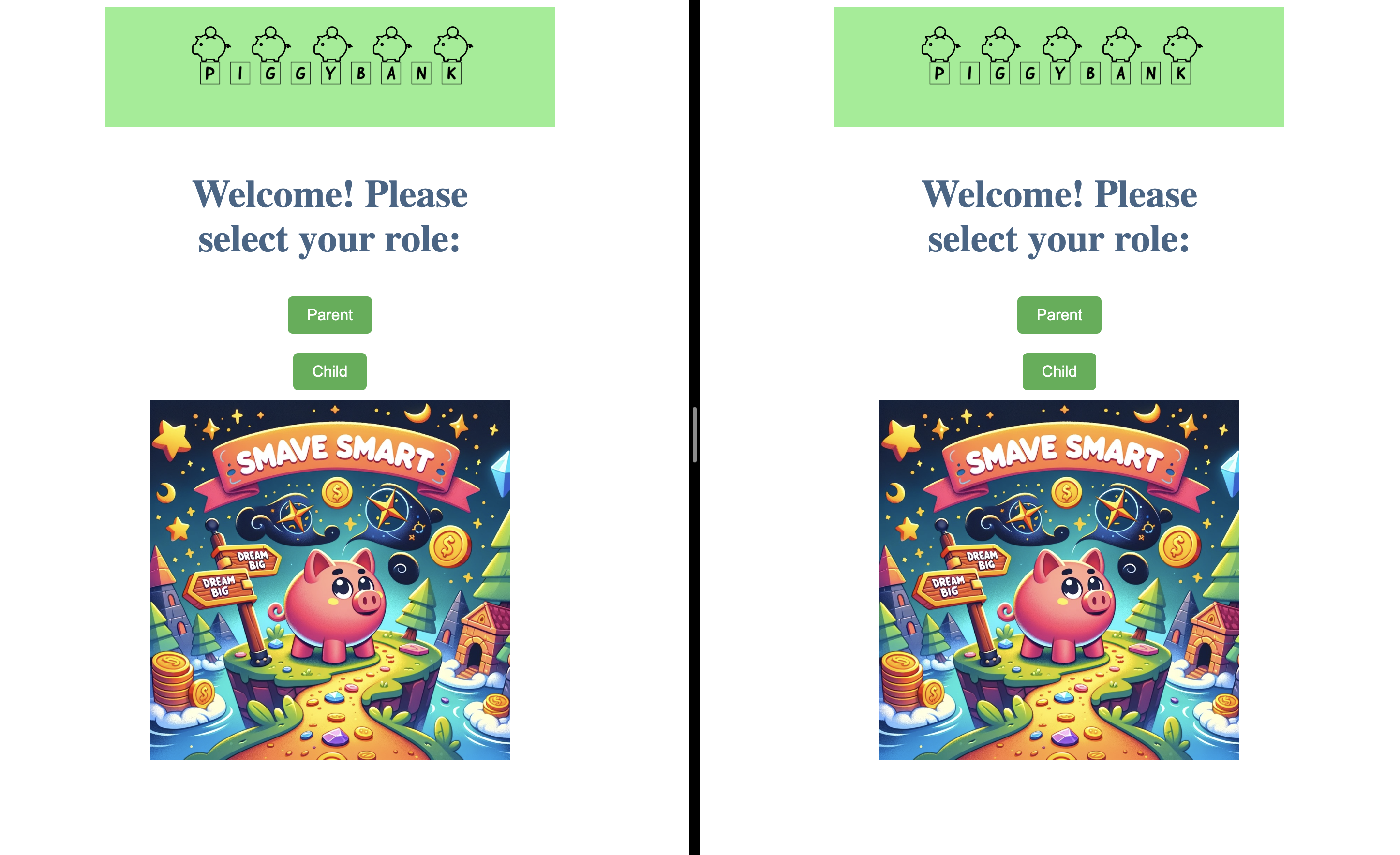
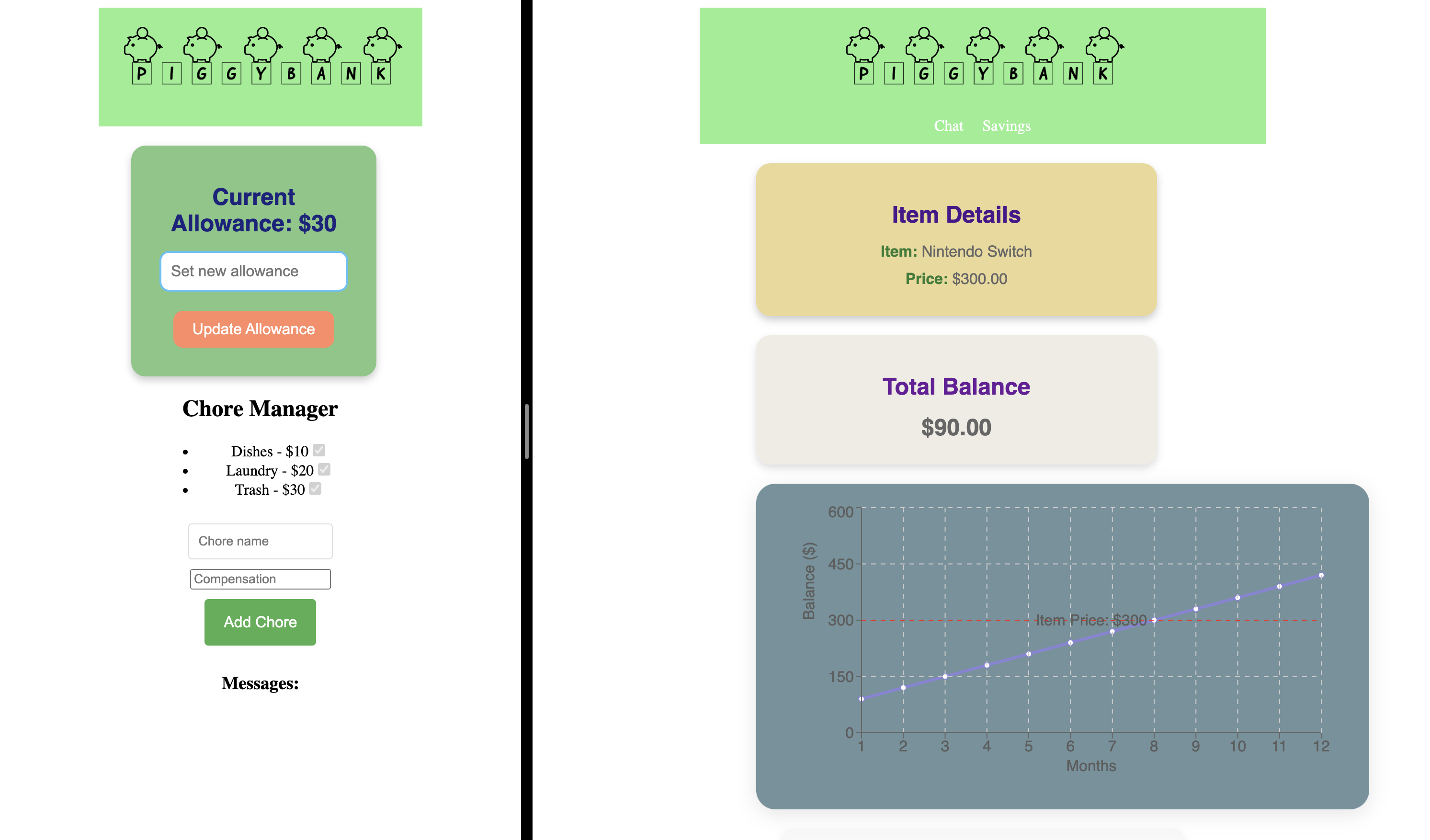
Homepage
-
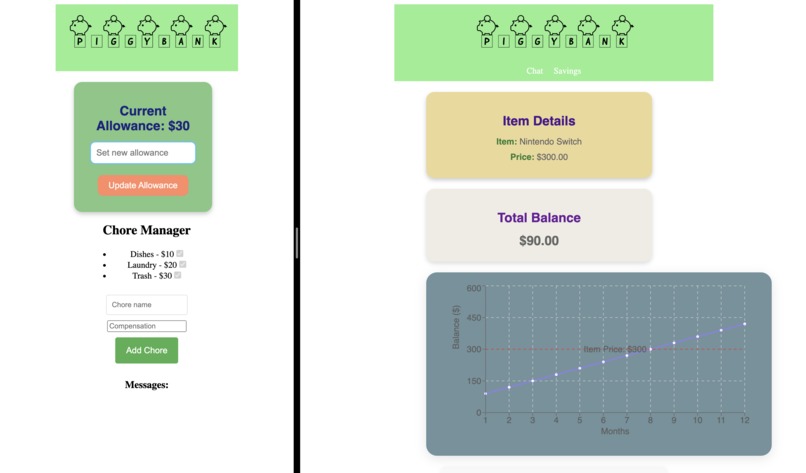
Parent (Left), Child (Right)
-
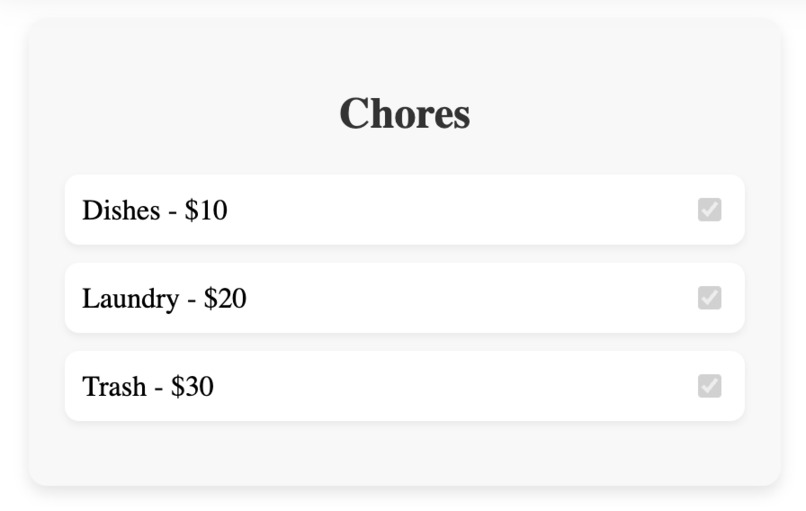
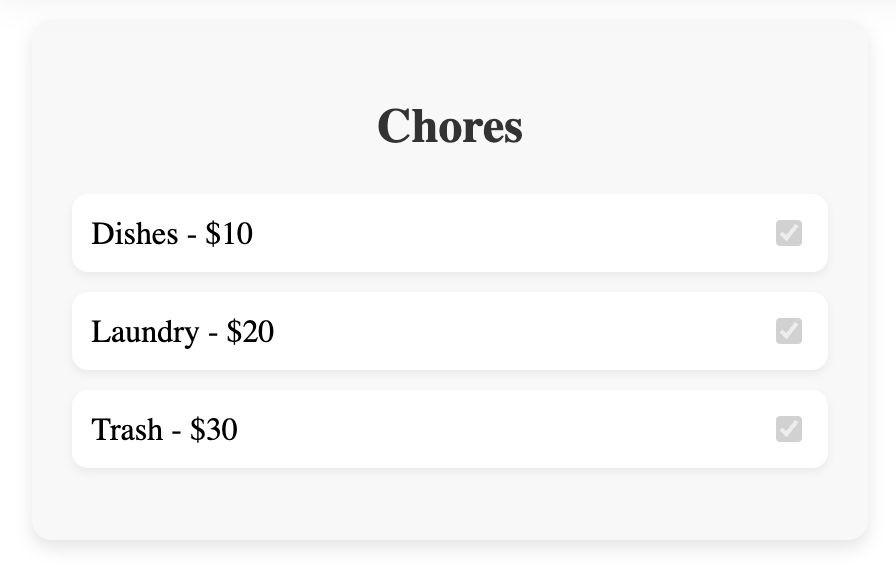
Chores for the Child
-
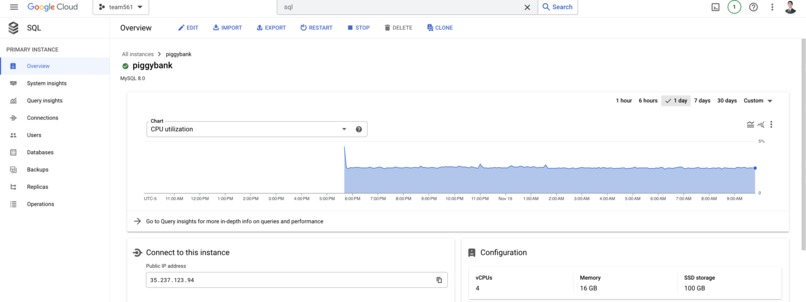
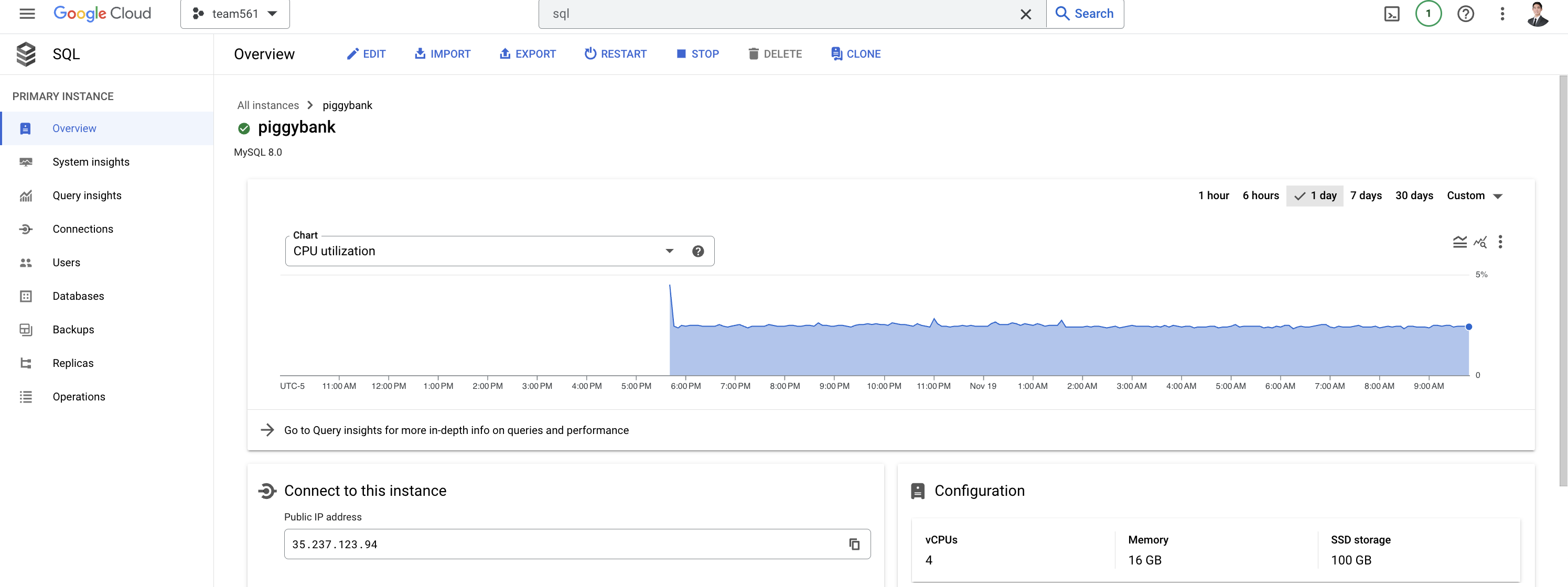
Google Cloud SQL
-
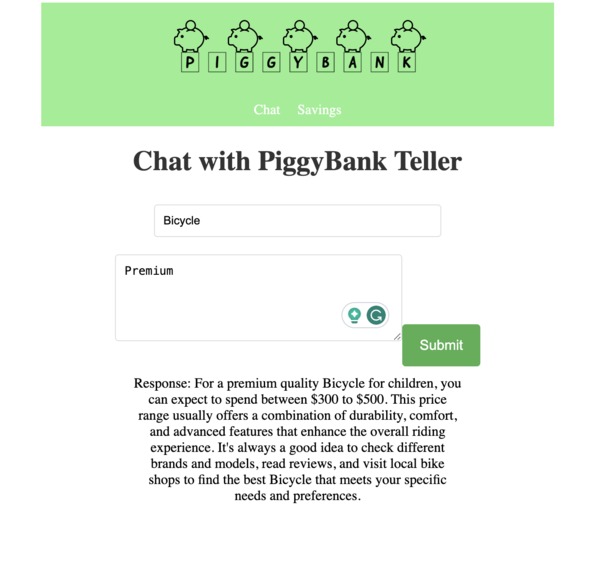
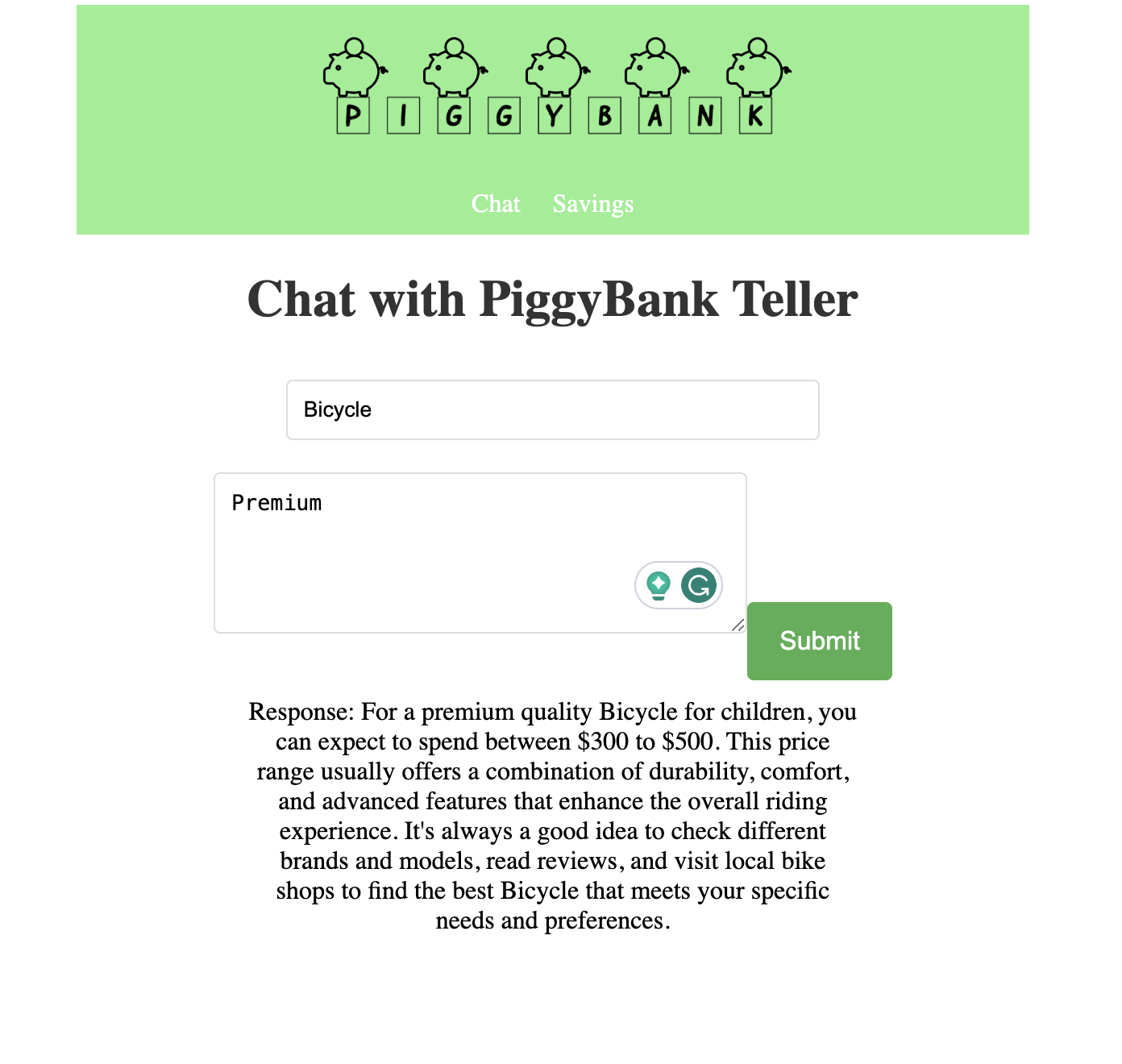
ChatGPT API (Piggy Bank Teller)
-
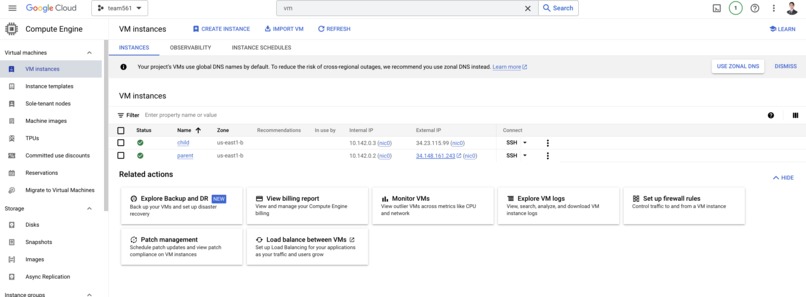
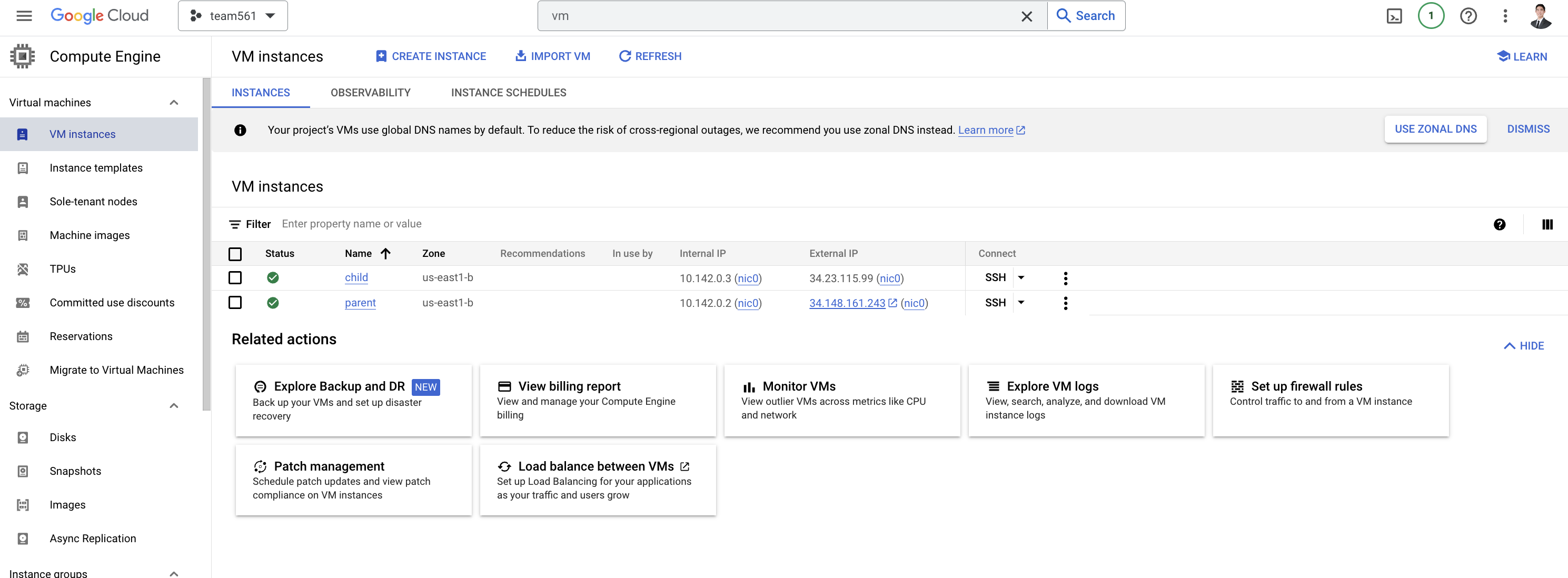
Google Cloud VM Webserver
-
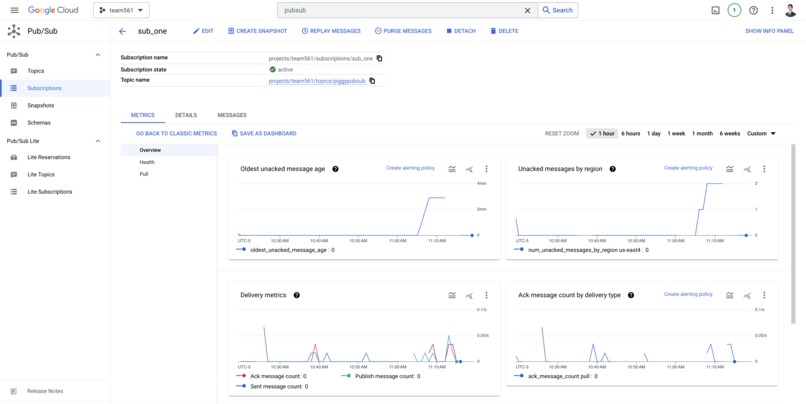
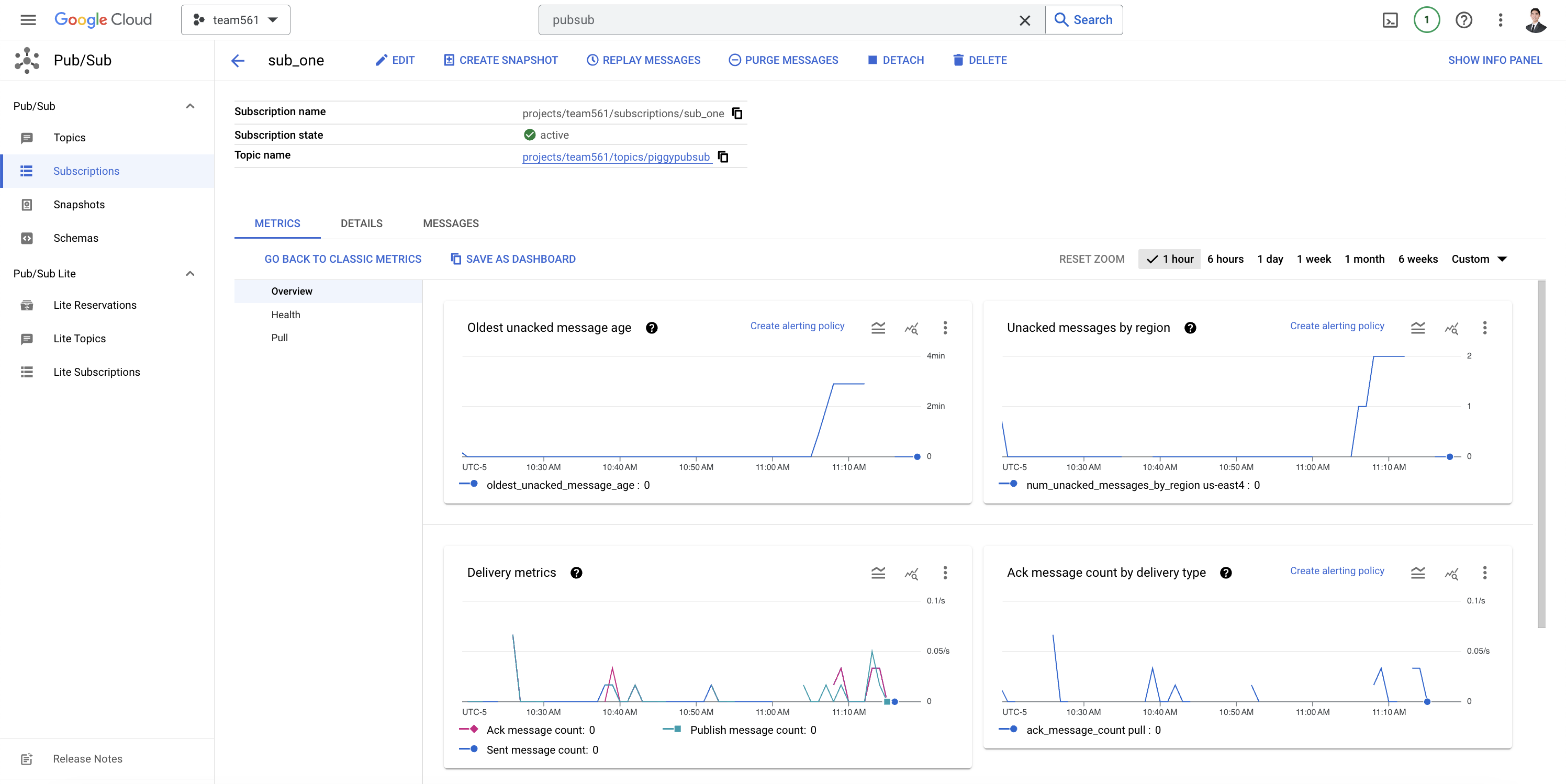
Google Cloud PubSub
Inspiration
Our project with 'Digital Dreamers' finds its roots in the simple memories of childhood, when a new gaming console, action figure, or pair of sneakers was released. However, as a kid, your only source of income came from your parents: the money they gave you as an allowance, and the money they gave you to do chores (if any!). The anticipation and excitement of saving every penny towards that dream was a common experience amongst our team. Those experiences taught us the value of patience, the joy of earning, and the satisfaction of achieving a goal. We wanted to digitalize that experience in an app that supports both the parent and child side.
What it does
PiggyBank is a dual-interface app: when launched, the user can select “parent” or “child”. To simulate the interaction between parent and child, we launched two distinct servers concurrently, each catering to the different functionalities required by the parent and child interfaces.
Parent:
On the parent's side, you can set a monthly allowance for your child. You can also assign chores and a compensation for completing that chore. Once the child indicates that they have completed that chore, you can approve it, and the money will show up in the child's bank balance.
Child:
First, the child has the opportunity to consult with a GPT-powered chatbot, called PiggyBankTeller. Children often lack an understanding of the cost of certain items, so PiggyBankTeller engages in a discussion with the child about the kind of item they want and its reasonable price.
Once the child understands the price of the item they want, they input it into the app. At this point, the app will display that they are saving up for that item.
The app will also display the child’s bank balance, with the first month of allowance already loaded in. They will also see a graph based on their allowance, to see how many months it would take to save up for the item.
At the bottom of the screen, the child will have a list of chores sent to them by their parents, along with the corresponding compensation for completing that task. Once the child completes the task, they can check it off, which will notify the parent. Once the parent confirms the task is completed, the child's bank balance is updated with the payment from the parent.
How we built it
The frontend of our app is built on React, while the backend is built on Flask. The app is deployed on two Google Cloud Platform VMs, connected via a Google Cloud instance of MySQL, as well as Google’s Pub/Sub API. VMs have to be set up such that all dependencies are installed, google service accounts are set up, APIs are enabled, and firewall rule tags are configured. We reserved external static ips for each VM, and configured our app to connect to those.
Here’s more details about each component:
Child Interface:
- PiggyBankTeller: Utilizes the ChatGPT api, which has been instructed to be informed on prices of items, decisive, and able to communicate with children.
- Space to input the item and price: Sends a post request server, which inserts the item and price into the gcloud MySQL
- Display: “Saving up for [Price] dollar [Item]” , pulls from the gcloud MySQL database
- Current Bank Balance Display: Calculated by allowance + completed chores compensation
- Graph displaying projected bank balance: based on monthly allowance. Pulls the allowance from gcloud MySQL, and displays for the next few months.
- List of chores available and amount of money earned for completing: Pulls from the gcloud MySQL database, and displays the name of the chore, and the compensation amount. Includes a check box, which when clicked, Publishes to the Google PubSub topic.
Parent Interface:
- Allowance input: input gets sent to the backend to be inserted into the gcloud MySQL database.
- Chores manager : chore and compensation get inserted into the database
- Completed task listener: The parent side is the Subscriber client, which listens for messages that get published to the Google PubSub topic
- Check box: updates the status of the job on the database (stored as a boolean). This will then update the bank balance on the child's side.
Challenges we ran into
Each component of our project presented a challenge.
Google Cloud Platform configurations: There were many steps and issues to set up the VMs. This includes setting up service accounts for SQL Admin and PubSub Admin privileges. Also, to make sure that the traffic could travel through our selected ports, we had to configure a number of firewall rules. There were also a number of dependencies to download on each VM.
Frontend: Building on React, and connecting to the backend was difficult. We ran into many issues when trying to call our Flask functions through HTTP requests sent by the front end. Specifically, it was difficult pulling from our Gcloud database and displaying the chores and compensations on the front end, and making sure that it worked when updating.
Backend: Connecting to the database and being able to insert and select using sqlalchemy was difficult, we ran into many errors where the request wouldn’t go through from the front to the back end. Google PubSub was even more difficult, since we planned on launching two concurrent VMs that ran the same Flask code, one parent and one child, there were some complications making sure the child properly published to the topic in GCP, and the parent subscriber was able to listen for messages on the topic.
Accomplishments that we're proud of
We are proud that we were ambitious in creating a React and Flask app, while incorporating many Google Cloud Platform features. We are proud that all the features we wanted to include, such as a ChatGPT chatbot, Google PubSub communication, cloudSQL, and compact React app with a double interface, were completed and working. We were especially proud when we integrated PubSub communication, as this was one of the hardest components to get working. This was all of our first times doing a hackathon, and even a large project like this to begin with. The three of us were confident in our knowledge of Google Cloud Platform, and were ready to tackle the challenge of building a full stack application incorporating the features of GCP. We are proud that we showcased our working knowledge of GCP, while tackling more unknowns like React and Flask.
What we learned
The main thing we learned is how to connect the front end to the back end, we did this mainly through Axios to send HTTP requests to our back end. We also learned how to integrate AI, using OpenAI’s ChatGPT API to make our chatbot.
What's next for PiggyBank
Next, would be scalability: creating user authentication for children and parent accounts, and possibly integrating two parents for multiple children. This would also mean we could have many users on the app. This type of app would also work well as a Mobile App, rather than a web based one. Additionally, we could integrate connections to an external bank, or create a payment system similar to venmo or paypal. This would allow users to send money back and forth between their banks and PiggyBank, functioning as a smaller scale bank account for the children who may not be old enough to open one themselves.


Log in or sign up for Devpost to join the conversation.