-
-
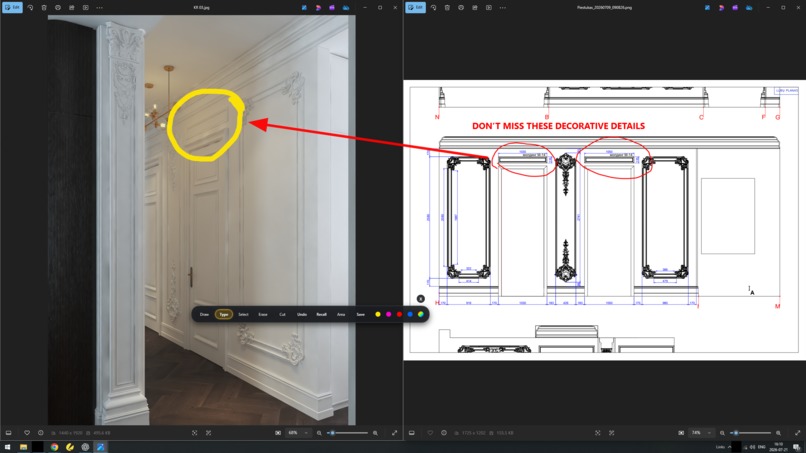
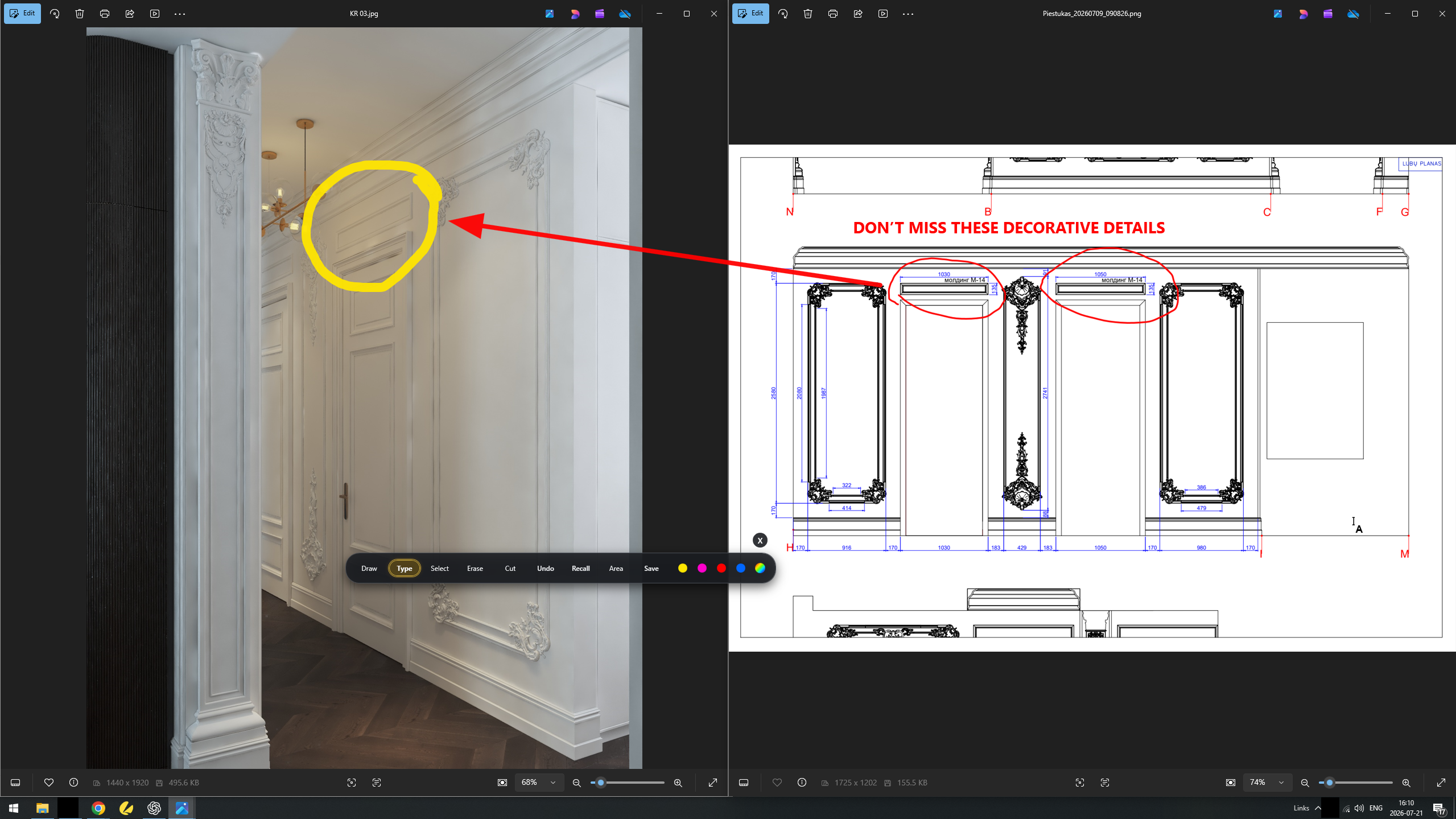
PIEŠTUKAS IN EVERYDAY WORK
-
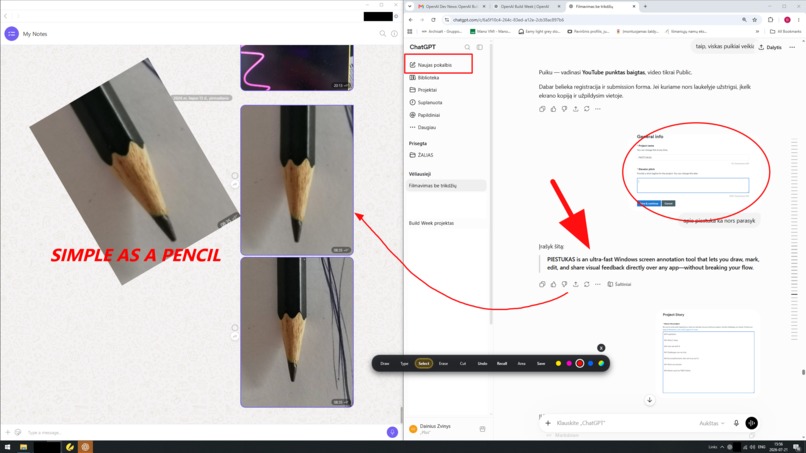
COMMUNICATION WITHOUT BOUNDARIES
-
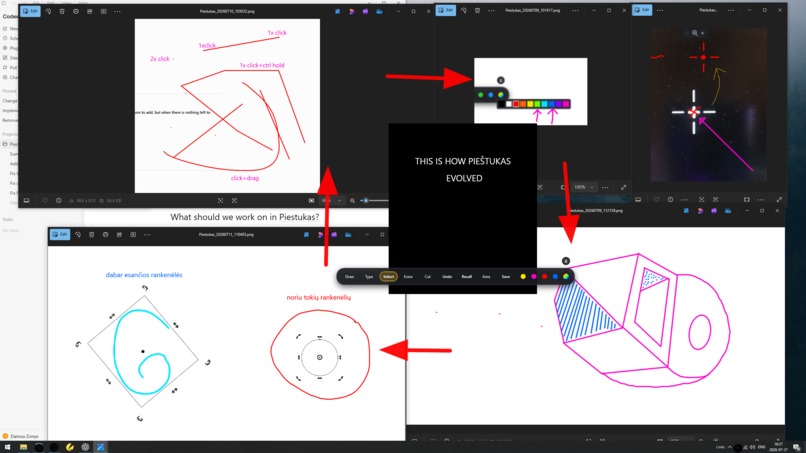
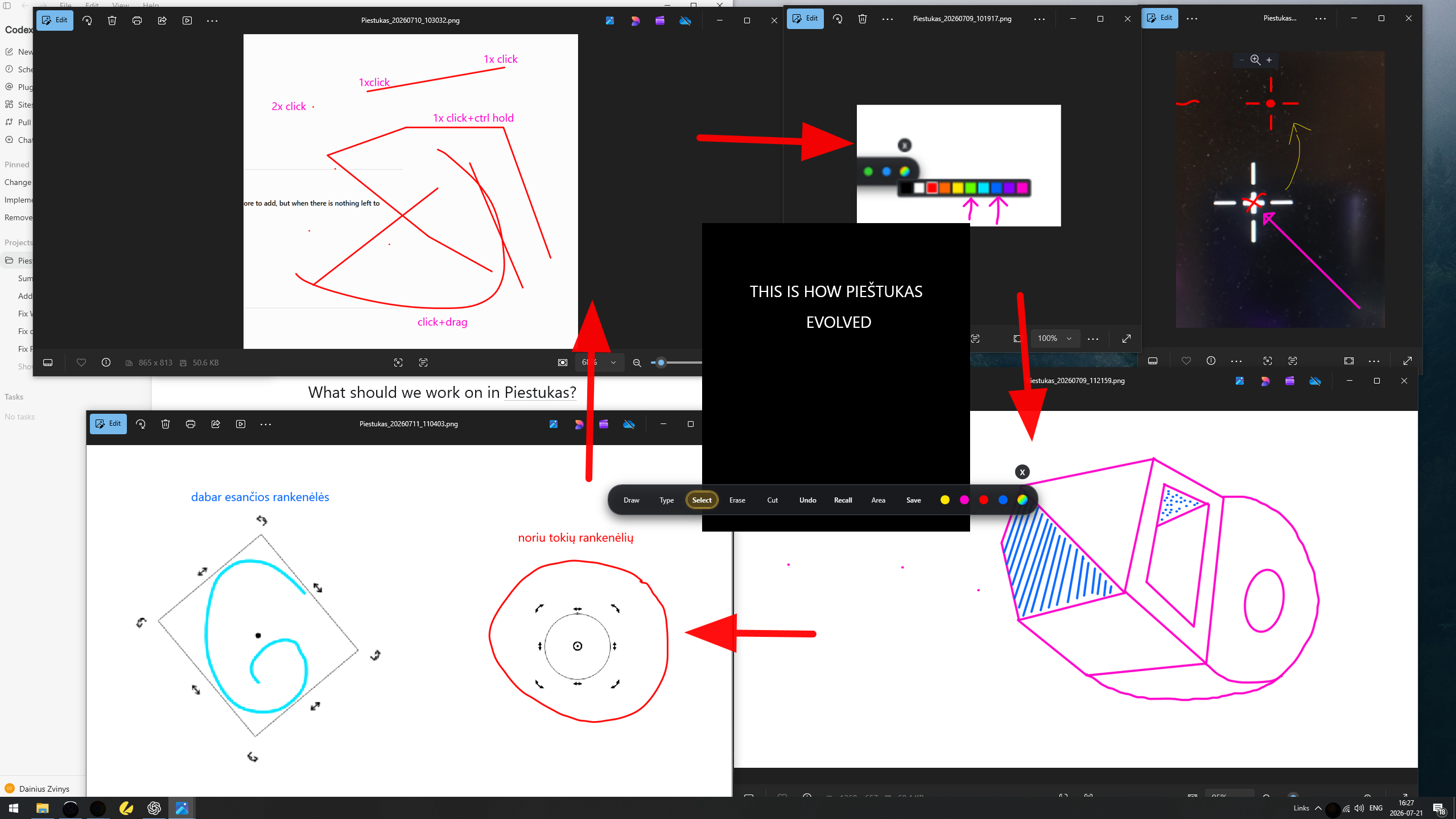
HOW PIEŠTUKAS EVOLVED
Inspiration
PIEŠTUKAS began with a simple frustration from my everyday work as an interior designer.
When communicating remotely with clients, I often need to mark a detail, explain a change, compare options, or simply show: “this one.” The normal workflow is unnecessarily slow: take a screenshot, open another application, annotate it, save it, locate the file, attach it, and send it.
I wanted something as immediate as picking up a pencil.
The idea was to turn the entire Windows desktop into a temporary drawing surface — more like drawing in a sketchbook, on a wall, or in the sand than working inside a conventional graphics application. No imported canvas, no application boundaries. Just draw anywhere, over anything, with no limits.
What it does
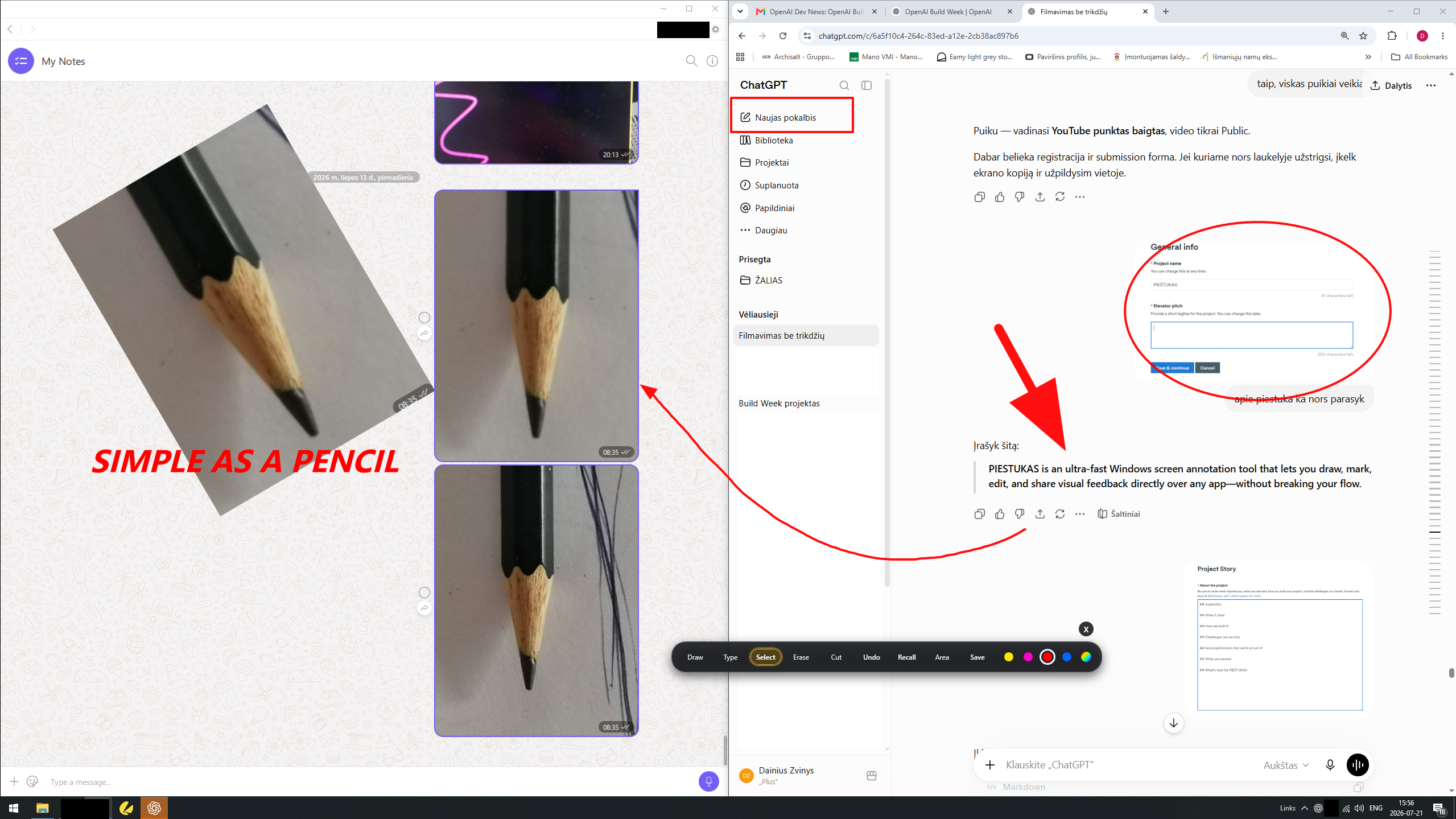
PIEŠTUKAS is an ultra-fast Windows screen annotation tool that opens as a transparent overlay over anything currently visible on the desktop.
Users can draw freehand, create straight lines, connected line chains, rectangles, ellipses and arrows, add text, select and transform objects, erase parts of drawings, capture editable areas of the screen, crop, undo, recall previous working images, and instantly copy or save the result.
One of the main ideas is that a single drawing tool becomes multiple tools depending on which keyboard key is held. This reduces tool switching and keeps the interaction fast and direct.
PIEŠTUKAS is designed for fast, fluid and precise visual communication with clients, colleagues, support teams or AI.
How we built it
PIEŠTUKAS was built as a Windows desktop application using WPF and .NET 8.
I started with no programming experience and almost no understanding of repositories, software architecture, build systems or installers. I described the problems in writing, defined how every interaction should behave, tested each version and explained what needed to change.
Codex produced and revised the application code, debugged technical problems, prepared the installer, and helped publish the project to GitHub. GPT-5.6 helped me understand unfamiliar concepts, develop the product logic, structure the interface, refine feature decisions, prepare documentation and create the final presentation.
I defined the concept, designed the interface and interaction model, drew the logo, tested every feature, identified problems, and decided what should be added, simplified or removed.
As PIEŠTUKAS became usable, I also started using it to annotate screenshots and visually explain changes back to ChatGPT and Codex. I built PIEŠTUKAS with AI, and now PIEŠTUKAS also helps me communicate with AI.
Challenges we ran into
The greatest challenge was turning a very simple idea into an interaction that actually feels simple.
Drawing had to feel immediate and natural while still supporting straight lines, connected segments, snapping, shapes, arrows, text and object transformations through one compact interface.
Other challenges included keeping drawings smooth and responsive, handling selection, resizing, rotation and skew transformations, capturing and editing areas of the desktop, copying images reliably to the clipboard, supporting mixed monitor resolutions and DPI scaling, keeping the application available in the Windows system tray, handling global shortcuts and Windows Startup, and creating a self-contained installer that judges can test without rebuilding the source.
Because I am not a programmer, I could not solve these problems by reading or modifying the code directly. I had to communicate the visible problem precisely, test Codex’s solution, and repeat the process until the behavior felt right.
Accomplishments that we're proud of
I am proud that PIEŠTUKAS became a real, installable and usable Windows application rather than only a concept or prototype.
The finished Build Week version includes a transparent desktop-wide drawing overlay, an adaptive multi-function drawing tool, freehand drawing, shapes, lines and arrows, editable text, object selection and transformations, partial and full-object erasing, editable mini screenshots, instant area capture and clipboard output, recall of recent working images, global shortcuts, system tray operation, Windows Startup, and a self-contained Windows installer.
I am also proud that I created this without previous programming experience. AI did not simply generate an isolated piece of code — it allowed me to direct the creation of a complete tool based on a real problem from my own work.
What we learned
I learned that creating software is not only about writing code.
A person can contribute by identifying the right problem, defining the product vision, designing interactions, testing behavior, recognizing friction and making clear decisions about what belongs in the product.
I also learned that communication with AI becomes much more effective when feedback is visual and precise. Written descriptions were essential, but annotated screenshots often explained the problem faster than paragraphs of text.
Most importantly, I learned that AI can allow someone without traditional programming skills to create a personal tool — as long as that person can clearly define what the tool should do and is willing to test and refine every result.
What's next for PIEŠTUKAS
PIEŠTUKAS is still in active development. The core functionality works, but it is not yet a finished commercial product.
The next steps are to test it with more users and different workflows, simplify and refine remaining interactions, improve reliability across different Windows systems and monitor setups, add clearer in-app guidance without losing the pencil-like simplicity, improve saving, recall and working-session management, and prepare a polished public release.
The long-term goal is to keep PIEŠTUKAS extremely simple: one lightweight tool that lets people mark, explain and share visual ideas without breaking their flow.
Built With
- codex
- gpt-5.6
- innosetup
- net8
- wpf

Log in or sign up for Devpost to join the conversation.