-

piedpiper-home
-
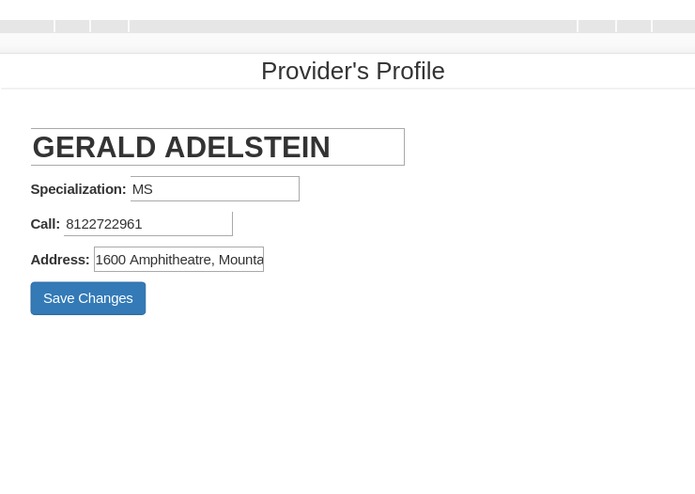
provider-editor
-
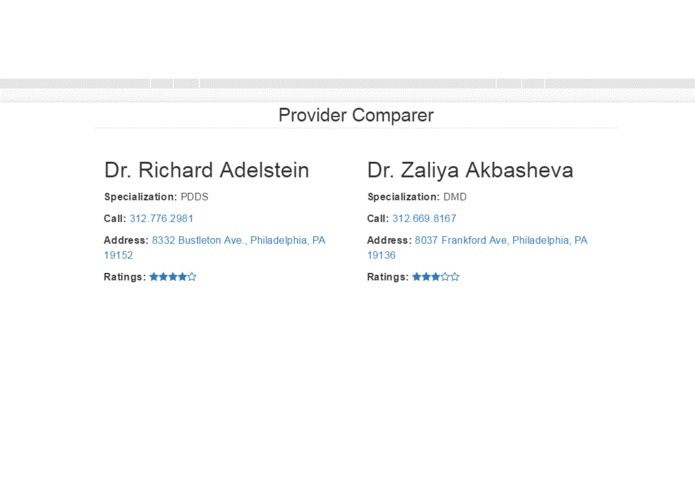
provider-comparer
-
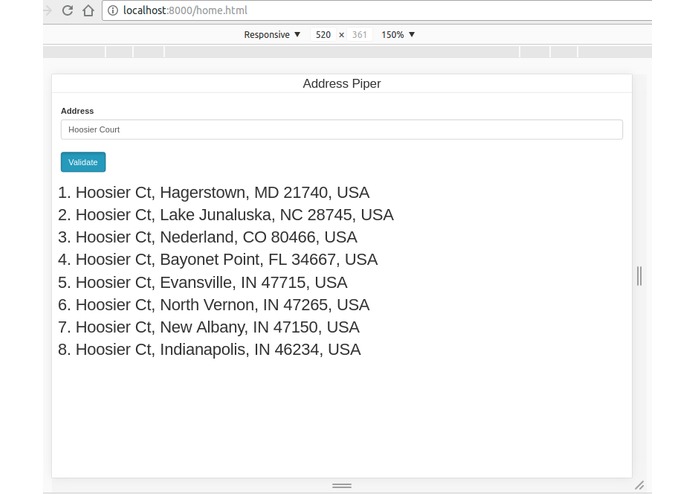
address-piper

Web and Mobile App:
Designed and conceived the idea of making the web app compatible with mobile app. The goal was to make the service accessible fro anywhere without restricting to any app usage. With the use of MongoDB we target to achieve a acceptable and low latency throughput. The server app is designed to be a separate entity. So, as of now it is deployed locally however it can be repackaged and can be deployed to another server, without requiring the client code to be touched.
Modules:
1) User management This is the portal used by the customer to manage their preferences, personal information like contact information.
2) Provider search Here, the customer can search for different providers based on the problems. For ex. if customer need a Orthodontist, then just make a check on the Orthodontists option and hit search.
There are two paths in this search: a) Default location: Currently set statically to Cincinnati, OH, however can be retrieved from the IP address of the customer. Based on the selected specfication, we target the customer to the results around Cincinnati, OH. b) User location: This is where the power of User management comes handy and based on where the user lives, we return the results according to the selected option for the provider.
3) Provider's profile: This is where the user (customer) can lookup the provider information like the provider's contact information, address, rating, etc. There is also a facility of doing the in-app calling and doing the in-app map search. For instance, clicking on the phone number will search for the app on your PC or phone which can place a call. Similarly clicking on the address, will open up the Google maps and show the exact location. Additionally, a user can also mark / unmark a provider as a favorite if he wished to do so.
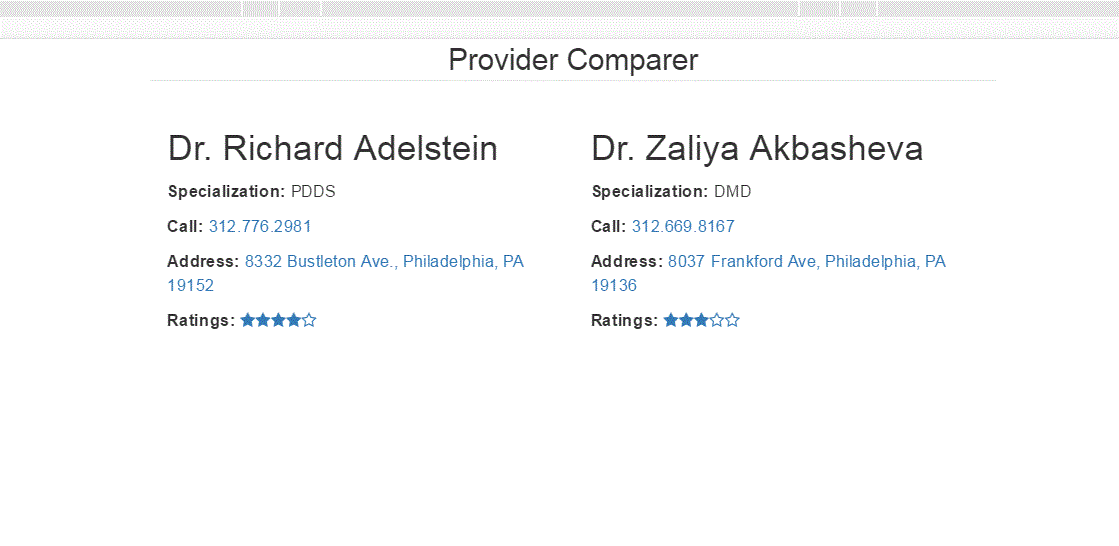
4) Provider comparer: This module will be able to compare two providers. This will enable the users to compare providers on their information like ratings, location, etc.
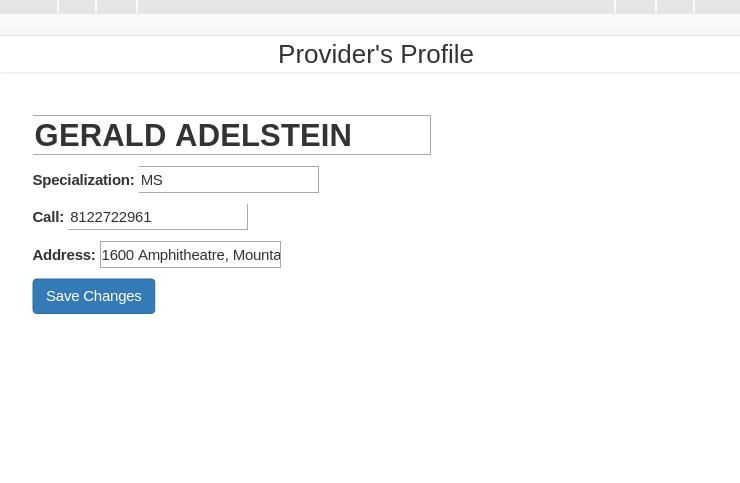
5) Provider profile manager: This is the module which will enable the providers to enter their information and make sure that they keep it updated. This can be also transformed into a subscriber service which will make sure that the details of the providers are correct and will ask the provider time to time to keep it updated. This will try to make sure that we have the correct information.
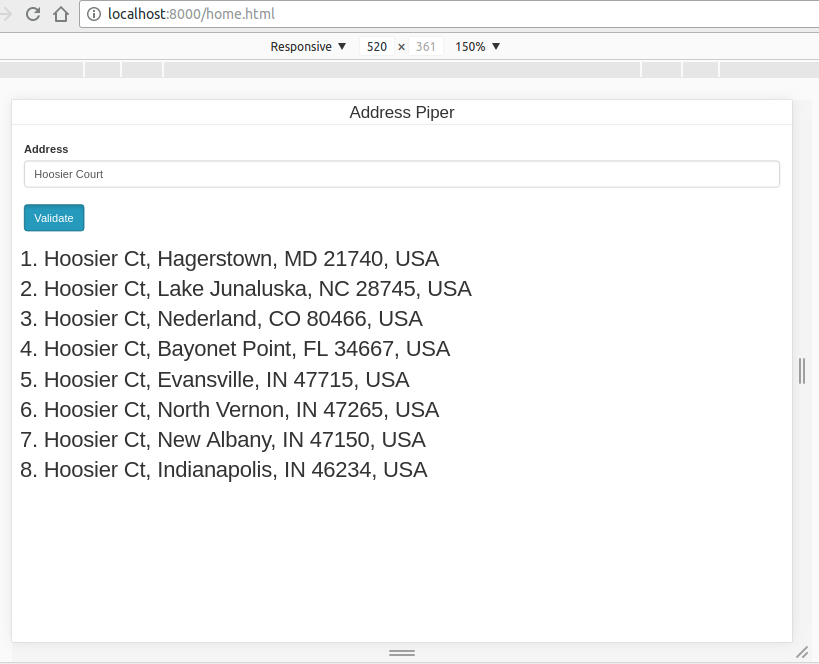
6) Address Piper Used to verify whether the entered address actually exists. You can type in an address and it gives the list of actual locations that match the address. If no such address exists then it will display the message that no such location found. We have used google geocoding api to verify the address. This module can also be used to determine the invalid addresses in currently existing csv.


Log in or sign up for Devpost to join the conversation.