-
-
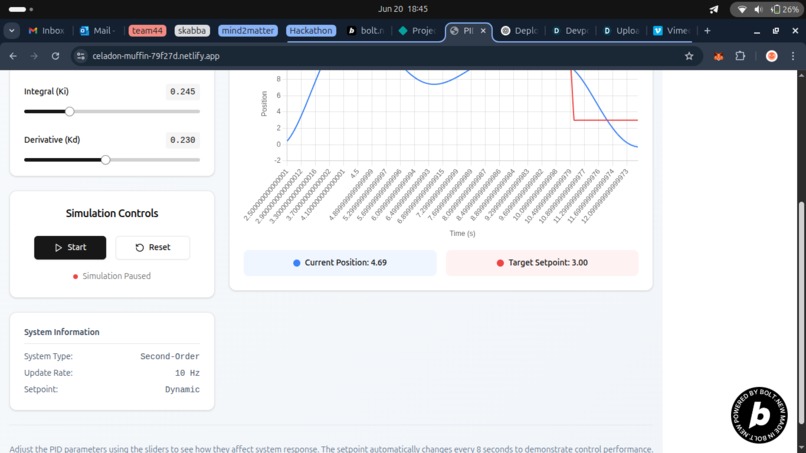
Buttons for graph
-
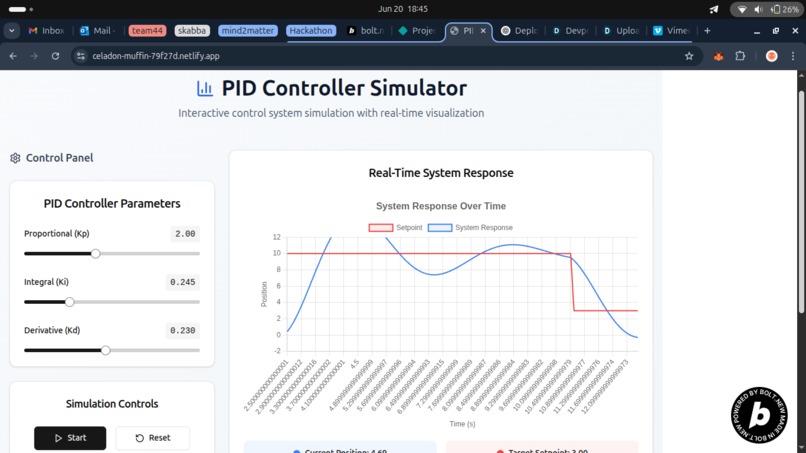
Homepage with gauge controls
🚀 Inspiration
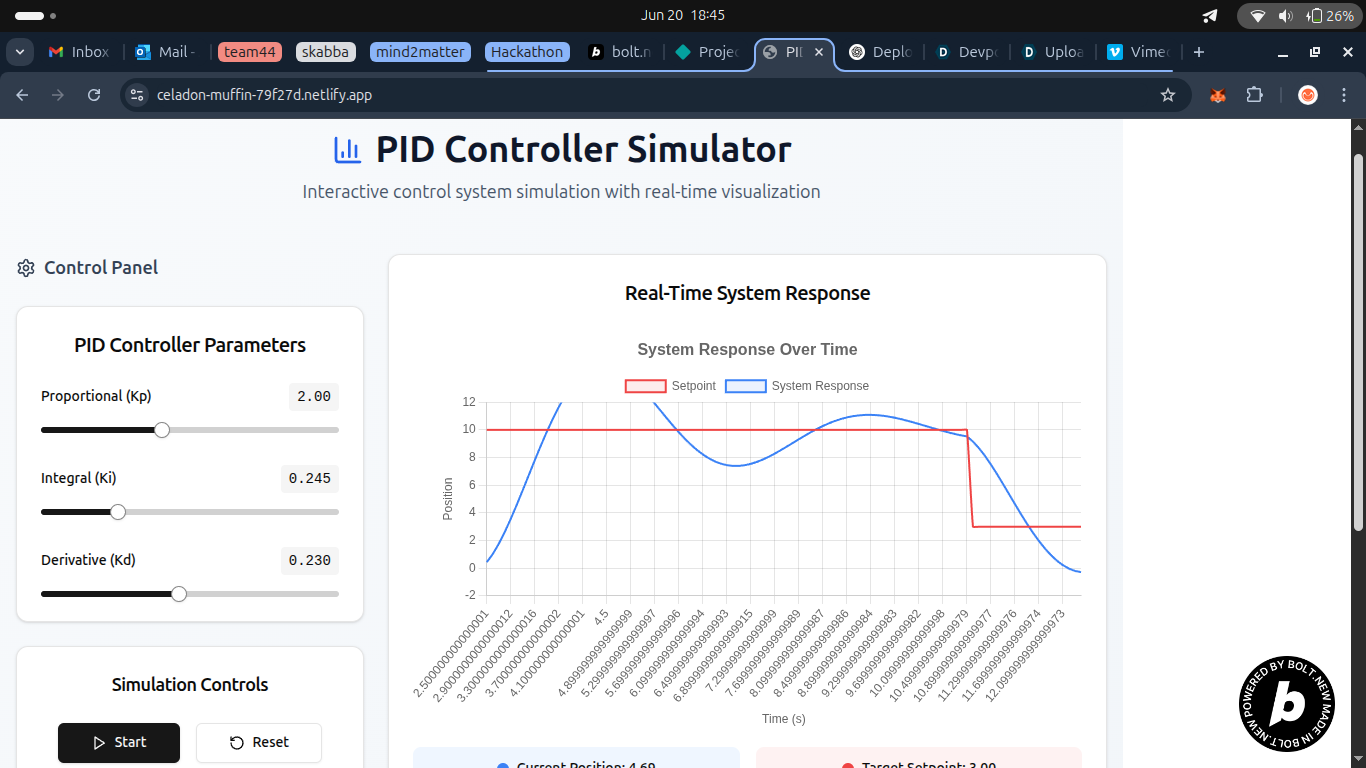
As a robotics enthusiast and educator, I've often seen beginners struggle to understand how PID controllers work. Tuning Kp, Ki, and Kd often feels abstract without visual feedback. I wanted to create an intuitive, real-time simulator to make these concepts more accessible—especially for students building line-followers or balance bots. RoboMind was born from this need: a clean, interactive tool to see what PID tuning does.
🧠 What I Learned
Through this project, I deepened my understanding of:
- How PID algorithms translate into code and affect system dynamics.
- React state management and side effects using
useState,useEffect, anduseRef. - Real-time graph updates with Chart.js and integrating it into a responsive UI.
- ShadCN UI and TailwindCSS for clean, scalable, and responsive frontend development.
- The importance of balancing simplicity with clarity when teaching complex topics.
🔧 How I Built It
I used Bolt.new as my primary development environment. The project includes:
- React for component-based UI.
- TailwindCSS + ShadCN for clean, responsive design.
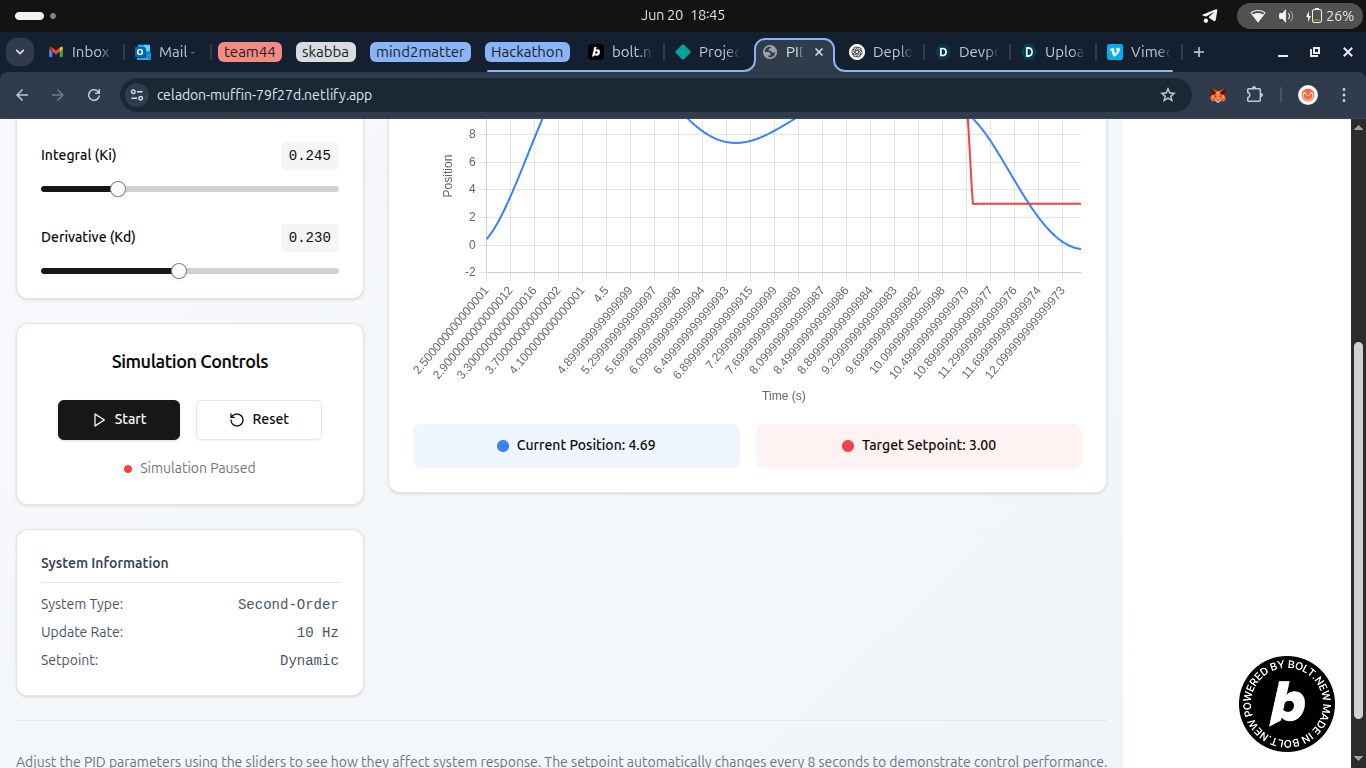
- Chart.js (via react-chartjs-2) to render real-time data plots of system position vs. setpoint.
- Custom PID simulation logic to emulate control over a virtual robot or inverted pendulum.
- A "Reset" feature to restart simulations and an always-visible "Built with Bolt.new" badge.
Everything is fully client-side, deployable with Netlify, and optimized for both desktop and mobile devices.
🧗 Challenges I Faced
- Simulating a realistic PID response that feels intuitive without complex physics.
- Managing real-time state updates in React without performance issues or memory leaks.
- Getting Chart.js to smoothly animate live data updates while maintaining responsiveness.
- Fitting all of this into a single, clean prompt for the One-Shot Challenge!
Built With
- react
- tailwindcss


Log in or sign up for Devpost to join the conversation.