-
-
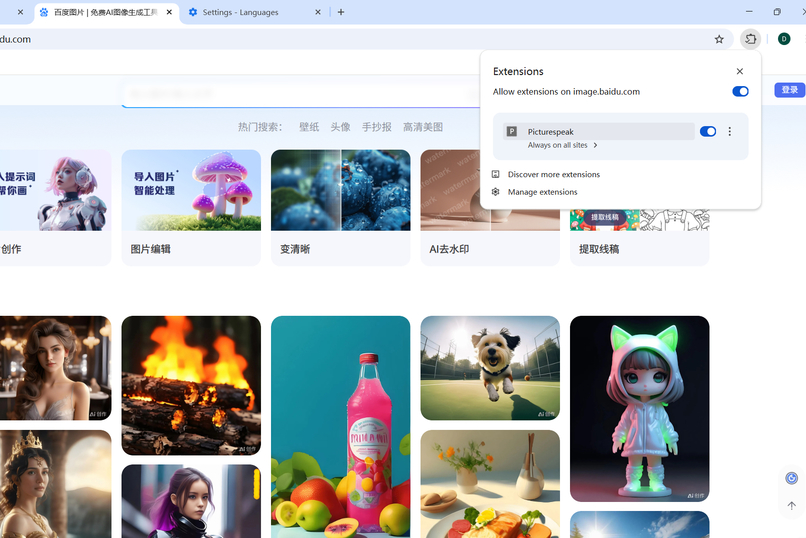
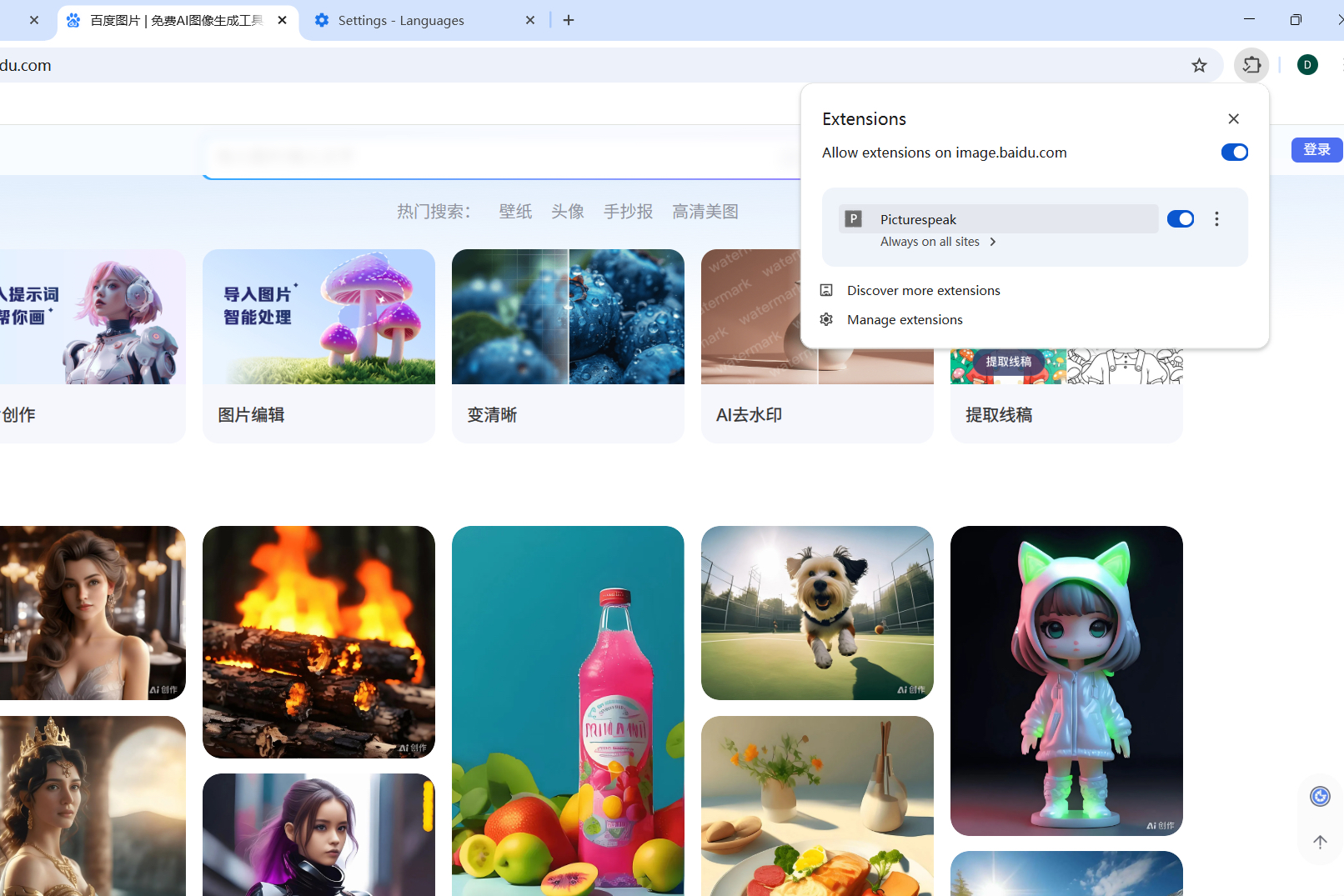
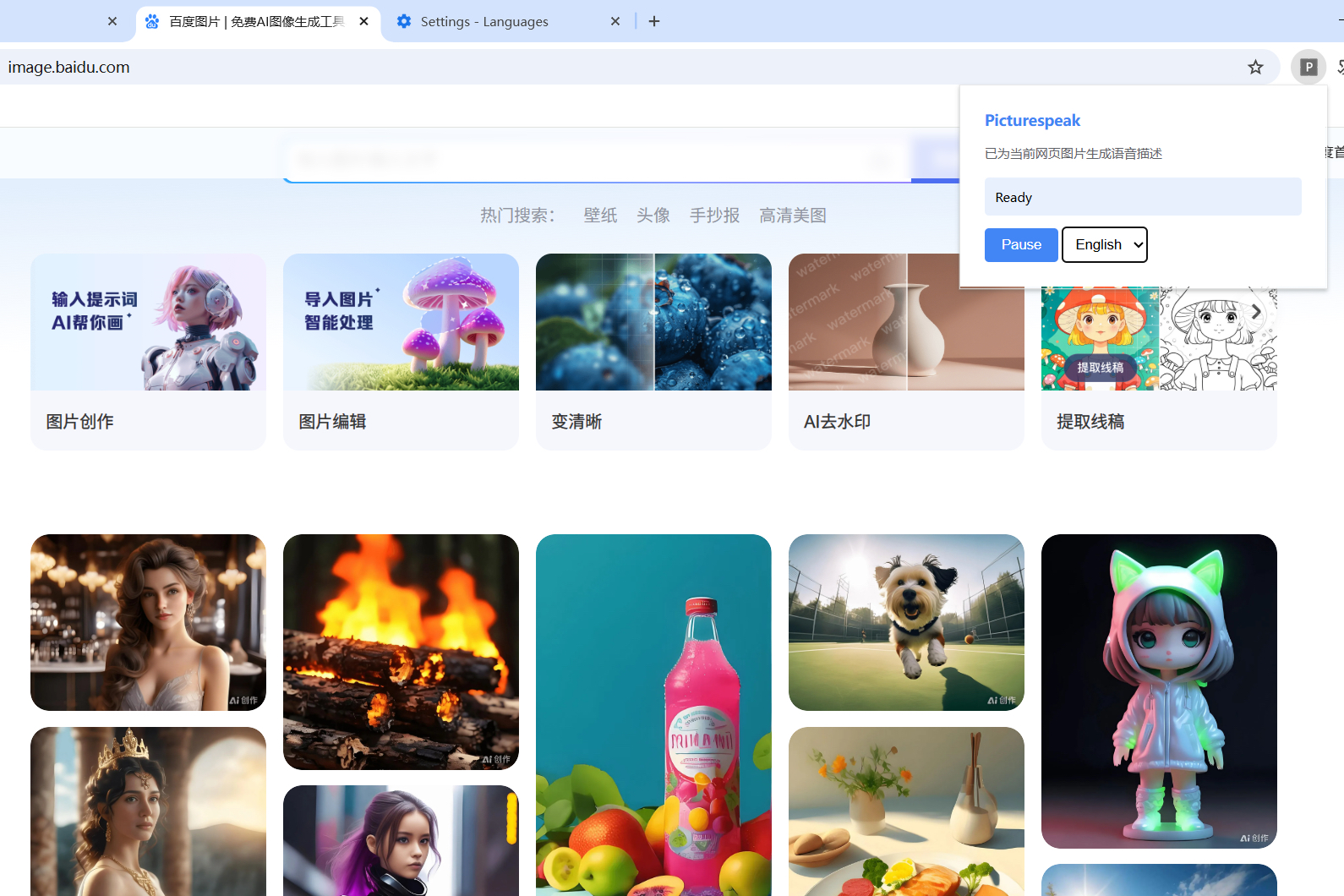
Easy to use - It can be found and used in the Chrome Extensions panel.
-
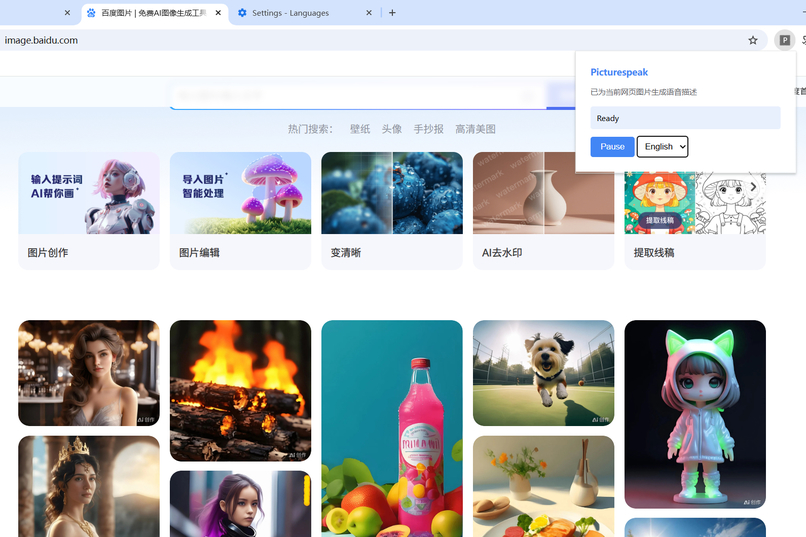
Click to enable language switching. English & Chinese available, English default.
-
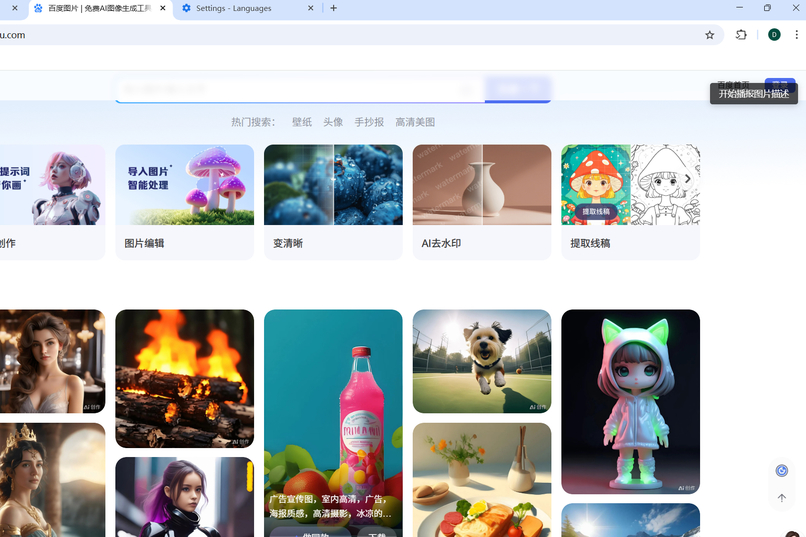
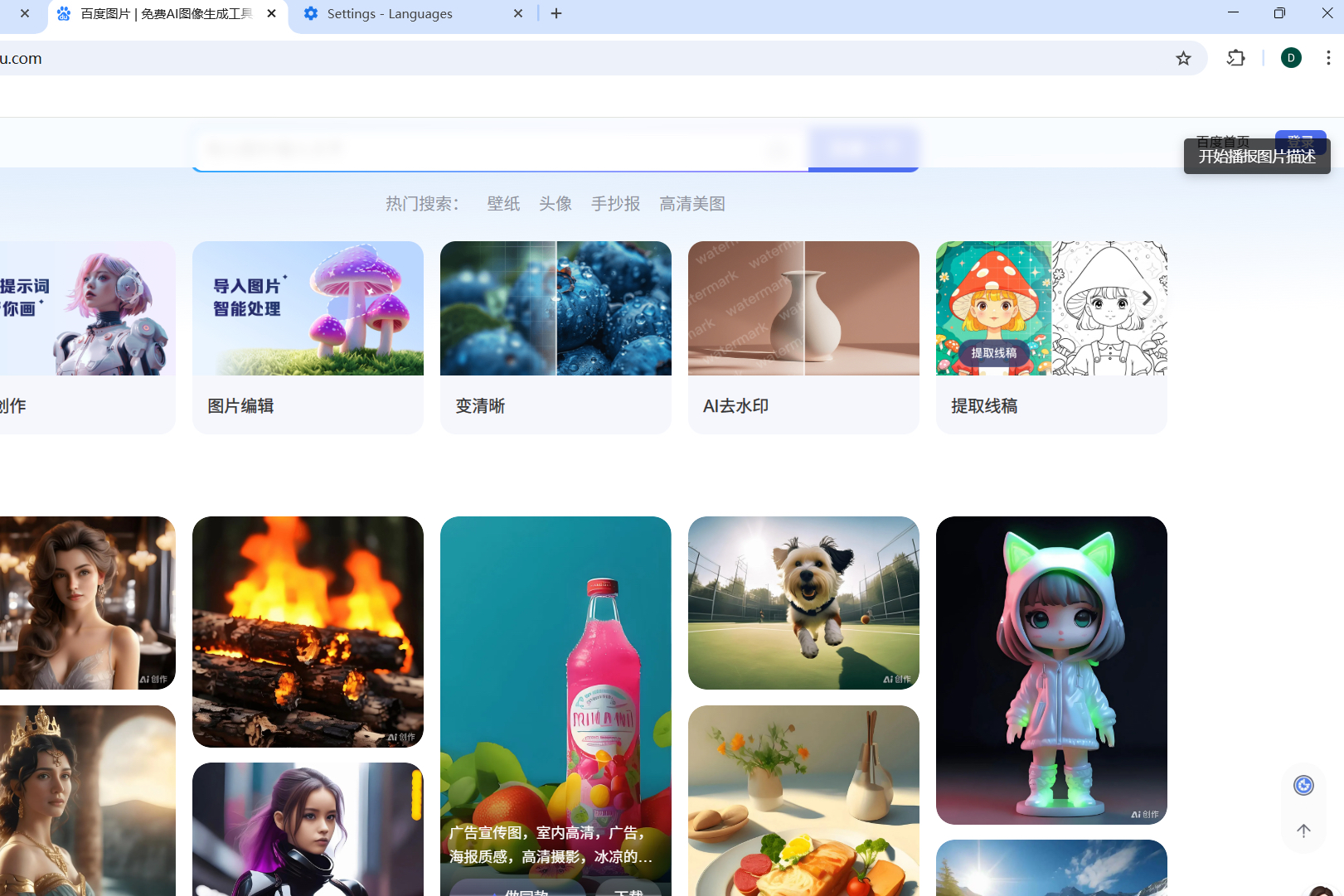
When hovering over an image on the webpage, a single right-click initiates image analysis and audio playback; double right-click to stop.
Inspiration
Web accessibility is a critical issue in the digital age, yet visually impaired users still face barriers like "no image descriptions" and "difficulty understanding multilingual content". Picturespeak was inspired by the pursuit of "enabling all users to access web information equally", aiming to break the information gap of visual barriers through the localized capabilities of Chrome Built-in AI.Inspiration
What it does
Picturespeak is a Chrome extension that automatically generates multilingual voice descriptions for web images and broadcasts them via speech synthesis. It empowers visually impaired users to "hear" image content, making web browsing truly accessible.
How we built it
We built it with:
- Chrome Built-in AI APIs: Leveraged the Prompt API (for multimodal image description) and Translator API (for language adaptation).
- JavaScript: For the core logic of image detection, API calls, and speech synthesis.
- Trae AI Coding Tool: To streamline code generation and debugging, especially for Chrome extension development workflows.
The workflow is:
- Detect all images on a webpage when it loads.
- Call the Prompt API to generate a concise description for each image.
- Translate the description into Chinese (or other languages) via the Translator API.
- Use Chrome’s Web Speech API to broadcast the translated description.
Challenges we ran into
- API Asynchronous Logic: Managing the async flow of image detection → API calls → speech synthesis required careful promise handling and error catching.
- Multimodal Data Formatting: Ensuring image URLs and prompt texts were correctly formatted for the Prompt API took iterative testing with Chrome’s official documentation.
- Speech Synthesis Compatibility: Making sure the speech output worked consistently across different Chrome versions and operating systems required device-specific testing.
Accomplishments that we're proud of
- We created a functional solution that directly addresses a real-world accessibility gap for visually impaired users.
- Successfully integrated Chrome’s Built-in AI APIs (Prompt + Translator) into a cohesive user experience.
- The extension works seamlessly in real-world scenarios, turning "silent images" into "spoken information" for all.
What we learned
- Chrome Built-in AI Capabilities: Gained deep insights into how multimodal and translation APIs can be combined to solve accessibility problems.
- Accessibility Development: Learned the nuances of building tools that prioritize inclusivity, from speech synthesis settings to user flow design.
- AI-Powered Extension Workflows: Discovered how AI coding tools like Trae can accelerate Chrome extension development, even for complex logic like API chaining.
What's next for Picturespeak
- Multilingual Expansion: Add support for more languages (e.g., Spanish, Arabic) to serve a global visually impaired community.
- Customization Options: Let users adjust speech speed, language preferences, and description detail levels via a popup UI.
- Expanded Use Cases: Explore integrating with other Chrome features (e.g., page summarization) to create a more comprehensive accessibility toolkit.
Built With
- javascript
- trae
- translator-api)


Log in or sign up for Devpost to join the conversation.