-

-

Mainpage
-

Upload Page
-
Planning
-
Planning 2



Inspiration
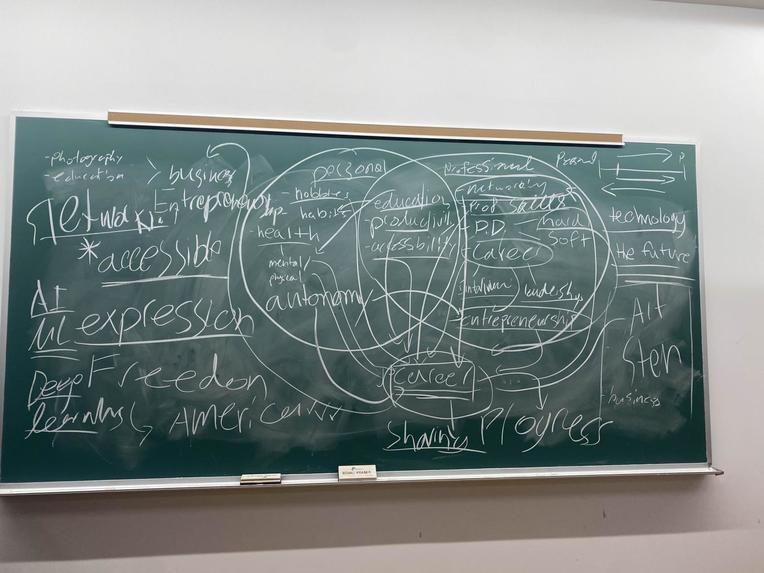
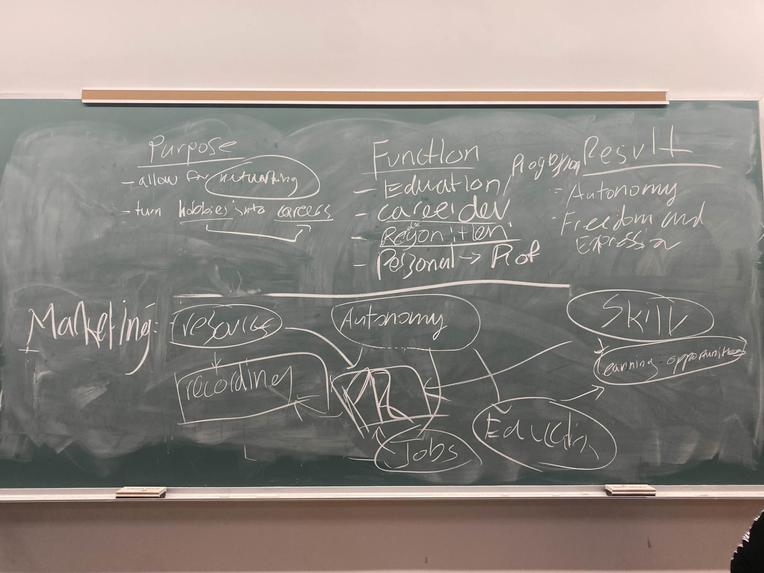
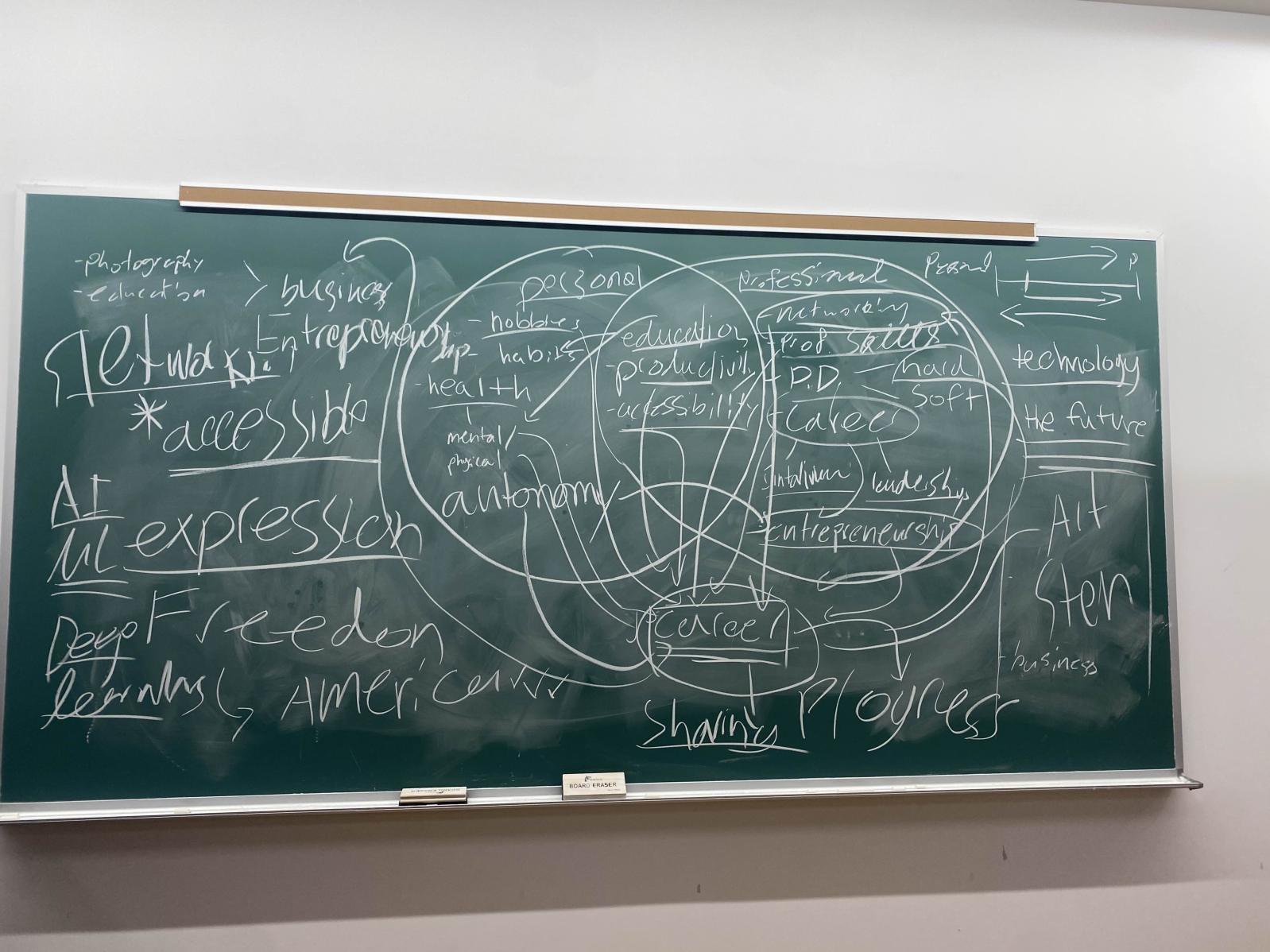
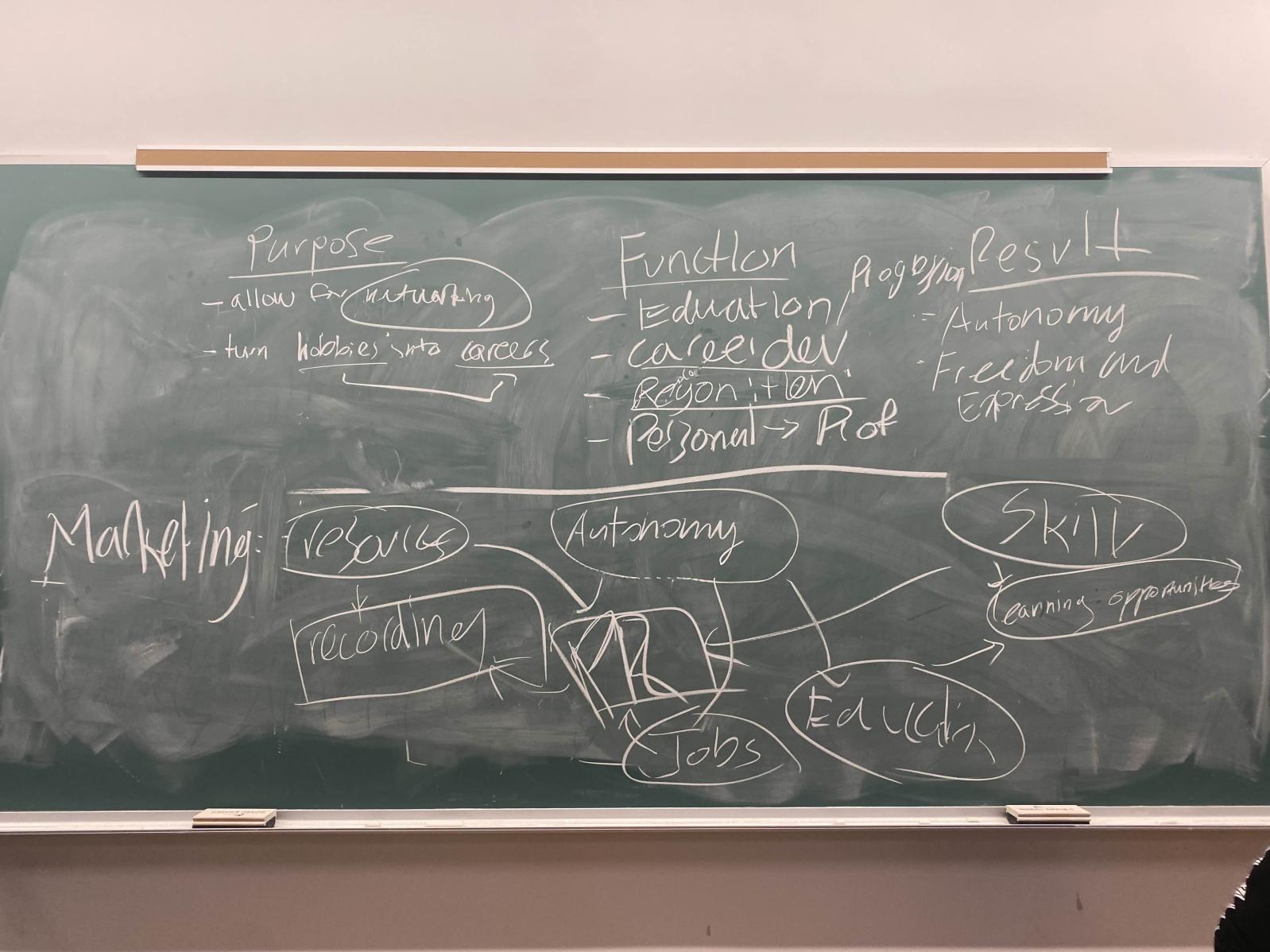
- Transforming hobbies into careers
- Bring marketing skills and experience to a wider audience
- Allow underrepresented groups to express their creativity
- Provide growth for personal and professional success
Inspired by the desire to transform hobbies into careers, our app aims to help people capture and share professional-quality photos. By leveraging marketing skills and experience, we strive to reach a wider audience and empower underrepresented groups to express their creativity. Our platform not only offers tools for honing photography skills but also creates valuable networking and recognition opportunities, fostering an inclusive community where diverse talents can thrive and share their unique perspectives with the world.
What it Does
- Scan surrounding: The app scans the surrounding environment using advanced vision technology.
- Vectorize the image: Vision technology vectorizes images and gives users real-time feedback.
- Camera guidance: It instructs users on how to position and angle the camera for optimal photos.
- Photo sharing and recognition: Users can share their photos to gain recognition within a creative community.
- Connect people: The app fosters connections between individuals with similar photography interests.
Our app empowers users to capture stunning photos, share their work, and gain recognition in a vibrant community. It encourages collaboration and helps people build connections based on shared interests.
How We Built It
Frontend
- HTMX: Handles dynamic front-end interactions (photo uploads and processing) without requiring complex JavaScript.
- Flask: Serves as the web server, managing front-end routing and back-end processes.
Backend
- Python, NumPy, OpenCV: Powers the image processing functionality:
- Converts images to grayscale for simpler processing.
Image Processing
We approached the image processing with a simple 5 step approach:
1. Grayscale Conversion We began by converting the input image to grayscale, a common first step in image processing. This step simplifies the complexity of the image by eliminating colour information, reducing it to shades of gray. Grayscale conversion is essential as it allows for easier manipulation of pixel intensity, enabling us to focus purely on the structure of the image without dealing with colour variations.
2. Contrast Enhancement After grayscale conversion, we applied extreme contrast to the image. This essentially forces the image into a binary state where pixels are either very dark or very light. We achieved this using thresholding techniques, which help isolate the dots by making the background nearly black and the dots pure white. The extreme contrast stage enhances clarity, ensuring that the subsequent dot detection is as accurate as possible.
3. Grid-Based Dot Detection Once the image was processed into high-contrast mode, we divided it into a grid. This grid segmentation allowed us to check whether any given cell contained a white pixel, signaling the presence of a dot. If any part of the grid cell was white, the center of that cell was marked as a dot, simplifying the dot detection process and giving us the positions needed for further processing.
4. Line Drawing Tool After connecting the dots, we applied the Hough Line Transform to detect straight lines across the image, which allowed us to identify more precise patterns in the layout of the dots. The Hough Transform works by identifying points that form a straight line and then extrapolating the most prominent lines in the image. This provided us with a more refined understanding of the image’s composition, beyond the initial grid-based connections. By combining the dot connections with the detected lines from the Hough Transform, we could analyze the dominant geometries in the scene, such as vanishing points or prominent visual axes.
5. Density Analysis for Camera Position Suggestions As we connected the dots, certain areas became denser with lines, forming regions with heavier vector intersections. These denser areas indicated where the lines overlapped most frequently. By analyzing these regions of higher density, we could identify optimal camera positions. Essentially, the more lines intersect in a given area, the more significant that area becomes in the overall composition of the image. Based on this analysis, we then provided suggestions for where the user should place the camera to capture the most visually balanced shot.
Challenges We Ran Into
- Front-End Design: As mostly back-end developers, designing the front-end was challenging. We initially planned to use React and Node but switched to Flask and HTMX to explore new technologies, which made the project more difficult but rewarding.
- OpenCV and Image Analysis: Understanding how to use OpenCV for image processing, shape detection, and camera guidance was entirely new to us.
- Vectorizing and Camera Positioning: Getting the app to determine the position and direction of the camera was also a tough technical challenge, which required significant trial and error. -Threading: Near the end of the hackathon we ran into trouble where we had to run processes in parallel which caused the entire project to break itself; we had to split up the flask serving file and the algorithm to allow the project to run.
Accomplishments We're Proud Of
As a team, we’re proud of the final product and how we collaborated. Despite being mostly back-end developers, we successfully ventured into new areas like computer vision and front-end design. Building a fully functional app from scratch with technologies we had little experience with was a huge accomplishment. More importantly, we demonstrated resilience and adaptability. By leveraging each other's strengths, we overcame obstacles, learned new skills, and grew as a team.
What We Learned
- OpenCV: We learned to detect shapes, edges, and lines, tackling completely new challenges in image processing.
- Python for Backend Hosting: We usually use React for back-end work, but Flask introduced us to a new way of managing servers and handling routing.
- HTMX: We explored HTMX for dynamic front-end development without the complexity of JavaScript frameworks. It was a learning curve, but it enabled us to implement a smooth, real-time interface.
- Collaboration and Adaptability: By experimenting with completely new tools and technologies, we gained valuable experience in adapting quickly to unfamiliar environments, which will benefit future projects.
What's Next for Picture Perfect
- Better online sharing algorithm: We plan to improve the sharing algorithm to adapt to users' interests, offering personalized recommendations and broader exposure to the creative work shared on the platform.


Log in or sign up for Devpost to join the conversation.