-
-
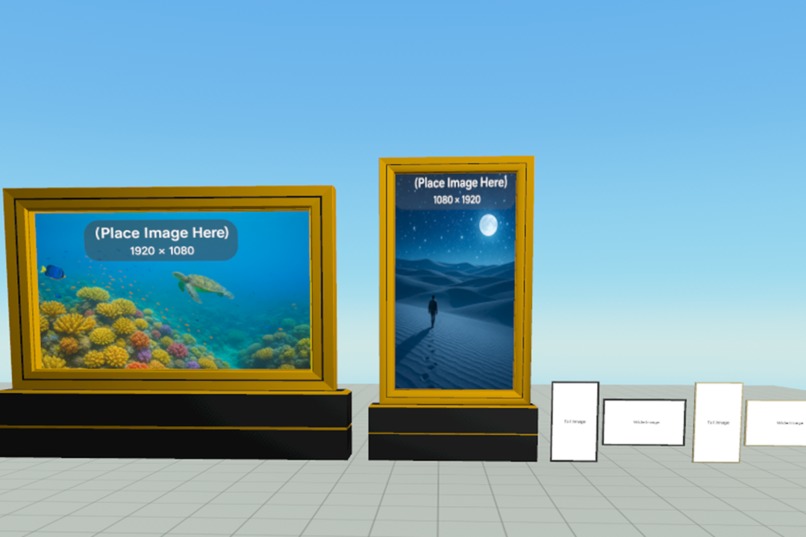
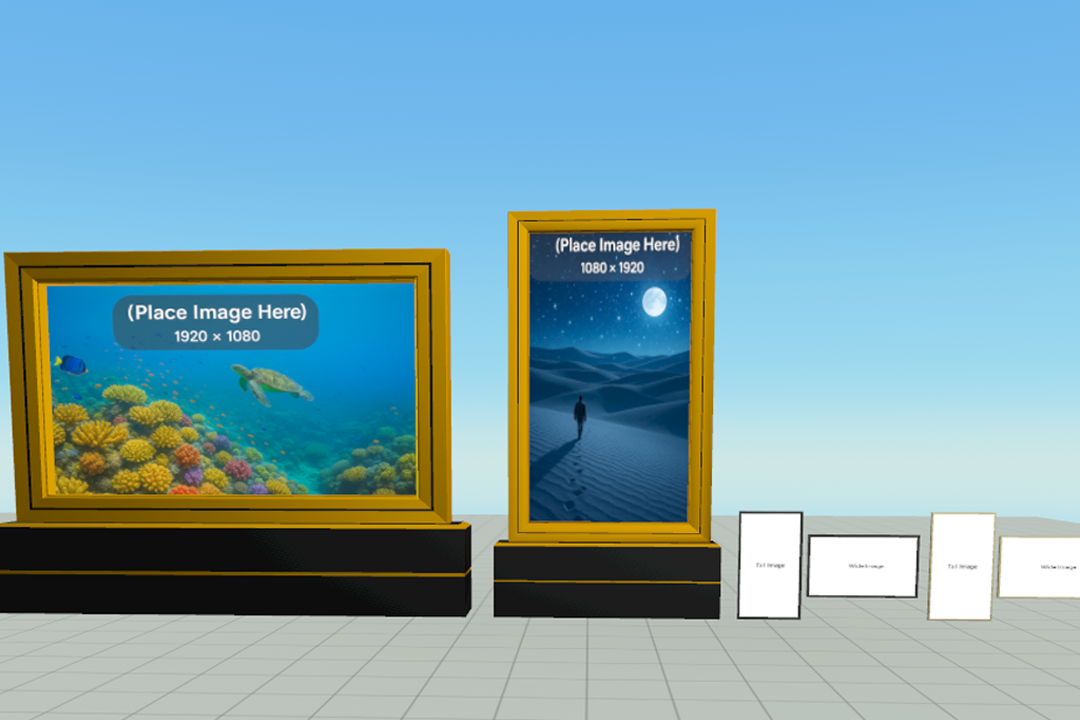
Showing all picture frames in a row
-
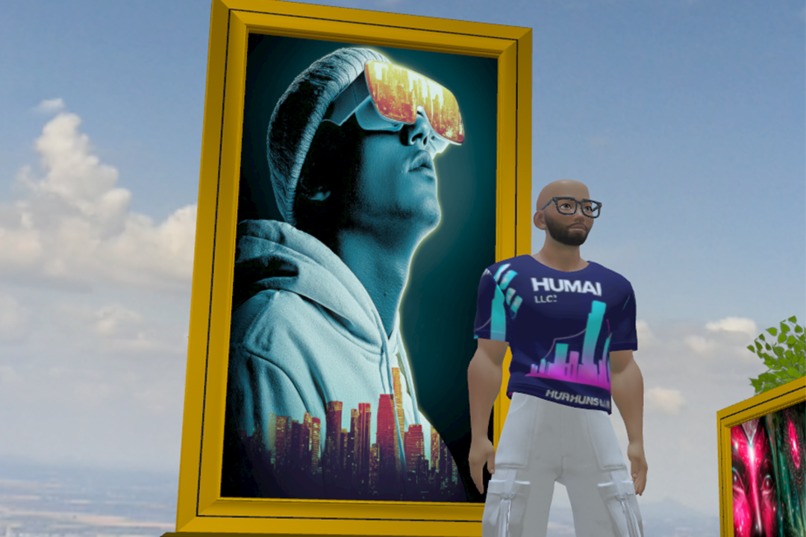
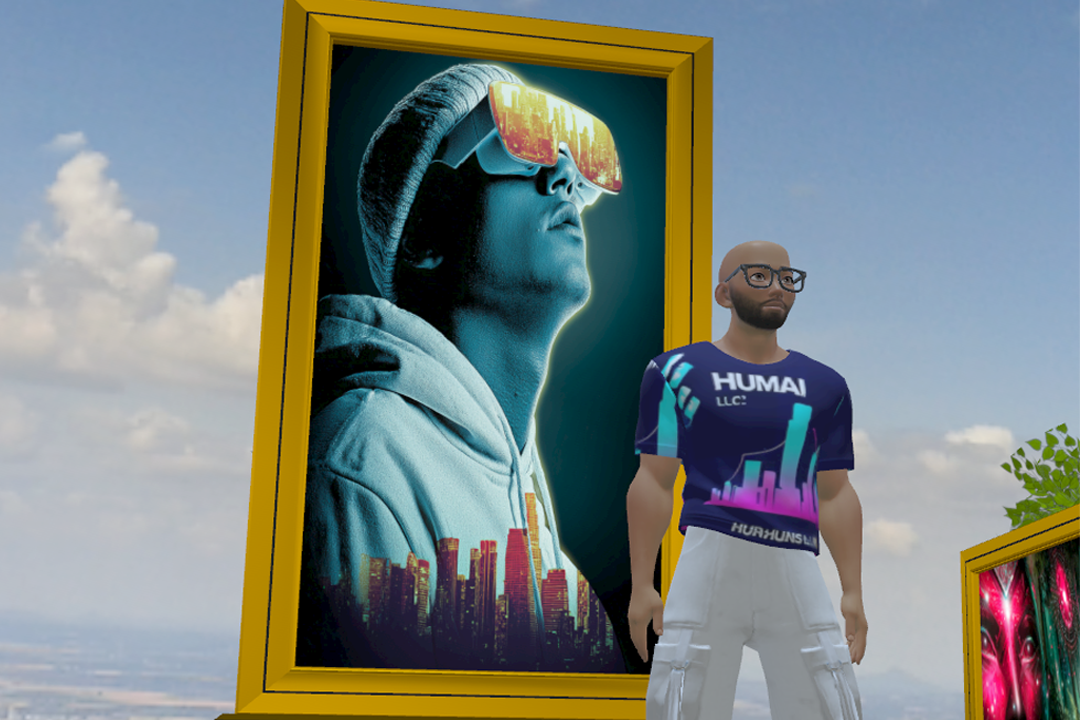
Standing in front of a large Tall picture frame
-
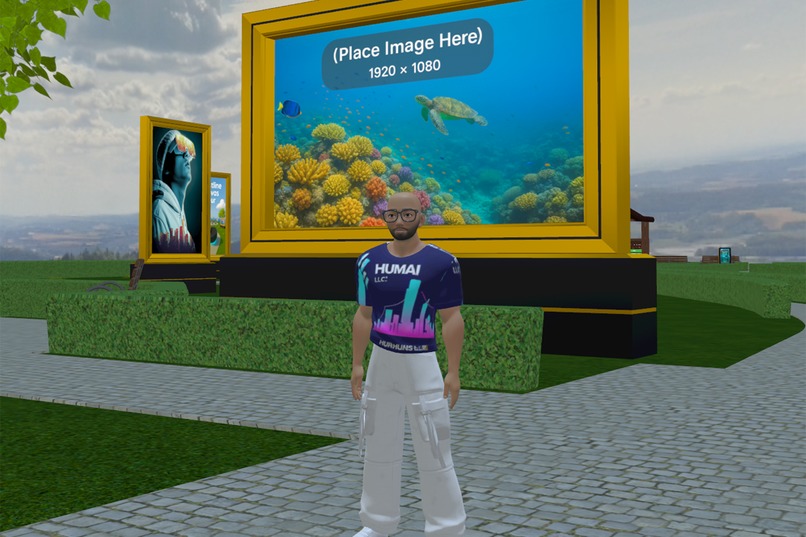
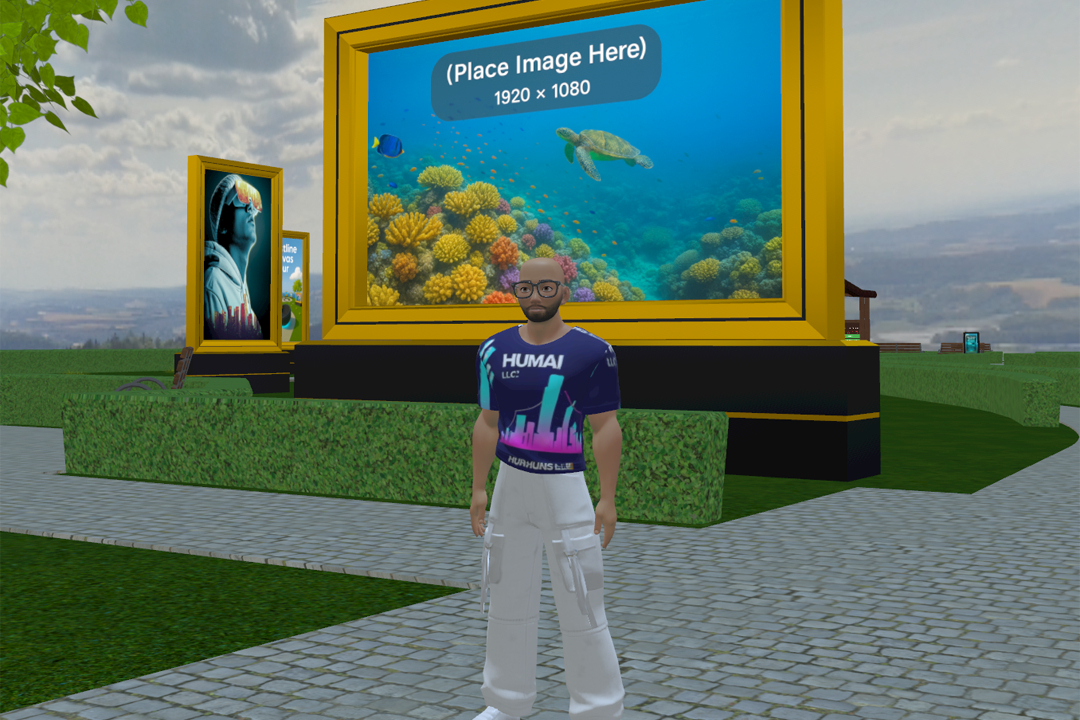
Standing in front of a large Wide picture frame
-
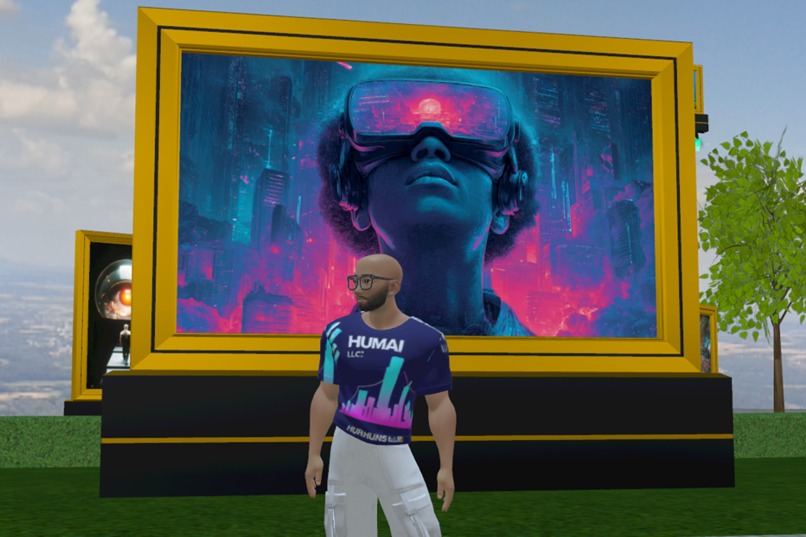
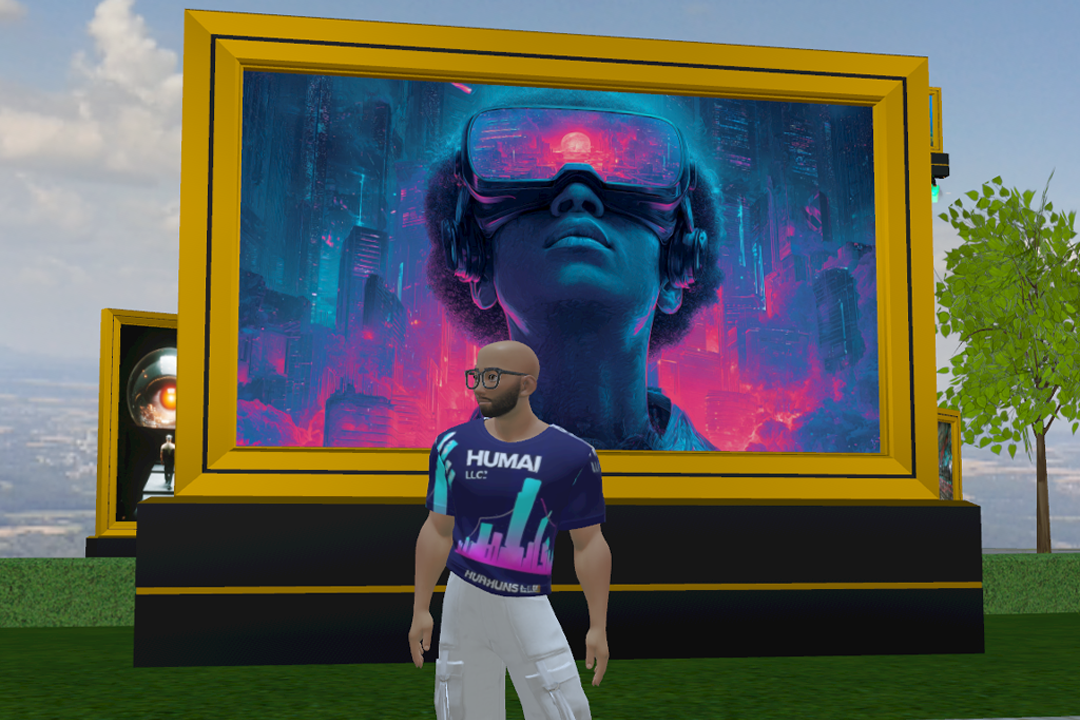
Standing in front of a large Wide picture frame
Inspiration
People kept asking me how to show images in Horizon Worlds so I built a plug-and-play frame + canvas with proper UVs so anyone can swap textures fast.
What it does
Six elegant frames with a nested canvas running a lightweight Texture Slider. Supports 1–10 PNG textures and a per-frame display time—works as a still or a slideshow.
How I built it
Blender for frame meshes and UV-mapped canvases; Photoshop for texture prep; Horizon Worlds Desktop Editor for assembly; TypeScript to sequence textures and timing.
Challenges I ran into
Couldn’t achieve visual transition effects while swapping textures; designed for instant swaps with smooth timing instead. Getting UVs perfect for seamless replacement took iteration.
Accomplishments that I am proud of
A true drop-in asset: creators only assign textures and set a number. Clean, reusable script and consistent UVs across all frames.
What I learned
Texture-swap transitions are very limited in Horizon Worlds. Robust UV strategies greatly simplify creator workflow. A tiny TS script can cover most slideshow needs.
What’s next for Picture Frame Slider Pack
Explore faux transitions (dual-canvas crossfade patterns) and add more frame styles/ratios based on creator feedback.
Links:
Docs/README: http://github.com/2ndliferich/Picture-Frame-Slider-Pack
Video Demo: https://youtu.be/F94iUK2a7Lo
Public Asset Library link for Picture Frame Slider Pack:
Asset ID: 796408909618158
Originality and licensing:
All scripts, prefabs, and UI are original to 2ndlifeRich or properly licensed and attributed.
Built With
- blender
- horizon-desktop-editor
- photoshop
- typescript


Log in or sign up for Devpost to join the conversation.