-
-

-
-
-
-
-
-
-

APP icon right format


Inspiration
Picture Cloud started from a simple question: what kind of cloud am I looking at?
We wanted to build something that could answer that quickly from a photo, without turning it into a complicated weather app or requiring users to upload their images somewhere.
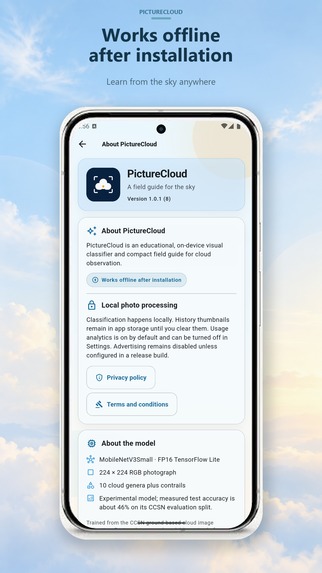
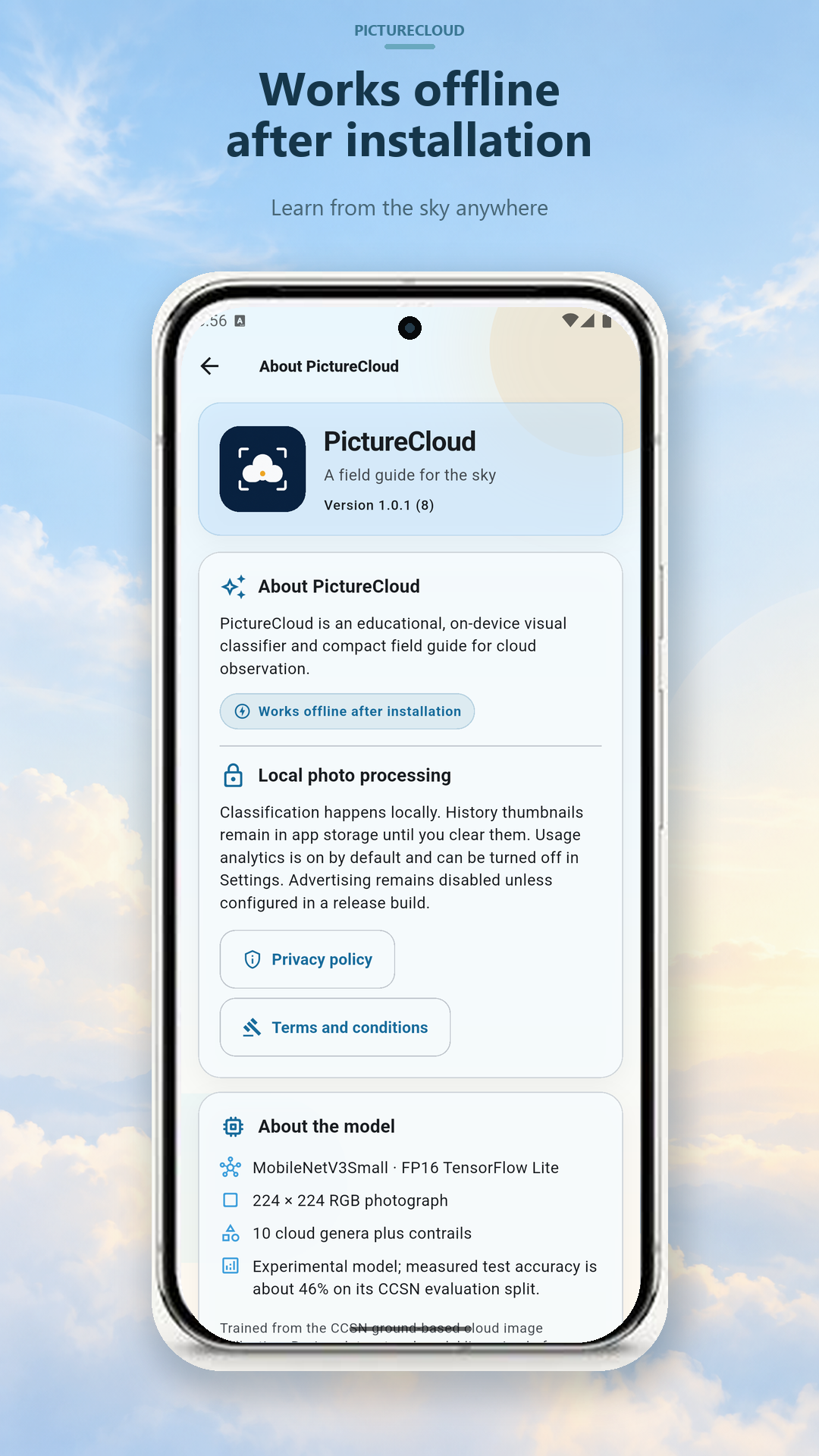
Privacy was also an important part of the idea from the beginning. Image recognition apps often depend on sending photos to a remote server, but for something as simple as identifying a cloud, that felt unnecessary. So we wanted the recognition to happen directly on the device, allowing the app to work offline and keeping users' photos on their phone.
What it does
Picture Cloud is an Android app that identifies cloud types from photos.
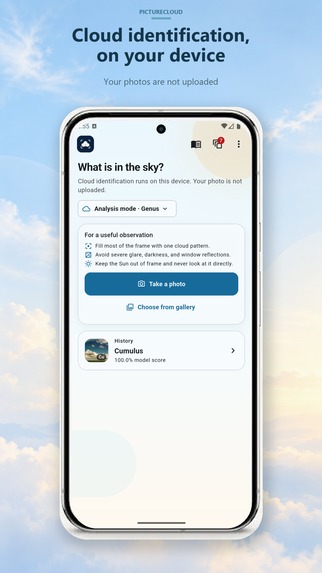
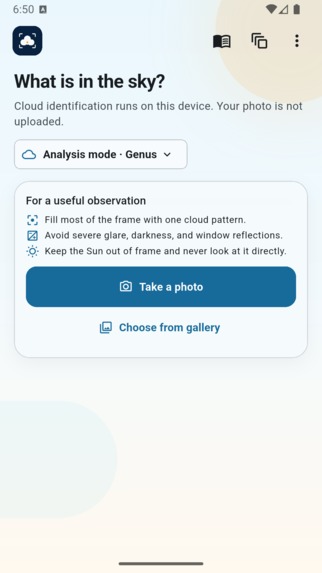
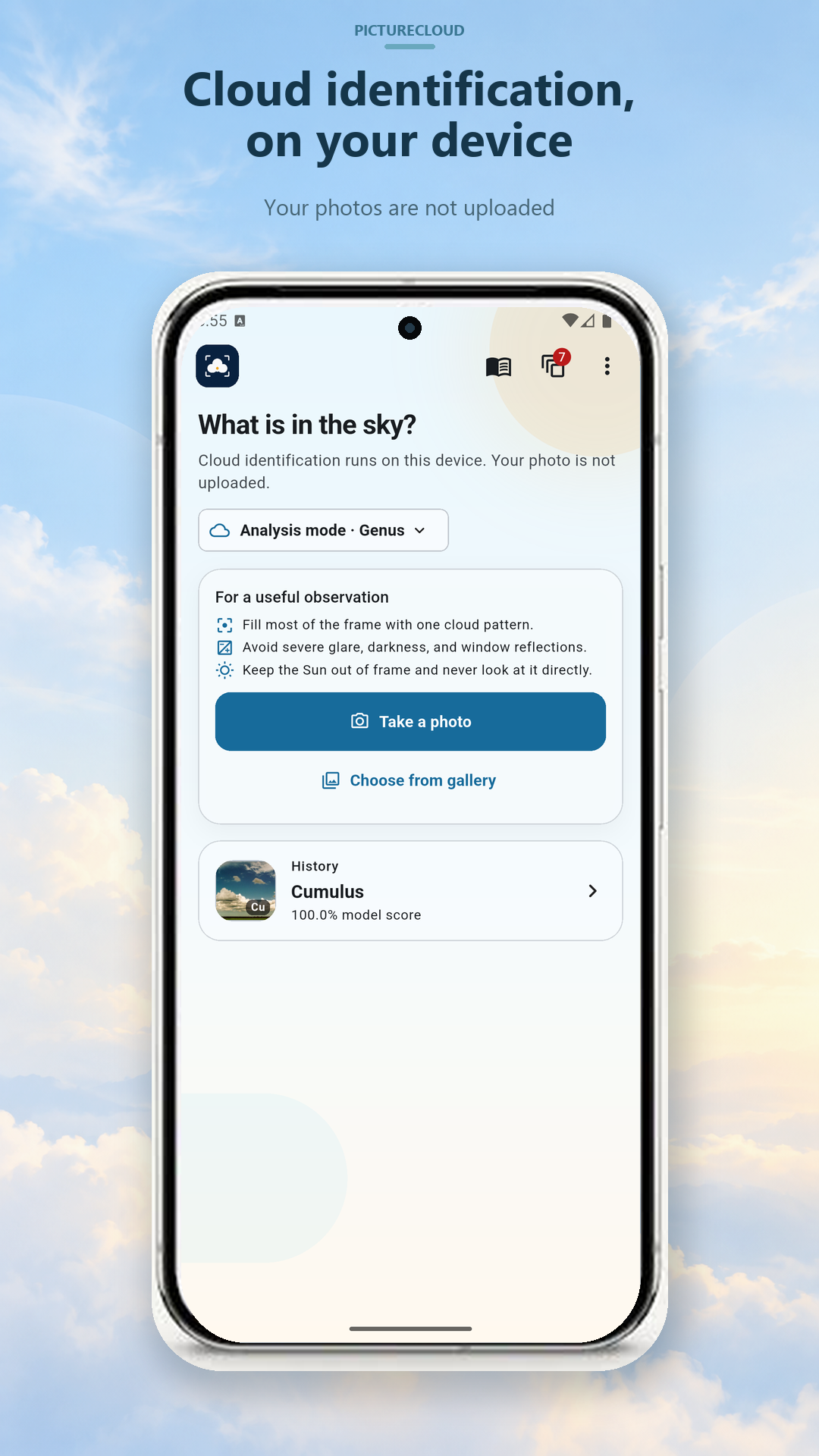
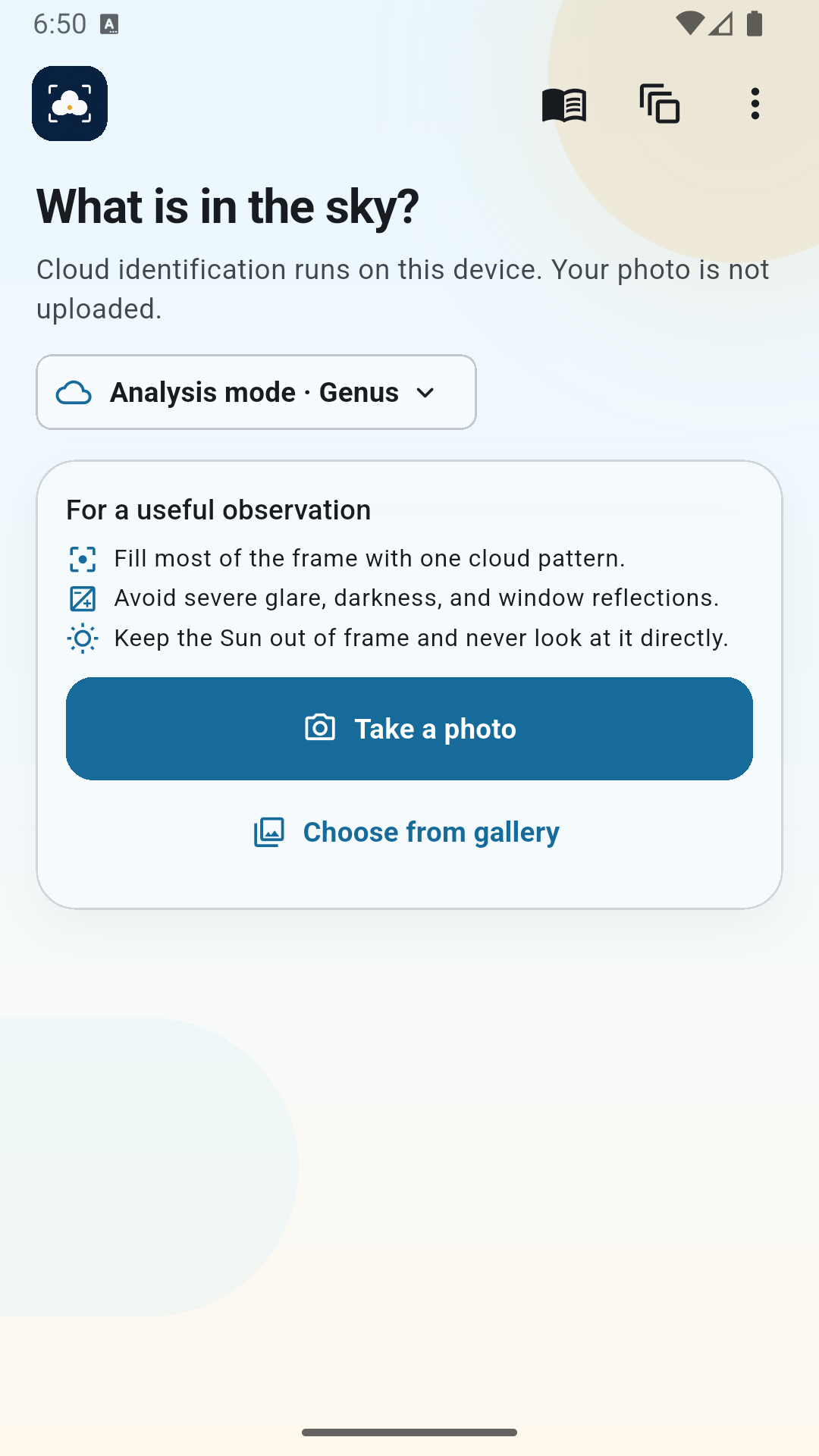
Users can take a picture or select one from their gallery, choose the relevant part of the image, and run the classification directly on their device.
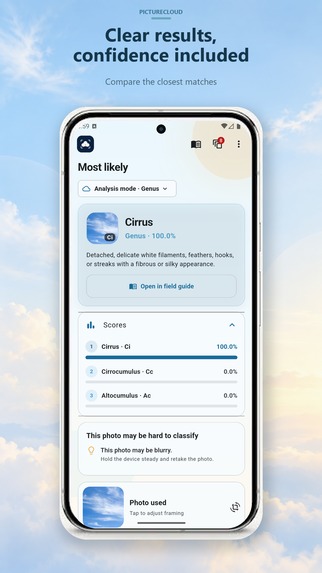
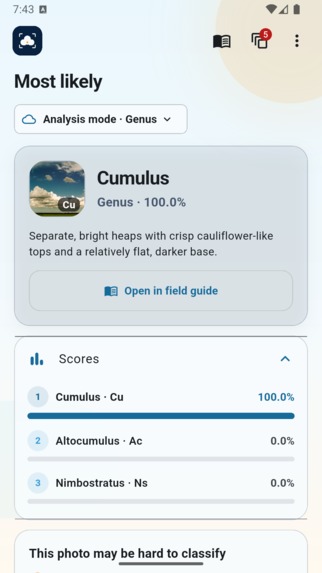
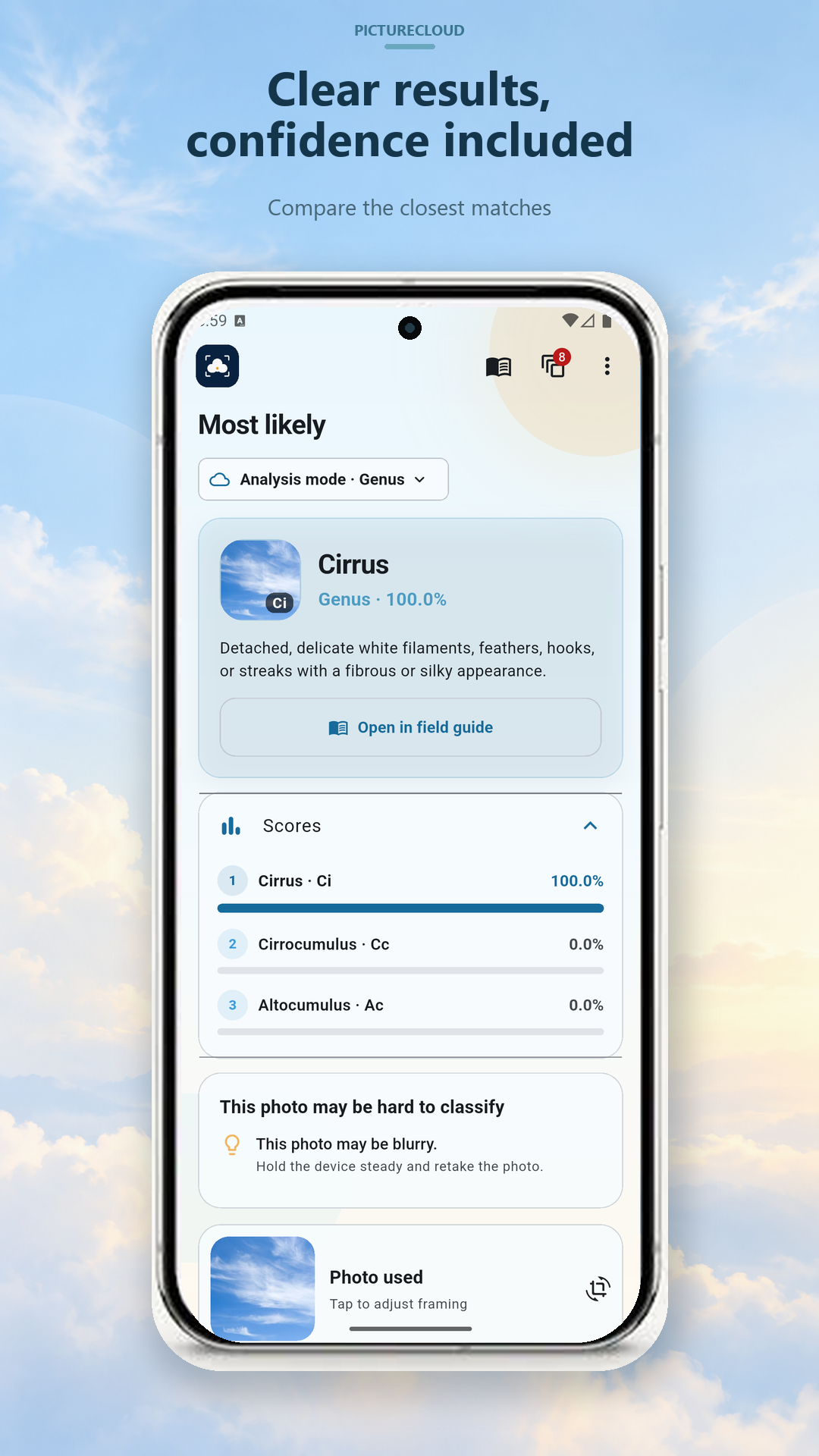
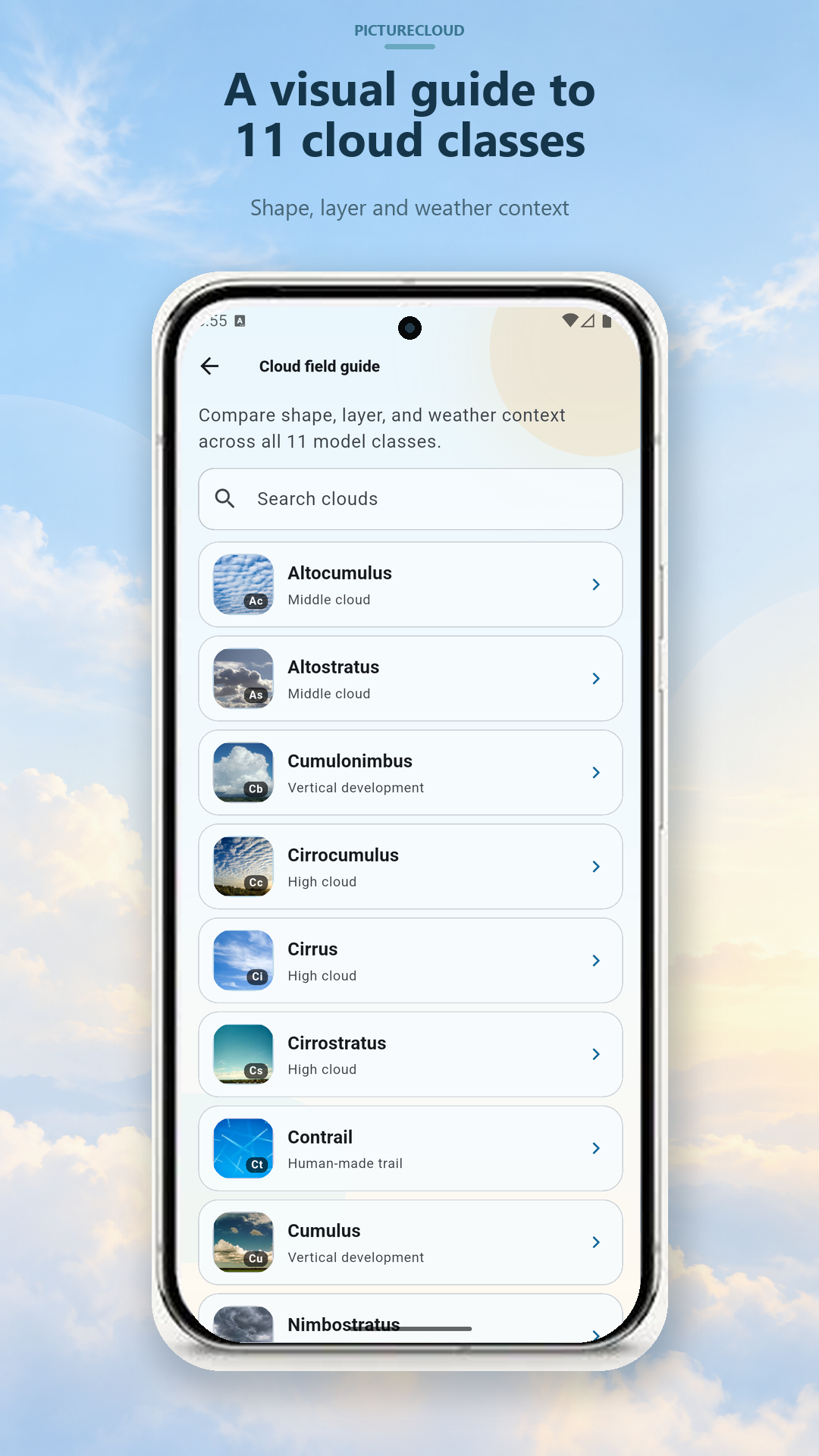
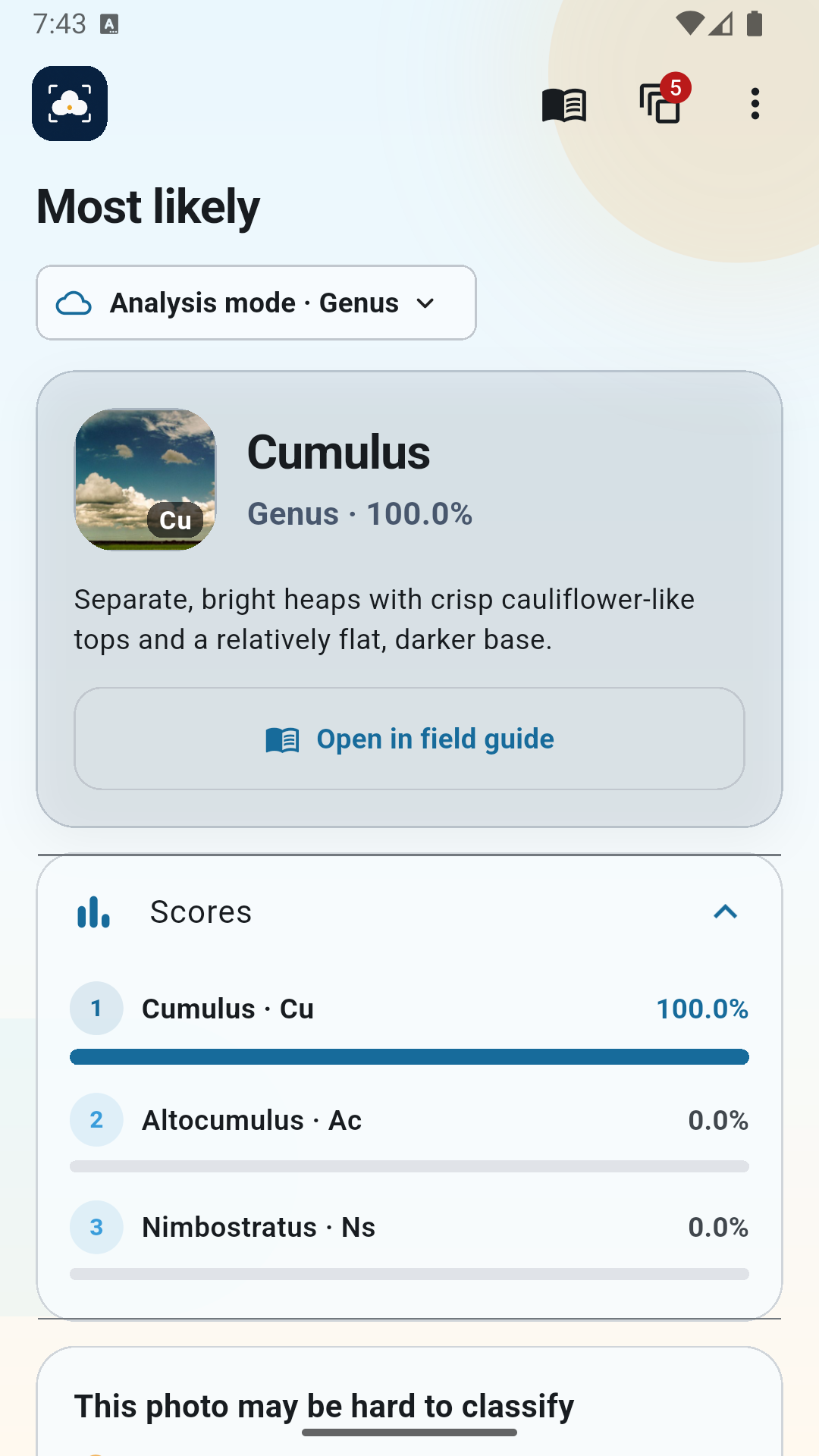
The app recognizes several cloud genera and shows the most likely result along with alternative predictions. Since cloud classification is not always clear-cut, especially when several cloud types appear in the same image, we preferred showing a few possible results instead of presenting one prediction as completely certain.
The app does not require an account, works offline, and does not need to upload photos to a server for classification.
How we built it
The app combines a native Android interface with an on-device image classification model.
A large part of the work happened before integrating the model into the application. We looked through existing research on cloud classification, available datasets, and open-source implementations to understand which approaches could realistically work on a mobile device.
That process was less straightforward than expected.
Some research projects referenced datasets that were difficult to obtain, and some older GitHub repositories linked from papers or blog posts had disappeared completely. In other cases, the code was still available but the exact dataset split, preprocessing steps, model weights, or training configuration were missing.
We experimented with different models and training approaches before finding something that provided a reasonable compromise between classification quality, model size, and inference speed.
Once the model was usable, we integrated it into the Android application so that inference could happen locally on the phone.
Challenges we ran into
The biggest challenge was finding good training data.
Cloud classification is a relatively niche computer vision problem, so there are far fewer large and standardized datasets compared with areas such as general object recognition.
Different datasets also classify clouds differently, use different image formats, or contain very different types of photographs. Combining them is not always straightforward.
Another challenge was reproducing results from existing research.
Some papers report strong classification accuracy, but reproducing those numbers can be difficult when important implementation details are missing. Small differences in image preprocessing, augmentation, dataset splitting, training parameters, or class definitions can significantly affect the results.
We also had to keep mobile deployment in mind throughout the process. A model can perform well during experimentation but still be too large, too slow, or too memory-intensive to use comfortably on a phone.
Finally, real-world images are much less controlled than research datasets. Users might take photos at sunset, through a window, with trees or buildings covering part of the sky, or with multiple cloud layers in the same picture. These cases make classification noticeably harder.
Accomplishments that we're proud of
One of the things we are most proud of is getting the complete classification pipeline to run directly on an Android device.
There is no need for a backend server to process images, which means Picture Cloud can work offline and user photos do not need to leave the device.
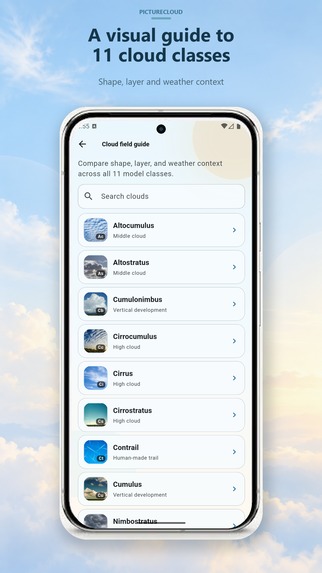
We are also happy that the app became more than just a machine learning demo. It includes the full flow from taking or selecting a photo to choosing the relevant area, running the model, viewing alternative predictions, and learning more about the detected cloud type.
Another accomplishment was simply getting a usable model working despite the limitations around available datasets and reproducibility.
What we learned
This project taught us that building a machine learning application is very different from training a model in isolation.
Model accuracy is only one part of the problem. Dataset quality, preprocessing, inference speed, model size, user experience, and how predictions are presented all become important once the model is used by real people.
We also learned a lot about the difficulties of reproducing machine learning research. A paper can make an approach look relatively straightforward, but recreating the same setup without the original dataset, code, model weights, or exact preprocessing pipeline can be surprisingly difficult.
The project also gave us practical experience with deploying computer vision models on mobile devices and dealing with the tradeoffs required for fully on-device inference.
What's next for Picture Cloud
The main goal is to improve the quality of the cloud classification model.
We would like to expand and improve the training data, especially for difficult real-world conditions and cloud types that are easy to confuse.
We also want to improve how the app communicates uncertainty and make the educational side of the application more useful, so users can not only get a prediction but gradually learn how to recognize different clouds themselves.
Longer term, we would like Picture Cloud to become a simple and useful field guide for people who are curious about the sky, while keeping the same offline and privacy-focused approach.
Built With
- dart
- flutter
- keras
- rtlite

Log in or sign up for Devpost to join the conversation.