-
-
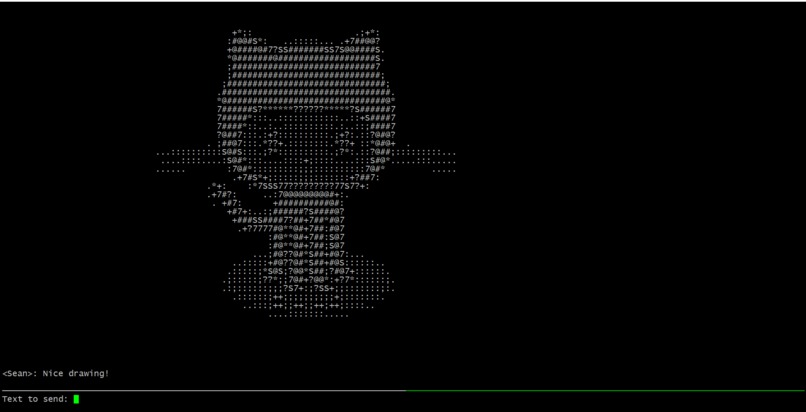
ascii art in action!
Inspiration
My inspiration for Pictochat comes from the original Pictochat on the Nintendo DS. I used to chat with my friends all of the time using Pictochat when I was younger. It was really net because you could write down swear words and your parents wouldn't know!
What it does
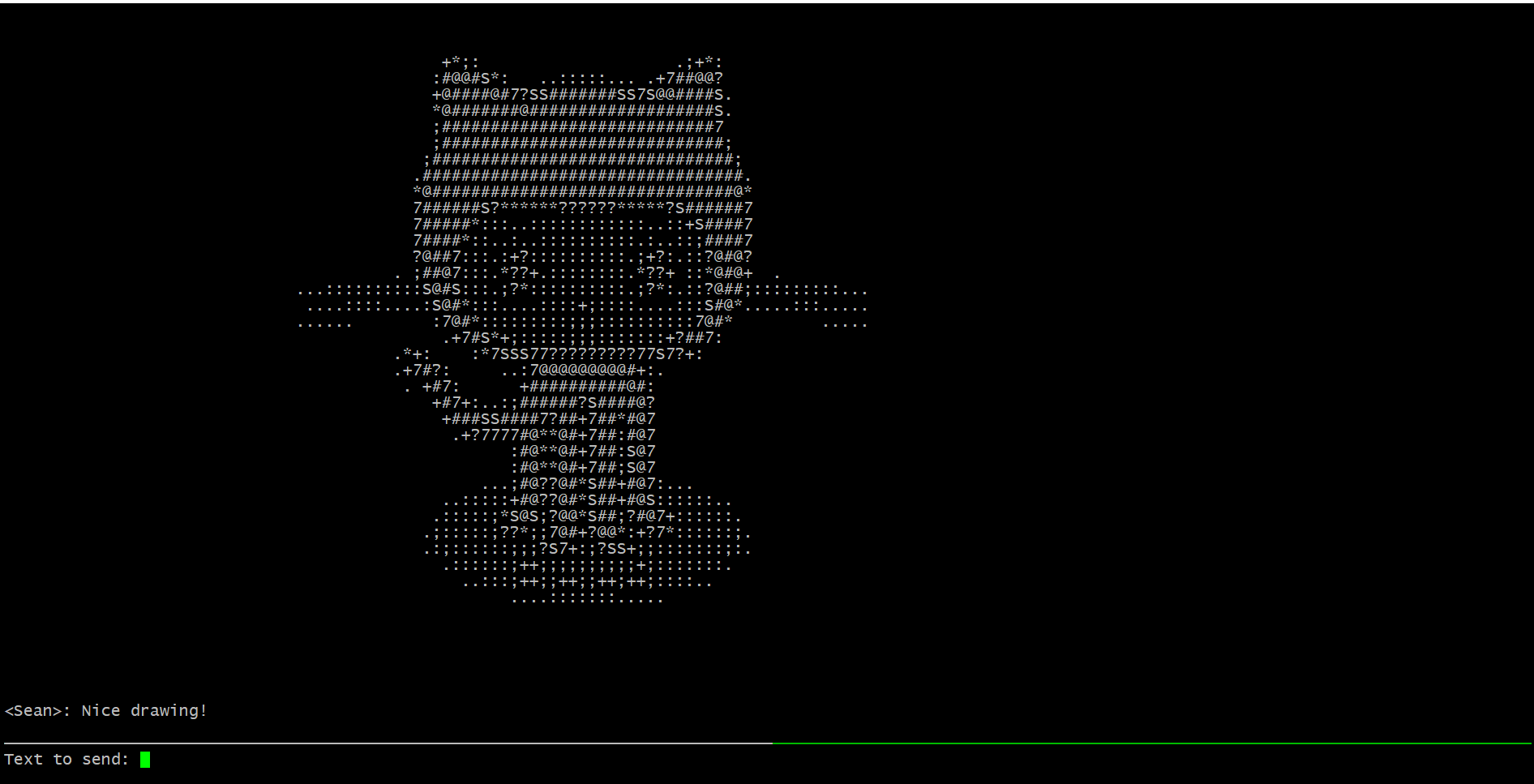
Pictochat is a command line version of the original. It allows users to send text and drawings to each other. However, in my project, the drawings are converted to ASCII art!
How we built it
The project was mostly written in Golang, with some Python code as well. All of the chat clients/servers were written using Golang. These programs made heavy use of concurrency and socket programming. The ASCII art converter was written using Python and the Python Imaging Library.
Challenges we ran into
The concurrency and connection aspects were a bit confusing at first because three clients/servers were used and two of these functioned as both clients and servers. I solved this by using go routines in the server to act as both a server/client. I then used more go routines within the original calls to handle user requests. The client receiver functioned similarly.
Accomplishments that we're proud of
I had never used Golang before a couple of days ago, so I'm happy that I learned something new! I'm also happy that I have an excellent, completed project that I will be able to demo.
What we learned
I learned a lot about Golang as well as expanded my knowledge on concurrency and sockets.
What's next for Pictochat
Making sure it works between users of all platforms

Log in or sign up for Devpost to join the conversation.