-
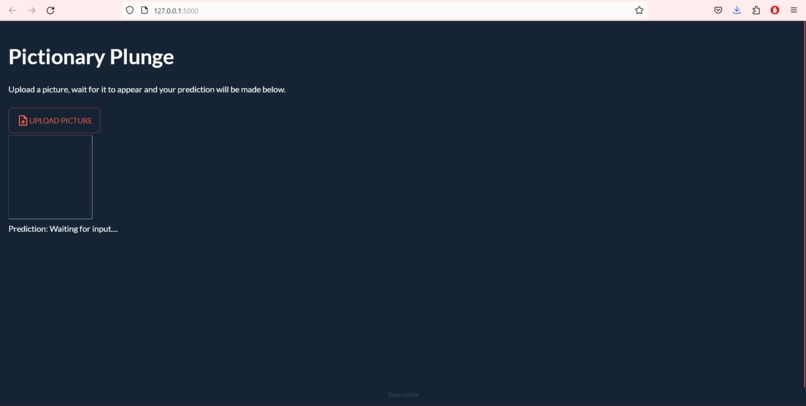
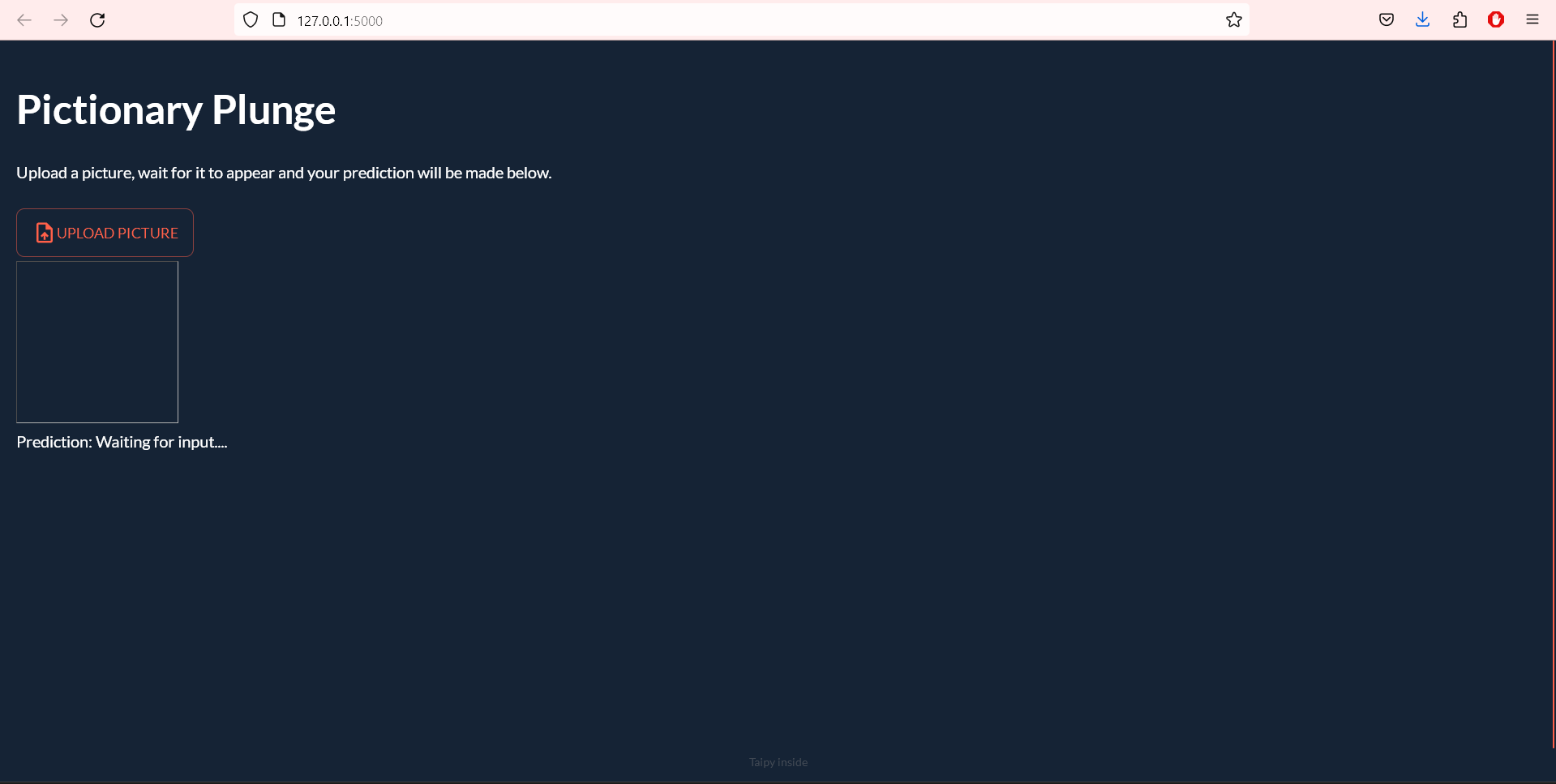
Before prediction
-
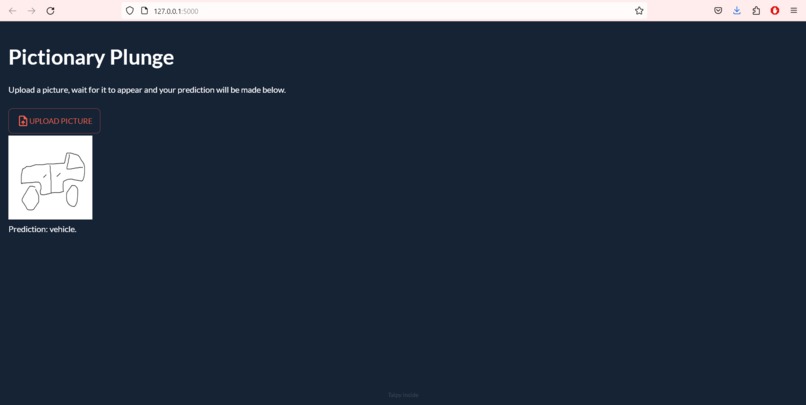
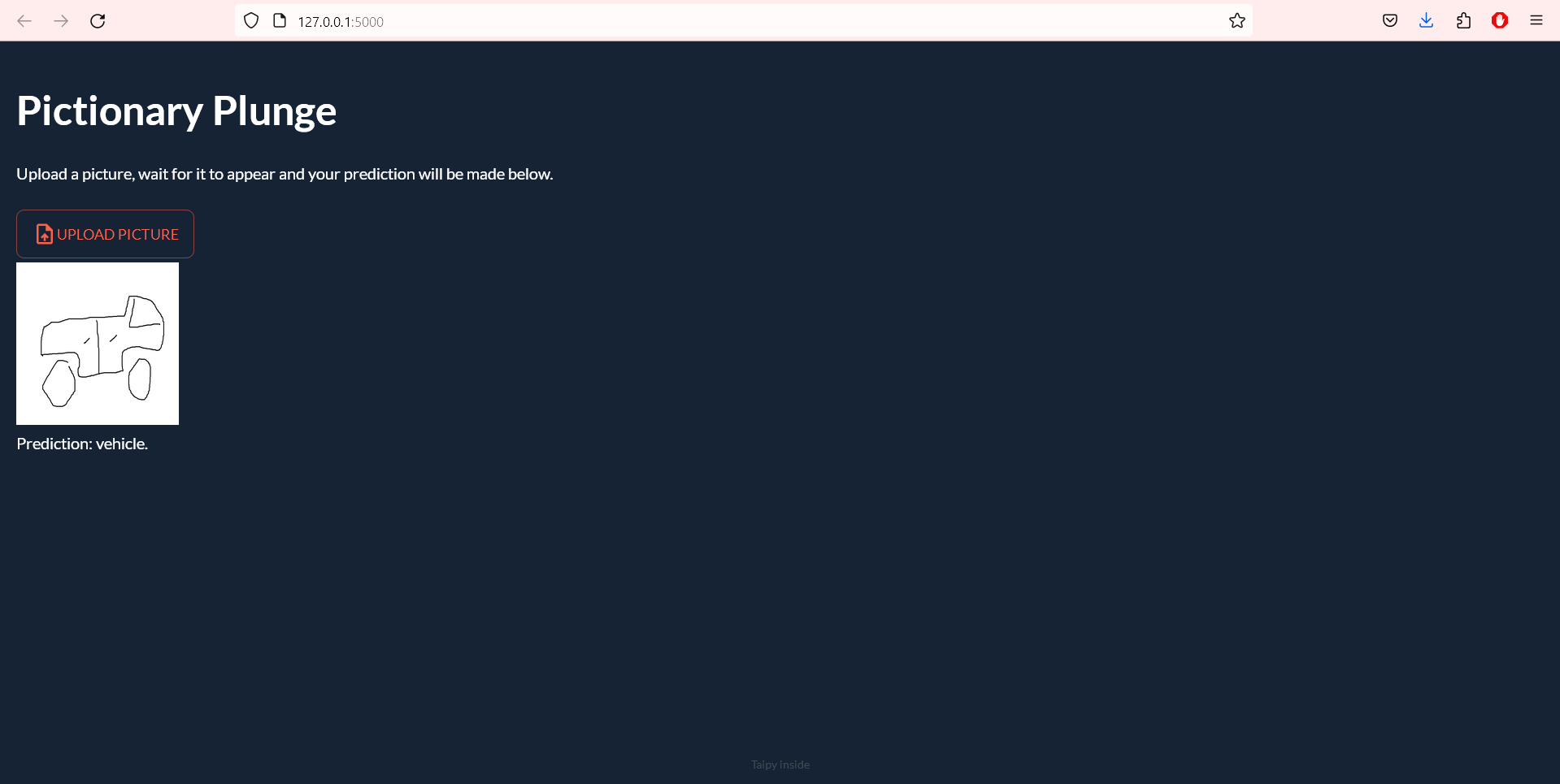
After prediction
Inspiration
The reason for us building a front-end interface is that we were fascinated by Taipy's potential and wanted to gain some experience using it. We saw Google's "Quick, draw" and were inspired to create an image classification app.
What it does
Upload an image using the core Taipy component. The image will be preprocessed by MATLAB, turning it to grayscale and resizing it to the desired width and height. A guess is then made by our RNN, which is displayed on the website accordingly.
How we built it
We built it using Taipy, MATLAB, and a Tensorflow RNN. Taipy was used to build the UI. It allows for the uploading of an image and the displaying of that image and its prediction. MATLAB was implemented for image processing purposes and was vital for preparing images to be guessed at by our model. MATLAB's engine Python API contained image processing, converting uploaded images to grayscale, as well as resizing them for the model's needs. Lastly, a RNN trained with Tensorflow makes predictions about what it thinks the image might be. So give it a try! Just draw an image in MS Paint, upload it to the Taipy website, and watch the magic unfold.
Challenges we ran into
The first challenge we ran in to was creating a Taipy custom component. Our vision for the project was originally to mimic that of Google's "Quick draw", which features a canvas that users may create strokes on while their neural network makes guesses. Unfortunately, creating a custom canvas component proved to be quite time consuming and more advanced, and so we were forced to move away from that idea. Additionally, configuring tensorflow to train a RNN using a GPU was very challenging, as tensorflow stopped native support for such in windows. Thus a whole lot of time was spent configuring WSL, and training models with our CPUs.
Accomplishments that we're proud of
We are proud to have worked so hard and come up with a working project.
What we learned
Together we learned a significant amount about Taipy, MATLAB's image processing, MATLAB's python API, and Tensorflow RNN. Also, a lot about WSL was learned in the process of trying to get Tensorflow to train models using GPU.
What's next for Pictionary Plunge
In the future we see Pictionary Plunge having a real time canvas, which our RNN guesses at as the user draws. Additionally, we see the RNN improving significantly once GPU usage kinks are worked out, and models are able to be trained faster.


Log in or sign up for Devpost to join the conversation.