-
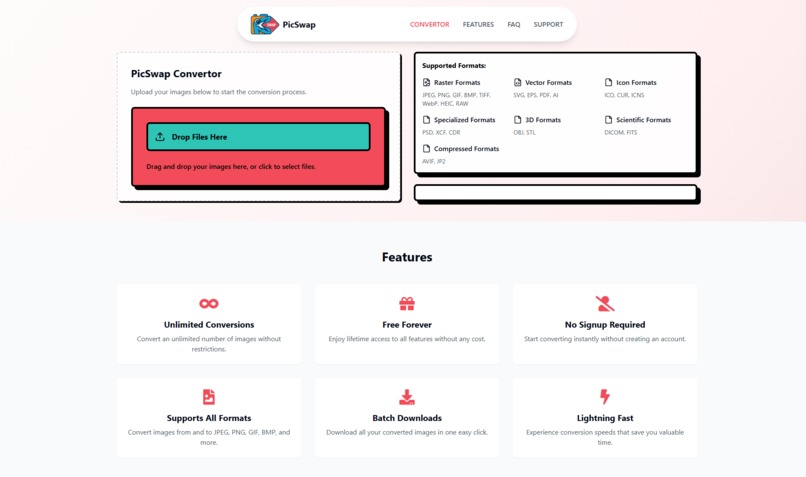
PicSwap - HomePage
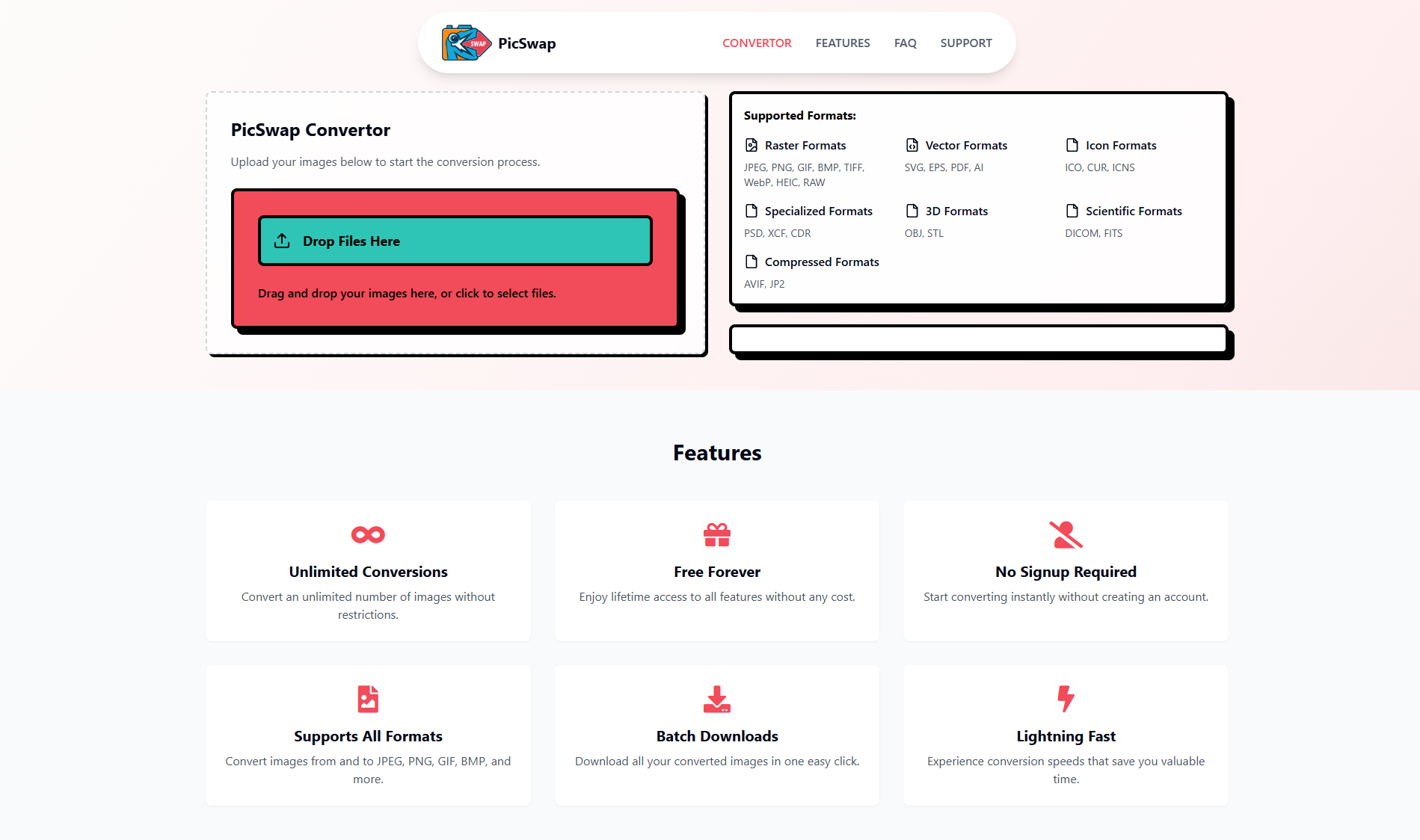
Inspiration
Most free image converters are filled with ads, confusing UI, or limited to just a few formats. We needed something cleaner—one tool to convert image formats instantly, without friction. PicSwap was built to fill that gap: an ultra-fast, ad-free, AI-enhanced image converter designed for creators, developers, and everyday users.
What it does
PicSwap allows users to upload any image (PNG, JPG, JPEG, WEBP, AVIF), preview it live, and instantly convert it into other formats. The converted image is optimized, renamed, and available for immediate download. It's simple, fast, and built for performance.
Core features include:
- Drag-and-drop image uploads
- Live format switching
- Quick format conversion (e.g., PNG ↔ JPG, JPG ↔ WEBP, etc.)
- Modern, responsive UI
- No signup or ads required
How I built it
- Frontend: Built using React, powered by Vite for fast development and builds.
- UI: Styled with Tailwind CSS and shadcn/ui components for accessibility and design consistency.
- Animations: Used Framer Motion for seamless transitions.
- Optimization: Images are converted and previewed in-browser, ensuring privacy and lightning-fast performance.
- Hosting: Deployed on Render with plans to scale using Supabase for user projects and analytics.
Challenges I ran into
- Handling multi-format support with consistent quality across browsers.
- Managing image conversion and blob handling fully in the browser without a backend.
- Creating a UI that feels light but is rich in interaction and visual feedback.
- Ensuring instant performance with minimal bundle size.
Accomplishments that I'm proud of
- Built a full production-ready image tool in less than a week.
- Users converting thousands of images with zero server costs.
- No tracking, no storage — everything runs locally in-browser.
- Mobile-optimized interface that works great on phones and tablets.
What I learned
- Pure frontend apps can deliver powerful tools when built right.
- Frictionless UX leads to higher engagement and satisfaction.
- Leveraging browser APIs for tasks like conversion and file handling can eliminate the need for heavy backend infrastructure.
- People love simple tools that just work — especially developers and designers.
What's next for PicSwap
- Batch image conversion support
- Custom resizing and compression controls
- Image editing with cropping, background removal, and filters
- Progressive Web App (PWA) support
- Pro accounts for exporting presets, upload history, and bulk rename
Built With
- react
- supabase
- tailwind
- typescript
- vite

Log in or sign up for Devpost to join the conversation.