-
-
view
Inspiration
I have always much preferred the strength of standalone stationary computers. However, I do not much like the inability to transport such devices. So when I travel, I have become quite acquainted with remote desktop software. In fact, this led me to acquiring used hardware and throwing it into a closet so I could have various machines ready to be remoted into for their own purposes. Then I started to get annoyed with switching between the connections. I wanted something that could manage all my connections but feel like I was only connected to one device.
What it does
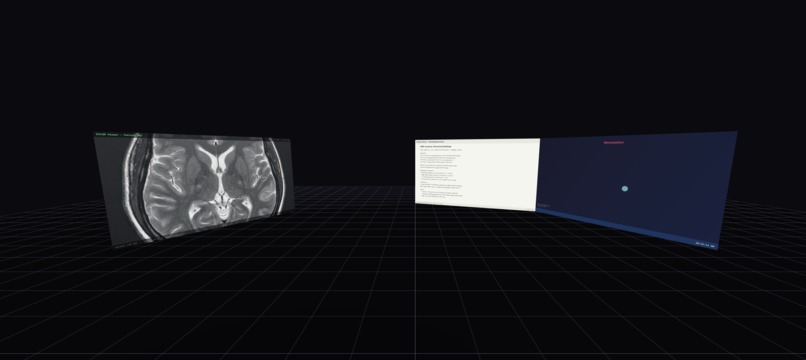
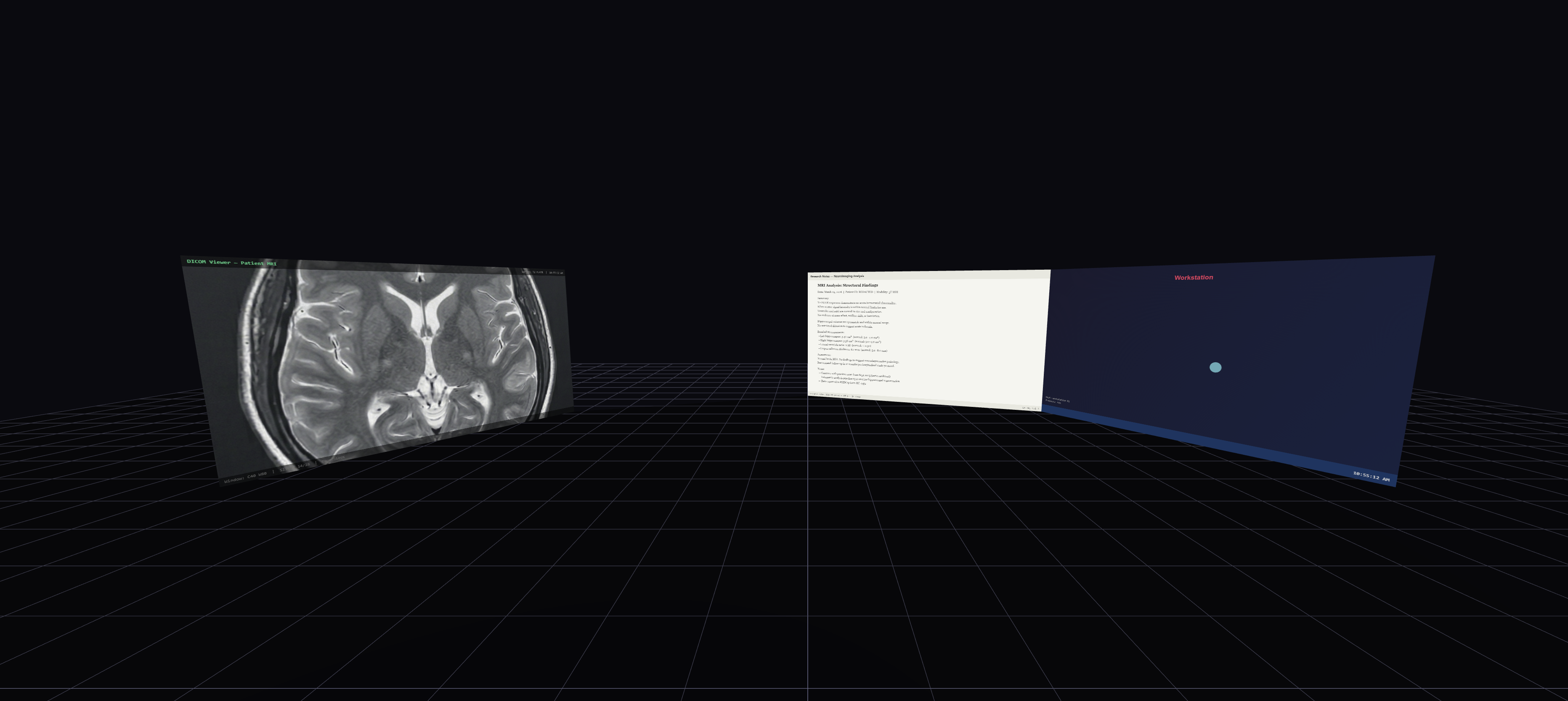
PicoDeGallo is a web-based, zero-trust spatial AR/VR remote desktop interface. It lets users connect to physical or virtual machines using standard protocols (RDP, VNC, SSH) and projects the full desktop environments onto fully interactive 3D panels in augmented or virtual reality. For example, a clinical researcher can securely pull up a 5GB patient MRI from an isolated hospital network on their left, pull up general research notes on their right, and still see their physical lab environment — like notes or samples — straight through user-defined "Ghost Panels."
How to Use the Demo (Controls)
Want to try the spatial interface yourself? Head to our live demo link to spawn a cluster of simulated remote desktops!
If using a VR/AR Headset:
- Trigger: Left click on the remote desktop
- Grip Button: Grab and drag a monitor through 3D space
- Thumbstick: Scroll up and down on a webpage
If using a Laptop/Desktop Browser:
- Left Click: Standard desktop click
- Click & Drag (Anywhere): Look around the 3D environment
- Number Keys (
1,2,3): Instantly snap all your floating monitors into Arc, Grid, or Stack layouts
How we built it
Vite and TypeScript + Three.js + WebXR + WebGL + Apache Guacamole. To handle the actual computing streams, we deployed a dockerized stack of Apache Guacamole. Guacamole translates remote framebuffers into lightweight WebSocket streams. Then a custom Node.js Express backend dynamically provisions connections and proxies the traffic to the browser. Finally, a custom CanvasTexture compositor dynamically rips the incoming streams and maps them onto 3D meshes in Three.js in real time, translating the user's physical interactions into raycasts that translate directly to mouse clicks.
Challenges we ran into
Camera passthrough for testing on iOS. While Android handles the DOM automatically, Apple's WebXR viewer implementation overlays a transparent WKWebView directly on top of an ARKit camera feed. We had to source some custom WebGL wizardry and transparency injections and dynamically disable tone mapping to punch a hole in the mobile app we used for testing, IQ3Connect.
Accomplishments that we're proud of
Adding in QOL features (Ghost Panels, Moving Panels, Demo mode).
What we learned
Most times when you hit a wall, there's a way around somewhere you haven't yet looked.
What's next for PicoDeGallo
Forking Apache Guacamole and adding support for multiple windows of the same machine. ## Controls
### Desktop / Laptop Browser
- Left Click on a panel — focus it (mouse + keyboard pass through to the remote desktop)
- Left Click on empty space — unfocus
- Click & Drag anywhere — orbit the camera around the 3D environment
- Tab — open the spatial menu (add connections, mocks, ghosts, change layouts)
- Hold Shift — reveal panel chrome (title bar, resize handle, expand buttons)
- Shift + Drag a panel — reorder it within the current layout
- Alt + Drag a panel — freely move it in 3D space
- 1 / 2 / 3 / 4 — switch layout: Arc, Grid, Stack, Free
### Panel Chrome (hold Shift to reveal)
- X — close panel
- — — minimize panel (restore from Tab menu)
- ◄ — expand panel (ultrawide mode, adds one screen width)
- ► — shrink panel (removes one screen width)
- Bottom-right handle — drag to resize
### VR / AR Headset
- Trigger — left-click on the remote desktop
- Grip Button — grab and drag a monitor through 3D space
- Thumbstick — scroll up and down on a page


Log in or sign up for Devpost to join the conversation.