-
-
-
-
-
App Icon
-
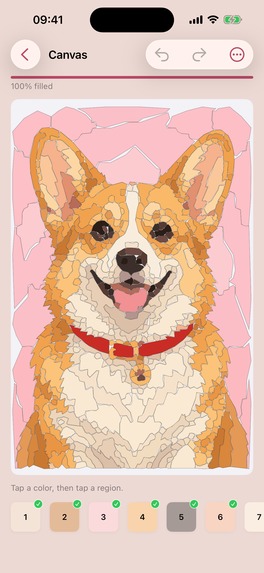
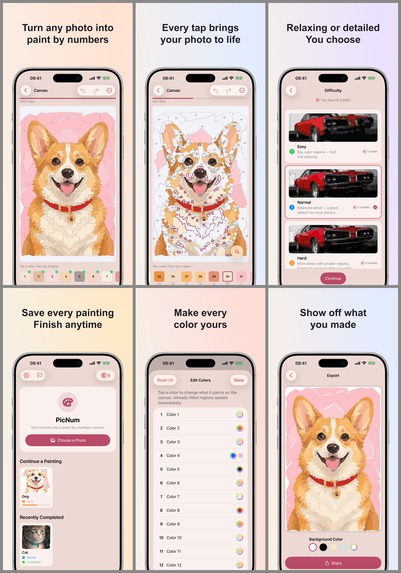
screenshot without frames
-
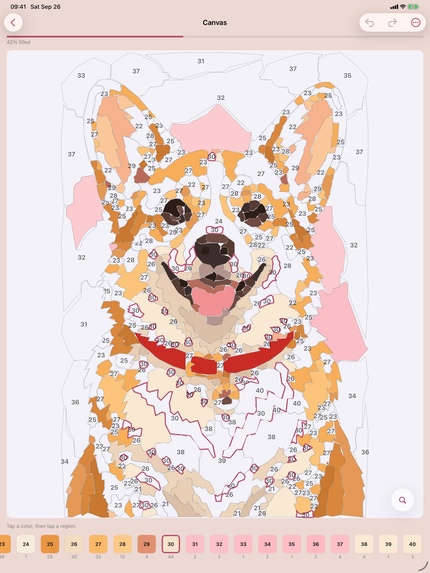
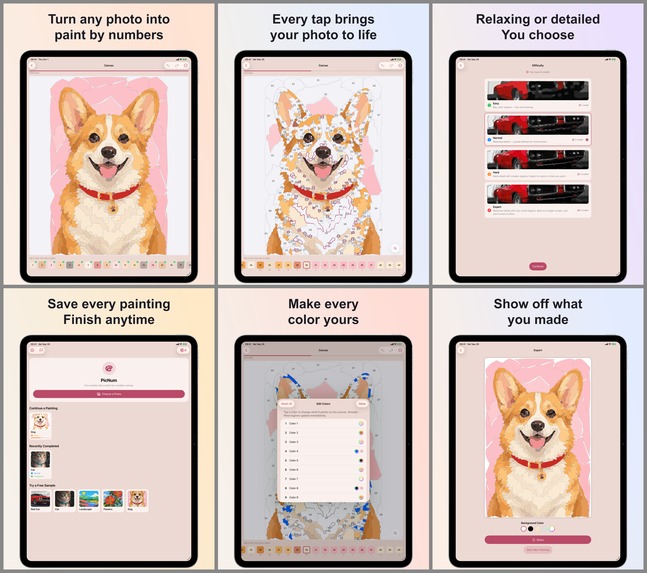
screenshot without frames (iPad)
Inspiration
My wife has a fav hobby - drawing paintings by numbers. She always buys these paintings when we stay somewhere abroad for more than 5 days. I was inspired by the moment when she had many unpacked paintings at home and told me it was a pity she couldn't take them on a trip.
What it does
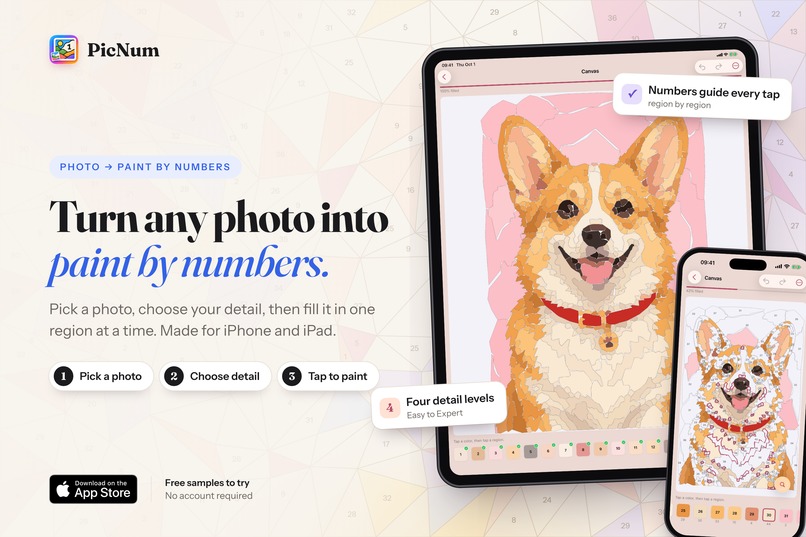
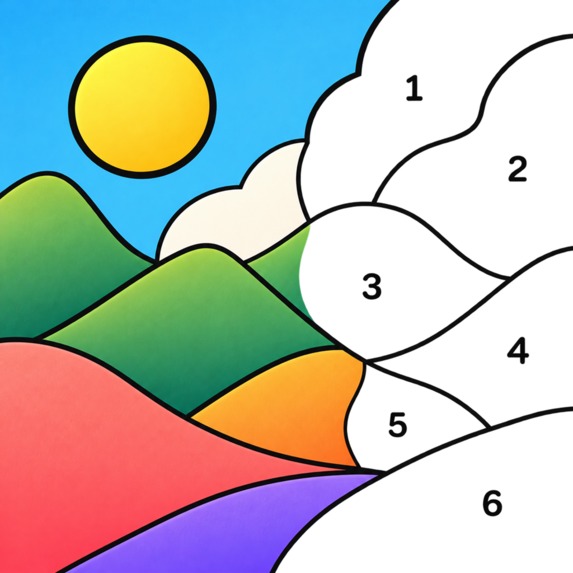
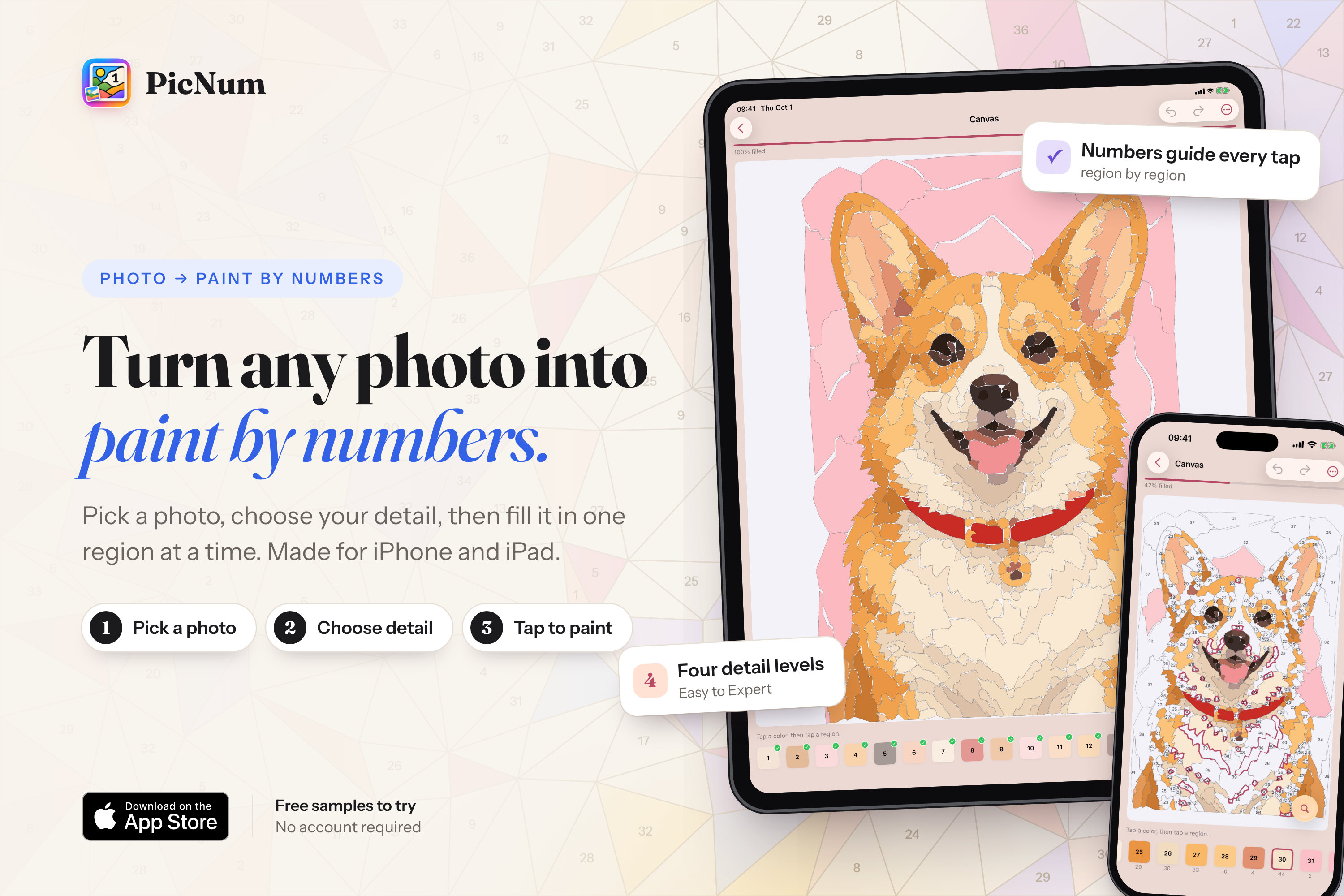
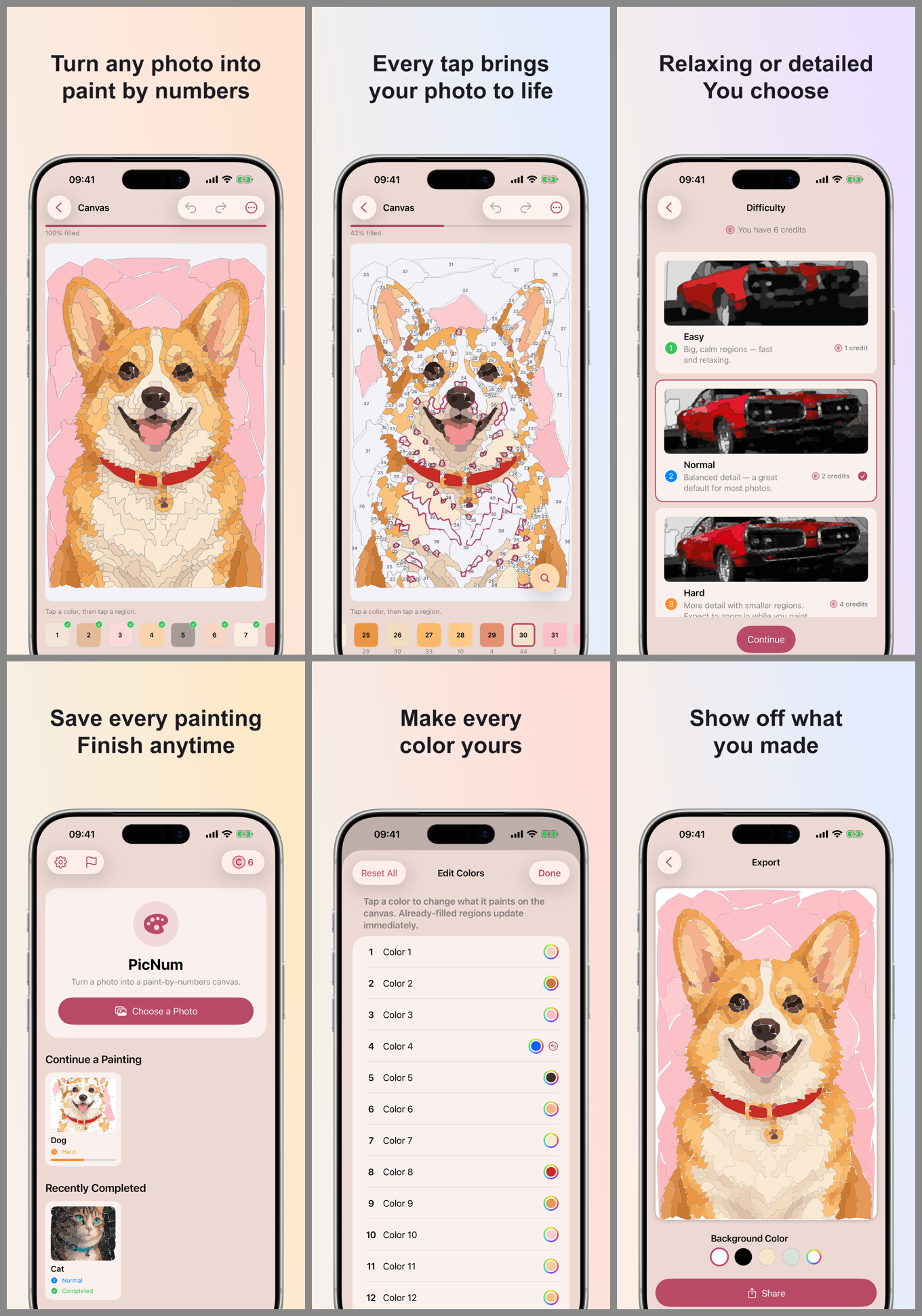
PicNum turns a personal photo into a paint-by-numbers artwork you paint on your device.
- Pick and crop a photo from your library.
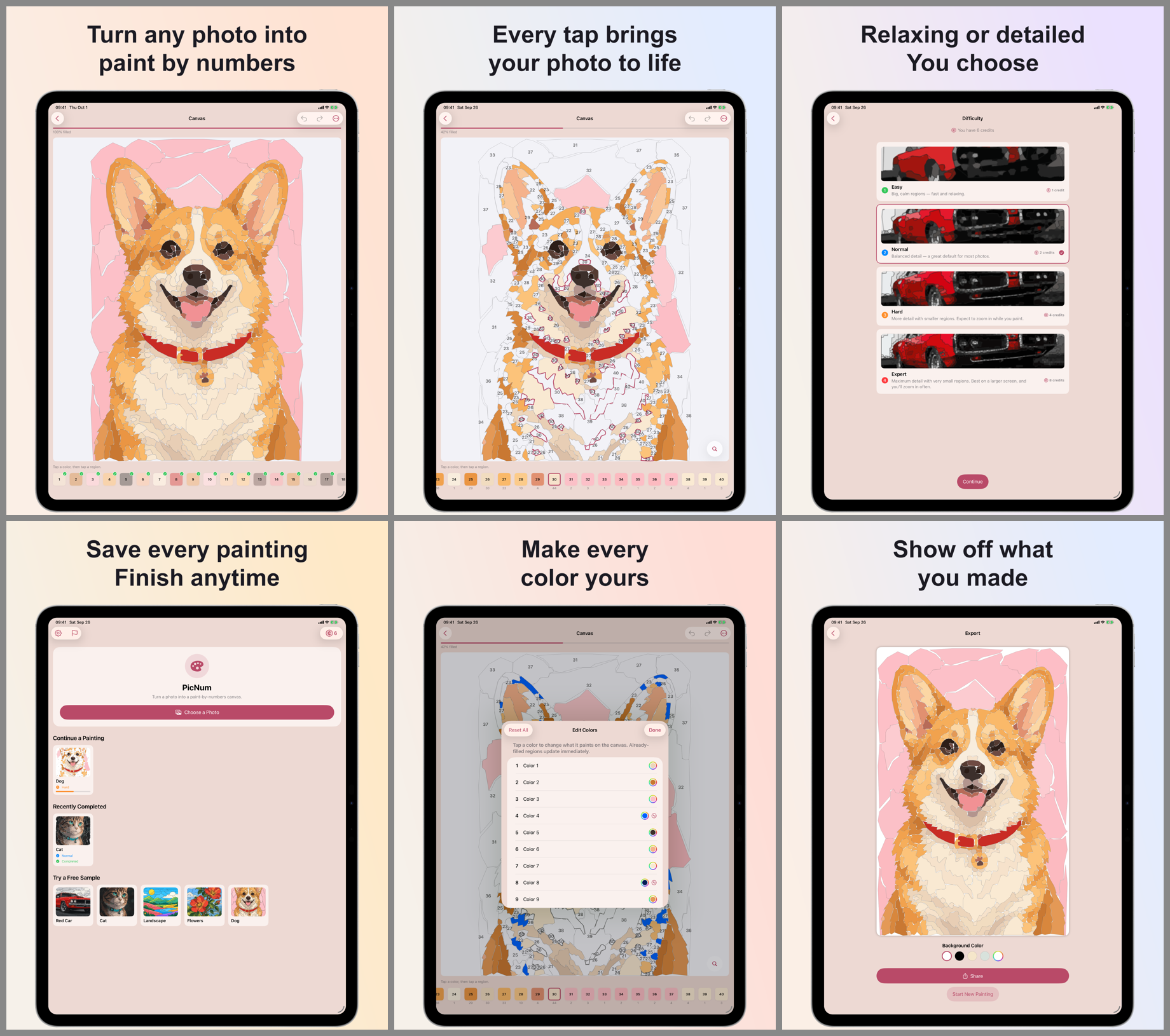
- Choose a difficulty: Easy, Normal, Hard or Expert. This controls how many colors and regions the painting has, from big calm shapes to fine detail.
- The backend converts it into numbered, paintable regions with a matching palette.
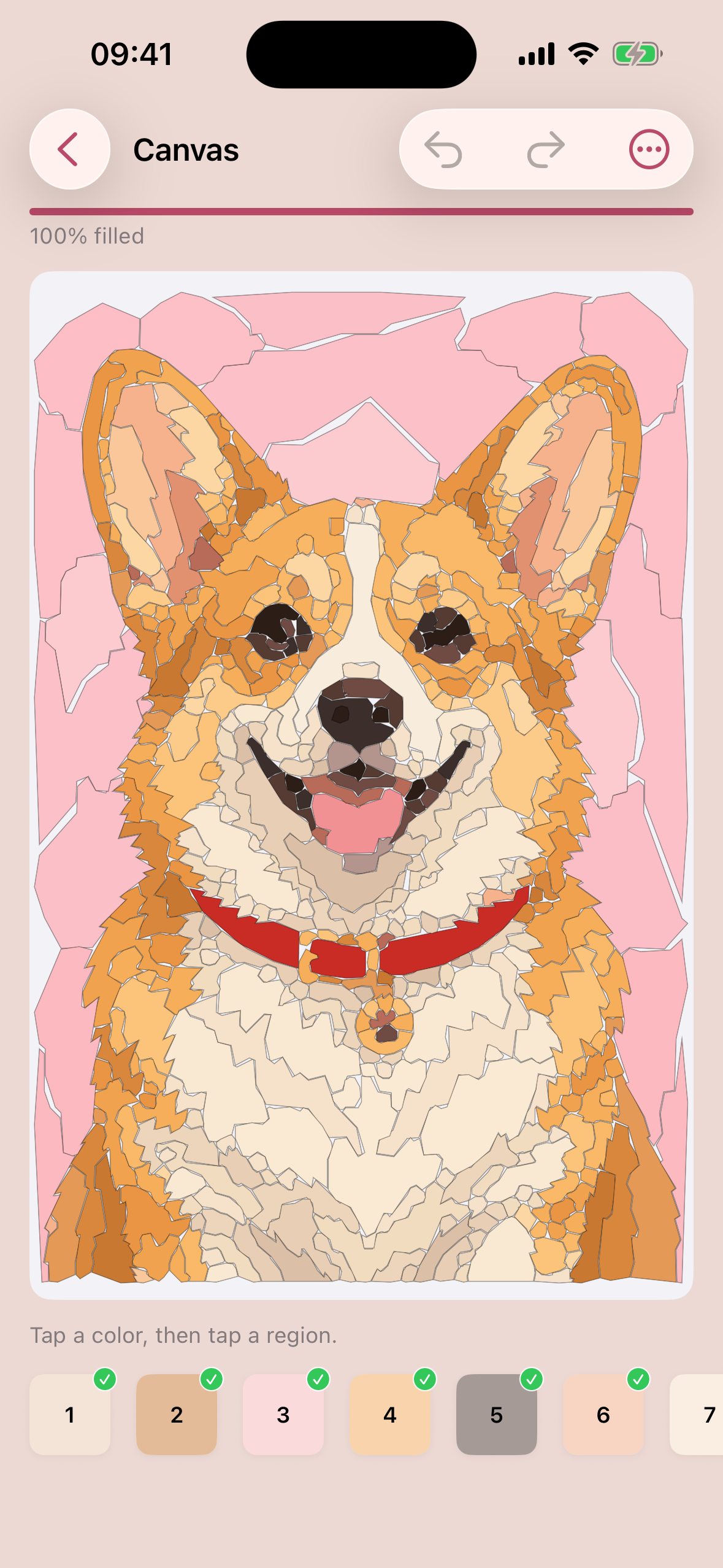
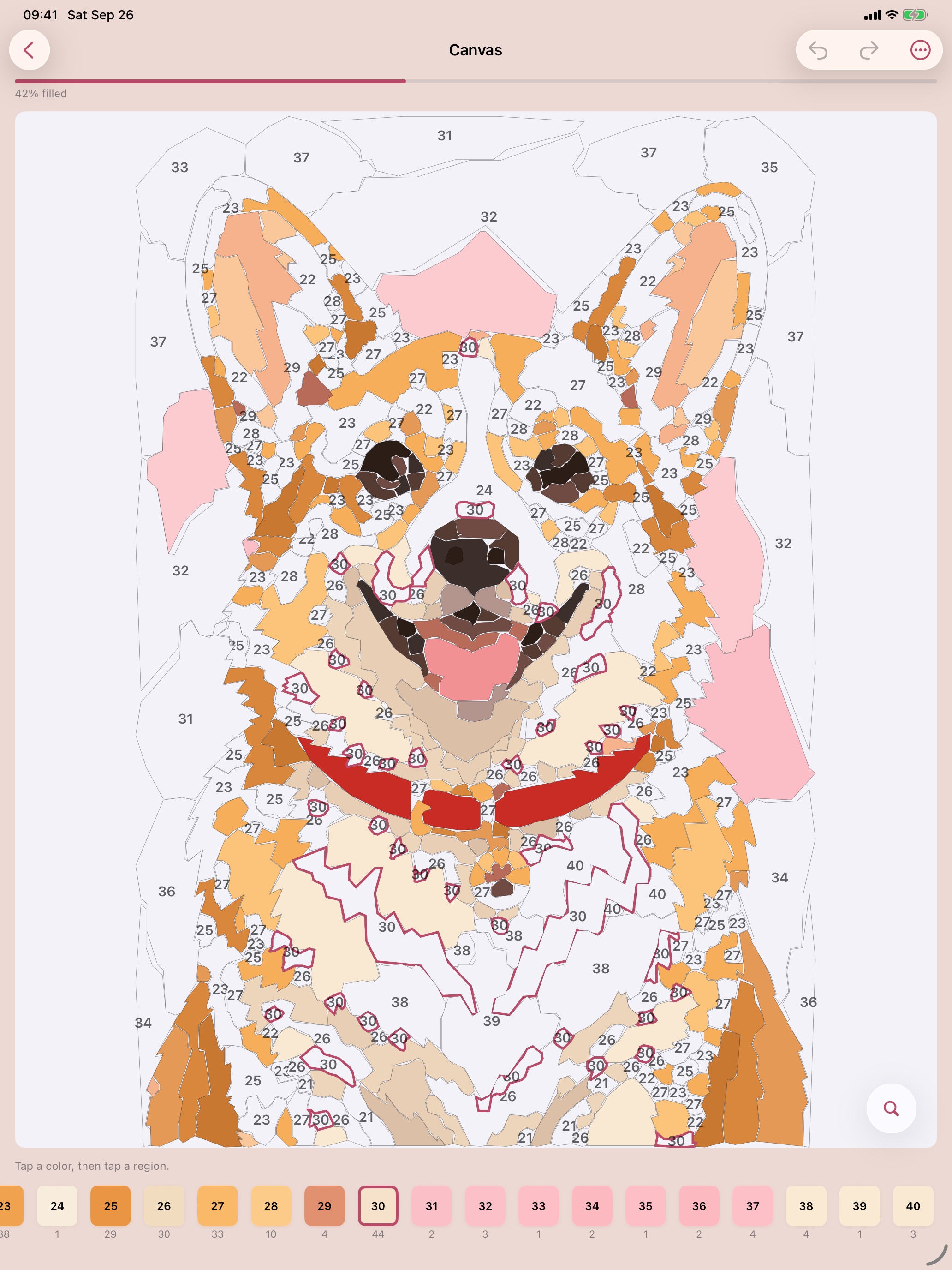
- Paint by tapping regions to fill them (finger or Apple Pencil), with pinch-zoom, undo/redo, a locate-next-region helper, auto-advance, highlight and progress tracking.
- Export and share the finished piece.
How we built it
iOS / iPadOS app: native SwiftUI. It has a custom canvas renderer that draws region outlines and numbers, hit-testing for tap-to-fill, and local persistence. It also handles credits and the paywall through RevenueCat, and accessibility (VoiceOver, labels, contrast). The app identifies itself to the backend with a random UUID stored in the Keychain, so there's no sign-in.
Backend: a FastAPI service around a classic computer-vision pipeline. There's no ML model, which keeps results predictable and cheap to run:
- Adaptive SLIC superpixels follow real object boundaries.
- Color quantization in LAB space caps the palette (12 to 36 colors depending on difficulty).
- Connected regions are merged toward a target region count (about 250 to 2,400) using LAB color distance, brightness, neighbor size and local edge strength. Strong edges resist merging, so details like faces and windows survive.
- A weak-edge boundary-smoothing pass and contour simplification give clean, geometric shapes.
- Regions too small to hold a number are merged further.
Infrastructure: Postgres on Supabase (job state, credit ledger, purchase idempotency), Cloudflare R2 for outputs, RevenueCat webhooks for entitlements, and a hosted VM.
The key design choice is that the backend returns a structured painting document (regions, palette, label positions, neighbors), not a flat image. That makes tap-to-fill, hints, progress tracking and export possible.
Challenges we ran into
- Paintable vs. recognizable. Too few regions and the photo is unrecognizable. Too many and it's noise you can't put a number in. Colors and regions had to be tuned as separate controls, and we compared conversions against a fixed reference photo set on every tuning pass.
- Tiny regions that can't hold a number. We merge them aggressively, but some small high-contrast details (an eye highlight, say) are worth keeping, so a few stay unlabeled on purpose.
- Money paths. Credits, refunds on failed conversions, idempotent purchase verification and recovering a lost balance are easy to get subtly wrong. Server-side enforcement through RevenueCat means we never trust a client-side flag.
- Lost jobs. If the app was killed mid-conversion, the job ID was lost even though the backend kept working and the user had already paid a credit. We made jobs resumable.
- Platform quirks like an iPad-only bug where a "Report a Problem" alert silently never appeared because UIKit drops a presentation made during a context-menu teardown. We only found it by testing on iPad, not just iPhone.
Accomplishments that we're proud of
- A full loop that works end to end: photo - convert - paint - share, live on the App Store.
- A conversion pipeline with no ML and no per-image cloud cost, whose output is good enough to paint.
- A painting experience with real polish: pinch-zoom, haptics, undo/redo, dark mode, VoiceOver support and guided "next region" helpers.
- A production backend with resumable jobs, credit refunds, versioned API, a minimum-build gate and monitoring.
- 105 passing iOS tests plus backend unit and integration tests.
What we learned
- Region structure matters more than image fidelity. Painting needs geometry, not pixels.
- Classic computer vision, tuned carefully, can deliver a "magic" moment without a model.
- Build the ops and money paths early. Support, refunds and recovery aren't afterthoughts.
- Test on every device family, and treat accessibility (for example a long-press gesture that would collide with VoiceOver's double-tap) as a design input from the start.
What's next for PicNum: Paint By Number
- More free paintings (dozens, up from 5) and a streak calendar.
- Music and sound effects for a calmer painting mood.
- Scrub Paint mode: drag to fill several regions at once.
- Localization and deeper accessibility (Dynamic Type, non-color cues).
- Conversion quality: background-aware simplification so subjects keep detail while backgrounds stay calm.
- HD export and other premium options, then optional AI-generated source images as an add-on, not the core.
Built With
- amazon-web-services
- cloudflare-r2
- fastapi
- google-cloud
- numpy
- opencv
- opencv/scikit-image
- postgresql
- python
- revenuecat
- supabase
- swift
- swiftui

Log in or sign up for Devpost to join the conversation.