Inspiration
You know what needs doing. That is rarely the problem. The problem is standing in the kitchen at 9am deciding which of eleven things to do first, and then doing none of them.
Funny enough, I had to have 3 go's at this app to make it this time.
Underneath is always the same question: what should I do today? It does not matter whether the list is chores, the stretch you keep meaning to do, or the Pilates session you saved three weeks ago. A longer list does not answer it. A smarter plan does not answer it. One thing does.
So Pickachore gives you one thing.
What it does
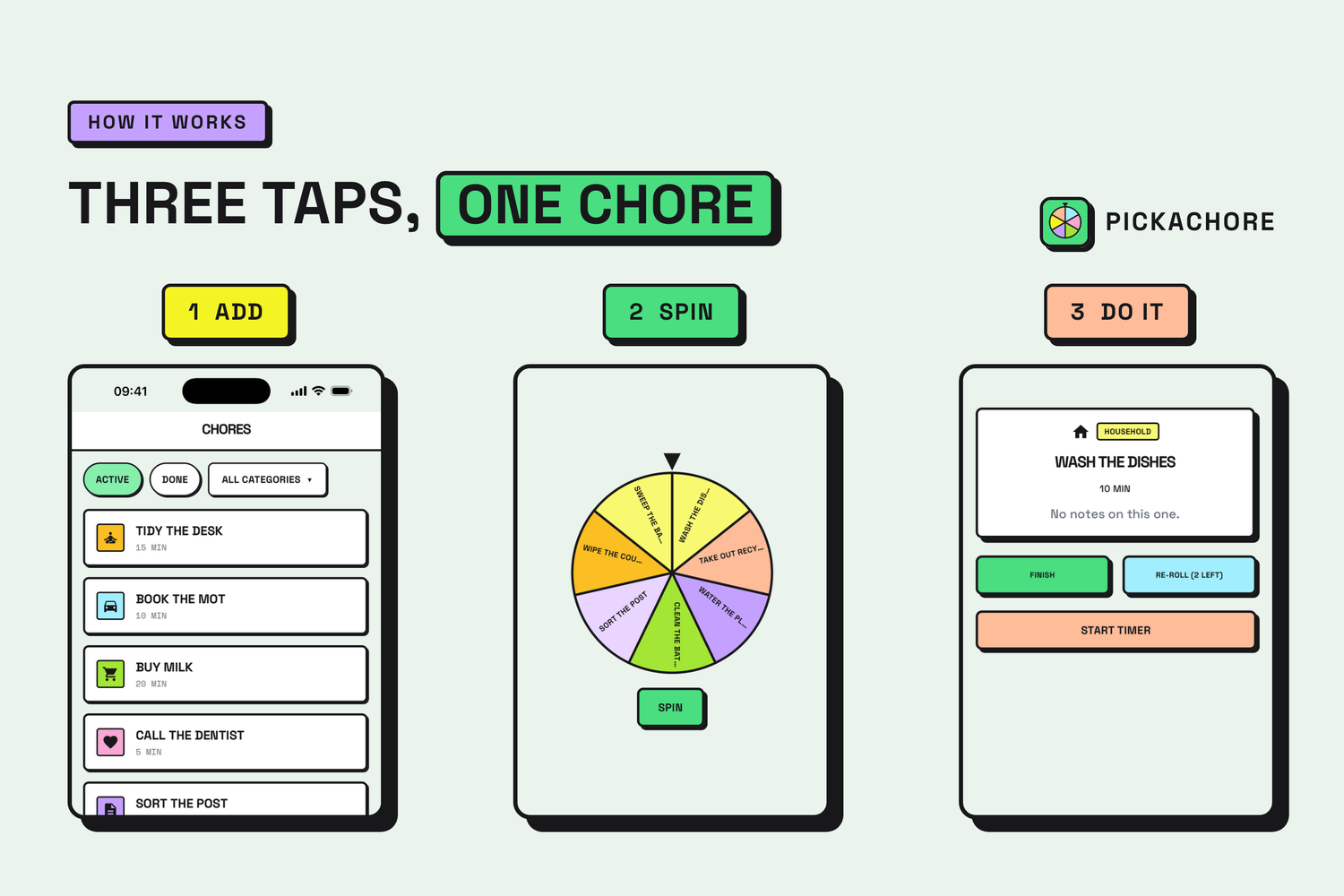
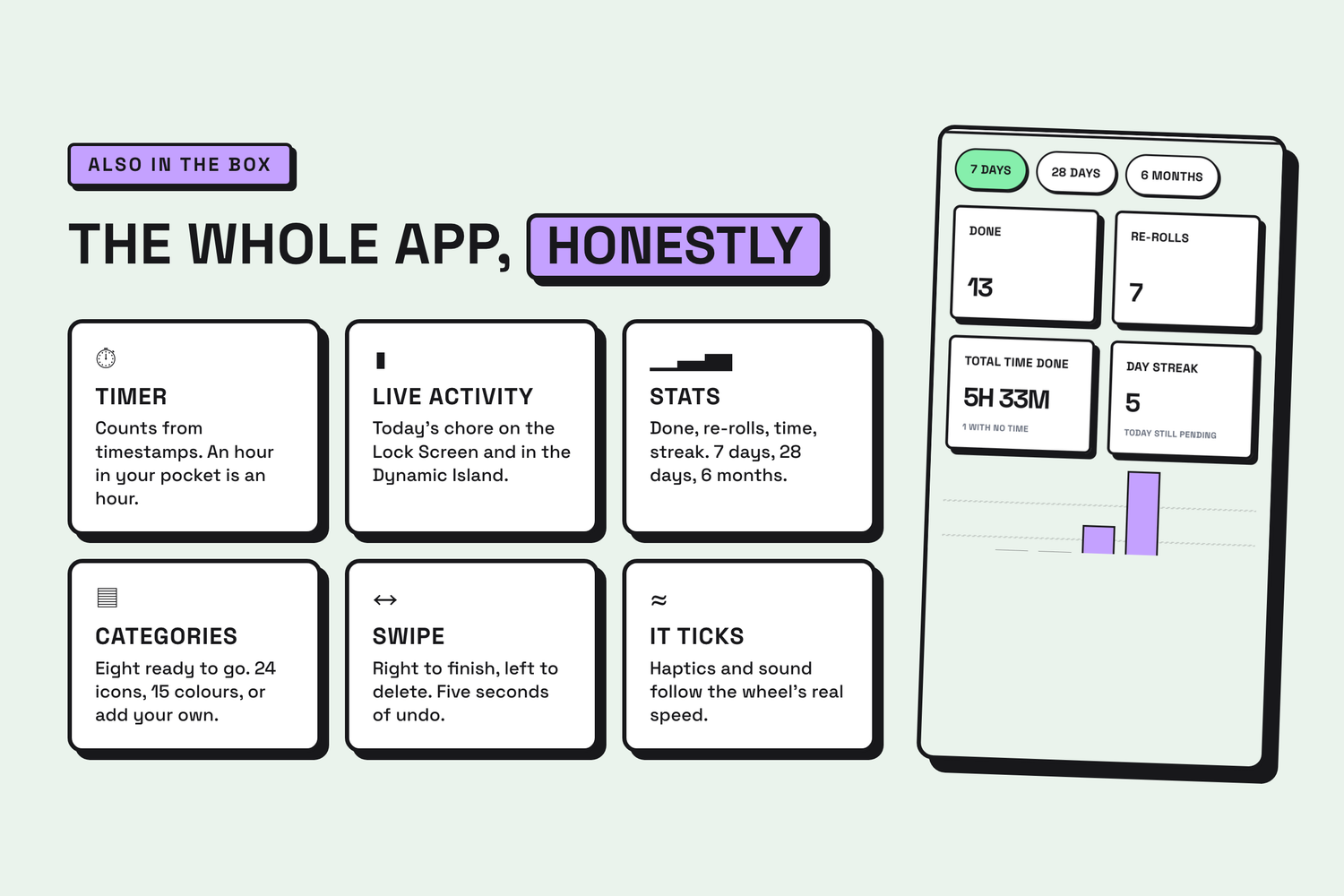
- Add what needs doing, once. A title, a category, a rough time, optional notes. Eight categories come ready, Health and Personal among them. Rename them, pick from 24 icons and 15 colours, or add your own.
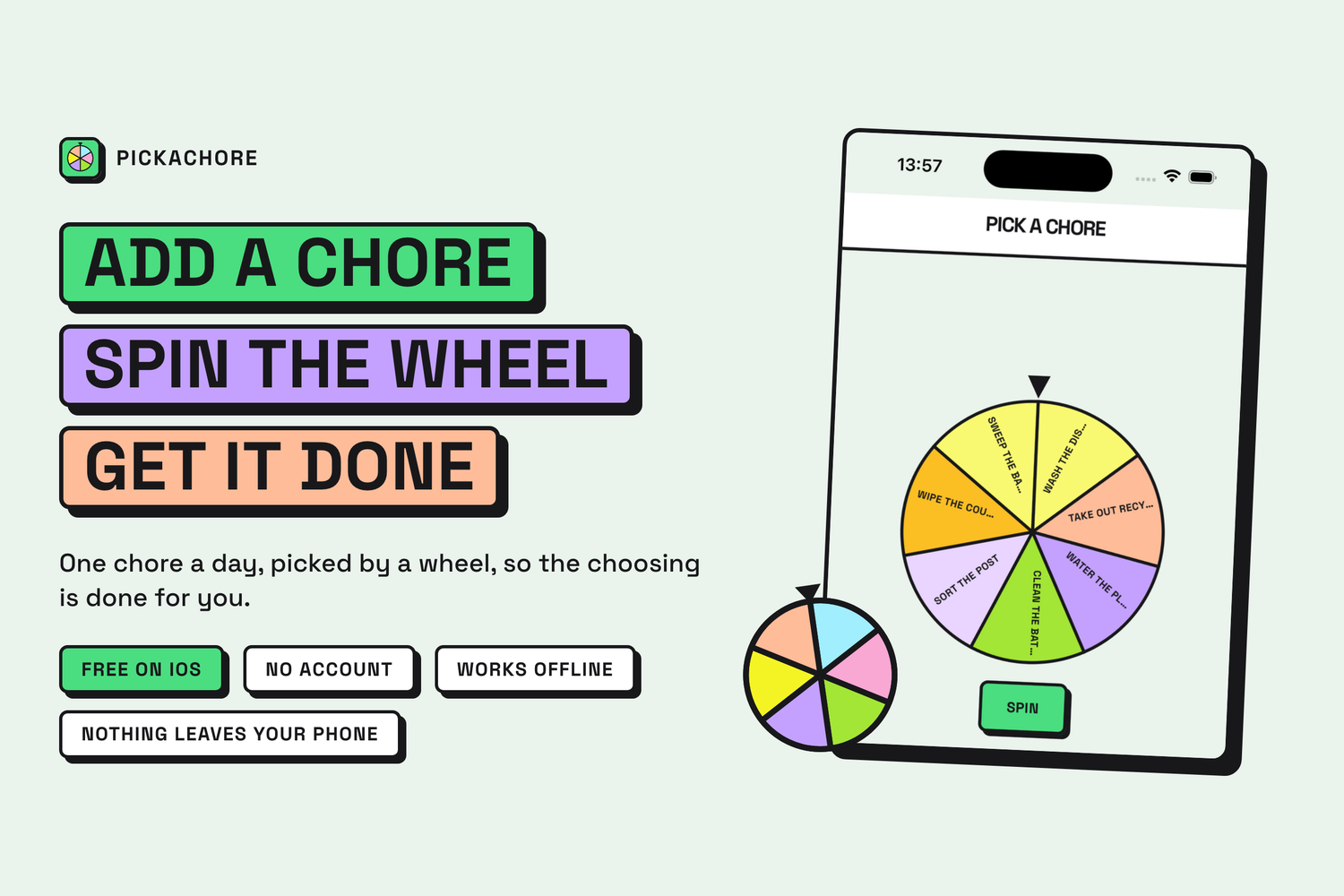
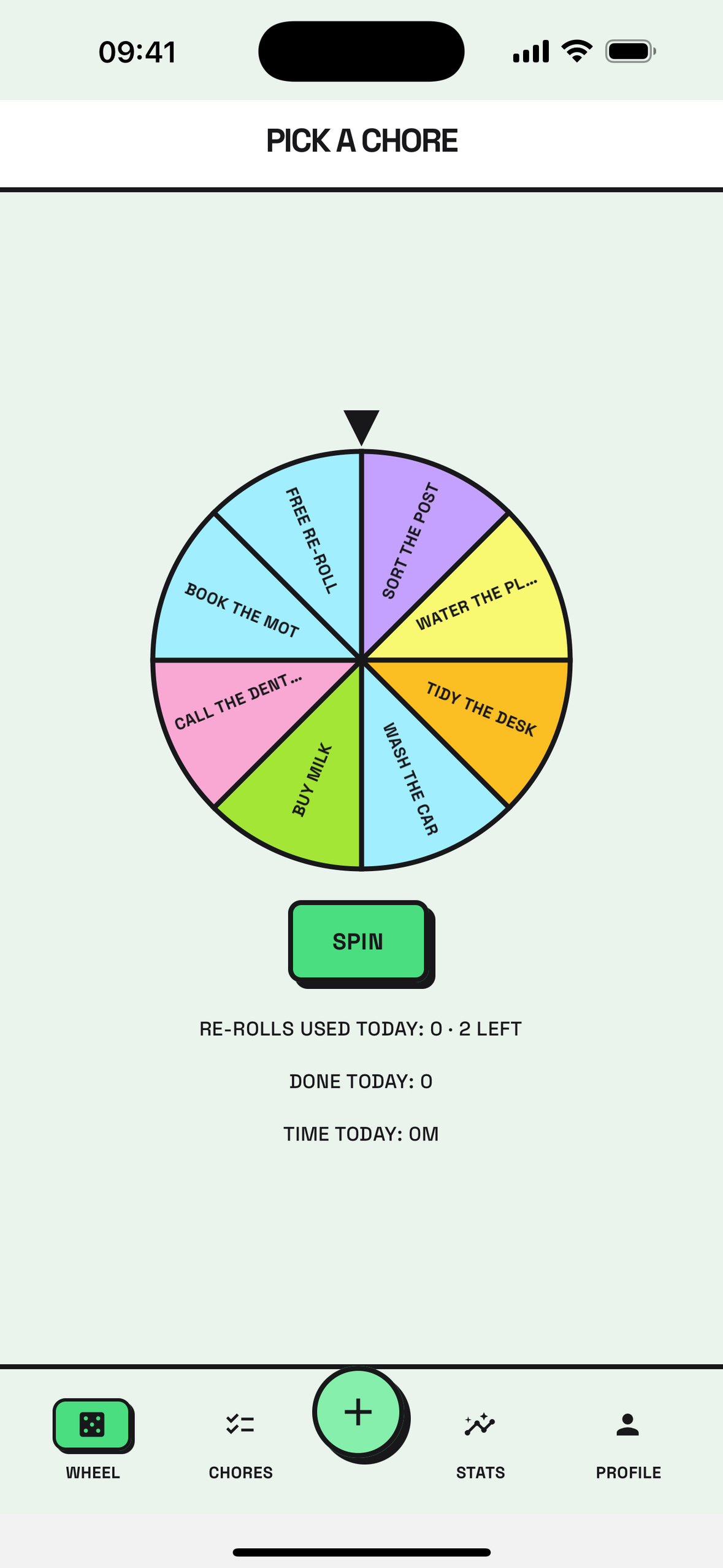
- Spin the wheel every day. It deals two to eight of your items as segments and lands on exactly one.
- Accept it and it becomes today's job. You get a timer, a Live Activity on the Lock Screen and in the Dynamic Island, and stats: done, time and day streak over 7 days, 28 days or 6 months.
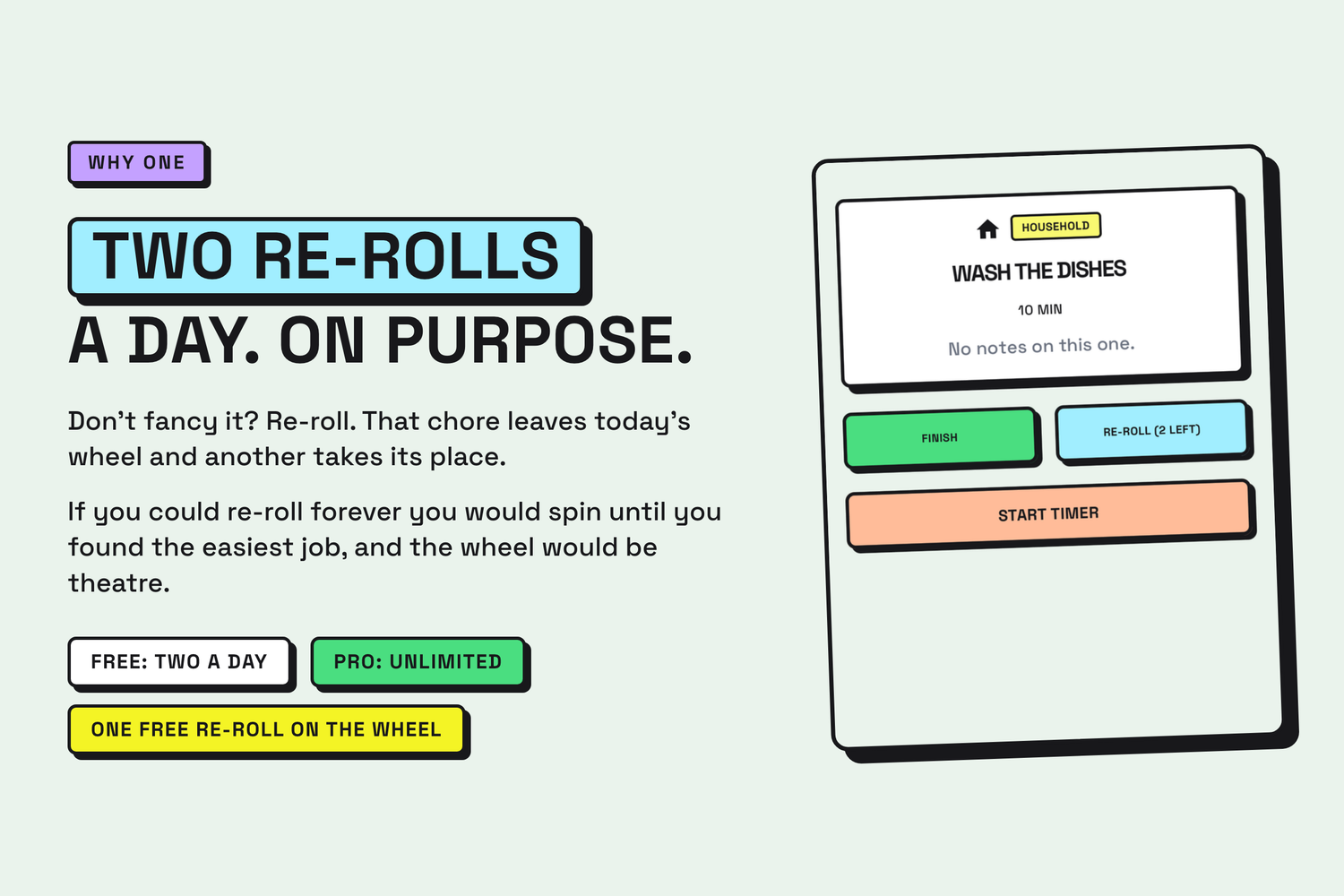
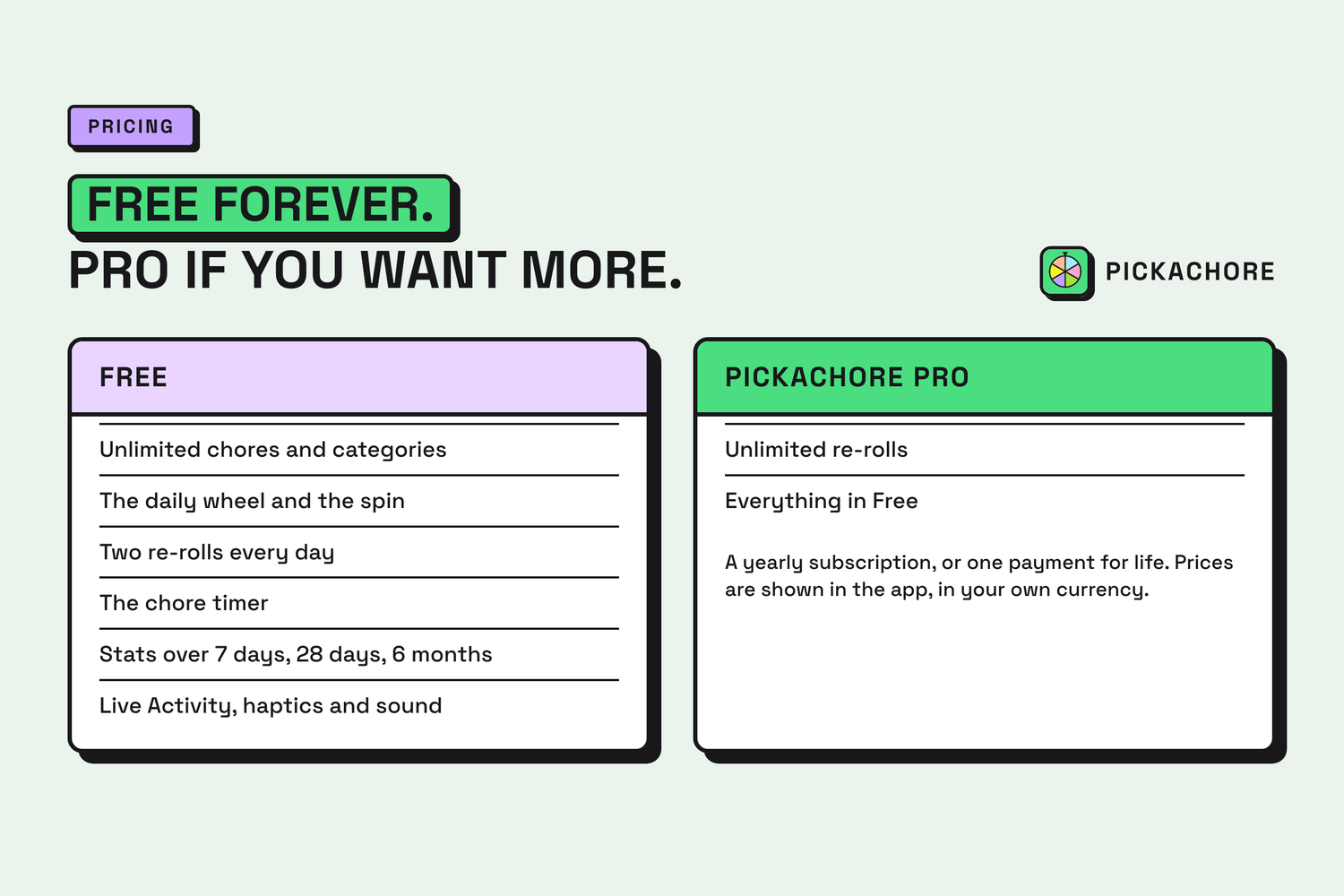
- Don't fancy it? Re-roll. Two a day, on purpose. If you could re-roll forever you would spin until you found the easiest job. Pro removes the cap, and that is all Pro does.
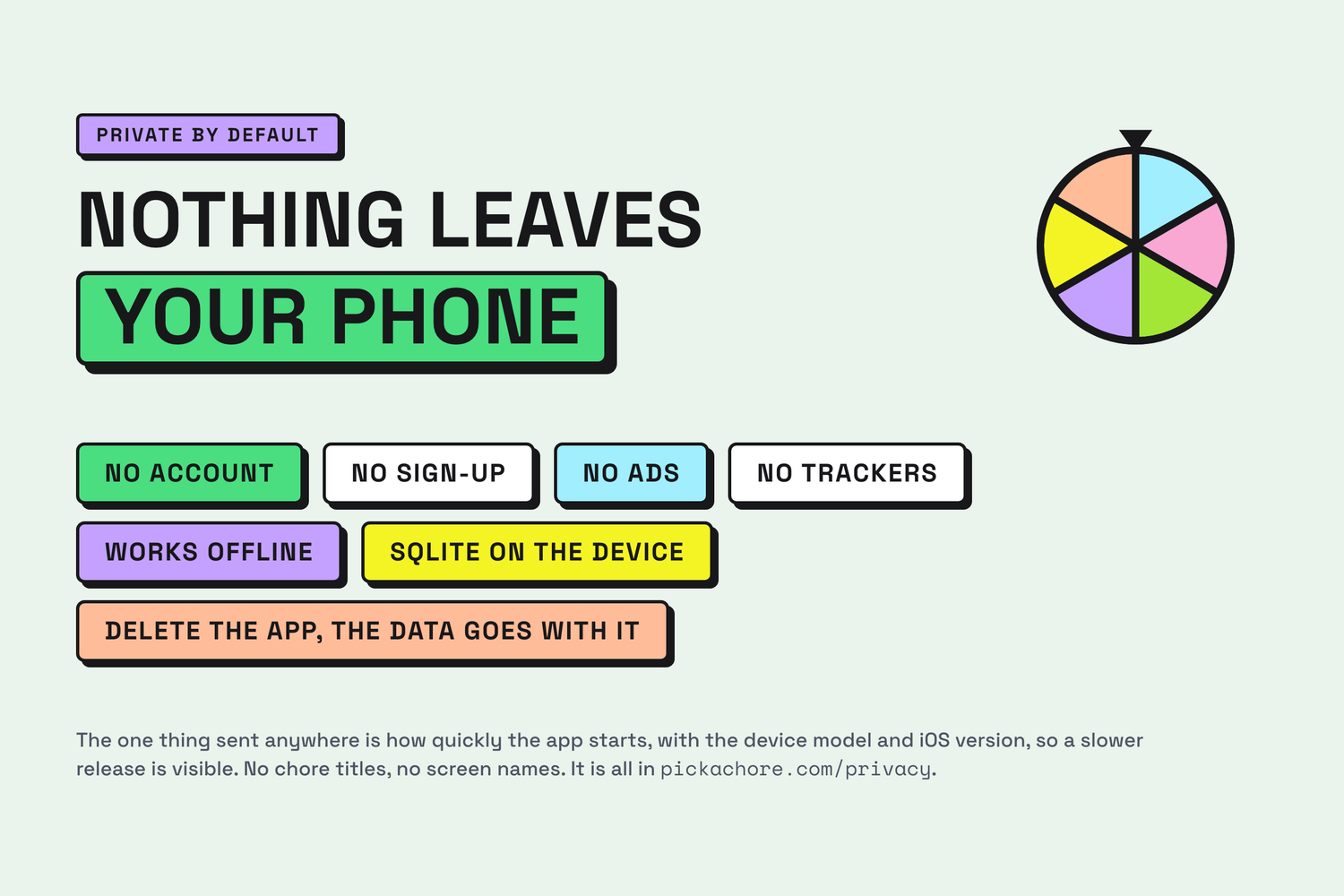
- No account, no ads, no trackers. Everything lives in SQLite on the phone.
The design, and where to look
Pickachore is built on my own neo-brutalist React Native UI kit: hard ink borders, hard offset shadows, flat colour, Space Grotesk and Space Mono, no blur and no gradients. Everything on screen is still and square, so the one thing that moves, the wheel, carries the app.
Try these with sound and haptics on:
- Spin the wheel, then flick it. The winner is decided before the wheel moves; the 6.5-second spin animates a decision already made. Press SPIN, tap the wheel, or drag and flick it. A drag only engages after 16 pt of vertical travel, so a tap stays a tap, and it is never the only way to spin, so VoiceOver users lose nothing.
- Listen to it slow down. The tick and the haptic fire on each segment crossing, driven by the wheel's real angular velocity rather than a fixed rhythm. Almost every crossing gets its tick (36 of 37 in a full spin), so the easing turns a fast run of clicks into slow, separate ones as the wheel settles.
- Go through onboarding. It does not describe the app, it is the app: the real wheel on demo segments, the real result card, the real active chore with its timer. You learn Pickachore by doing one day of it.
- Accept a chore and lock the phone. The Live Activity is a native Swift target (ActivityKit and WidgetKit) inside the Expo project, showing today's chore on the Lock Screen and in the Dynamic Island.
- The small things. Segments take their category's colour. Swipe right to finish, left to delete, with five seconds of undo. A disabled re-roll button's label is the reason it is disabled, so VoiceOver says why instead of presenting a button that silently ignores you.
How I built it
- Expo SDK 57, React Native and TypeScript, routed with
expo-router. - The wheel is
react-native-svg, animated with Reanimated, withreact-native-gesture-handlerfor drag-to-spin andexpo-hapticsplusexpo-audiofor the feedback. - Local-first data: drizzle ORM over
expo-sqlite, ten migrations. Repositories take the database as an argument, so the whole domain layer runs under Jest againstbetter-sqlite3without booting a simulator. - The Live Activity is a Swift target added with
@bacons/apple-targetsand driven from JavaScript through a small native module. - RevenueCat runs Pro (yearly or lifetime) and three re-roll packs.
- EAS builds three variants with separate bundle IDs. The landing site is static Astro.
Challenges
- Performance of the spinning wheel, had to go few rounds with trying things out until it landed.
- The re-roll allowance lives in SQL, not in state. A counter in React state can be spent twice by a stale screen. The allowance is a date-keyed row, and spending a re-roll is a conditional update: when nothing is left, no row changes and the screen is told so.
- A green test suite on an app that could not write a row.
crypto.randomUUID()exists in Node and not in Hermes. Every test passed; every insert on a device threw. .gitignoreate the native module. An unanchoredios/also matchedmodules/live-activity/ios/, so CI builds shipped without the Live Activity's Swift source. Nothing complained, because a missing optional module is a supported state.- The wheel's labels were fully tested and unreadable. Geometrically correct, covered by tests, illegible on screen. Only running the app showed it.
What I learned
A green test suite proves the code agrees with itself. It does not prove that a screen looks right, a gesture feels right, or a tick lands on time. The habit that caught the most bugs was running each new test against a deliberately broken implementation, to prove it could fail at all, and walking a checklist on the device before anything shipped.
And on the product side: the most useful thing an app like this can do is take options away. One thing a day is not a limit of Pickachore. It is the feature.
Built With
- activitykit
- astro
- drizzle-orm
- eas
- expo-audio
- expo-haptics
- expo-router
- expo-sqlite
- expo.io
- ios
- jest
- react-native
- react-native-gesture-handler
- react-native-reanimated
- react-native-svg
- revenuecat
- sqlite
- swift
- typescript
- widgetkit
- zod

Log in or sign up for Devpost to join the conversation.