-
Pic2Pill Logo
-
A Progressive Web based Pill Classification App
-
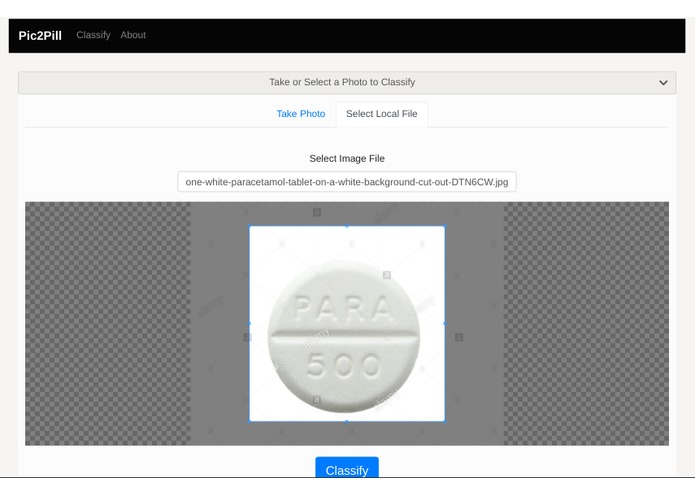
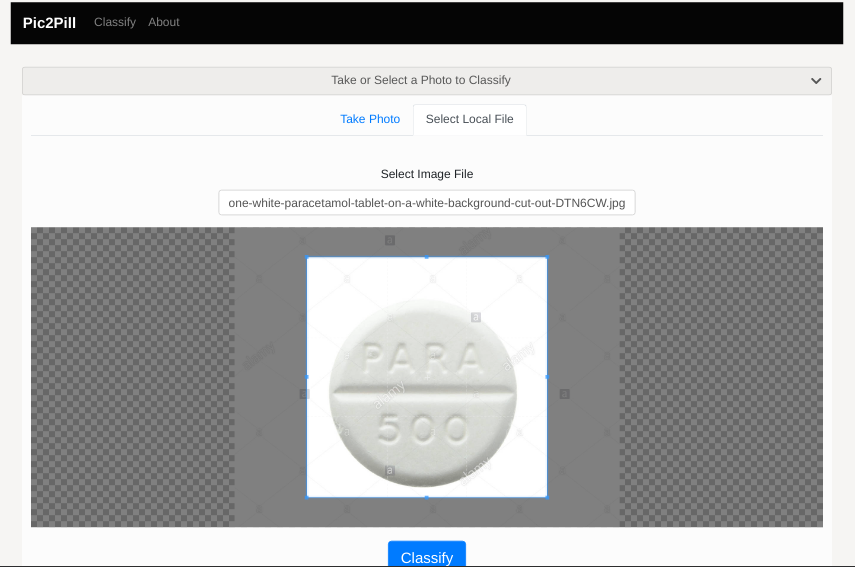
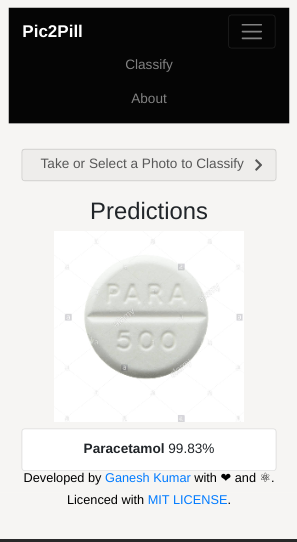
Classification from device gallery (Web)
-
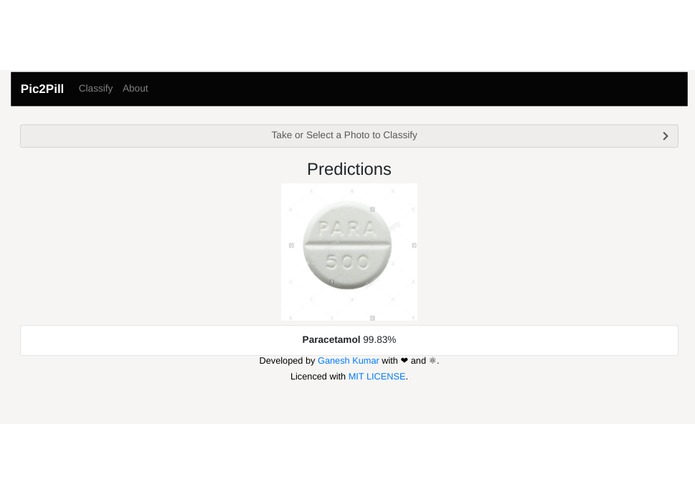
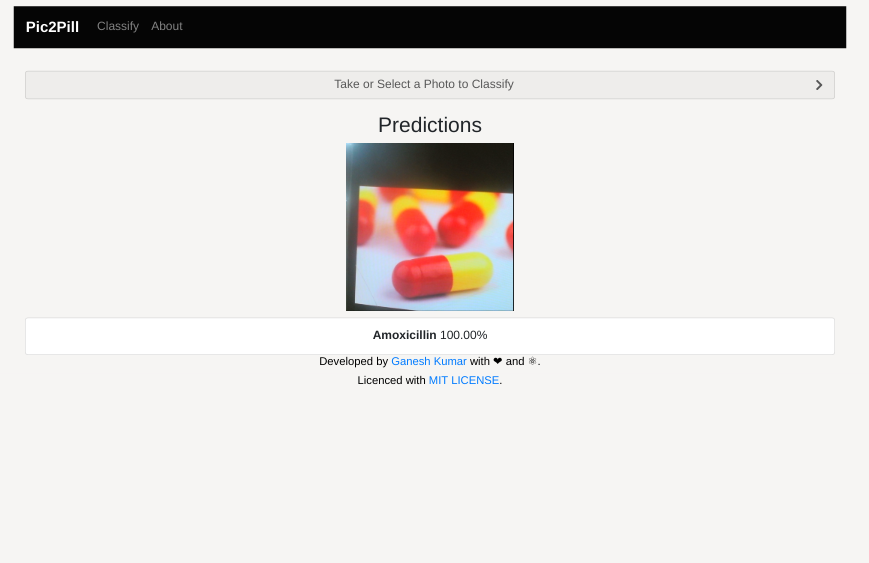
Prediction of Pill Identified (Web)
-
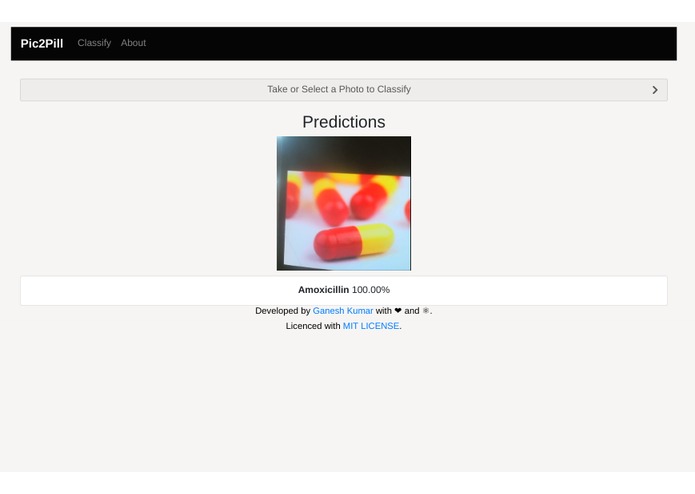
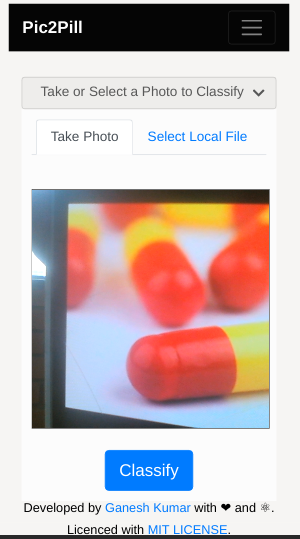
Prediction from Live Web camera (Web)
-
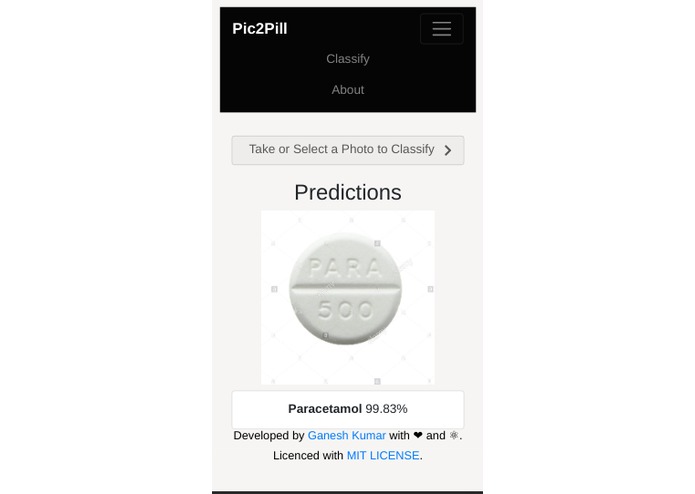
Prediction from Mobile gallery
-
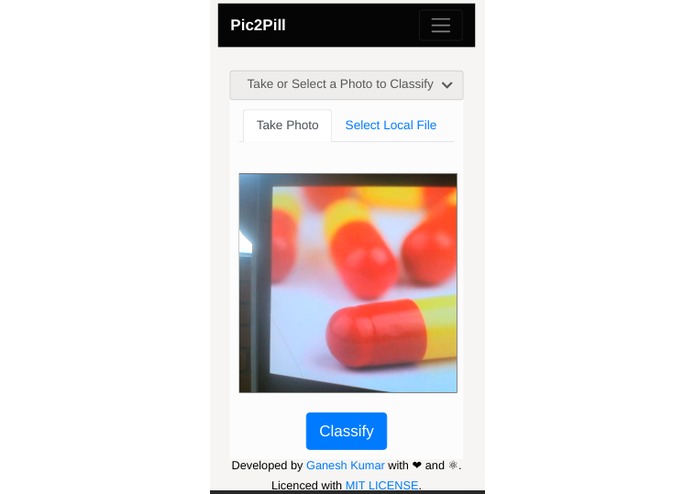
Classification from Mobile live camera
-
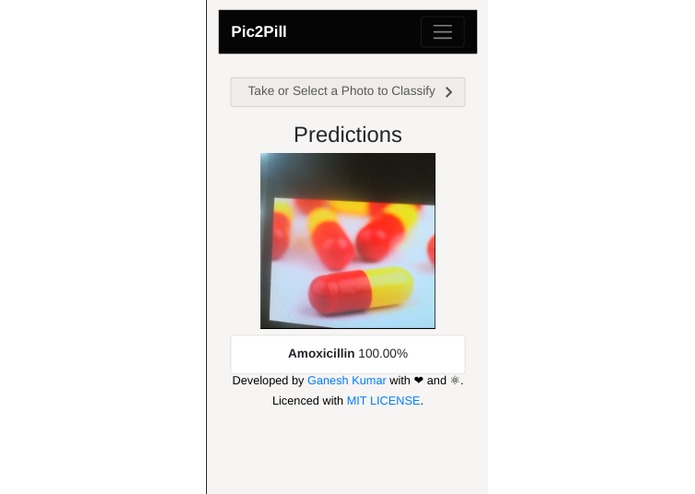
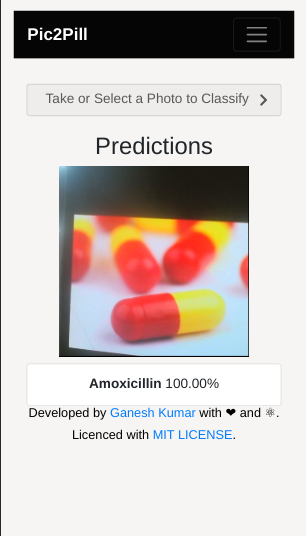
Predictions from Mobile live camera

Inspiration
Every solution arise from the pain faced. So, it applies to this project too and it solves that ! We often get confused in selecting right pills at times we needed urgently. Whaaata! There this idea came :)
What it does
Pic2Pill is a TensorFlow.js based Progresssive web app where users can classify pill images locally or taken with their device's camera (even in OFFLINE!) . You can even install this as Standalone app on any device from the browser itself. Click on the 'Add to HomeScreen'(on mobile) and '+' symbol on System browser address bar to install as Local app!
Currently, It Supports only five types of Pill Classification namely, Amoxicillin, Aspirin, Cimetidine, Paracetamol and Provigil. Further more classification dataset will be compilied and updated.
How I built it
I collected different pills from local pharma shop and captured almost 5000 various images of them. I built a Custom image classifier using Tensorflow 2.0. After creating deep learning models, users typically want to deploy their trained models to be used in their applications. There are several ways to do this, and how users do it depends largely on their use cases and requirements. One such requirement is the ability to run a model offline in areas where Internet connectivity may be sparse or nonexistent. To do this, one solution is to create native apps for mobile platforms which will package and load a compressed version of their models. However, this has the overhead of needing developers with expertise in Android and iOS development.
Here, I go over for an alternative, easier way to satisfy this offline mobile requirement by creating a progressive web application with my model using React and TensorFlow.js. Progressive web applications (PWAs) give a native app-like feel and can run on most modern web browsers. This makes cross-platform development much easier as the application only has to be developed once in HTML/JavaScript. Furthermore, through the use of service workers, PWAs can provide fully offline functionality.
With TensorFlow.js, I converted my pre-trained TensorFlow model into JavaScript to be run in the browser through the app!
In then end, we will have a cross-platform application where users can classify Pill images selected locally or taken with their device's camera. The app uses TensorFlow.js and a pre-trained model converted to the TensorFlow.js format to provide the inference capabilities. This model is saved locally in the browser using IndexedDB, and a service worker is used to provide offline capabilities.
Flow
- A pre-trained TensorFlow model is converted to the TensorFlow.js web friendly format and integrated with app.
- User launches progressive web application.
- App assets and TensorFlow.js model files are downloaded from the web.
- Assets and model are stored locally using browser cache and IndexedDB storage.
- User takes photo with device camera or selects local image.
- Image is sent through the model for inference and top predictions are given.
Challenges I ran into
- Collecting & Pre-processing Pill images took lot of time.
- Integrating json model format in React-route
Accomplishments that I'm proud of
- Solving the headache (On a lighter note!)
- Making Offline classification with the help of Web Manifest.
- Getting to know more of TensorFlow usecases.
What I learned
- Using Tfjs models for Web.
- Integrating Tf backend with react components.
What's next for Pic2Pill ! - A Progressive Web based Pill classification App
Improve the model performance with more datasets and try implementing as a Cross-platform app using Flutter and Tflite.
Built With
- image-classification
- javascript
- keras
- machine-learning
- pwa
- python
- react
- tensorflow
- tfjs


Log in or sign up for Devpost to join the conversation.