-
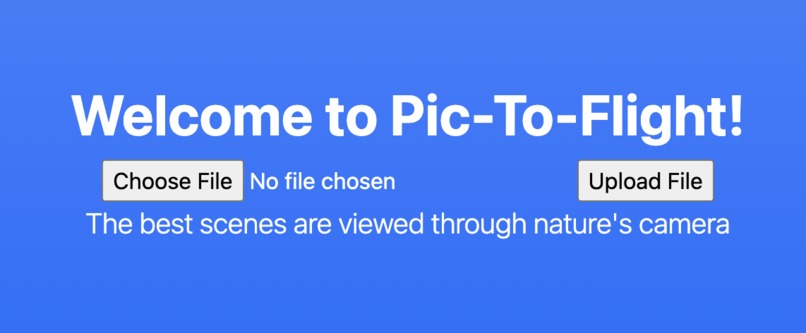
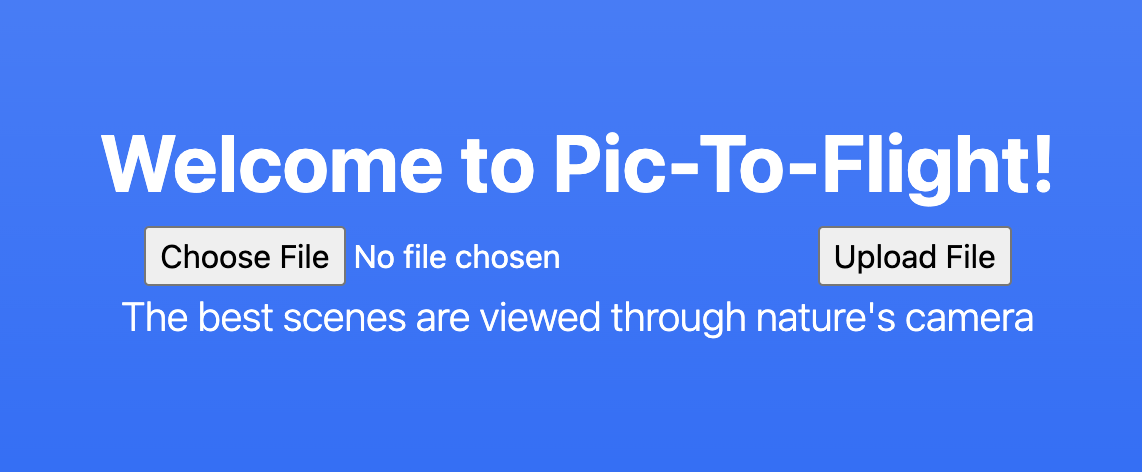
Welcome scene.
-
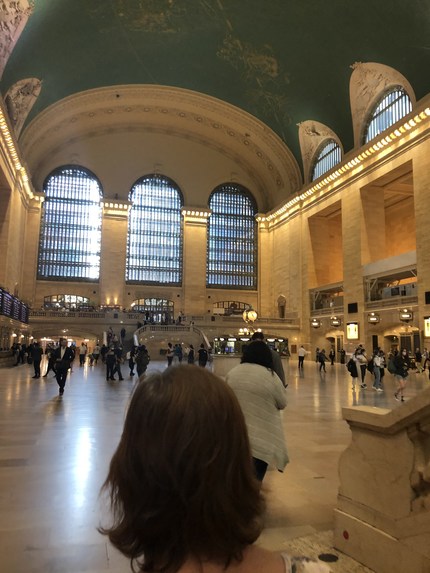
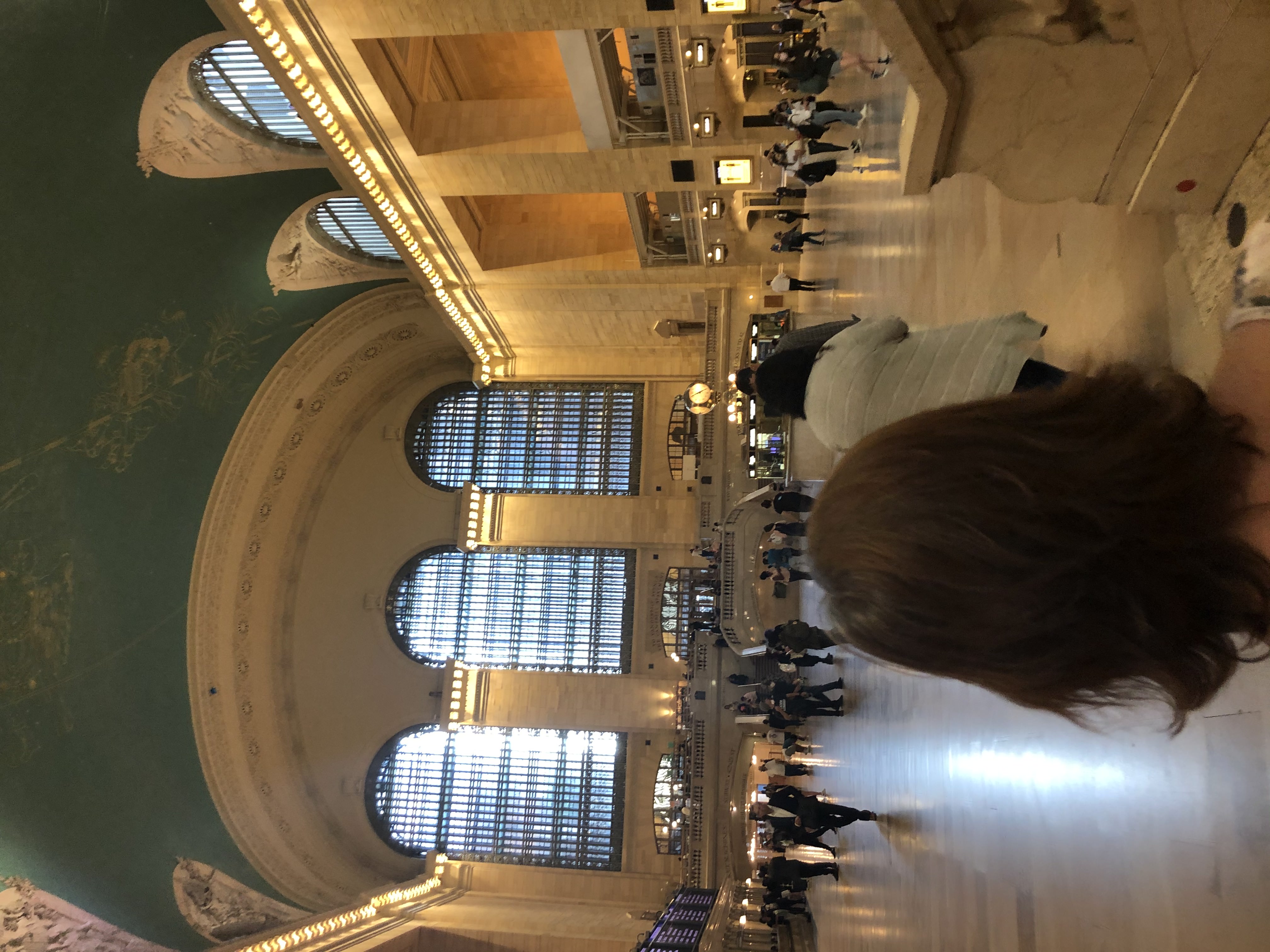
Image we input in the program.
-
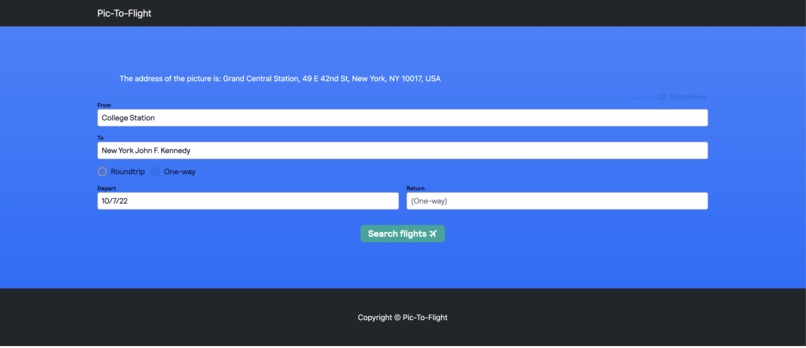
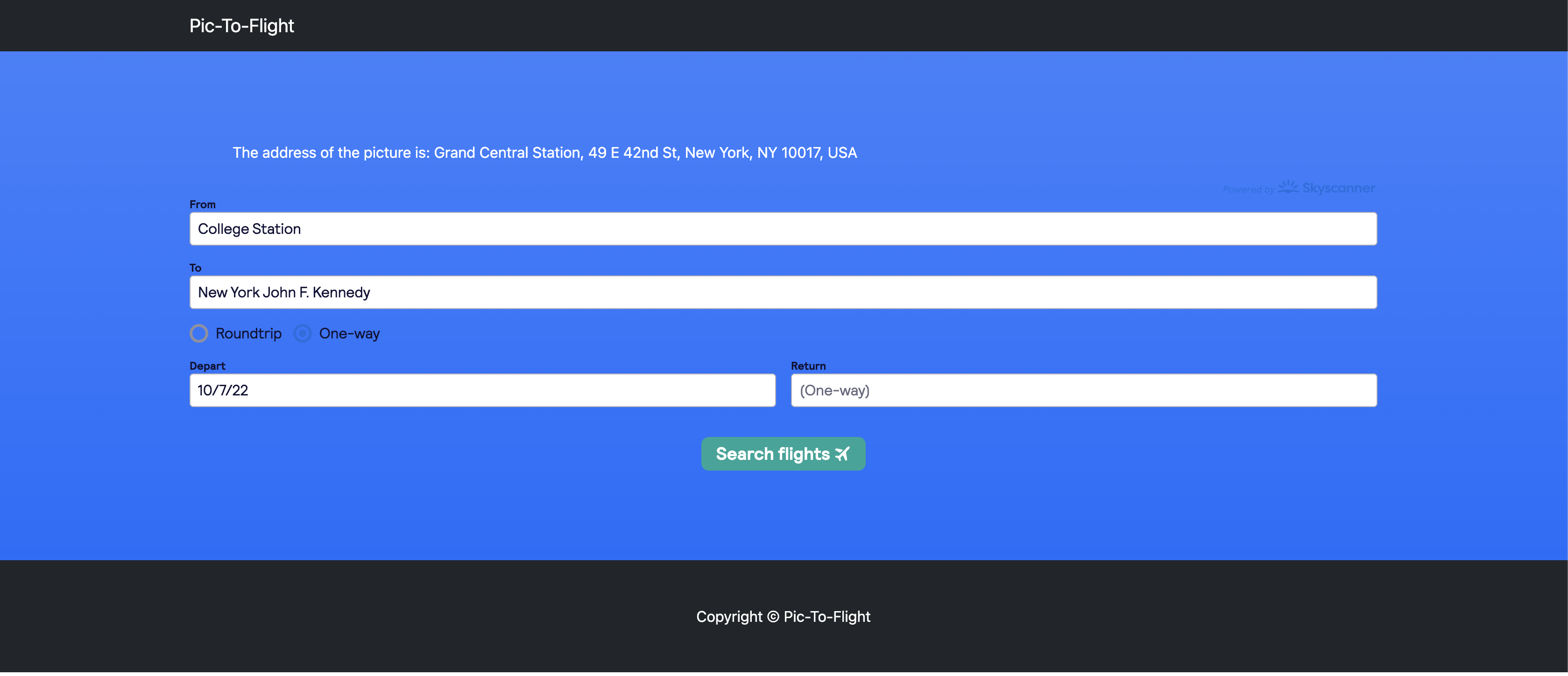
Output after analyzing the metadata.
-
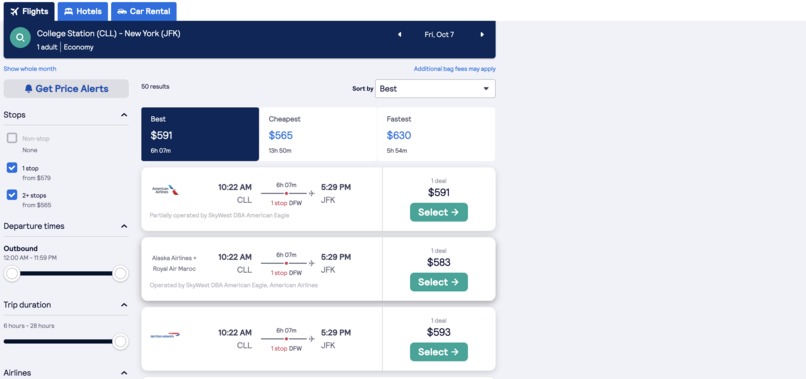
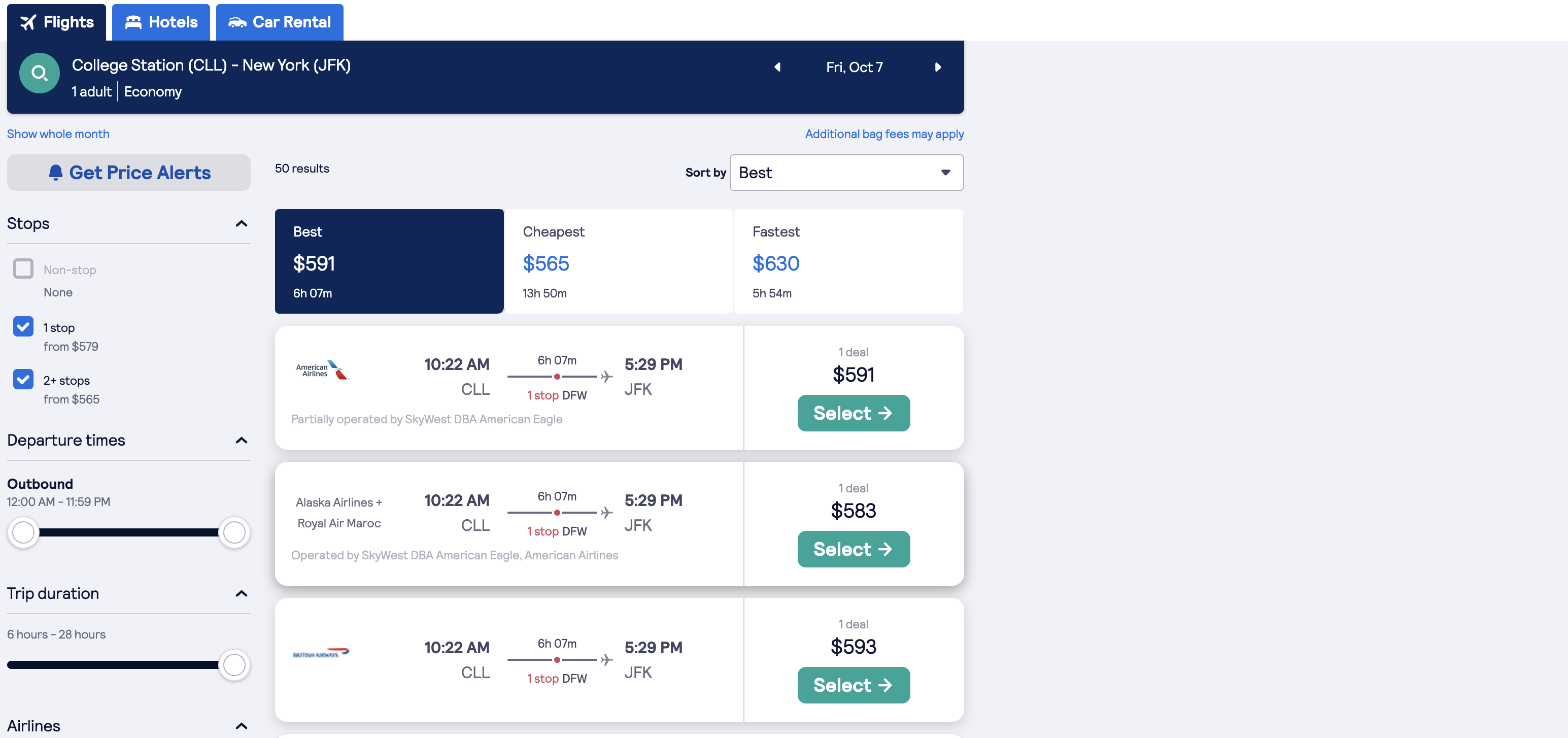
Flight data, showing the cheapest flight price.
Inspiration
Some vacations aren't as planned out as they should be. Events may be planned at a destination with no way to get to said destination. We wanted to gain more experience with web design and utilizing API's
What it does
It takes metadata from a JPEG image and finds that spot in the real world. It then interacts with the Google API to find that exact address and output that to the user. It also finds the closest airport to plan your next vacation.
How we built it
We first sketched out how we wanted the website to look/feel. Then, we started building the back end, which was our most comfortable area. After that we worked on the front end side and finished by connecting both ends.
Challenges we ran into
None of us knew how to design/code a website. Obviously, this led to some issues. Our total dev time was around 18 hours. I think it would be fair to say that 7-8 of those dev hours were spent staring at our screen trying to debug a language none of us knew (according to GitHub, our code was made up of 97% HTML/CSS).
Accomplishments that we're proud of
IT WORKS! We learned a ton about an area we didn't know about. The relief that washed over us when it finally worked the way we wanted it to made the frustration and the exhaustion worth it.
What we learned
We learned the basics of web design. We got more comfortable with Python and learned the foundation of HTML. We also were forced to get more comfortable with libraries.
What's next for Pic-To-Flight
Improve UI Optimize/incorporate algorithms Increase file-type compatibility
Link:
(Only use .jpg or .jpeg) https://pic-to-flight.herokuapp.com/


Log in or sign up for Devpost to join the conversation.