-
-
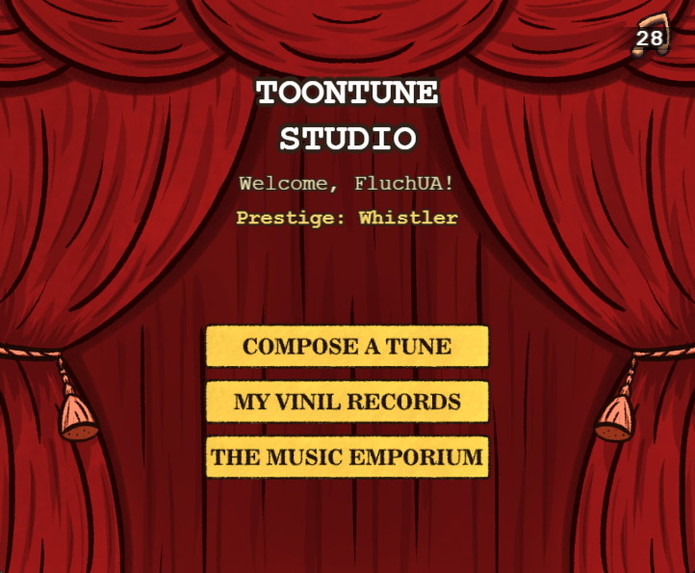
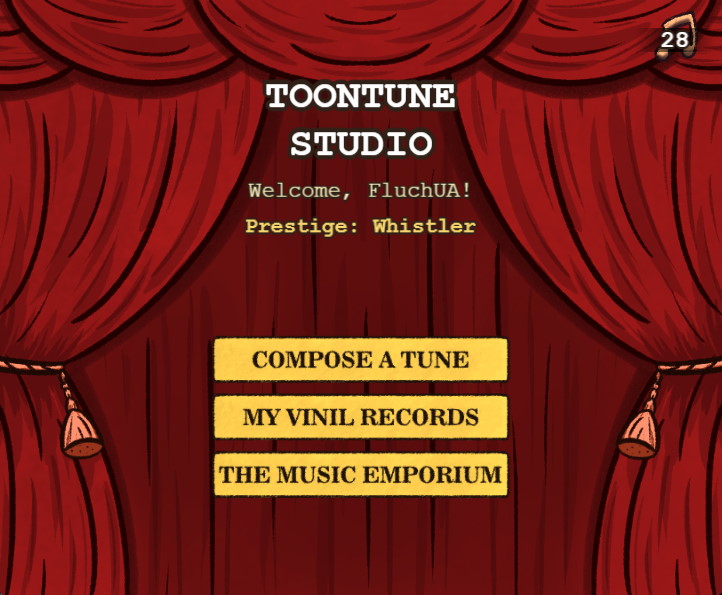
Home Screen
-
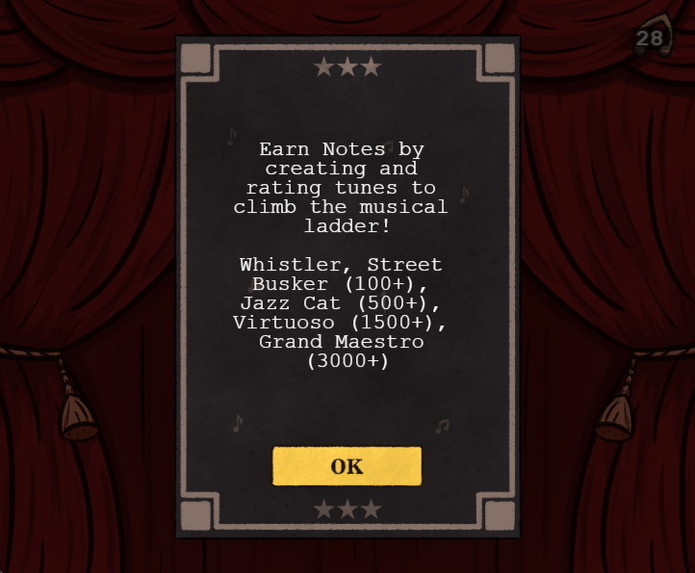
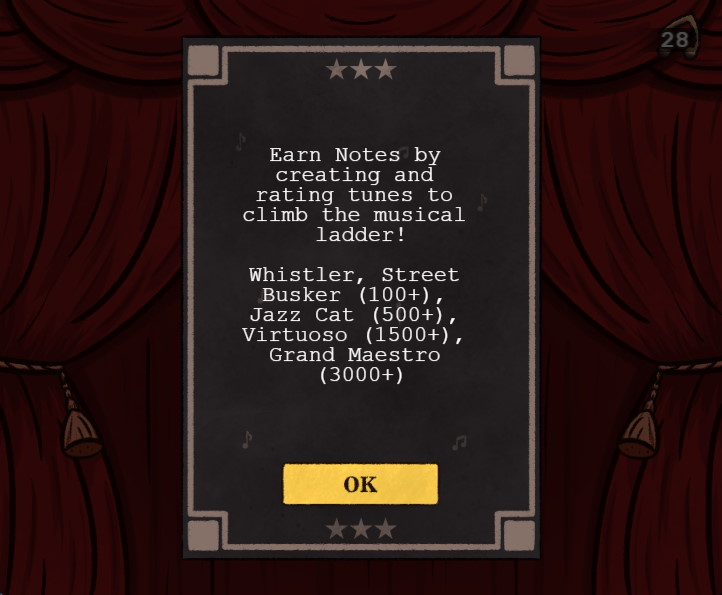
Information on the home screen describing the rating system
-
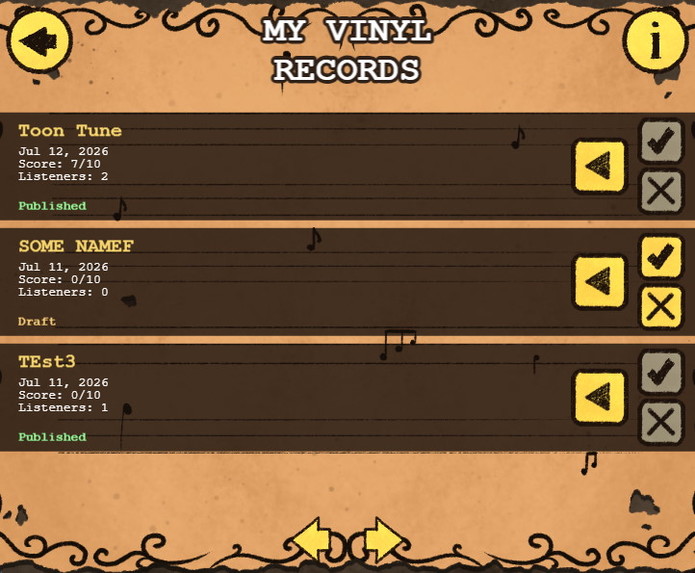
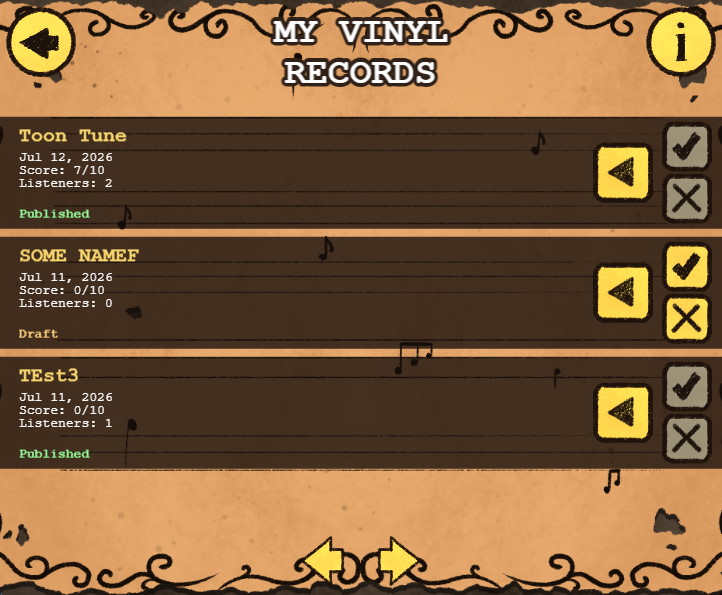
User’s Track List
-
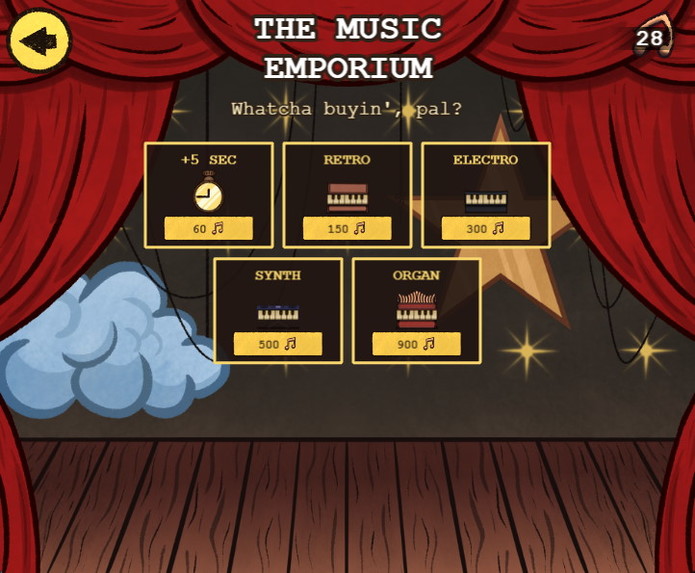
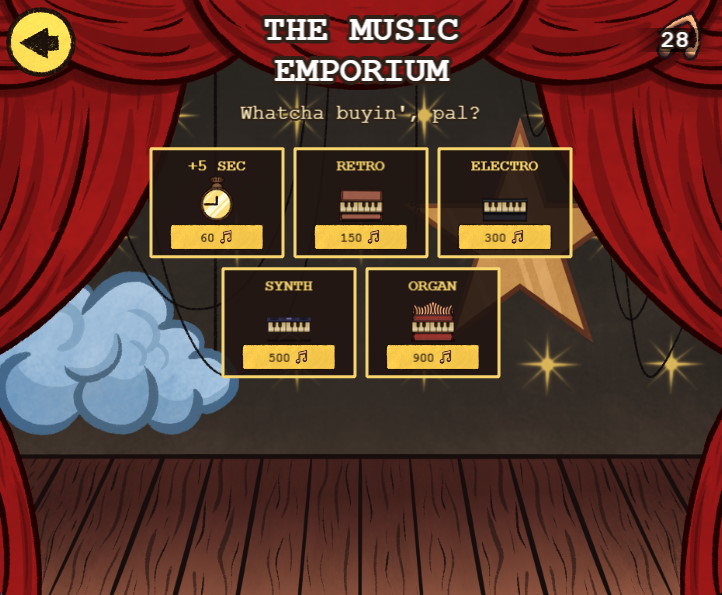
Store where users can purchase a new instrument or additional track time
-
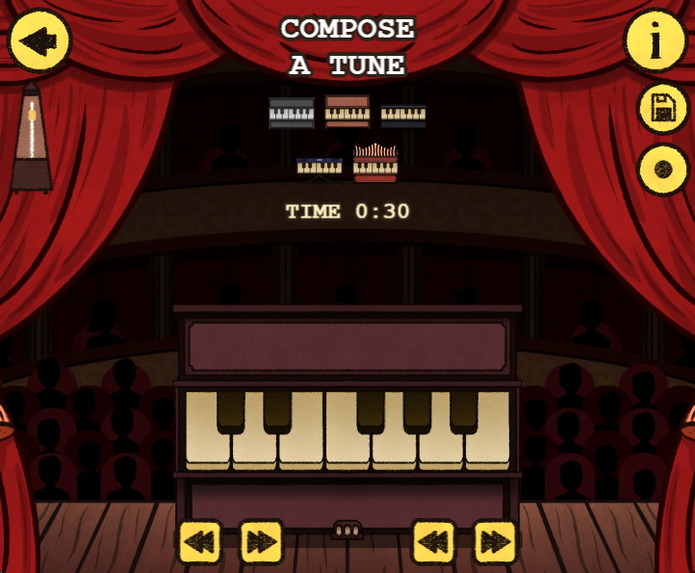
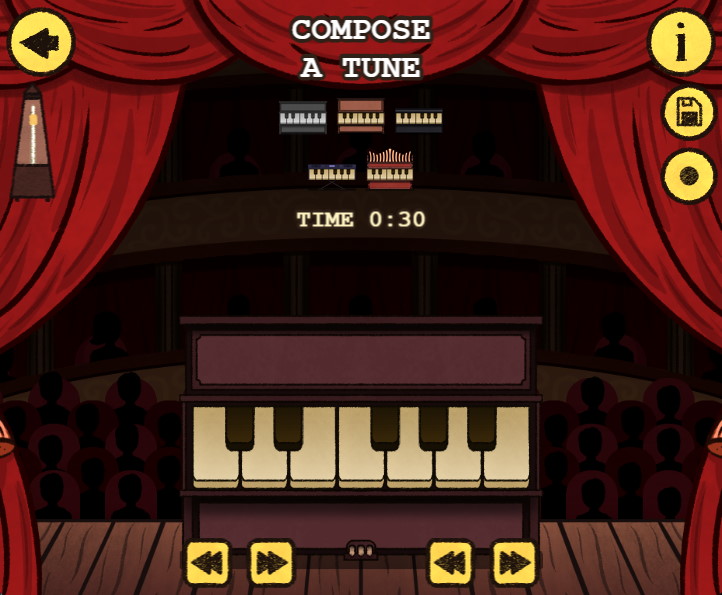
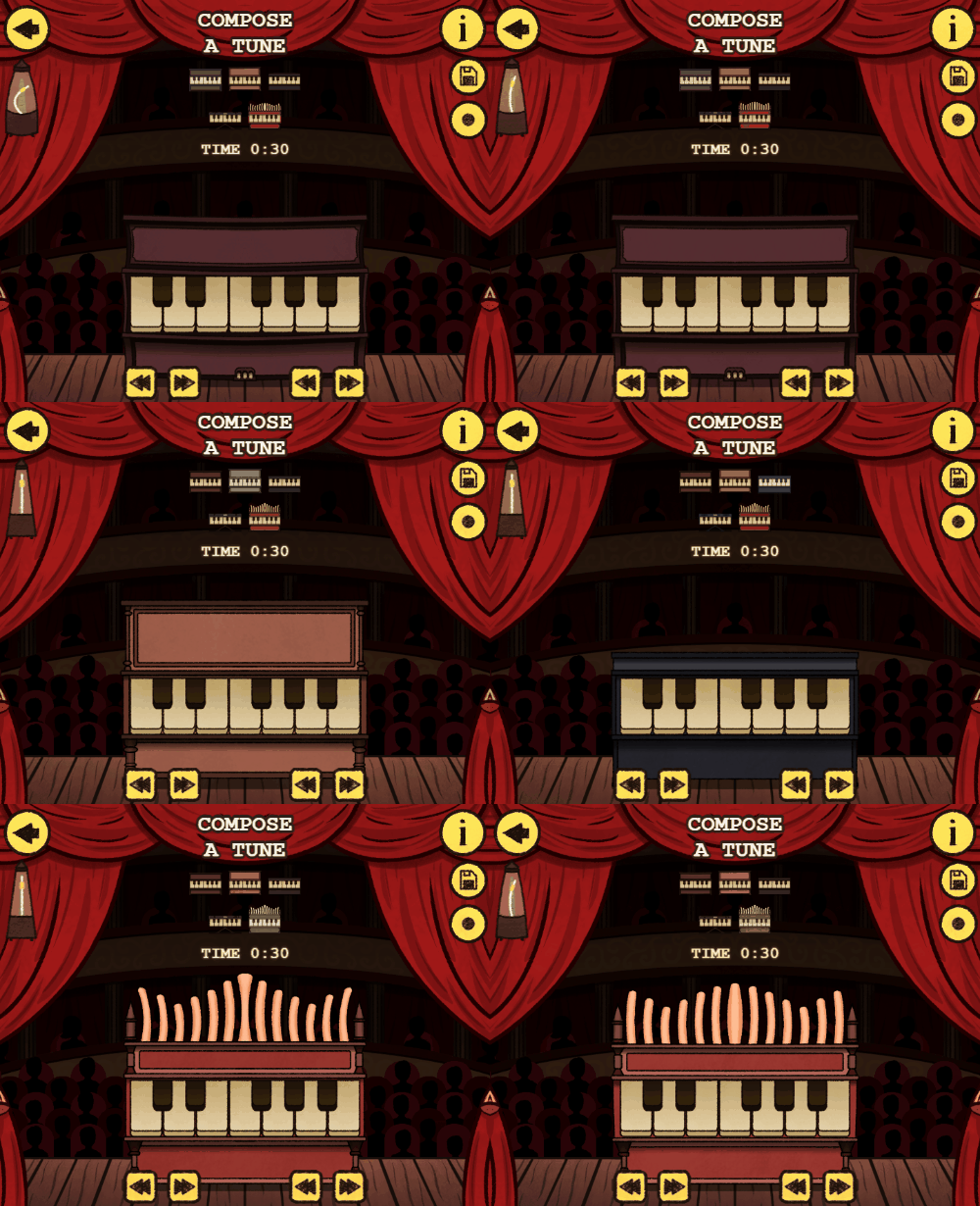
Track creation screen
-
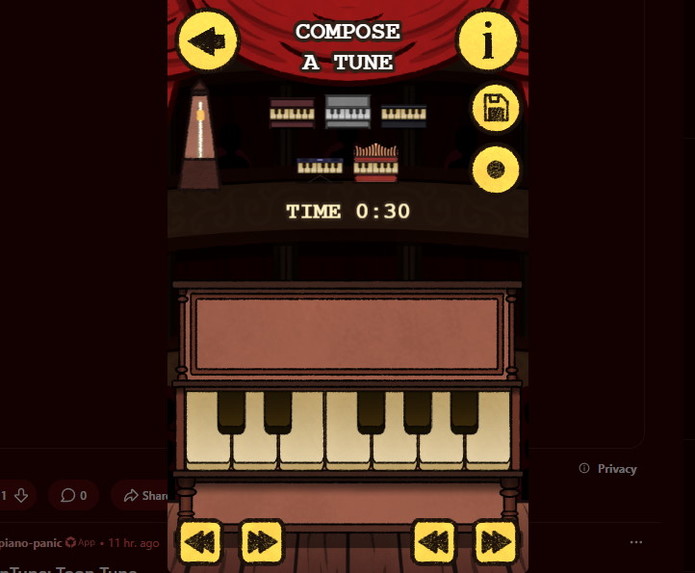
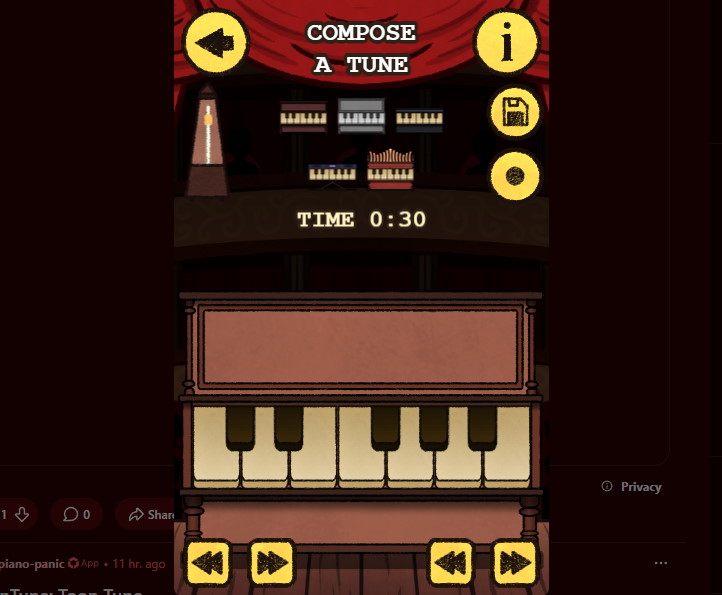
Track creation screen-mobile version
-
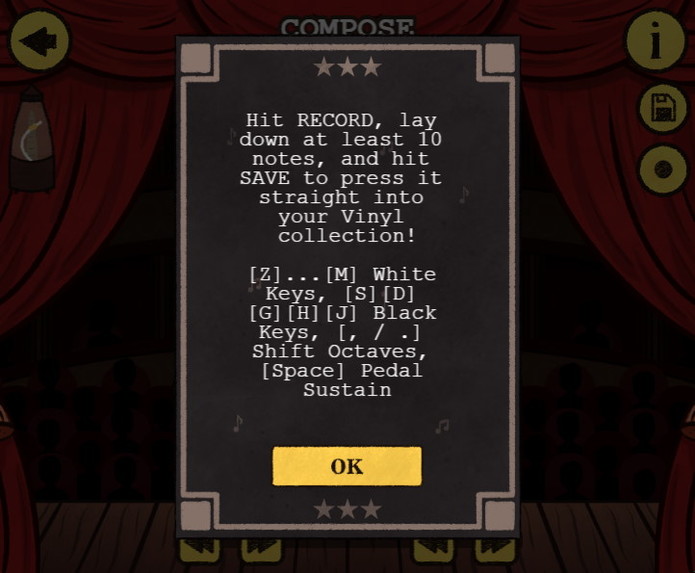
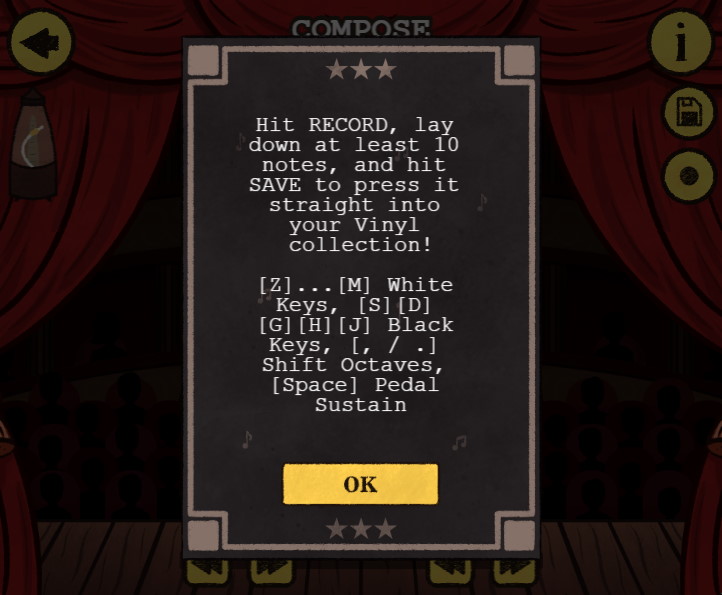
Information describing the option to play using keyboard buttons in addition to tapping the piano’s own keys
-
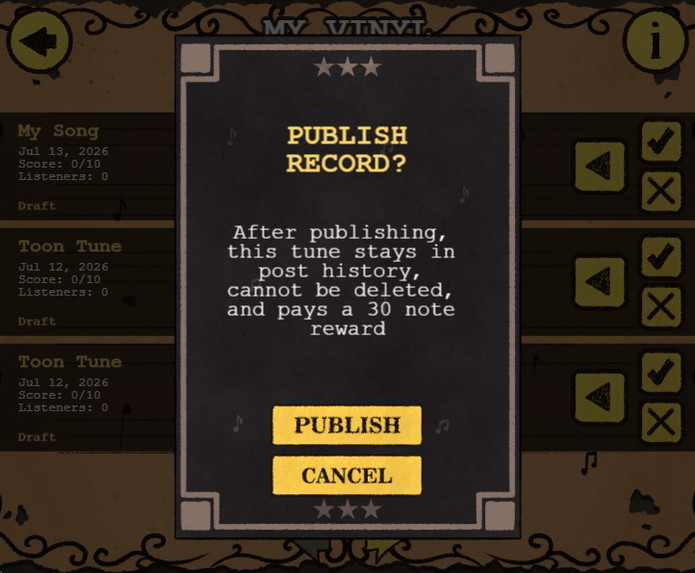
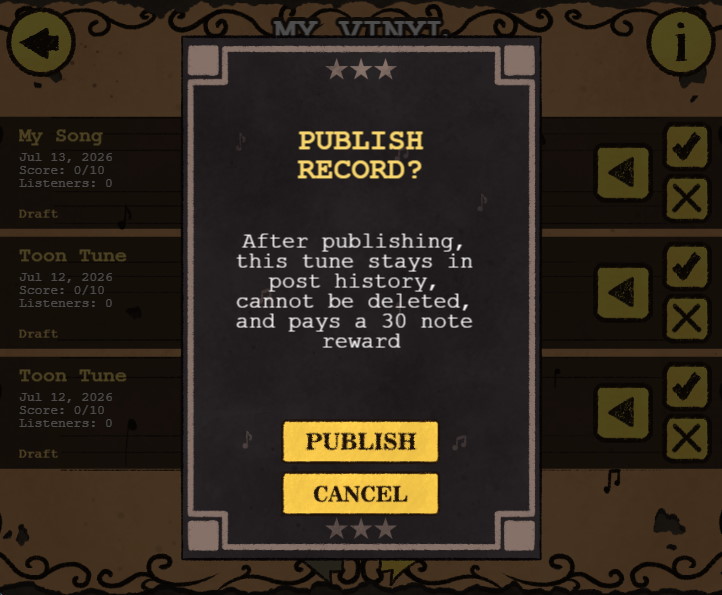
Information describing how to publish a track
-
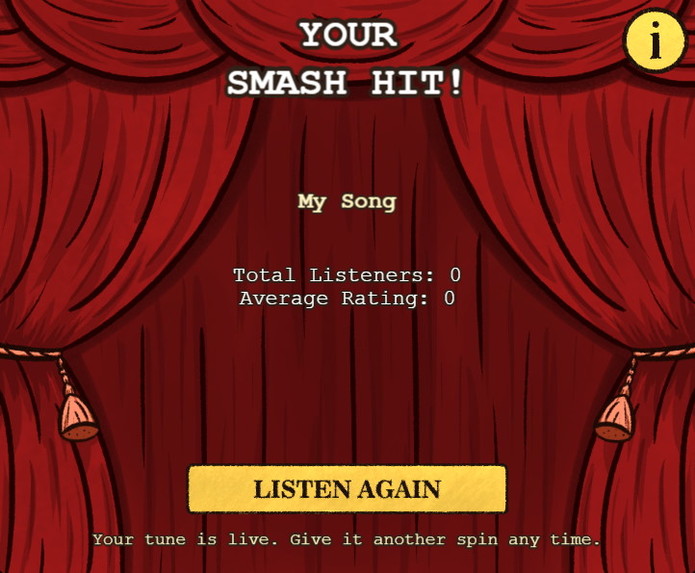
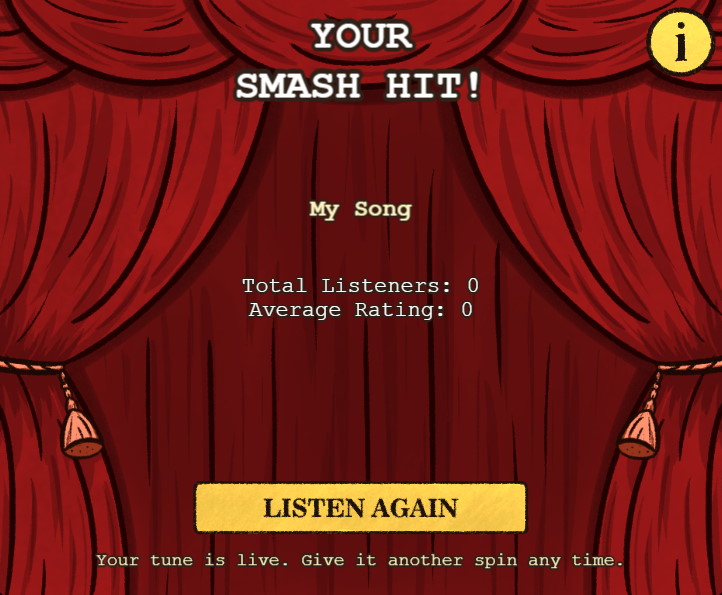
Overview of your own post
-
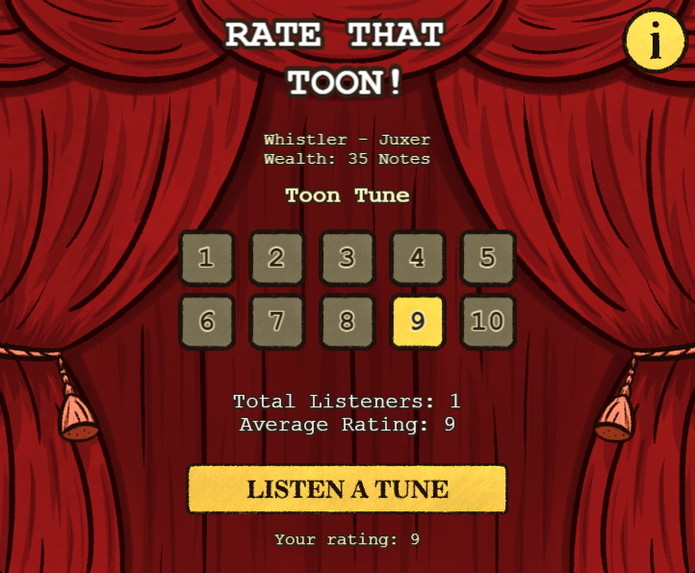
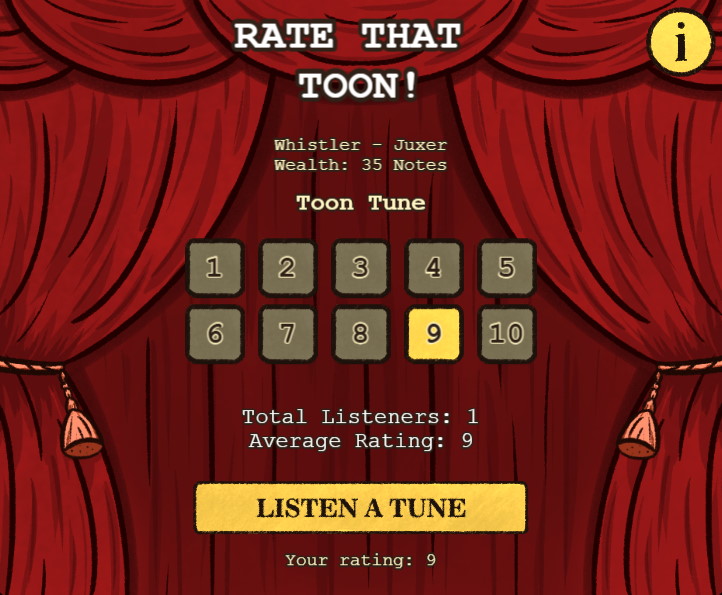
Overview of a user’s track (previously rated)
-
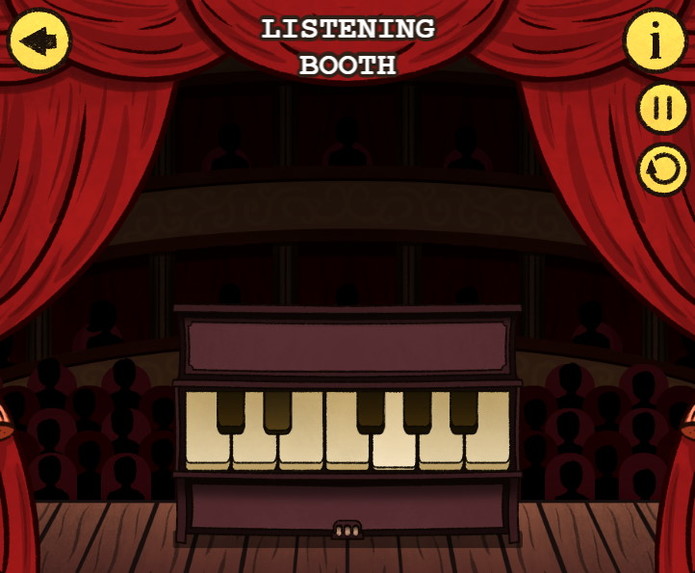
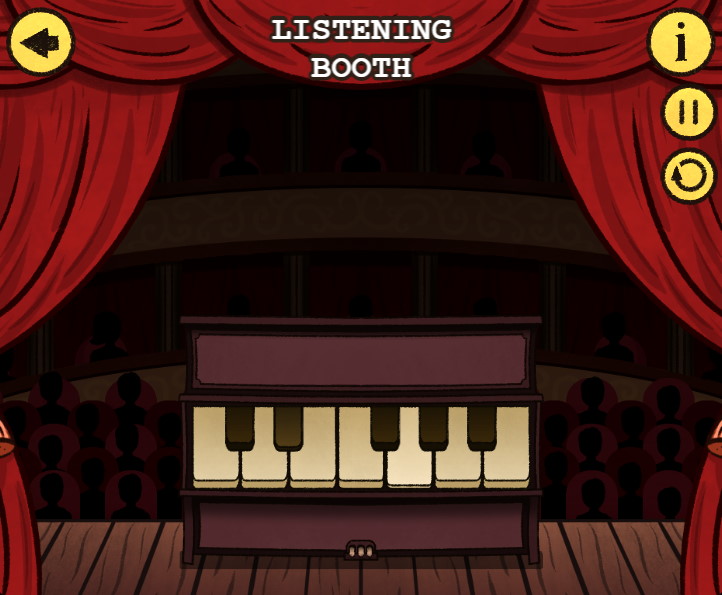
Listening to a track (your own or a user’s). There is no option to tap the piano here, only to listen
-
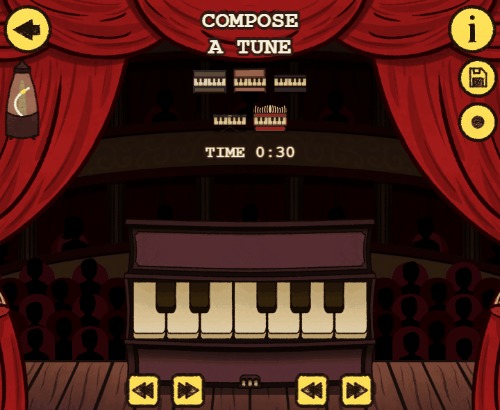 GIF
GIF
Musical instrument animations
Inspiration
Honestly, I was not planning to build anything like this. I had recently lost my job, so I suddenly had some extra free time. Then I received an email inviting me to participate in a new hackathon.
Some time ago, I created a Solitaire game, mostly for myself, so I could play it anywhere while gaining experience in the process. This time, I decided to build a piano for a similar reason: so I could play whenever I wanted, create music, and share it with others.
I also played Cuphead not too long ago, which inspired me to create something with a similar visual style.
What it does
Piano Panic is a mini piano that allows users to record their performances and save them to a personal track list. They can also share their tracks with others and see how people react to them.
There are no daily login rewards or other mechanics designed to keep users constantly engaged. It is primarily a creative tool that encourages people to make music, develop their skills, and share their creativity with others.
How we built it
I started by learning a new game engine, Phaser, and used it to create the basic structure and screens of the application. I then designed the data models and UI architecture before starting work on the visual assets.
Later, I realized that I had spent so much time drawing that I would not have enough time left to polish the code, add the necessary widgets, and properly test all the functionality. Because of this, I had to use Codex.
I generally prefer not to use AI for creative work because I feel that it can take away some of the creative satisfaction of building something yourself. I regret having to use it, but it was necessary for me to finish the project on time.
Challenges we ran into
There were no especially difficult technical challenges, but there was a huge amount of work to complete.
I originally wanted the piano to work without a splash screen by using "inline": false. However, this made the piano smaller on mobile devices, which made the keys more difficult to press. The application would also occasionally freeze, even on powerful phones. Because of this, I decided to add a splash screen.
Accomplishments that we're proud of
I am proud that I was once again able to build and complete an entire project from scratch.
I am also happy that I created the animations using Krita, which helped me expand my skill set. The animations may not look perfect, but I think they turned out well for my first attempt.
I really love the fact that I built an app, created all the assets for it, and even recreated movie soundtracks from memory right inside the app. It was such a perfect combination of everything I enjoy doing, and I’m truly grateful to the people who made it possible by organizing this hackathon.
What we learned
I learned how to create animations in Krita. I also became familiar with the Tune library and the Phaser game engine.
Phaser is a great engine. Its simplicity and intuitive design remind me of SFML for C++ and Flame for Flutter.
What's next for Piano Panic
I plan to continue playing, creating, and sharing tracks. Hopefully, other people will join me as well.
Any bugs or issues that are discovered will be fixed.
Built With
- devvit
- krita
- phaser.js
- tone


Log in or sign up for Devpost to join the conversation.