-
-
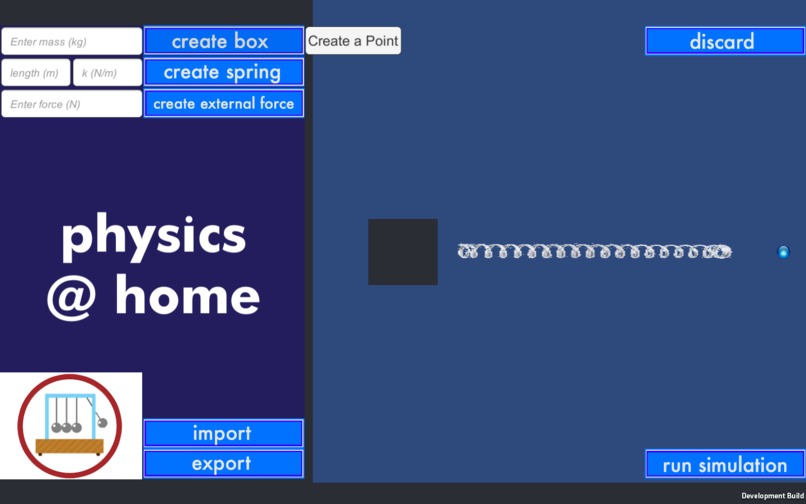
Simulation Interface
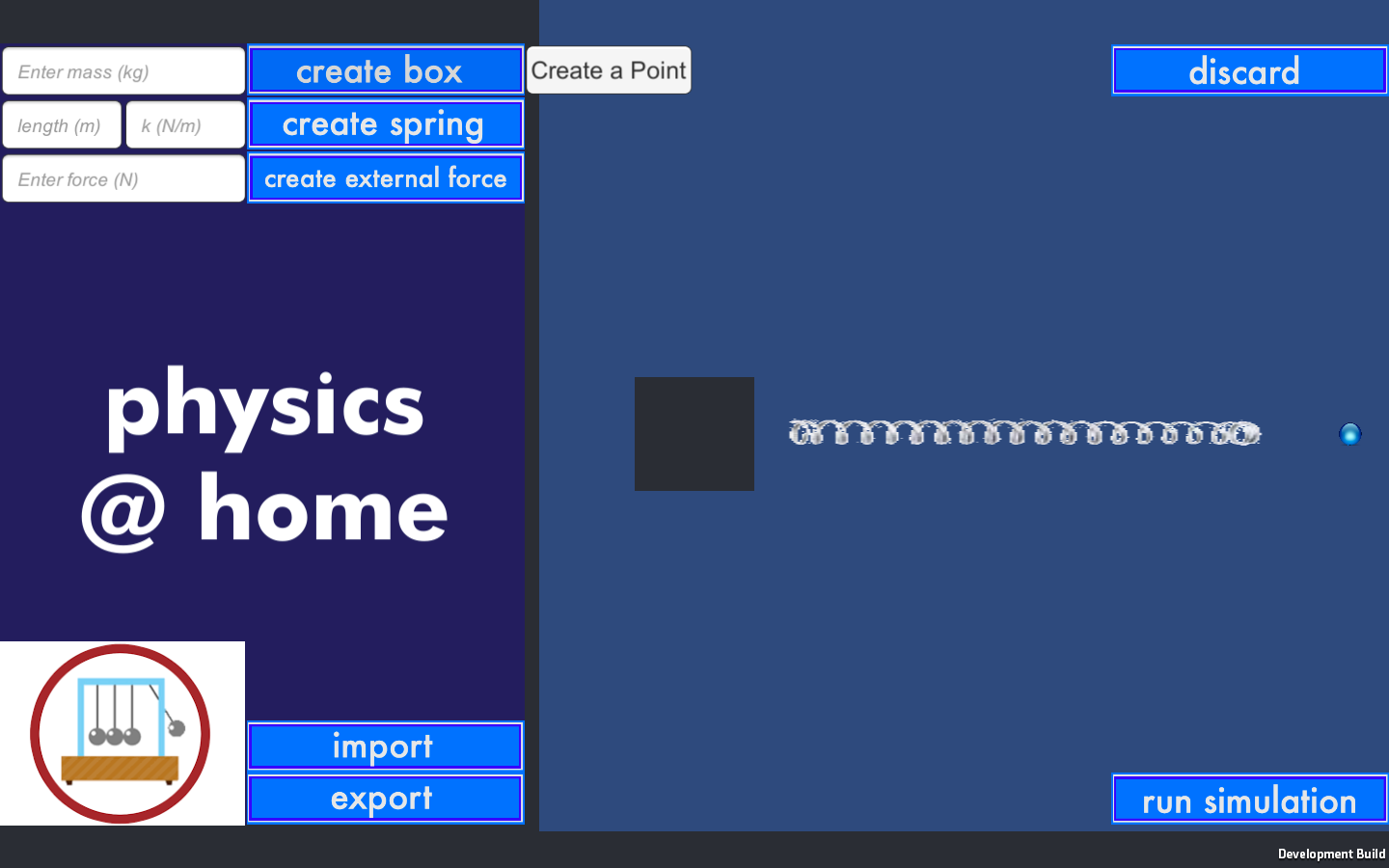
Inspiration
The sudden transition to online learning has been hard on many students and educators. Lab courses, which rely largely on hands-on activity, are especially difficult to re-create virtually. To alleviate the online learning burden presented by the ongoing pandemic, our team decided to create a virtual platform that can recreate the physics lab experience and allow students and teachers alike to create and run physics simulations!
What it does
physics @ home is an entirely customizable virtual physics lab platform. Users can drag and drop common lab items (springs, boxes, and external forces) onto the simulation screen, and set values for these objects, such as mass and spring constant. Earth's gravity is programmed into the simulation. By dragging objects into the simulation screen, connecting them as needed, and hitting the "run simulation" button, users can witness the interactions between these objects and take measurements of them. Educators can also create lab setups in the software, export them, and send them to students. Then, students can import the file and run the lab or take measurements themselves. Some physics concepts that can be easily visualized in this software are simple harmonic motion and Newton's Second Law!
How we built it
We used Unity's physics simulation feature to create this interactive interface. We created scripted game objects with the necessary physics functions implemented and used image editing software to create our sprites and buttons. All coding was done in C#.
Challenges we ran into
We ran into many challenges/time blocks that were largely caused by our beginner knowledge levels and our lack of familiarity with Unity software. We found it difficult to implement all the features that we wanted to and polish up the design given the limited time frame. From 3D simulation to simple 2D, then custom Atwood machines to a box and spring, we limited our scope throughout development.
The most intriguing challenge we have faced during this development was the implementation of spring physics. Initially, our springs behaved correctly until quickly spiraling into chaos. The springs' amplitudes would remain steady, decrease, then at some point increase drastically. We've come to the conclusion that the frequency of this oscillating movement and the rate at which the physics was computed allowed for errors to build up. That realization became one of our favorite moments during development.
One of the more frustrating challenges we have yet to overcome was the UI object simulation. Although we've managed to make the UI largely functional, we never managed to figure out how to get the created objects to properly simulate, even though manually placed objects from worked.
Accomplishments that we're proud of
We're proud to have a final product and of how much we all learned over this weekend! Some of our major accomplishments were successfully coding the physics functions for the different objects and the UI that create those objects.
What we learned
As a team of beginners who were unfamiliar with Unity and C#, this project taught all of us a lot! We learned:
- How to use the physics engine of Unity
- How to code in C#
- Basics of UI and interface design
- The importance of smaller step calculations in physics (in variables like spring constant and mass) for more accurate simulations, similar to how Taylor approximations work.
What's next for physics @ home
We plan to continue developing this app and make it multi-screen with more polished design looks. We also plan to implement more features, such as:
- 3D simulation
- virtual measurement tools
- stopwatch
- tape measure
- custom ramps and inclines
- friction force
- adjustable gravity
- additional objects (spheres, cylinders, ...)
- electric and magnetic force
NOTE: we switched from using Unity Teams' collaboration feature to using GitHub when we were about 2/3 of the way through the project. Our Git history is definitely strange due to that, along with an unsolved merge conflict.


Log in or sign up for Devpost to join the conversation.