-
-

Mirante Logo
-
-
-

-
-
-
-
-


Inspiration
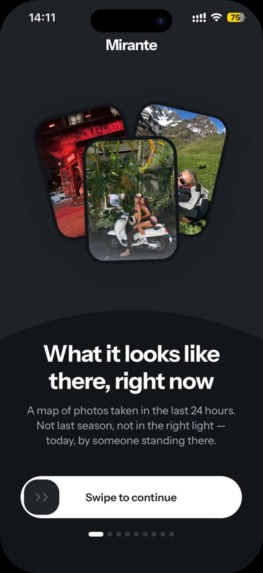
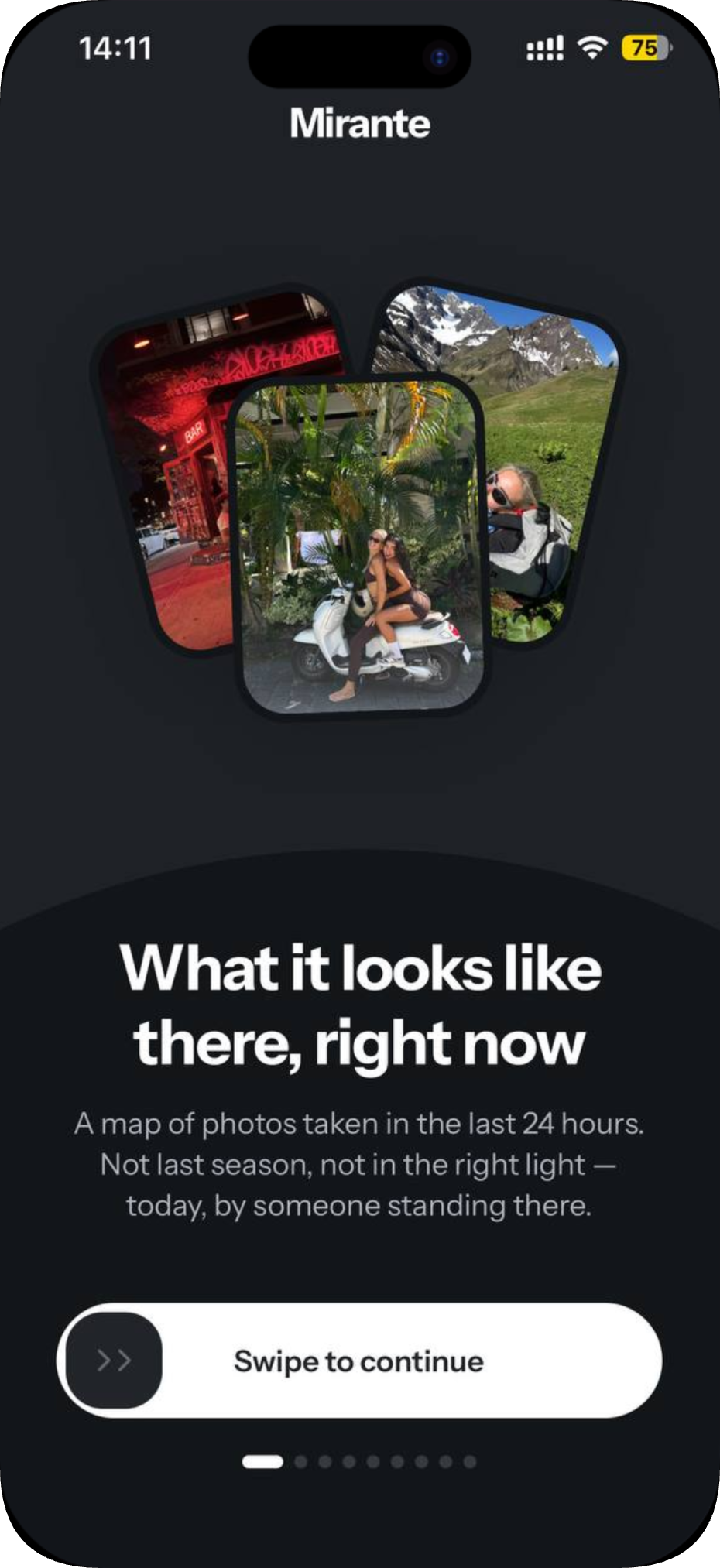
Before a trip, you research a place through photos, and most of them are wrong in some way. They're years old, filtered, taken in perfect weather, or cropped to hide the building site next door. The question a traveller or digital nomad actually has is simpler: "I'm going to Da Nang next week. What does it look like there **right now?"
No app answered that. Social feeds sort by engagement, not freshness. Review sites have photos from 2019. Maps show street view from whenever the car last drove past. We wanted a live map of what places look like today, taken by people who are standing there.
What it does
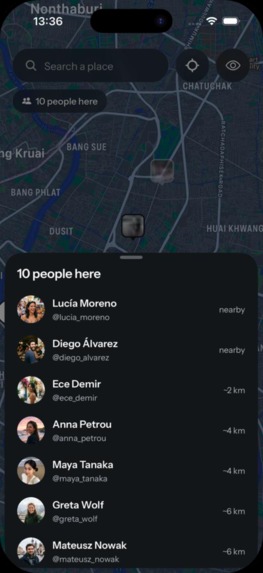
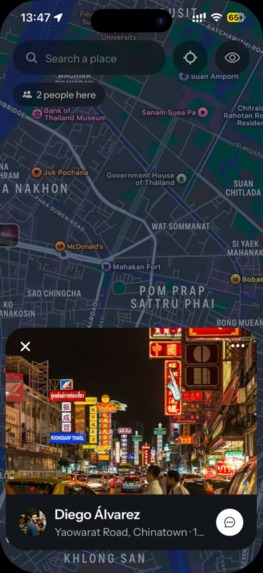
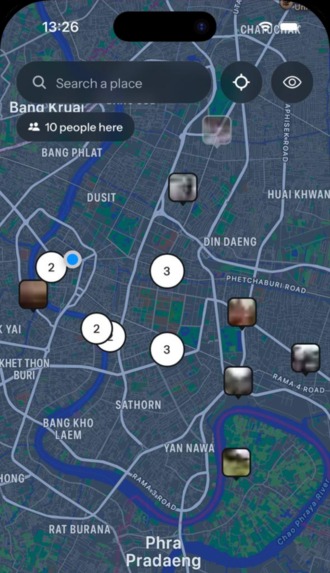
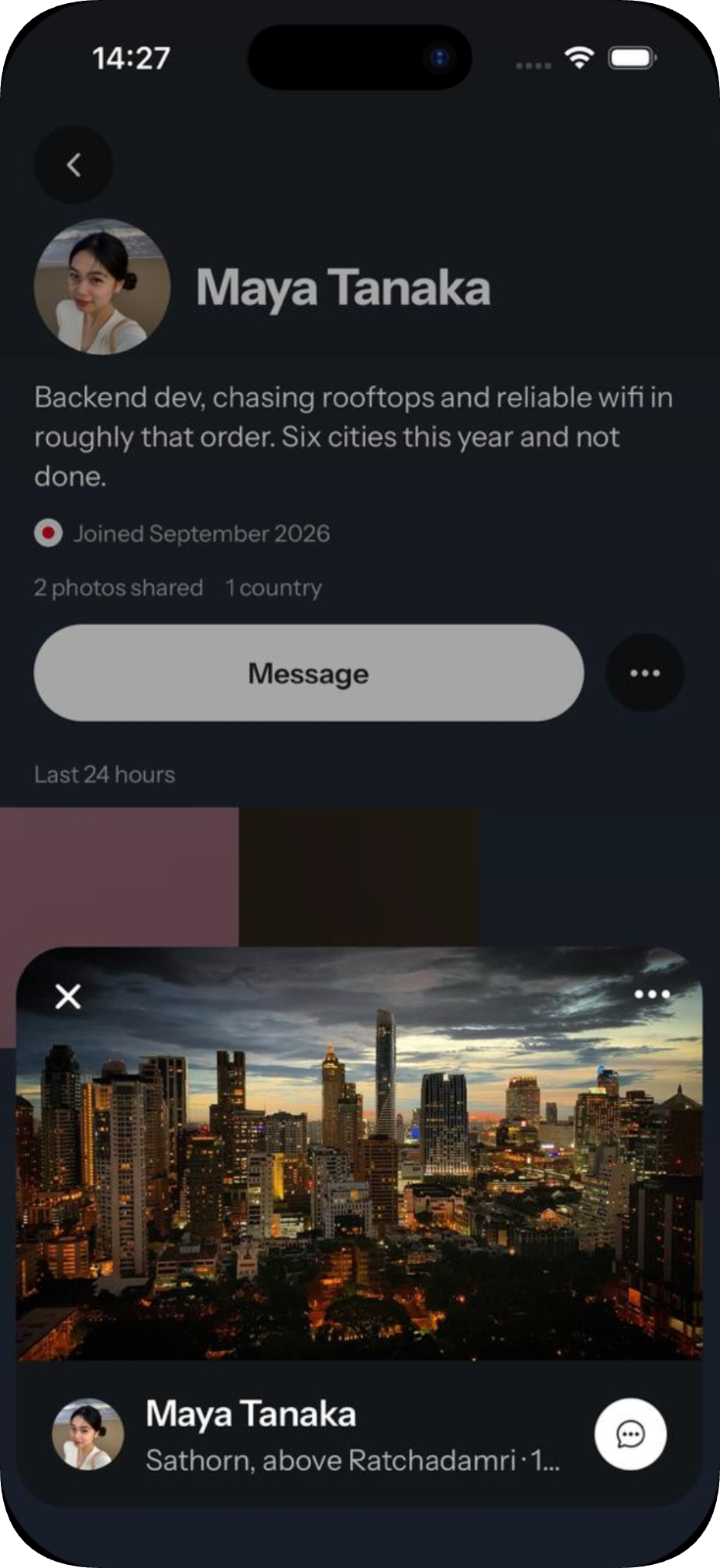
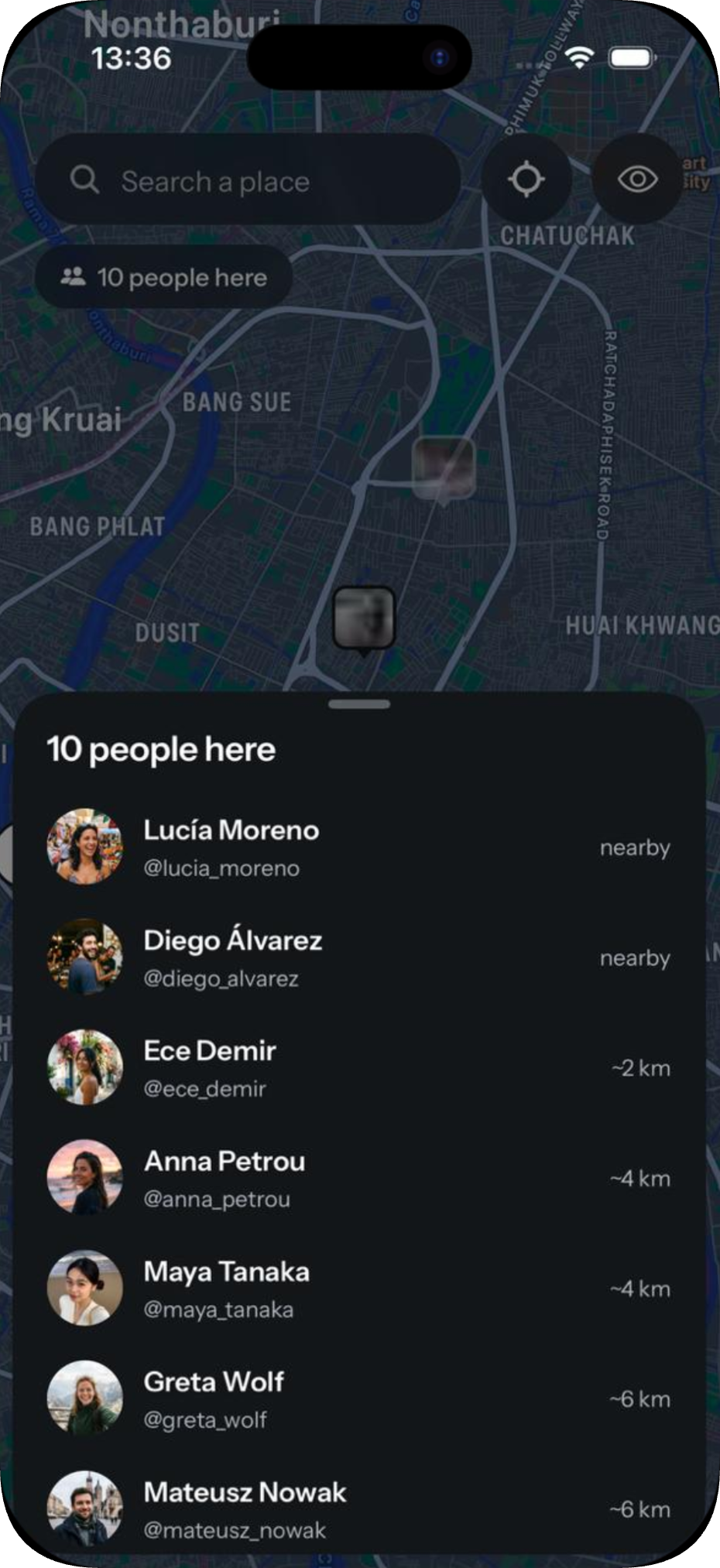
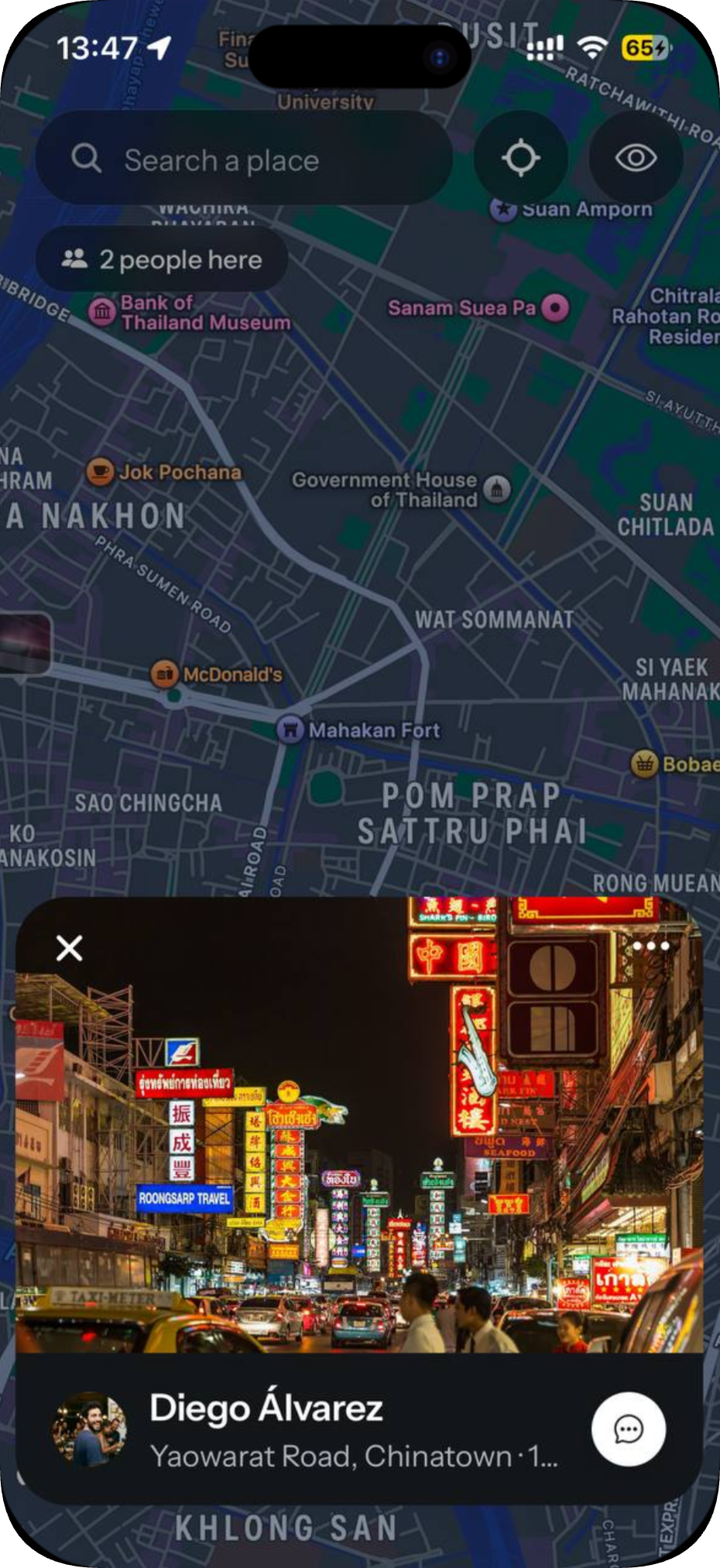
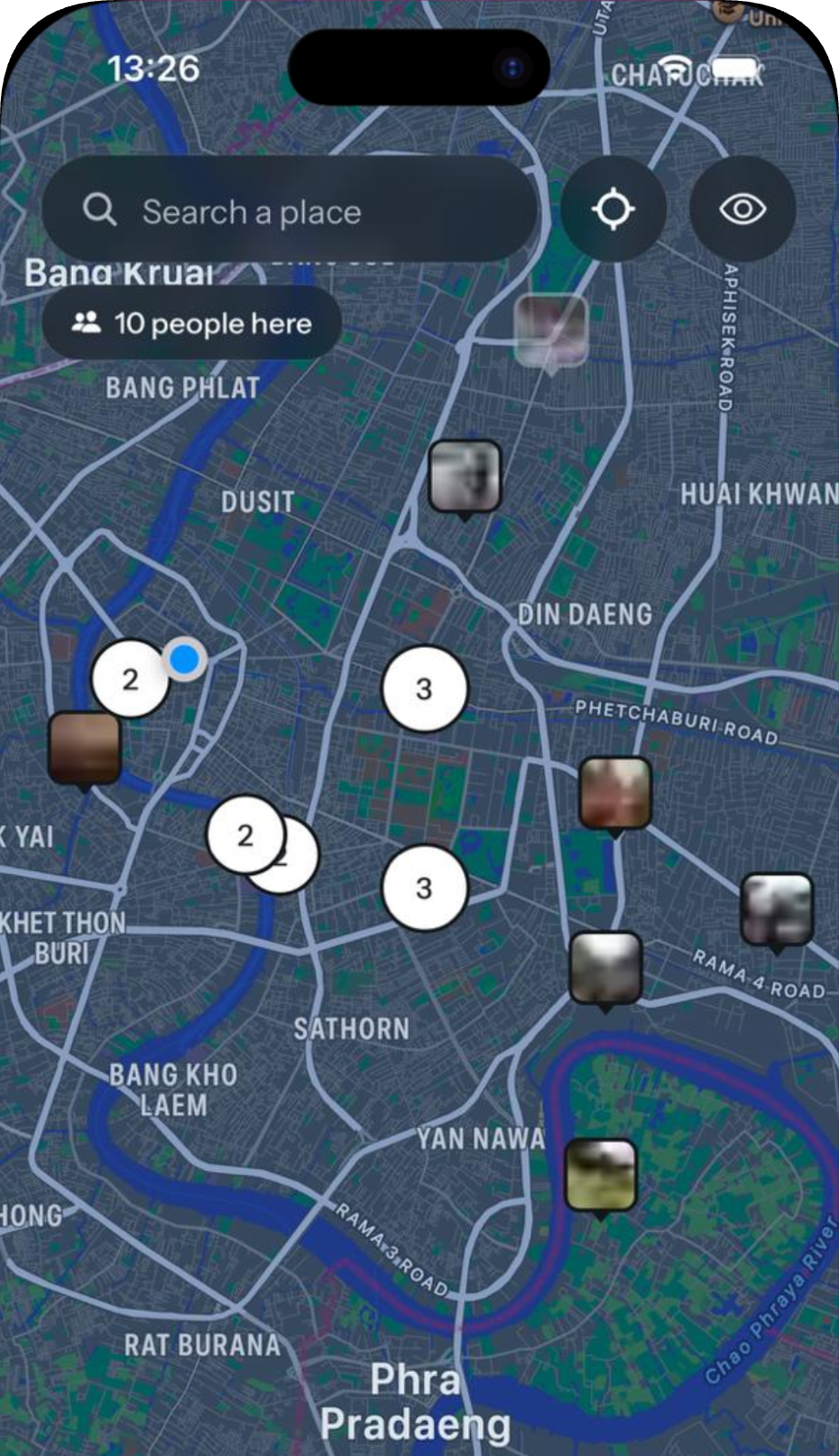
Mirante is a full-screen Apple Maps view covered in photos that are all recent.
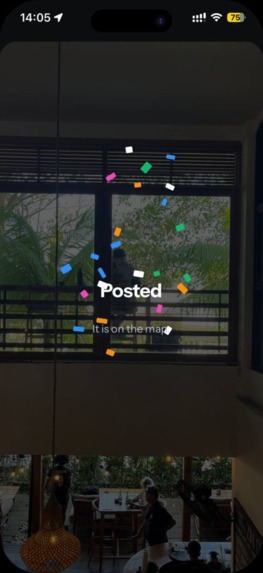
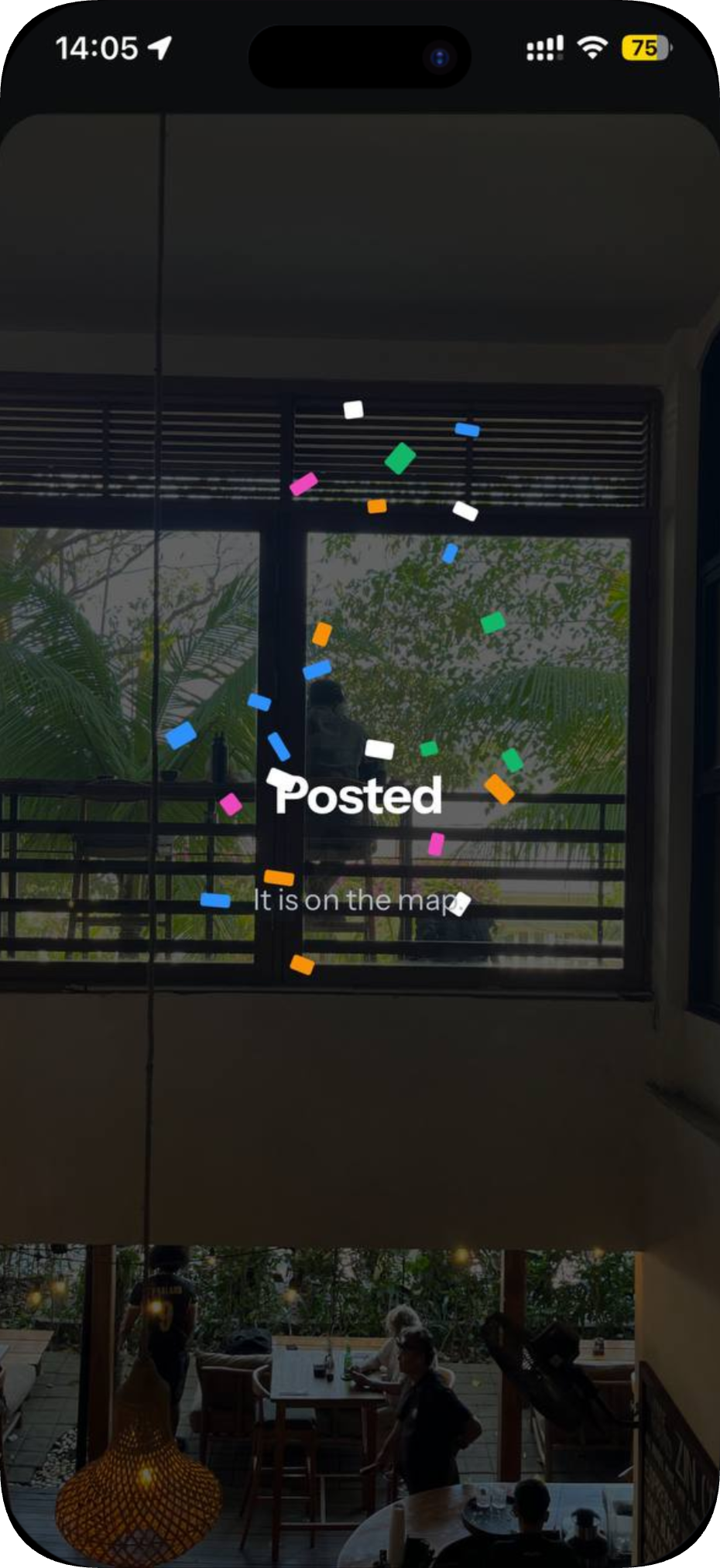
- Camera only. A post can only be taken with the in-app camera, from where you're standing, at that moment. Nothing comes from your photo library, so every pin means "here, now".
- Photos last 24 hours. After a day a photo disappears from the map, and soon after that its file is deleted from storage. The map is always today.
- Your exact location stays private. Each pin is placed about 150 m from where the photo was taken. The real GPS point is never sent to anyone's phone.
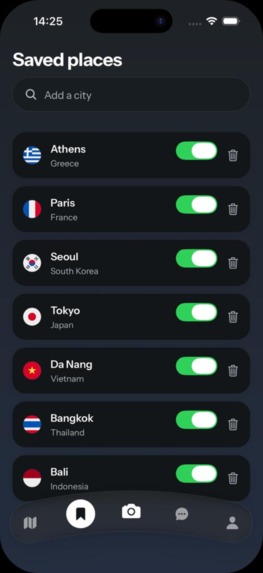
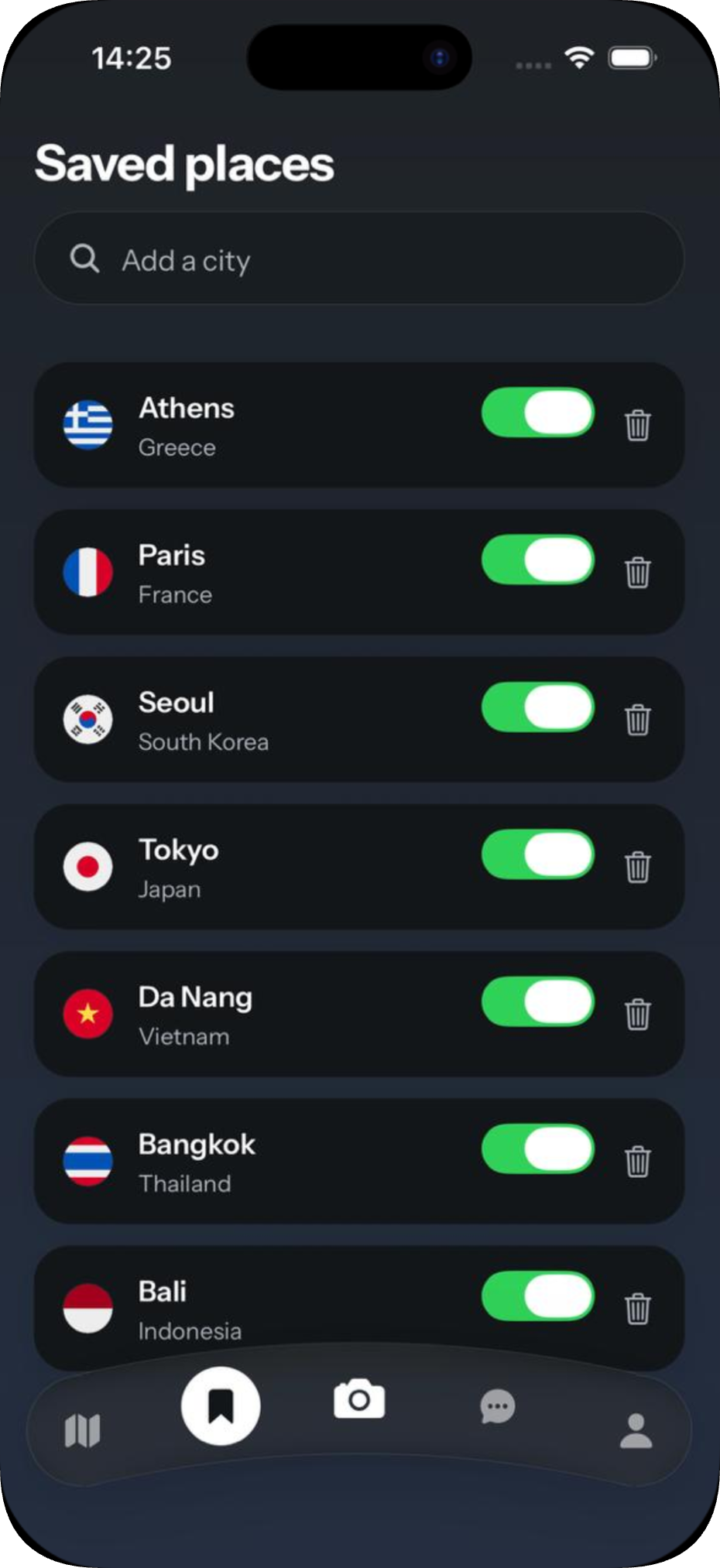
- Save places and hear about them. Save a region, like Bangkok's old town or a beach in Bali, and get a notification when someone posts a photo there.
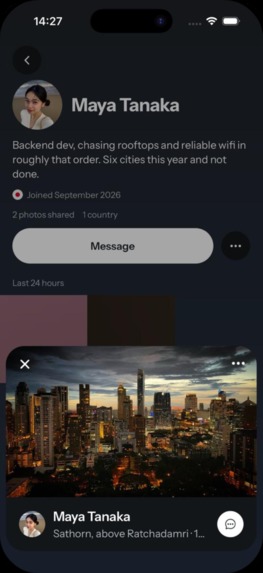
- Talk to the person who took it. You can message whoever posted, with replies and reactions, and ask the things a photo can't tell you.
- Mirante Plus. A subscription that unlocks extras, such as seeing who viewed your photos and your profile.
How we built it
- App: React Native with Expo and expo-router, in TypeScript with strict mode on. Apple Maps for the map,
expo-camerafor capture, TanStack Query for data from the server, and small Zustand stores for local state. - Backend: Supabase. Postgres with PostGIS handles the map queries, Sign in with Apple handles login, Realtime powers messaging, and Edge Functions (Deno) do anything that needs server privileges.
- Photo storage: a private Supabase Storage bucket with no access policies at all. The app never learns a photo's storage key. It asks an Edge Function for a one-time upload URL, and later exchanges a post id for a short-lived signed URL to view it.
- Moderation: after upload,
create-postreads the stored bytes back, checks they're really a JPEG, and sends them to a Cloudflare Workers AI classifier. A post is only published if the check comes back clean. - Payments: RevenueCat, with a webhook that writes an
entitlementstable. The server decides what someone has paid for; the app's own subscription state only changes what's shown. - Safety net: every table is locked down by default with row-level security, and every table ships with a pgTAP test for its policy in the same commit.
Challenges we ran into
App Store review. Our first submission was rejected under five guidelines at once, and each rejection taught us something:
- The reviewer saw an empty app. We had cleared our demo content before submitting, reasoning that a reviewer shouldn't see invented people. The reviewer signed in, found an empty map and inbox, and couldn't test anything. We now load clearly labelled demo data for Bangkok before each submission.
- Purchases gave the buyer nothing. Our webhook ignored every event that wasn't from the live store, to stop test purchases from granting free subscriptions. But App Review buys in the sandbox. The reviewer paid, the event was discarded, and the feature stayed locked. Fixing the code wasn't enough. The RevenueCat dashboard had its own "production only" setting, so no sandbox event was ever sent. There was also a third cause: a purchase could be made before the app had told RevenueCat who the user was. The anonymous id it bought under was then rejected by our webhook. We only trusted the fix once a real sandbox purchase wrote a row we could query. A green deploy, passing tests and a correct-looking dashboard had all been true for a week while it didn't work once.
- Permission screens. Our screens before iOS permission prompts had buttons like "Enable location". Apple requires a neutral "Continue" there, with no way to skip the system prompt.
- Account deletion. Deleting an account has to revoke the user's Sign in with Apple token at Apple, not just delete our own rows. We now store a refresh token at sign-in so there's something to revoke.
Toolchain. One Expo module didn't compile under Xcode 26, so we patched it until a release includes the fix. Jest is pinned to 29 because 30 breaks every test suite with
jest-expo. pnpm has to use a hoisted layout because React Native can't resolve native modules through symlinks.
Accomplishments that we're proud of
- The real GPS point never reaches a phone, not through a query, a photo file, or repeated requests. EXIF data is stripped by re-encoding every image before upload.
- Every paywall check happens on the server. Changing the app's local state unlocks nothing.
- Every table is locked by default and tested. No table exists without its access policy and a pgTAP test for it.
- No secrets in the app. Every private key lives only in Edge Function secrets.
- A decision log of 135 entries, each with the reasoning behind it. Several reverse earlier ones and say why, so nobody undoes a decision without reading its reasoning first.
- We proved the purchase flow end to end, from sandbox purchase through webhook to a stored entitlement, instead of trusting a green dashboard.
What I learned
- Trust is a feature you build into the database. "Here, now" only means something if the system makes faking it impossible. That meant camera-only posts, fixed location offsets, photos that expire, and checks on the server.
- Don't count something as working until you've seen it work. Passing tests and a clean deploy say nothing about a purchase that has never written a row.
- App Review is a user too. It uses sandbox payments, starts with an empty account, and has one afternoon to test. Design for that from the start.
- Write down why, not just what. The decision log saved us several times from undoing a decision we'd forgotten the reason for.
What's next for Photos & Friends Map: Mirante
- Crash reporting and analytics: Sentry, Mixpanel and AppsFlyer, behind Apple's App Tracking Transparency prompt, with the privacy policy updated in the same release.
- More cities, grown by real people: once real users are posting, the demo data goes, and the map fills with what places look like today.
Built With
- apple-maps
- cloudflare-workers-ai
- deno
- expo-notifications
- expo-router
- expo.io
- google-sign-in
- ios
- jest
- pgtap
- photon-geocoding
- postgis
- postgresql
- react
- react-native
- react-native-reanimated
- revenuecat
- sign-in-with-apple
- supabase
- supabase-edge-functions
- supabase-realtime
- supabase-storage
- tanstack-query
- typescript
- zustand

Log in or sign up for Devpost to join the conversation.