-
-
-
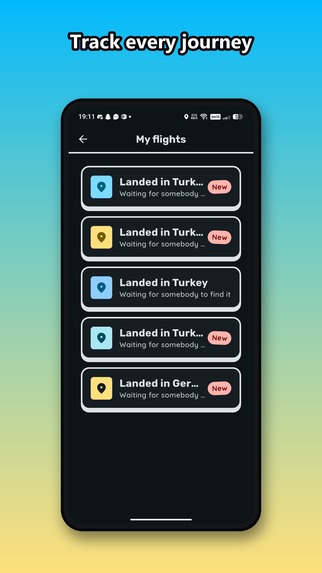
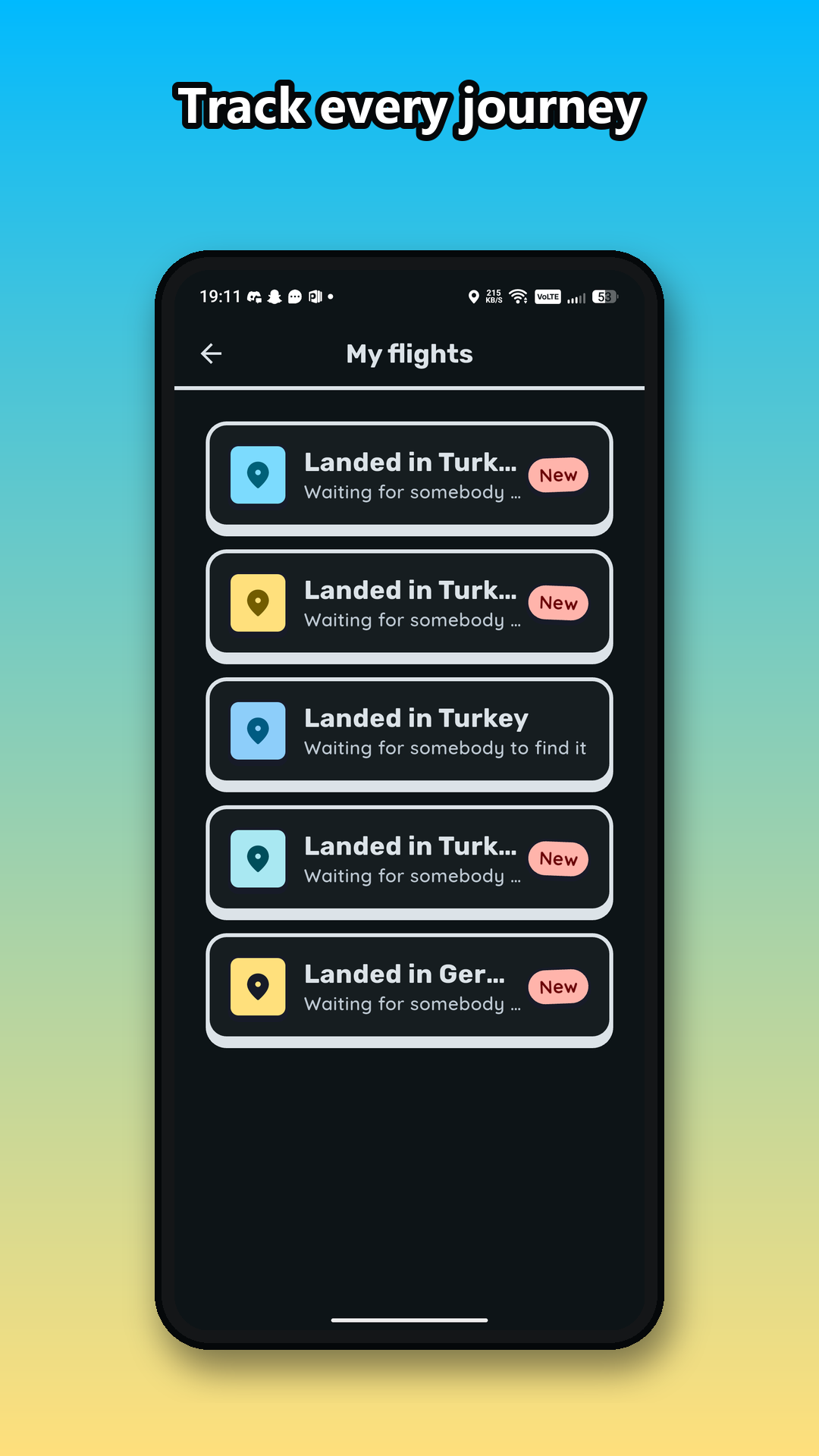
Track every photo you've launched: still flying, landed, or already found.
-
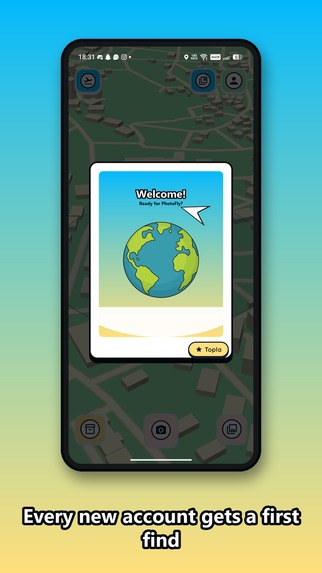
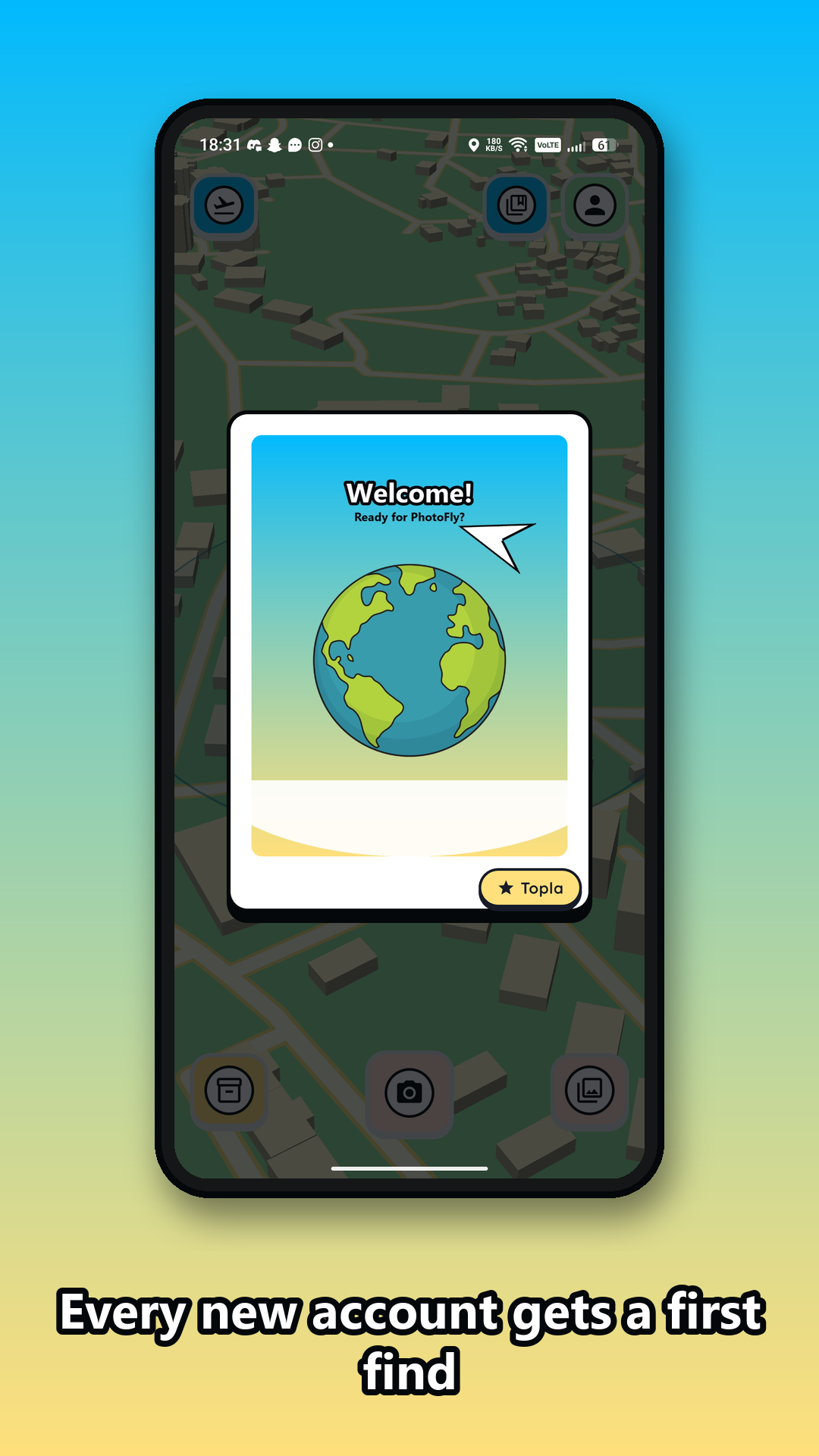
New accounts get one photo waiting for them on their very first look at the map.
-
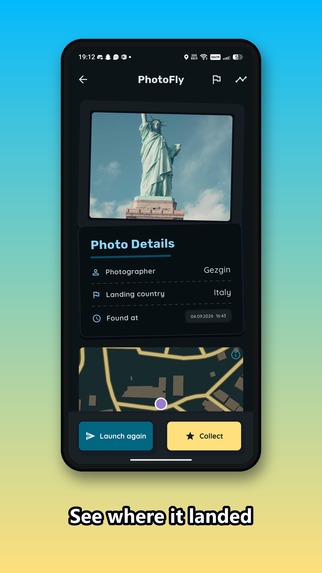
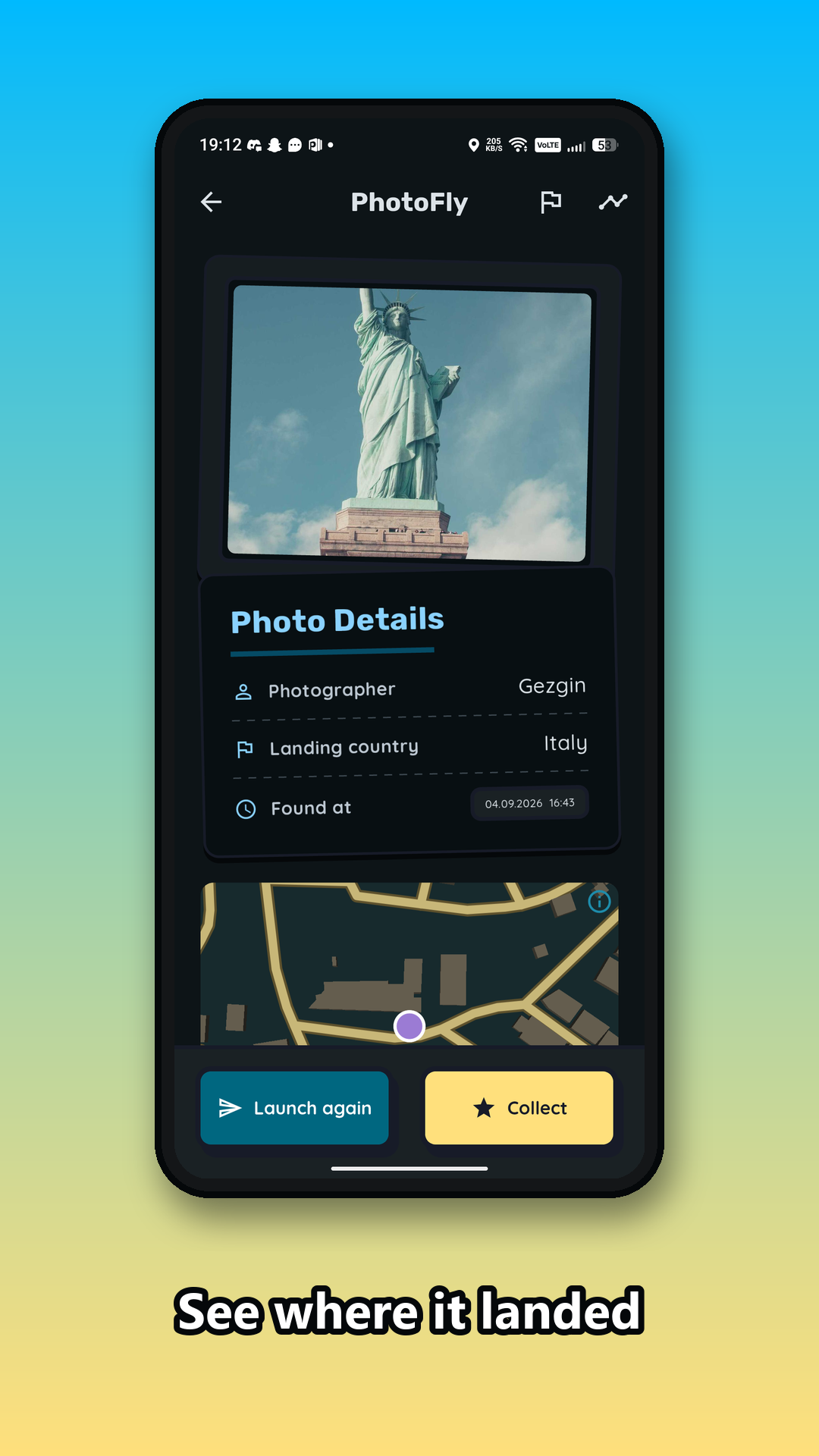
Full details on anything you find — who sent it, where it landed, when you found it.
-
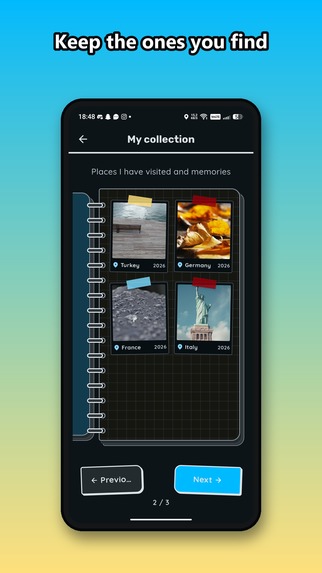
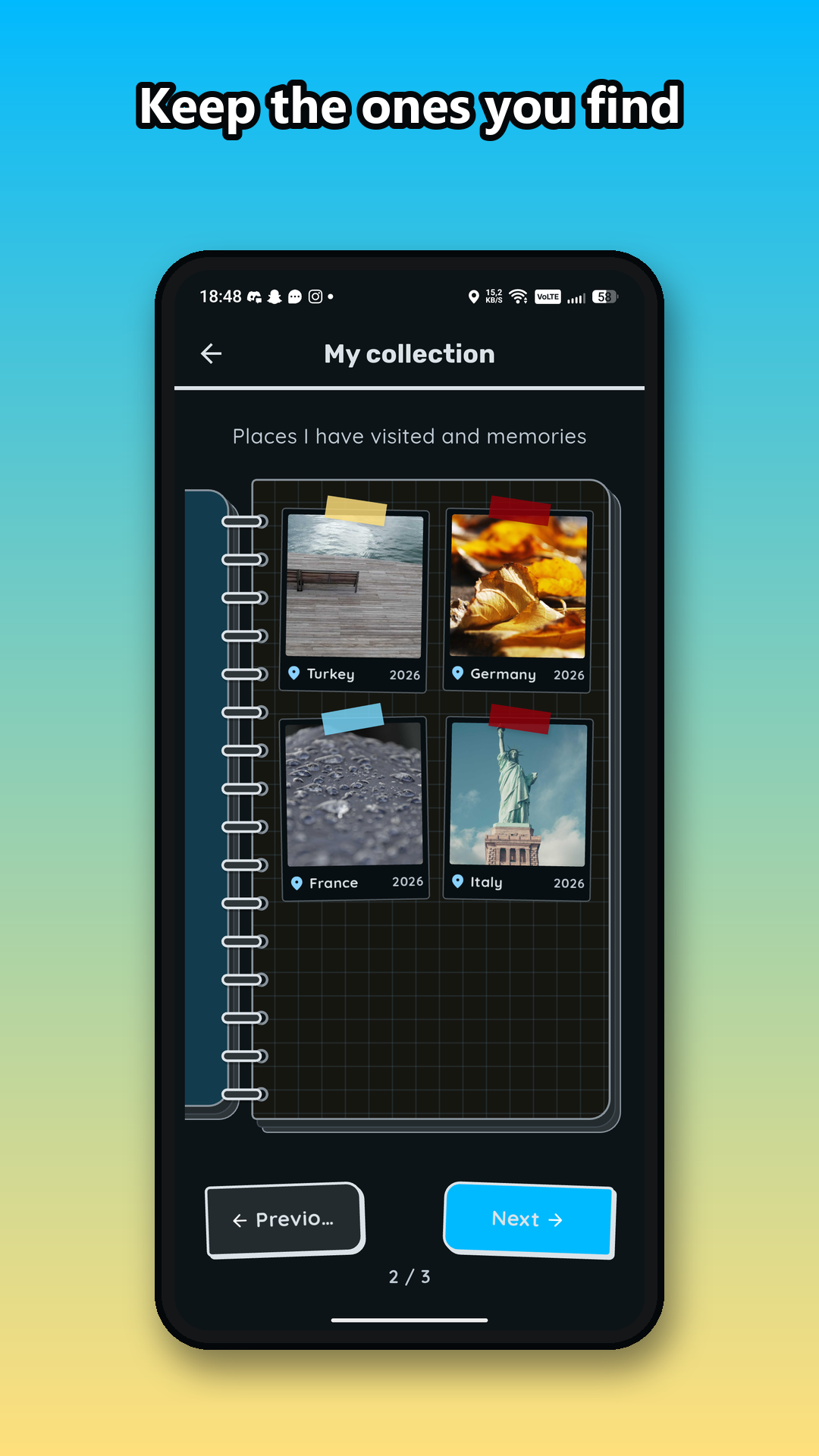
A scrapbook of every photo you've found, tagged with the country it landed in.
-
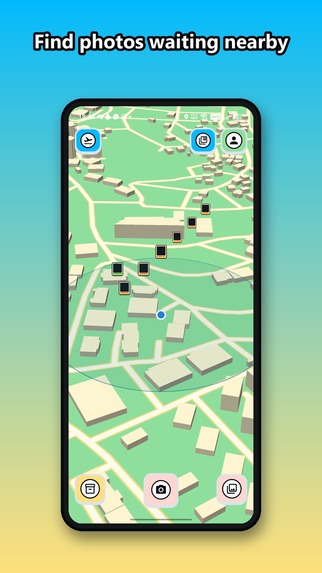
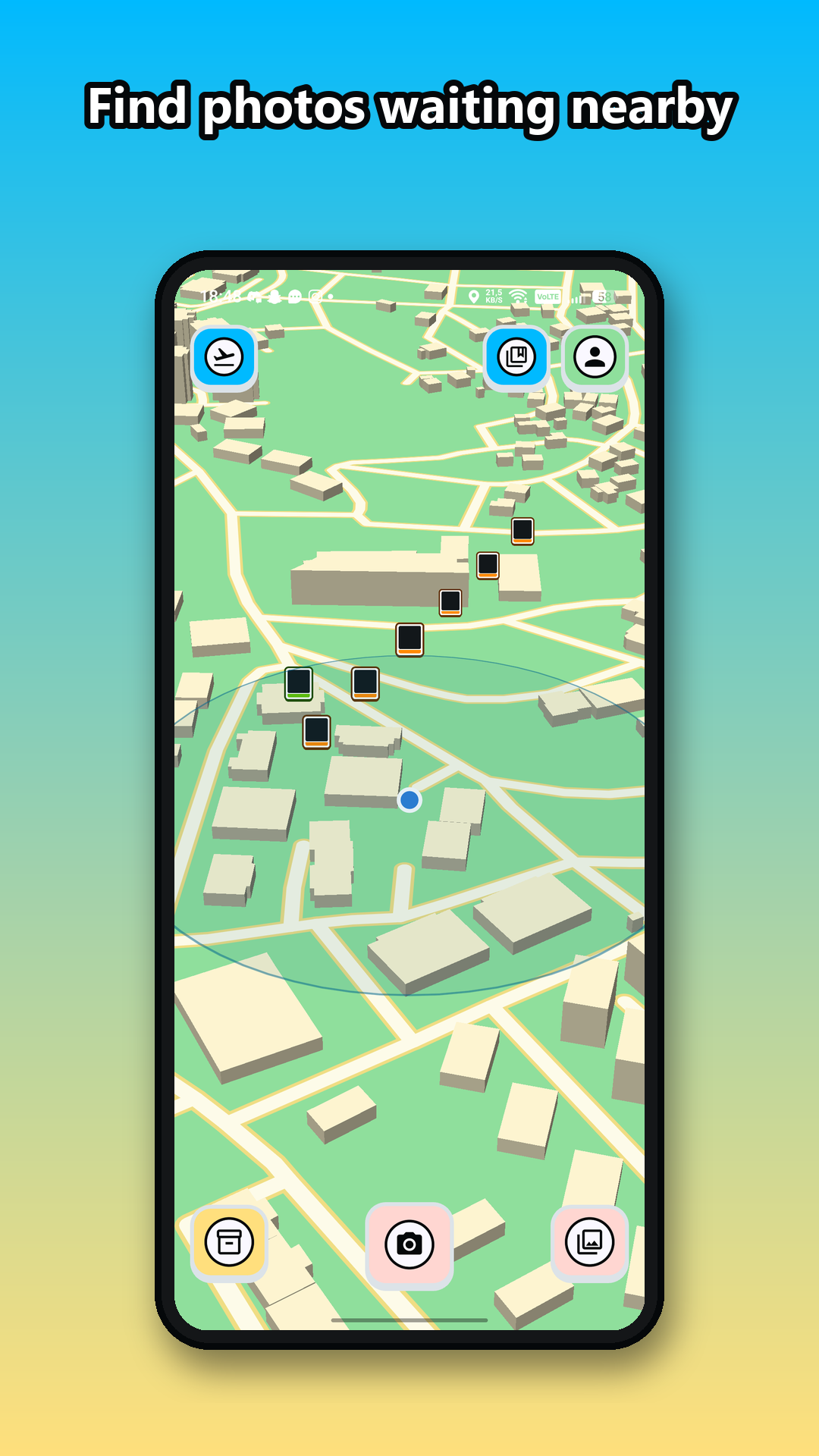
The map — every pin is a real photo someone threw, waiting to be found.
-
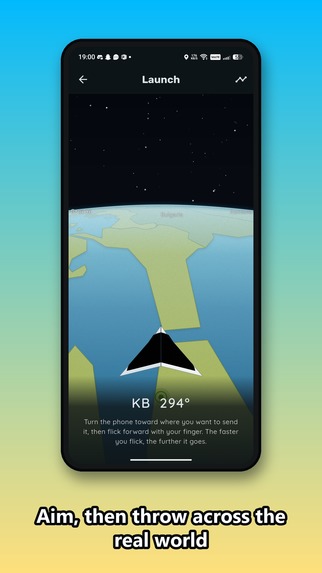
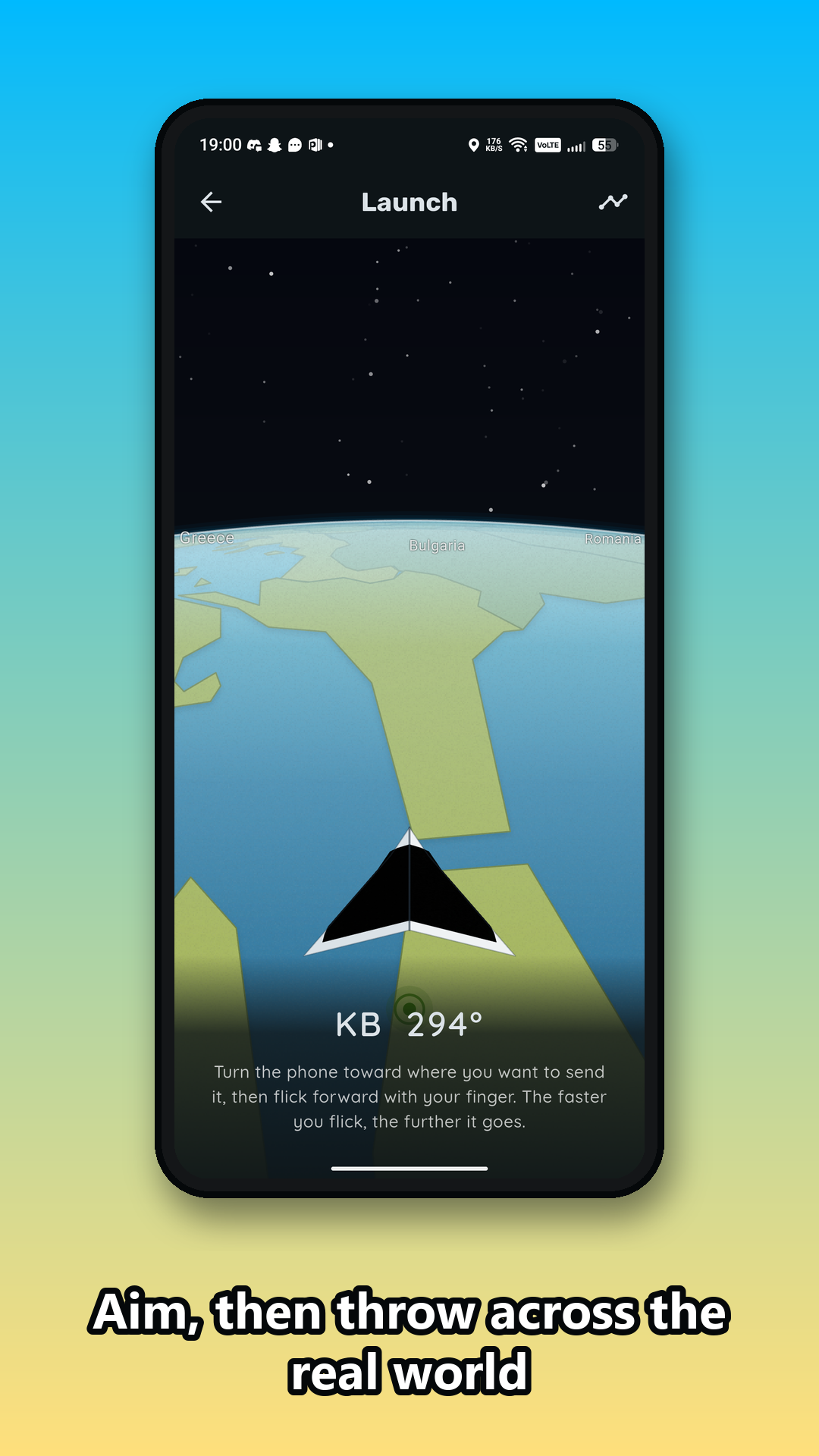
Aim your phone in a real direction and throw — the photo flies across an actual world map.

Inspiration
Photos usually stay trapped in a gallery after they are taken. We wanted to turn them into something that can travel, create curiosity, and connect people through places.
PhotoFly was inspired by the idea of launching a real photo across the world as if it were traveling by plane. Instead of choosing an exact destination, the user selects a direction and launch power. The photo then flies to a valid country determined by the backend.
What it does
PhotoFly is a mobile photo-travel experience built around an interactive globe.
Users can:
- Create an account and sign in securely.
- Capture and upload a photo from their phone.
- Rotate an offline globe horizontally and choose a launch direction.
- Select launch power to influence the maximum travel distance.
- Send the photo on a virtual flight to a valid destination on land.
- Track the flight and see its estimated arrival time.
- Receive a local notification when the photo arrives.
- Discover which country the photo landed in through the My Flights screen.
The destination is not selected directly. PhotoFly combines direction, power, distance limits, and controlled randomness to make every launch feel unpredictable.
Our broader vision is for nearby users to discover landed photos, collect them, or relaunch them so that each photo develops its own travel history.
How we built it
The mobile application is built with Flutter and Dart, allowing us to develop a native Android experience from a shared codebase.
The backend uses FastAPI and Python. It is responsible for authentication, photo ownership, flight creation, destination generation, arrival status, and other security-sensitive game rules.
We use:
- PostgreSQL for persistent application data.
- PostGIS for geographic calculations and land validation.
- MinIO for S3-compatible photo storage during local development.
- Docker Compose for a reproducible local backend environment.
- Natural Earth geographic data for country boundaries and labels.
- GitHub Actions for automated formatting, analysis, testing, and Android APK builds.
The globe works offline and displays country borders and names without depending on an external map service.
For destination generation, the backend uses the user’s selected direction and an exponential distance distribution. It adds limited directional randomness and verifies that the final point is located on land. Sensitive destination details remain hidden while the photo is still flying.
Challenges we faced
One of our biggest challenges was rendering a globe that felt visually interesting without relying on a full online map SDK. Country polygons also introduced difficult edge cases around the horizon, perspective projection, and globe rotation. Incorrect clipping could make land disappear, break apart, or appear as ocean while rotating.
Geographic destination generation was another challenge. A calculated coordinate could easily land in the ocean or outside the intended direction and range. We solved this by making the backend authoritative and using PostGIS with real country geometry to validate candidate destinations.
We also encountered Android-specific issues with scheduled local notifications. Notifications appeared to schedule successfully but did not fire because the required Android receivers were missing. Adding the correct manifest configuration, notification channel, permission handling, and regression tests resolved the problem.
Finally, keeping hidden flight information secure required careful API design. Exact destinations and country information must not be exposed before arrival, and the client cannot be trusted to decide ownership or flight state.
What we learned
We learned that geospatial applications require much more than drawing coordinates on a screen. Map projections, spherical geometry, country polygons, horizon clipping, and land validation all affect the final experience.
We also learned the importance of keeping gameplay decisions on the server. The mobile client presents the experience, but the backend validates ownership, generates destinations, controls flight state, and prevents sensitive information from being revealed too early.
Automated testing and continuous integration were especially valuable. Our CI pipeline caught an Android dependency compatibility issue that ordinary Flutter analysis and unit tests did not detect. We therefore added an actual APK build to every pull request.
Accomplishments that we are proud of
- Building a custom offline globe with country borders and labels.
- Creating a backend-authoritative flight system with geographic land validation.
- Turning direction, power, distance, and randomness into a simple launch interaction.
- Protecting hidden destination data until a flight arrives.
- Supporting real photo capture, upload, storage, and flight tracking.
- Delivering reliable Android arrival notifications.
- Creating automated mobile and backend test suites with CI-based APK verification.
- Running the full system on both an Android emulator and a physical device.
What’s next for PhotoFly
Our next major milestone is location-based discovery. A user near a landed photo will be able to discover it within a server-validated radius, then either collect it or relaunch it. The original creator will always remain part of the photo’s history, even after multiple journeys.
We also plan to add:
- A visual timeline showing every country visited by a photo.
- Push notifications through Firebase Cloud Messaging.
- Improved globe rendering and flight animations.
- Different aircraft with distinct speeds and travel times.
- Privacy controls and stronger production security.
- Cloud deployment and scalable object storage.
- Social sharing and collaborative global events.
Our long-term goal is to make every photo a small digital traveler with a story shaped by people around the world.
Built With
- actions
- alembic
- android
- api
- dart
- fastapi
- flutter
- github
- jwt
- minio
- postgis
- postgresql
- python
- rest
- revenuecat
- sqlalchemy


Log in or sign up for Devpost to join the conversation.