-
-
-

-

IconImage
-
-


Inspiration
Photo cleaners all promise to free up space, but handing an app write access to years of irreplaceable photos is a real leap of faith. The two things that scare people most are "it uploaded my photos somewhere" and "it deleted the one I actually wanted." I wanted to build one where neither can happen, and where that promise is structural rather than a line in the privacy policy.
What it does
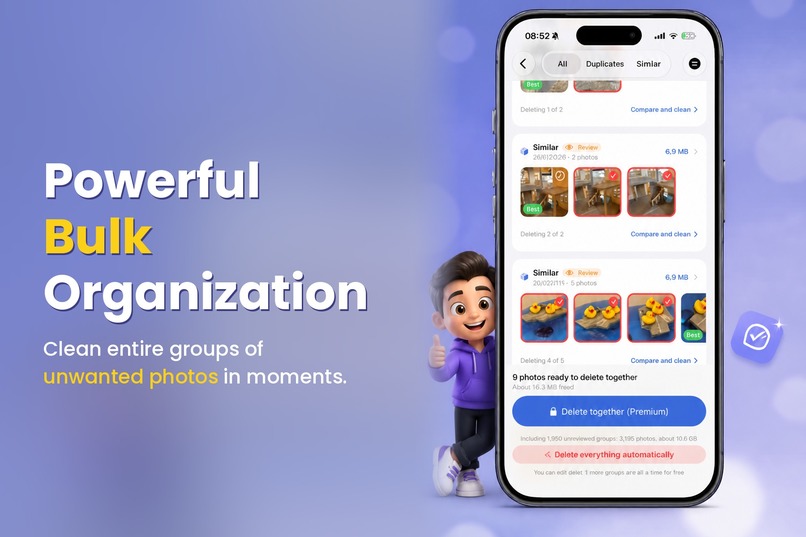
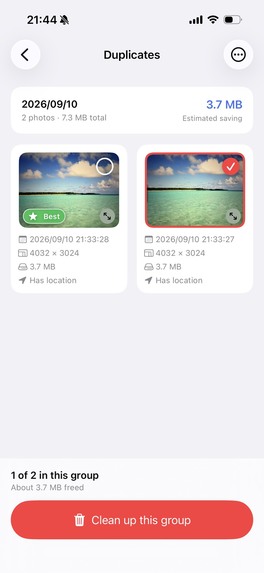
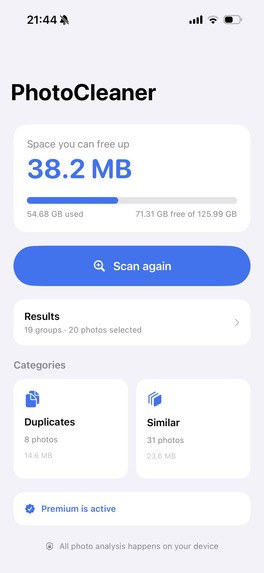
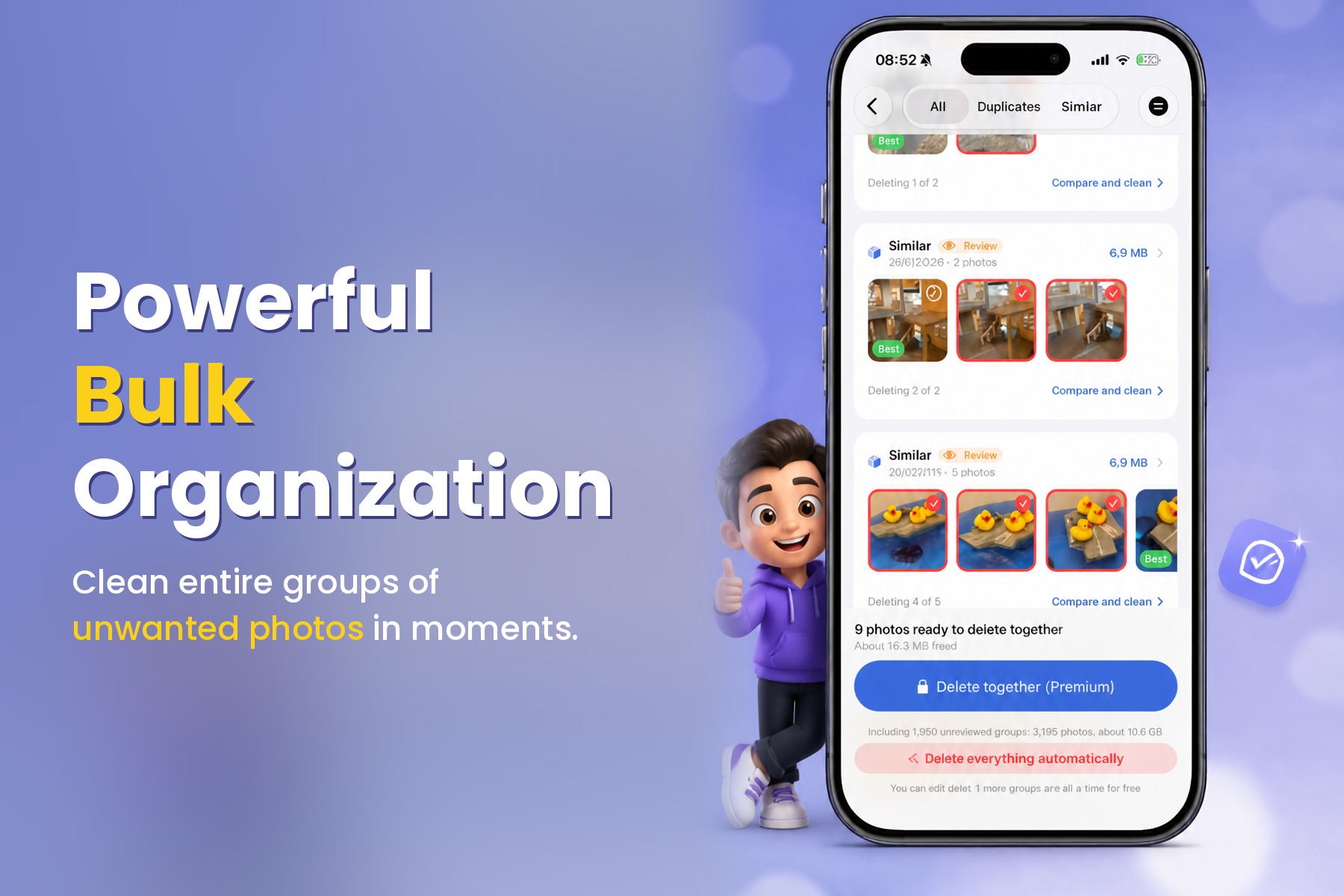
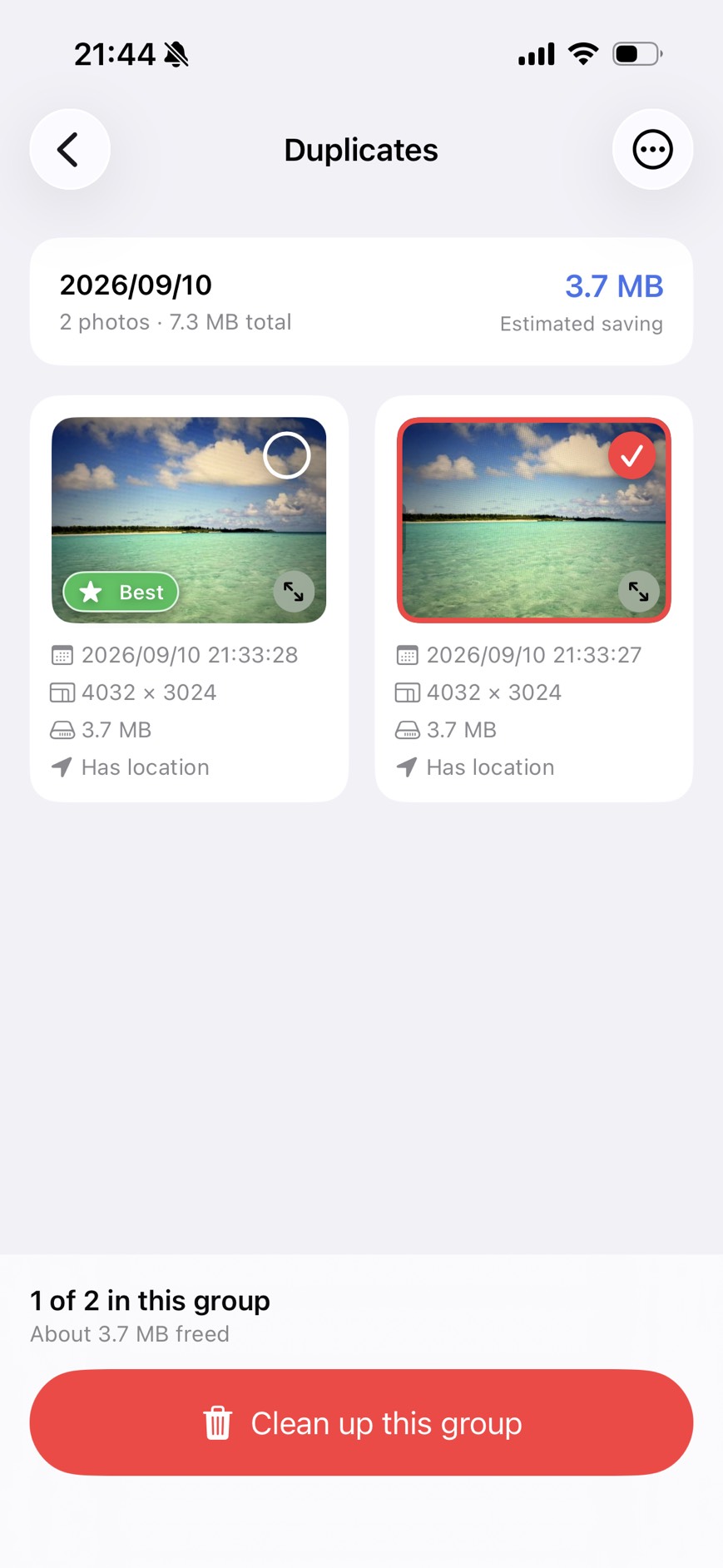
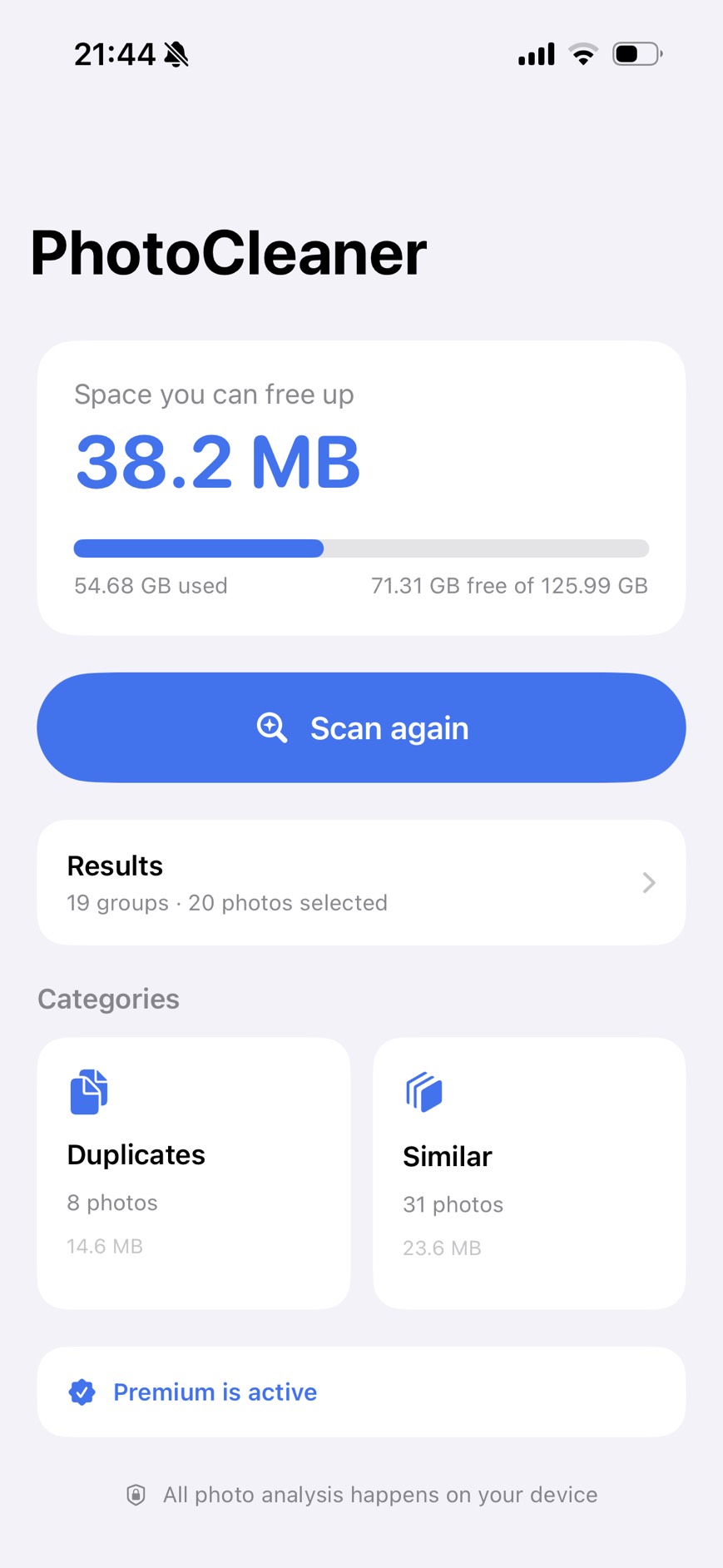
PhotoCleaner scans your photo library for exact duplicates and near-identical shots — burst frames, retakes, the same view shot five times — and groups them so you can reclaim storage.
- Every group keeps a "Best" photo, chosen from image quality plus resolution, file size, and capture date. It is never deleted.
- Bulk deletion only covers exact duplicates and groups you have actually opened and reviewed. Taste is not something the app should guess at.
- Deleted photos go to iOS Recently Deleted, so anything is recoverable for 30 days.
- All analysis runs on device. No uploads, no accounts, no ads.
- Results are cached locally, so later scans take a fraction of the time.
How I built it
Swift 6 and SwiftUI throughout, with the Observation framework for state. Similarity detection uses Vision's VNGenerateImageFeaturePrintRequest and computeDistance to compare feature prints, with Accelerate for the vector math. Exact duplicates are caught earlier and more cheaply, before the expensive pass. Photos handles library access and deletion, StoreKit 2 handles purchases. Feature vectors are cached on device so rescans skip work already done.
Challenges I ran into
- Vision does not run inference in the Simulator, so the app could never produce real results there. I built a debug-only screenshot mode that assembles a realistic result set from the library, driven by a launch argument, so any screen can be captured reproducibly without tapping through.
- Gesture competition in the photo viewer. Adding swipe-to-dismiss broke swipe-to-next-photo: SwiftUI's DragGesture claims the UIPageViewController behind TabView never gets to recognize the horizontal swipe — and simultaneousGesture does not help, because it only coordinates SwiftUI gestures with each other, not with UIKit. I moved the dismiss gesture to a UIPanGestureRecognizer, where simultaneous recognition can be declared explicitly, and it only claims the drag when the motion is vertical.
- A localization trap. Text("literal") is a LocalizedStringKey and gets localized automatically, but Text(someString) resolves to the String overload and passes straight through — and never gets extracted into the string catalog. Fourteen strings, including the entire first-run safety guide, were silently shipping in Japanese to English users. I found them by diffing every Japanese literal in the source against the catalog keys.
What I learned
The gesture bug was the clearest lesson: when SwiftUI and UIKit share a screen, the seams are exactly where gestures meet, and "simultaneous" means less than it sounds like. The localization bug taught me not to trust that a feature is done because the UI looks right in one language — I now verify against the string catalog rather than by eye.
What's next
Better screenshots with real photos, video support, and smarter grouping for screenshots and receipts, which follow different rules from camera photos.

Log in or sign up for Devpost to join the conversation.