Inspiration
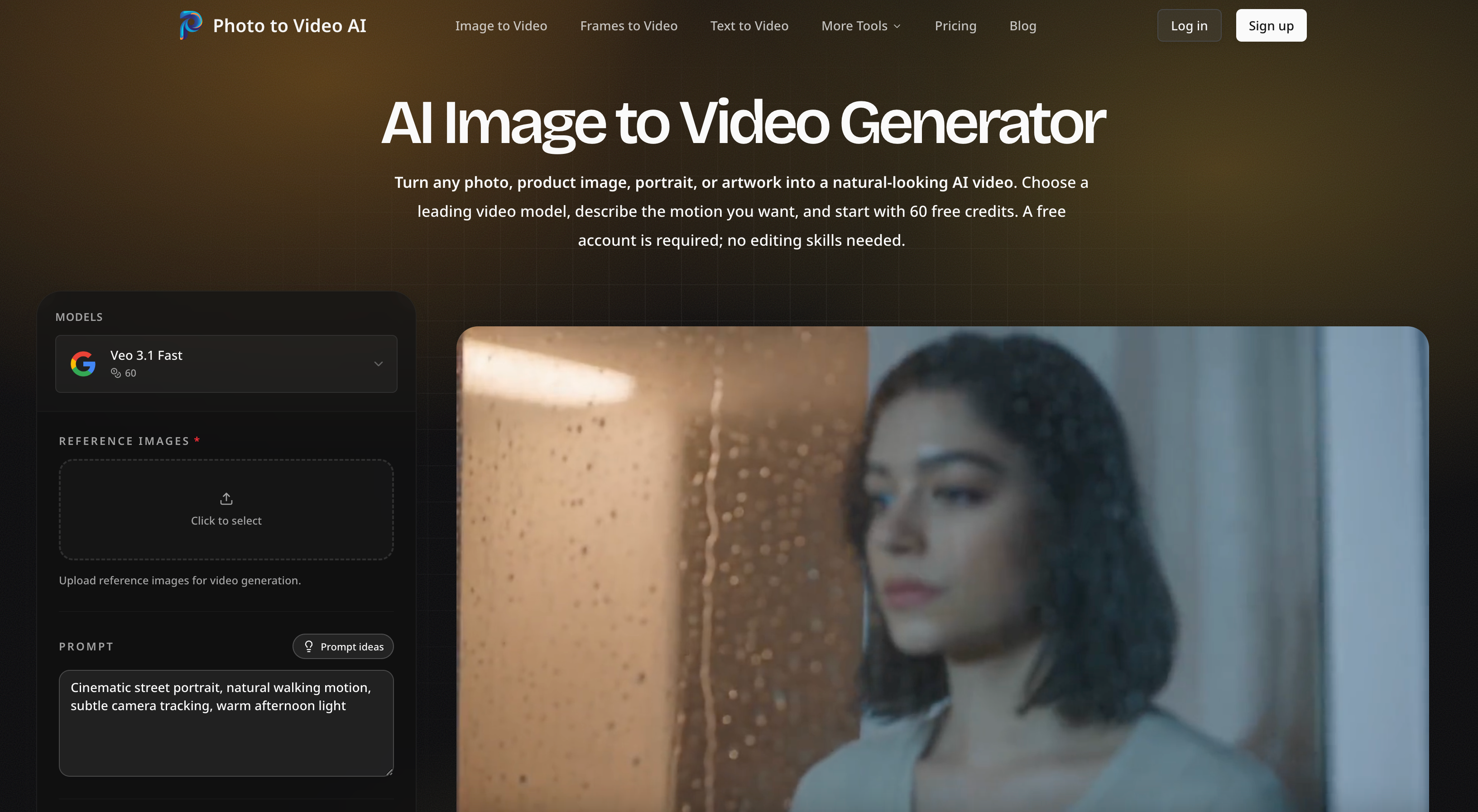
As an independent developer, I saw a simple problem: creators, marketers, and small shops often have strong photos but not the time, budget, or editing experience to turn them into video. Powerful AI video models already exist, yet comparing them and understanding their controls can feel like a project of its own. I built Photo to Video AI to make that journey direct: upload one image, describe the motion, choose the model and format, and generate a clip in minutes.
What it does
Photo to Video AI turns portraits, product shots, artwork, landscapes, old photos, and other still images into short AI videos. The original image remains the visual anchor while the user directs subject movement, camera motion, and atmosphere with an optional prompt.
Users can choose from leading models including Google Veo, Kling, Seedance, and Wan, then adjust model-supported settings such as duration, resolution, aspect ratio, frames, and sound. A live credit estimate appears before generation. Finished MP4 videos can be created in 9:16 for TikTok and Reels, 16:9 for YouTube and ads, or 1:1 for product pages. The wider creative suite also supports text-to-video, first-and-last-frame transitions, reference-to-video, AI video editing, lip sync, motion control, text-to-image, and image-to-image workflows.
How I built it
I built the product with Next.js, React, TypeScript, and Tailwind CSS. Next.js App Router and server-rendered pages power the multilingual product experience, while next-intl handles localization. Better Auth manages accounts, Drizzle ORM provides the data layer, Stripe powers credit purchases and subscriptions, Cloudflare and R2 deliver the application and media assets, and FFmpeg supports browser-side media processing. I designed a unified generation layer so models with different capabilities can share one clear workflow while still exposing the controls that matter for each model.
Challenges
The hardest challenge was creating one interface for models that disagree on almost everything: supported input types, durations, aspect ratios, resolutions, sound, generation time, and credit cost. I solved this with capability-driven controls that change with the selected model and show the price before a job begins.
Another challenge was making generated media feel dependable. AI output is probabilistic, so the product emphasizes clear source-image guidance, focused prompts, visible job progress, creation history, and credit refunds for failed jobs. I also spent significant time balancing a fast interactive studio with server-rendered product education, so both people and search engines can understand the product without waiting for client-side JavaScript.
What I learned
Building Photo to Video AI taught me that the best AI product is not just access to a model. It is the surrounding experience: sensible defaults, honest expectations, transparent cost, useful constraints, and fast iteration. As a solo developer, I also learned to build a reusable system instead of a collection of disconnected demos.
What's next
Next I plan to improve prompt assistance, generation comparison, model routing, and project organization, while continuing to add new models and focused workflows for creators, ecommerce teams, and marketers.
Built With
- artificial
- better
- cloudflare
- drizzle
- ffmpeg
- kling
- next.js
- postgresql
- react
- stripe
- tailwind
- typescript
- wan

Log in or sign up for Devpost to join the conversation.