-
-
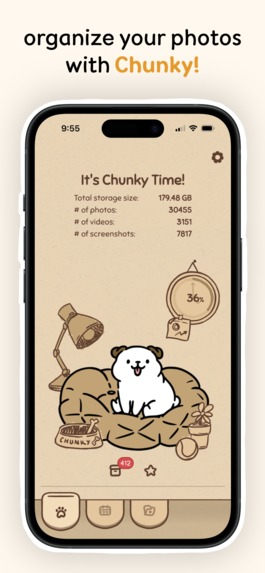
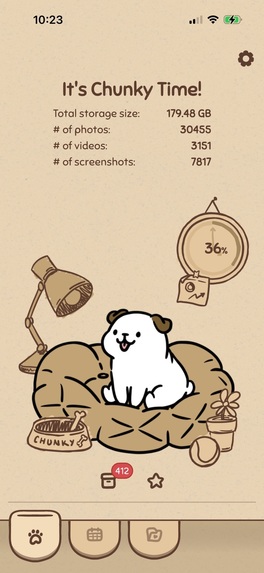
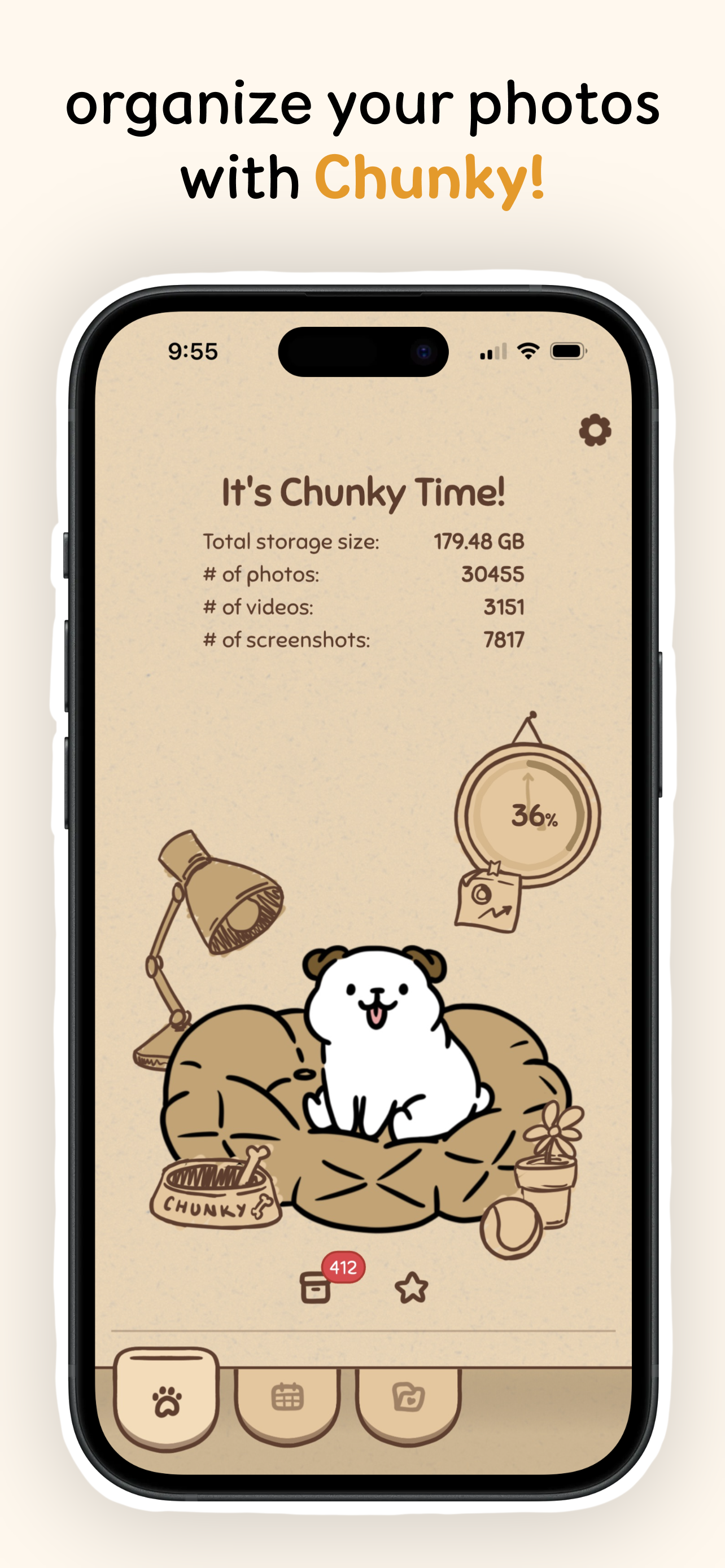
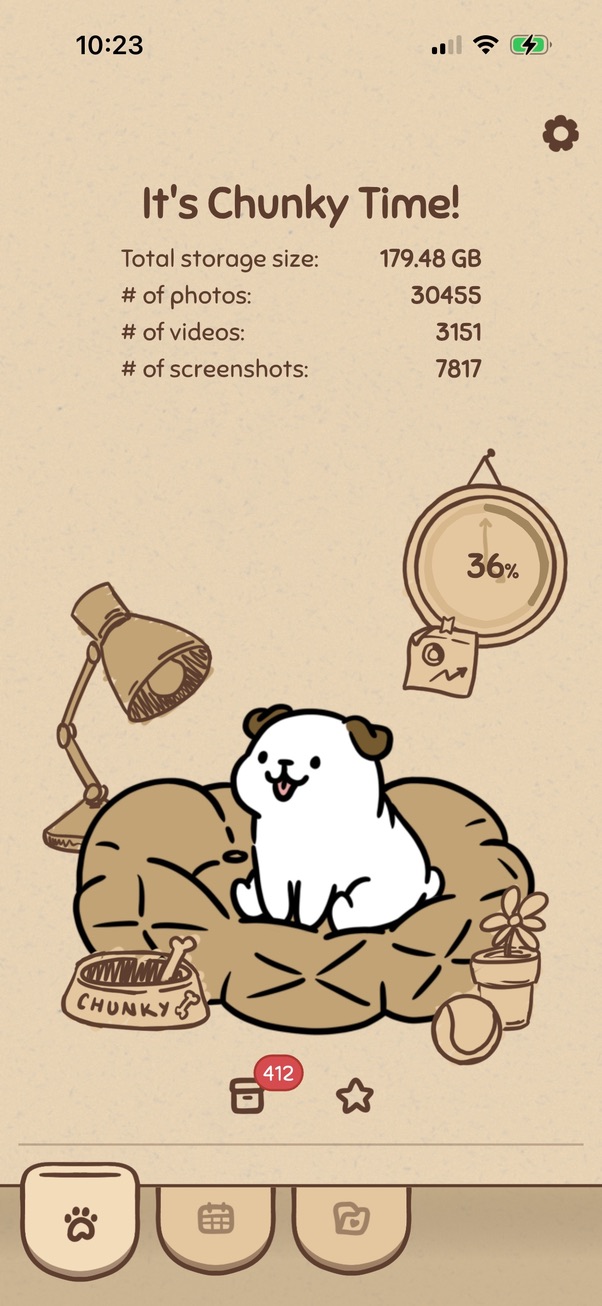
Home page where Chunky lives
-
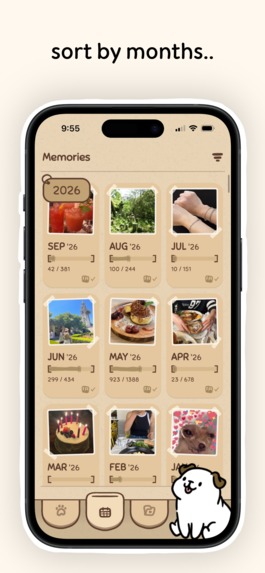
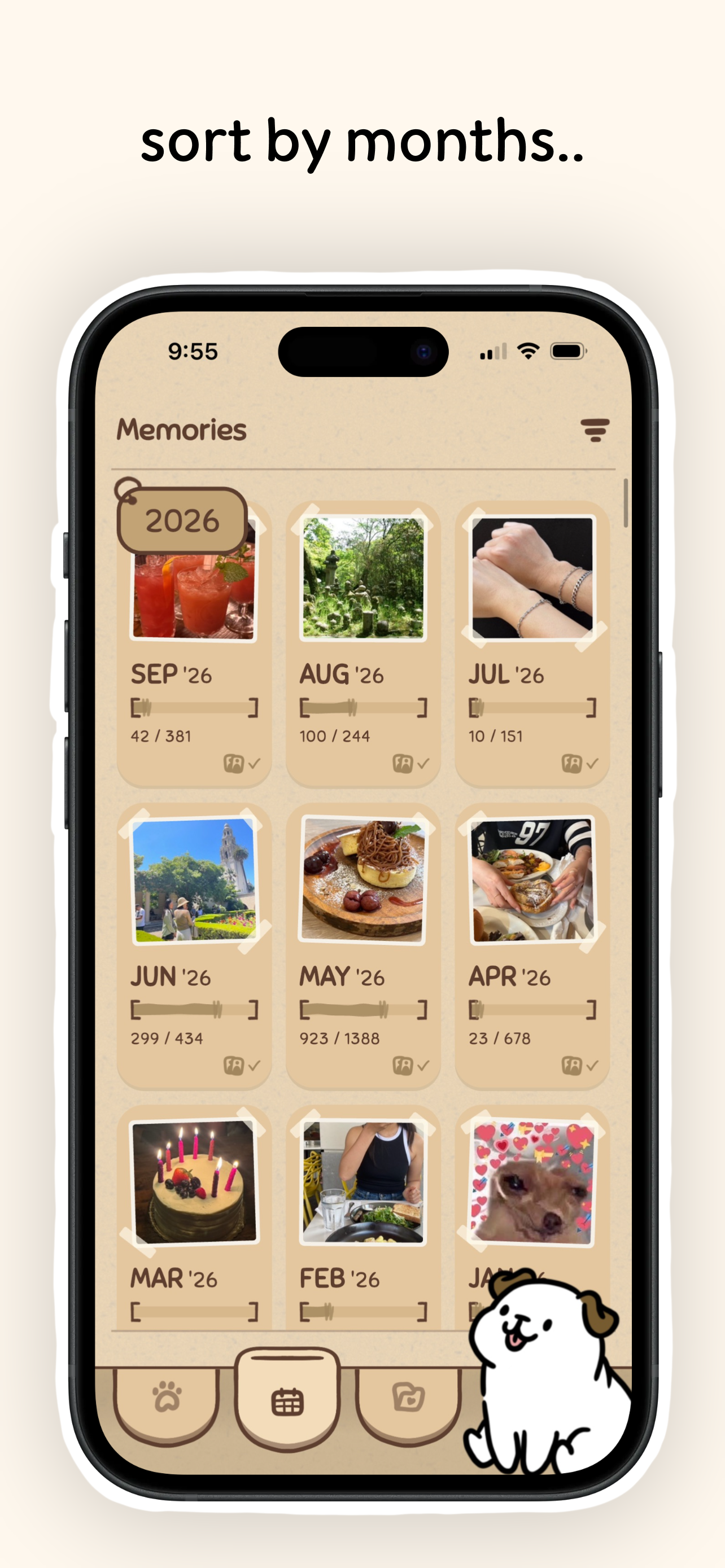
Months view page, showing a collection of all months
-
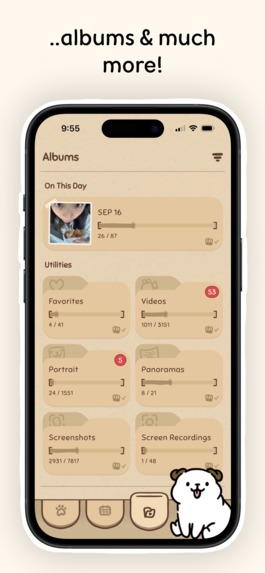
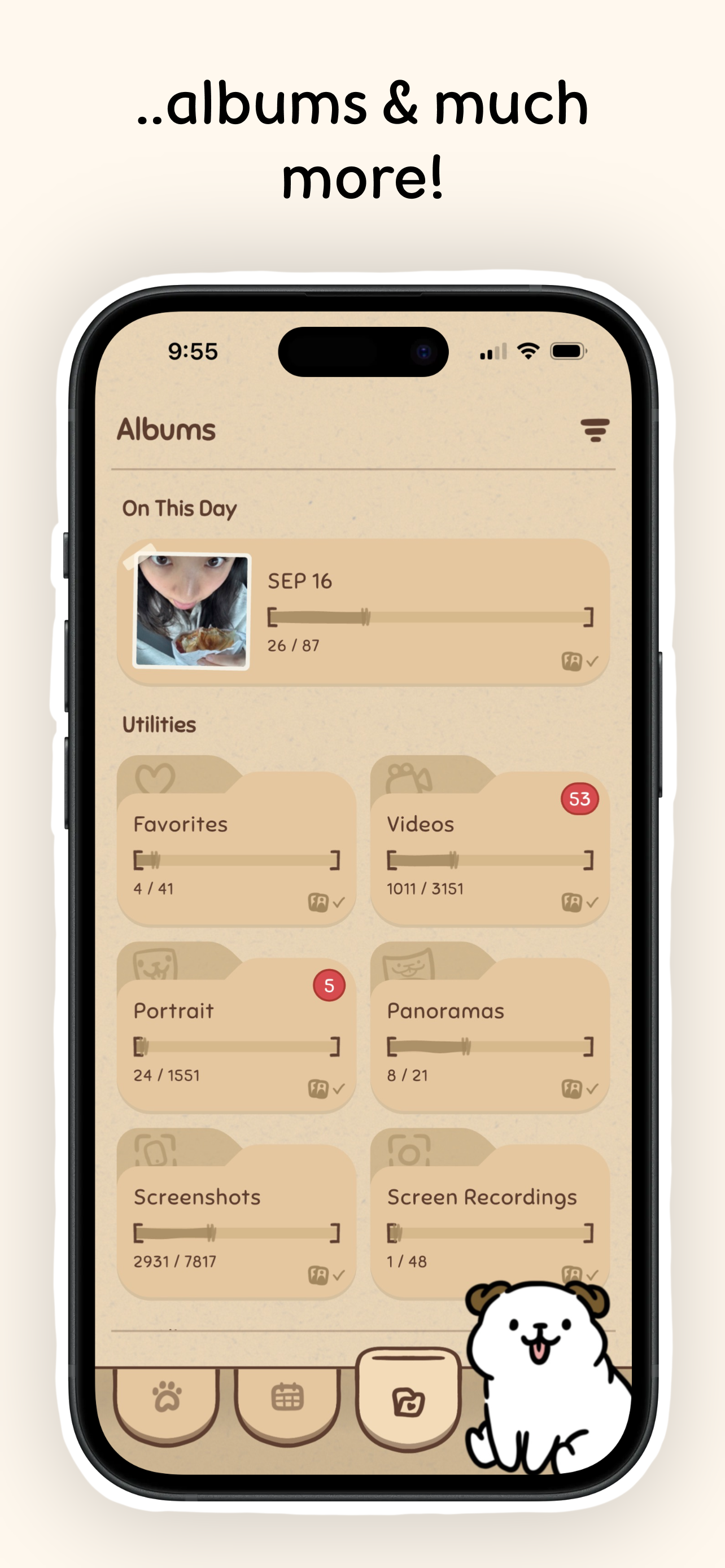
Albums view page, showing "On this day", utilities, and user-made albums
-
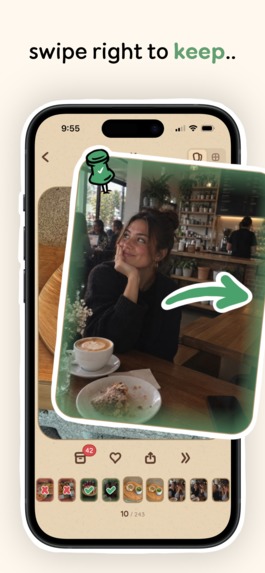
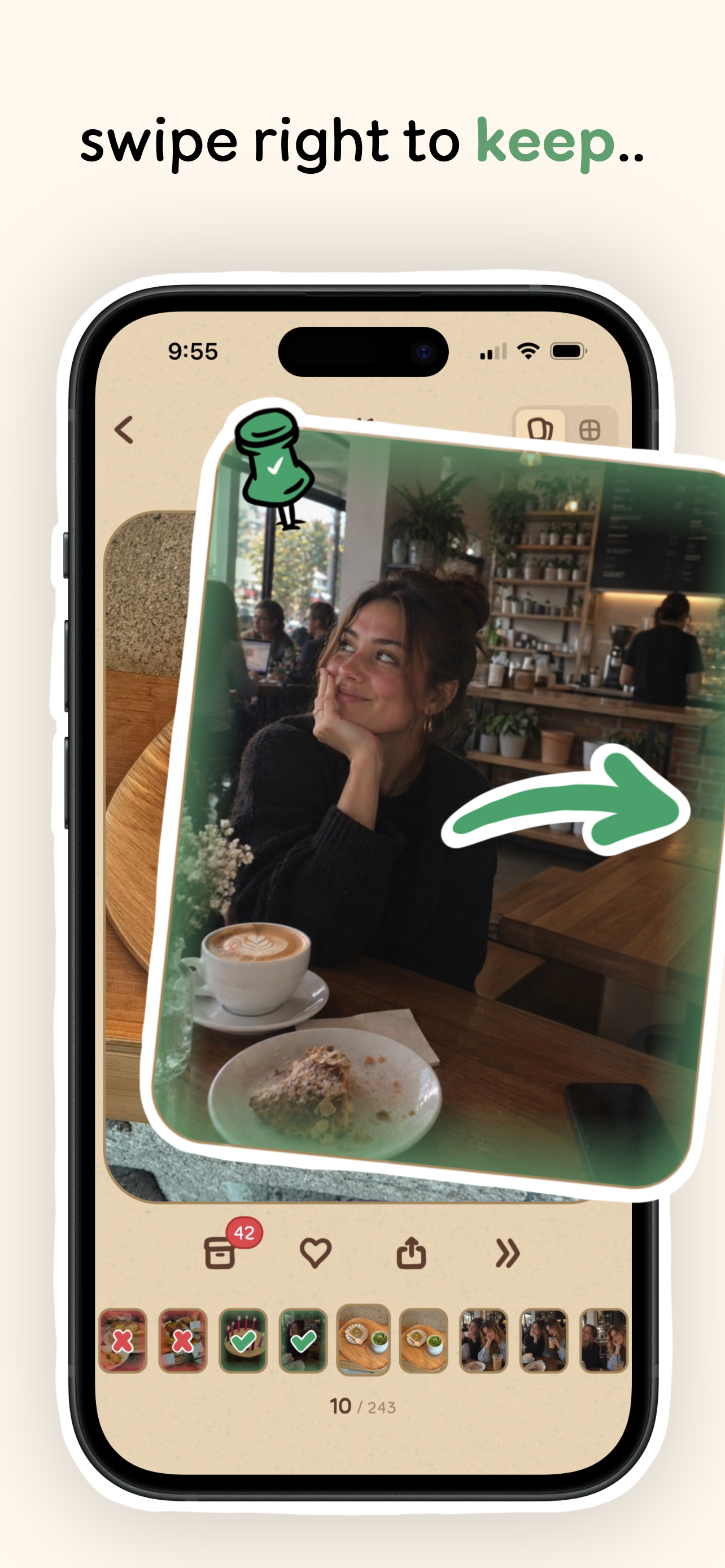
Photo swipe page: swipe right to keep
-
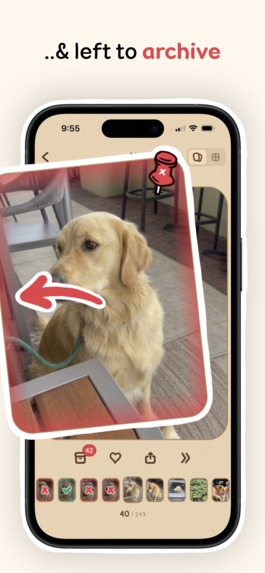
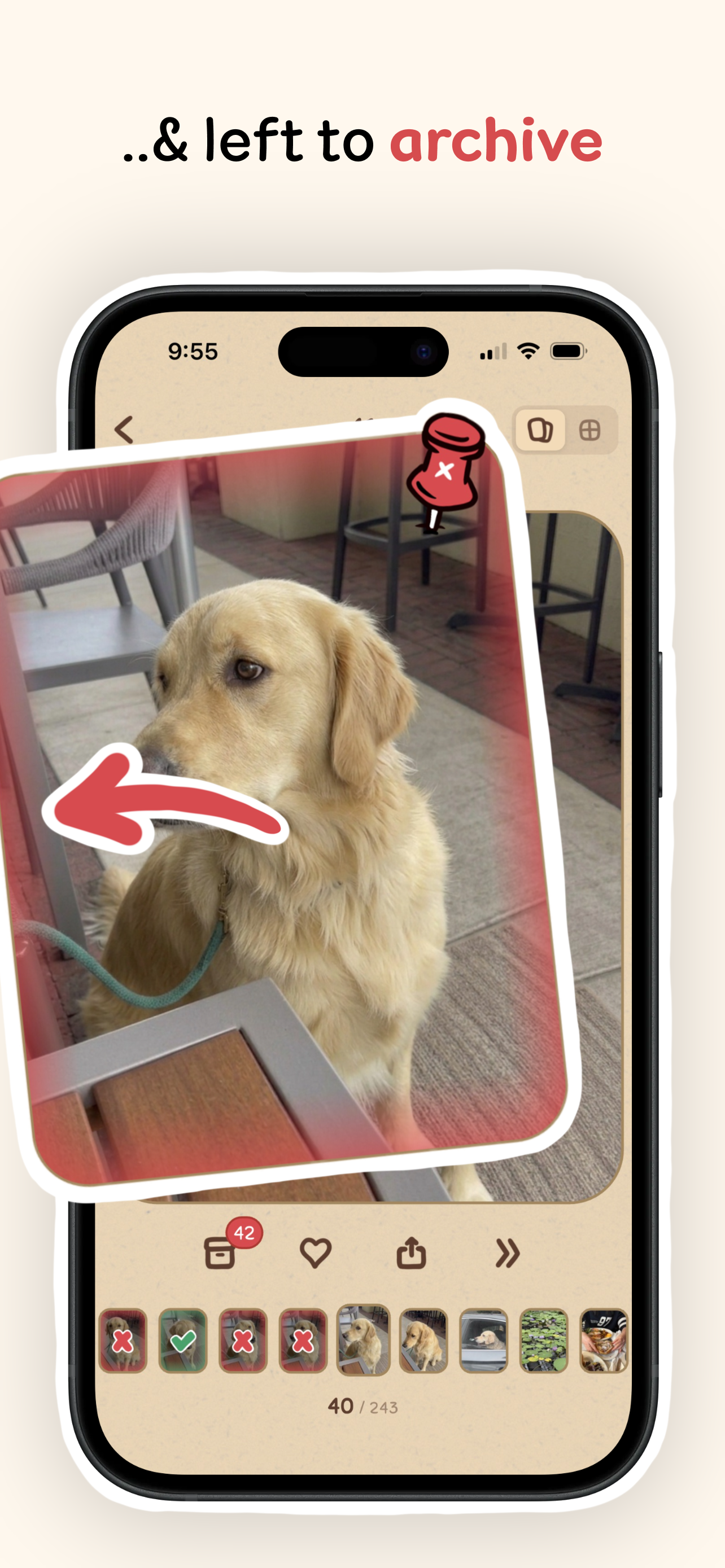
Photo swipe page: swipe left to archive
-
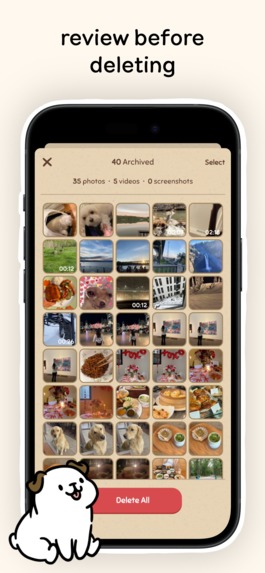
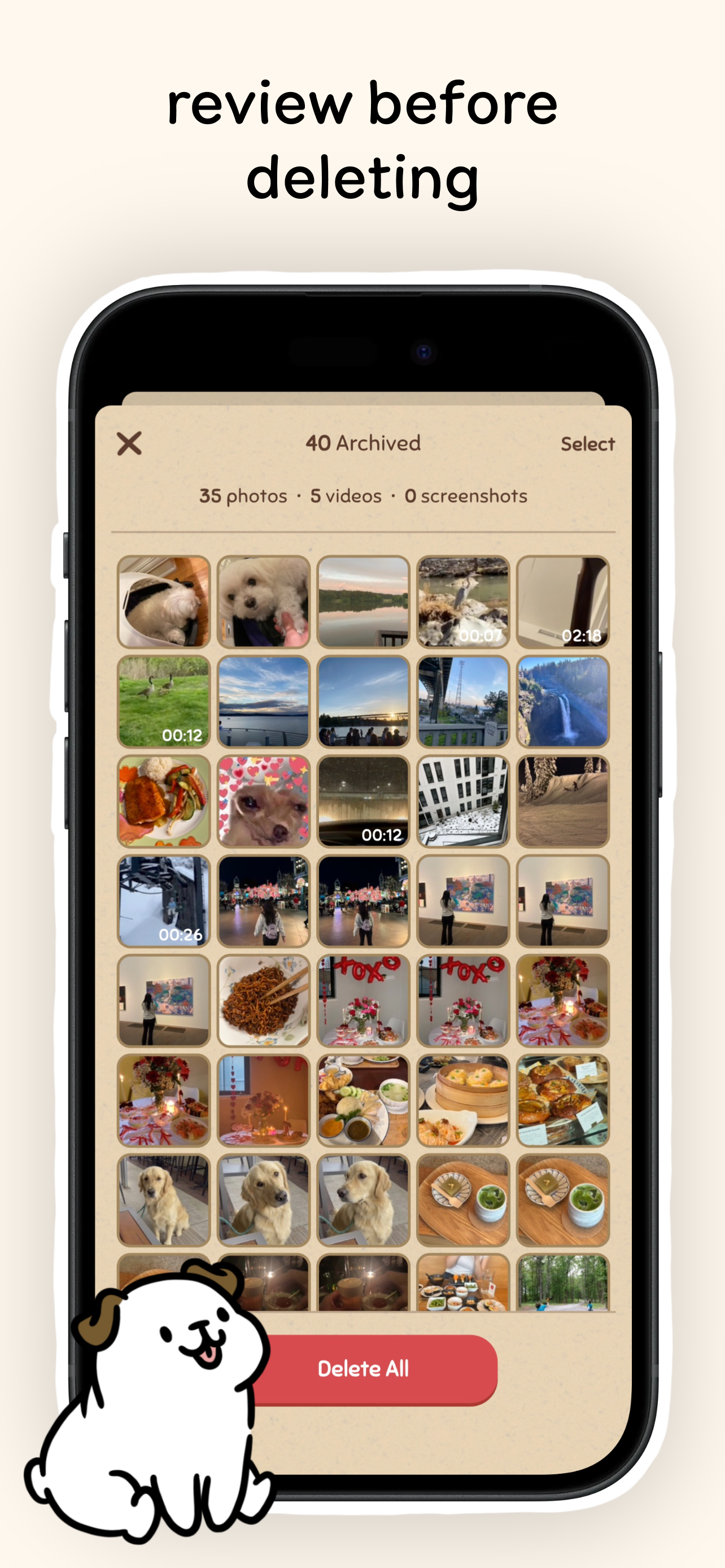
Archived page: review all archived photos before deleting them permanently
-
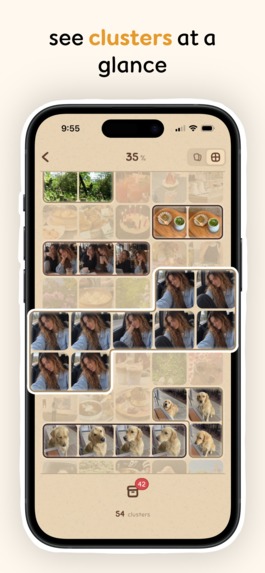
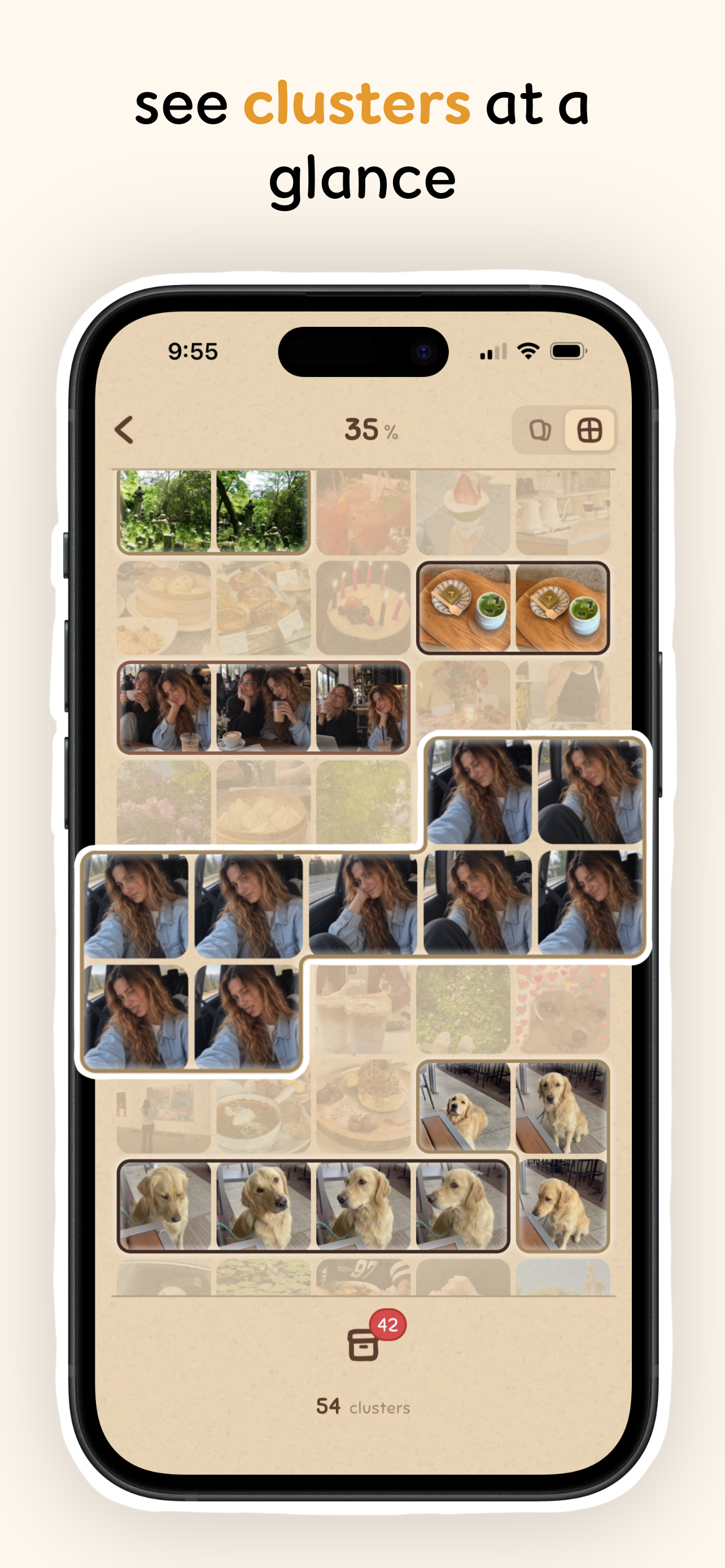
Cluster grid page: gallery grid that shows a visualization of all distinct clusters
-
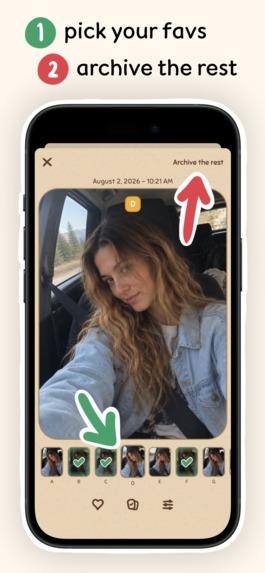
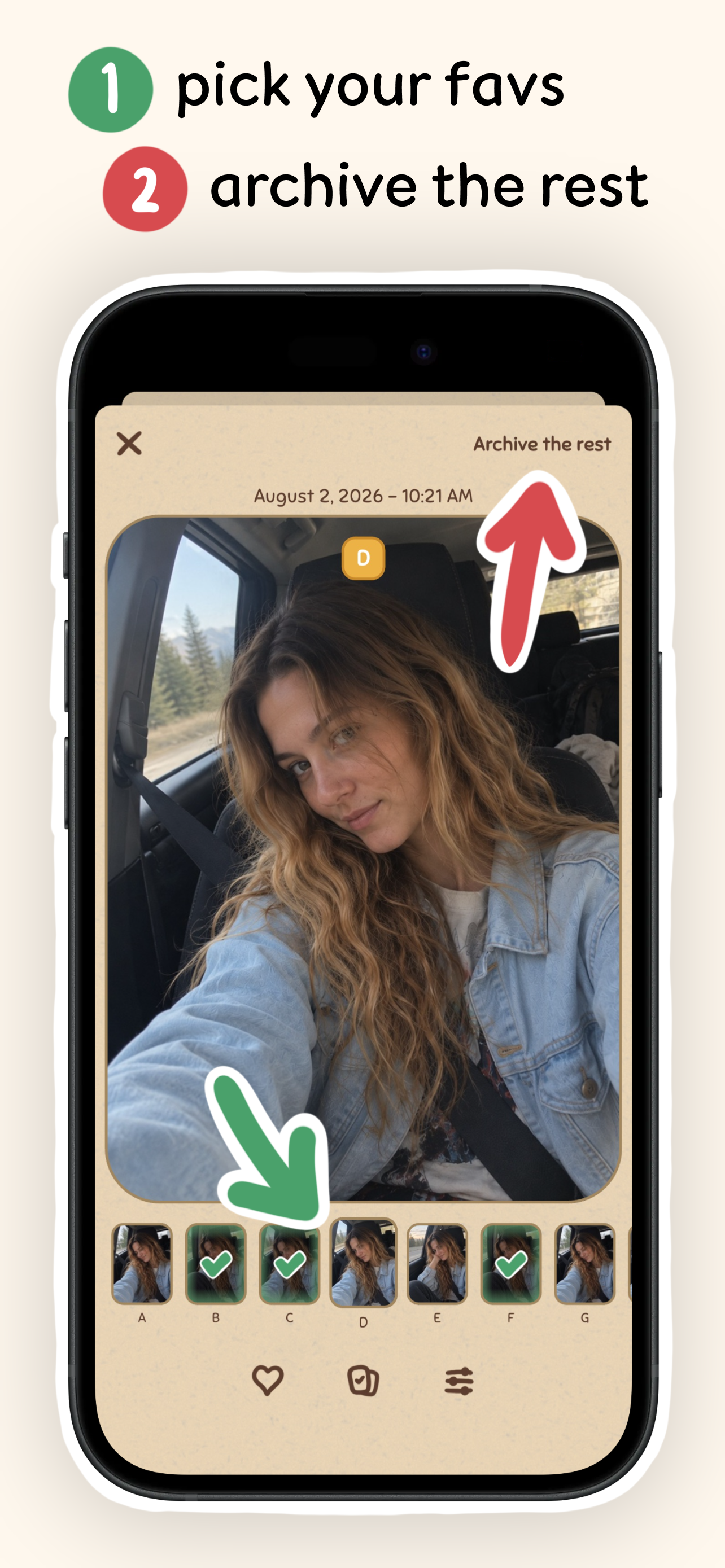
Cluster swipe page: assortment of tools to help you pick your favorites out of a cluster easily
-

App icon
-
Screenshot with no device frames

Inspiration
Whereas most photo organization apps treat your photos as data that needs to be sorted, we believe our camera roll reflects the memories that make us who we are. So instead of just building another utility app, we wanted Chunky Time to feel personal, tactile, and intentional. With this goal in mind, we developed Chunky Time, which incorporates a hand-drawn scrapbook theme and an interactive companion named Chunky!
What it does
Swipe to sort
Swipe right to keep and left to archive. Swiping doesn’t delete anything on the spot. Archived photos are moved to the archive box, where you can review them all before permanently deleting from your phone.
View your photos in chunks
Sort through your photos by months, albums, utilities, and on-this-day (your photos throughout the years from that particular day).
Track your progress
See exactly how much storage you’ve reclaimed and photos deleted via the clock and sticky note above Chunky's bed.
Similar photo clustering
We automatically identify similar photos and group them (we call these “clusters”). Users can visually see clusters on a photo gallery grid. Within a single cluster, you can swipe to keep/archive, reorder photos, and filter among your favorites. Picking your favorite out of dozens of nearly-identical selfies or group photos becomes as easy as flipping through a flipbook.
100% privacy
Everything happens locally on your phone. No uploads, no storage, no but you ever sees your photos.
How we built it
- Flutter
- Swift (for PhotoKit & Vision frameworks)
- Procreate (for animations and art assets)
- RevenueCat (for subscriptions)
Challenges, learnings, & accomplishments that we're proud of
Getting feedback
Our first alpha tests with TestFlight lacked engagement from testers. We initially used Google Forms and other surveys to retrieve user feedback, which didn’t have much traction. Switching to an analytics tool like PostHog and incorporating funnels allowed us to easily see user usage patterns and gave us a much better idea of where the UX was confusing and needed improvement.
Visual design
We spent a long time to make a cohesive visual language that makes Chunky Time feel like your very own interactive scrapbook. Chunky and all his animations are hand-drawn (hundreds of frames and tens of different animation states). Although we had experience with drawing, this was our first time taking on animation in Procreate, so it was a huge learning experience. We think Chunky came out great though, so it was definitely worth it!
Clustering algorithm
We experimented with a lot of different algorithms and models, but they all fell short (clustering seemingly random photos together, or sometimes good but sometimes bad—but often enough where it was noticeable). After quite a bit of experimentation, the final clustering system uses a custom clustering algorithm, which provided good results for grouping actually similar photos together. There’s still lots of room for improvement, but we’re proud of what we have today after our testing and iterating process.
What's next for Photo Organizer: Chunky Time
- Scaling with different distribution channels
- Based on our initial customer reviews, Chunky seems to be our centerpoint. We’re working on a sleek customization system to allow users to customize Chunky and provide more reward incentives for using the app to increase stickiness
- We also have a public feedback board where users can post and vote on new features. We'll be taking a look as we obtain more users to prioritize what we work on next

Log in or sign up for Devpost to join the conversation.