-
-
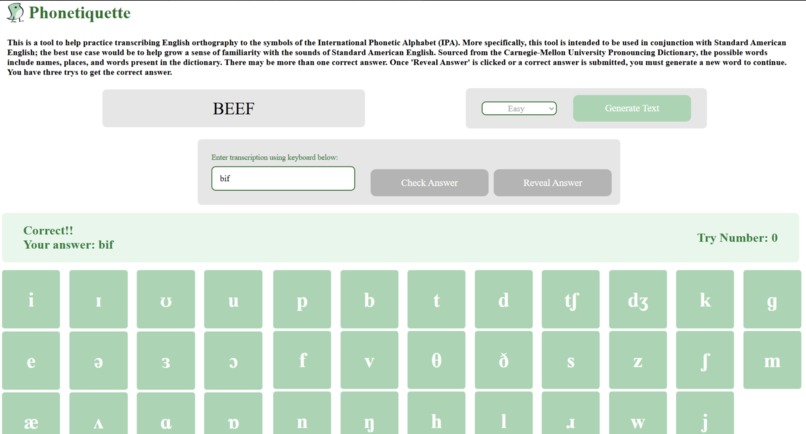
Response of correct IPA translation input
-
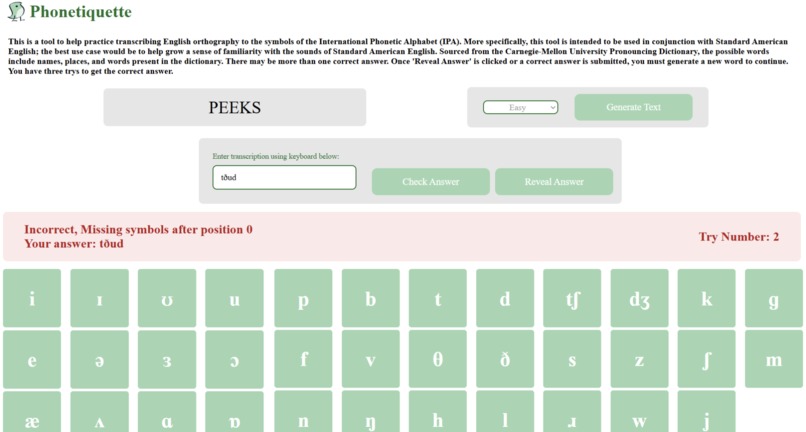
Response of incorrect IPA translation input
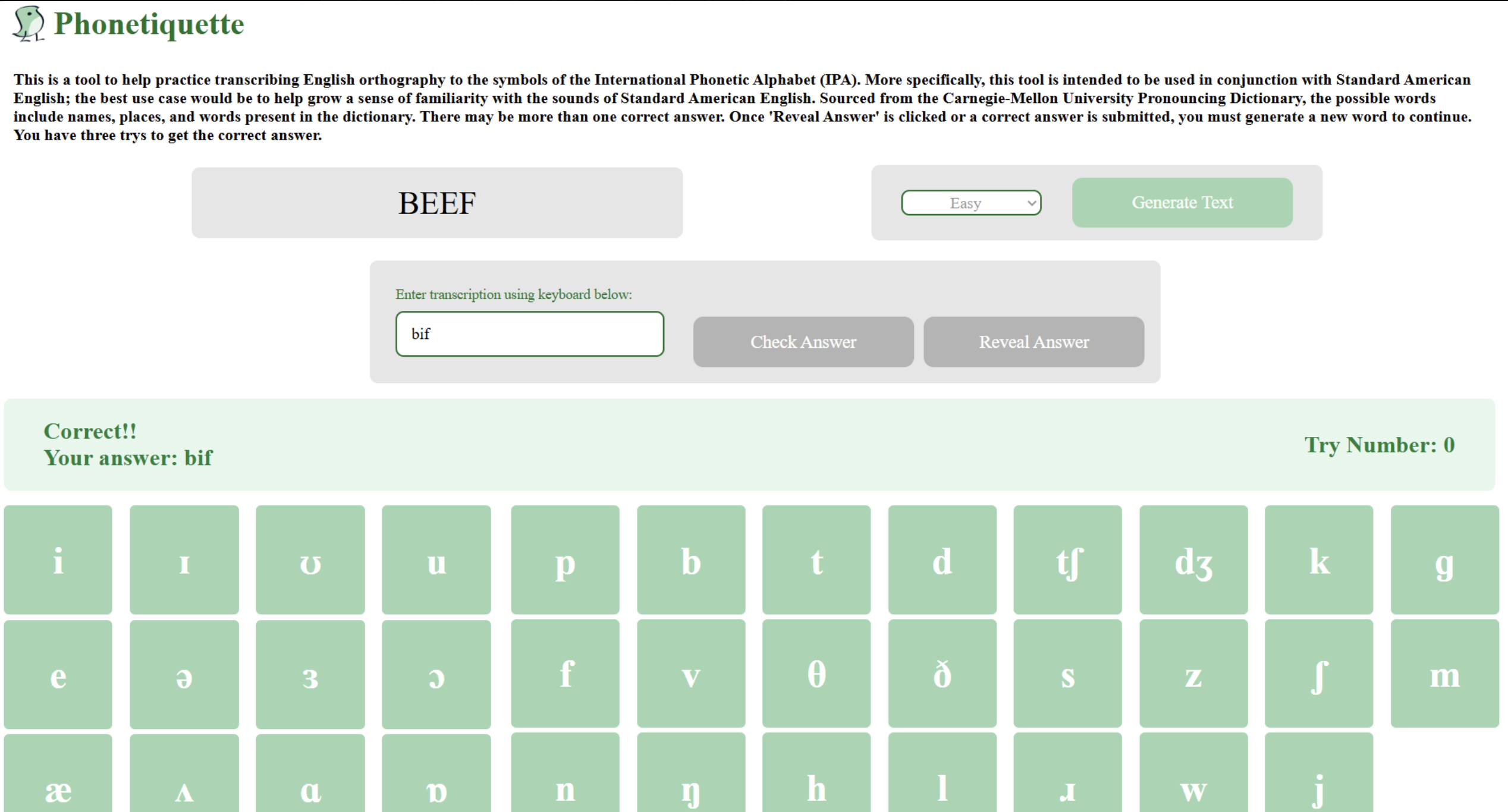
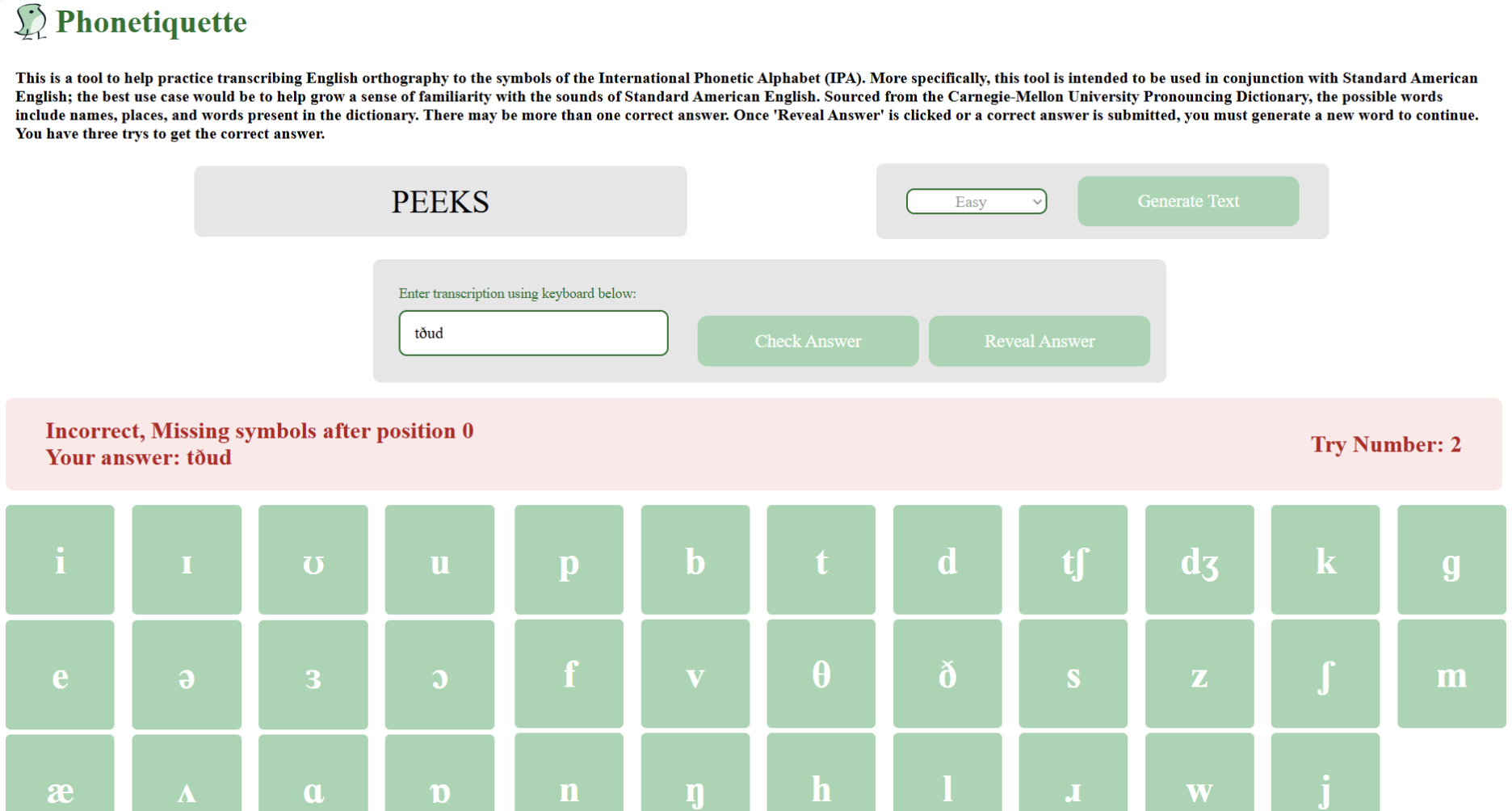
Phonetiquette
Inspiration
With over half our team studying linguistics, we built this website out of our own need for better phonetics practice tools, which the field is currently lacking. This deficiency in resources makes mastering IPA time-consuming and inefficient for students passionate in the field. We wanted something interactive that could generate words at different difficulty levels, provide immediate feedback, and display accurate phonetic transcriptions in real time. Despite this original motivation in mind, this tool also has the long-term potential to support ESL learners looking to refine Standard American English pronunciation. Our tool combines structured practice with instant feedback, making phonetic awareness more accessible, engaging, and effective.
What it does
By pulling from an extensive library of English dictionary words, our website allows the user to randomly generate a unique, English word at the touch of a button. A text box then prompts the user to input the correct phonetic translation by entering the symbols using the provided on-screen keyboard. The user can then attempt to submit their response with feedback on whether their past attempt is correct or a hint on where a correction needs to be made.
How we built it
- Project Vision Design Using a shared Figma board, our team designed the website's overall UI/UX display and functionality in terms with how certain components interact with one another
- Created Repository Directories and Files Organization To match the desired vision for functionality expressed in the Figma, our team divided certain directories into frontend (IPA-site) and backend (phonetiquette) work. Further directories were created within both, corresponding to different components of the UI/UX and data resources.
- Installing Setup and Dependencies After installing React and Flask, we set up a virtual environment and all other necessary dependencies that our backend and frontend relied on.
- Core JS and Python Implementation
- Backend Testing and Debugging Unit testing was performed on individual functions from the backend given different inputs to check matches with expected outputs.
- Frontend Redesign With new backend functions in mind and fine-tuned, frontend was redesigned to allow for further operations.
- Connection from Backend and Frontend + Fine-tuning Codependence
Challenges we ran into
Our team ran into issues with connecting the frontend react to the backend using POST and GET methods. In particular, there was much debugging surrounding the implementation of function calls that were supposed to change the state of a specific UI object.
Accomplishments that we're proud of
Our backend team is proud of our intuitive approach to developing our system for identifying to the user the source of the marked incorrectness in their IPA submission. Our frontend is very proud of the user interface, especially with the cohesive button layout and display both before and after generating the English word.
What we learned
We learned how to parse a large txt file to sanitize the data in terms of getting rid of junk data that does not support our desired user experience. We also learned a good deal about the procedure for fetching using routes from frontend to backend.
What's next for Phonetiquette
Our team would love to expand further into other modes that allow the user to switch to other language dictionaries paired with other language IPA sets. We would also love to further develop our educational edge by providing audio snippets for generated words along with a mode to also provide audio snippets for selected symbols on the keyboard.
Built With
- css
- flask
- https://github.com/mphilli/english-to-ipa
- https://github.com/westonruter/ipa-chart
- javascript
- python
- react


Log in or sign up for Devpost to join the conversation.