-
-
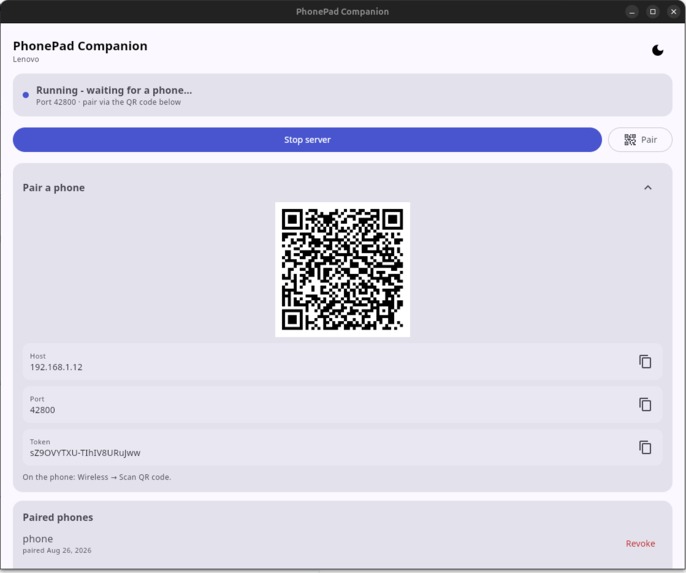
PC's version
-
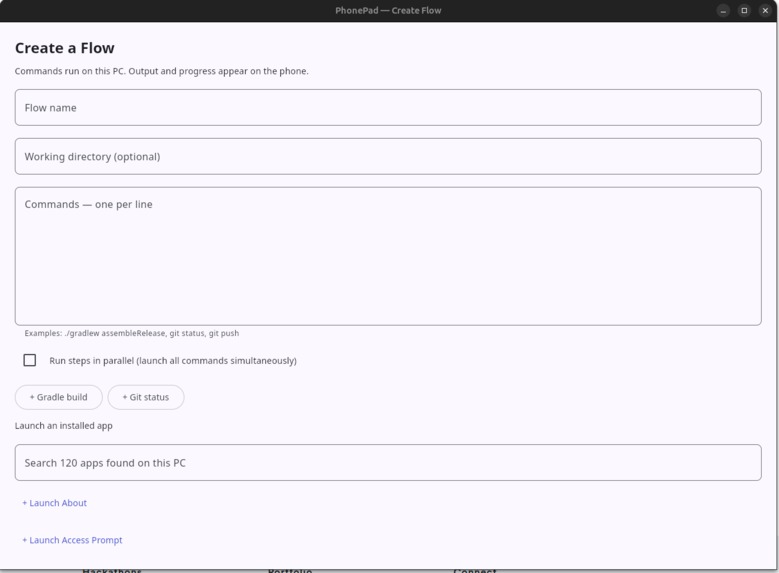
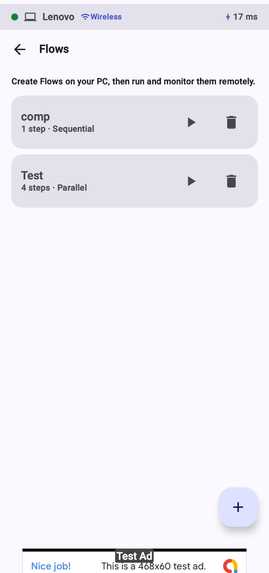
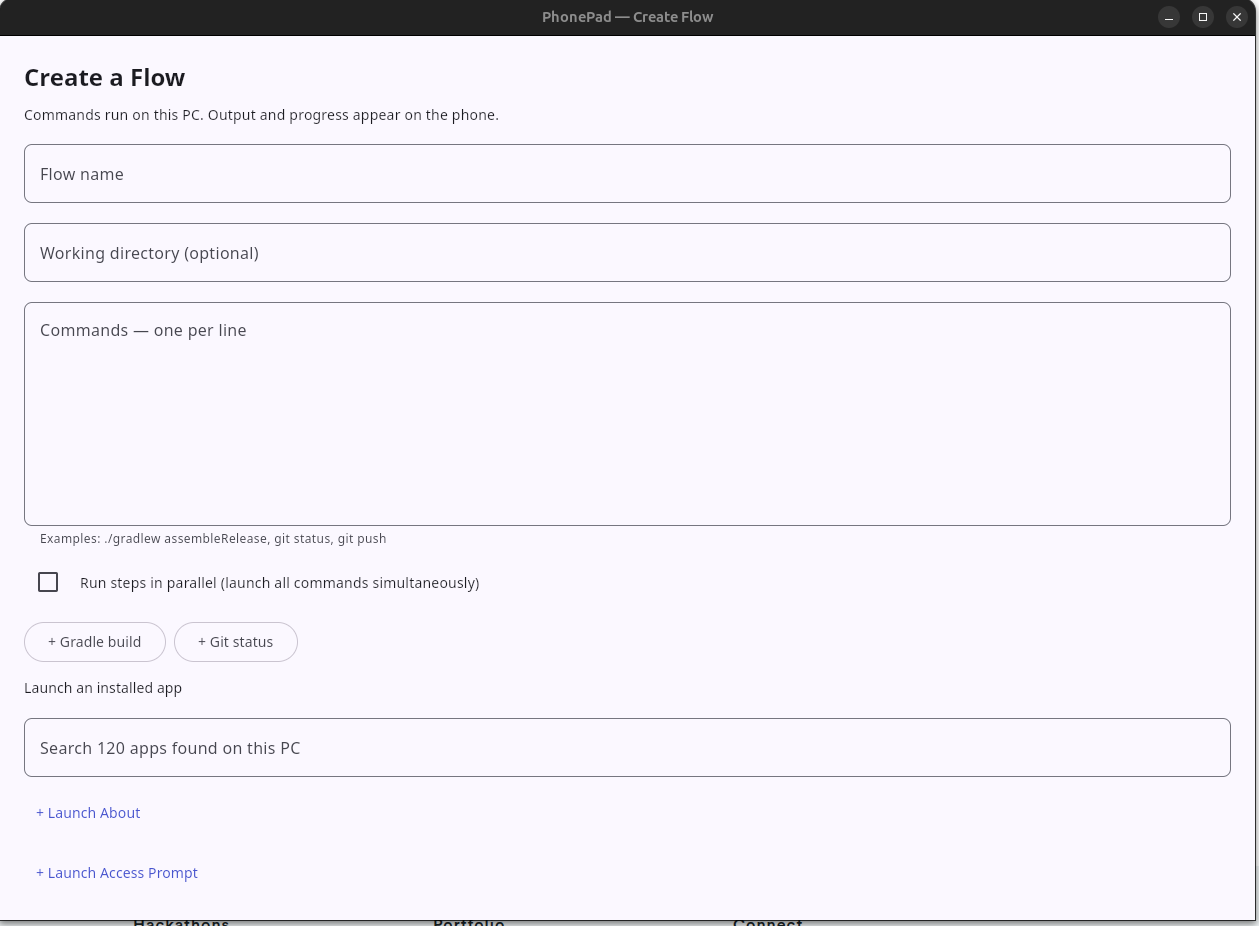
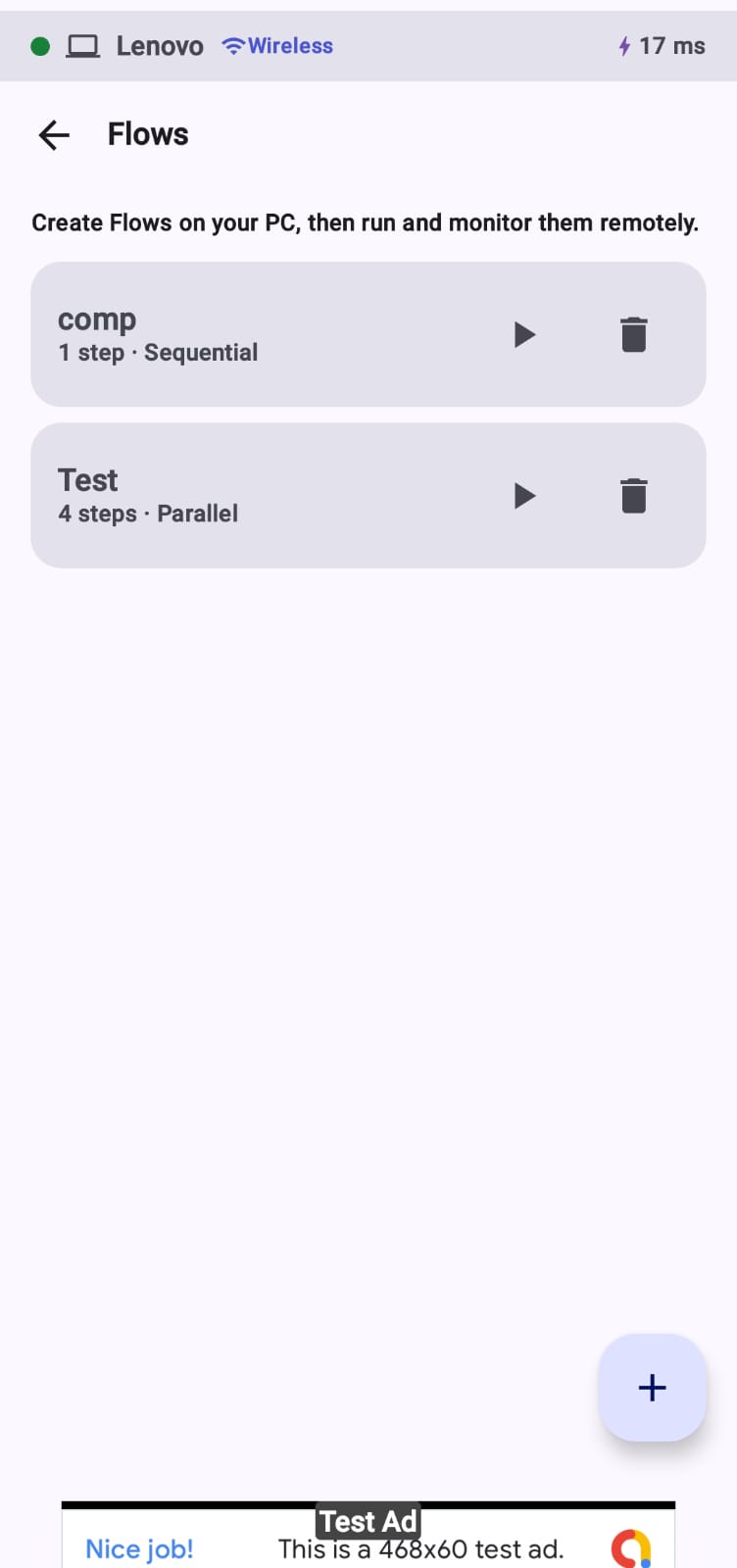
Add New Flow
-
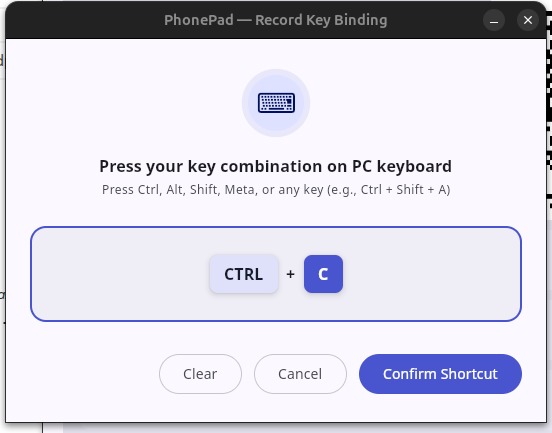
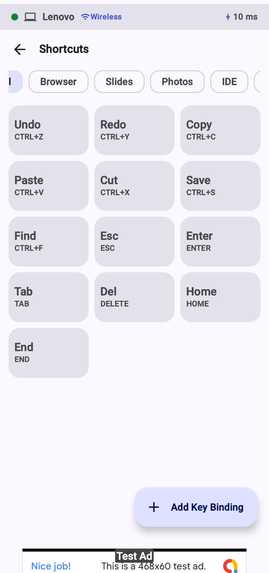
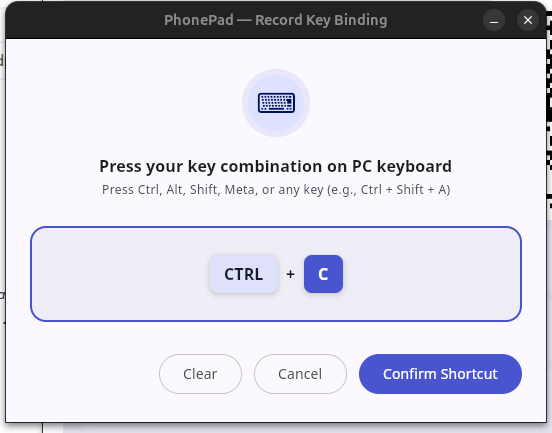
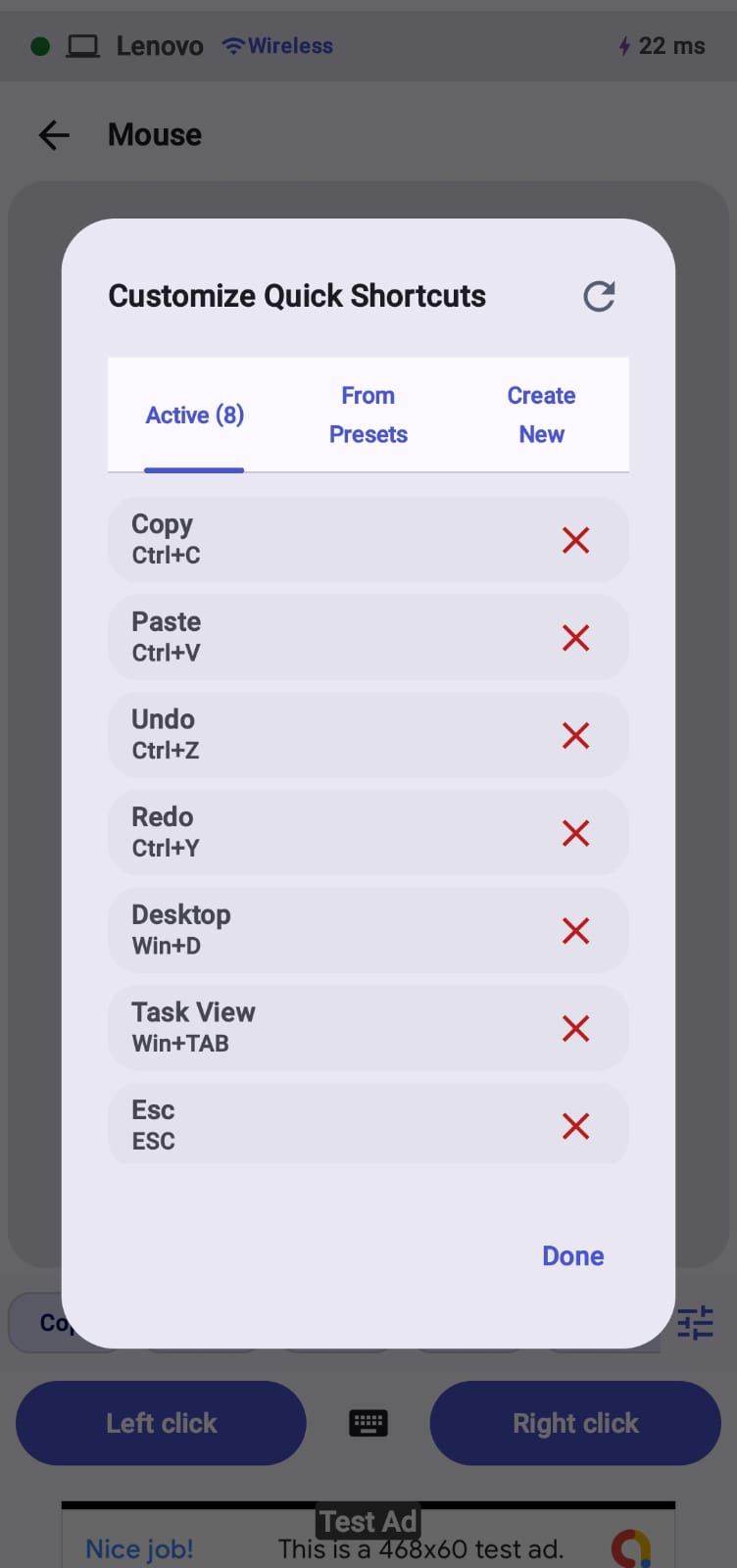
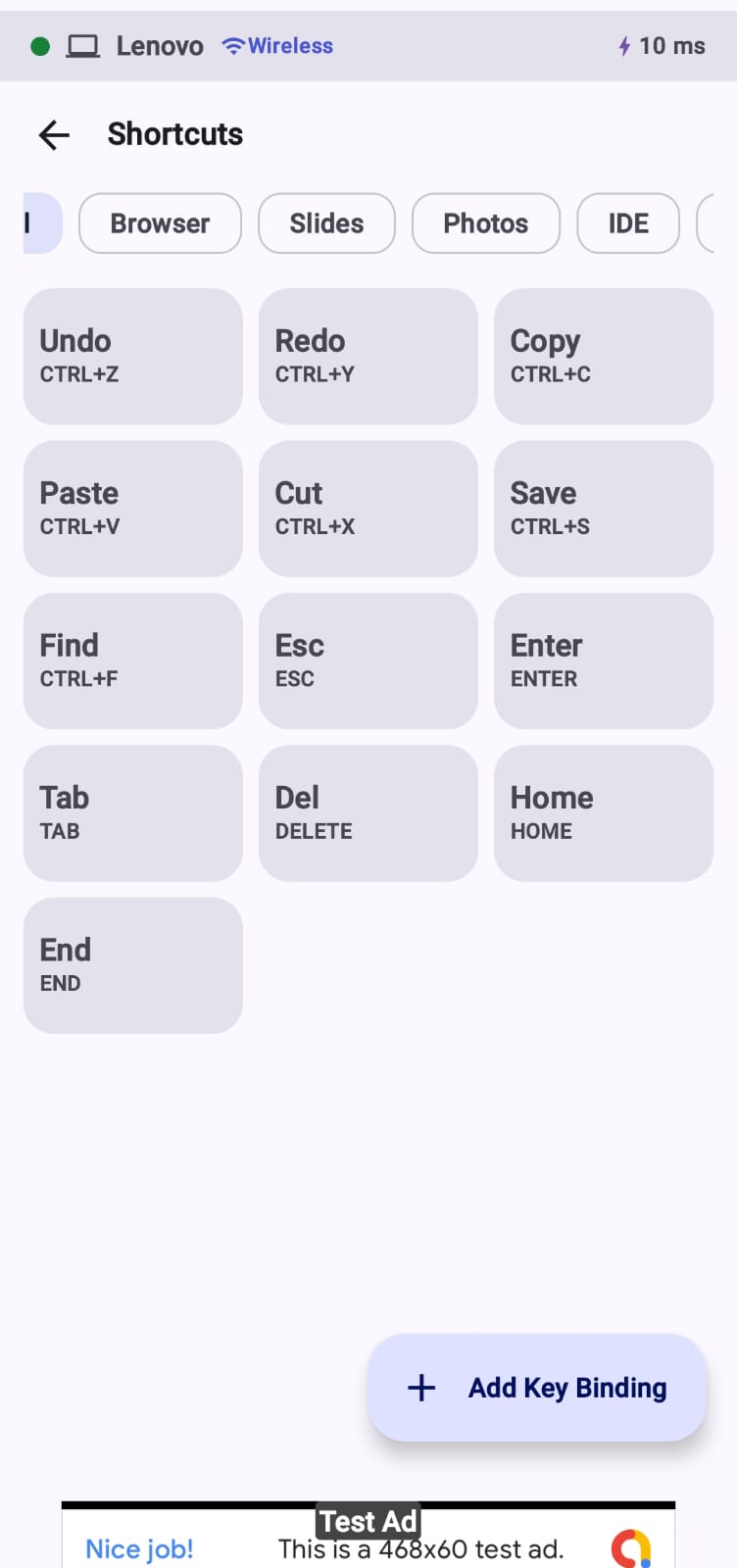
Add New Key Bindings
-
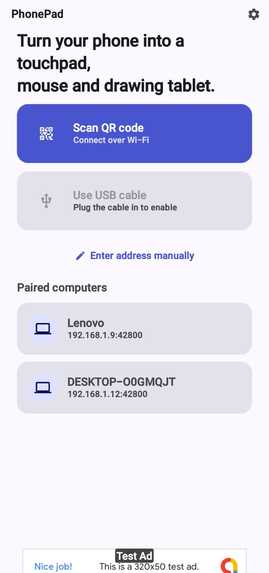
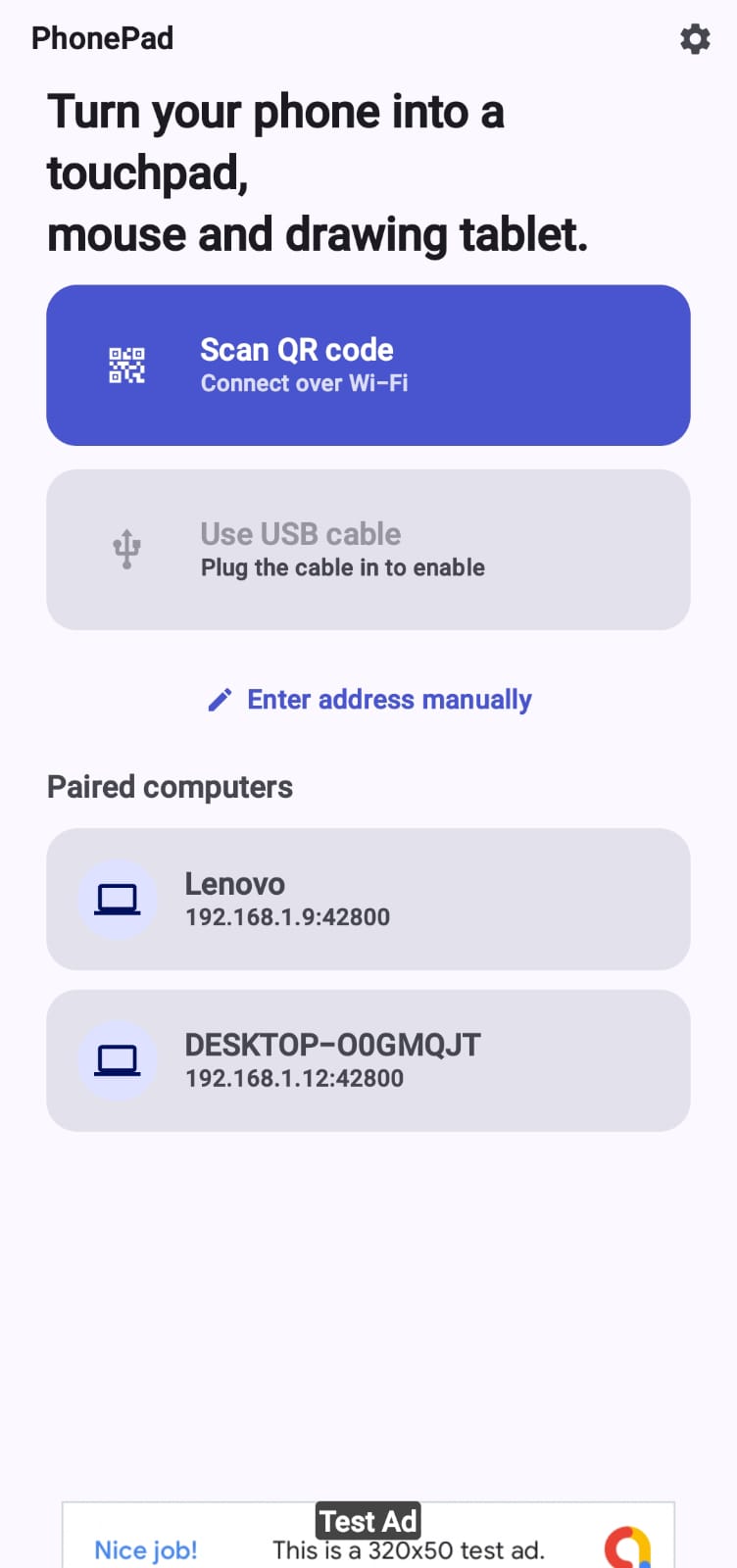
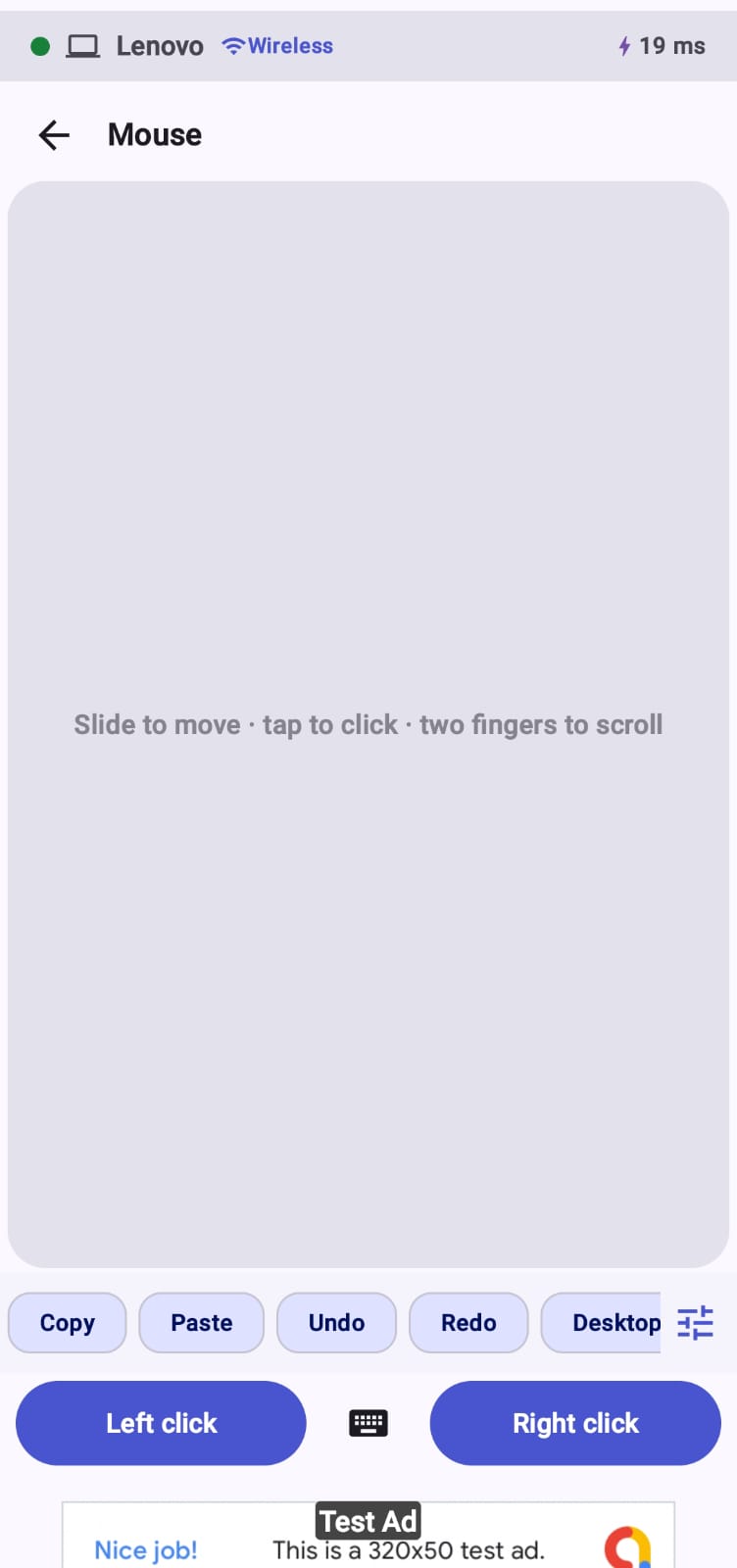
PhonePad Home Screen
-
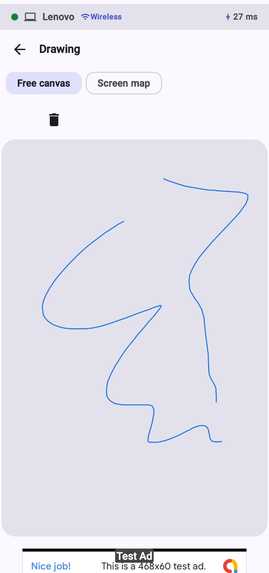
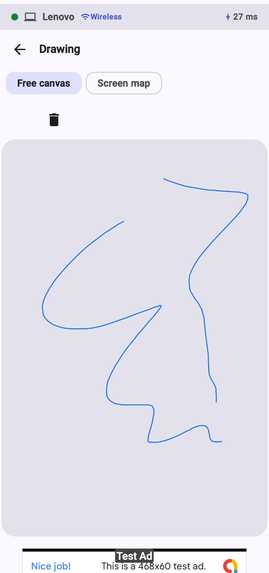
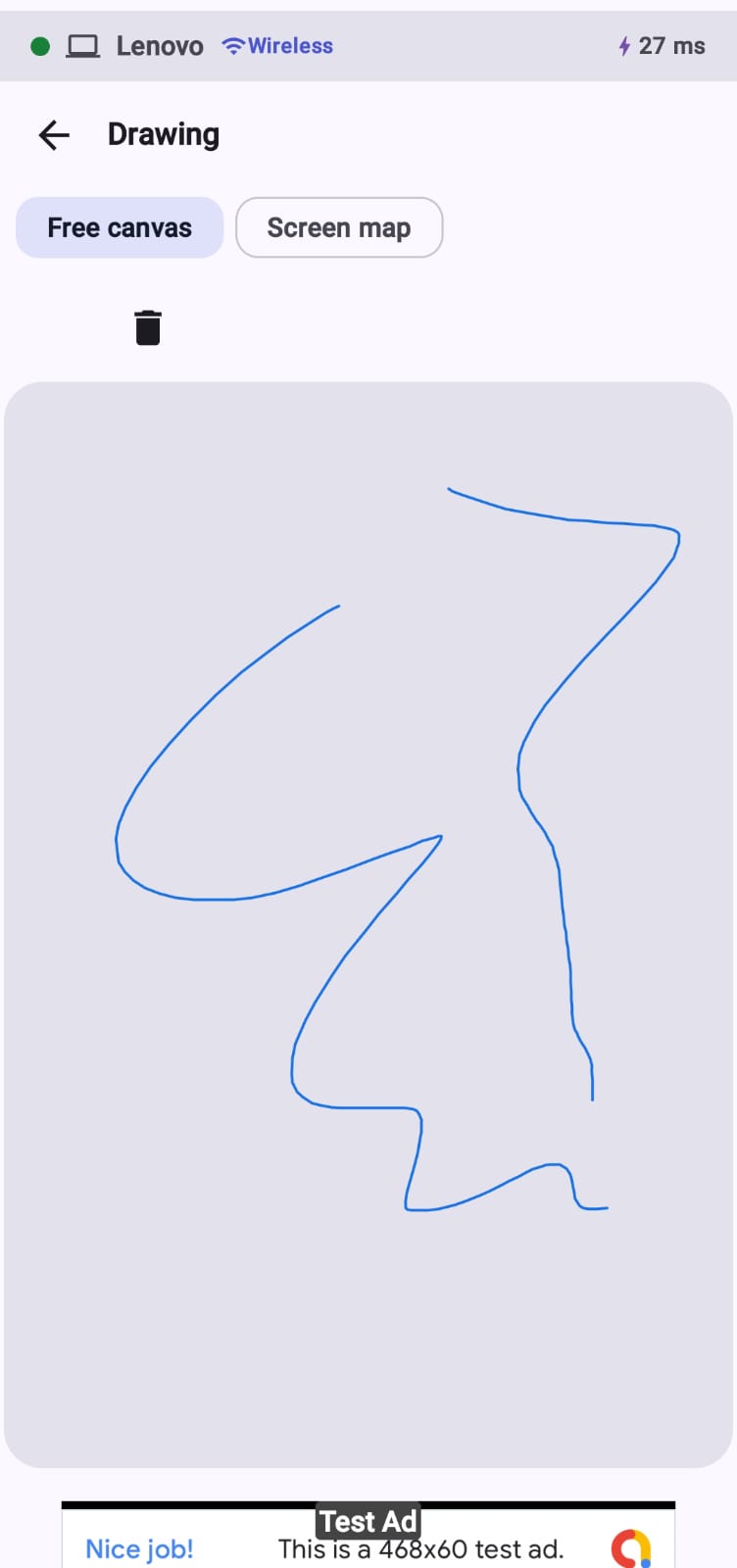
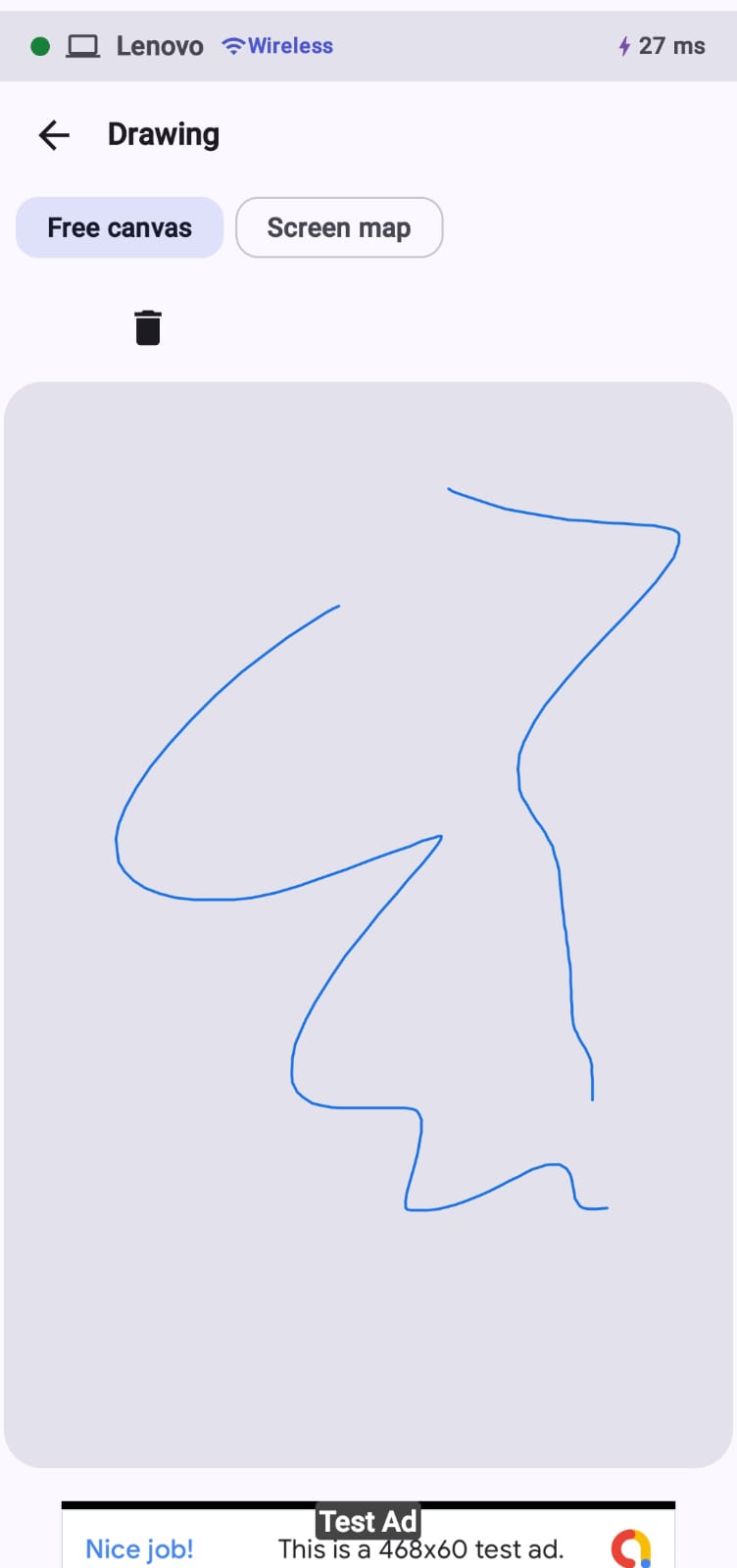
Drawing Pad Screen
-
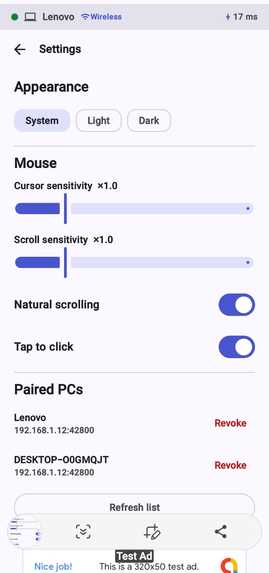
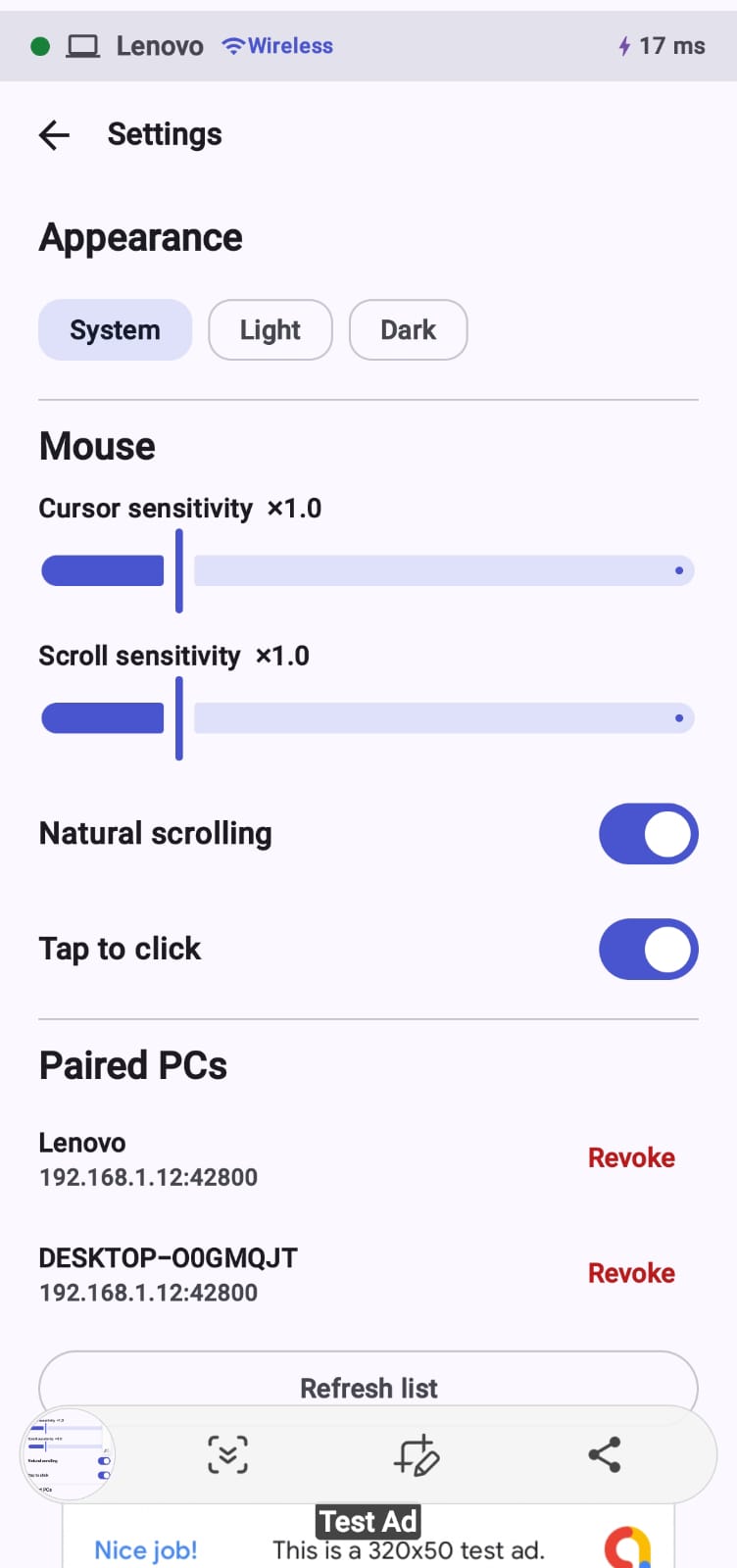
Settings Screen
-
-
-
-
-
-
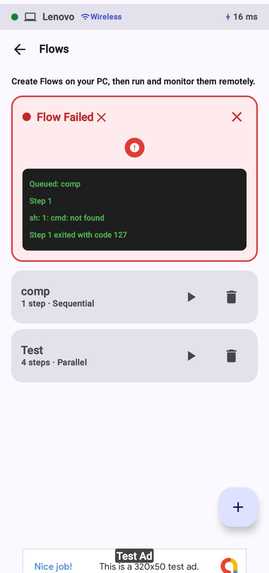
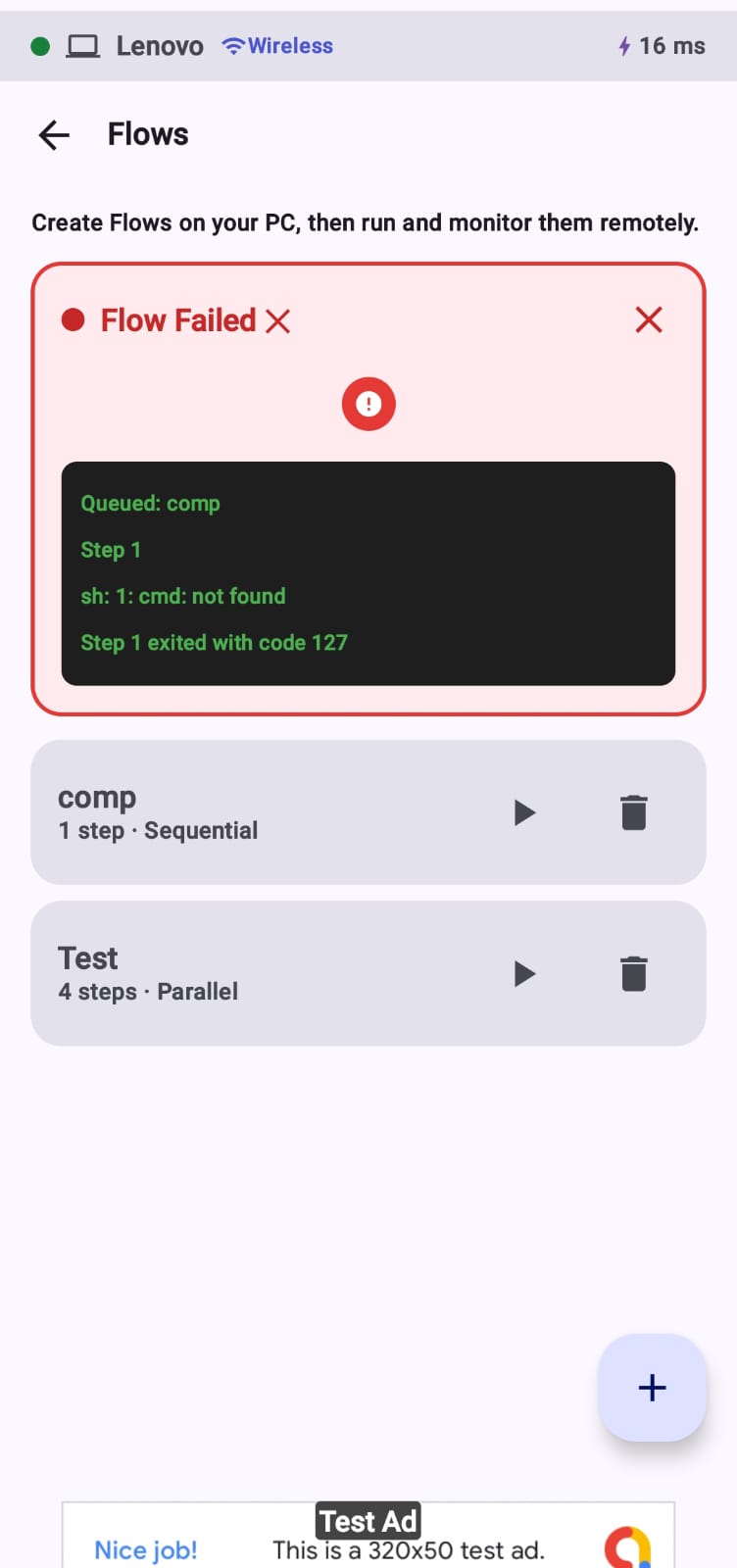
Fow Screen
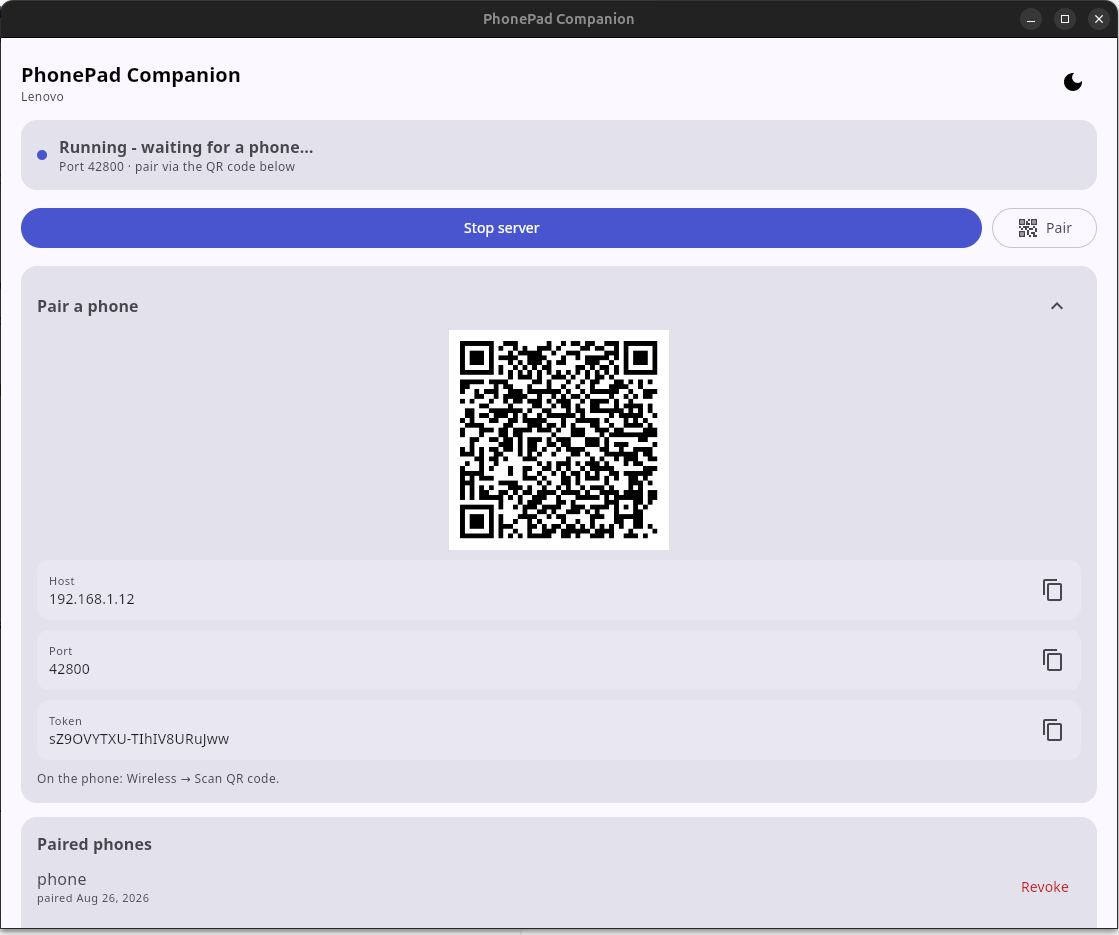
Inspiration PhonePad was inspired by the idea of turning an everyday Android device into a high-performance, multi-purpose PC input peripheral—eliminating the need for expensive standalone graphics tablets or macro decks. We wanted to see how far we could push modern Android development and Kotlin Multiplatform to build a low-latency, real-time control interface for PCs over both Wi-Fi and wired USB.
The goal was to solve a real productivity problem while building an architecture capable of sharing pure domain logic between an Android client and a desktop server.
What it does PhonePad transforms an Android phone into a responsive wireless or wired touchpad, drawing tablet, and macro deck for Windows, Linux, and macOS.
Key features include:
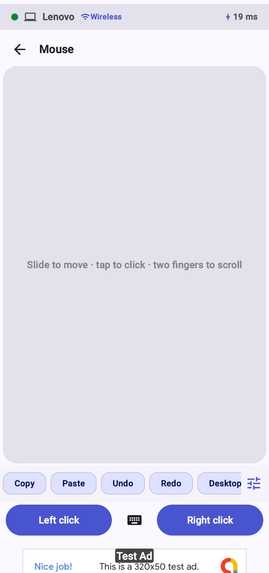
Touchpad & Mouse Mode: Laptop-style touchpad supporting relative movement, sub-pixel remainder accumulation, tap-to-click, two-finger right-click/scrolling (with optional natural scroll), long-press drag, and a soft keyboard toggle for real-time PC text and keystroke injection.
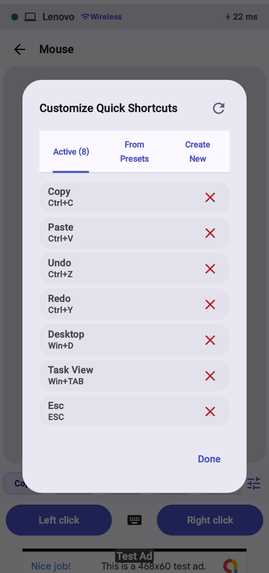
Drawing Tablet Mode: Real-time vector stroke streaming supporting stylus pressure and palm rejection. Includes two sub-modes: Free Canvas: Streams vector strokes directly to an auto-synced PC desktop Whiteboard window. Screen Map: Maps phone digitizer coordinates directly across connected PC monitors. Shortcut Panel Mode: Customizable macro deck featuring sticky modifier keys (Ctrl, Alt, Shift, Meta), preset profiles (General, Browser, IDE, Media, Photos), custom profile management, an interactive PC Key Capture window, and drag-to-delete card gestures. Dual-Transport & Zero-Trust Pairing: Operates seamlessly over Wi-Fi (WebSocket + UDP LAN beacon discovery) or USB (adb reverse loopback tunnel). Authenticates via an HMAC-SHA256 challenge-response handshake scanned from a desktop QR code with per-device key storage.
How we built it PhonePad is built around a Kotlin Multiplatform (KMP) core shared between the Android app and the desktop companion server.
Kotlin Multiplatform (core/, domain/): Shared protocol definition (InputEvent, Message), gesture processing engines, coordinate mapping, and security primitives (SHA-256, HMAC). Contains zero Android/UI imports to enable cross-platform reusability. Android Client (:app, feature/, data/): Built natively with 100% Jetpack Compose for declarative UI, MVVM + Unidirectional Data Flow, Hilt for dependency injection, Kotlin Coroutines/Flow for reactive state management, Jetpack DataStore, and Android Keystore (EncryptedSharedPreferences) for token security. Desktop Companion (companion/): Kotlin + Compose Desktop application serving as the PC companion. Uses a Ktor WebSocket server and platform-native input injectors: Windows: Native Win32 SendInput via JNA with Win32 error diagnostics. Linux: xdotool & native XTest (LinuxXTestInjector) for X11 sessions. macOS: Native CGEvent via JNA with Accessibility permission checks. Real-Time Input Pipeline: High-frequency (~120 Hz) touch events are sampled, passed through an allocation-free gesture processor, buffered into unbounded non-blocking channels, and frame-batched (16 ms for mouse moves, 8 ms for drawing strokes) before network transmission. Web Portal (website/): A responsive landing page featuring an interactive phone-to-PC touchpad simulator and OS auto-detection. Challenges we ran into Low-Latency Input Pipeline: Balancing high-frequency digitizer sampling (~120 Hz) with network efficiency. We built a custom 16 ms / 8 ms frame-aligned channel batcher (core:common) to coalesce input bursts into single frame payloads without dropping precision. Cross-Platform Input Injection: Windows, Linux, and macOS handle virtual input injection very differently. Handling UIPI elevation restrictions on Windows, X11 vs. Wayland session limits on Linux, and macOS Accessibility permissions required dedicated OS injector strategies and silent diagnostic alerts (AppState.injectionIssue). Transport Independence: Designing a clean ConnectionTransport SPI so that feature ViewModels and domain orchestrators remain 100% agnostic to whether bytes travel over local Wi-Fi WebSockets or a USB adb reverse loopback tunnel. Zero-Trust Security on Local Networks: Implementing an HMAC-SHA256 challenge/response handshake with rotatable QR bootstrap tokens to ensure unauthorized local devices cannot inject input into a user's PC.
Accomplishments that we're proud of Shared KMP Architecture: Consuming the exact same core/protocol and domain logic unmodified on both the Android client and the desktop companion. Sub-16ms End-to-End Latency: Achieving fluid cursor tracking and zero-lag stroke streaming over Wi-Fi and USB. Auto-Synced Real-Time Desktop Whiteboard: Syncing vector drawing strokes from the phone directly into a Compose Desktop whiteboard window. Cross-Platform OS Support: Full mouse/keyboard/drawing injection across Windows, Linux (X11), and macOS. Robust Integration Testing: Building full socket-level Ktor WebSocket integration tests (WirelessTransportIntegrationTest) that boot real local servers in JVM unit tests to verify handshakes, input batches, and heartbeats.
What we learned Decoupling Transport from Business Logic: How pure KMP domain interfaces protect UI features from network lifecycle management and transport state changes. High-Frequency Input in Jetpack Compose: Efficiently capturing low-level digitizer events with awaitPointerEventScope(), processing sub-pixel movement remainders, and avoiding recomposition overhead during continuous gesture streams.
Native OS Interop: Deepening experience with JNA, Win32 API structures, X11 keysym mappings, and CoreGraphics event posting. Reactive Stream Supervision: Managing heartbeat supervision loops (2 s pings, 10 s timeouts) and automatic reconnect backoff policies during connection drops.
What's next for PhonePad iOS Client: Extending the commonMain KMP core to support iOS (iosArm64) with a SwiftUI or Compose Multiplatform front-end using Ktor's Darwin engine. Binary Protocol Framing: Upgrading from JSON serialization to compact binary opcodes for ~3× smaller frame sizes and near-zero parsing cost during fast drawing strokes. TLS Certificate Pinning: Adding self-signed TLS encryption for Wi-Fi connections with certificate fingerprints embedded in the QR payload. Native Wayland Support (Linux): Implementing libei / RemoteDesktop portal-based input injection for modern Linux Wayland sessions. App-Specific Macro Profiles: Expanding shortcut customization with custom multi-page grid layouts and application-aware profile switching.
Built With
- coroutines
- flow
- jetpack
- kmp
- kotlin
- mvvm
- repository-based


Log in or sign up for Devpost to join the conversation.