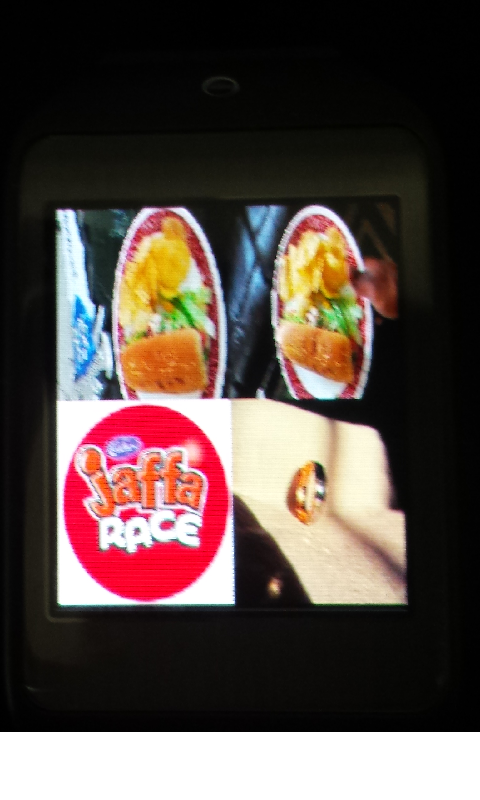
Phone Gallery app lets you view and delete images in paired phone's gallery right in your Gear Watch. Images can be sorted on date ascending or descending. A must have and simple to use app for Gear. Usage
- Tap on the Phone Gallery Icon to view album list
- Tap on Album to view image list. (Only 4 images are loaded at a time from the phone to save battery juice)
- Swipe up to load more images
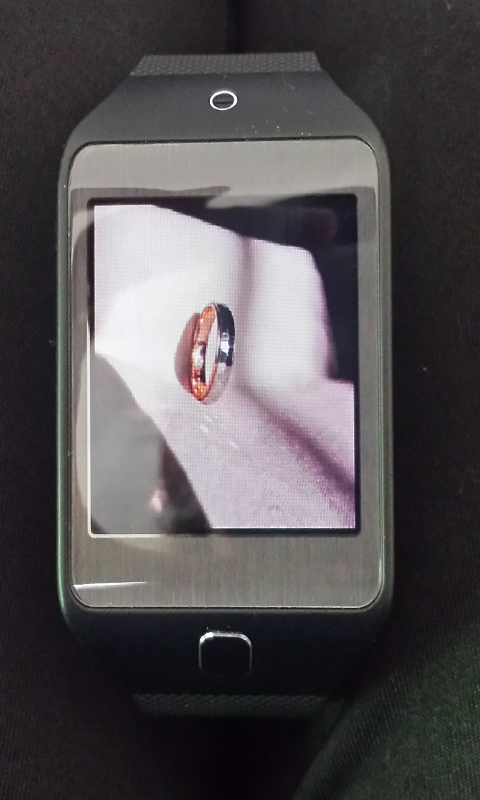
- Tap on image to view image in a bigger size
- Tap on loaded image to rotate clockwise by 90 degrees
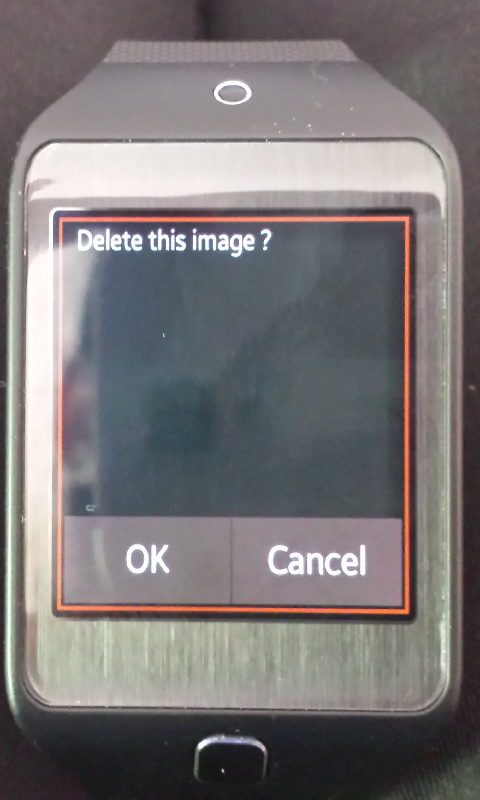
- Swipe up to get a delete prompt
- Select on OK to delete the image from phone or cancel it
- Swipe left or Swipe Right for next and previous images
- Flick down to always go back to previous list i.e. images list, while viewing photos or album list, while in images list
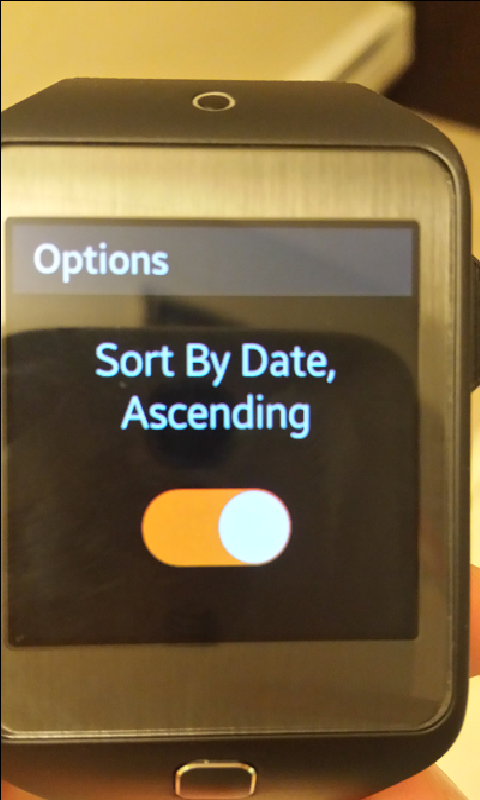
- To sort albums by images date ascending, click on options link in the album listing page and tap (swipe doesn't work) on the switch
- Exit options page by flicking down to come to album listing page
Please note
- Images aspect ration is defaulted to screen size of Gear which is 320x320. Further updates will enable viewing in actual aspect ratios.
- It operates on Bluetooth and can experience delays due to Bluetooth connectivity between phone and gear. Always have Gear near by to phone for better results
- Images Sort switch work only by tapping and not by swiping on the switch

Log in or sign up for Devpost to join the conversation.