-
-
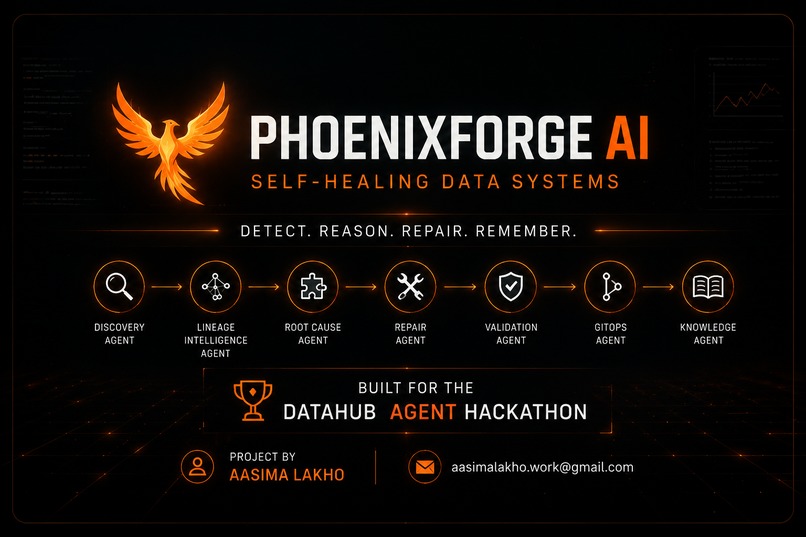
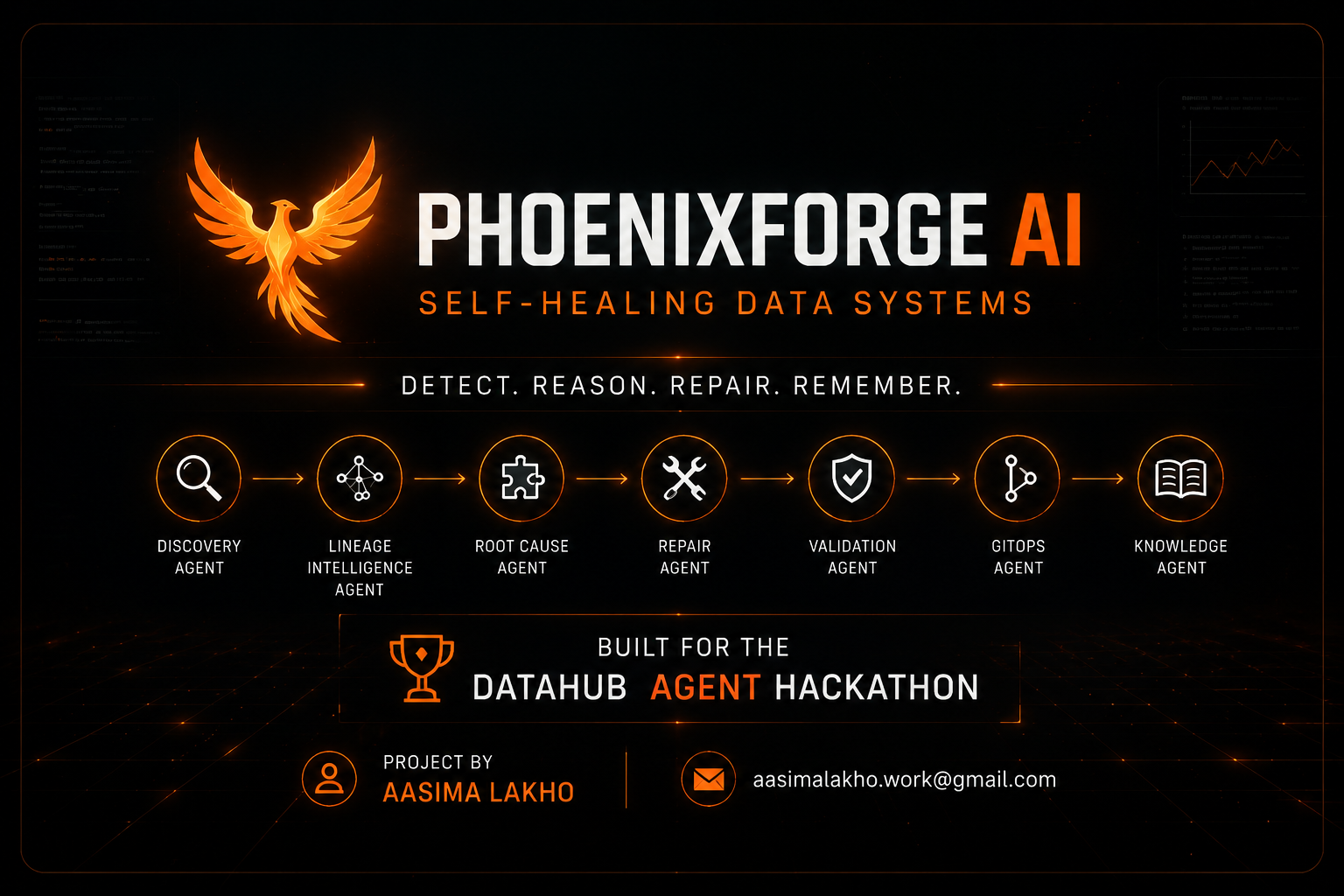
PhoenixForge AI | Self-Healing Data Pipelines with DataHub MCP | Build for The Datahub Agent Hackathon
-
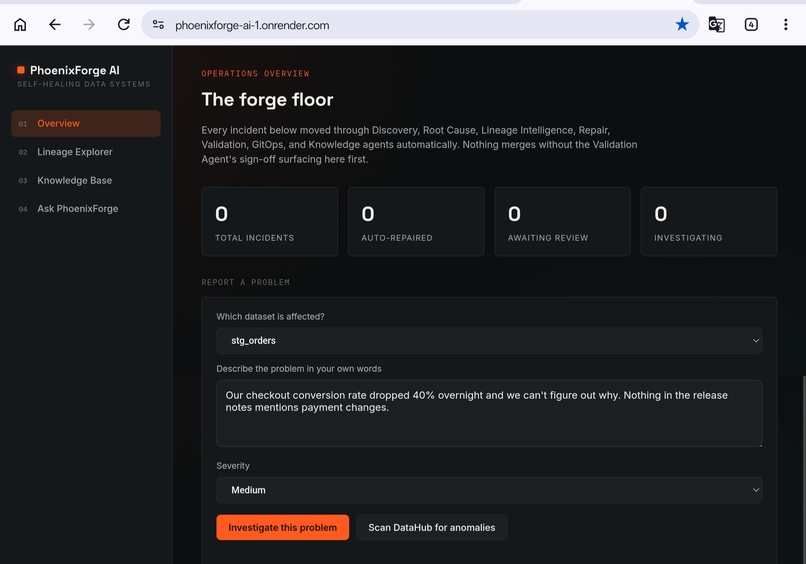
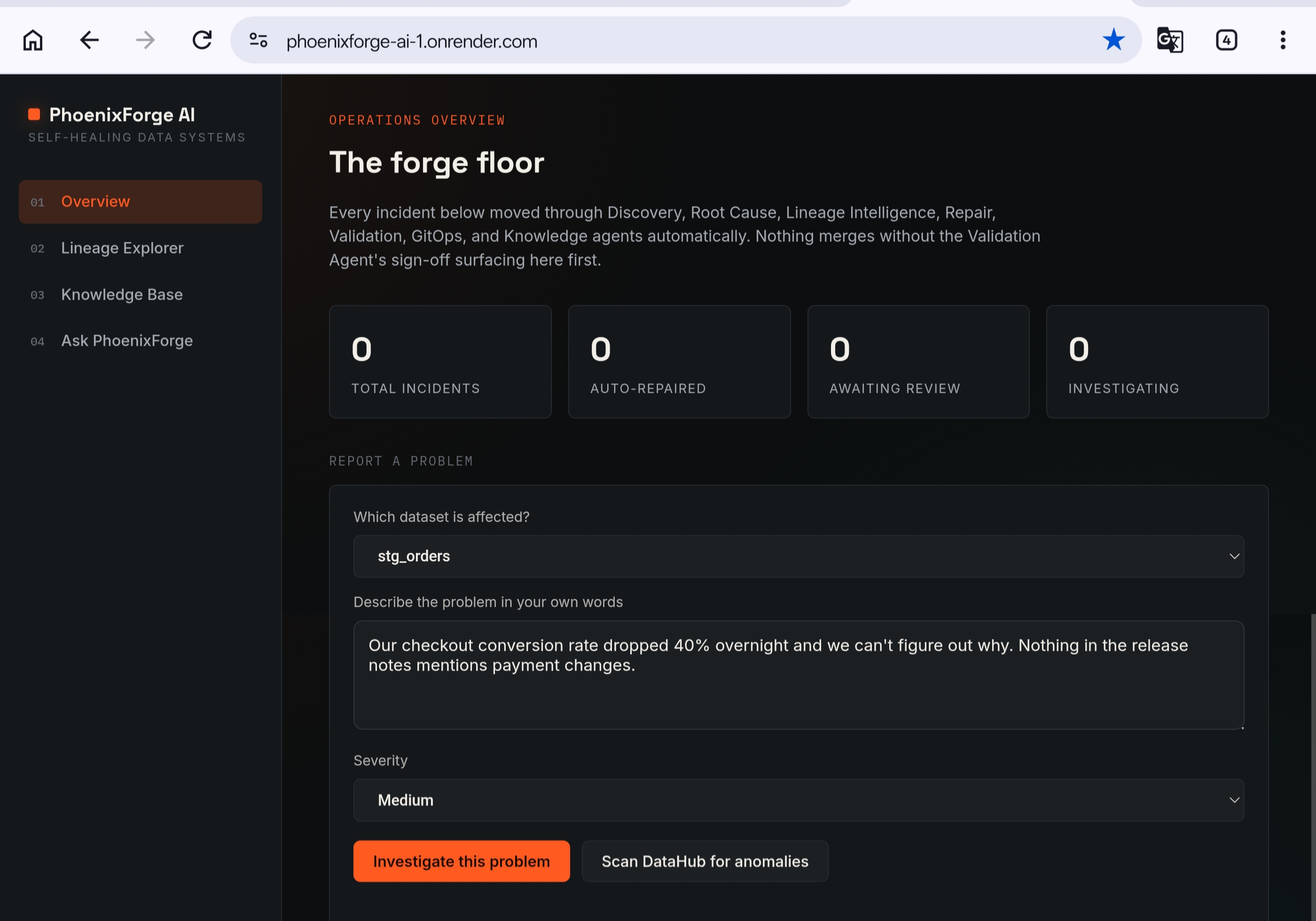
The Operations Overview — live incident stats and a free-text form for reporting any data problem in plain English.
-

Seven agents investigate a real incident end-to-end — Discovery through Knowledge — using DataHub's live metadata graph.
-
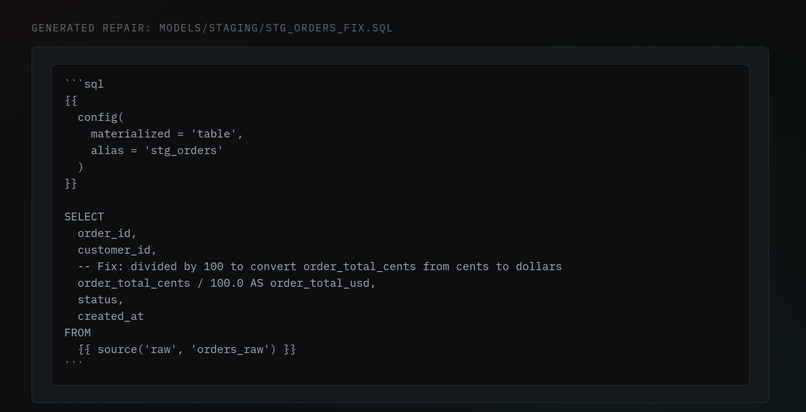
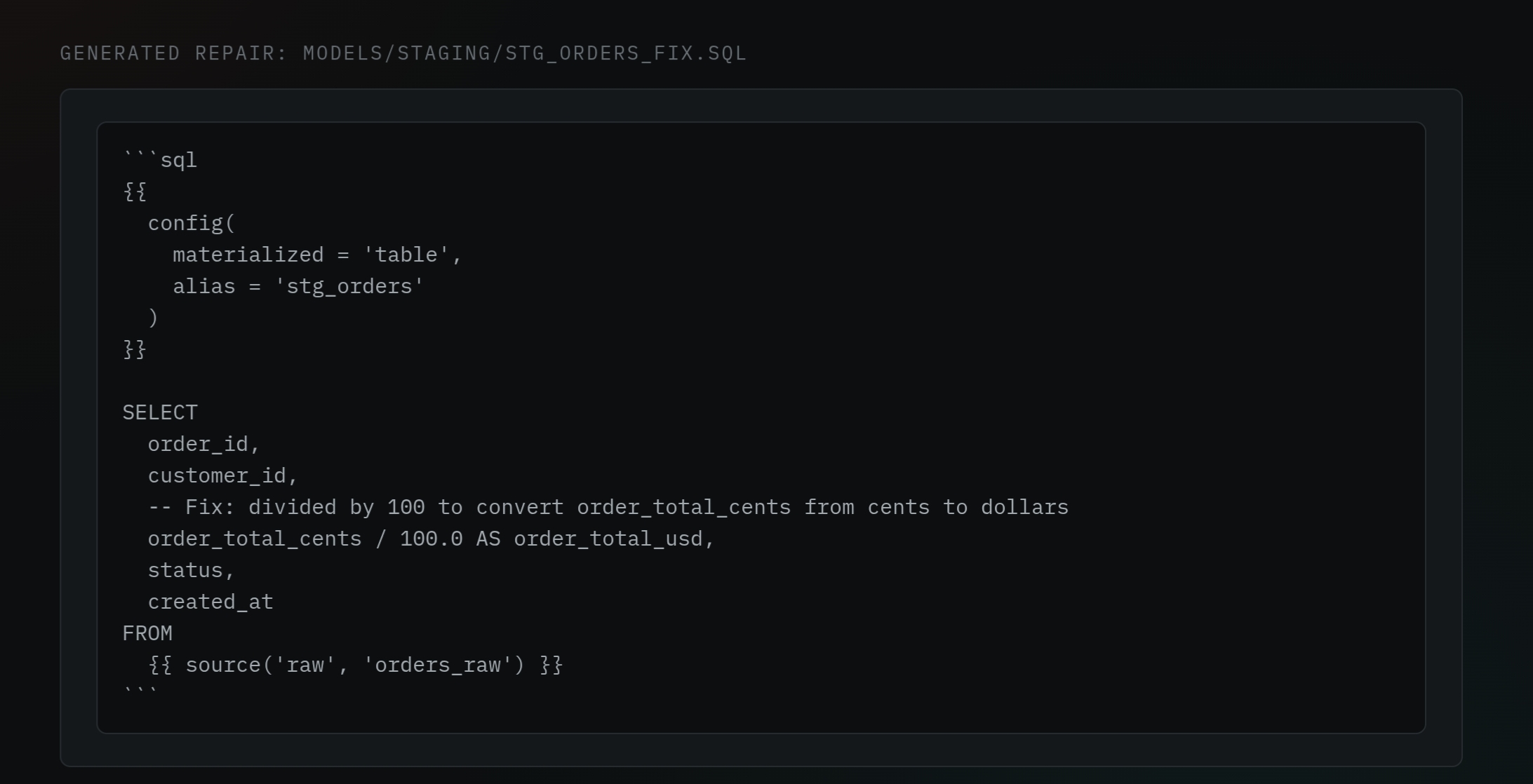
The Repair Agent generates a real, ready-to-commit fix — not a generic template.
-
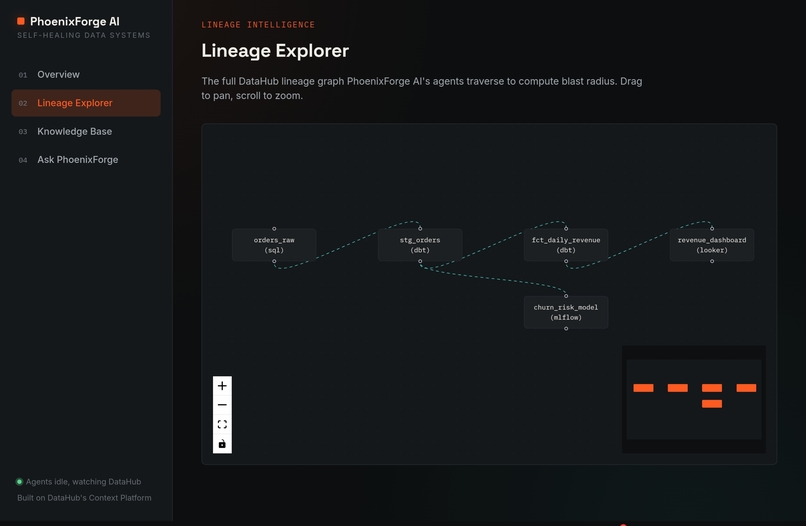
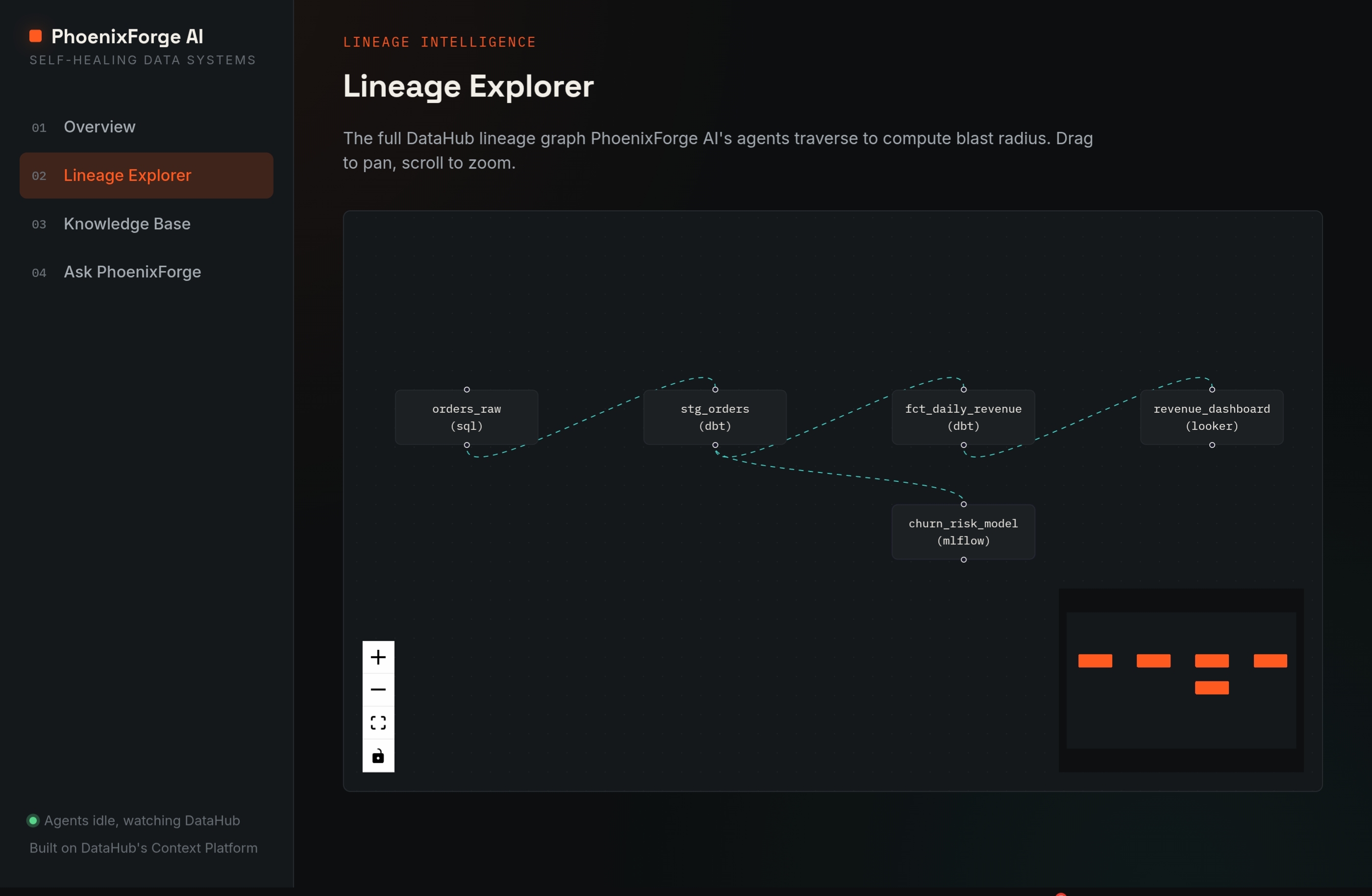
The Lineage Explorer visualizes how datasets connect, powered by DataHub's lineage graph.
-
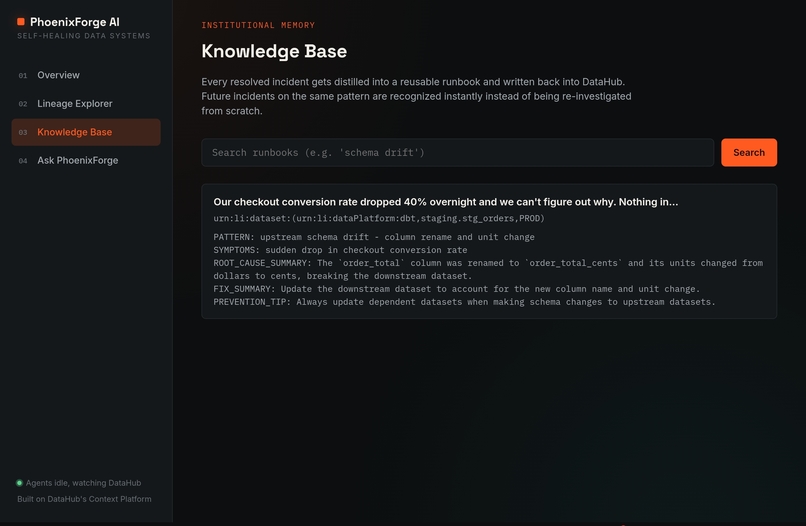
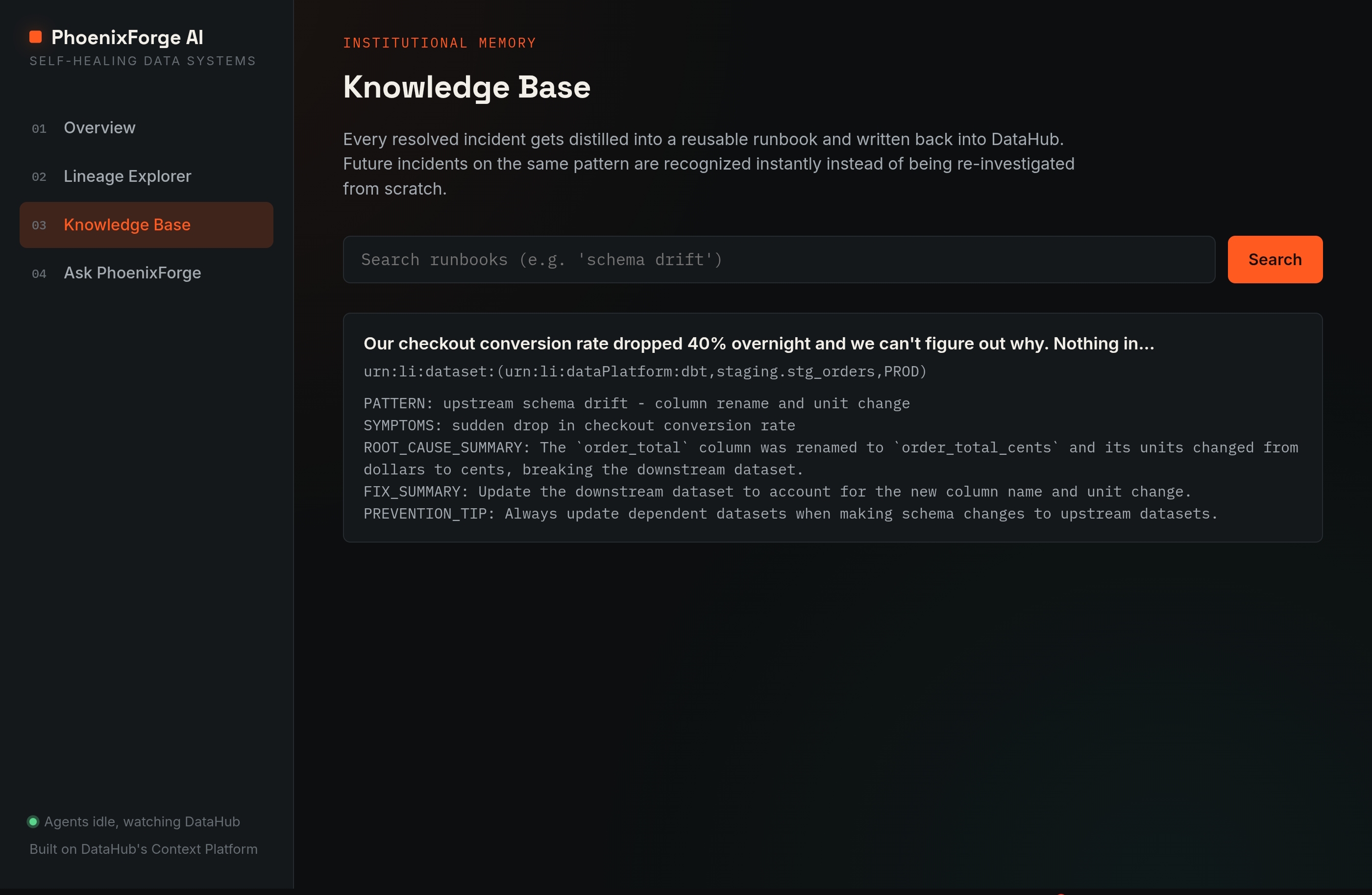
Every resolved incident is written back into DataHub's Knowledge Base, so the same failure is never investigated twice.

Inspiration
Every data team has lived through the same quiet nightmare: a dashboard that's been wrong for two days before anyone notices, a schema change three hops upstream that nobody flagged, a Slack message that starts with "hey, does this number look off to you?" Data observability tools are good at telling you something broke. Almost none of them tell you why, what else it's touching, or what to actually do about it.
We kept coming back to one question: what if the investigation itself could run automatically — not just an alert, but an actual diagnosis, grounded in real metadata, with a real fix attached? DataHub's Agent Hackathon, and specifically the MCP Server, felt like the right foundation to try building that.
What it does
PhoenixForge AI is a self-healing incident-response system for data pipelines. You describe a problem in plain English — "our revenue dashboard has shown $0 since this morning's run" — and seven specialized agents take it from there:
Discovery registers the incident against the real dataset in DataHub. Lineage Intelligence traces the lineage graph to compute the blast radius — what's actually downstream of the failure. Root Cause reasons over the schema and lineage together to figure out what really broke, not just what symptom got reported. Repair generates an actual, ready-to-commit fix — SQL, dbt, or LookML, depending on the platform involved. Validation scores its own confidence and decides whether a human needs to look before anything ships. GitOps opens a branch, a commit, and a Pull Request. Knowledge writes the whole incident and its resolution back into DataHub, so the next time something similar happens, the answer is already there.
Beyond the incident pipeline itself, the dashboard includes an interactive Lineage Explorer to visually trace how datasets connect, a Knowledge Base view of everything the system has learned from past incidents, and an "Ask PhoenixForge" chat interface for asking questions about incident history in plain language.
Every step reads and writes through DataHub's official MCP Server — it's not simulating a metadata graph, it's using one. A built-in demo mode also means anyone can try the full pipeline instantly, with no DataHub setup required.
How we built it
The backend is FastAPI, with each agent as its own focused module coordinated by an orchestrator. Reasoning is powered by an LLM (Groq), grounded each time in whatever DataHub actually returns for that dataset — schema, lineage, ownership — rather than letting the model guess. The frontend is React and Vite, built around a simple idea: show the agent trace like a transparent log, not a black box.
The DataHub connection itself runs through the official mcp Python SDK, launching the real mcp-server-datahub and using its actual tools — search, lineage, and the write-back tools like save_document and add_tags — so the "self-healing" part isn't just a nice phrase, it's DataHub's metadata genuinely changing as a result of an incident being resolved.
Challenges we ran into
The hardest part had nothing to do with agent logic — it was getting a real, live async connection to DataHub's MCP server to behave. We hit a subtle bug where the MCP client's connection was opened in one async task and closed in another, which async frameworks correctly refuse to allow — it took real digging into stack traces to understand it wasn't a DataHub problem at all, but a task-scoping mistake in how we managed the client's lifecycle.
We also learned the hard way that subprocesses inherit almost nothing by default — a custom environment we built for the MCP subprocess accidentally wiped out its system PATH, so it silently couldn't find the tool it needed to launch. And getting a real local DataHub instance running reliably meant repeatedly fighting disk space and Docker health checks until the stack came up clean.
None of these were glamorous problems. They were the unglamorous, load-bearing kind — the ones you only find by actually trying to make a real integration work, not a mocked one.
Accomplishments that we're proud of
Getting unambiguous proof of a live MCP connection — real tool registration, a real query against a real DataHub instance, no fallback warning — felt like the turning point of the whole project. Everything after that was building on solid ground: a working demo mode for zero-setup judging, a live deployment, and a full seven-agent pipeline that runs start to finish on a real incident and produces a fix worth reading, not boilerplate.
What we learned
We came away with a much sharper understanding of how async Python actually manages task and cancellation scopes — and why "it works most of the time" in async code is often a warning sign, not a good sign. We also learned to respect the value of a validation gate: it's tempting to have agents ship every fix automatically, but building in an honest "this one needs a human" path made the whole system feel more trustworthy, not less capable.
What's next for PhoenixForge AI
The next concrete step is wiring up real GitHub credentials so the GitOps Agent opens actual Pull Requests instead of describing what it would do. Beyond that, we'd like to expand Repair Agent coverage to more platforms (Airflow, dbt tests, Great Expectations), harden the system for multi-tenant real-world use, and turn our draft DataHub Skill proposal into an actual contribution back to the DataHub ecosystem.
Built With
- datahub
- fastapi
- groq
- javascript
- llm
- mcp
- model-context-protocol
- python
- react
- render
- rest-api
- sqlalchemy
- sqlite
- uvicorn
- vite

Log in or sign up for Devpost to join the conversation.