-
-
-
-
-
-
https://youtube.com/shorts/O_dYLpqbVbs?si=cmYOvBgldEmoJ4aS
Inspiration## Inspiration
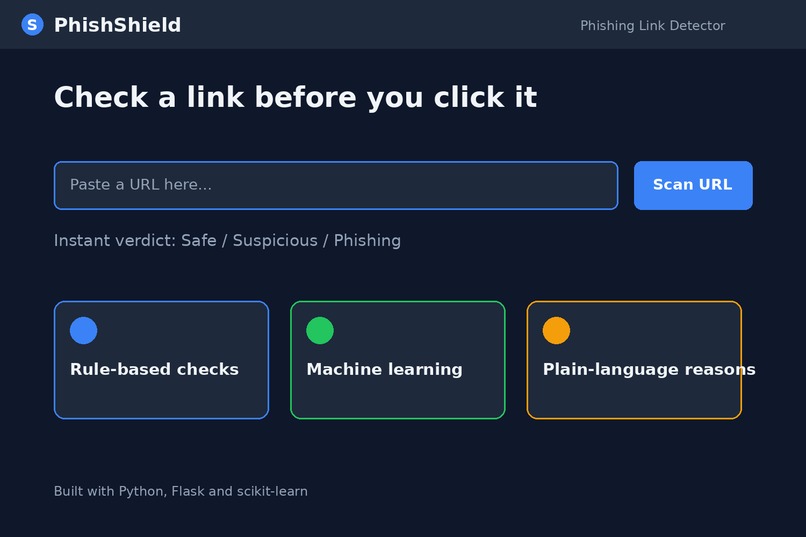
Phishing is one of the easiest ways to steal passwords, OTPs and bank details. Fake links arrive through SMS, WhatsApp and email, and they look almost identical to real ones. Students, elderly people and first-time smartphone users are hit hardest because they rarely get security training. We wanted a simple tool that answers one question: "Is this link safe to click?"
What it does
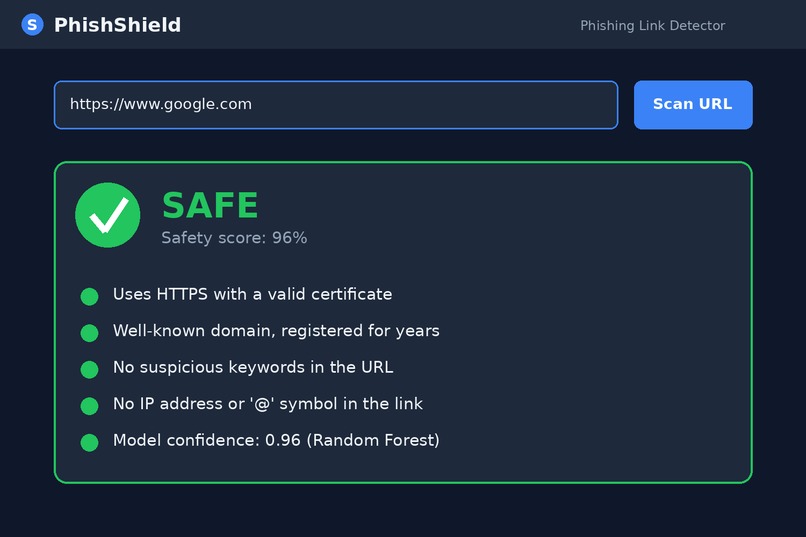
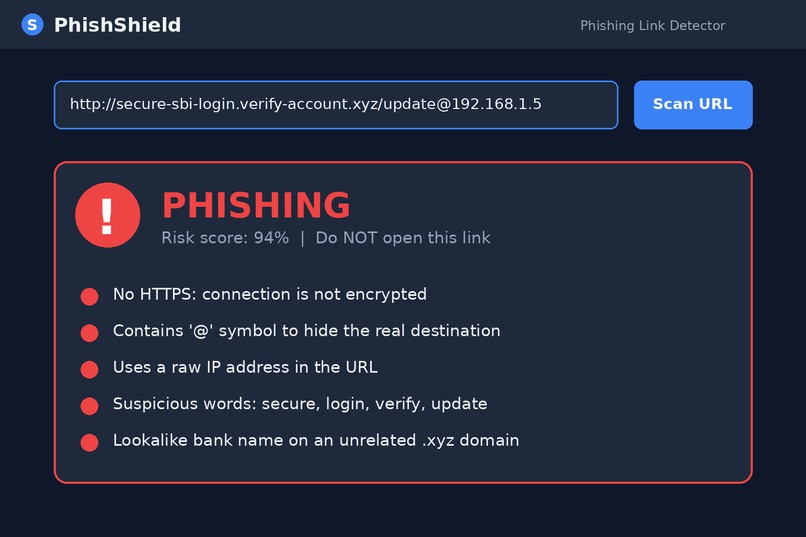
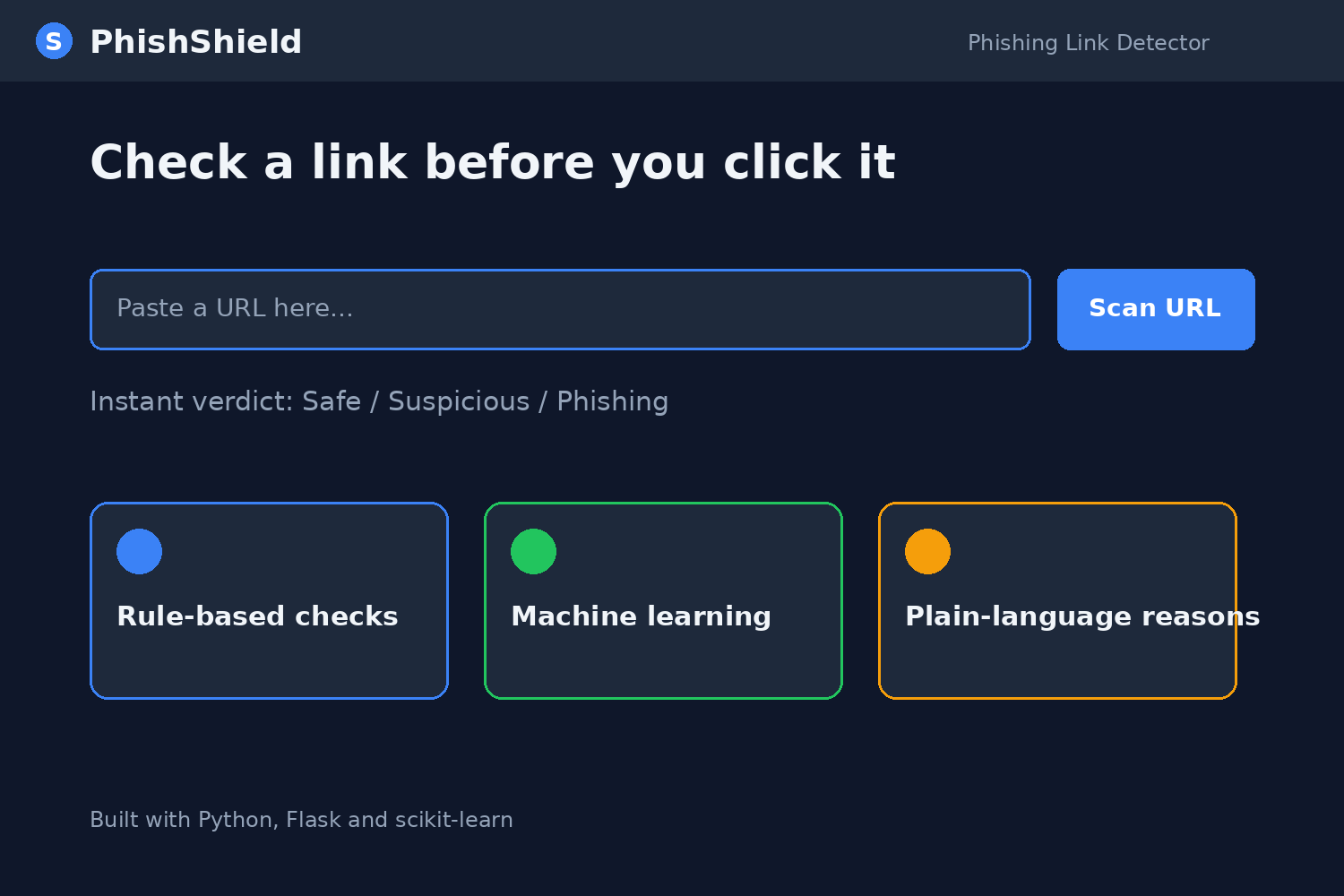
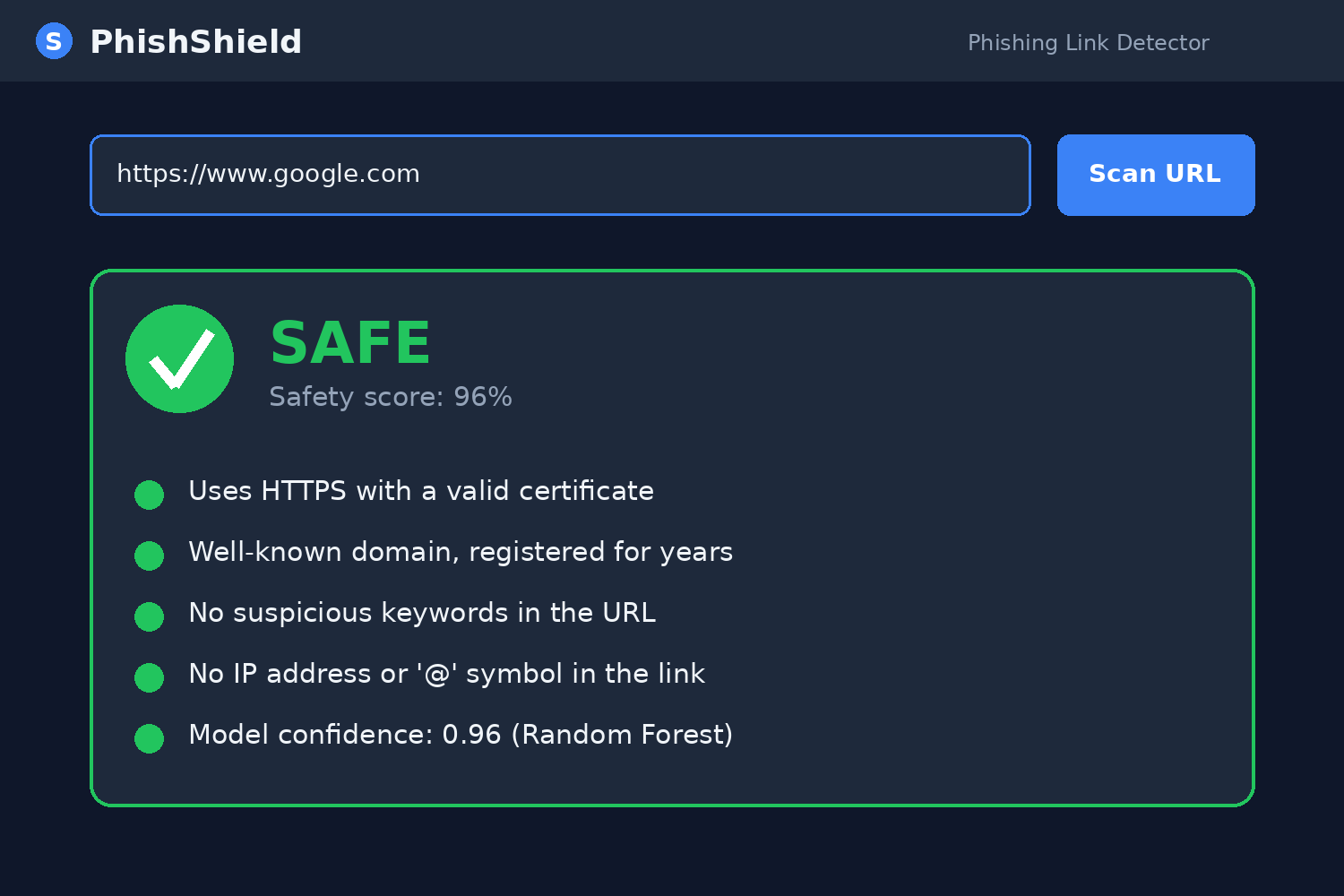
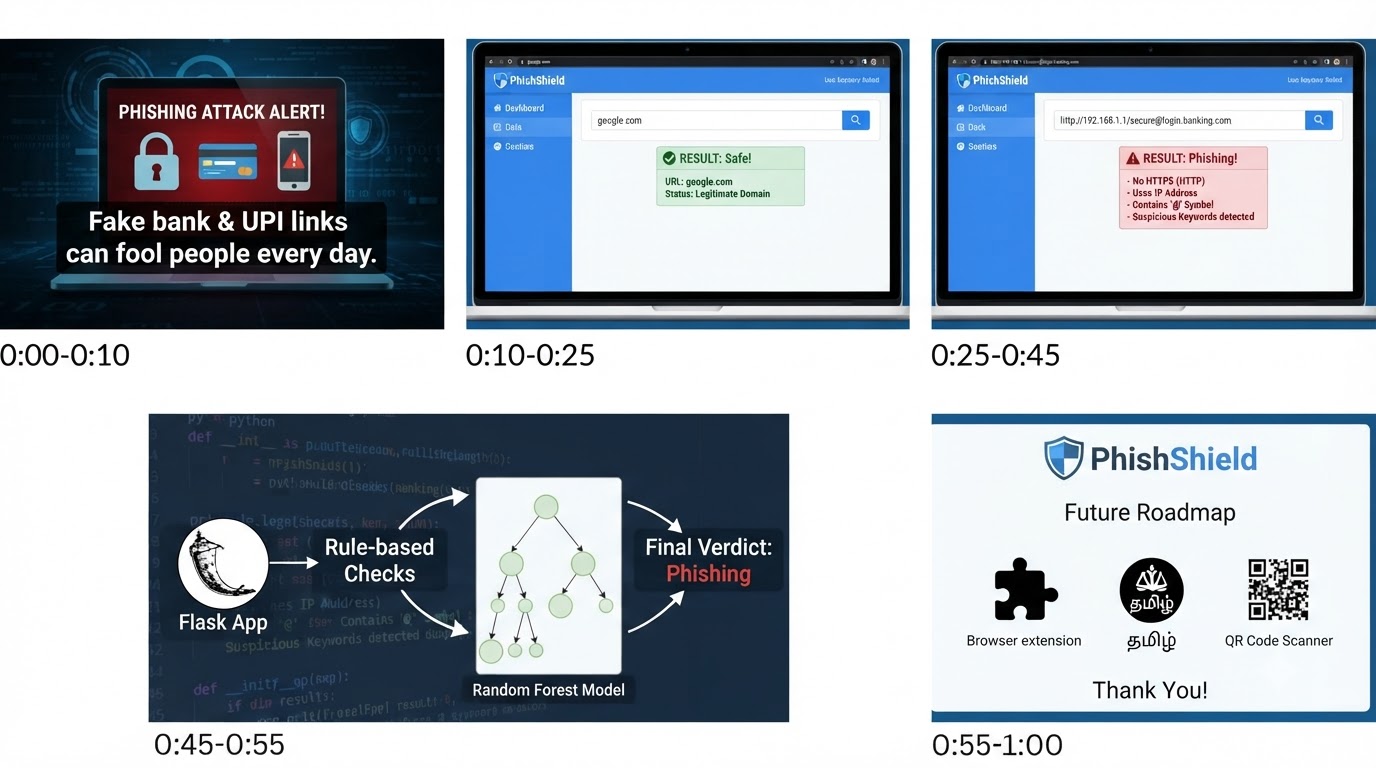
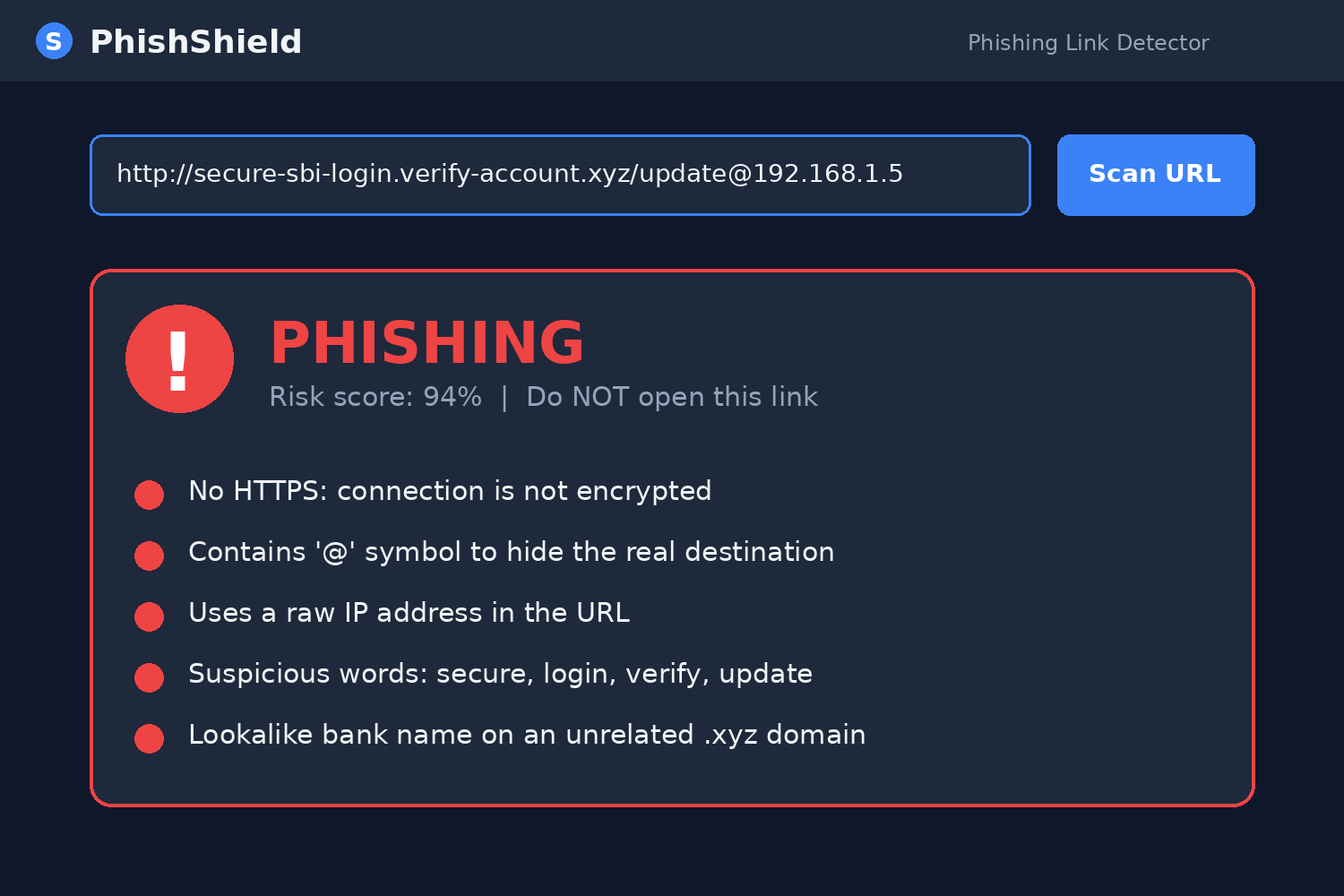
The user pastes a link into PhishShield. It analyses the URL without opening it and shows:
- A verdict: Safe, Suspicious or Dangerous
- A risk score from 0 to 100
- Plain-language reasons, such as "This link imitates a well-known brand" or "It uses an IP address instead of a domain name"
- A short safety tip on what to do next
How we built it
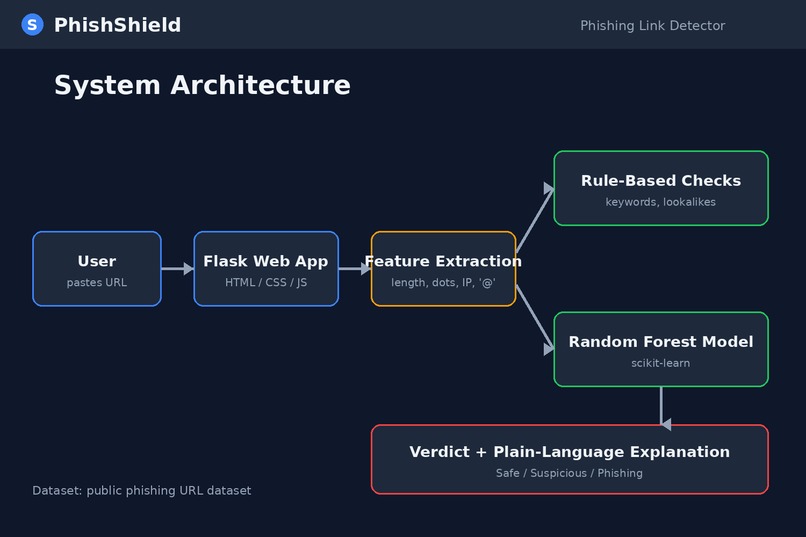
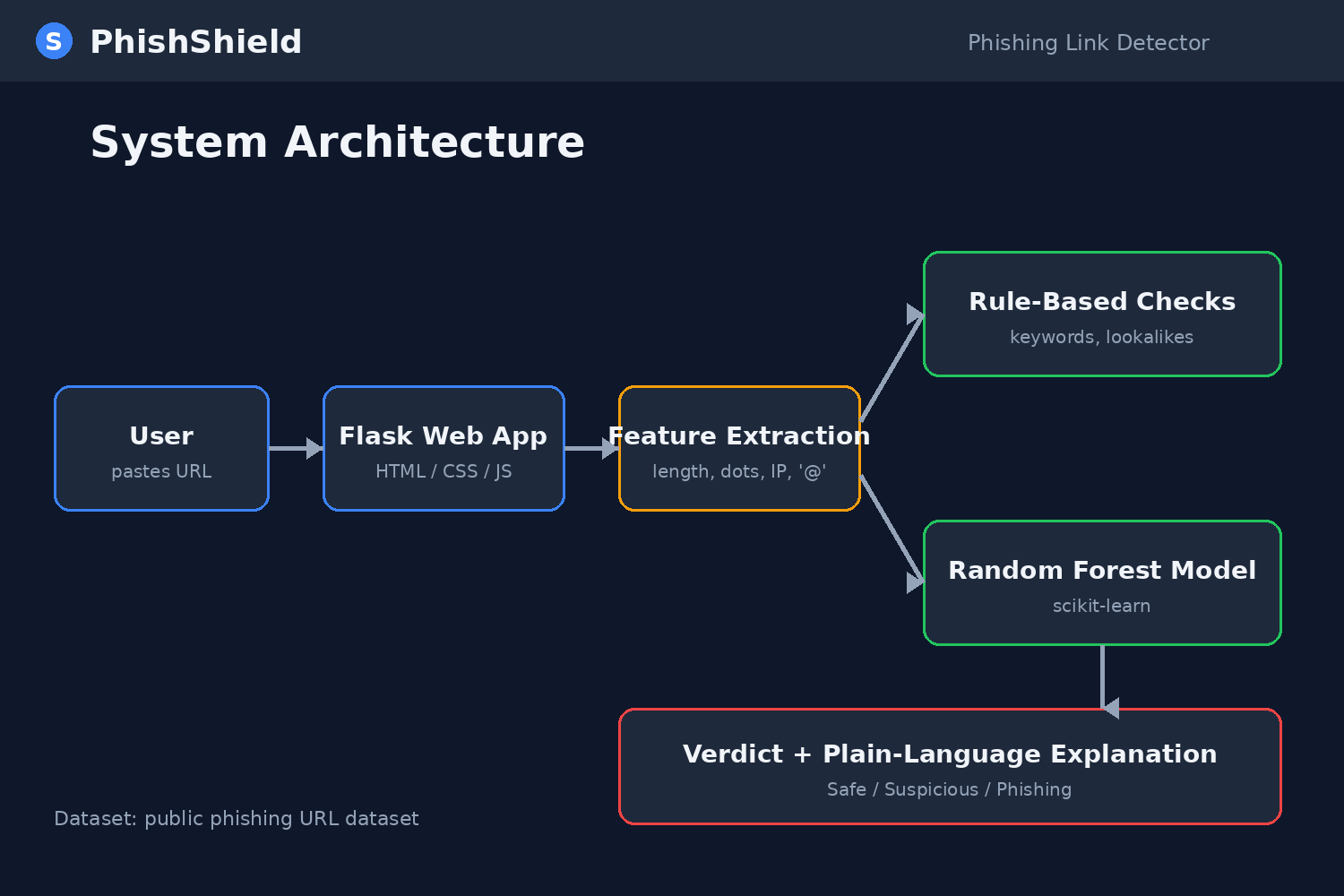
- Feature extraction: URL length, number of dots and subdomains, "@" symbol, IP address in place of a domain, HTTPS usage, hyphens, URL shorteners, suspicious keywords (login, verify, update, bank) and lookalike domains compared against popular brands.
- Machine learning: a Random Forest classifier trained on a public phishing URL dataset from Kaggle, built in Google Colab with scikit-learn.
- Explainability: each triggered feature is mapped to a simple sentence, so users understand why a link was flagged.
- Interface: a lightweight Flask web app that works on a phone browser.
- Security practices: the app never visits the submitted link, and it validates and sanitises input, following OWASP guidance.
Challenges we ran into
- Balancing false positives and false negatives, since flagging safe sites erodes trust.
- Explaining results in words a non-technical person understands.
- Handling shortened links, which hide the real destination.
Accomplishments that we're proud of
- A working detector with explanations, not just a yes/no answer.
- A simple interface that a beginner can use.
- Test accuracy of [X]% on held-out data (fill in your real result).
What we learned
How phishing URLs differ from genuine ones, how to train and evaluate a classifier honestly, and why explainable security matters for trust.
What's next for PhishShield
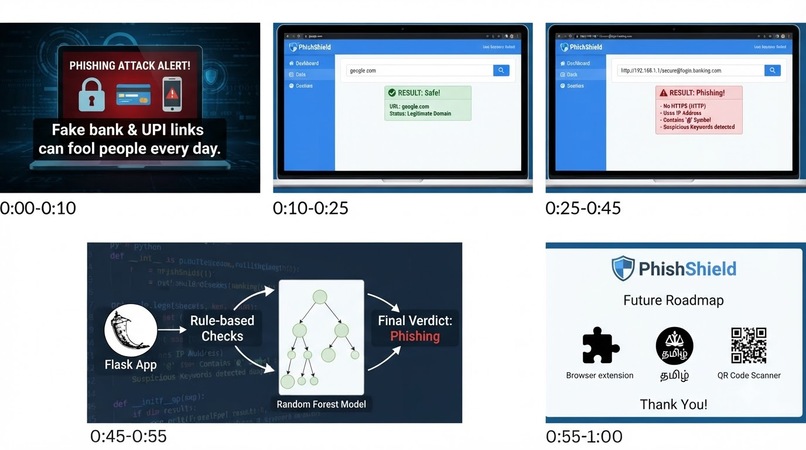
- Browser extension and WhatsApp/SMS link scanning
- Tamil and other regional-language support
- Checking links against live threat-intelligence feeds
- Detecting phishing page content, not only URLs
What it does
How we built it
Challenges we ran into
Accomplishments that we're proud of
What we learned
What's next for PhishShield – Phishing Link Detector
Built With
- add
- colab
- css
- face
- flask
- forest
- github
- html
- hugging
- javascript
- kaggle
- learning
- machine
- numpy
- owasp
- pandas
- python
- random
- scikit-learn

Log in or sign up for Devpost to join the conversation.