-
-
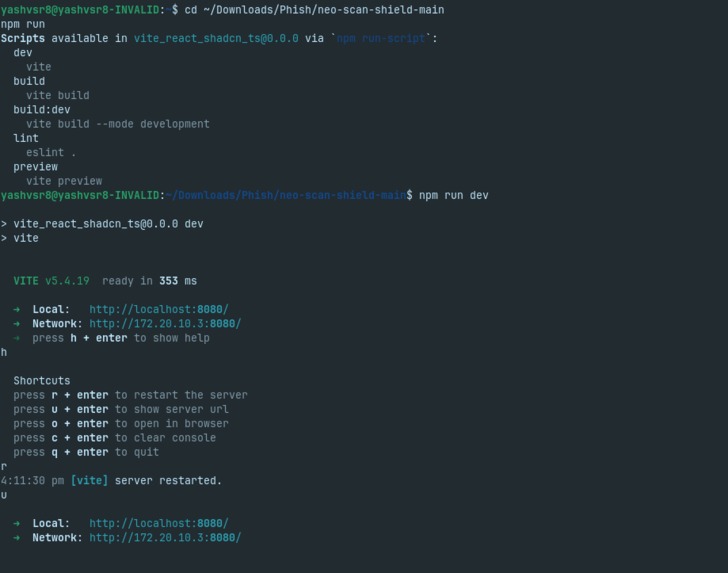
Terminal Window
-
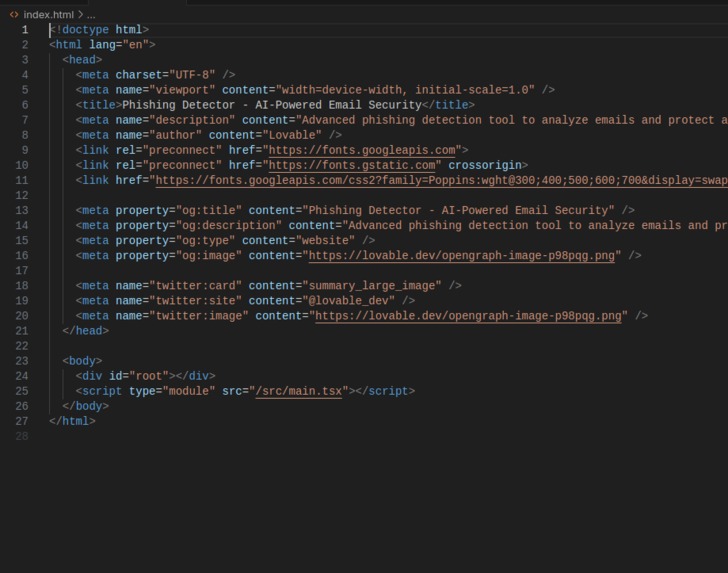
Index.html
-
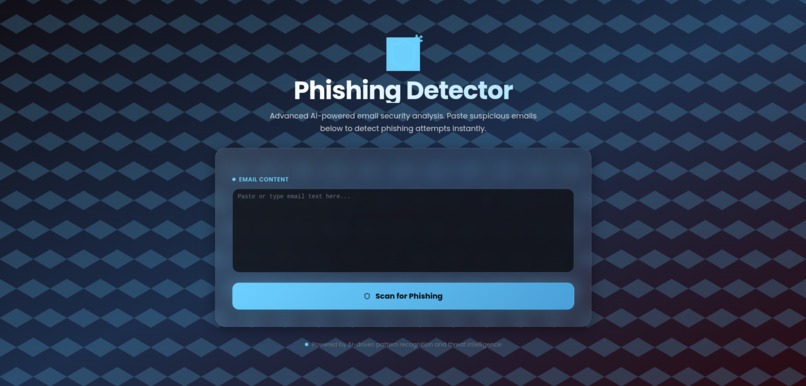
Home
-
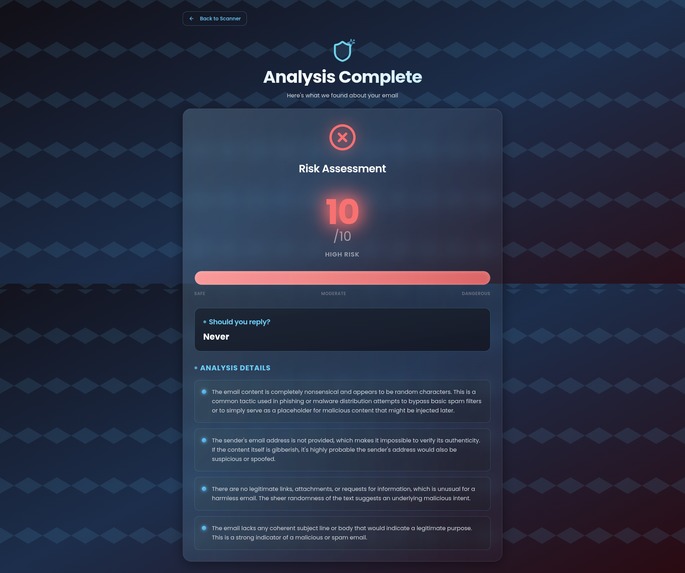
Info about spam emails


🧠 Inspiration
Cyber-attacks and phishing scams are rising every year. Most people can’t easily tell which emails or links are dangerous until it’s too late. We wanted to build an AI assistant that protects users in real-time — something simple, visual, and explainable.
⚙️ What it does
PhishShield scans emails, links, and attachments using a lightweight AI classifier and an explainable language model.
It highlights risky phrases, suspicious URLs, and malware indicators.
It explains why something is dangerous in clear, everyday language.
It gives quick steps for users to stay safe (“Don’t click links, verify sender, report to IT”).
The goal is to make cybersecurity understandable and accessible for everyone.
🏗️ How we built it
Frontend: Built a no-code web app using Bubble for rapid prototyping and UI flow.
Backend: Created a serverless AI engine using BlackboxAI / WrapAI that calls an OpenAI classifier prompt to score message risk.
Logic: Combined machine-learning scores with rule-based checks (keywords, domain heuristics, suspicious attachment names).
Explainability: Used an LLM prompt to convert model output into human-friendly explanations.
Design: Hero & icon illustrations generated via Lovable and refined manually.
Testing: Ran 20 sample emails (10 phishing + 10 safe) achieving ~88% accuracy.
🚧 Challenges we ran into
Balancing accuracy with speed using no-code tools.
Integrating AI APIs safely without exposing keys.
Avoiding false positives in legitimate emails.
Making the interface simple for non-technical users.
🏅 Accomplishments that we’re proud of
Built a working AI phishing detector in under 48 hours using no-code tools.
Delivered a clean, explainable interface anyone can understand.
Created a hybrid AI + rules model that performs reliably with limited data.
Learned to manage full workflow from idea → prototype → demo → submission.
📚 What we learned
How to combine machine learning reasoning with UX clarity.
How generative AI tools (ChatGPT, Lovable) can accelerate ideation when used transparently.
The power of explainable AI — users trust models more when they can understand the reasoning.
🚀 What's next for PhishShield
Expand dataset and fine-tune a small custom phishing classifier.
Integrate real-time browser extension to scan emails and webpages.
Add API endpoints for enterprise security dashboards.
Release open-source version for educators and security trainers.
Built With
- chatgpt
- css3
- html5
- javascript
- json
- loveable
- visual-studio-code
