-
-
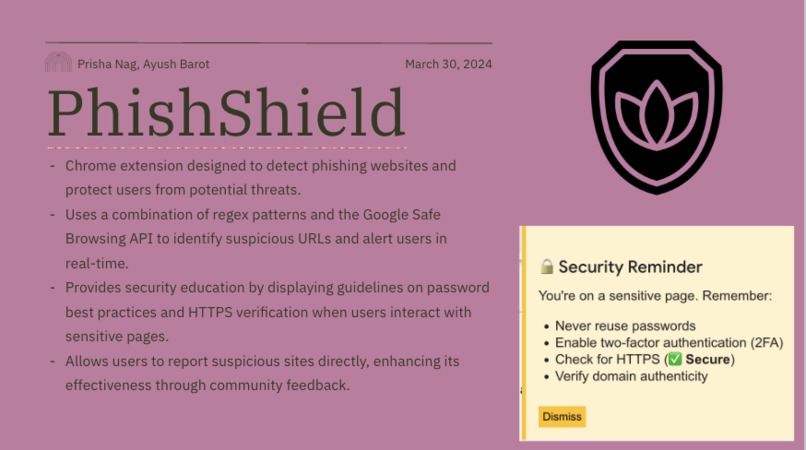
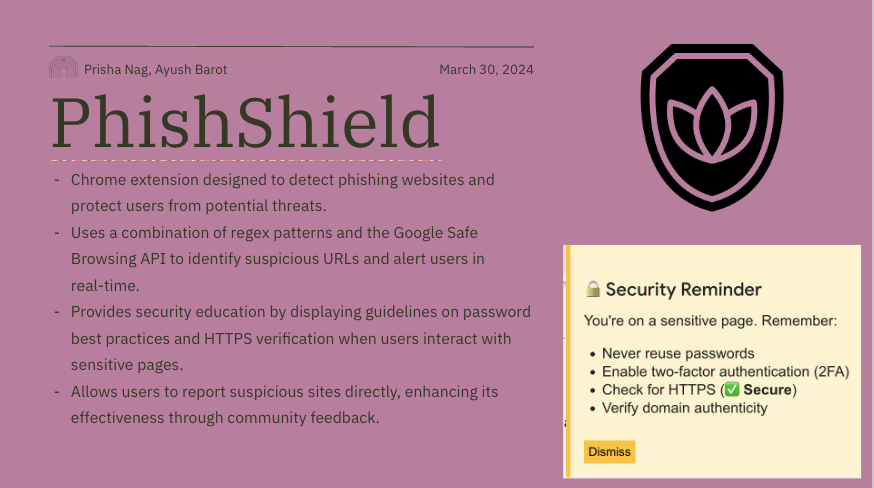
Google slide
The development of PhishShield was inspired by the growing threat of phishing attacks, which are among the most common cybersecurity risks today. We wanted to create a tool that not only detects phishing attempts but also educates users on best security practices, empowering them to browse the web safely and confidently. Our goal was to build a robust Chrome extension that would serve as both a guardian against malicious websites and a guide for users navigating sensitive online interactions.
Throughout the project, we learned a great deal about browser extension development, including how to leverage Chrome APIs like tabs, storage, and scripting. We delved into phishing detection techniques, exploring regex-based methods and integrating external APIs such as Google Safe Browsing. Additionally, we gained insights into the importance of user security education, focusing on password hygiene and HTTPS verification. The collaborative nature of the project also taught us valuable lessons about effective teamwork and communication.
Building PhishShield involved several key steps. We began by outlining the core features: phishing detection, user alerts, and security education. We then organized our files into modular folders for the popup UI, background logic, and content scripts. The detection system was implemented using regex-based URL scanning and the Google Safe Browsing API for real-time threat detection. We also developed a script to analyze webpage content for phishing keywords and suspicious elements. An interactive security panel was designed to provide users with password guidelines and HTTPS verification. Finally, we tested the extension extensively on both phishing test sites and legitimate websites to ensure accuracy and minimize false positives.
Despite the progress made, we faced several challenges during the development process. One of the most significant hurdles was balancing the sensitivity of phishing detection to avoid flagging legitimate websites as false positives. Integrating external APIs, such as Google Safe Browsing, required careful error handling. Additionally, detecting phishing elements on dynamically loaded pages necessitated the use of DOM mutation observers. Lastly, designing a user-friendly security panel that was both informative and non-intrusive required multiple iterations. Overall, PhishShield was an exciting project that allowed us to combine technical skills with creativity to solve a real-world problem, teaching us the importance of user education in cybersecurity and inspiring us to continue building tools that make the web safer for everyone.
Built With
- chrome
- css
- google-safe-browsing-api
- html
- javascript
- vscode

Log in or sign up for Devpost to join the conversation.