-
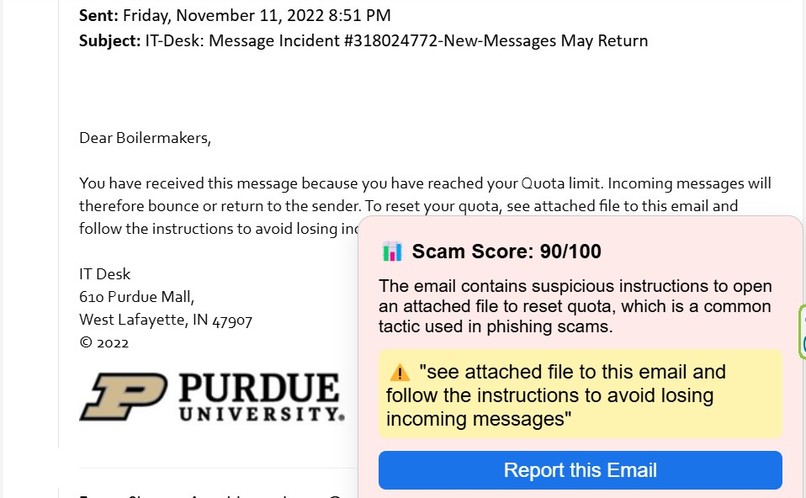
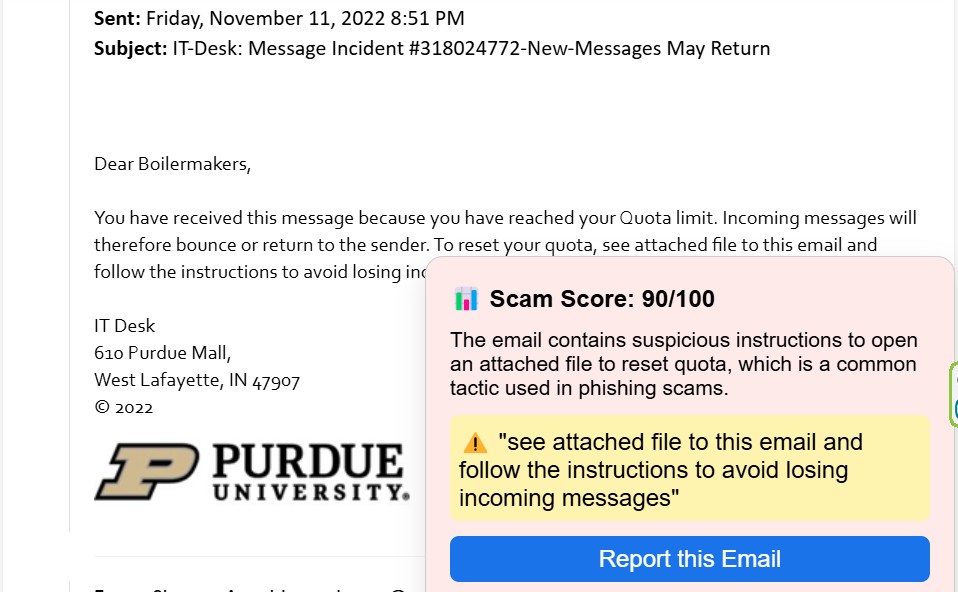
Example 1 on web browser extension providing a risk assessment for a phishing/scam email.
-
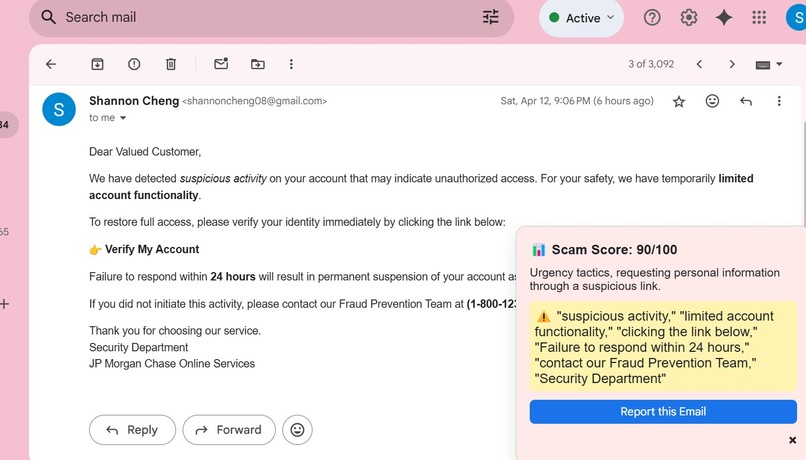
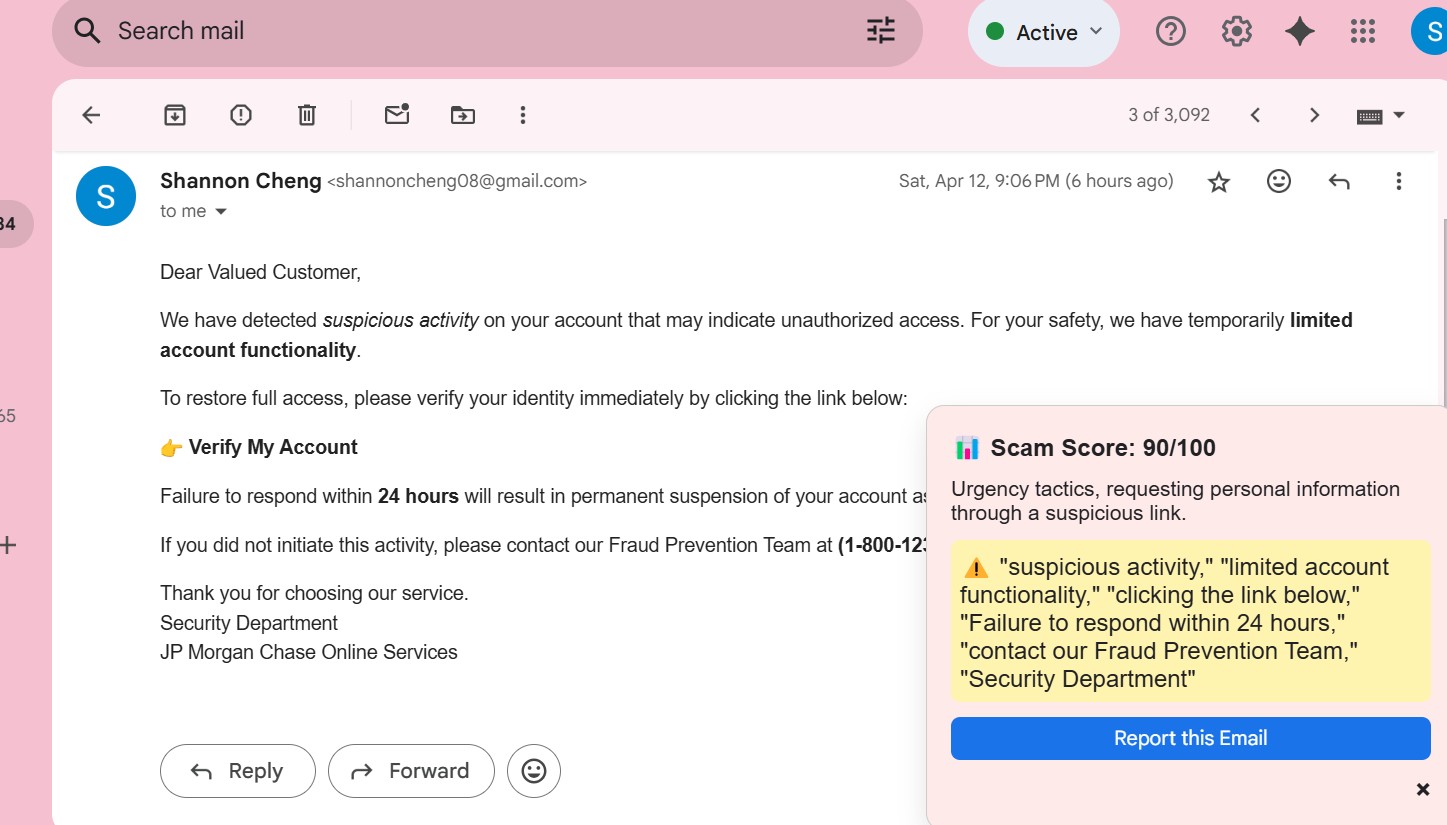
Example 2 on web browser extension providing a risk assessment for a phishing/scam email.
Inspiration:
A friend of our was recently received a phishing email and she fell for it. After that, another unauthorized user was able to get access to her account and started sending more phishing emails to other people using her email. After watching her go through the stressful process of trying to get back her account and block the unauthorized user, we were inspired to create a scam and phishing email detector so that people who are not familiar with identifying phishing and scam emails will not have to worry about falling victim to these unethical practices anymore.
What it does:
PhishNet is a scam or phishing email detector. On the browser extension, when a user opens an email, a risk assessment will be made, and how likely the email is to be a scam/phishing email will be presented to the user. Also, all the parts of the email that caused the system to believe that it is a scam/phishing email will be stated. For the website users can contact us if they are having trouble with our site, they can look at possible next steps that they should take if they have already been scammed, and how to report it, and they can see stats on how many high, medium, or low risks email they have avoided since they created and account on the website and installed the browser extension. We also give the users general scam advice based on commonly seen scam emails from their inbox. This helps the user to proactively be able to spot scam emails on their own and will teach them about things to look for.
How we built it
Our project had two components that are connected: the browser extension and the web app. Both of these components connect to the same database which is how they communicate and they both work together to help enhance user experience. The browser extension is the main part of our project, it is a Chrome extension and uses OpenAPI's AI to detect scam emails. We also have a feature which allows users to report scam emails, and once a sufficient amount of scam emails has been reported, the model will be trained/fine-tuned with user-reported information. Much of the user data will be gathered from the Chrome extension, such as what type of scam emails they tend to get, the ratio of their scam to non-scam emails, and more. This is where the browser comes in. We use the data collected from the extension to give users a better idea of what their inbox is like and how to better avoid scams. We also provide advice for users who may have already been scammed, which provides a comprehensive coverage of tackling the challenge of scam emails.
Challenges we ran into
Many of the challenges came from the Chrome extension since it has many requirements as to how things are structured. We also had some problems with OAuth and the Chrome extension, as well as integrating all four parts - backend, database, Chrome extension, and frontend together in a cohesive way. Getting the four parts connected to each other was a challenge to figure out as well since none of us had used Chrome extensions before.
Accomplishments that we're proud of
Some things we are proud of are being able to integrate OAuth into the Chrome extension since it was giving us a lot of trouble due to some of the rules that have to do with the extension. We are also proud that we were able to offer a fairly cohesive and easy-to-use service that can be used to detect scams that will be good for either elderly people or people who may not be as tech savvy and fall victim to many of these scams.
What we learned
We learned how to use Chrome extensions and OAuth. By learning how to use these can connect the browser extension and also the website. We can also connect them through a database. We also learned a lot more about phishing and other ways phishing and scam emails can be identified.
What's next for PhishNet
In the future, we can make it so that it has multi-level support. This will allow it to extend beyond Chrome to other email clients or even other browsers.

Log in or sign up for Devpost to join the conversation.