-
-

Project Logo
-
About
-
HowItWorks
-
Safety
-
Analyze

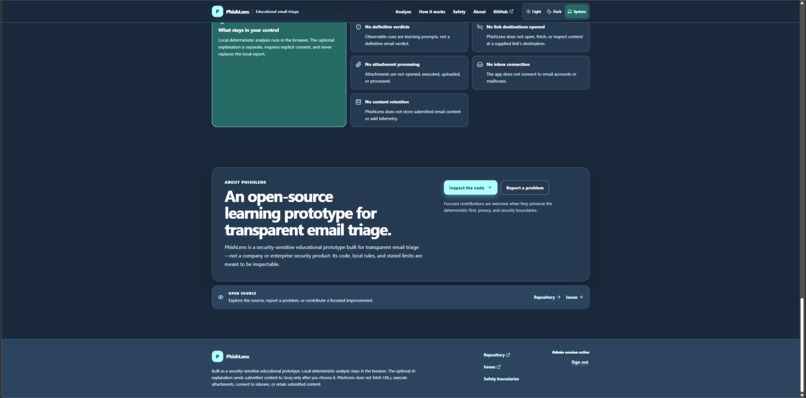
About the project
PhishLens: making suspicious emails show their cards
Most phishing emails do not arrive wearing a villain costume. They arrive sounding almost reasonable: a locked account, an overdue invoice, a request from “IT,” or a message engineered to make one bad decision feel urgent.
That is what inspired PhishLens.
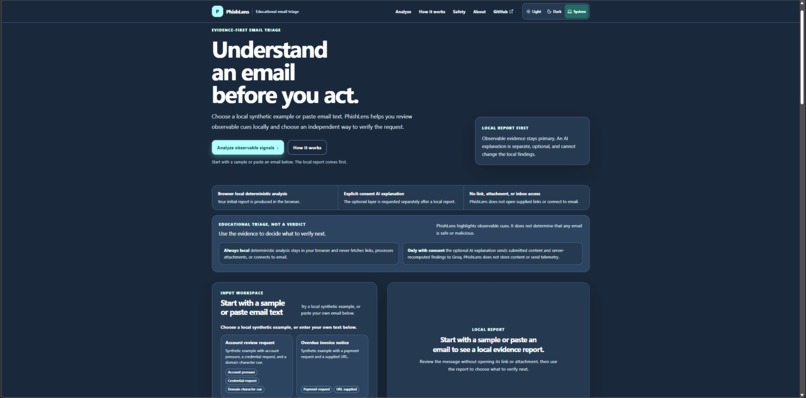
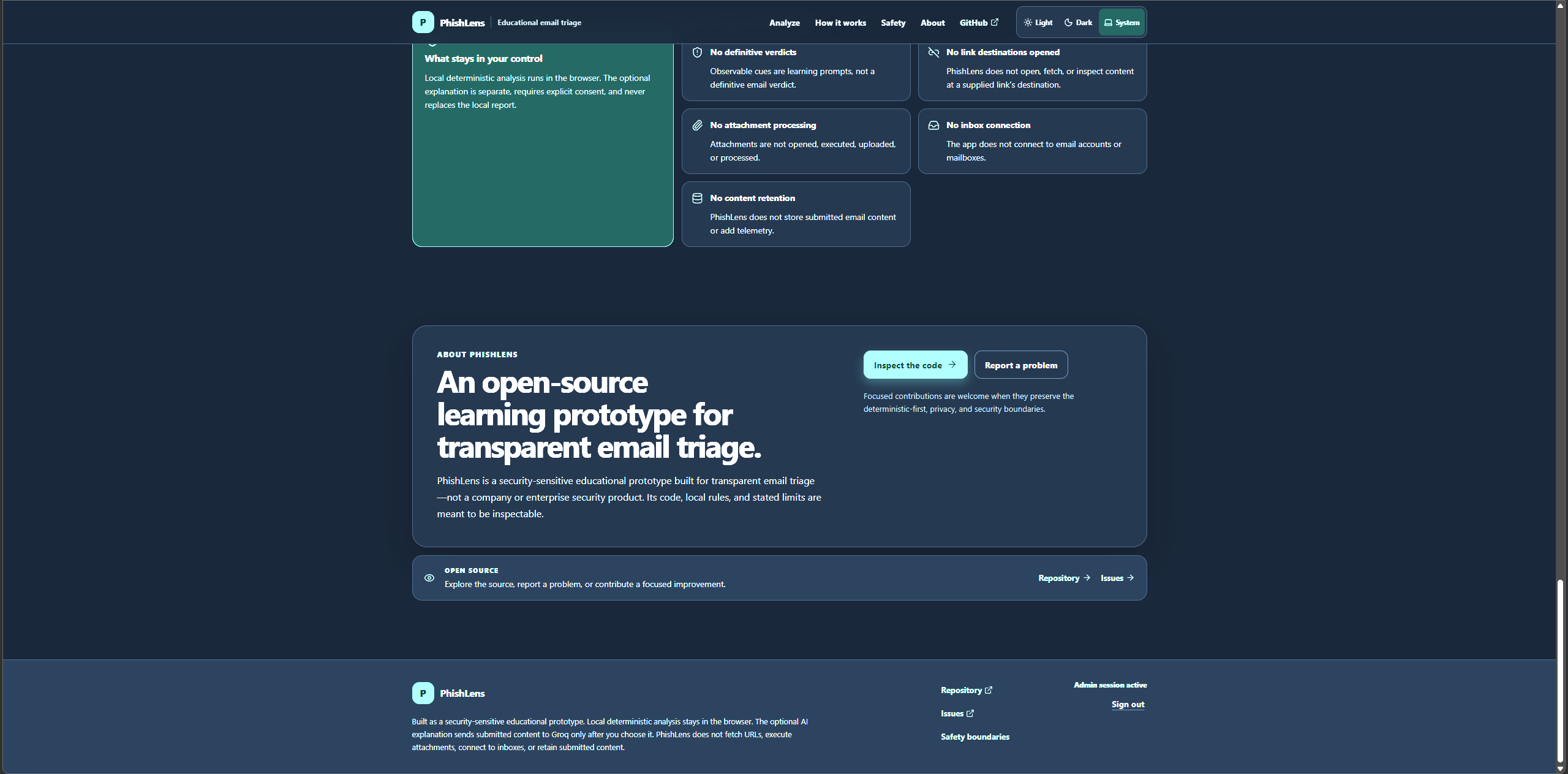
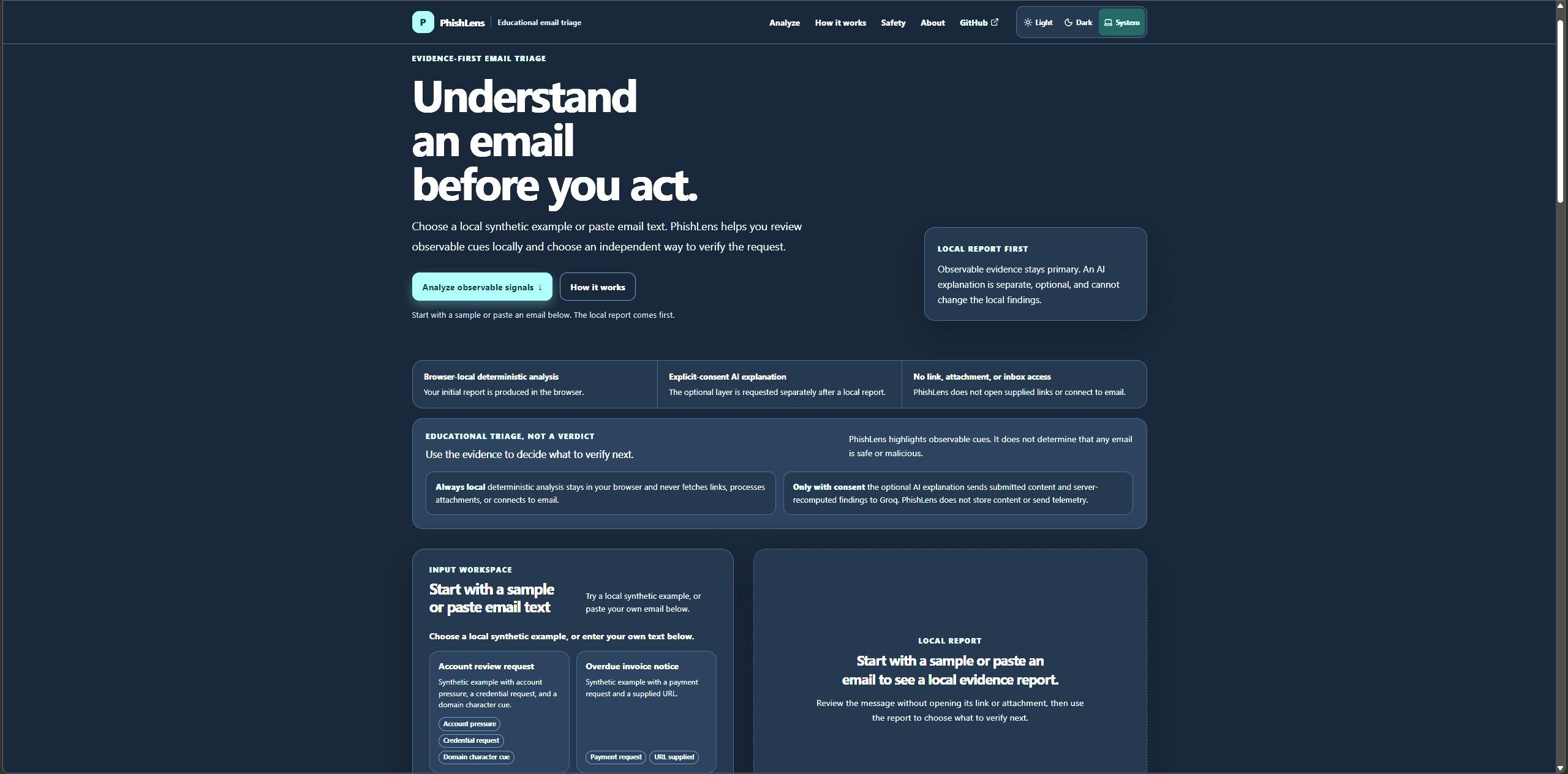
The project began with a simple question: What if an email-triage tool did not rush to declare a message safe or malicious, but instead made its pressure tactics visible before someone clicked? PhishLens is built around that idea. It turns pasted email content into an evidence-first local review: what the message asks for, which observable patterns deserve caution, and what a safer verification step looks like.
The goal is not to replace an enterprise email gateway, a SOC analyst, or a user’s judgment. It is to help people pause at the moment a scam is trying hardest to make them panic.
The hard truth behind phishing
Phishing is effective partly because it exploits normal human behavior, not because users are careless. Messages create urgency, imitate trusted organizations, demand credentials or money, and frame hesitation as dangerous.
At first, the project had a much simpler ruleset. During testing, that limitation became obvious: an intentionally fictional message claiming an account sign-in, demanding account details “right now,” and threatening financial loss did not produce the local cues it should have.
That was a useful failure.
Instead of hiding it behind a more confident AI response, PhishLens was reworked around a stronger deterministic engine. The fix was not “add more scary keywords.” The challenge was to make the engine recognize combinations of evidence while remaining conservative:
- Pressure or urgency should be visible.
- Requests for credentials, account details, MFA/recovery codes, or sensitive information should be visible.
- Payment, invoice, wire-transfer, gift-card, crypto, and financial-loss pressure should be visible.
- Sender and URL characteristics can be useful observations, but they cannot prove identity or maliciousness.
- A URL appearing in an email is not automatically dangerous.
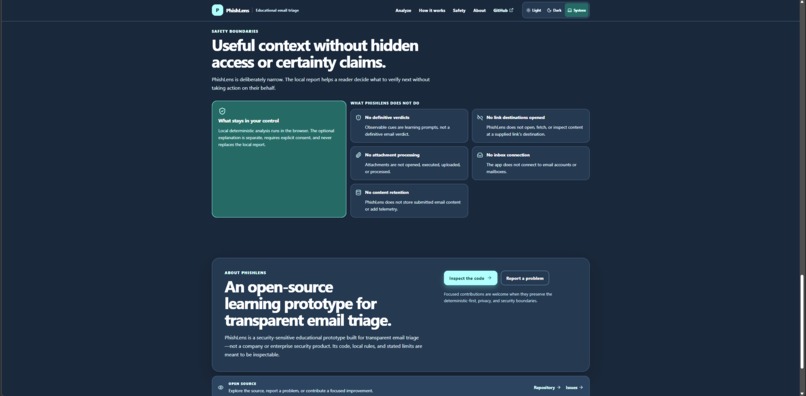
- No configured cues are not a safety verdict.
That last point matters most. PhishLens is designed to surface reasons to verify, not manufacture certainty.
How PhishLens works
PhishLens has two deliberately separated layers.
1. Local deterministic analysis
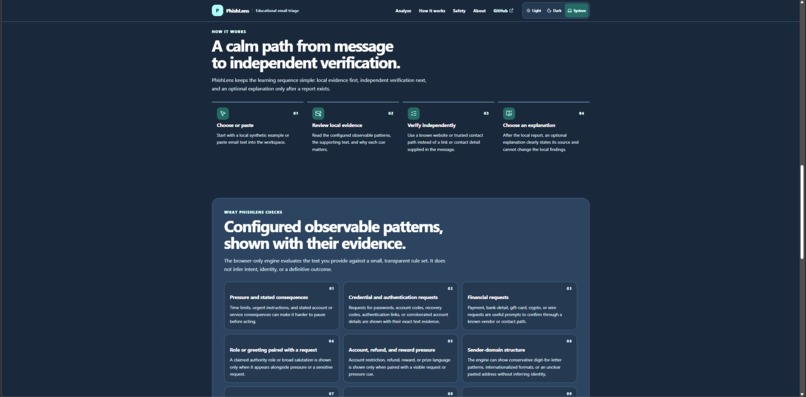
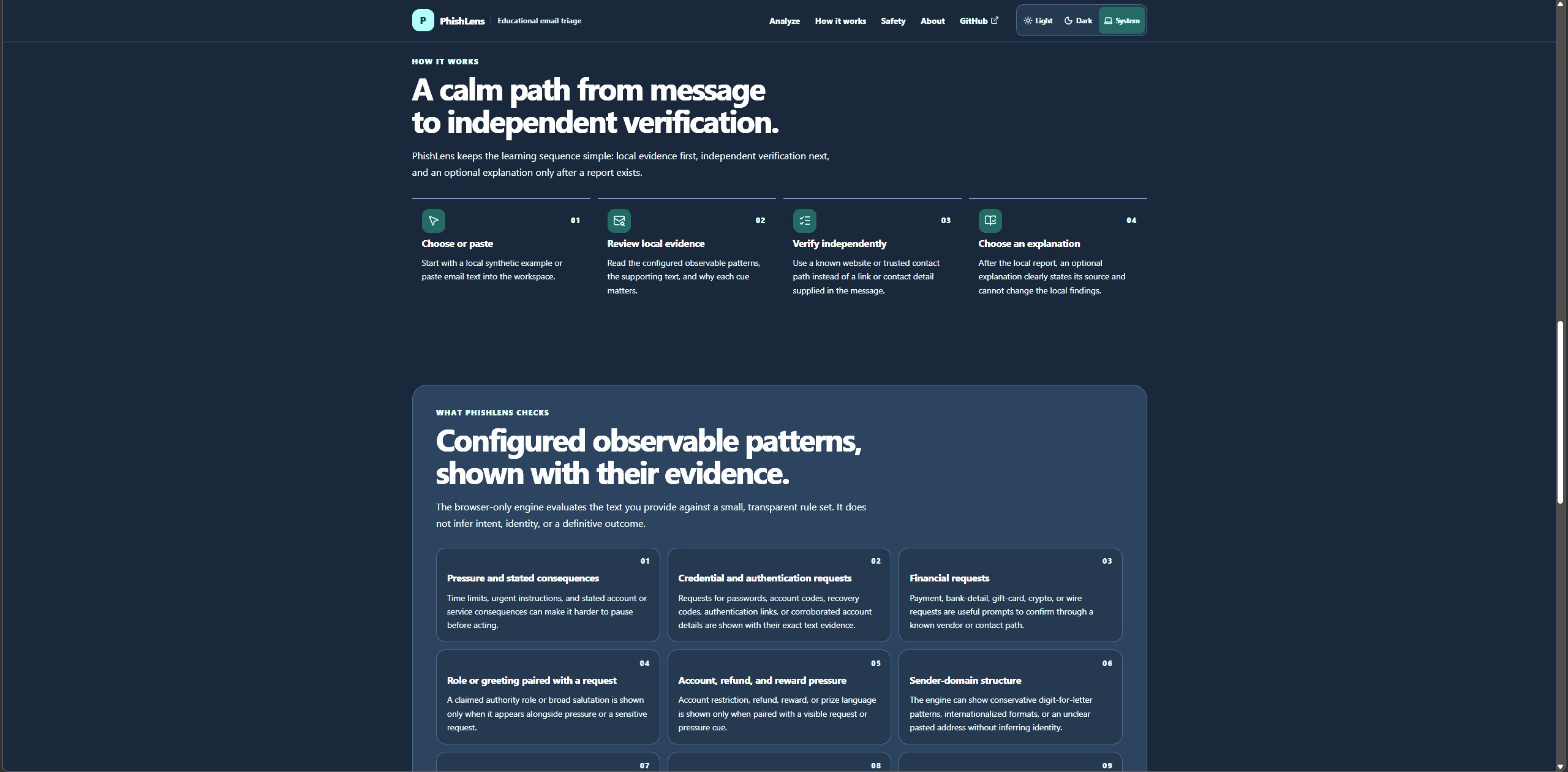
The browser analyzes the submitted sender, subject, body, and optional supplied URL using transparent, deterministic rules. It looks for configured observable signal families such as:
- Urgency, threats, and pressure language
- Credential or sensitive-information requests
- Payment and financial-pressure requests
- Account-security, reward, refund, or suspension lures
- Impersonation language when paired with a relevant request
- Generic greetings combined with sensitive pressure
- Sender-domain and character-substitution cues
- URL lexical and structural cues, without opening or fetching links
- Sender/URL domain mismatches where a conservative comparison is possible
- Risky attachment filenames or extensions when they appear in pasted text
The output keeps the reasoning inspectable. Each finding shows the relevant evidence, explains why it may warrant caution, and contributes to a local context such as informational, caution, review, or elevated.
The system also treats compound patterns carefully. For example, an urgent request for account credentials paired with a claim of financial loss deserves more attention than either phrase in isolation. At the same time, PhishLens avoids double-counting the same evidence and does not turn a local context label into a phishing verdict.
2. Optional AI explanation
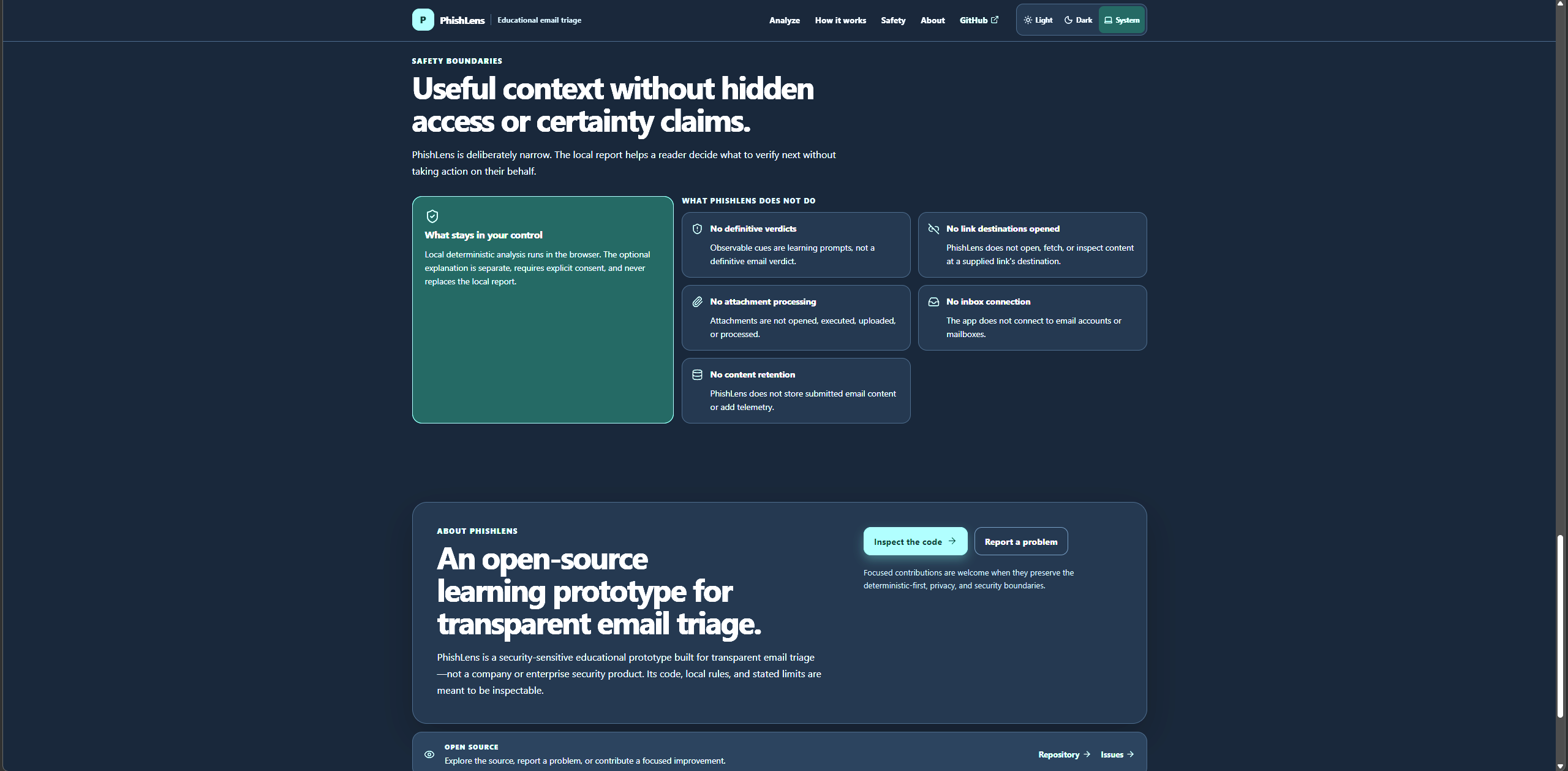
After the local report exists, an optional explanation layer can help translate the deterministic findings into plain language. It is intentionally secondary.
The public demo remains useful without sending custom content to an AI provider. For controlled administrator use, an explicit-consent flow can send the submitted text and server-recomputed findings to a Groq-hosted openai/gpt-oss-20b model. The model is constrained to explain existing local findings; it cannot invent signals, override the deterministic report, or return a “safe” or “malicious” verdict.
That separation is the core design decision of PhishLens:
Local evidence is canonical. AI can explain it, but cannot replace it.
How it was built
PhishLens began as a small Next.js and TypeScript experiment: paste an email, inspect a few transparent cues, and avoid opening suspicious links. It quickly became a lesson in why security products cannot be built as ordinary text-classification demos.
The final architecture has a deliberately split trust model:
Pasted email fields
        |
        v
Browser-local deterministic engine
        |
        +--> Canonical evidence-first report
        |
        +--> Optional explicit-consent request
                    |
                    v
        Same-origin Next.js server route
                    |
                    +--> Revalidates bounded input
                    +--> Recomputes deterministic findings
                    +--> Verifies admin session
                    +--> Applies rate limits
                    +--> Calls Groq only when authorized
                    |
                    v
      Strict structured AI explanation
                    |
                    v
      Schema + semantic validation before display
The browser-local engine is the foundation. It analyzes only text the user supplies: sender, subject, body, and an optional URL. The engine is modular rather than a single giant regex. Its signal families cover observable pressure, credential requests, financial requests, impersonation-plus-request patterns, sender-character anomalies, URL lexical structure, sender/URL relationships, visible risky attachment references, and compound combinations of cues.
Each rule produces structured evidence rather than only a score:
- Signal ID — a stable identifier shared by the interface, tests, server, and AI boundary
- Evidence excerpt — the actual user-provided wording or parsed structure that triggered the rule
- Why it matters — a concise explanation of why that pattern deserves verification
- Context contribution — informational observation versus a context-raising cue
- Verification actions — deterministic next steps selected from the observed signal types
This design makes the report inspectable. If PhishLens identifies urgency, users can see the urgent wording. If it identifies a credential request, they can see the request itself. The system is not asking users to trust a black box.
A key implementation rule is that the server never trusts findings sent from the browser. When an optional explanation is requested, the server validates the submitted data and recomputes the same deterministic findings before any model request is constructed. That protects against a modified client inventing, deleting, or altering the evidence shown to the model.
Building the AI boundary
The AI layer was intentionally treated as an untrusted integration, not as the app’s security brain.
PhishLens uses Groq’s official SDK with openai/gpt-oss-20b for an optional explanation. The model receives only bounded submitted text and the server-recomputed local findings after an explicit consent action. It does not receive inbox access, attachments, fetched URLs, browser tools, file tools, storage access, or permission to contact outside entities.
The route applies several defensive layers:
- Input bounds before processing — a raw request-size cap plus field limits for sender, subject, body, and URL.
- Hostile-data treatment — email content and local findings are serialized as data inside explicit untrusted-content delimiters; the prompt instructs the model to ignore instructions embedded in the email.
- No client authority — findings are recomputed server-side.
- Strict response shape — Groq structured output is constrained by JSON Schema, then parsed with Zod.
- Semantic checks beyond schema validation — the app rejects unknown or duplicate signal IDs, model-created findings, and definitive language such as “this email is safe” or “this email is malicious.”
- Truthful failure behavior — if a live provider request was attempted and fails, the app shows an unavailable state rather than falsely saying no content was sent.
Structured outputs are valuable here because they constrain responses to a supplied JSON schema rather than relying on free-form text parsing; however, PhishLens still validates model output independently because schema-shaped output alone does not guarantee safe meaning. console.groq
Building admin access carefully
The public demo is intentionally useful without exposing a live AI endpoint for arbitrary user input. Public users can always run browser-local analysis, while unchanged synthetic examples can show a clearly labelled local demo explanation.
For personal operator use, PhishLens includes a narrow single-admin path for live Groq explanations on custom text. This was not treated as “hide a button and call it secure.” The provider route enforces authorization server-side.
The implementation uses:
- A server-only admin password stored in environment variables
- Timing-safe password comparison
- A signed, short-lived JWT session using
jose - An
HttpOnly,Securein production,SameSite=Strictcookie - Issuer, audience, role, and expiry checks on every Groq-capable request
- Same-origin checks for login, logout, and AI requests
- Best-effort in-memory login throttling
- Explicit consent on every live explanation request
- Logout by clearing the session cookie
This is intentionally documented as a single-user operational control, not a multi-user identity platform. It has no MFA, durable global rate limit, centralized revocation list, audit trail, password reset, or account recovery flow. Building it taught me that a secure-looking login modal means very little if the API route behind it does not enforce the same boundary.
What Codex changed in the process
Codex and GPT-5.6 were not used as a one-shot code generator. They were used as iterative engineering partners.
The development progression looked like this:
| Stage | What changed | What I learned |
|---|---|---|
| Local prototype | Built the first deterministic email-cue workflow | Explainability matters more than an opaque “risk score” |
| Security boundary | Separated browser analysis from optional server-side AI | Client-side validation is useful UX, not authorization |
| AI integration | Added consent, server recomputation, strict schema, and semantic validation | LLM output must be treated as untrusted input too |
| Public/demo controls | Added truthful fallback paths and rate limiting | Availability messaging is part of privacy and security honesty |
| Admin path | Added signed sessions, server-only secrets, origin checks, and generic errors | A hidden UI control is never a security boundary |
| Detection regression | Found a financial-pressure false negative during manual testing | Test cases must include adversarial examples and benign counterexamples |
| Engine upgrade | Refactored deterministic signals, evidence models, compound cues, and regression fixtures | Better detection is not more keywords; it is better evidence modeling |
| Product hardening | Added responsive themes, accessibility checks, documentation, handoff notes, and release QA | Security is a lifecycle, not a feature you “finish” |
Codex accelerated the implementation, but the most valuable part was the review loop: proposing boundaries, testing assumptions, challenging misleading claims, tracing a false negative, and converting lessons into regression tests. GPT-5.6 helped reason through architecture, code organization, edge cases, and documentation while the final choices remained grounded in the app’s actual behavior.
What I learned
PhishLens taught me more than phishing vocabulary.
Security is a trust-boundary problem
The central question became: what is this component allowed to decide?
The browser can give immediate local feedback, but it cannot authorize a provider call. The AI can explain deterministic evidence, but it cannot create the evidence or decide whether an email is safe. An environment variable can hold a secret, but only if it never enters the client bundle. A UI can indicate admin status, but only the server can verify it.
That mindset changed how I approached the whole application.
Validation is layered
I learned to think in layers rather than relying on one defensive check:
- Validate request size before parsing.
- Validate field shape and length after parsing.
- Normalize and parse text conservatively.
- Recompute sensitive conclusions on the trusted server.
- Restrict the model’s output structure.
- Validate the model response with Zod.
- Apply semantic checks that the schema cannot express.
- Render evidence as text, never as executable content.
OWASP’s secure-coding guidance similarly emphasizes server-side validation of untrusted input, centralized validation, output handling, authentication controls, and least-privilege design. owasp
DevOps is part of security
The project also made deployment concerns concrete:
- Secrets belong in Vercel environment variables, not source files or
NEXT_PUBLIC_variables. - Sensitive Vercel values can be configured as non-readable after creation. vercel
- Changing an environment variable requires a redeployment before the new value is used. vercel
- Public serverless rate limits backed only by memory are best-effort because requests can reach separate instances.
- A production release is not complete when the code compiles; it needs linting, type checks, tests, builds, deployed smoke tests, documentation review, and a clean handoff.
The final release process included lint, TypeScript checks, deterministic-engine regression tests, build verification, accessibility review, public-versus-admin path checks, documentation consistency review, and manual production testing.
The principle I am taking forward
The most important lesson from PhishLens is that a cybersecurity product should be more honest under uncertainty, not less.
The tempting version of this project would produce a dramatic score, call an email malicious, and make the model appear all-knowing. The more useful version makes its evidence visible, defines its limits, protects user data by default, and tells people what to verify next.
That is the version I wanted to build.
What’s next
PhishLens is intentionally a prototype with clear boundaries, not a finished enterprise security platform. Future directions could include a carefully designed raw-header analysis mode, richer offline URL parsing, more adversarial test fixtures, accessibility feedback from real users, and optional integrations that undergo a separate privacy and threat-model review.
For now, its promise is smaller—and more honest:
Before an email convinces you to act, PhishLens helps you ask what it is really asking for.

Log in or sign up for Devpost to join the conversation.