Inspiration
The rise in phishing attacks through deceptive websites and fake login forms inspired us to build a lightweight, real-time protection tool that works directly in the browser. Many users—especially students and non-technical individuals—fall prey to scams unknowingly. We wanted to create a simple, smart, and secure solution that instantly alerts users before they compromise their data.
What it does
Phishing Detector is a real-time browser extension that scans websites as users visit them. It performs multiple layers of analysis to determine whether a site might be malicious:
Google Safe Browsing API check for blacklisted URLs.
Machine Learning-based classification of URLs and HTML content (optional).
Heuristic checks (suspicious forms, keywords, domain anomalies).
Provides instant visual alerts with actionable choices ("Go Back" or "Proceed Anyway").
It acts as an intelligent shield against phishing attacks right from the browser.
How we built it
We used the following technologies and components:
Component Technology Frontend HTML, CSS, JavaScript (Chrome Extension, Manifest v3) API #1 Google Safe Browsing API for blacklist checking API #2 Custom Flask-based ML API for phishing detection (optional) ML Model Trained Logistic Regression on phishing datasets API #3 WhoisXML / IPInfo (optional) for domain reputation Backend Python (Flask) hosted via Render/Vercel
We used @crxjs tools for manifest handling and Flask for serving our ML model.
Challenges we ran into
Integrating the Google Safe Browsing API correctly required strict formatting and rate limiting.
Hosting and managing a lightweight ML API was tricky given model size and latency constraints.
Designing a UI that warns but doesn’t scare users unnecessarily took several iterations.
Debugging permissions and CORS issues in the Chrome Extension manifest was time-consuming.
Accomplishments that we're proud of
Successfully built a fully functioning Chrome extension with real-time phishing detection.
Integrated multiple APIs for layered security.
Created a modular architecture so ML or API features can be turned on/off based on use case.
Designed a clean, user-friendly alert interface.
What we learned
How to build Chrome extensions with Manifest v3.
Integration of security APIs like Safe Browsing and Whois.
Hosting and using a custom machine learning API via Flask.
Deeper understanding of phishing patterns and heuristics in real-world attack vectors.
What's next for Phishing Detector
✅ Train a more advanced deep learning model (like BERT-based phishing classifier).
✅ Add real-time crowd-sourced threat reporting for more accuracy.
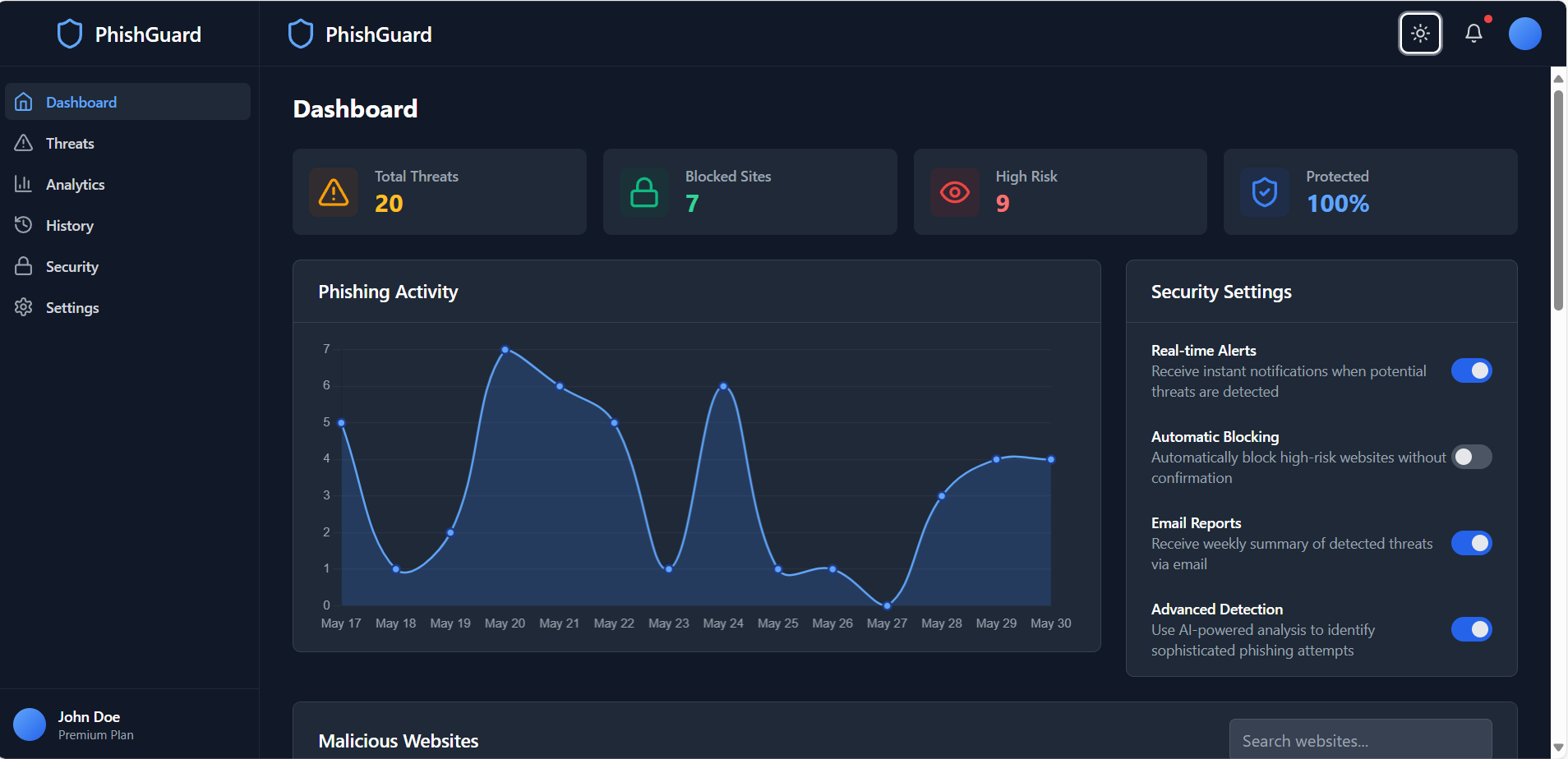
✅ Build a dashboard for users to see phishing attempts blocked.
✅ Extend support to Firefox and Edge browsers.
✅ Publish on Chrome Web Store and gather user feedback.

Log in or sign up for Devpost to join the conversation.