-
-
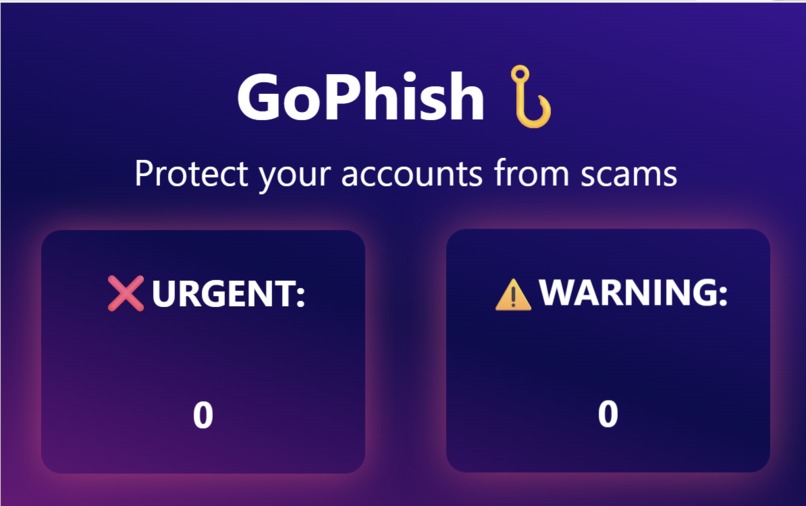
User Interface
Inspiration
Phishing attacks continue to be one of the most common cybersecurity and financial threats, especially for older populations who may not easily recognize malicious emails. We wanted to build a lightweight chrome extension that automatically detects and notifies the user of potentially suspicious emails directly inside Gmail.
What it does
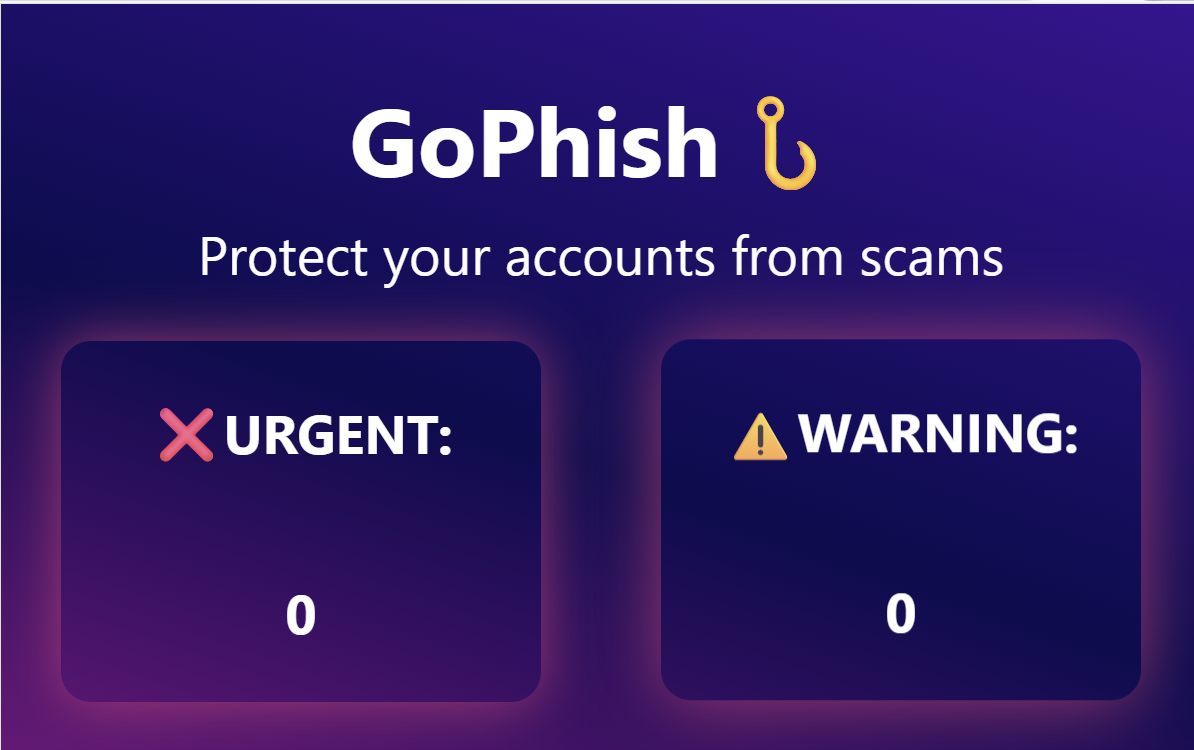
GoPhish scans recent emails in a user's Gmail inbox and flags suspicious ones using text-based heuristics. It highlights an email in red if it is highly risky, yellow if it is moderately suspicious, and green if it is safe. Hovering
How we built it
We built GoPhish as a chrome extension using JavaScript, HTML, and CSS. The content script scans the user's Gmail to read sender names, subjects, and message previews. Our scoring algorithm detects suspicious patterns such as urgent financial language, sketchy links, or mismatched sender domains.
Challenges we ran into
Gmail's interface is complex and frequently changing so selecting and extracting the correct information inside was tricky. Additionally, we ran into issues with false positives so tuning the detections weights and adjusting our scoring algorithm was challenging.
Accomplishments that we're proud of
We build a working prototype that highlights risky financial emails live in Gmail. We also developed a custom scoring algorithm that analyzes multiple parameters such as sender reputation, message content, and link safety to calculate a live phishing risk score.
What we learned
We gained a lot of experience with JavaScript, HTML, and CSS. We also learned how to combine multiple weak signals into a single risk score that reflects the risk level for a given email.
What's next for Phishing Attack Detector
Add a backend ML model trained on labeled financial phishing samples for higher precision. Also extend support to Outlook and other popular email platforms for broader protection.


Log in or sign up for Devpost to join the conversation.