Inspiration
My inspiration comes from seeing how vulnerable elderly people are to digital scams. In my community, I noticed that many senior citizens fall victim to phishing links because they lack tech experience. As a Computer Science student interested in Cybersecurity, I wanted to build a simple, accessible tool that acts as a first line of defense for them.
What it does
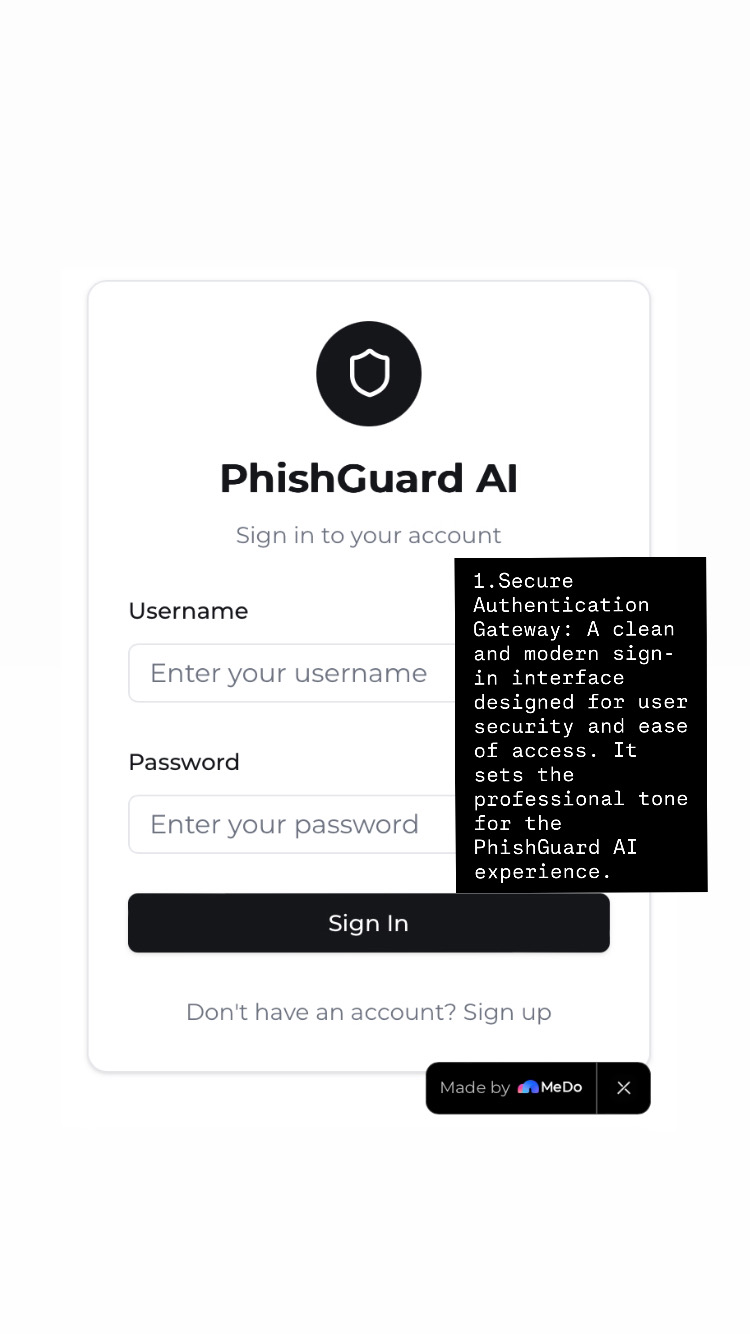
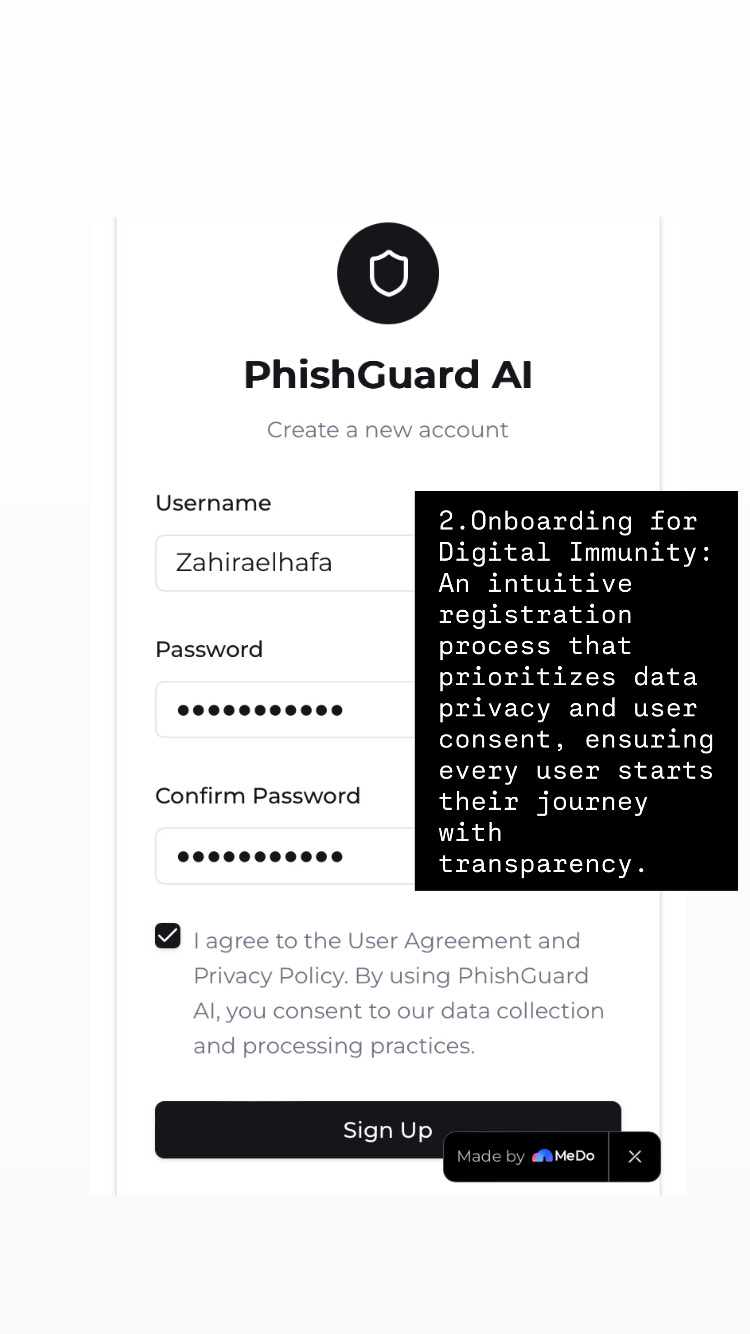
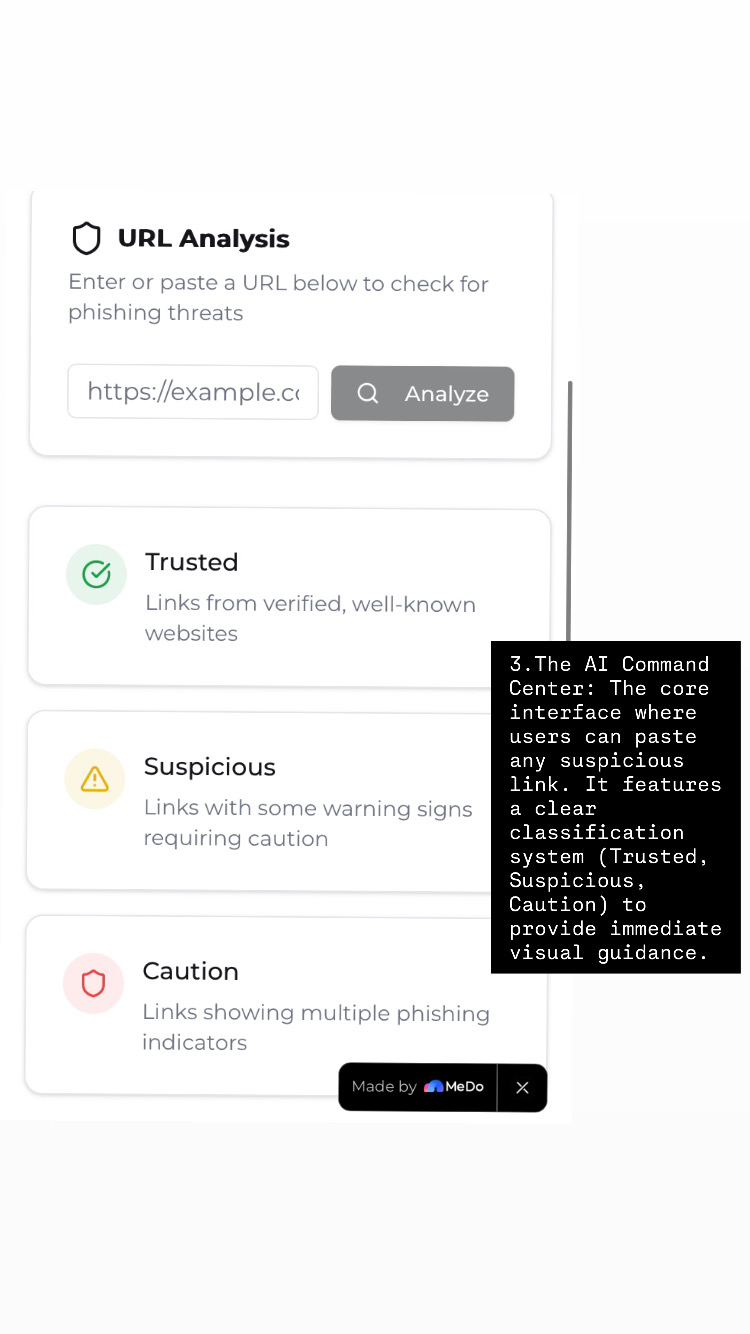
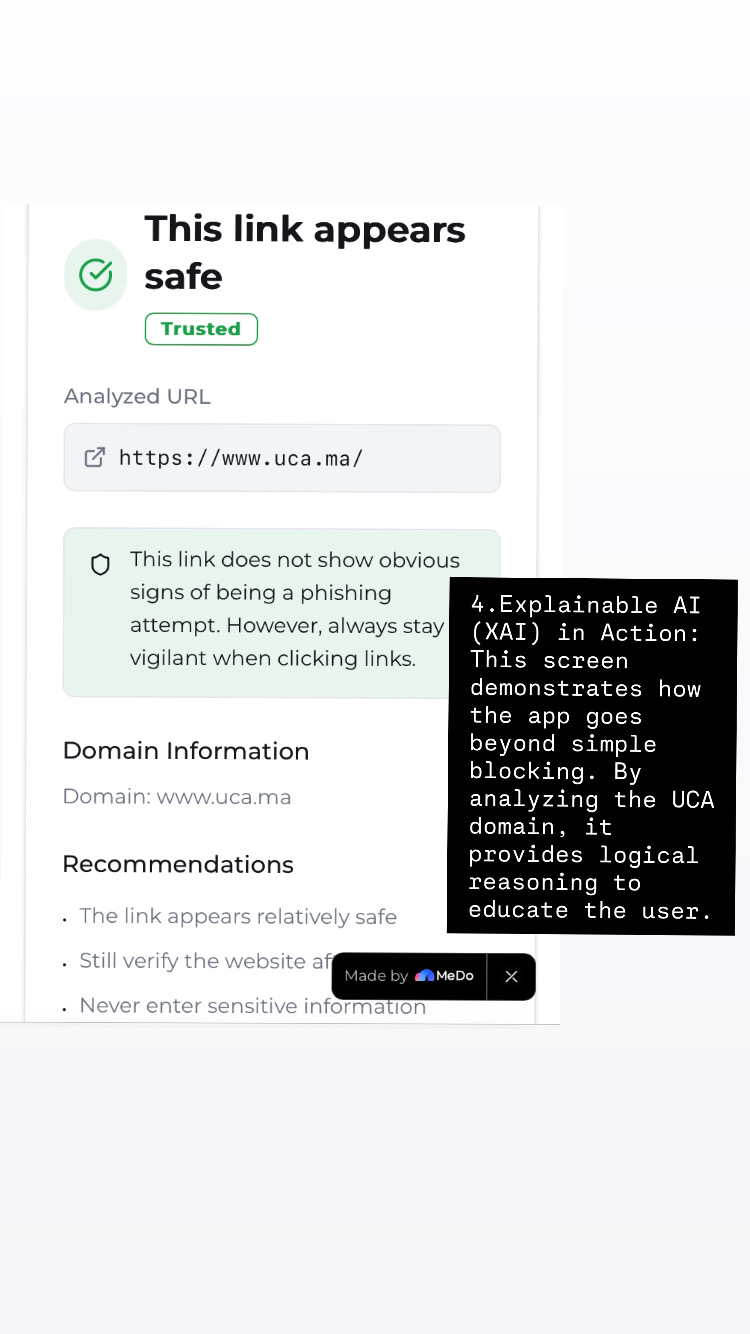
PhishGuard AI is a user-friendly platform where users can paste suspicious messages or links. The AI analyzes the text and patterns to determine if it's a phishing attempt. It then provides a clear, color-coded verdict: "Safe" (Green) or "Dangerous" (Red), specifically designed with a simple interface for non-technical users.
How I built it
I designed the frontend using HTML and CSS to ensure it is clean and accessible. For the "brain" of the project, I used Baidu's MeDo AI platform to train a Natural Language Processing (NLP) model. I used Python to bridge the gap between the user input and the AI analysis.
Challenges I ran into
As a first-year student, one of the biggest challenges was understanding how to integrate an AI model into a web interface. Also, tailoring the AI to recognize local scam patterns required careful training of the data.
Accomplishments that we're proud of
I am proud of creating a project that has a real social impact. Building a functional bridge between complex AI technology and an easy-to-use interface for elderly people is a major milestone for me as a beginner
What we learned
I learned how to use Low-Code AI platforms like MeDo to solve security problems. I also improved my skills in structuring a project from scratch and thinking about the user experience (UX) for people who are not experts in technology
What's next for PhishGuard AI
The next step is to add support for more languages, including Arabic and Moroccan Darija, and to develop a mobile app version to provide real-time protection on smartphones

Log in or sign up for Devpost to join the conversation.