-
-
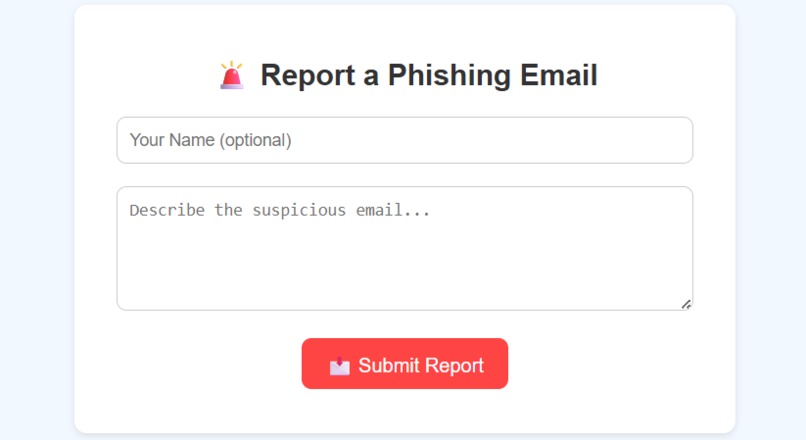
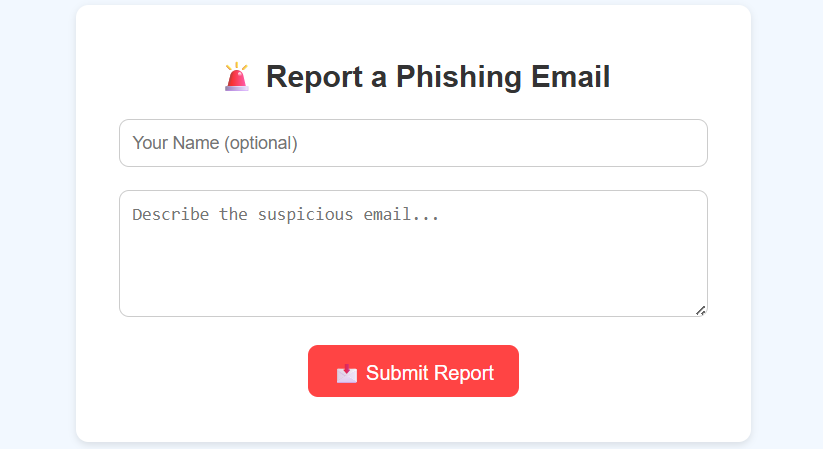
A simple form that lets users report suspicious emails. It simulates email reporting to teach how to take action against phishing attacks.
-
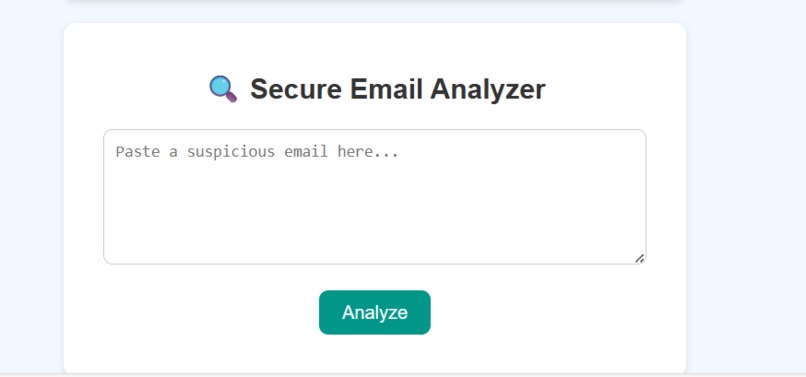
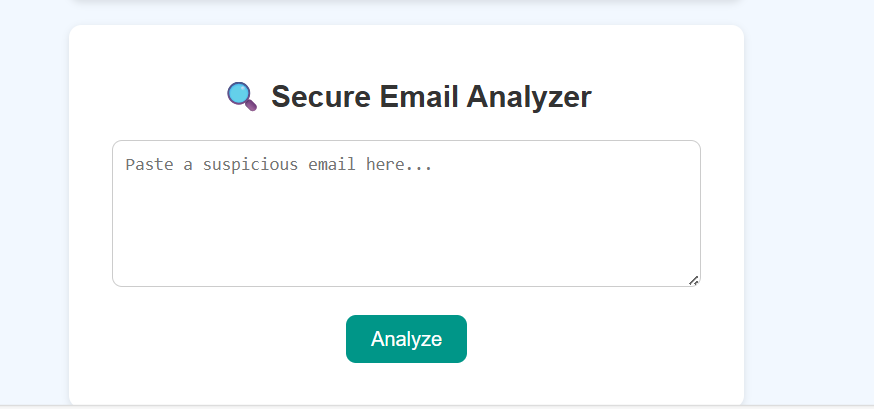
Users can paste a suspicious email into this tool to check for common phishing keywords.
-
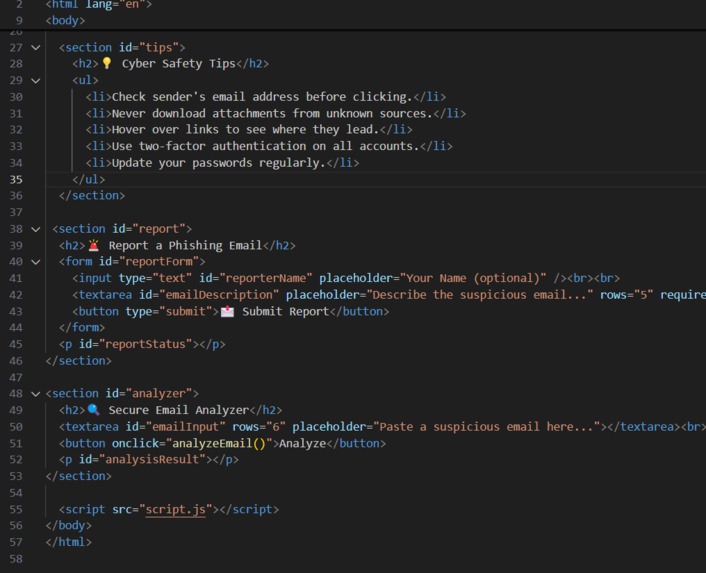
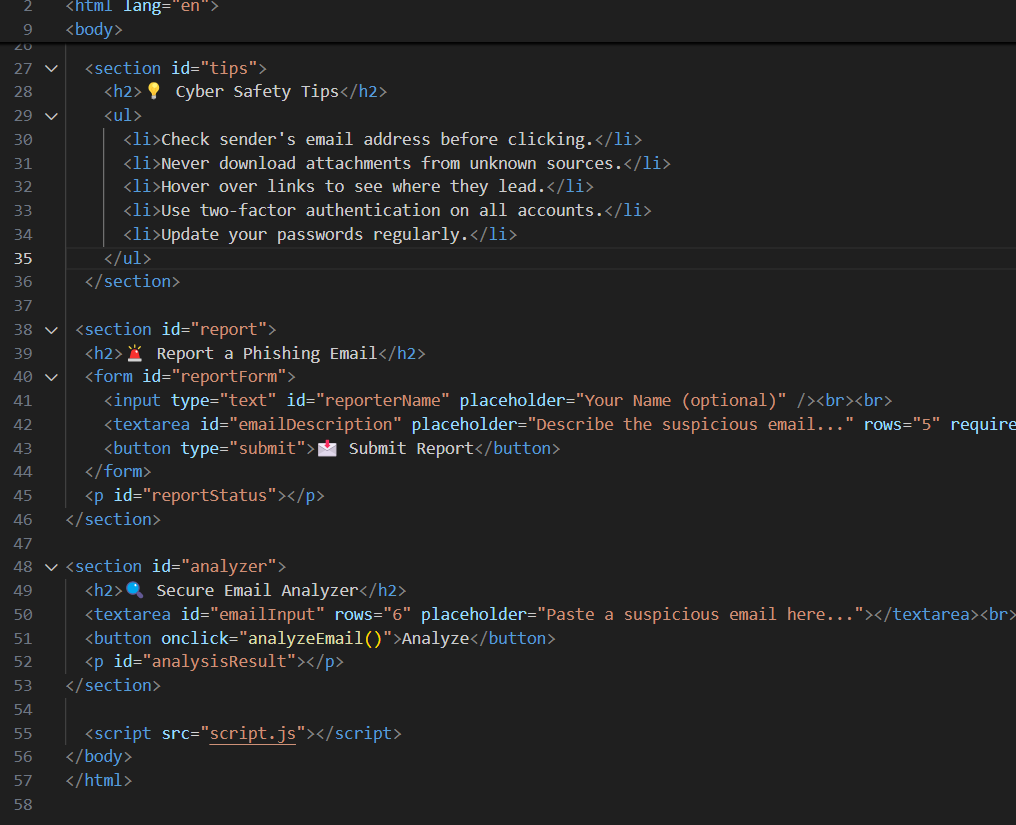
A glimpse of the clean and beginner-friendly code structure powering PhishAware. Built with HTML, CSS, and JavaScript .
-
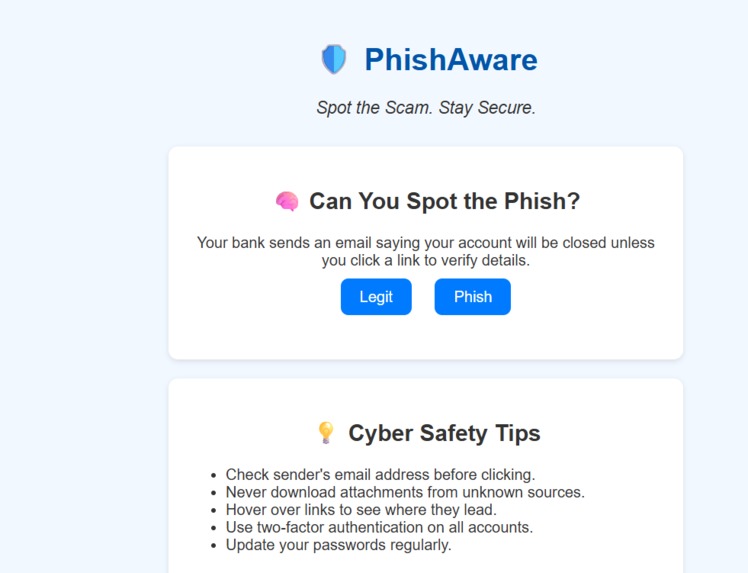
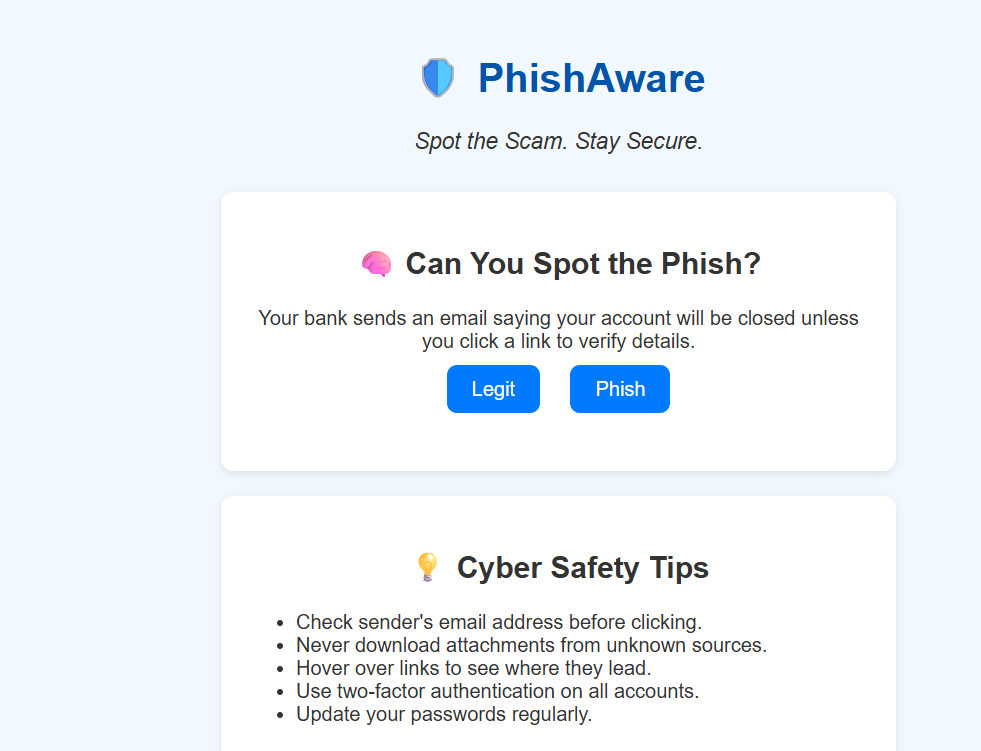
An engaging quiz teaches users how to spot phishing attempts. Below it, cyber safety tips help good habits for staying secure online.
Inspiration: Phishing scams have become one of the most common and dangerous threats on the internet. Even tech-savvy users sometimes fall victim to deceptive emails that steal passwords, financial details, or personal data. As a beginner in the field of cybersecurity, I was inspired to create something that could raise awareness about phishing in a simple and educational way — especially for people who aren't from a technical background.
My goal was to build a tool that anyone could use to practice identifying suspicious messages and simulate how to respond to them — all while learning through interactivity, not theory.
What it does : PhishAware is an interactive, beginner-friendly cybersecurity awareness website that teaches users how to recognize and respond to phishing scams.
It includes:
A phishing quiz to test the user's ability to identify suspicious emails A fake “Secure Email Analyzer” that highlights red-flag words and phrases found in phishing attempts >A simulated phishing email report form that lets users practice reporting scams A toggleable dark mode to enhance accessibility and user experience >Responsive design that works on both desktop and mobile devices
The goal is to make phishing education simple, engaging, and hands-on — even for non-technical users.
How we built it : PhishAware is built entirely with beginner-friendly web technologies:
HTML was used to create the structure of the website
CSS was used to design the layout, styling, and responsive UI, including a dark mode toggle
JavaScript powered the interactive phishing quiz, keyword analysis for fake email messages, and form handling
FormSubmit was used to simulate real phishing email reporting without a backend
The site is deployed using GitHub Pages so it’s accessible to everyone without installation
Challenges we ran into : Building the phishing analyzer to highlight dangerous keywords dynamically was tricky — I had to fine-tune the JavaScript logic to avoid false positives.
I had no backend knowledge, so simulating email reporting required finding an external service that didn’t require server code — FormSubmit was a helpful solution.
Dark mode styling introduced design issues in forms and text elements, so I had to carefully refactor the CSS.
Recording and editing the demo video, especially as a first-timer, was also a new learning curve.
Accomplishments that we're proud of: > Successfully built and deployed a complete cybersecurity education website as a beginner with no prior backend experience
Created an interactive phishing quiz and email analyzer using only HTML, CSS, and JavaScript
Deployed the project on GitHub Pages, making it publicly accessible and mobile-friendly
Implemented a fully functional dark mode for improved accessibility and design flexibility
Integrated a simulated phishing report submission form using FormSubmit, mimicking real-world reporting processes
Recorded a full demo video presentation with voiceover — a first-time experience in video editing and walkthrough narration
Learned the core concepts of phishing, red-flag keywords, and user education techniques in cybersecurity
What we learned: This project helped me improve both technical and non-technical skills:
I gained a deeper understanding of phishing tactics and how social engineering works
I learned how to structure and style multi-page responsive websites using pure HTML and CSS
I practiced using JavaScript to dynamically update the DOM and respond to user inputs
I learned how to work with third-party tools like FormSubmit to simulate backend processes
I became comfortable deploying live websites with GitHub Pages and sharing public demos
What's next for PhishAware : > Add more dynamic phishing scenarios and question sets to improve the quiz experience
Integrate local storage or a simple backend to track user progress and quiz scores
Develop a real-time phishing keyword analyzer with severity scoring and explanations
Translate the interface into multiple languages to make the tool accessible globally
Enable an admin dashboard to review submitted phishing reports for educational purposes
Refine the mobile experience further and add accessibility improvements for screen readers
Package the tool as an open-source learning kit for schools and beginner cybersecurity learners


Log in or sign up for Devpost to join the conversation.