-
-
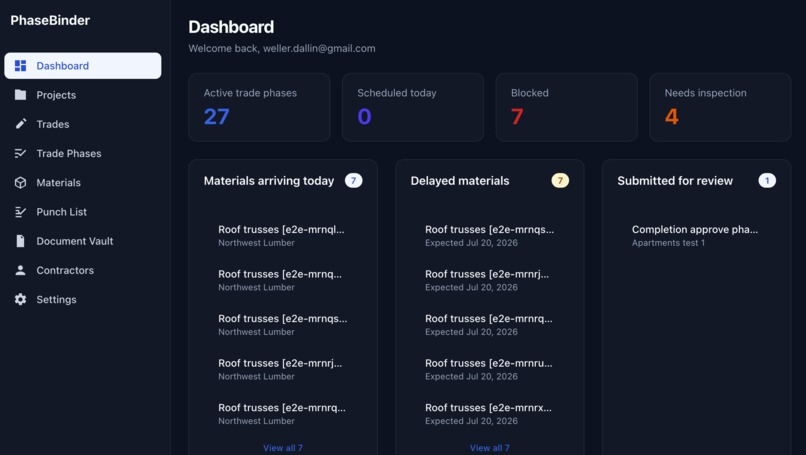
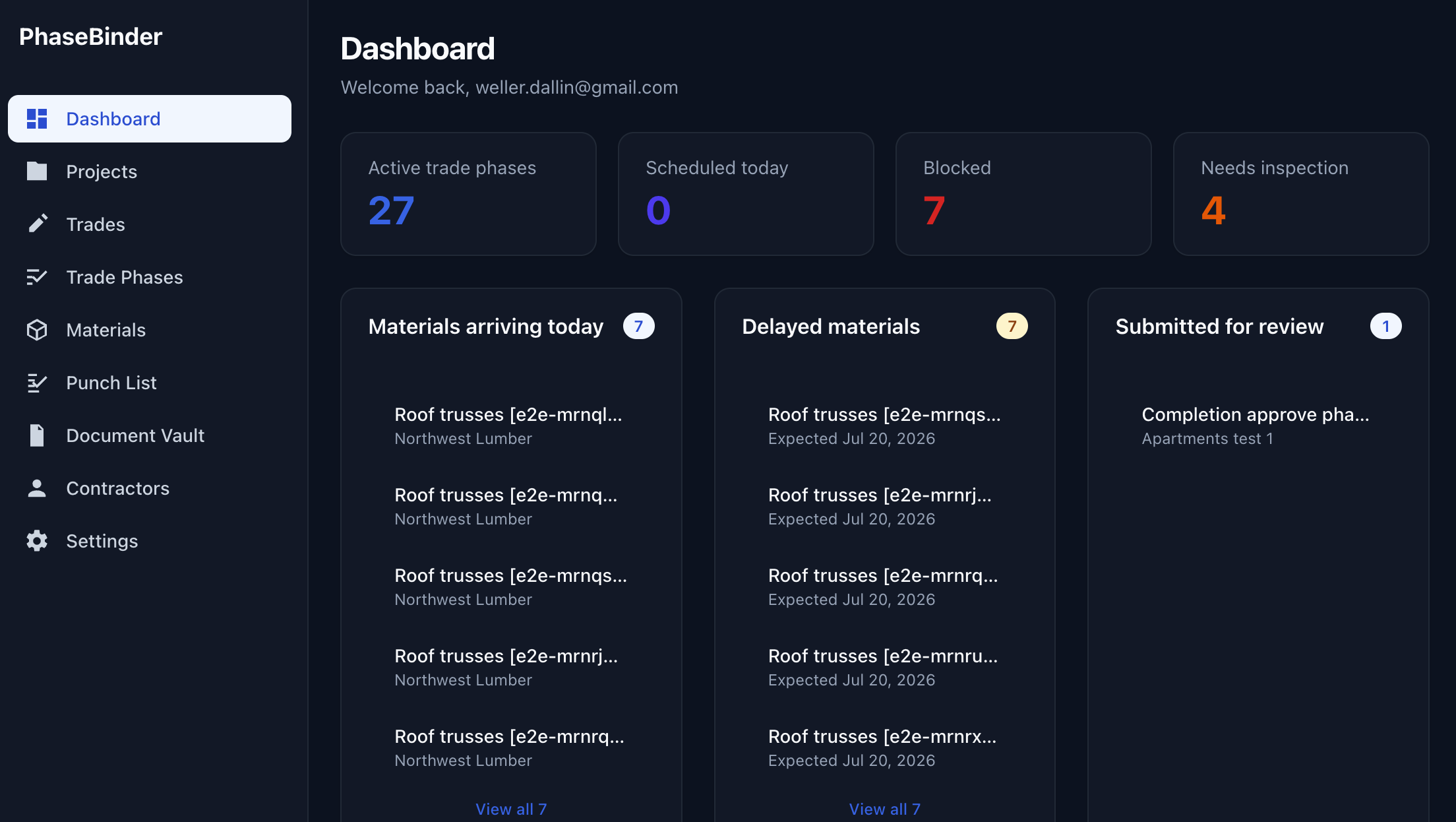
Main dashboard
-
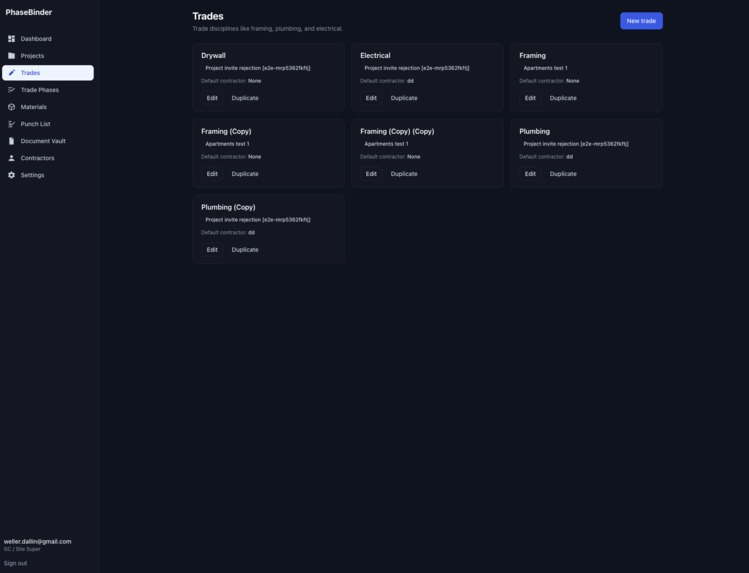
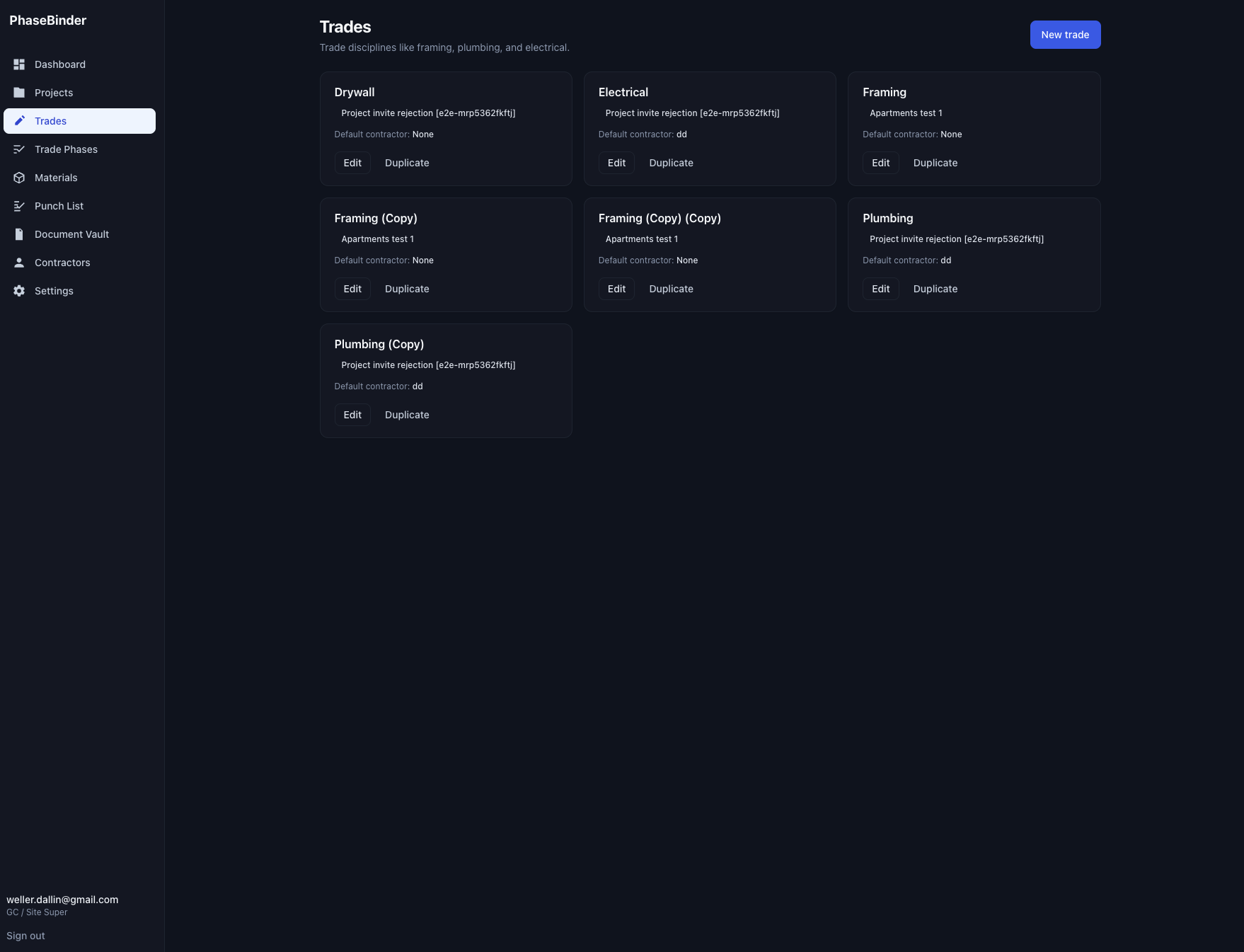
Various trades and copies
-
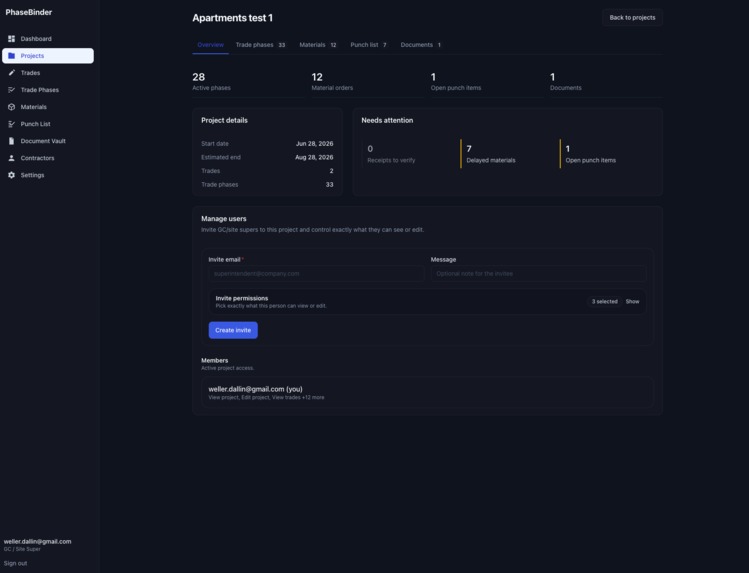
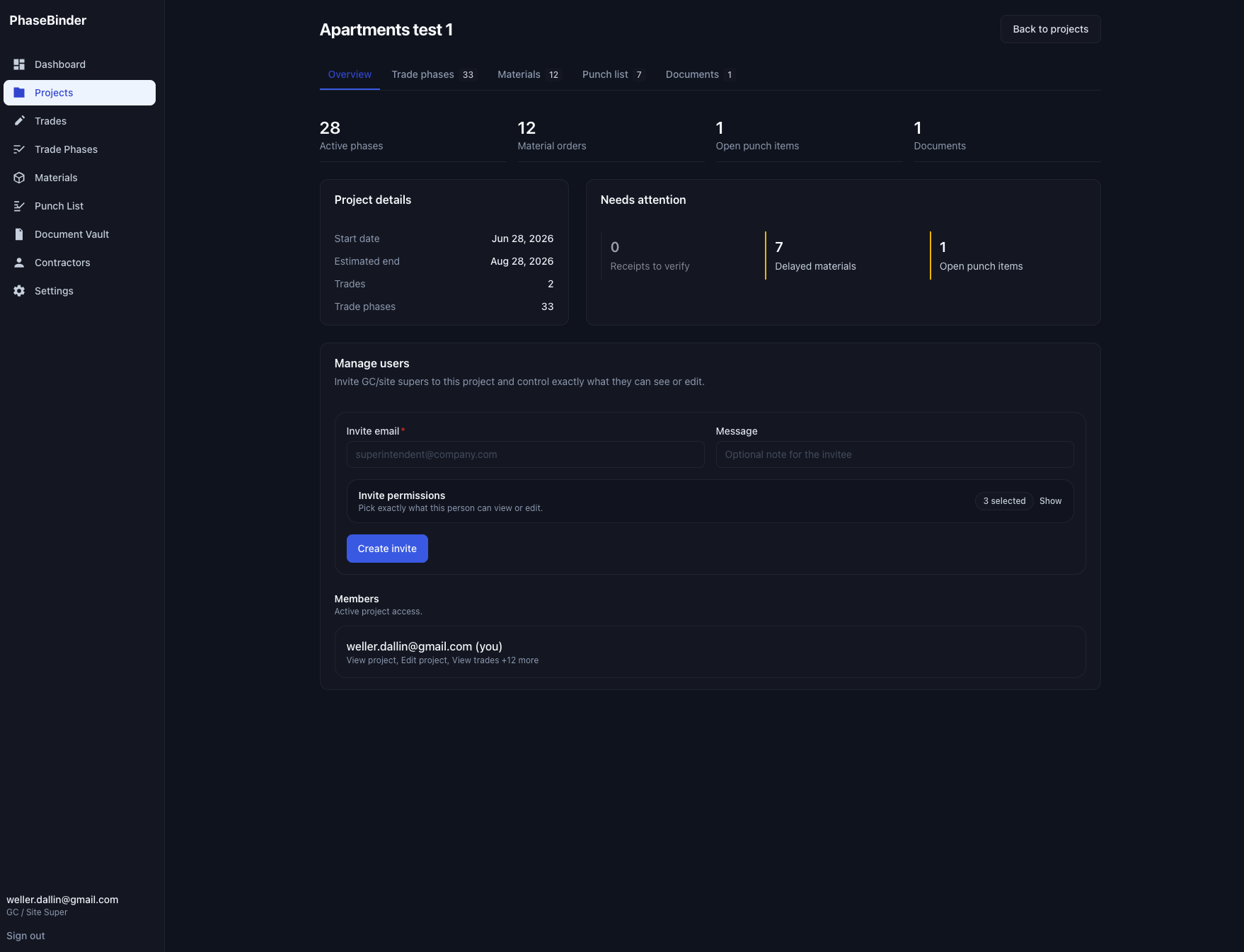
This is a project folder/overview.
-
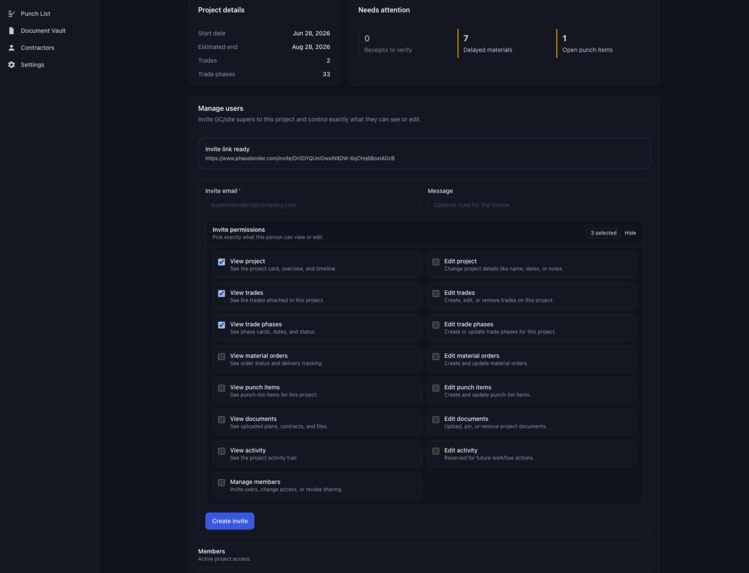
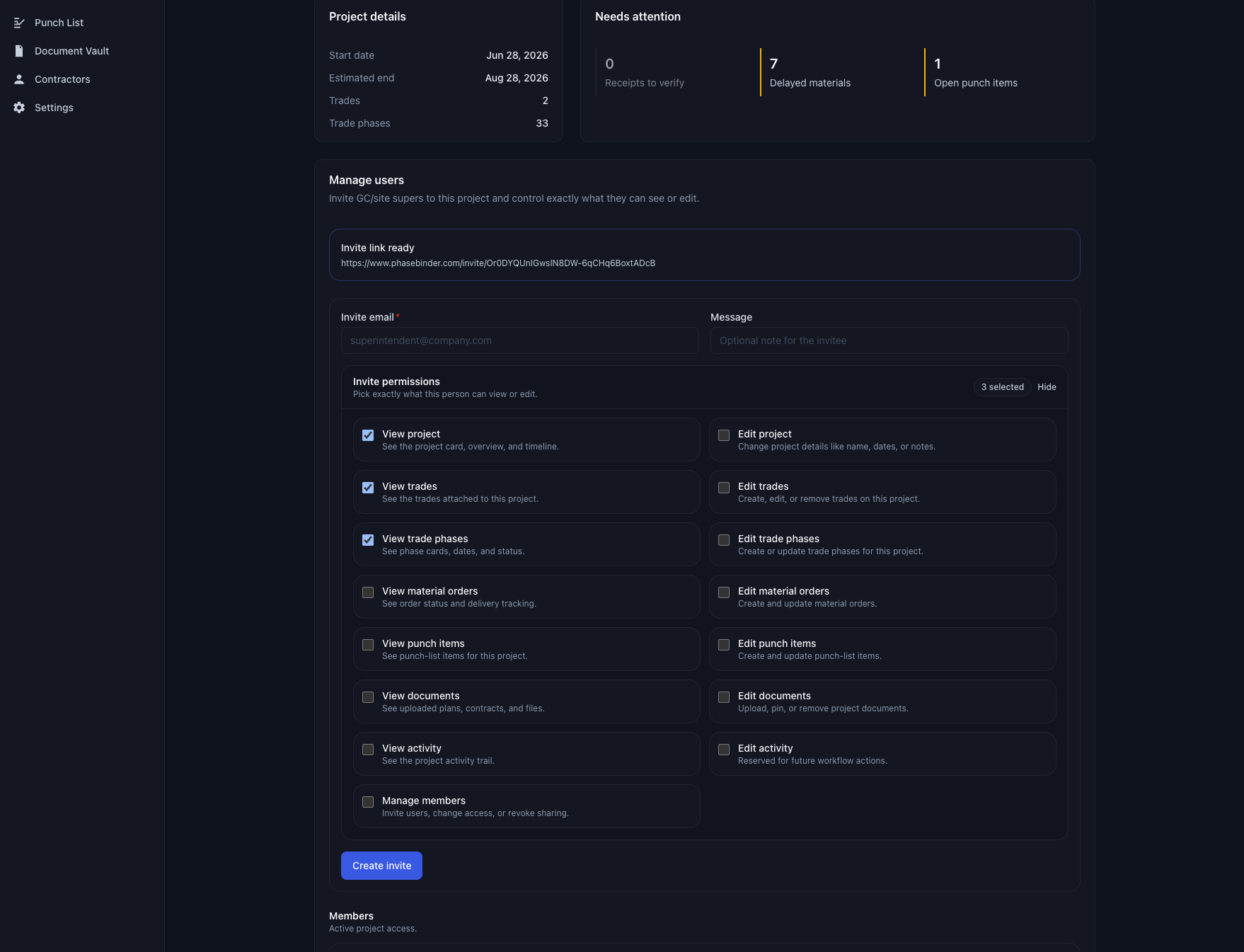
User management in a project
-
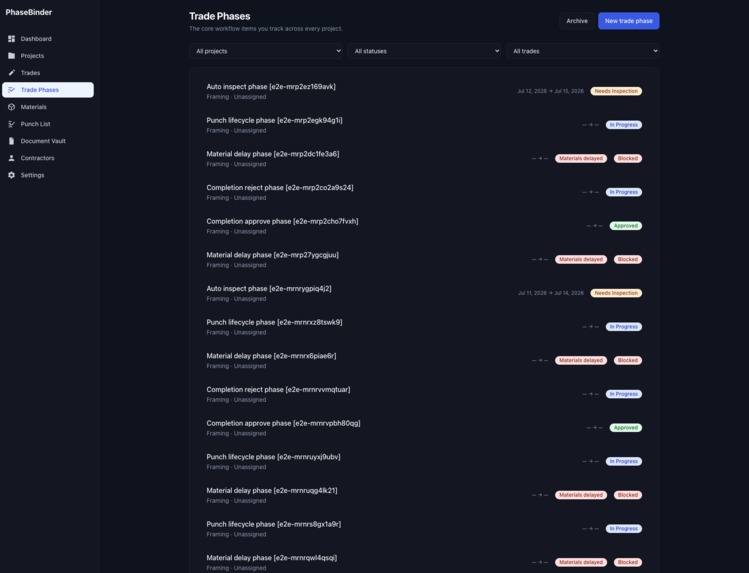
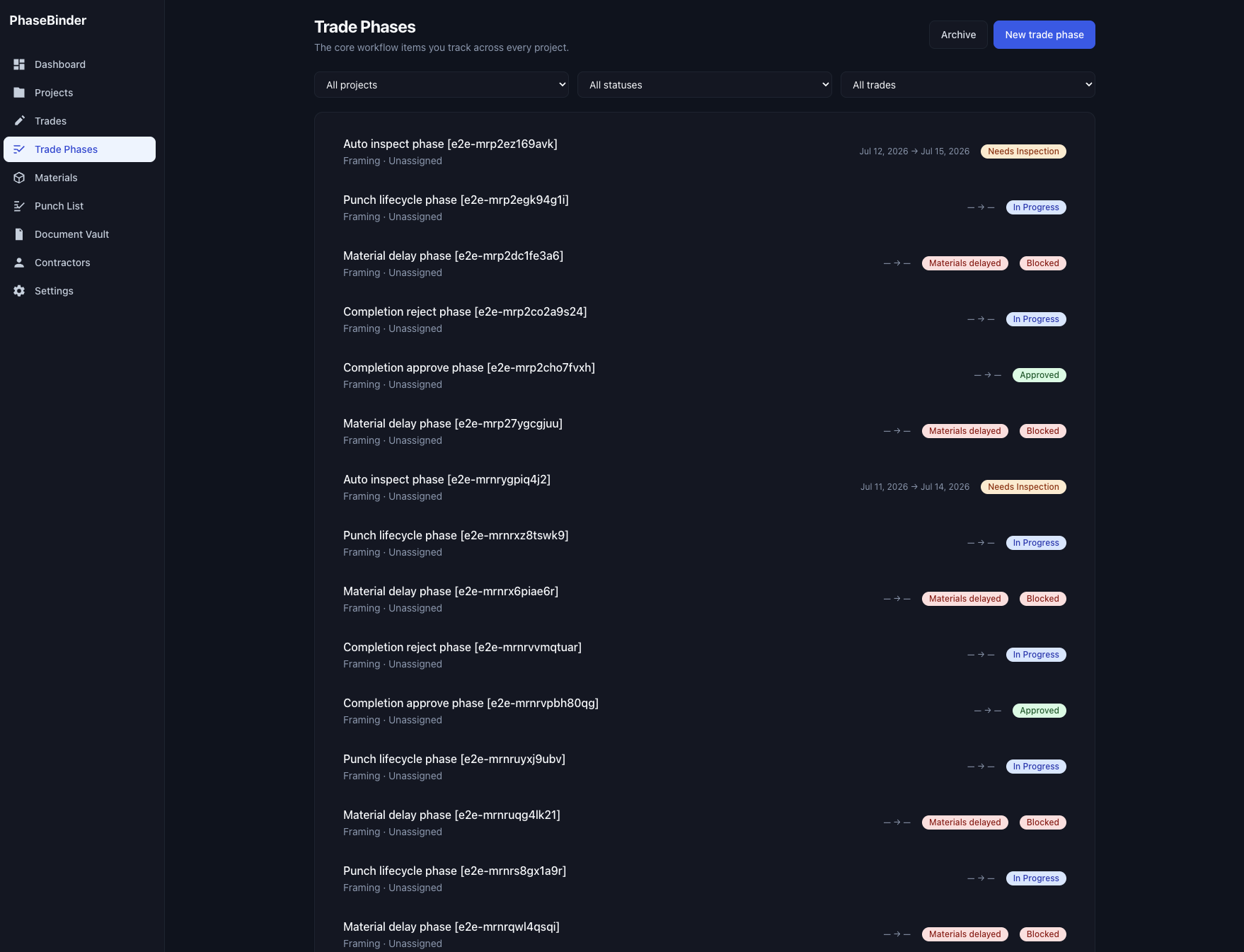
All ongoing trade phases with different statuses
-
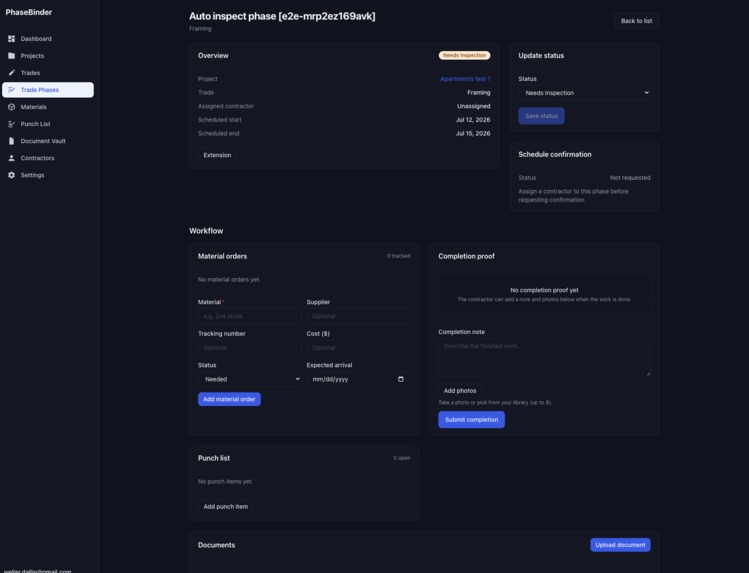
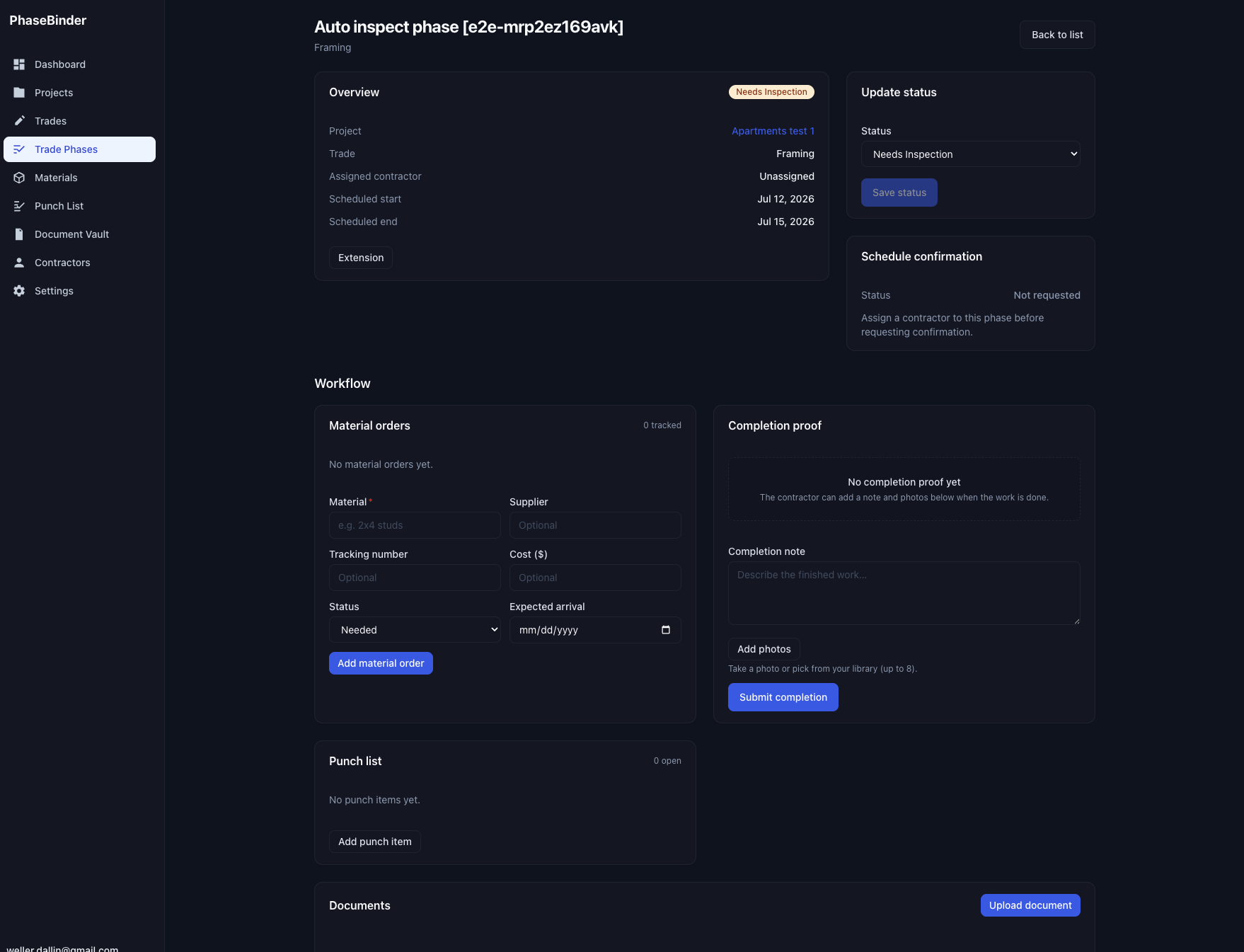
Inside a tradephase
-
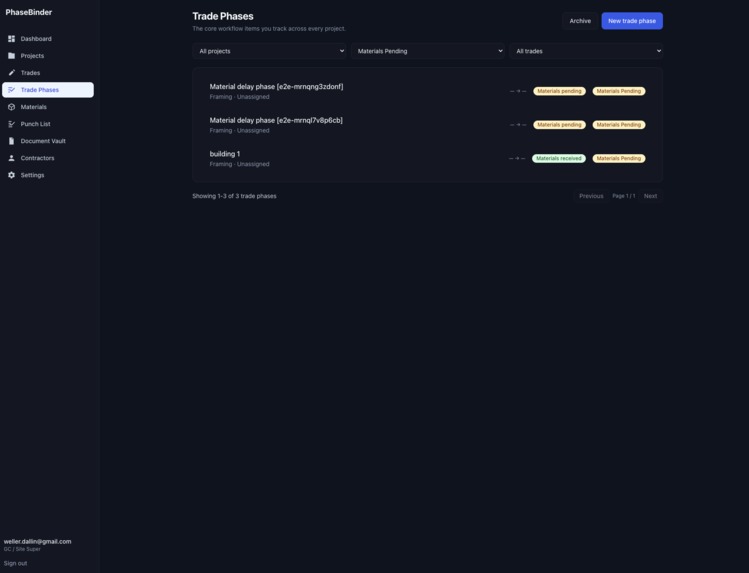
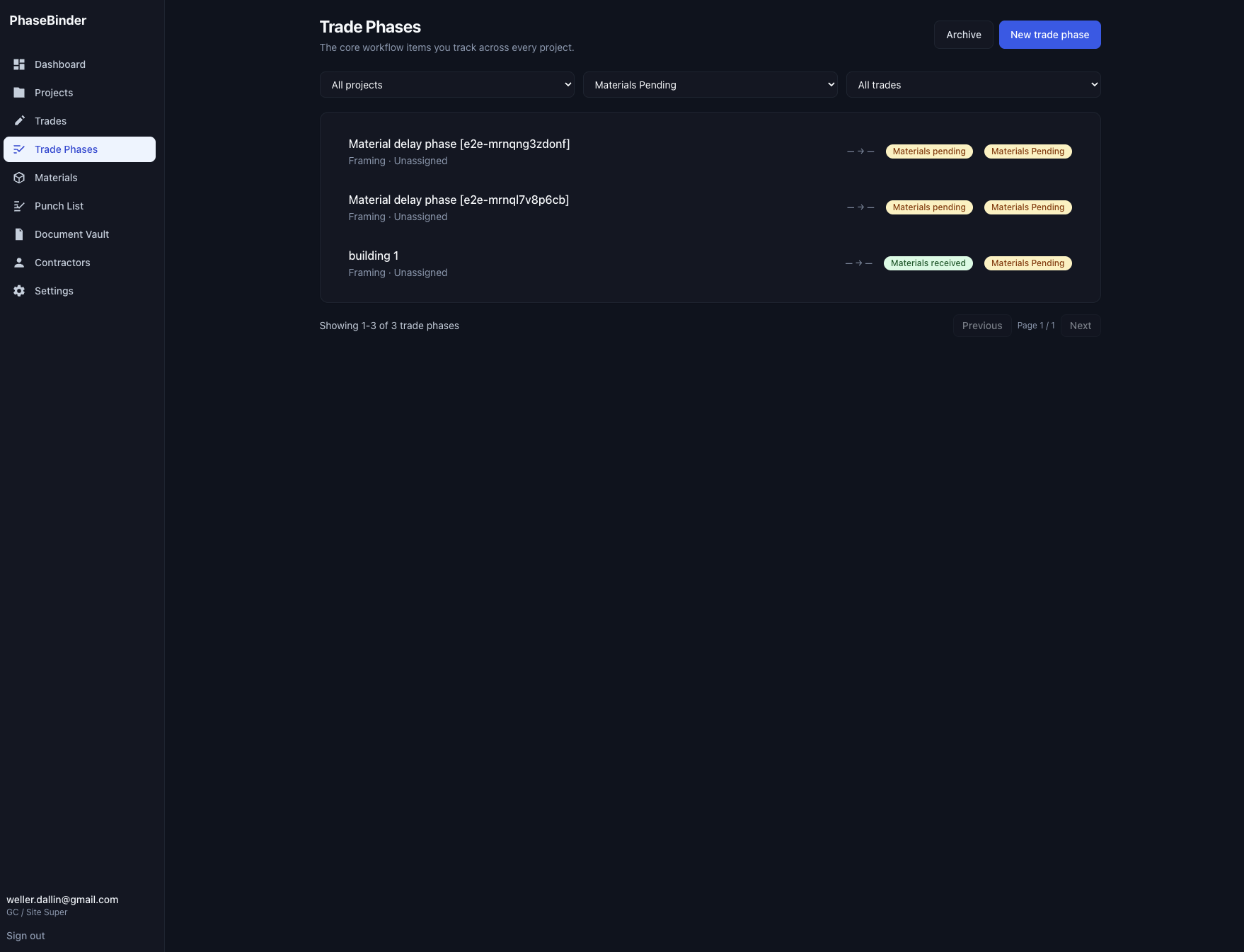
All phases that are waiting on materials
-
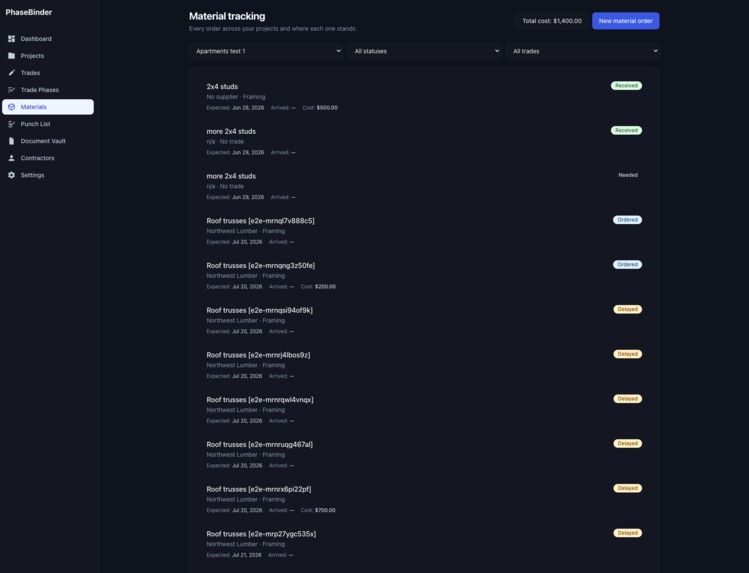
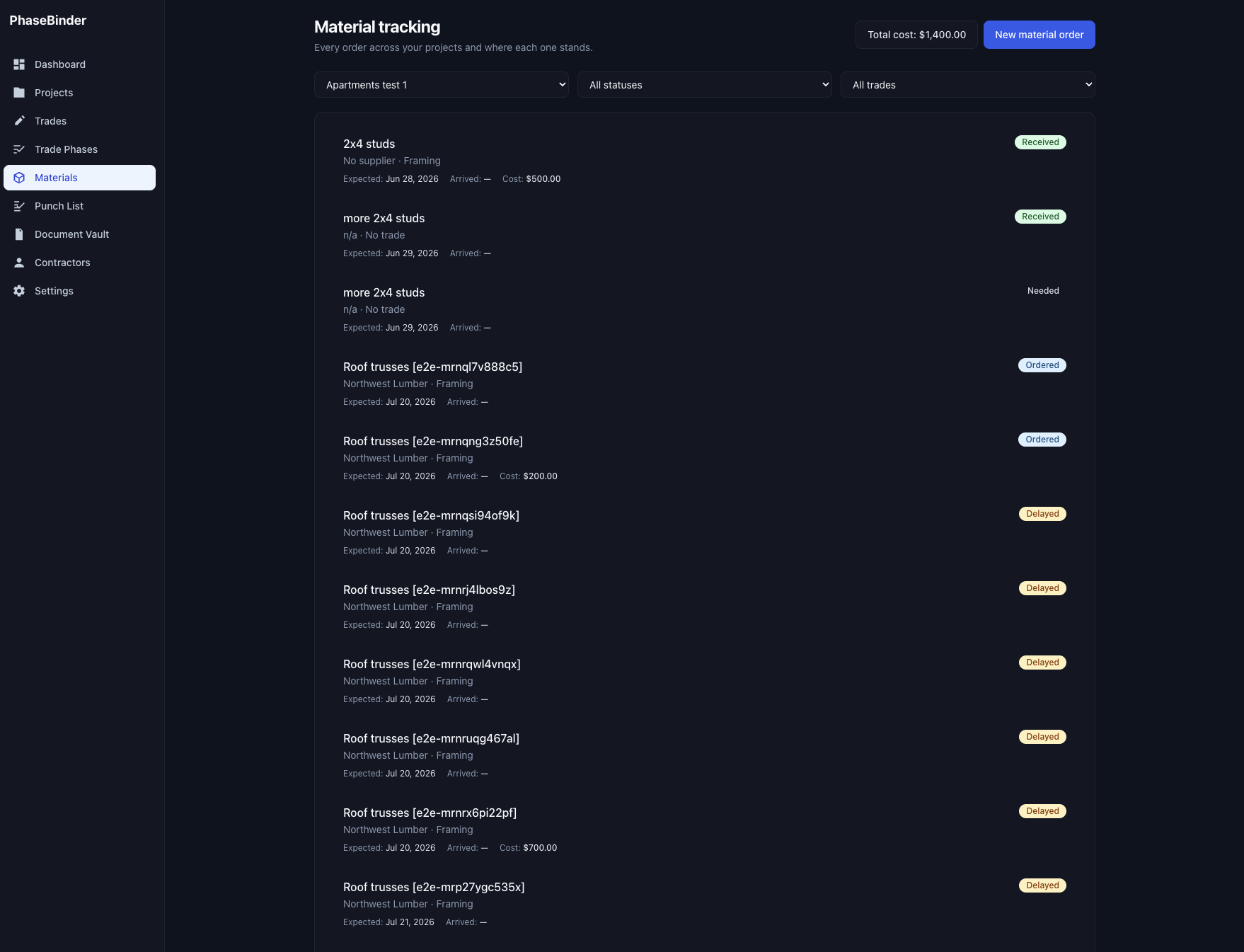
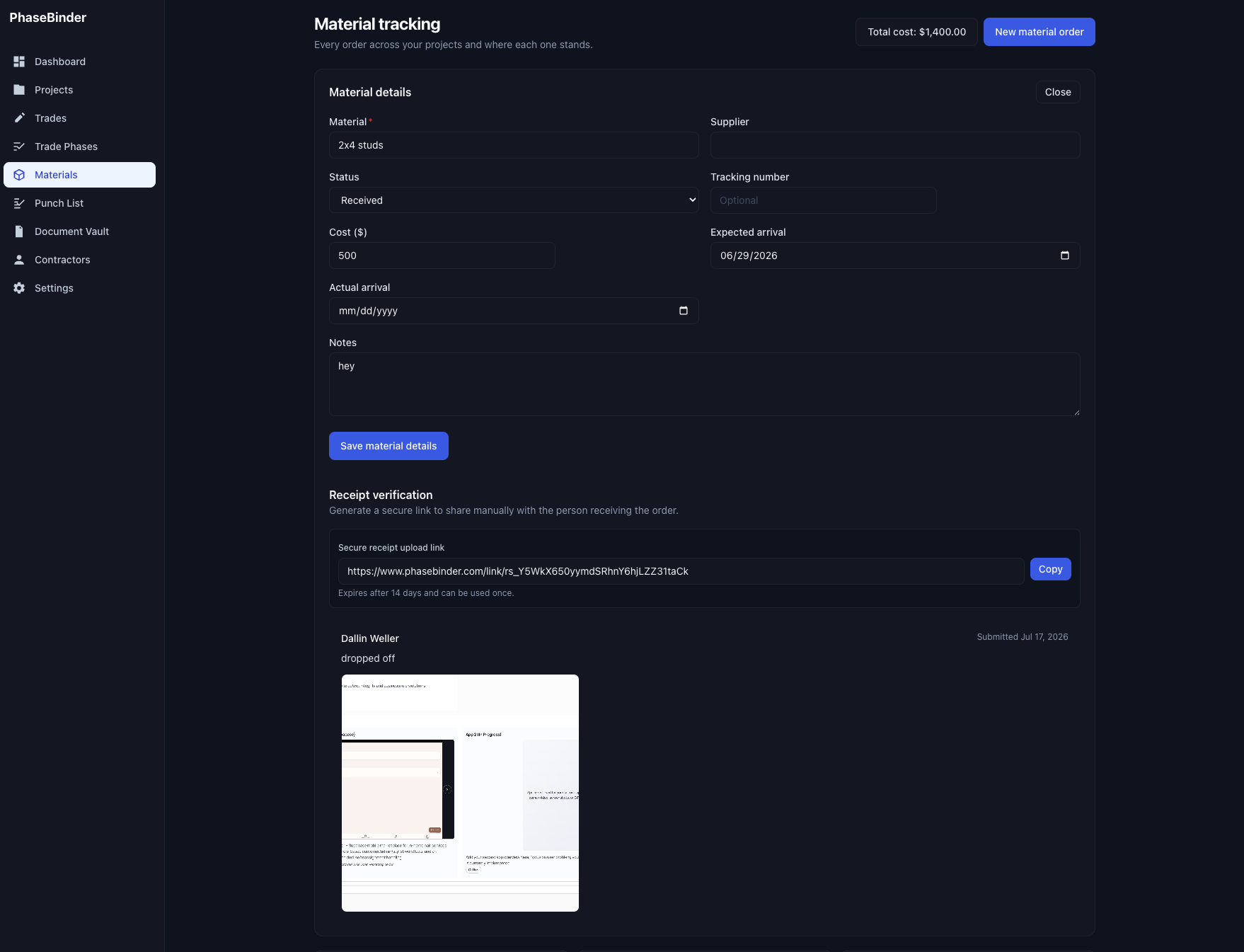
All material orders within a project and their total cost
-
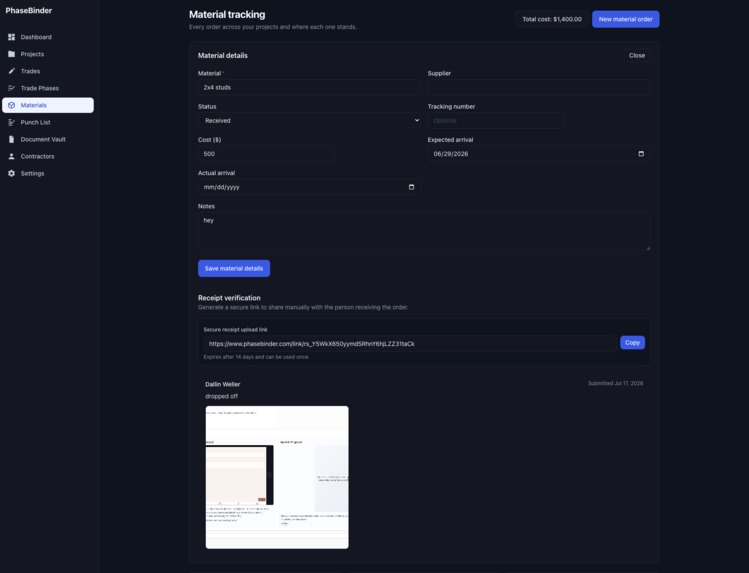
Example of receipt verification link generation and photo upload. (photo is random just for testing)
-
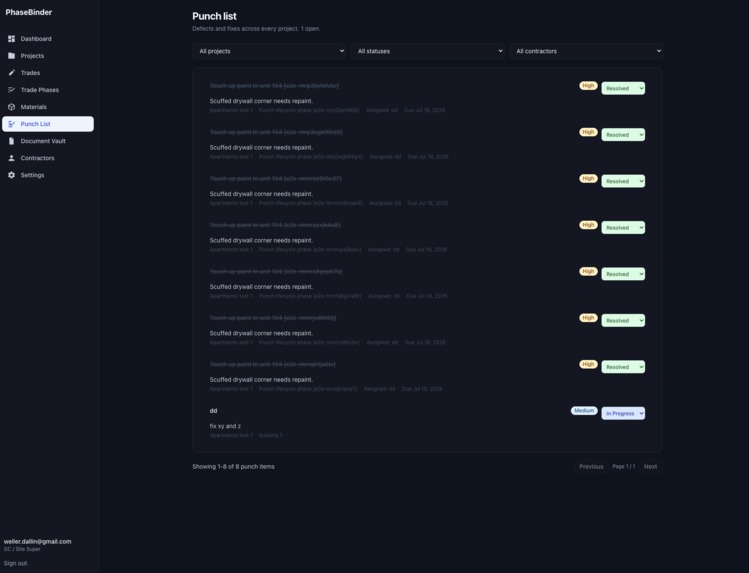
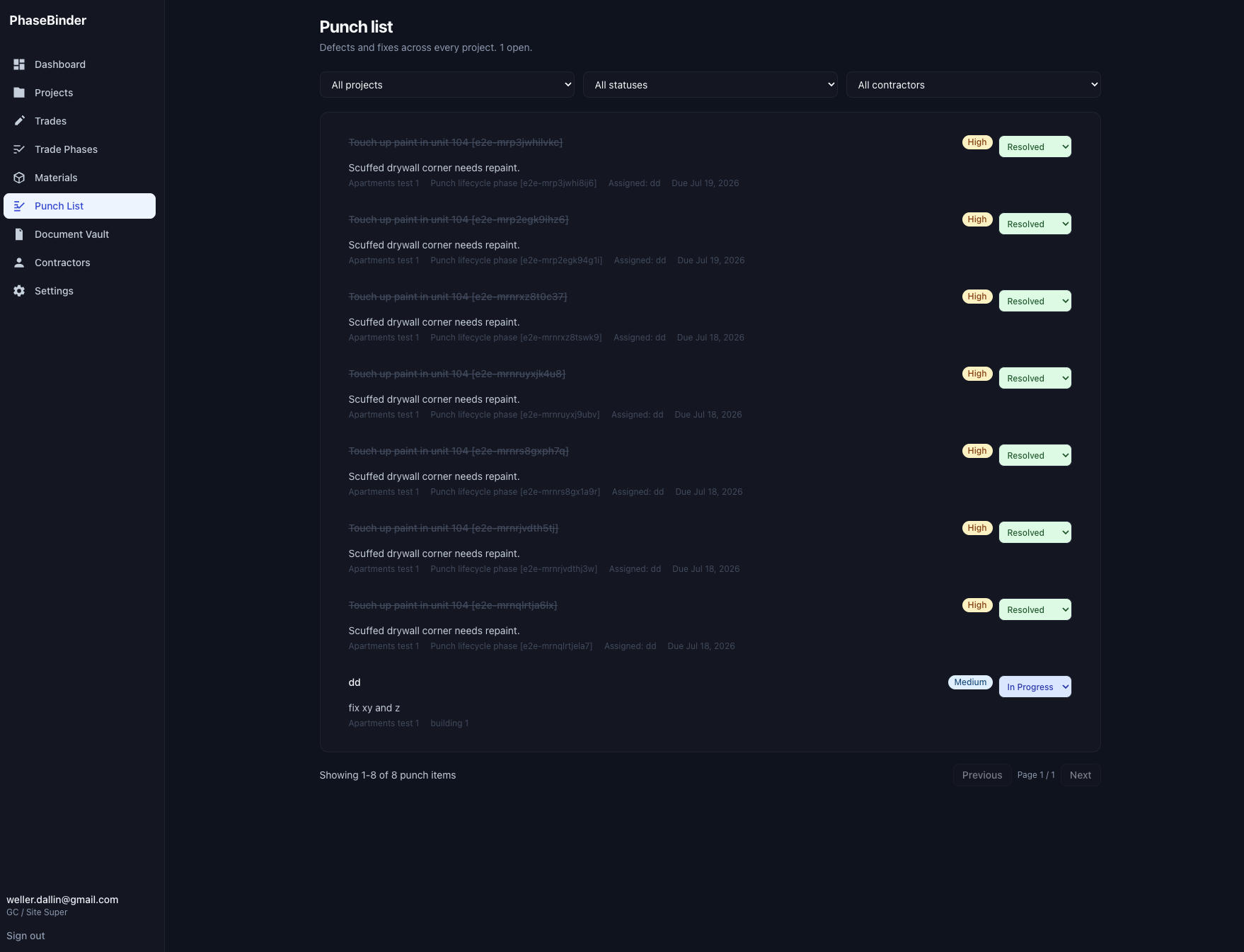
All punch items across all projects. (things that need to be fixed after work has been inspected)
-
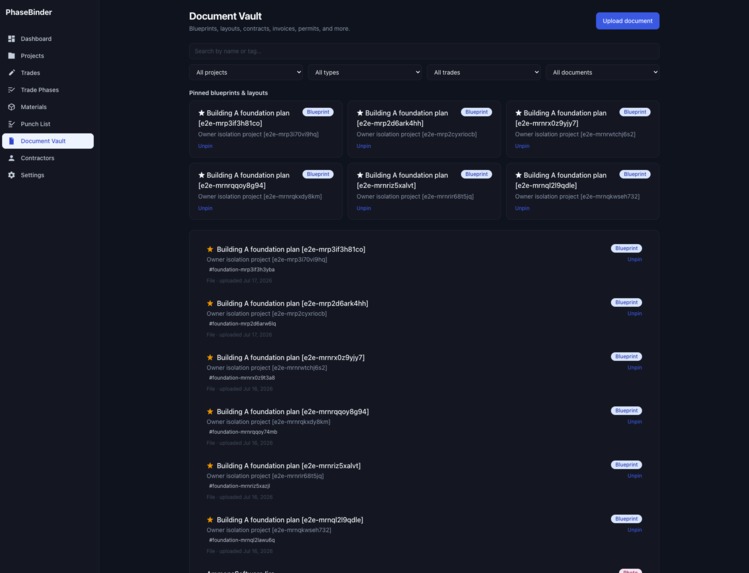
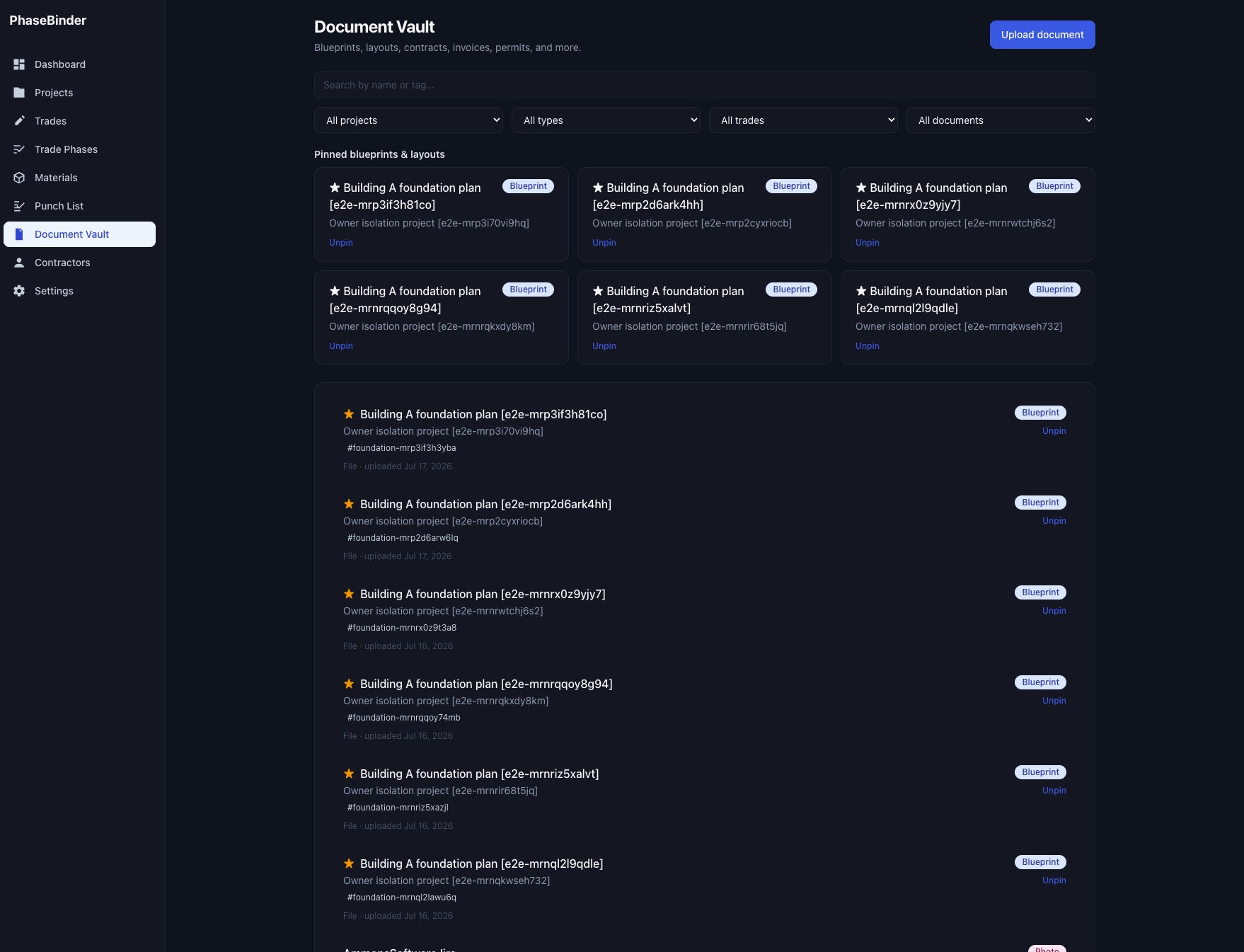
Where all documents live. (they can also be viewed in the project folder and correct trade phases)
-
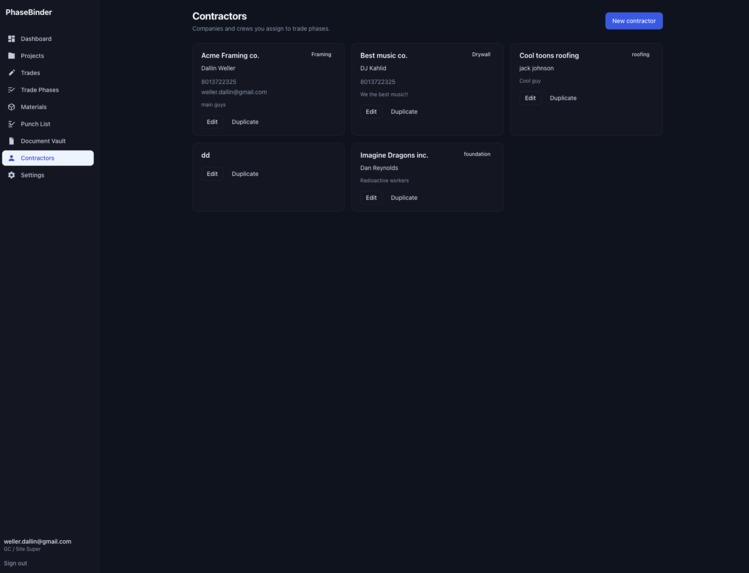
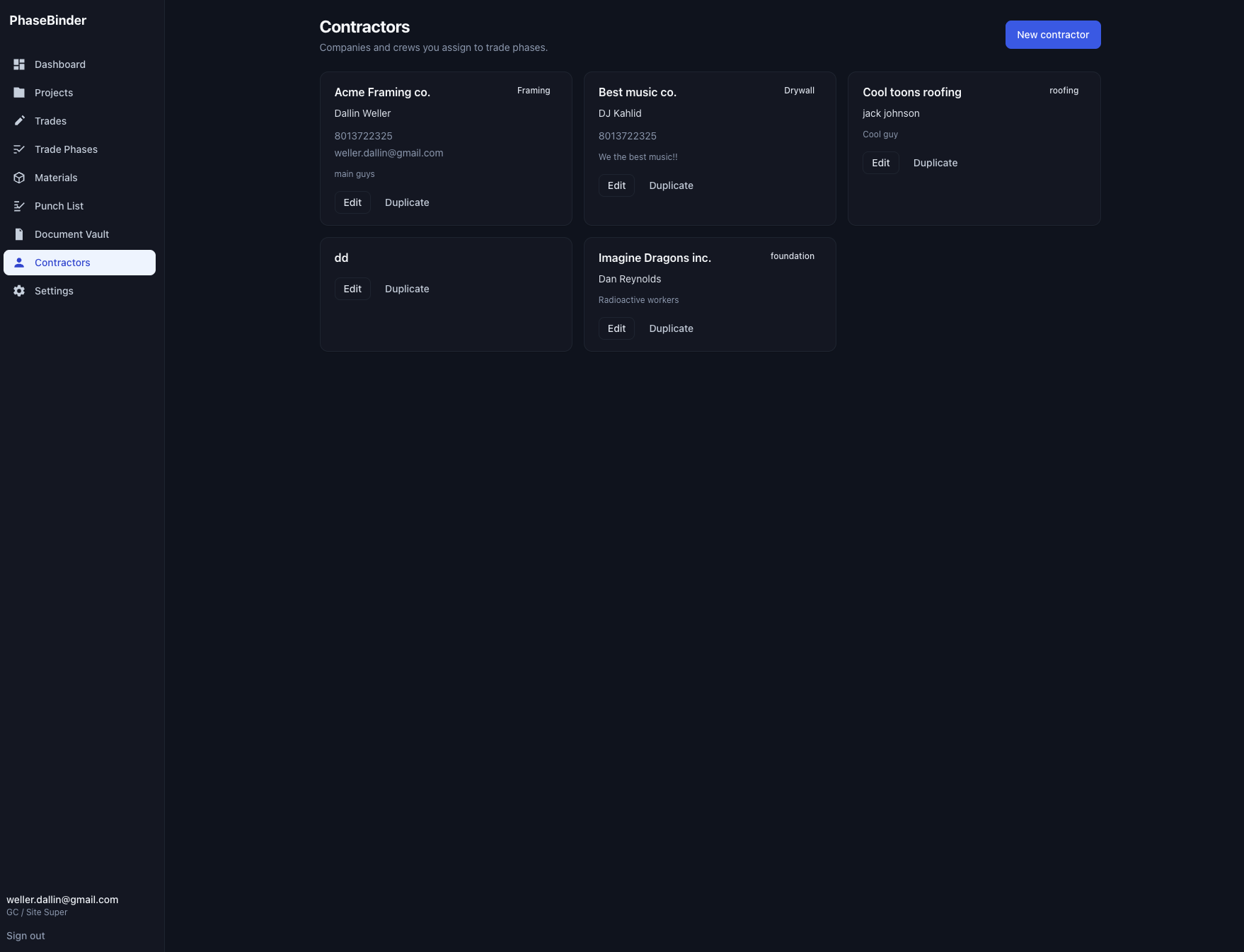
All contractors
Inspiration
I built PhaseBinder for my brother in law, who is a general contractor preparing to start five major construction projects. Together, those projects include forty apartments, with eight apartments in each building.
As he explained everything he needs to coordinate, I realized how quickly important information can become scattered across text messages, phone calls, spreadsheets, photos, and paper notes. A delayed material order can stop a trade from working. A missing inspection photo can slow down approval. An outdated plan can create expensive rework.
I wanted to build something practical that he could actually use on those projects, not just a technical demonstration.
What it does
PhaseBinder gives a general contractor one place to manage the daily workflow of a construction project.
Each project has its own workspace with Overview, Trade Phases, Materials, Punch List, and Documents. The project manager can see what work is active, which materials are delayed, what needs attention, and which punch items are still open.
Material deliveries can be verified with photos. A project manager or participant with material editing permission can create a secure one time receipt link and send it to the person receiving the delivery. That person can upload photos and notes without creating an account. The project manager can then review the delivery proof before marking the material as received.
Project owners can invite participants and control which parts of the project each person can view or edit. For example, a participant can be given access to Trade Phases and Materials without being able to see Punch List, Documents, or user management.
If access is revoked, the project is removed from that participant's account and they can no longer open it directly.
How we built it
I built PhaseBinder as a responsive web application using Next.js, React, TypeScript, Tailwind CSS, and Firebase.
Firebase Authentication manages user accounts. Cloud Firestore stores projects, trades, phases, materials, inspections, punch items, documents, invitations, permissions, receipt records, and activity history. Cloud Storage stores completion photos, receipt photos, and project documents.
I used Firestore security rules to enforce project and section permissions. A participant can only read or change Firestore records that match the access granted by the project owner.
I also used Firestore and Storage rules to protect receipt submissions. Each receipt link is connected to one project and one material order. The link expires, can only complete one submission, limits the number and size of uploaded images, and only allows the expected material status change.
The project workspace loads the participant's access record before requesting project sections. This prevents the application from requesting materials, punch items, documents, or other information that the participant is not allowed to view.
I created a Playwright browser test suite that runs complete workflows against Firebase. The tests cover account isolation, project sharing, participant permissions, permission changes, receipt verification, access revocation, material delays, inspections, punch items, documents, settings, and workflow automation.
Challenges we ran into
The hardest challenge was handling project permissions correctly. It was not enough to hide a button or tab in the interface. The application also needed to avoid requesting information that the participant was not allowed to read.
I solved this by loading the participant's project access first and only requesting the sections allowed by that access. Firestore security rules enforce the same permissions, so the interface and database follow the same access model.
Another challenge was creating a simple receipt upload experience for someone standing at a jobsite who may not have a PhaseBinder account. I wanted the process to be quick while still limiting what the link could access and change.
I connected each receipt link to one material order and one project. The link has an expiration time, supports one completed submission, limits uploaded images, and only permits the expected receipt workflow.
Testing the permission system also required switching between project owners, invited participants, and outside receipt uploaders. I built automated browser flows that sign in as different users and verify what each person can see before and after permission changes.
Accomplishments that we're proud of
I am proud that PhaseBinder now works as a complete product experience instead of a collection of separate screens.
A contractor can create a project, organize the work, invite participants, track materials, collect delivery proof, review completion photos, manage punch work, and keep project documents together.
Most importantly, I built it around a real person and real projects that are about to begin.
What we learned
I learned that construction software needs to reduce uncertainty more than it needs to add features. The most useful information is often simple: what is ready, what is blocked, what arrived, what needs approval, and who can see it.
I also learned how important it is to test permissions from the perspective of every type of user. A project can look correct for the owner while still exposing too much information or failing for a participant.
What's next for Phase Binder
My next step is to test PhaseBinder with my brother in law during his upcoming projects and improve it based on what actually happens in the field.
I would like to add reporting, daily AI overview across all projects, project exports, document previews, material alerts, scheduling views, and better mobile photo tools. I also want to continue simplifying the interface so it stays useful when someone is busy on a jobsite.
Built With
- access
- application
- authentication
- cloud
- control
- css
- design
- firebase
- firestore
- github
- html5
- javascript
- next.js
- node.js
- playwright
- react
- responsive
- rules
- security
- storage
- tailwind
- testing
- typescript
- vercel
- web

