



Inspiration
Many of our team members have taken STEM classes that use multimedia textbooks, like the Mechanics class here at PUI. Multimedia textbooks combine many forms of media, not just text, into a single ebook, like video examples and links to equation viewers. We wanted to leverage AI to allow students to create their own multimedia tools, custom to their classes and particular interests.
What it does
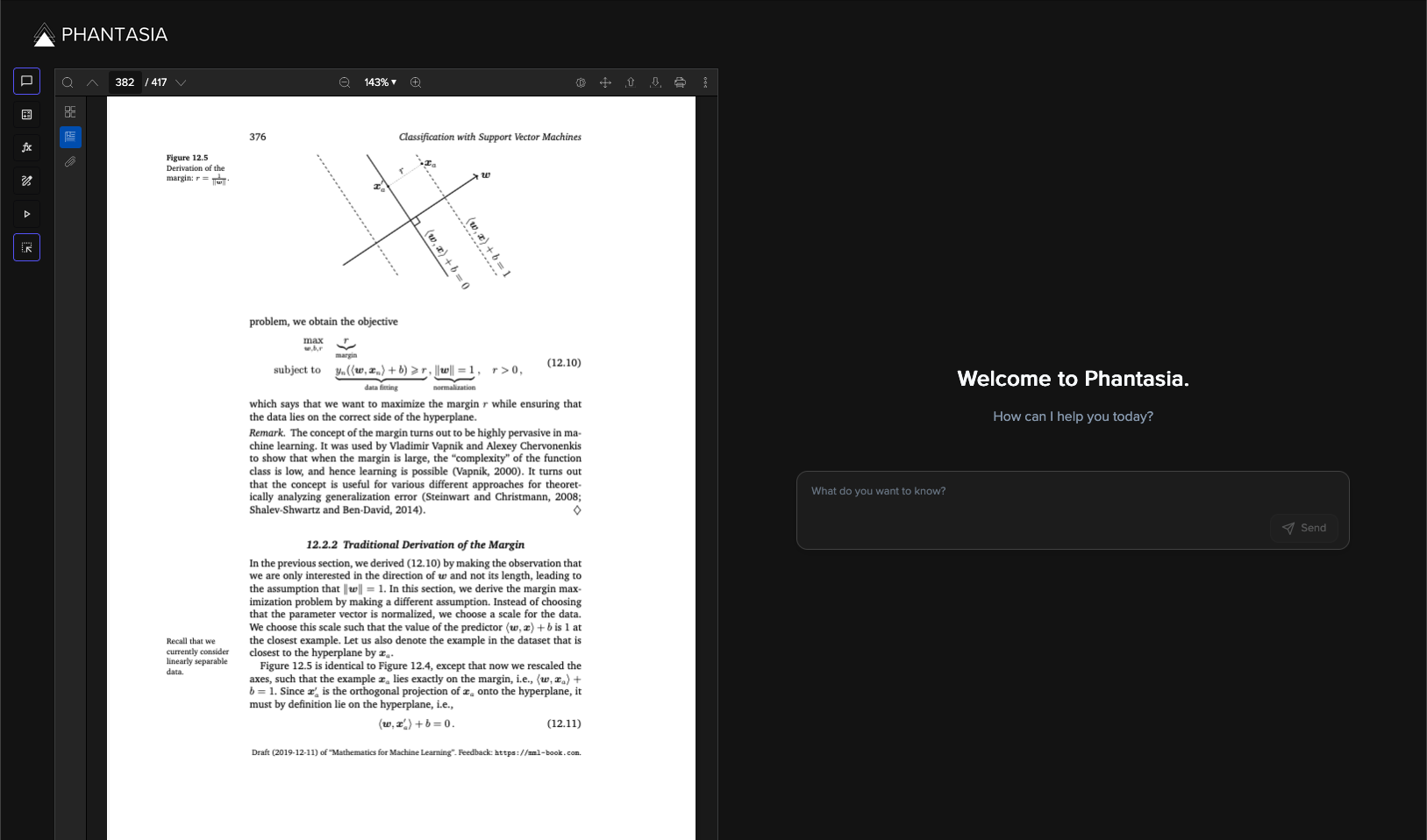
Phantasia offers a suite of visualization tools for helping students through their STEM courses. We provide a PDF viewer where textbooks and notes can be loaded into our web app, allowing users to choose from various processing options.
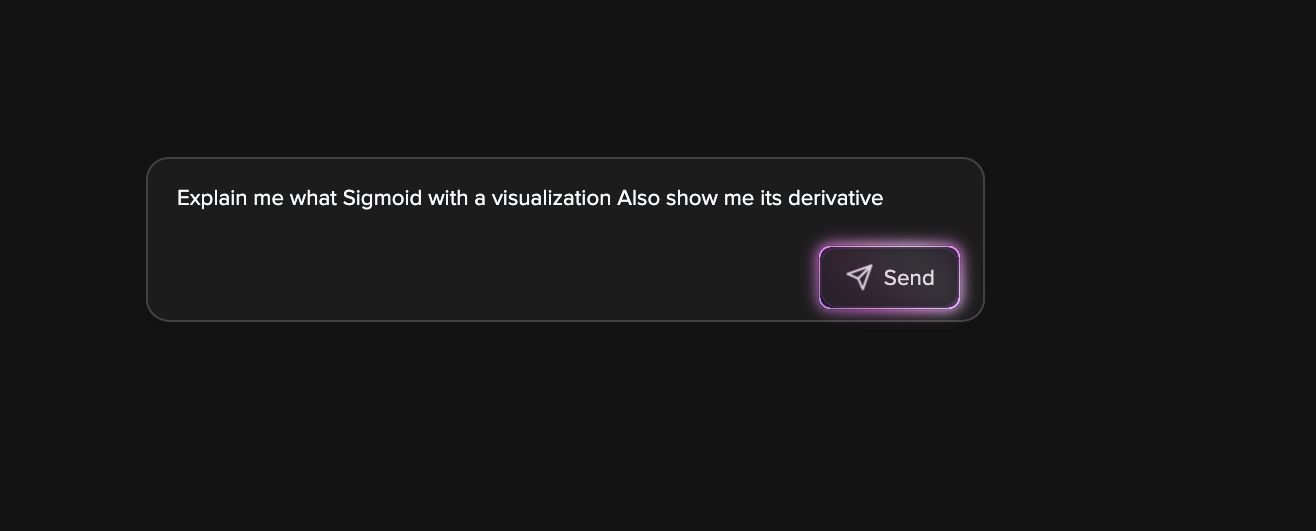
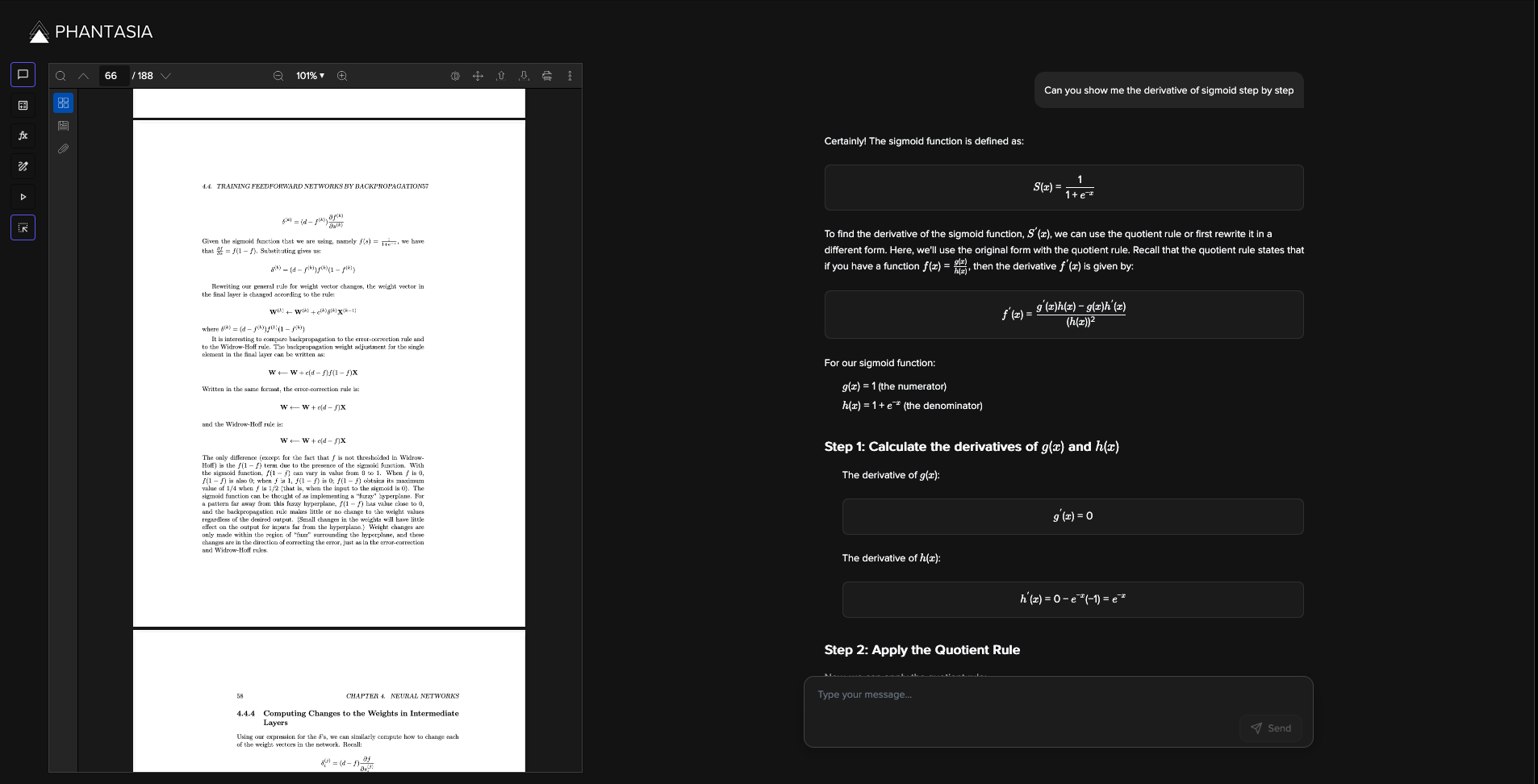
- Chatbot Interaction: Users can interact with an LLM to answer direct questions.
- PDF Screenshot Utility: Load sections of the PDF into chats.
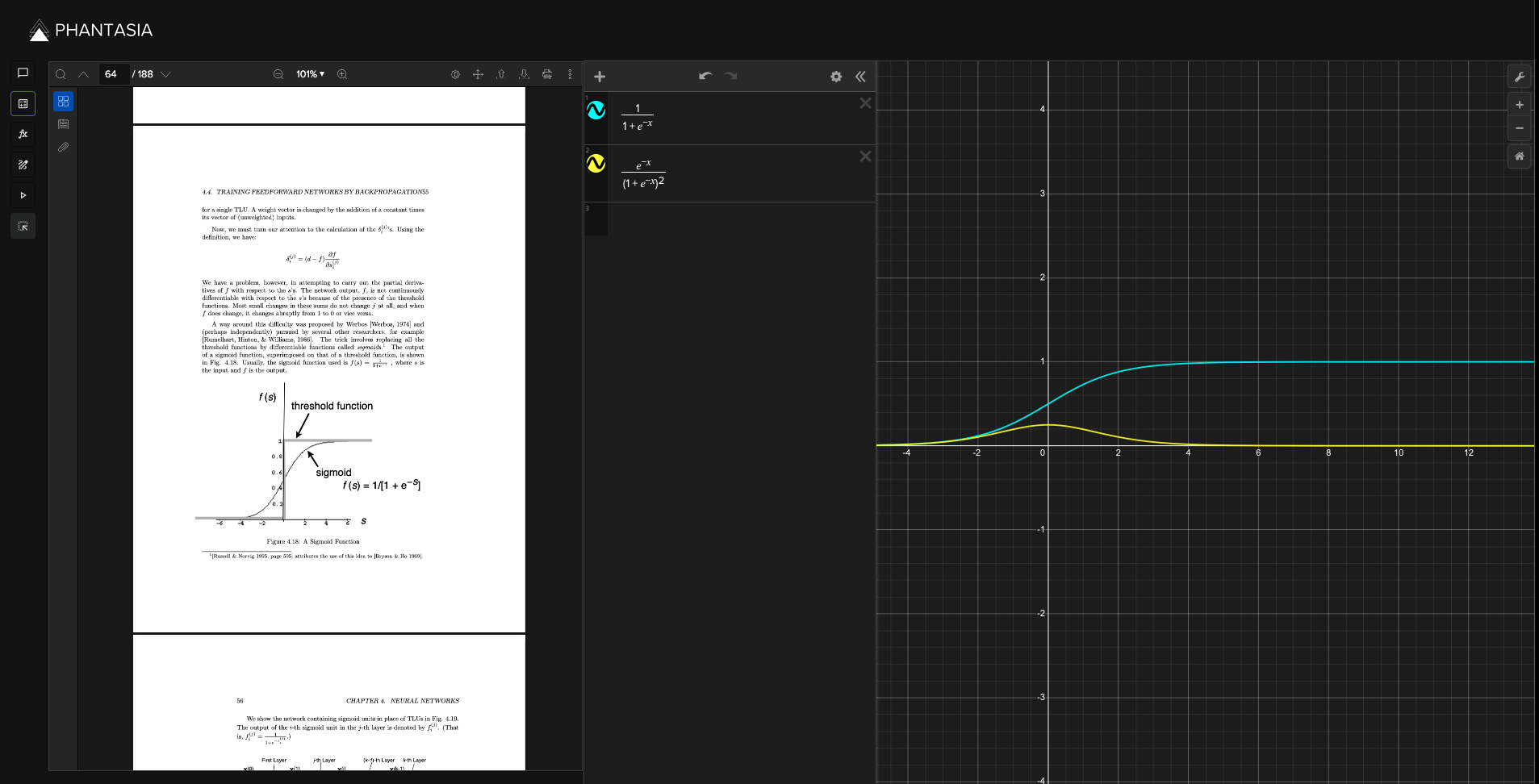
- Graphing Integration: Recognizes instances where graphs can be produced and sends them to a Desmos pane for visualization.
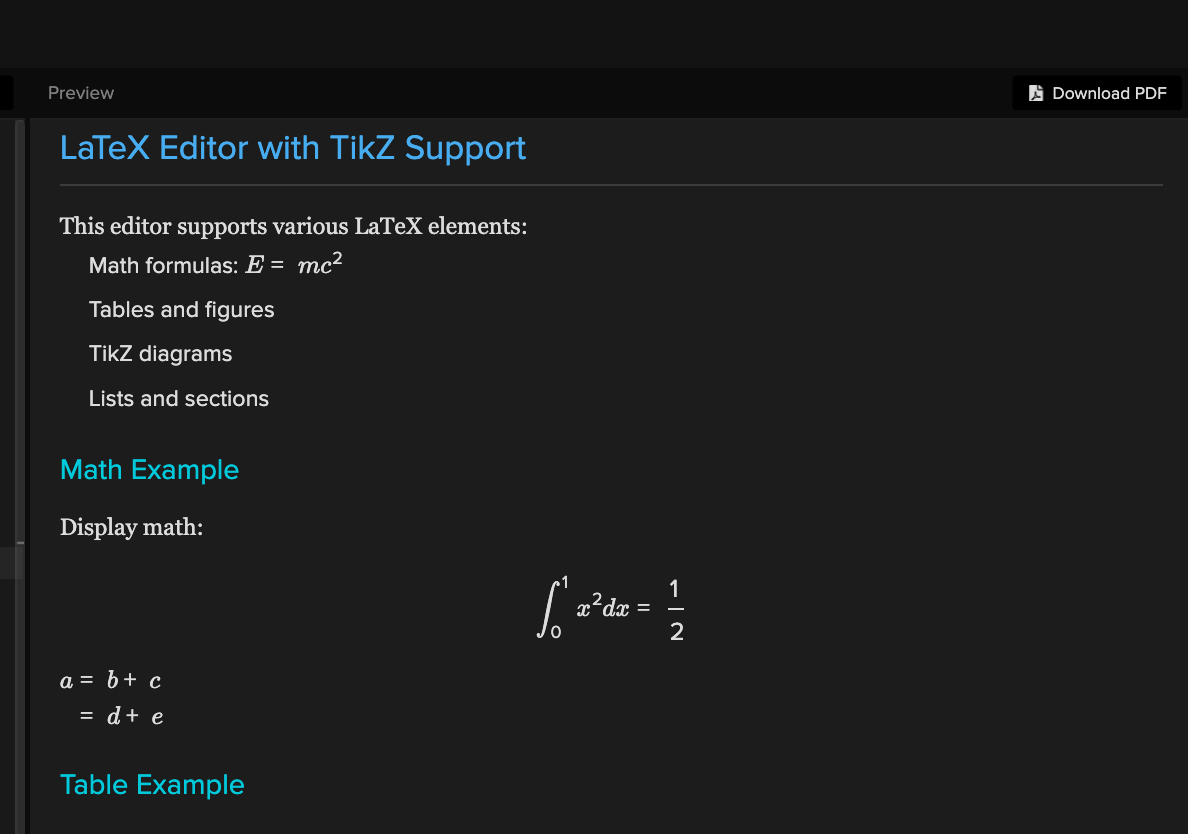
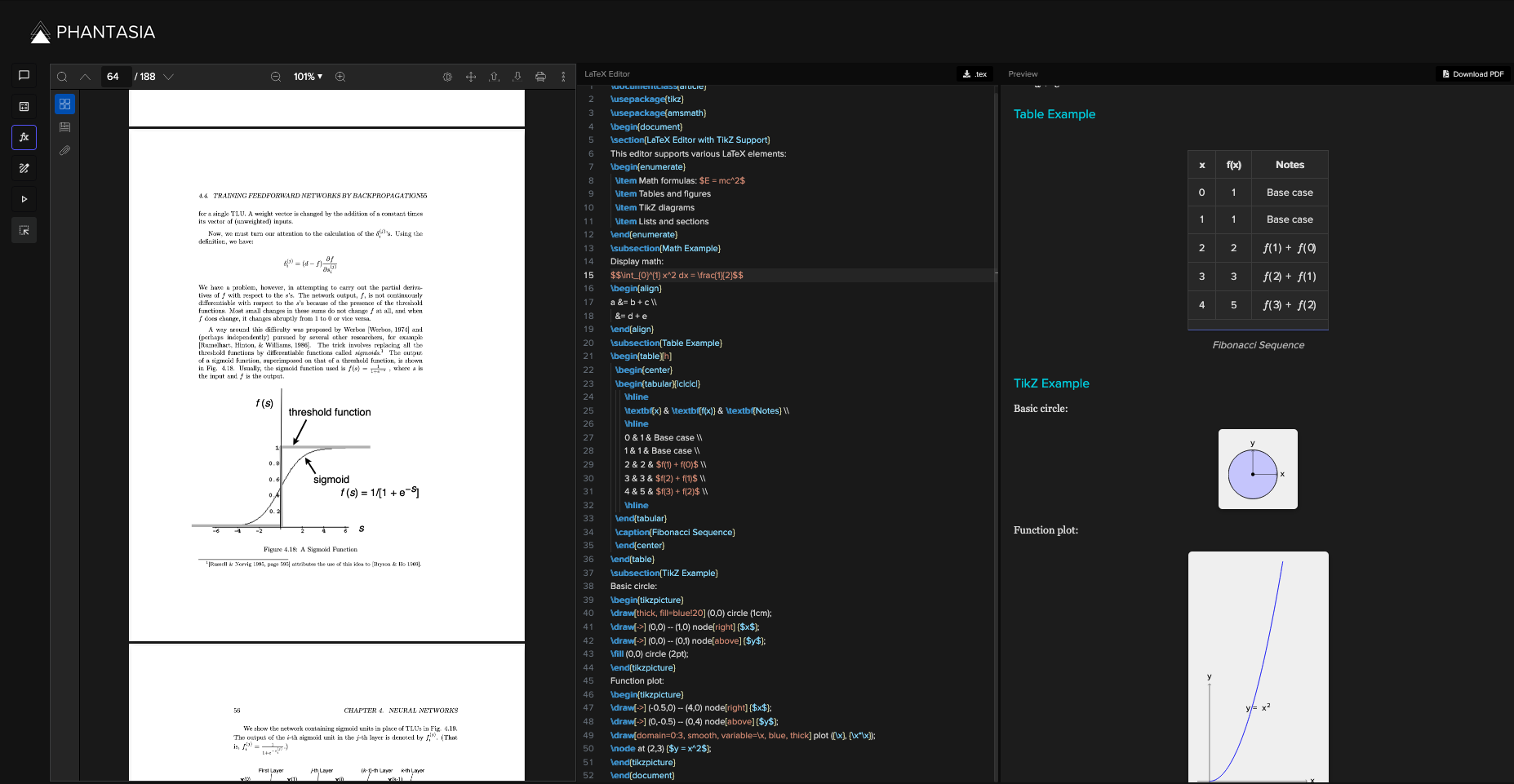
- LaTeX Editor: Renders LaTeX code, including TikZ visualizations, directly in the web app.
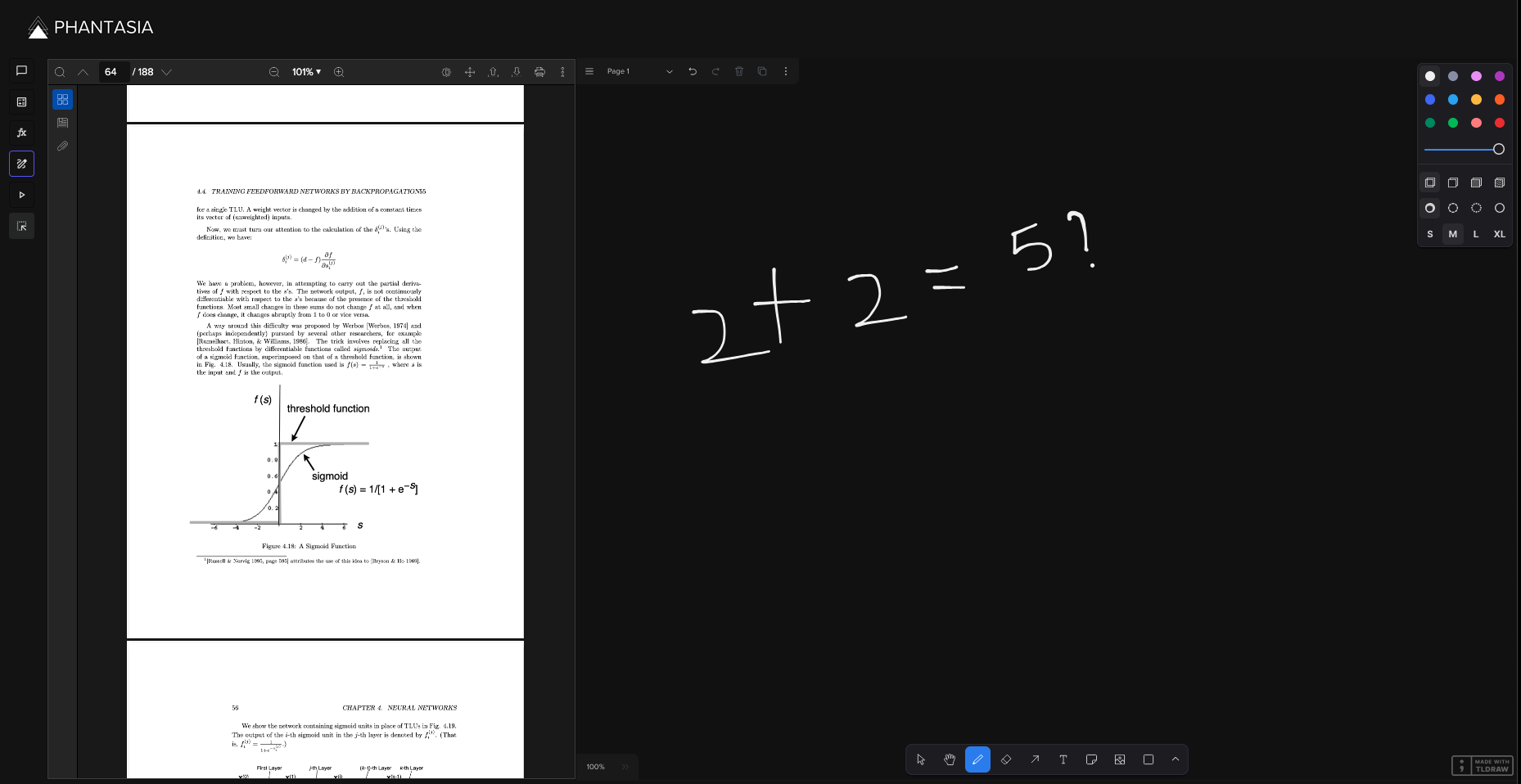
- Whiteboard Pane: Users can draw and annotate their work.
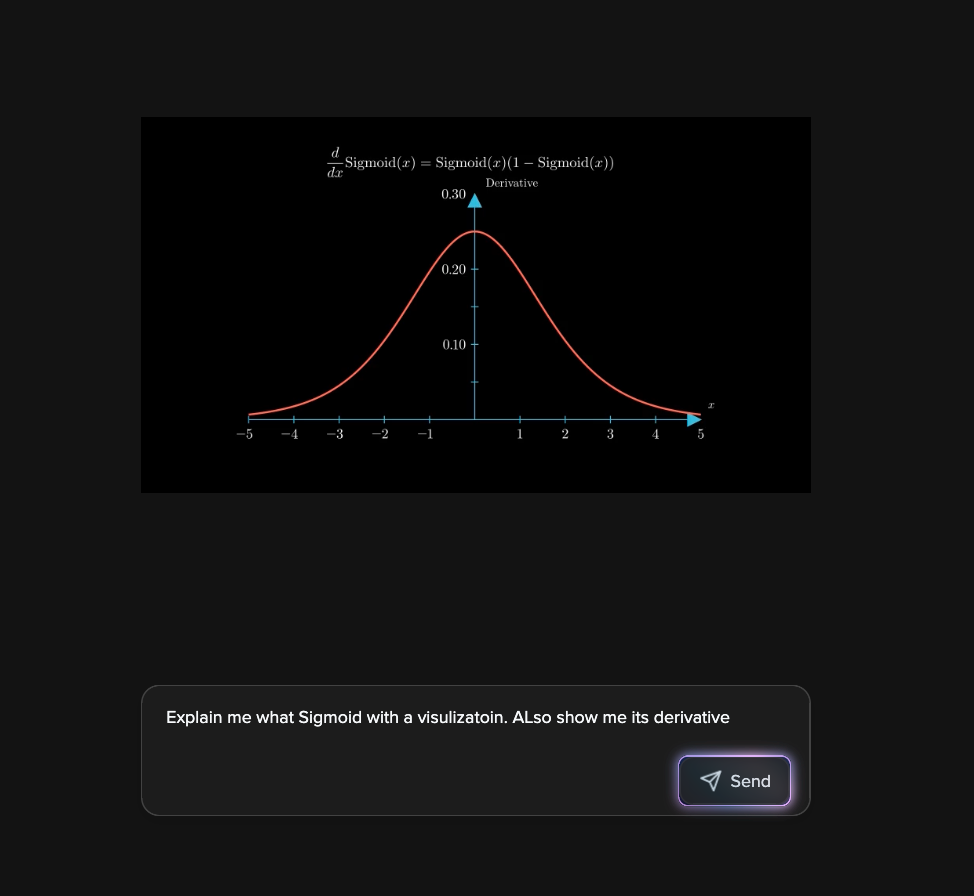
- Animation Pane: Generates animations with voiceovers to explain subjects based on user-provided topics.
How We Built It
Phantasia is powered by a sophisticated tech stack designed to integrate AI-driven interactivity with traditional study materials. Our frontend is built with React, TypeScript, and TailwindCSS, providing a fast, responsive, and highly modular user experience. The application is structured into six core components:
- Chatbot – AI-powered assistant that processes user queries and integrates with other tools.
- PDF Viewer – Loads textbooks and notes, allowing users to extract and interact with content.
- Whiteboard – A drawing tool for visual problem-solving and brainstorming.
- LaTeX Editor – Real-time LaTeX and TikZ rendering for complex mathematical expressions.
- Video Creator – AI-generated animations with voiceovers to explain STEM concepts.
- Desmos Graphing & Screenshot Tool – Automatically graphs equations and integrates textbook snippets into AI interactions.
Our AI and LLM Integration
At the heart of Phantasia is a custom AI pipeline that blends multiple large language models (LLMs) and APIs to handle different tasks efficiently. Our Python-based backend coordinates requests between the chatbot, visualization tools, and content generation models.
1. Chatbot & LLM Processing
- Built on FastAPI for low-latency responses.
- Routes text-based queries through a multi-step reasoning pipeline using Deepseek and ChatGPT for contextual understanding.
- Detects mathematical expressions and auto-generates equations or visualizations when applicable.
2. Automated Video Generation
- Gemini API generates structured explanations of requested topics.
- The output is transformed into Manim animations via a DeepSeek-driven code generator.
- To ensure stability, a debugger loop validates and corrects Manim scripts before execution.
- After compiling, the final script is sent back to Gemini AI for narration, using Eleven Labs for natural voice synthesis.
3. Desmos Graphing API
- Parses chatbot responses to extract mathematical expressions.
- Sends equations directly to an embedded Desmos calculator for visualization.
4. LaTeX & TikZ Rendering
- Node.js API compiles LaTeX input into PDFs.
- Uses KaTeX and MathJax to display real-time mathematical renderings in the browser.
- Supports TikZ graphics, enabling users to generate scientific diagrams dynamically.
5. PDF Screenshot Utility
- Captures textbook content via DOM manipulation and appends images to chatbot inputs.
- Uses Canvas API for high-resolution captures and efficient rendering.
Architectural Design
We designed Phantasia to be modular and scalable, ensuring smooth communication between all subsystems:
- Microservices Architecture: Separate APIs handle AI processing, LaTeX conversion, video generation, and screenshot management.
- Efficient State Management: React Context API and Redux manage application-wide state changes without unnecessary re-renders.
- Optimized API Calls: Queue-based processing prevents LLM request overload, reducing API costs and latency.
Why This Approach?
By integrating multiple AI models into a unified workflow, we’ve created a smart, adaptable, and deeply interactive learning platform. Instead of just answering questions, Phantasia interprets, visualizes, and enhances STEM education with a human-like understanding of complex topics.
APIs
We developed five APIs to support the functionality:
- Main Server API (Python): Handles LLM requests for the chatbot.
- Desmos API (Python): Processes equations from the chatbot and visualizes them in Desmos.
- Video Creation API (Python): Generates educational videos:
- Calls Gemini API to describe animations.
- Converts the description into Manim animations using DeepSeek.
- Runs a debugging loop to fix compilation errors.
- Calls Gemini API again to generate voiceovers using Eleven Labs.
- Sends the final video to the frontend.
- LaTeX Handler API (Node.js): Converts LaTeX code into PDFs.
- Screenshot Handler API (Node.js): Saves PDF screenshots and integrates them into chatbot interactions.
Component-API Connections:
- Chatbot → API 1
- LaTeX Editor → API 4
- Video Creator → API 3
- Desmos Graphing Calculator → API 2
- PDF Screenshot Tool → API 5
Challenges we ran into
- AI Model Integration: Managing multiple APIs (Gemini, DeepSeek, Eleven Labs) with different request/response formats.
- Video Generation Issues: AI-generated Manim code often had syntax errors requiring automatic debugging.
- PDF Viewer Complexity: Implementing screenshot utilities and chatbot integration required deep DOM manipulation.
- LaTeX Rendering: Handling MathJax and KaTeX for complex mathematical expressions was challenging.
- Component Synchronization: Ensuring smooth communication across different parts of the application required careful architecture.
Accomplishments that we're proud of
- Automated Video Generation: End-to-end system that creates educational animations with voiceovers.
- Desmos Graphing Integration: Automatic visualization of equations from chatbot responses.
- Real-Time LaTeX Rendering: Supports complex mathematical expressions, including TikZ diagrams.
- Intuitive Screenshot Utility: Enables seamless textbook-to-chatbot integration.
- AI-Driven Debugging System: Detects and corrects errors in AI-generated Manim scripts.
What we learned
- Generative AI for Code: Understanding LLMs' strengths/limitations in generating structured code like Manim.
- Error Handling in AI Code: Implementing debugging loops for AI-generated scripts.
- Prompt Engineering: Crafting better prompts for AI-driven outputs.
- Multimedia Integration: Balancing performance and functionality in complex AI applications.
- Math Visualization Techniques: Using MathJax, KaTeX, and TikZ effectively.
- Cross-API Development: Managing dependencies across multiple frameworks and APIs.
What's next for Phantasia
- Support for More File Formats: Expanding beyond PDFs to include digital textbooks.
- Enhanced STEM Visualizations: Adding subject-specific tools for chemistry, biology, and advanced physics.
- Collaborative Features: Enabling students to share and work together on visualizations.
- Custom Animation Templates: Improving consistency and quality in generated videos.
- Offline Mode: Allowing core features to work without internet access.
- LMS Integration: Making Phantasia accessible in educational platforms.
- Accessibility Improvements: Enhancing usability for diverse learning needs.
- Multilingual Support: Expanding to support international education.
Built With
- ai
- chatgpt
- css
- daisyui
- deepseek
- desmos
- elevenlabs
- gemini
- github
- html
- javascript
- latex
- llm
- manim
- micro-service
- python
- react
- tailwind
- tldraw
- typescript


Log in or sign up for Devpost to join the conversation.