Inspiration
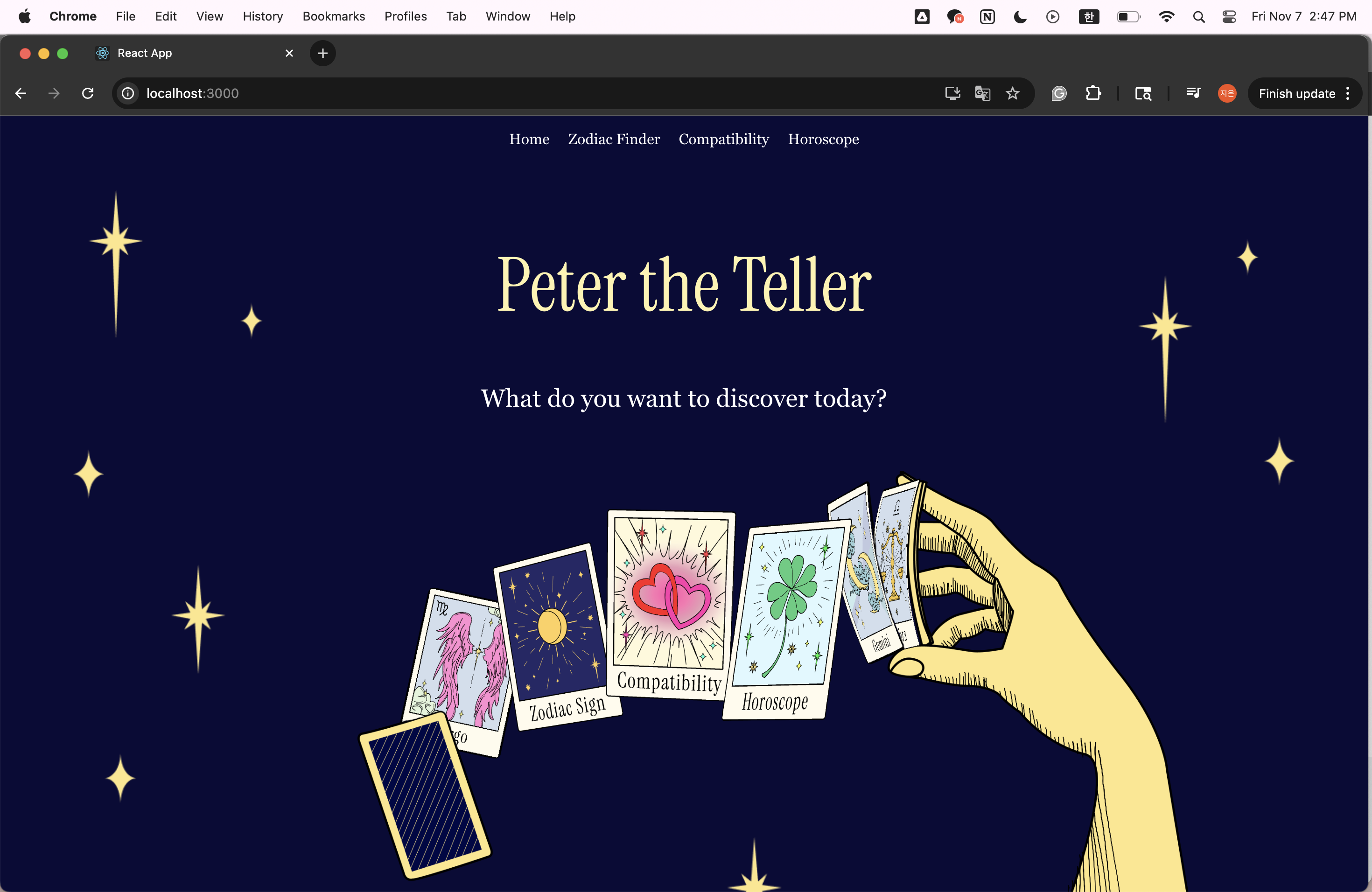
For WebJam 2025, we wanted to build something that was purely fun, entertaining, and visually enchanting. We were inspired to create a "cute" and magical-themed website that felt less like a tool and more like an experience. The world of astrology, with its celestial art, tarot cards, and starry skies, felt like the perfect theme.
What it does
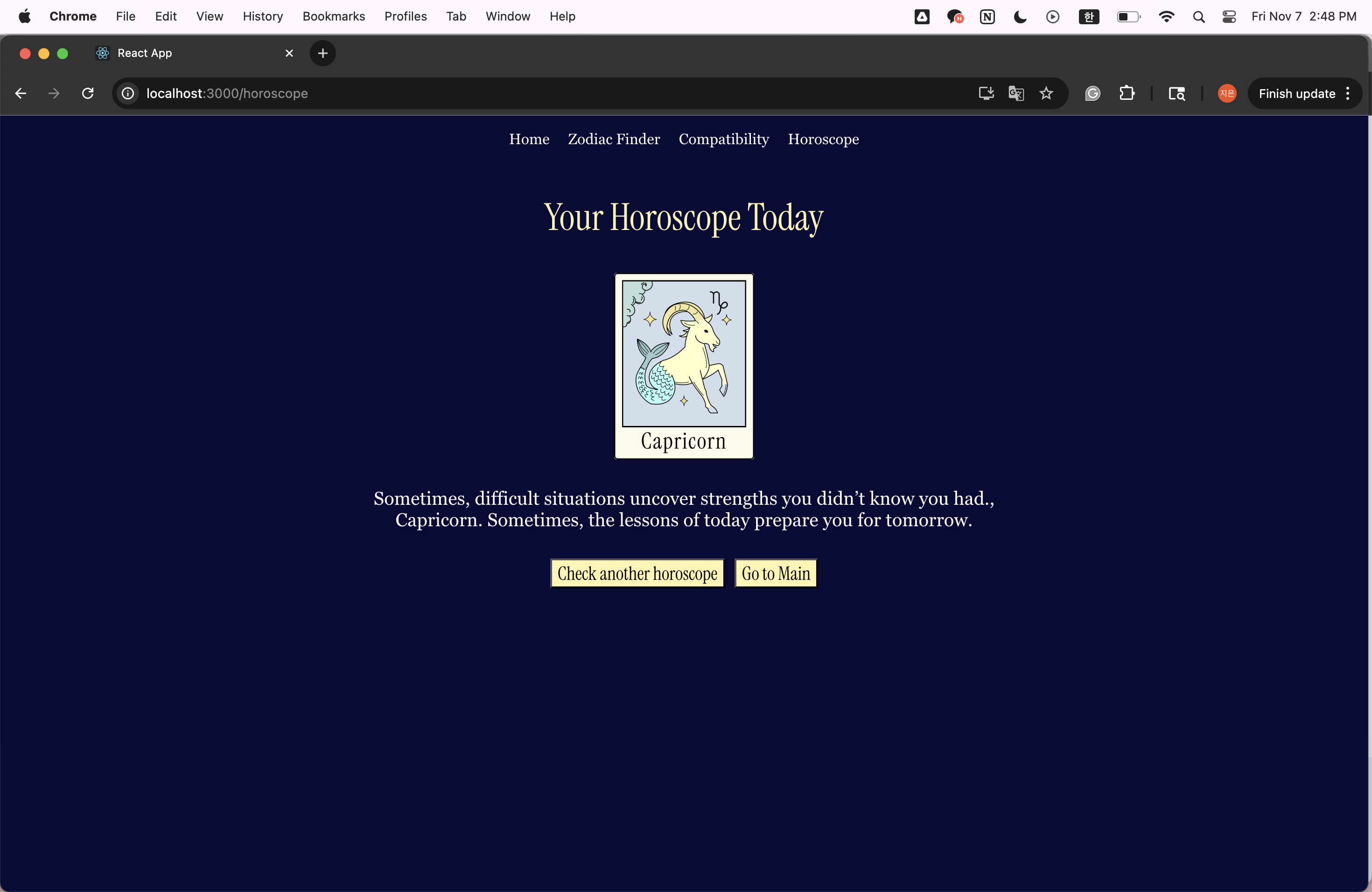
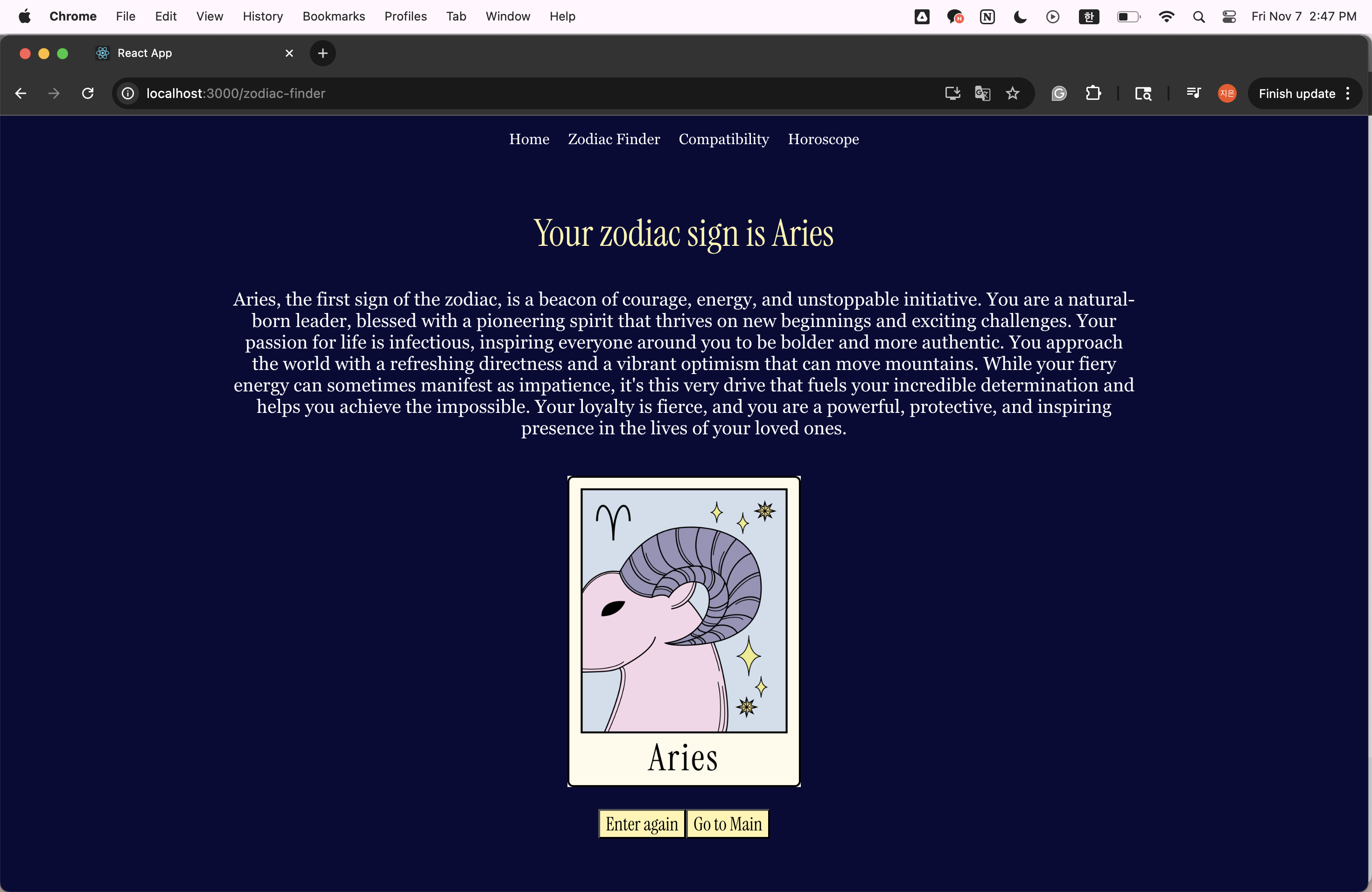
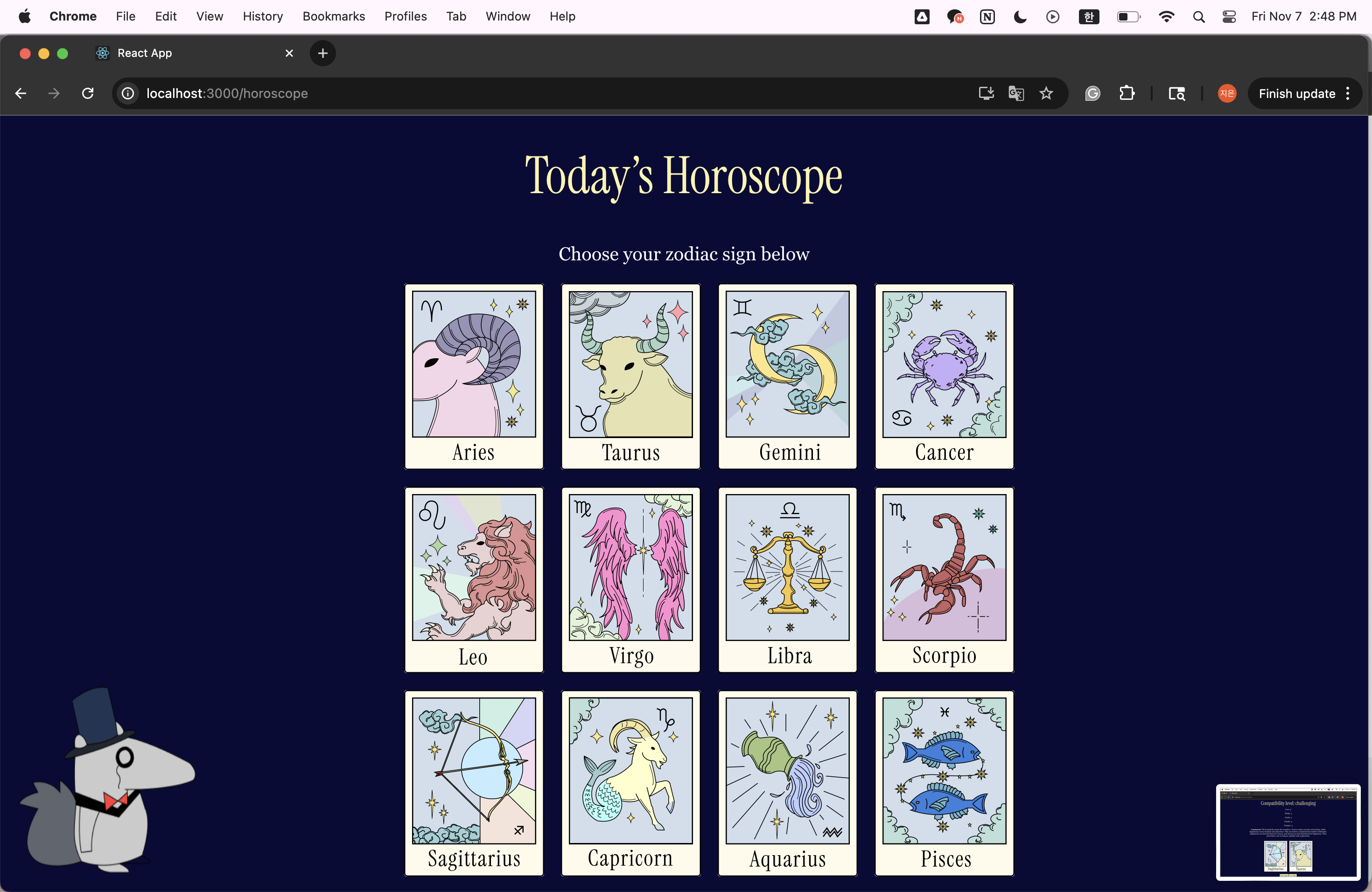
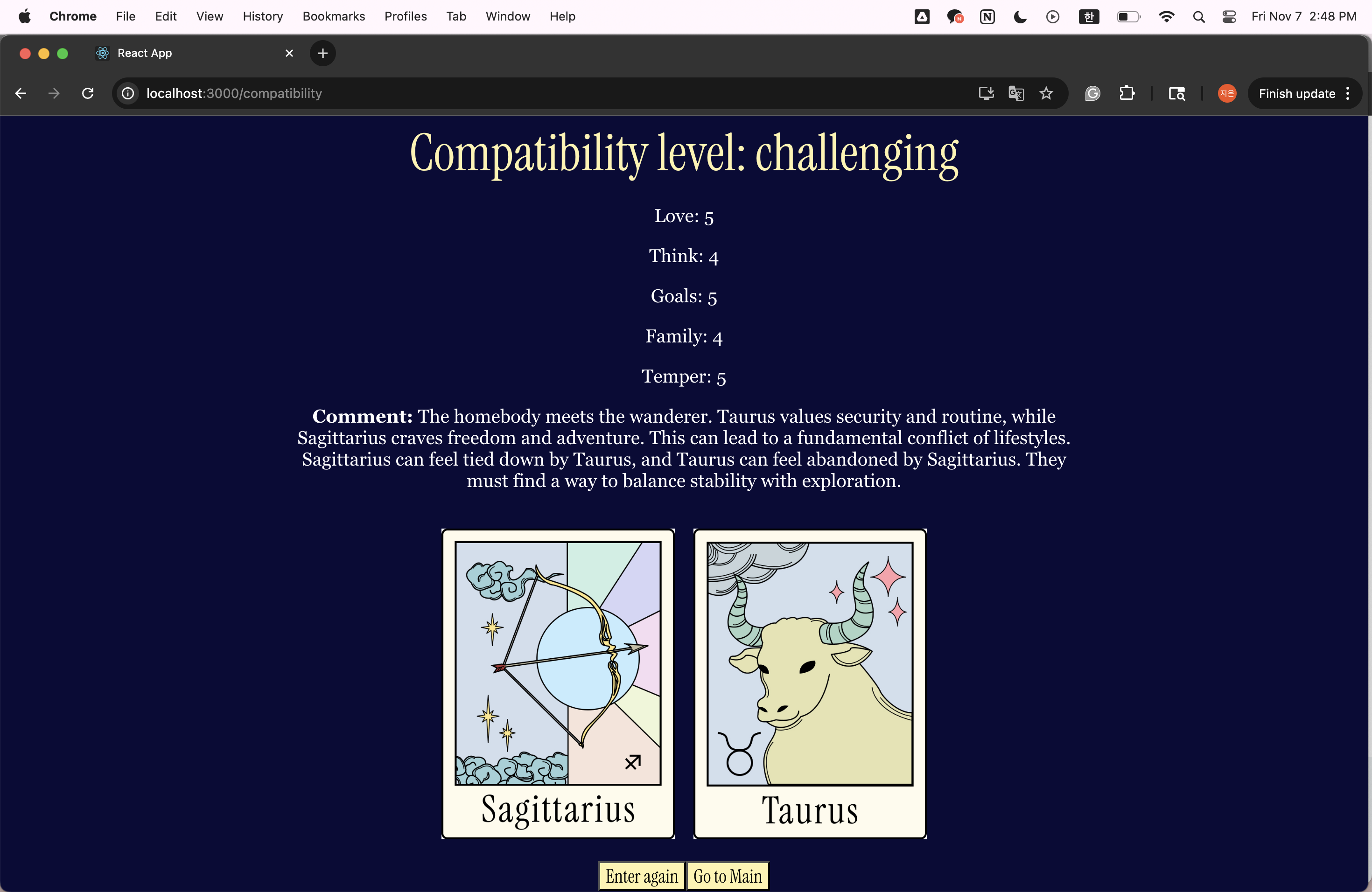
It's a mystical React app that serves as your personal celestial guide. You can find your zodiac sign, check your love compatibility, and get a daily horoscope, all in a custom-designed, starry interface.
How we built it
This project is a single-page application (SPA) built with React.
We structured the app into several key components and pages:
Pages: HomePage, ZodiacFinder, Compatibility, and Horoscope.
Routing: We used react-router-dom to handle navigation, with a shared Navigator component at the top of every page.
Components: The app is broken down into reusable pieces like ZodiacForm, ZodiacInfo, CompatibilityResult, etc. These components take user input (like birthdays) or API data and render the results.
Styling & Design: We didn't use any CSS libraries. Every part of the design is custom. We used a combination of App.css, index.css, and inline styles for dynamic properties. We relied heavily on Flexbox and absolute positioning to create our layouts.
Challenges we ran into
Our biggest design challenge was making our backgrounds look right. First, the navigator bar was cropping the top of the image. We fixed this with background-position: 'center top'. Our biggest technical challenge was with Git. One of us couldn't git push their changes. We kept getting an error: RPC failed; HTTP 400 error, no matter what we did. Because of this problem we couldn't update the backgrounds we made.
Accomplishments that we're proud of
We're most proud of the visual experience. We built the entire UI from scratch without any component libraries. This included hand-drawing our button icons, creating a homepage with complex overlapping elements (position: absolute), and designing three distinct page backgrounds that all feel part of the same magical world.
What we learned
We learned two ways to handle images. For UI elements, we imported them. For dynamic content (like the 12 zodiac images), we learned to put them in the /public folder and build the path string ourselves, even creating a map to handle different .png vs. .jpg file extensions.
What's next for Peter the Teller
We are definitely aiming to update the backgrounds and integrate more features in our website.

Log in or sign up for Devpost to join the conversation.