-
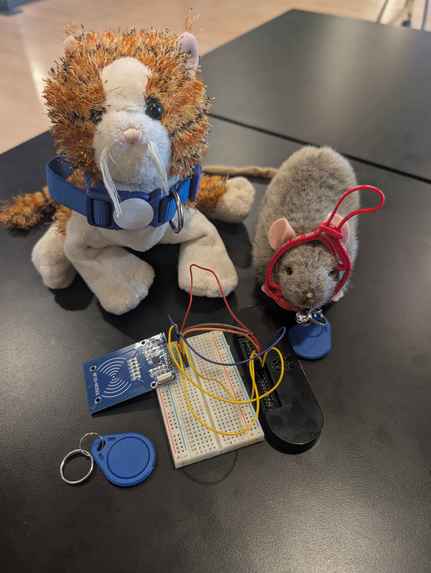
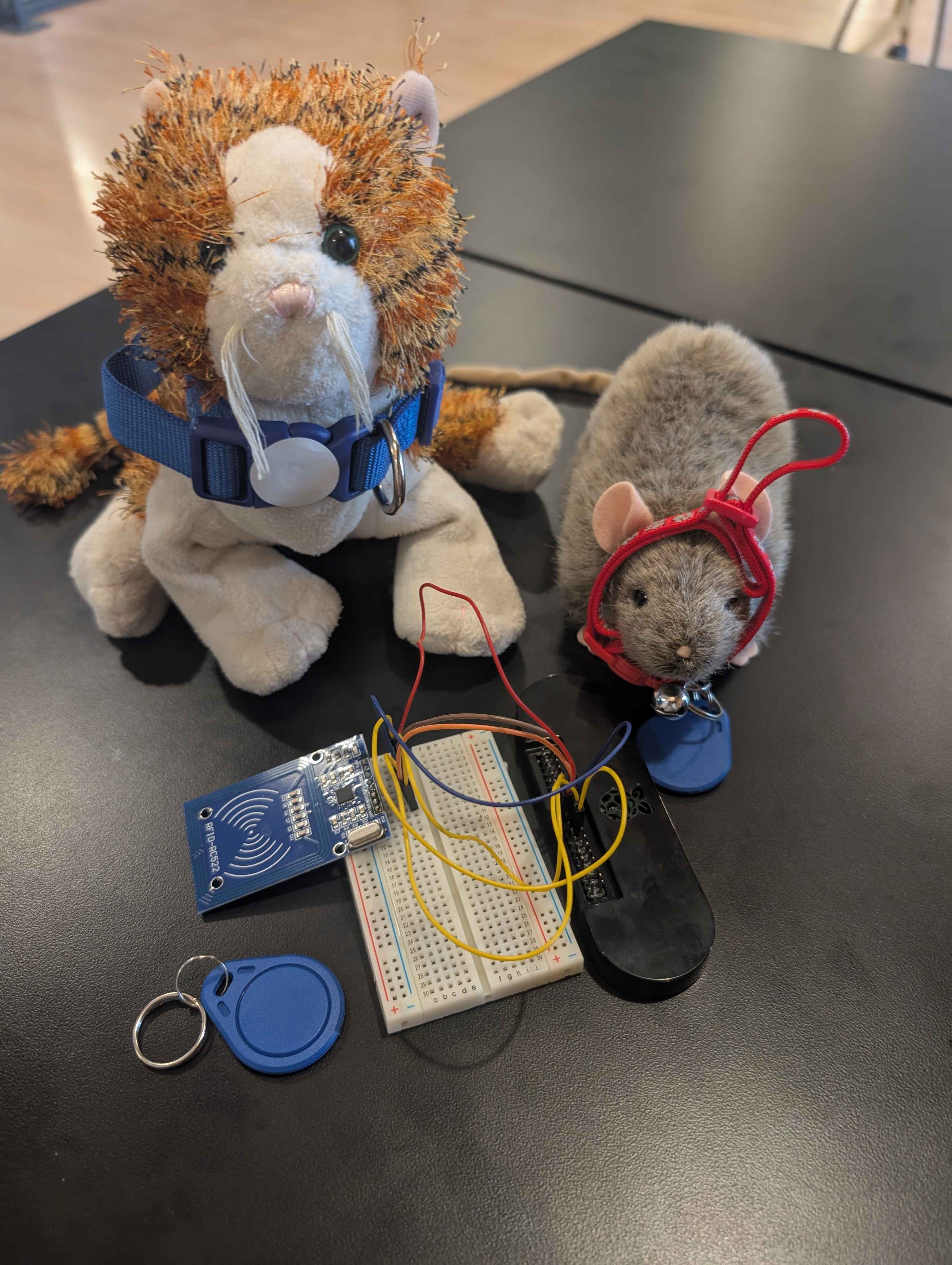
The PetCheck hardware alongside our two test pets, modeling a cat collar with a handing RFID tag and a dog collar with a sticker tag.
-
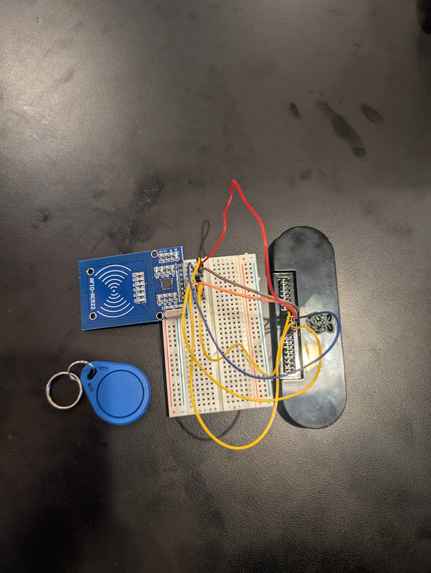
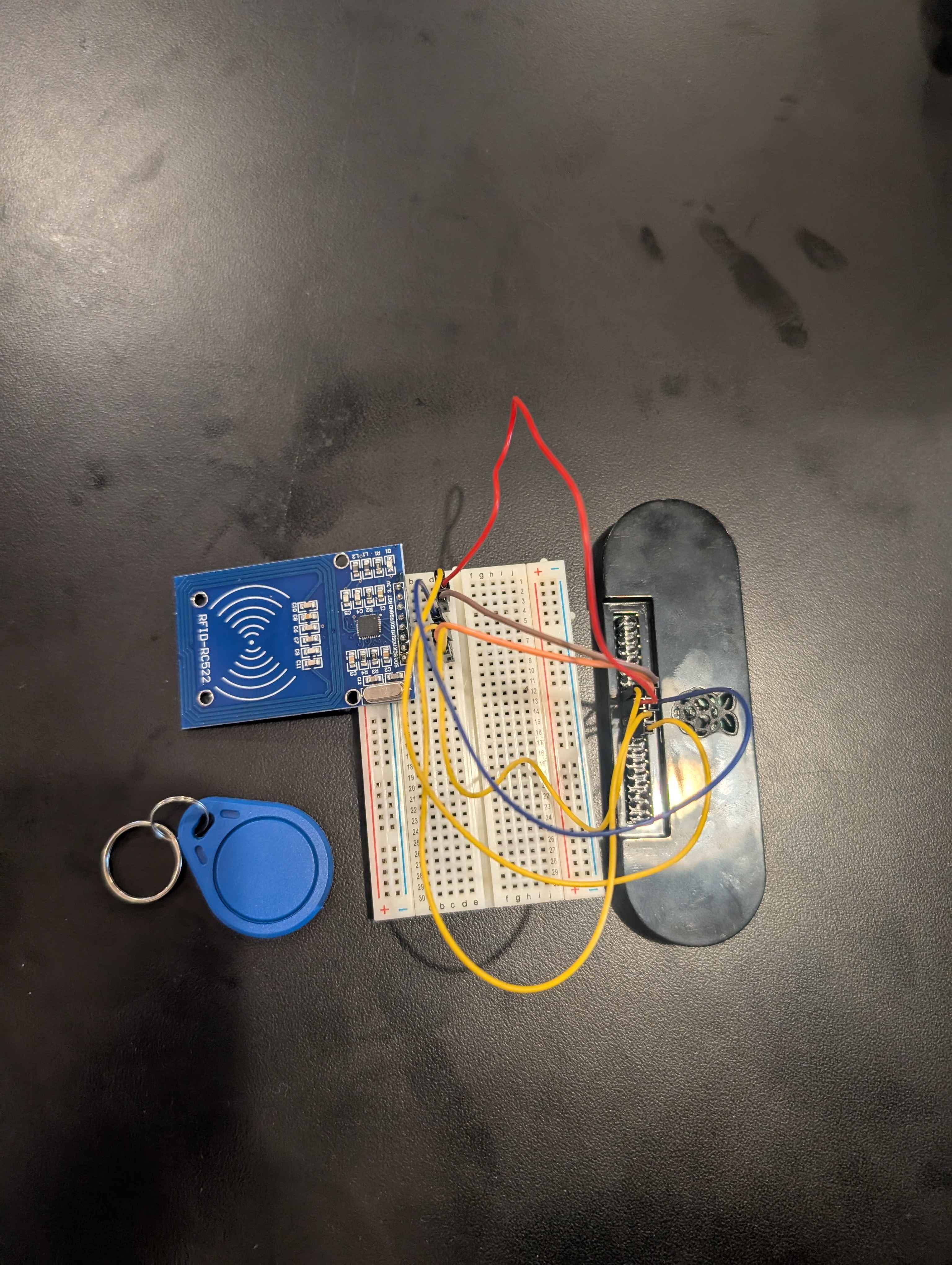
The PetCheck hardware setup.
-
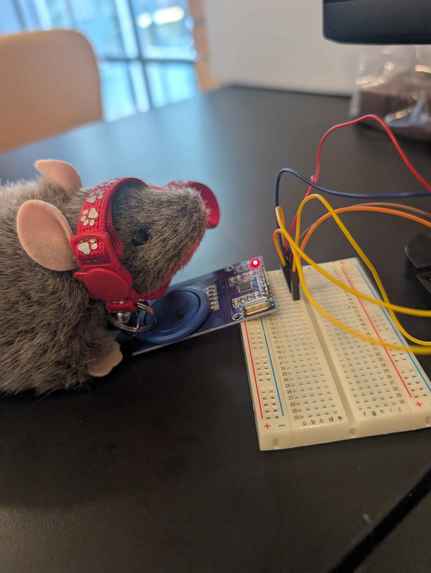
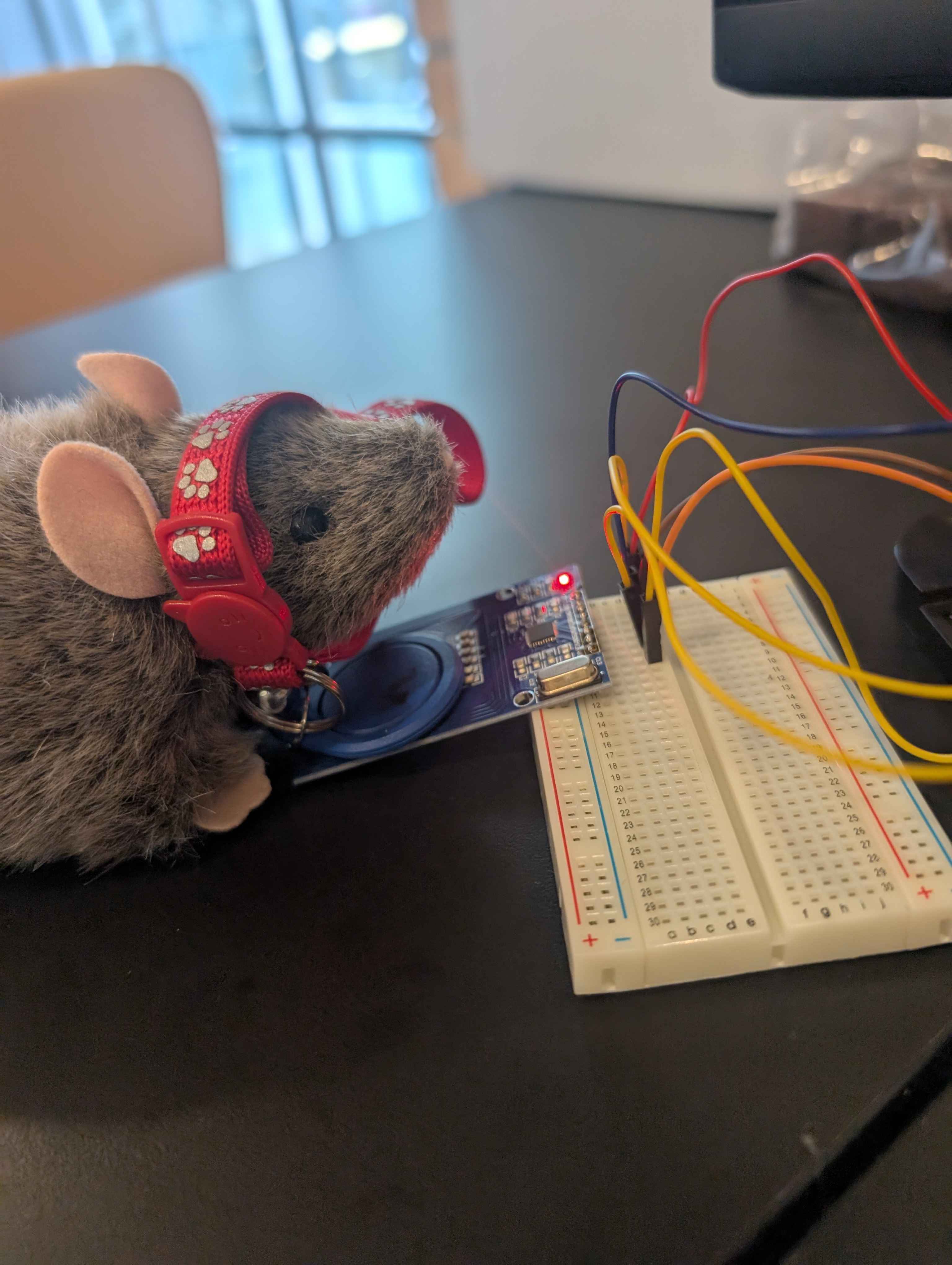
The rat "eating" at the food bowl and getting his collar scanned.
-
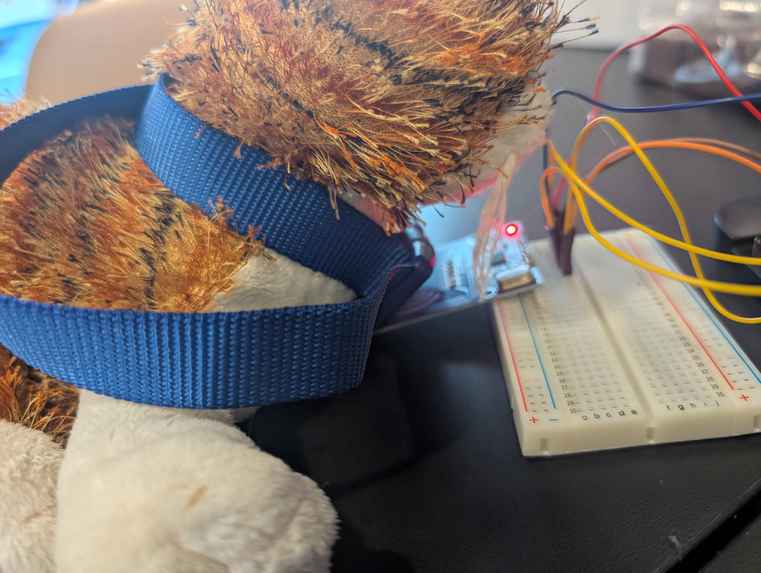
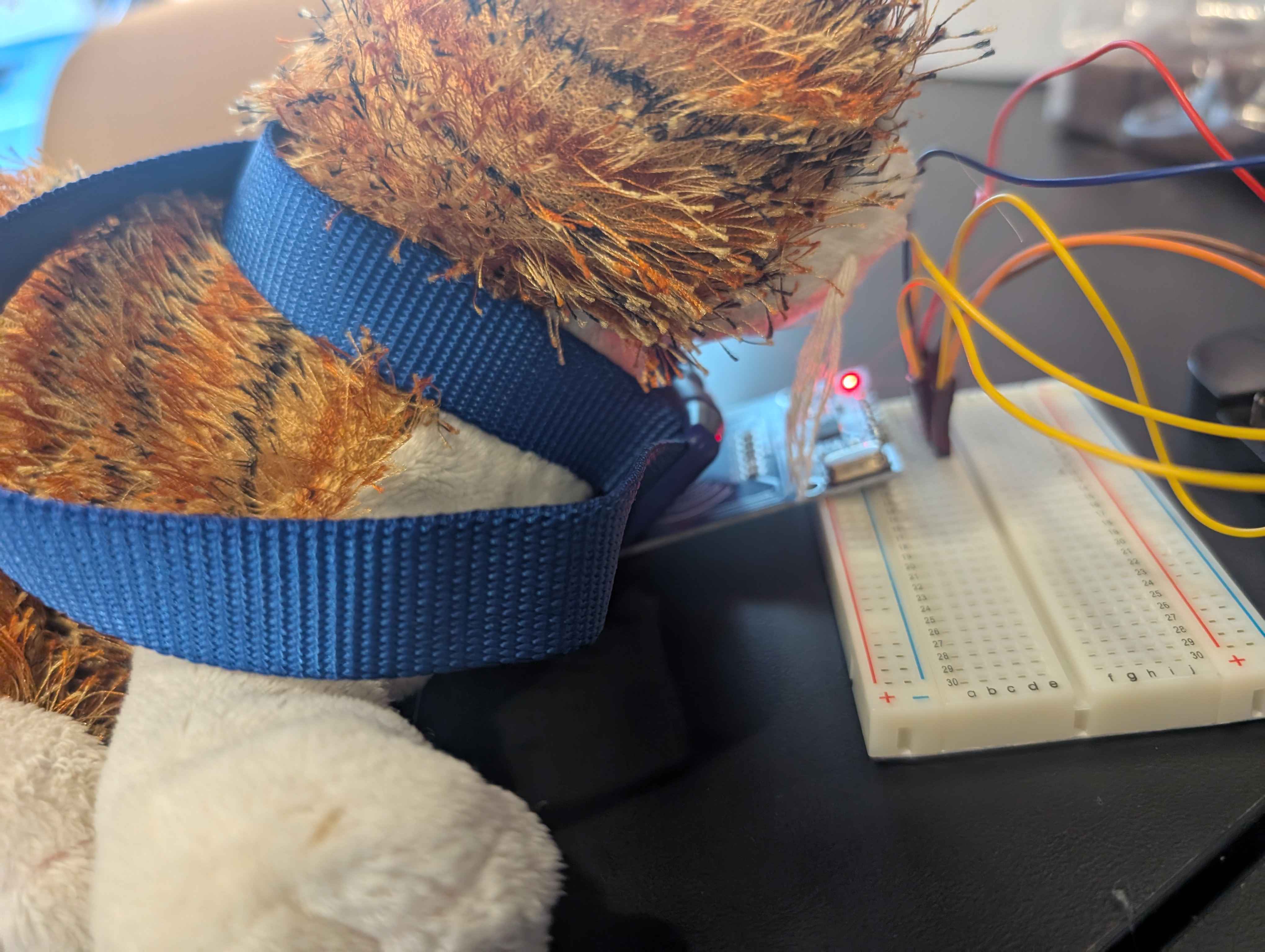
The cat "eating" at the food bowl and getter her collar scanned.
-
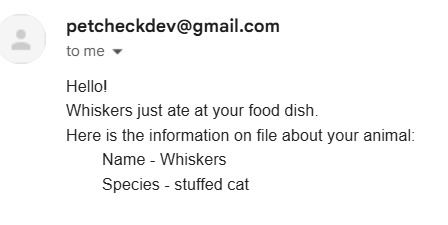
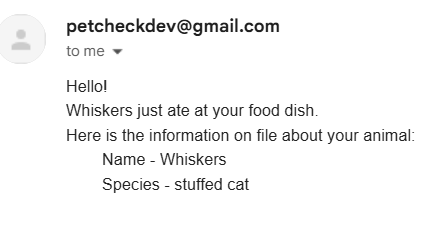
Email received when a pet ate at the food bowl.
-
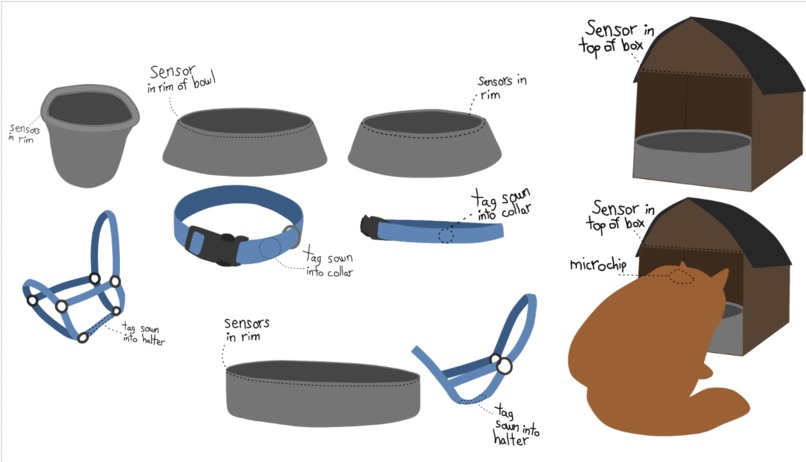
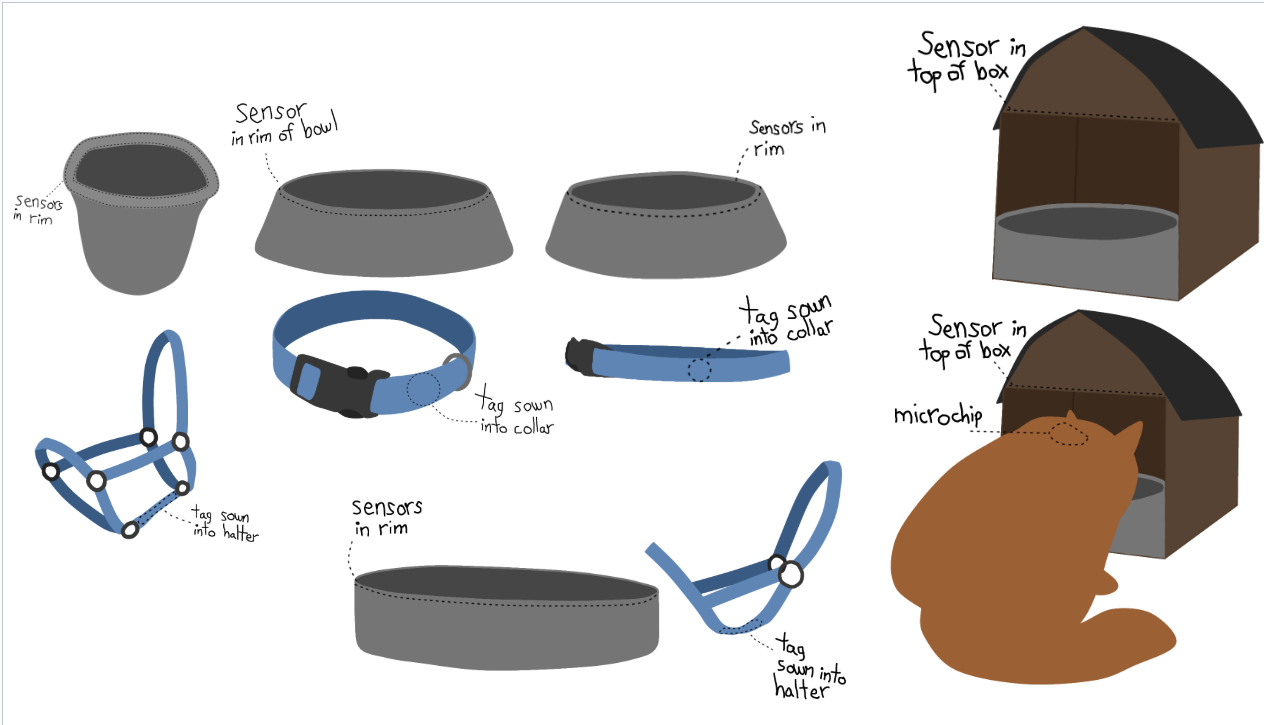
Concept art of what the food bowls, water troughs, collars and halters would look like with custom hardware.
-
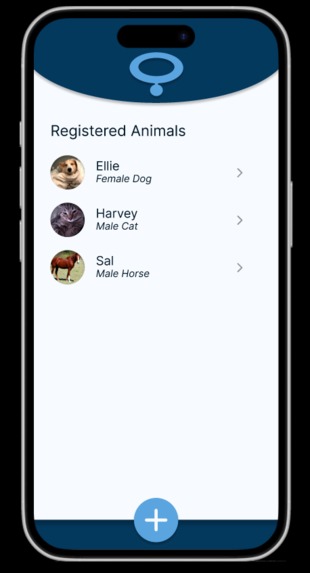
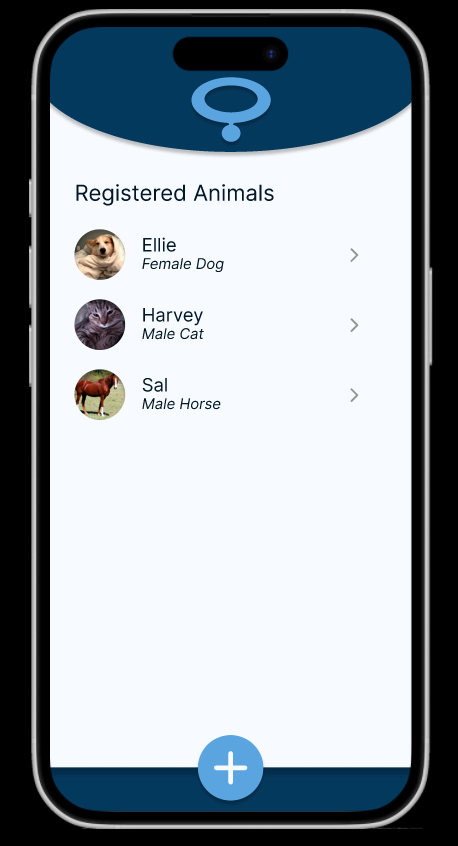
Figma demo of what a companion app would look like - screen 1
-
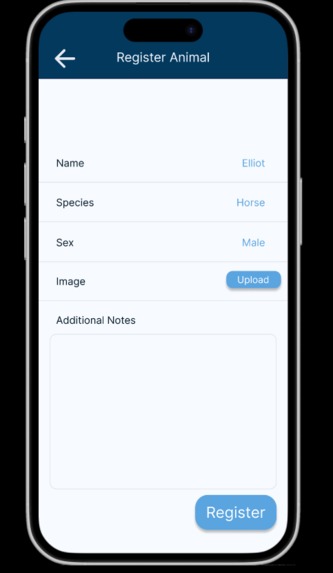
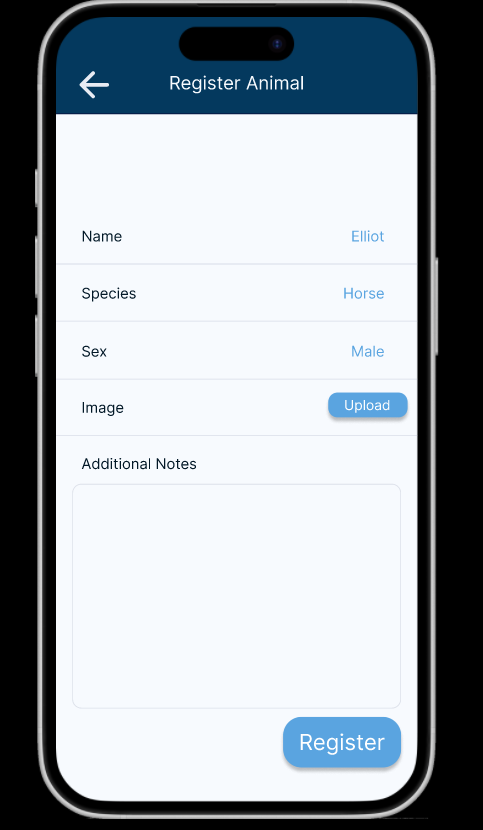
Figma demo of what a companion app would look like - screen 2
Inspiration
This project was inspired by a real cat named Spice. Spice will disappear up to a week days at a time, and come back starving. As a result, we don't think that she's getting fed anywhere else but also don't know if she's coming back to eat when we're not around to see it. So, the concept of having a way to keep track of when your pets and livestock are eating was born.
What it does
This project makes use of RFID tags and sensors to send an email to the owner of the animal, when the animal goes to eat or drink. This project can be used to keep track of the eating habits of a indoor cat or dog, the coming and goings of an outdoor cat, or the drinking habits of any large outside livestock. (Horses, cows, sheep, etc.)
How we built it
The first step was to connect the RFID sensor to the raspberry pi. This required sottering the RFID sensor to some pins, attaching the pins to a breadboard, then wiring the RFID sensor and the raspberry pi together through the breadboard. The second step was to write a python script that tells the RFID sensor to look for nearby tags, and handle the appropriate logic once a tag was found. If the tag is already registered as a pet, the script sends an email to the pet's owner. If the tag has not been registered as a pet, the script runs through a registration system to get the pet setup.
Challenges we ran into
We spent quite a bit of time trying to get the RFID sensor and the Raspberry Pi connected. The light on the sensor was turned on, but nothing was happening in the code. The code wasn't connecting to it. We eventually discovered that it was because of a poor connection between the RFID sensor and the pins attaching it to the breadboard. Sottering the pins to the sensor fixed these issues, and allowed us to proceed with writing the rest of our code.
Accomplishments that we're proud of
We are proud to say that the project is working in it's entirety. It can sense what there is a nearby pet tag, read and write to that pet tag, and send out notification emails to the owner of the pet.
What we learned
We learned a lot about working with hardware. This was both of our first hardware hack at a hackathon, so we learned a lot about getting the hardware setup, and how to interface with it through the code. It was also both of our first time working with RFID sensors, so we learned a lot about how they work. The range, the different types of tags, the different types of sensors, and most importantly how to get them set up with a raspberry pi to read and write to them.
What's next for PetCheck
There are several ways that PetCheck can move forward. The first way, would be to integrate the hardware in with a pet bowl or livestock water tank. However, this would require custom hardware pieces, and was outside the scope of a 24 hour hackathon. The second way, would be to set up an app that would allow you to view the pets you own. The app could also send you notifications when your pet has eaten, rather than you receiving an email when your pet has eaten. The third way would be to tie it in with microchips, where the food bowl/water trough can read the microchip of a pet that is at it, sending you a notification with the microchip information. This would allow you to know if someone else's animal is at your food bowl, and also allow for microchipped strays to be tracked.
Built With
- python
- raspberry-pi
- rfid-sensors
- rifd-tags


Log in or sign up for Devpost to join the conversation.