-
Our logo
-
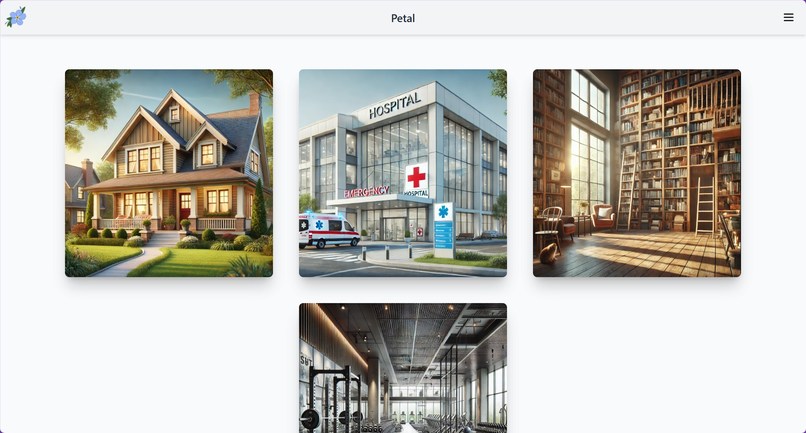
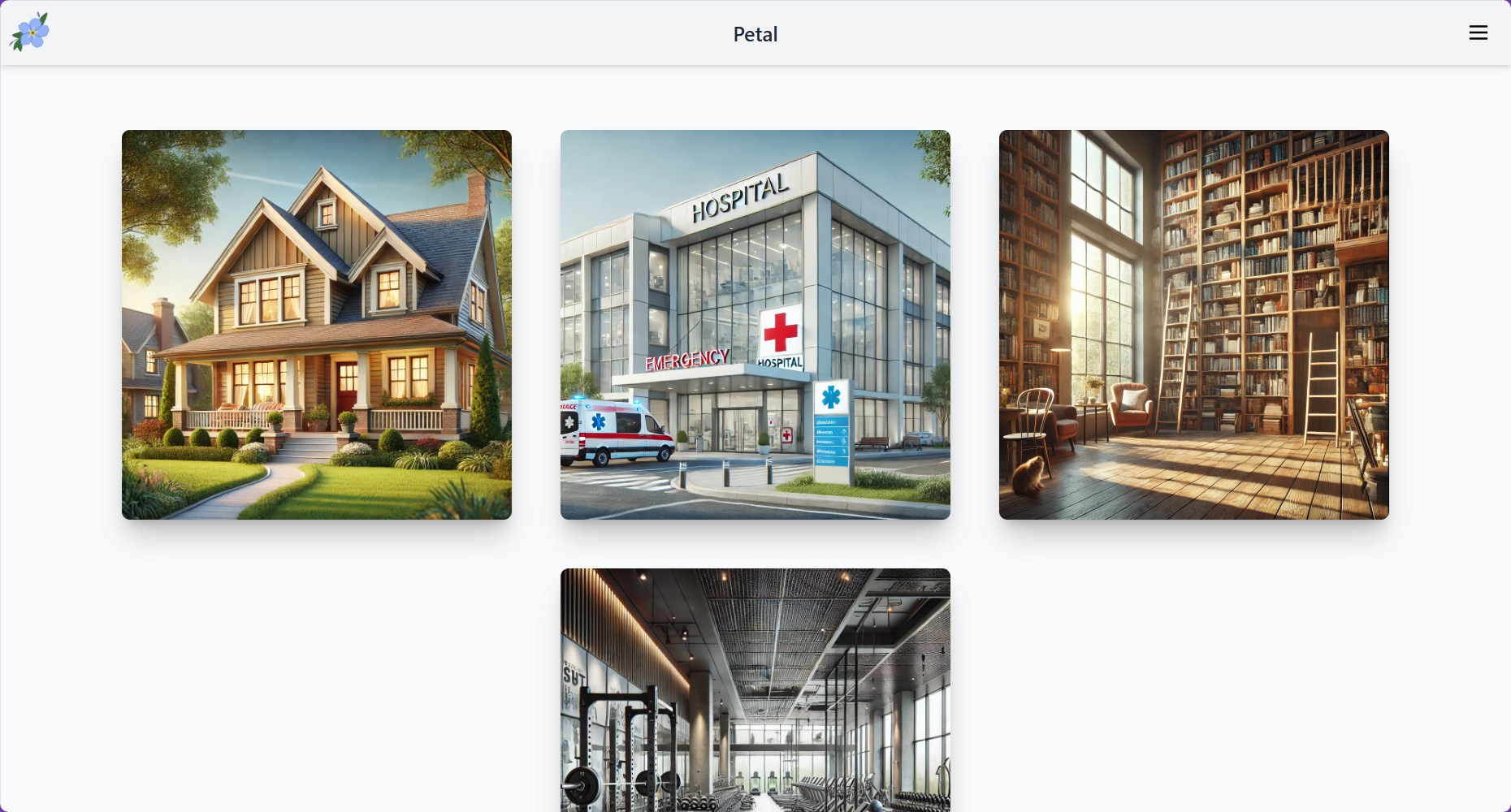
One of our home pages
-
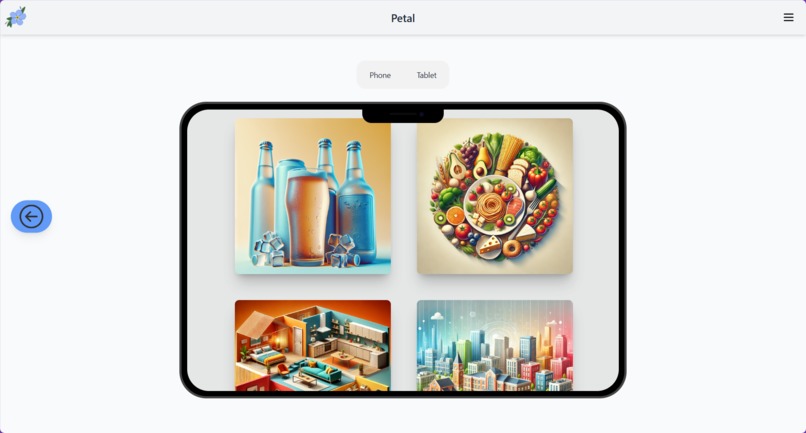
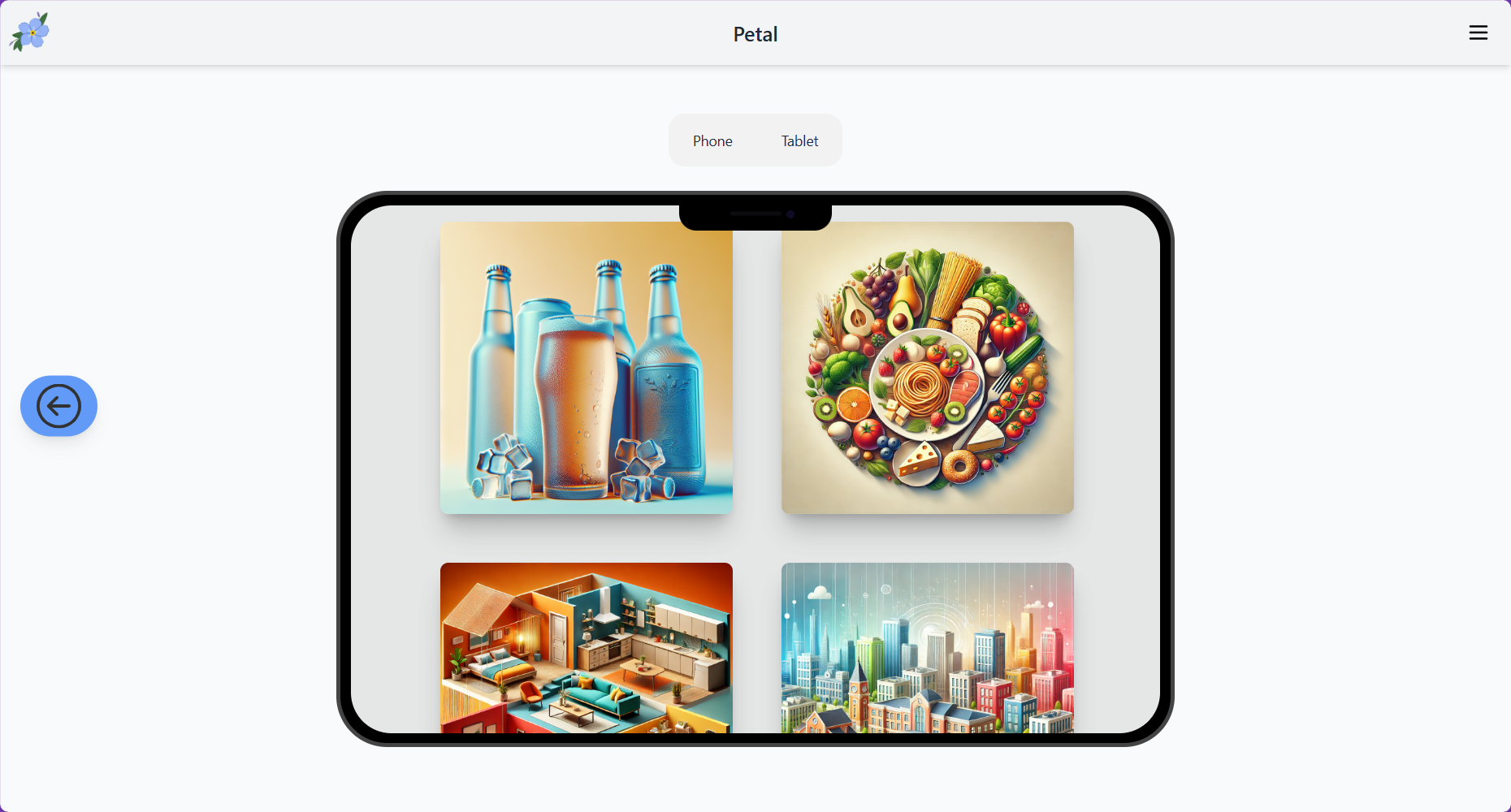
Embedded demo of tablet display
-
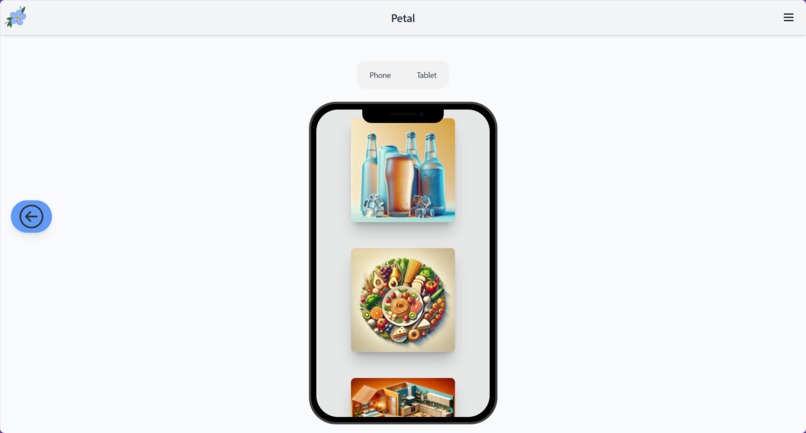
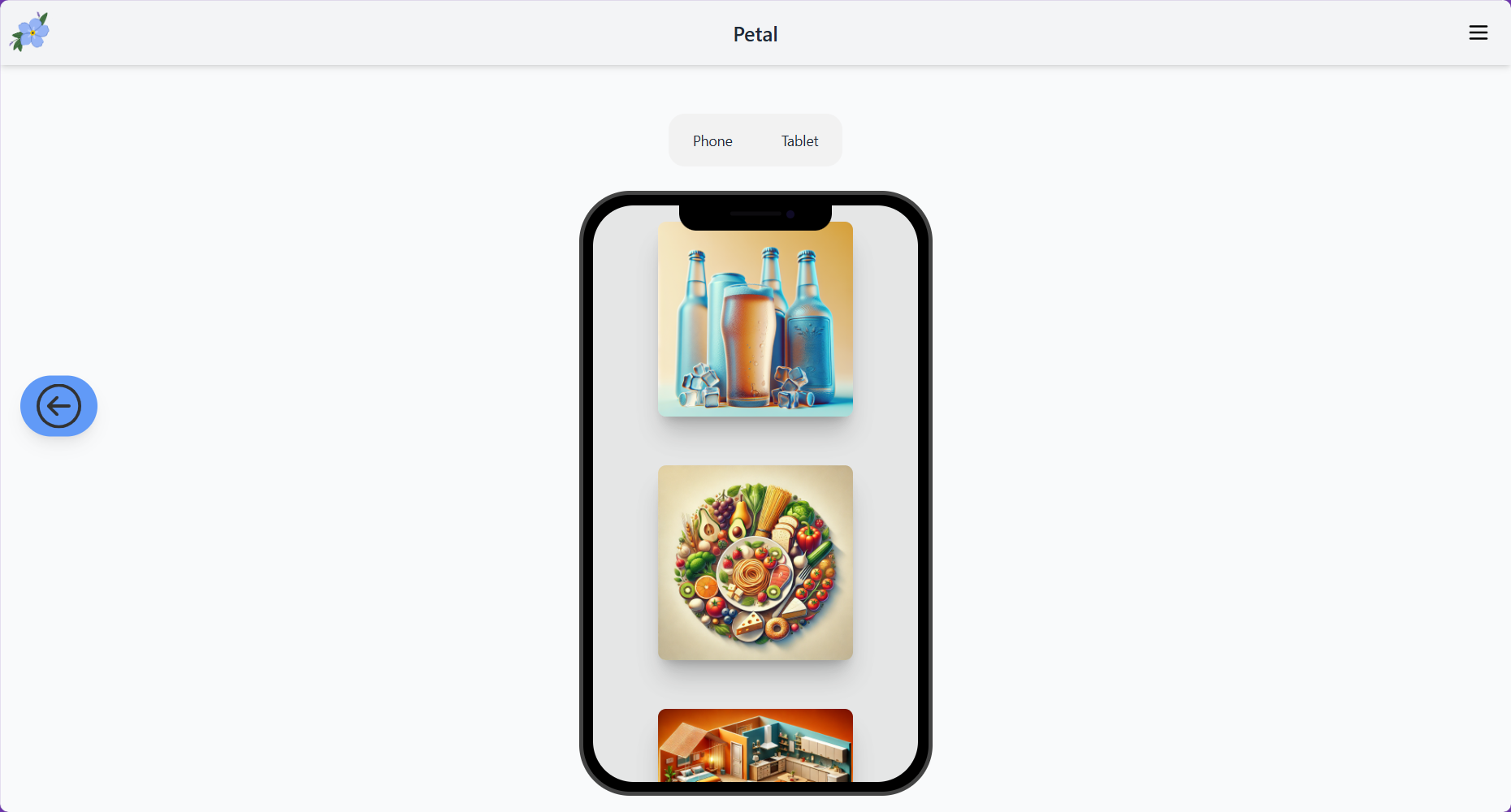
Embedded demo of phone display
-
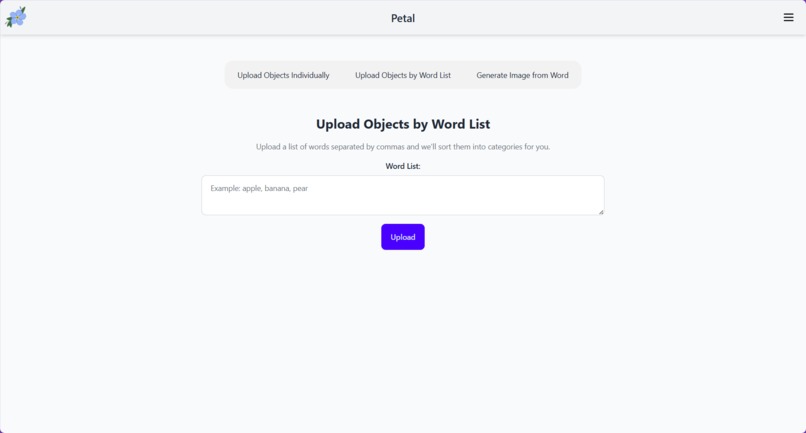
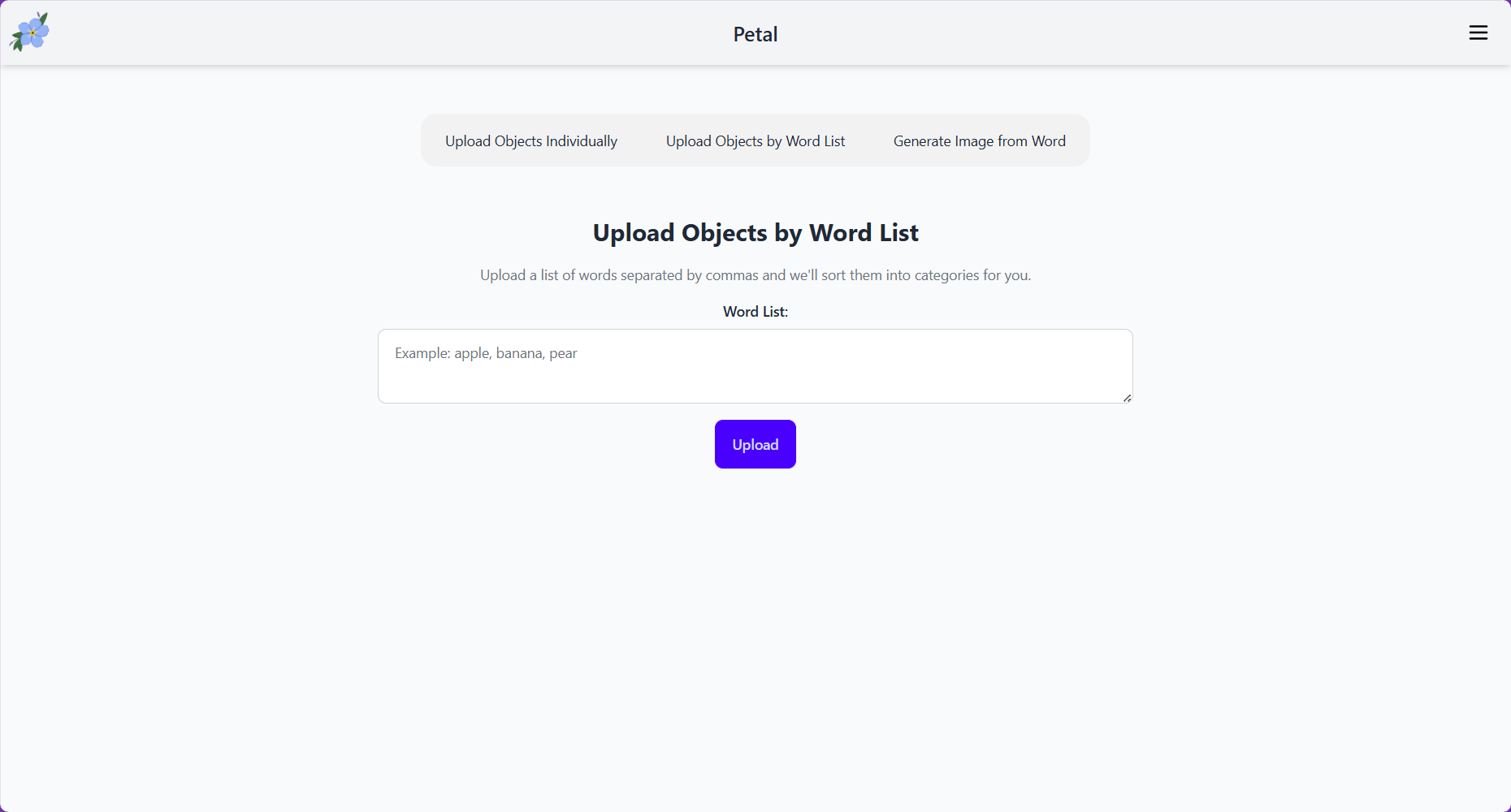
Caretaker view to have GenAI categorize and generate an image tree structure from a word list
-
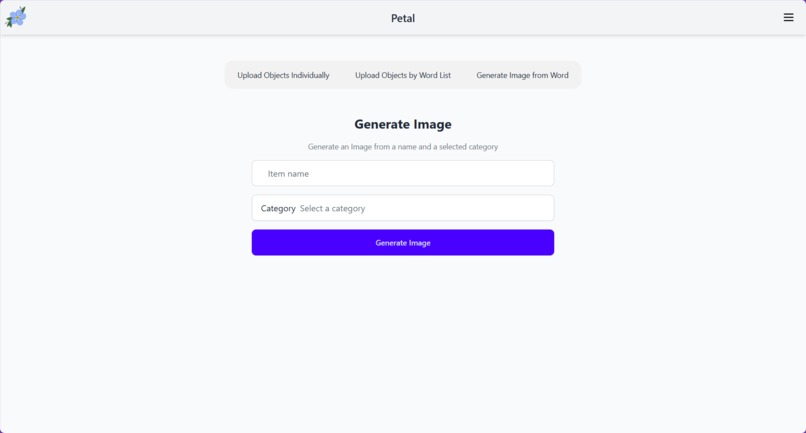
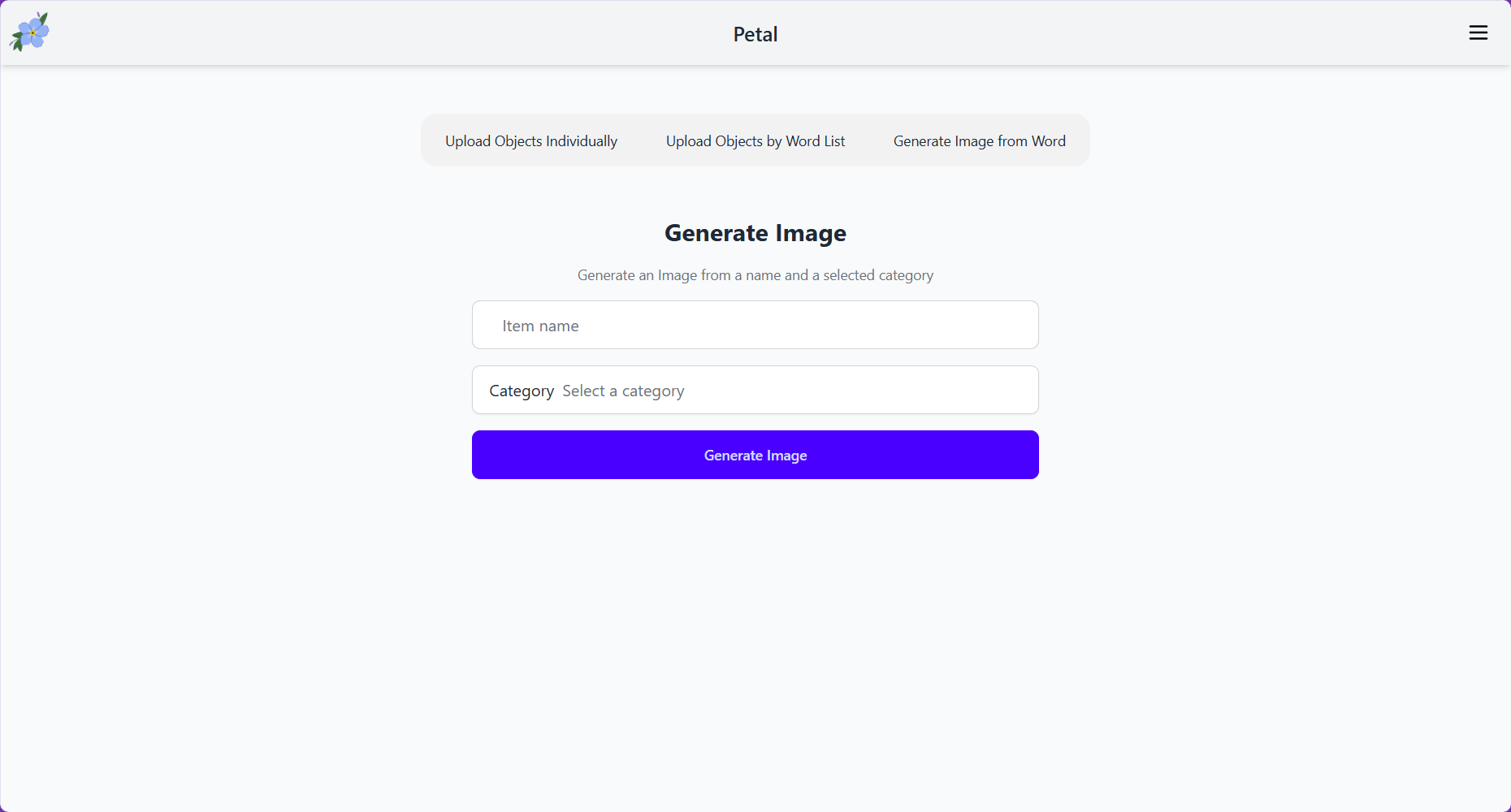
Caretaker view to use AI to generate image
-
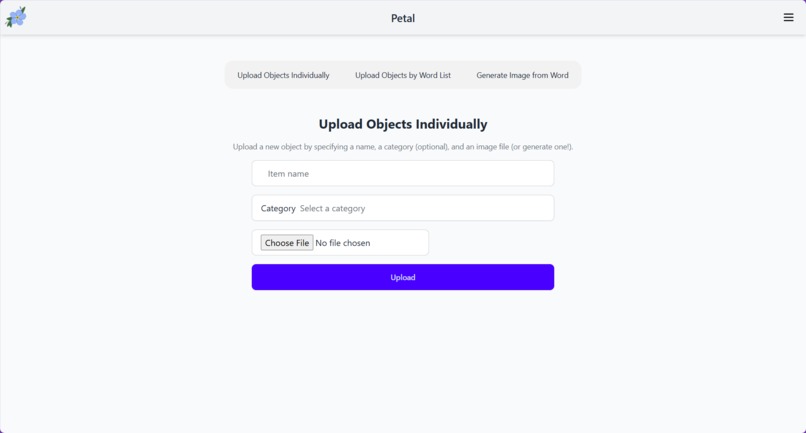
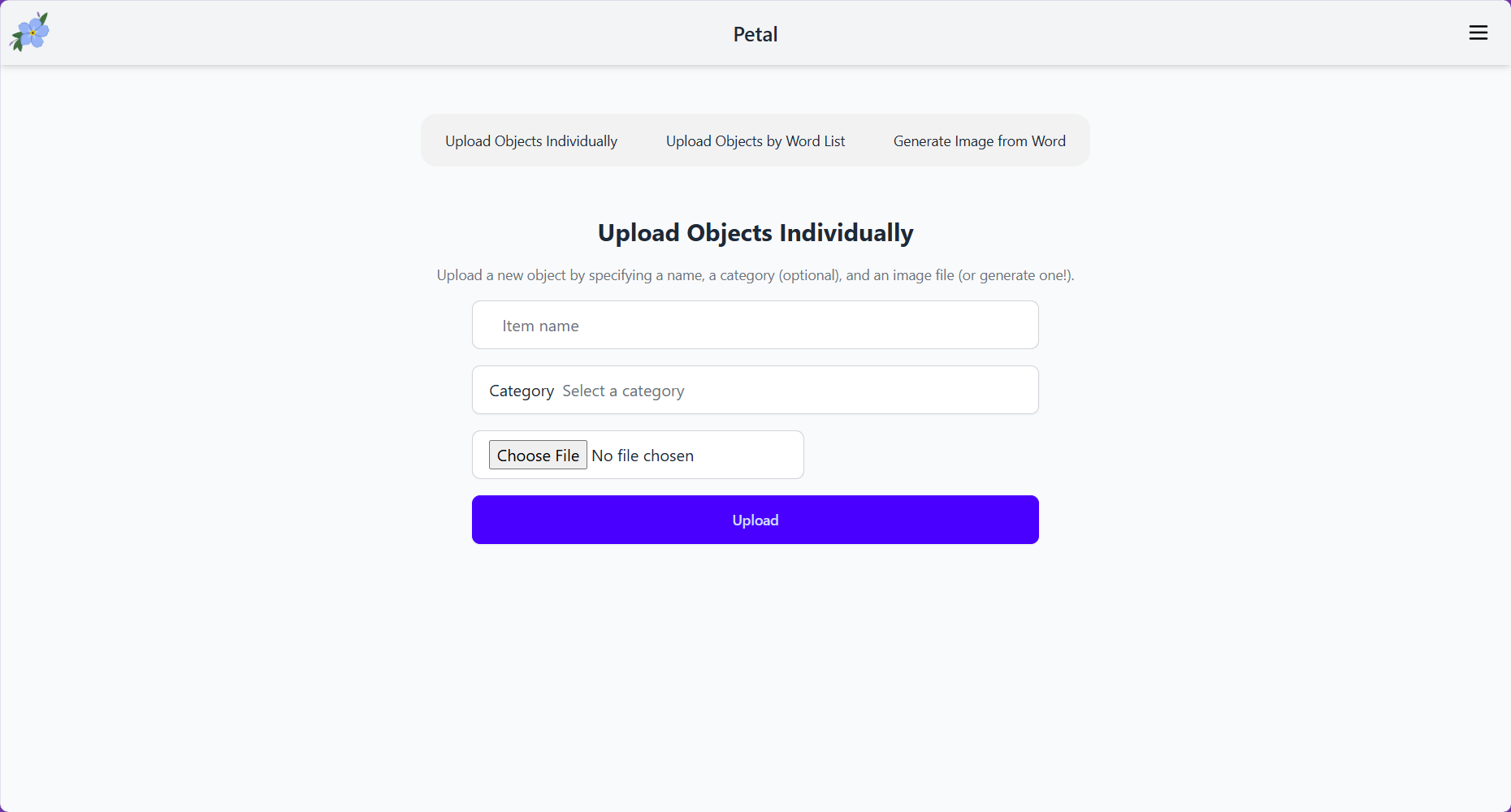
Caretaker view to manually upload new object with image
Inspiration
My name is Tess Hacker (saltyypanda), and this is a very personal project to me. Petal is named for my stepdad, Pete, who suffered a stroke when I was twelve years old. The incident left him with aphasia—a communication disorder that causes a disconnect between nouns and the objects associated with them. My mom became his full time caretaker, a position whose difficulty is exacerbated by the lack of tools available for his condition. Aphasia rendered him unable to communicate needs as basic as asking for a glass of water. My mom searched all over for a tool that would help Pete communicate his needs with her, to no avail. When I entered software engineering, I worked with my mom to design an app that we believe would be best for those suffering the same condition Pete did, and she is super excited to show our collaboration to the stroke community in our hometown.
The forget-me-not is a flower Pete and I used to plant in the yard, so it is a symbol I closely associate with him. The name Petal is also inspired by this connection, with the forget-me-not logo as a direct homage. After Pete’s passing in 2023, this project has become my way of remembering and honoring him. As I keep developing my coding skills, I hope to deploy this project as soon as possible to help others with aphasia communicate with their caregivers.
What it does
When Pete would need something like a glass of water, he would know that water is what he needed, but he would not know how to communicate it because he didn’t know what the thing he needed was called. Images work as an alternative method of communication, but other photo applications lack the organization and non-cluttered UI to not be visually overwhelming.
The application, designed by my mom who worked very closely with my stepdad, has two main interfaces: Patient UI and Caregiver UI. The Patient UI uses a very simple but intuitive interface to help an aphasic user navigate through a tree of photos. The tree is intentionally shallow, and the UI is intentionally uncluttered, both for ease of use. The user can enter categories and navigate back, all with noticeable animations and visual feedback to aid understanding.
Caregivers like my mom often have a lot on their plate, as my mom was also busy raising two kids and earning an income. The features we developed had caregivers in mind, allowing them to use generative AI to assist with organizing words into categories and generating images instead of uploading them. Additionally, the caregiver has the ability to add, edit, remove, and organize the photos by category and sub-category.
How we built it
This application is built entirely using the Python Django framework both for front-end, backend logic, ORM, OpenAI integration, and database management.
Both the frontend and backend are built on Django, which communicates with the OpenAI API to generate images, words, and wordlists for the user. We store the generated images in the database for retrieval by the caregiver.
Challenges we ran into
There was definitely a learning curve for all of us, as while we all had extensive Python experience, we were also all entirely unfamiliar with Django. Thus setting up and learning how to use Django took a significant amount of time.
Accomplishments that we're proud of
Despite only having 24 hours, we ended up having a very usable UI for both the patient and the caregiver. This is an amazing head start for this project, and Django seems like a great tool to continue working with going forward.
What we learned
This entire experience was dedicated to learning. We went into the project nearly blind about how Django worked, meaning we had to dedicate a significant amount of time to learning how to use Django, especially since we were using it for both the frontend and backend. Besides Django, we learned more about JS animations, prompt engineering, and auth0. The prompting was a large part of our project, as we wanted to make the experience as seamless as possible for the caregivers. This was also a good learning experience about working in a team and collaborating in the same repository without running into many merge conflicts. This required bountiful communication, separation of concerns, and planning ahead. We credit a lot of our success with this project to how well we worked together.
What's next for Petal
There are many features my mom and I planned that have yet to be implemented. My mom often didn’t have time to help my stepdad relearn nouns, so this app will have a training mode that quizzes the user on nouns from photos. Another training tool we want to implement is using an image recognition model to allow a user with aphasia to point their phone at objects and have the name of that object read aloud to them to help with recollection. This app is also meant to be deployed on all platforms, primarily tablets and phones, which provide a more intuitive touch-based UI for users.
Furthermore, we want more than one patient-caregiver group to be able to use the app, which is where Auth0 would come into play. Currently, Auth0 is used for authenticating users and routing them to the correct page (the patient or caretaker page, based on whether they are a patient or caretaker). We are looking to expand the use of Auth0 to also include connecting multiple different accounts directly together too, so they can share the same tree of photos. We hope in the future to be able to separate noun trees for different groups.


Log in or sign up for Devpost to join the conversation.