-
-
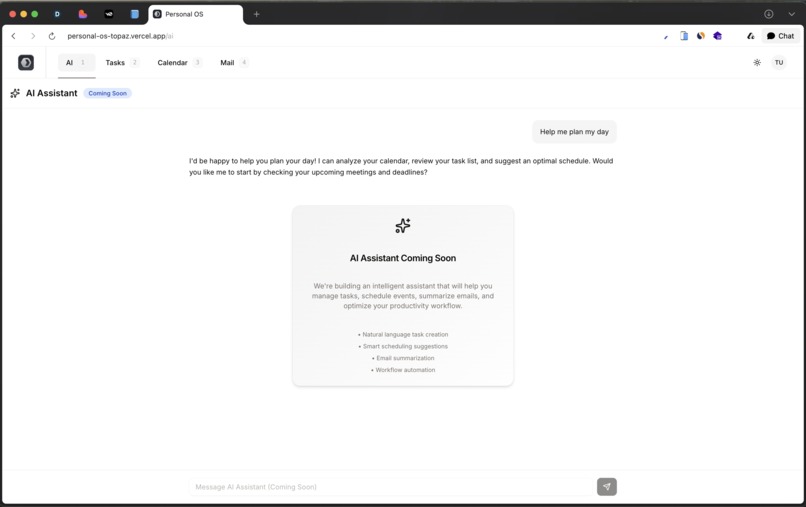
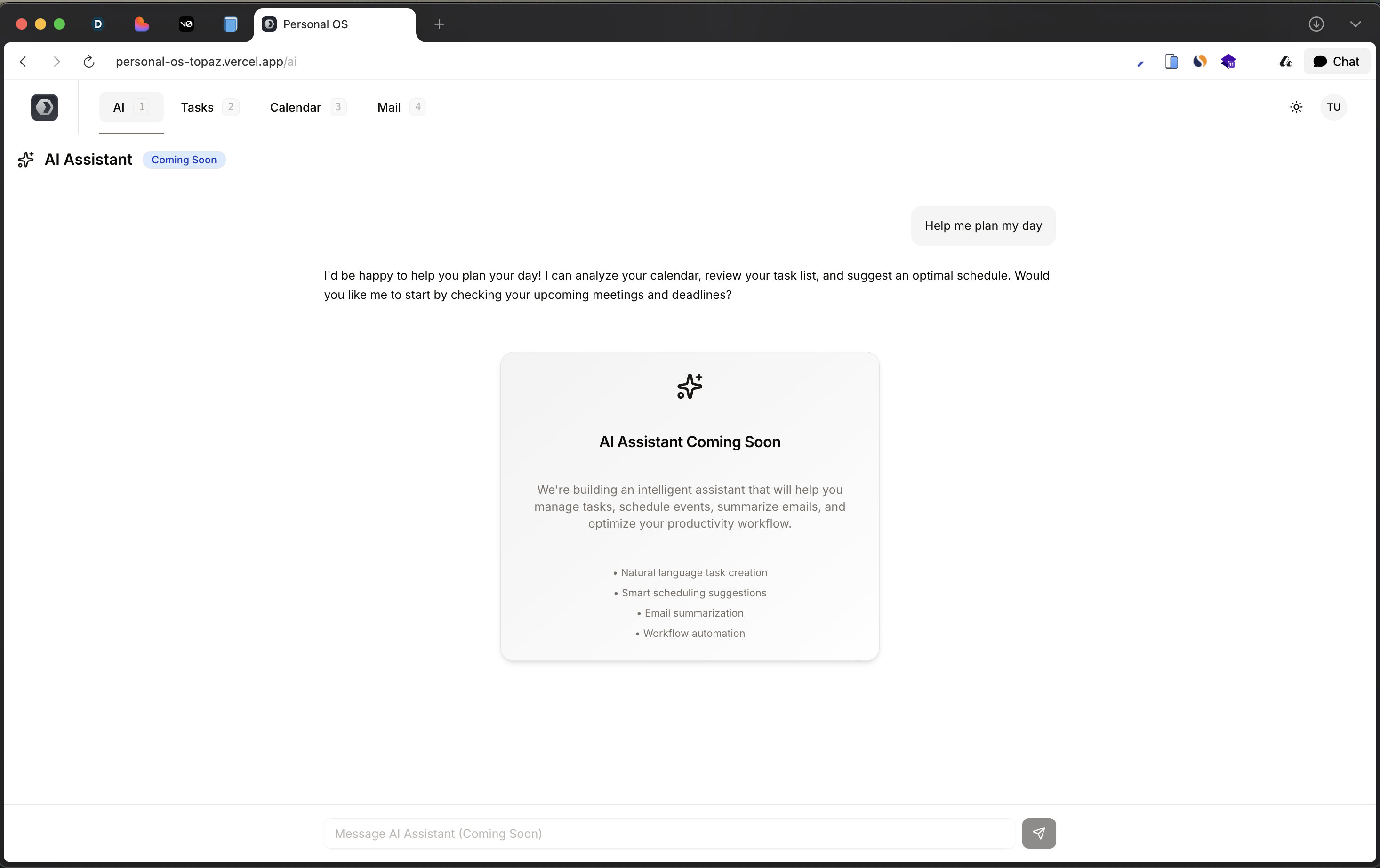
AI
-
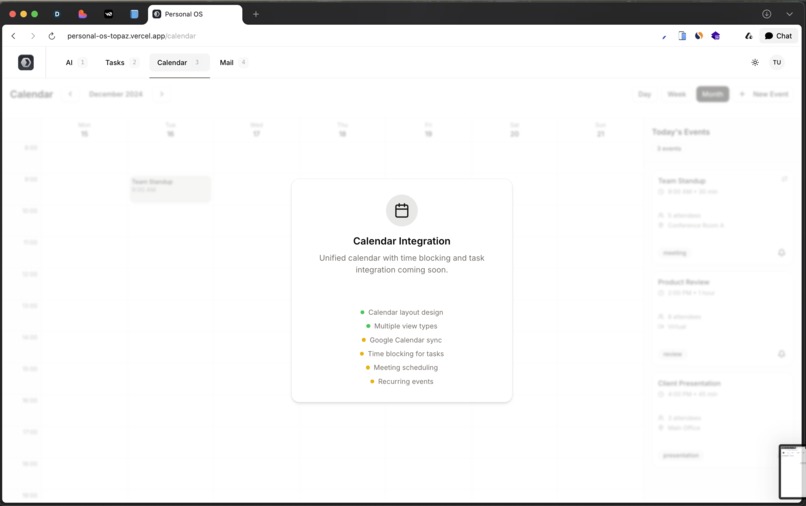
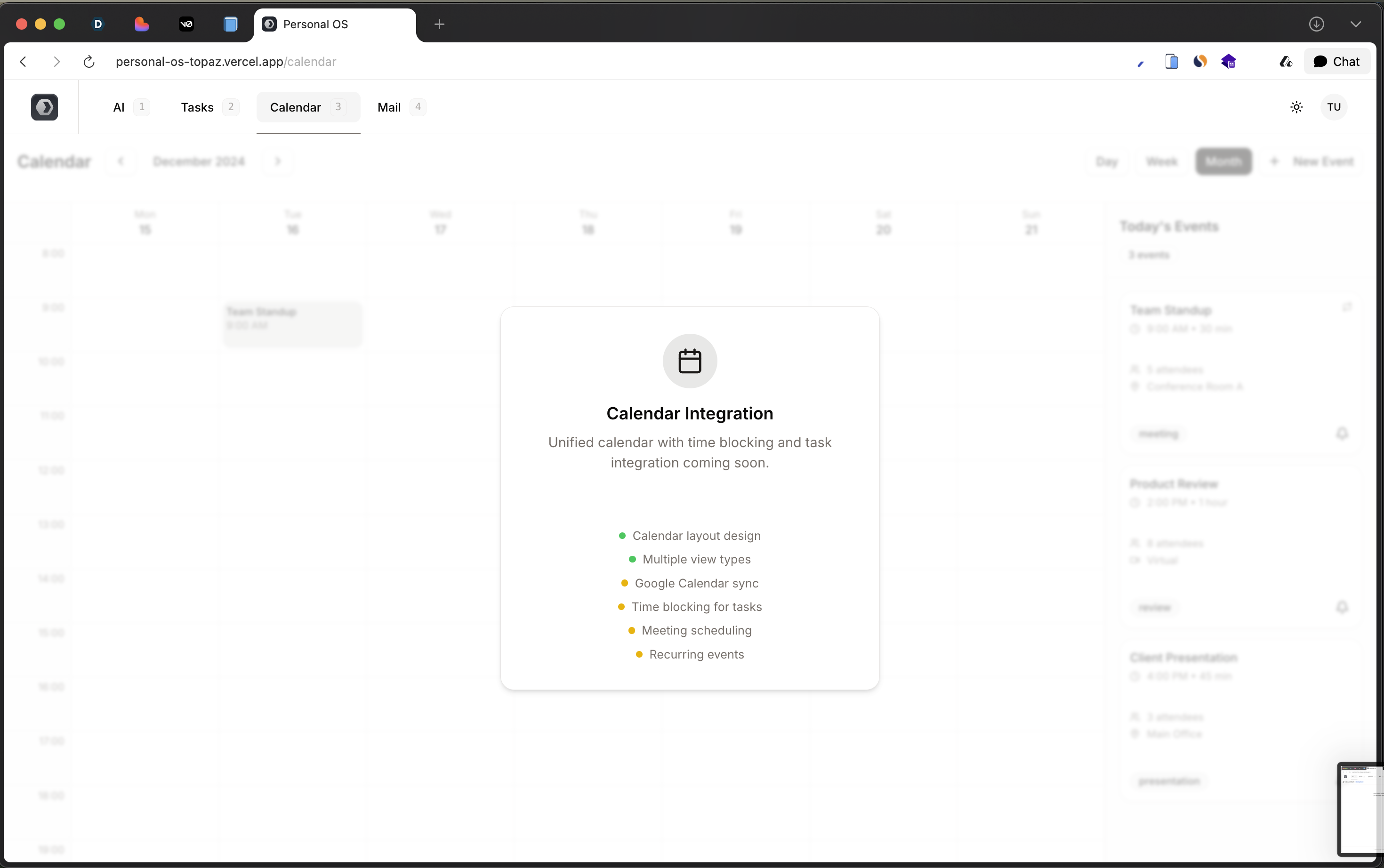
Calendar
-
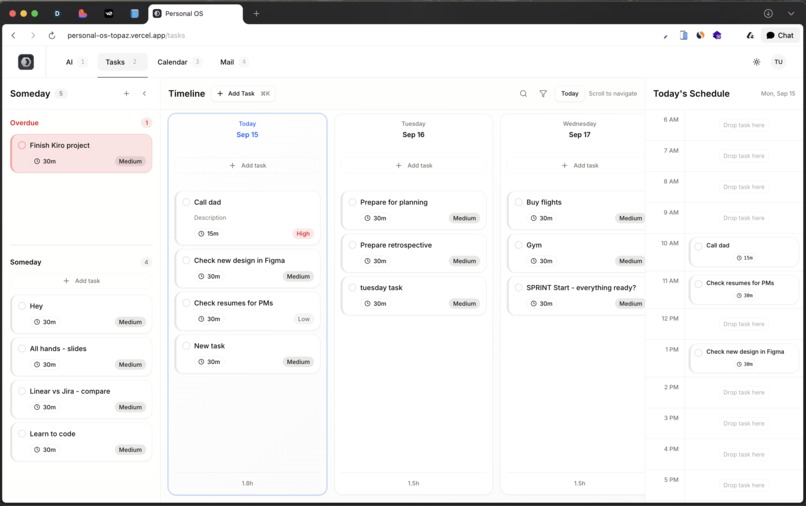
Tasks
-
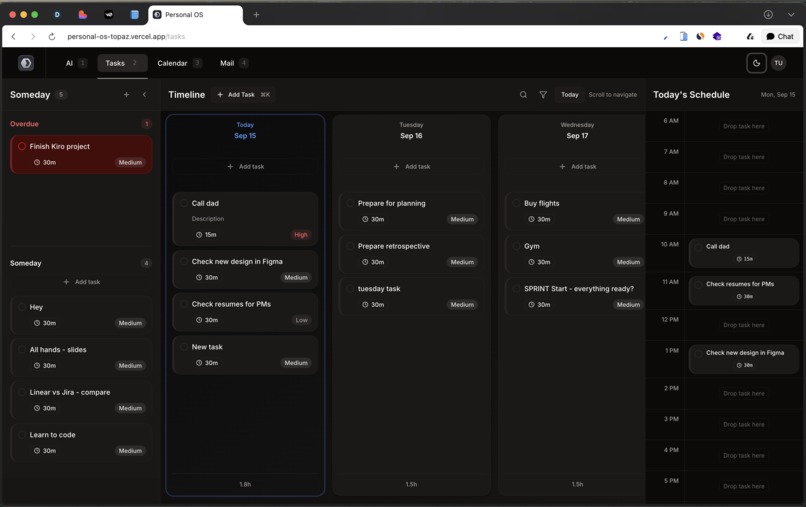
Dark Mode
-
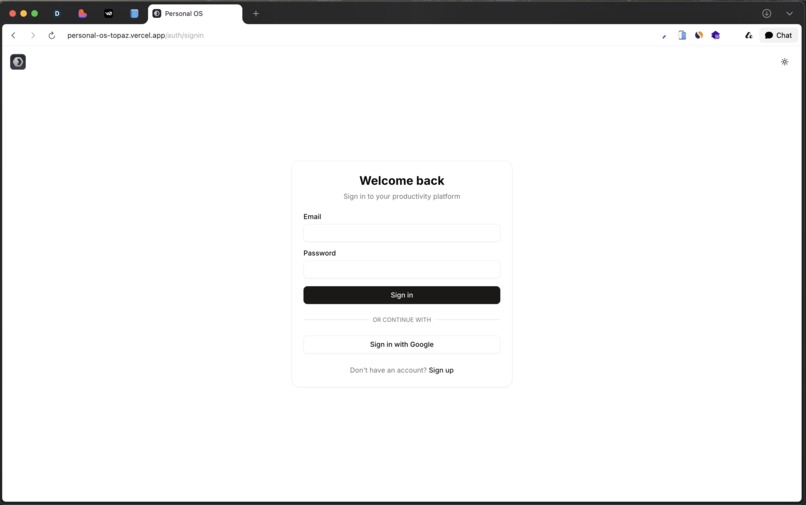
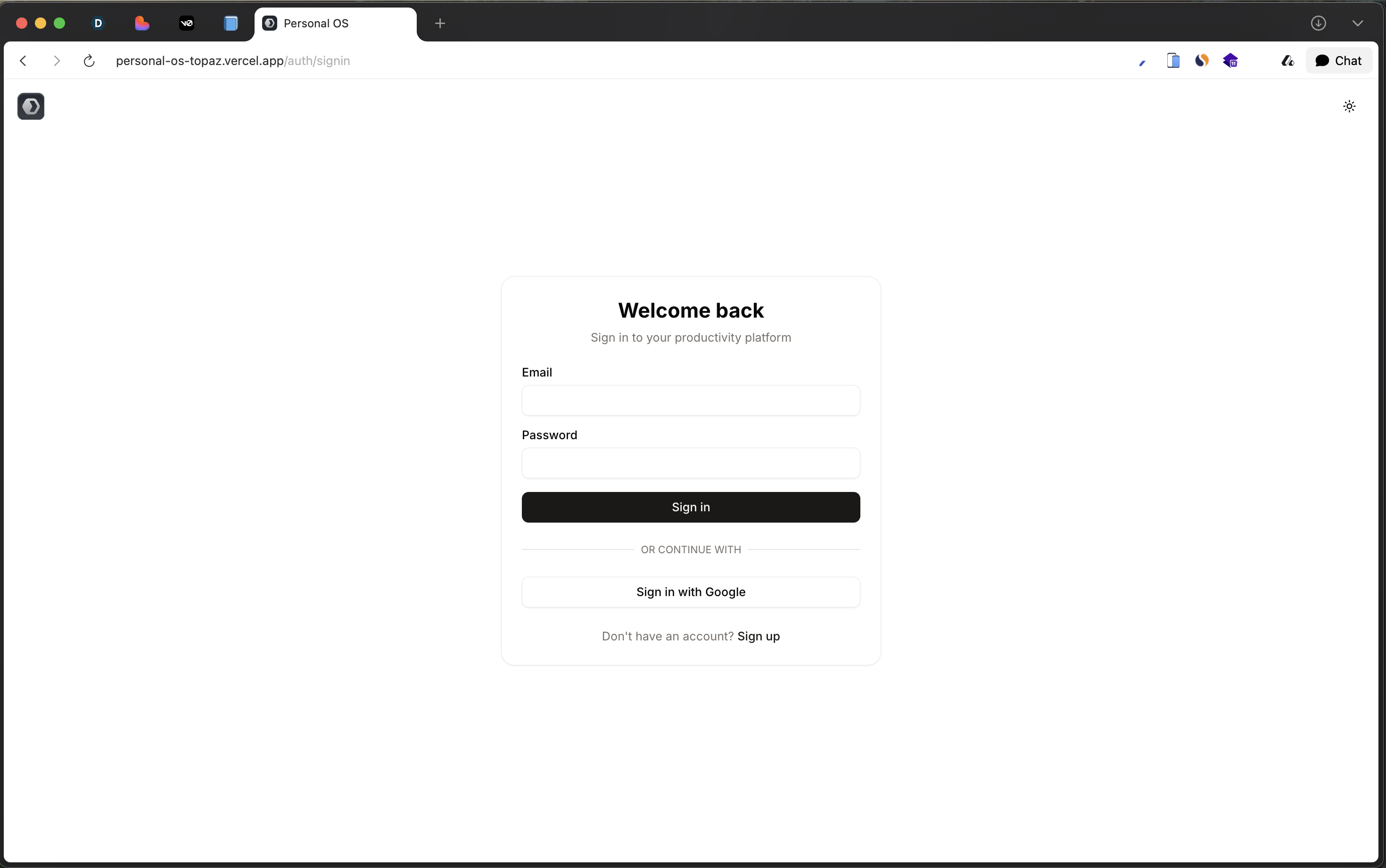
Auth
Inspiration
I’ve always struggled with finding the right way to stay productive. I tried countless task managers, but none really fit the way I wanted to work. The breakthrough came when I discovered tools that let you schedule tasks on a timeline, while still keeping some tasks undated in a backlog, and then combine that with calendar-style time blocking. That setup felt perfect for me I could capture everything, plan my week, and structure my days clearly.
When I trialed these tools, I was amazed at how powerful they were. The catch was the price. Paying $20+ per month just to manage tasks felt too expensive for most people, including myself. That’s when the idea for PersonalOS was born: an open-source, modern alternative that anyone could use for free.
What it does
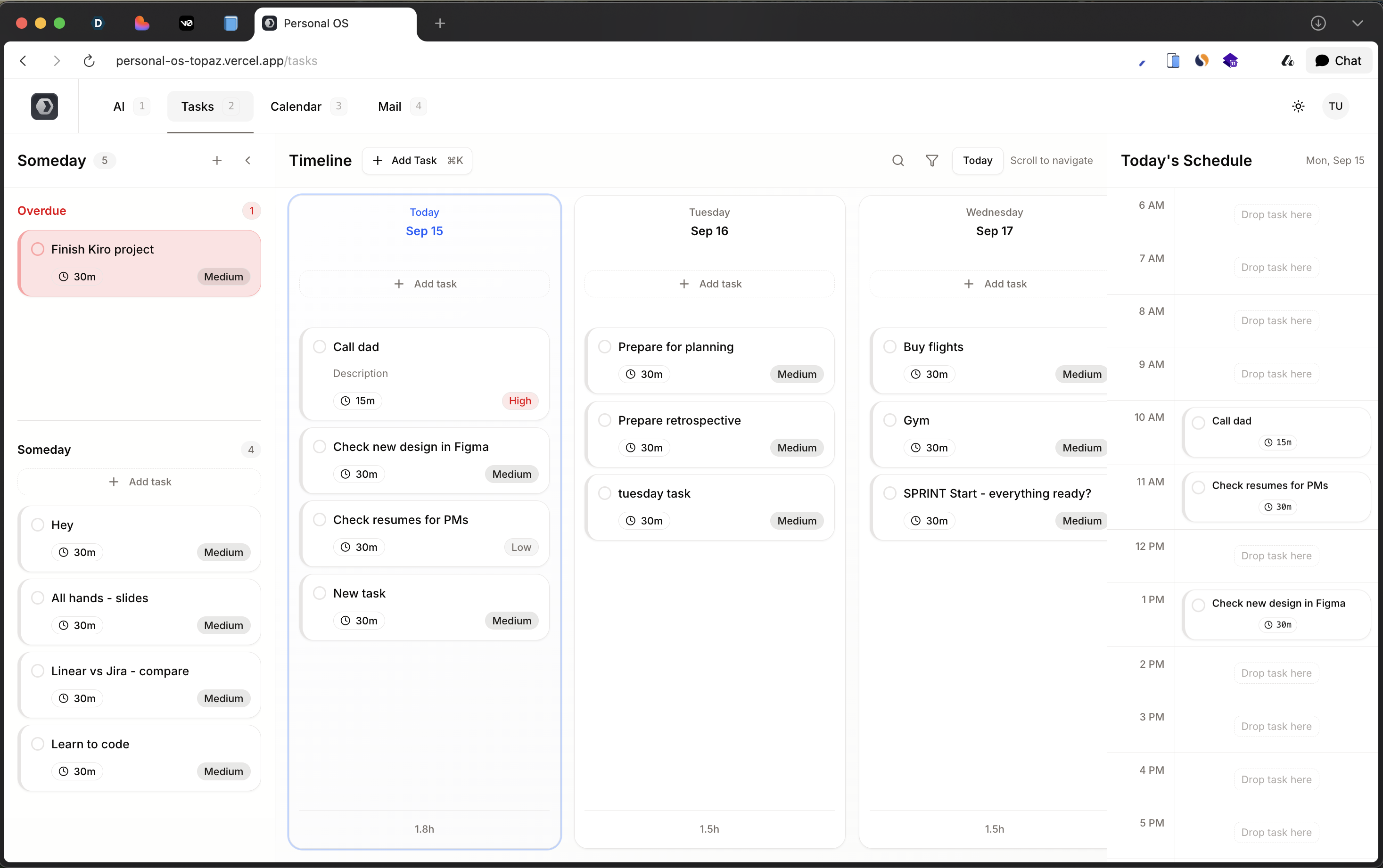
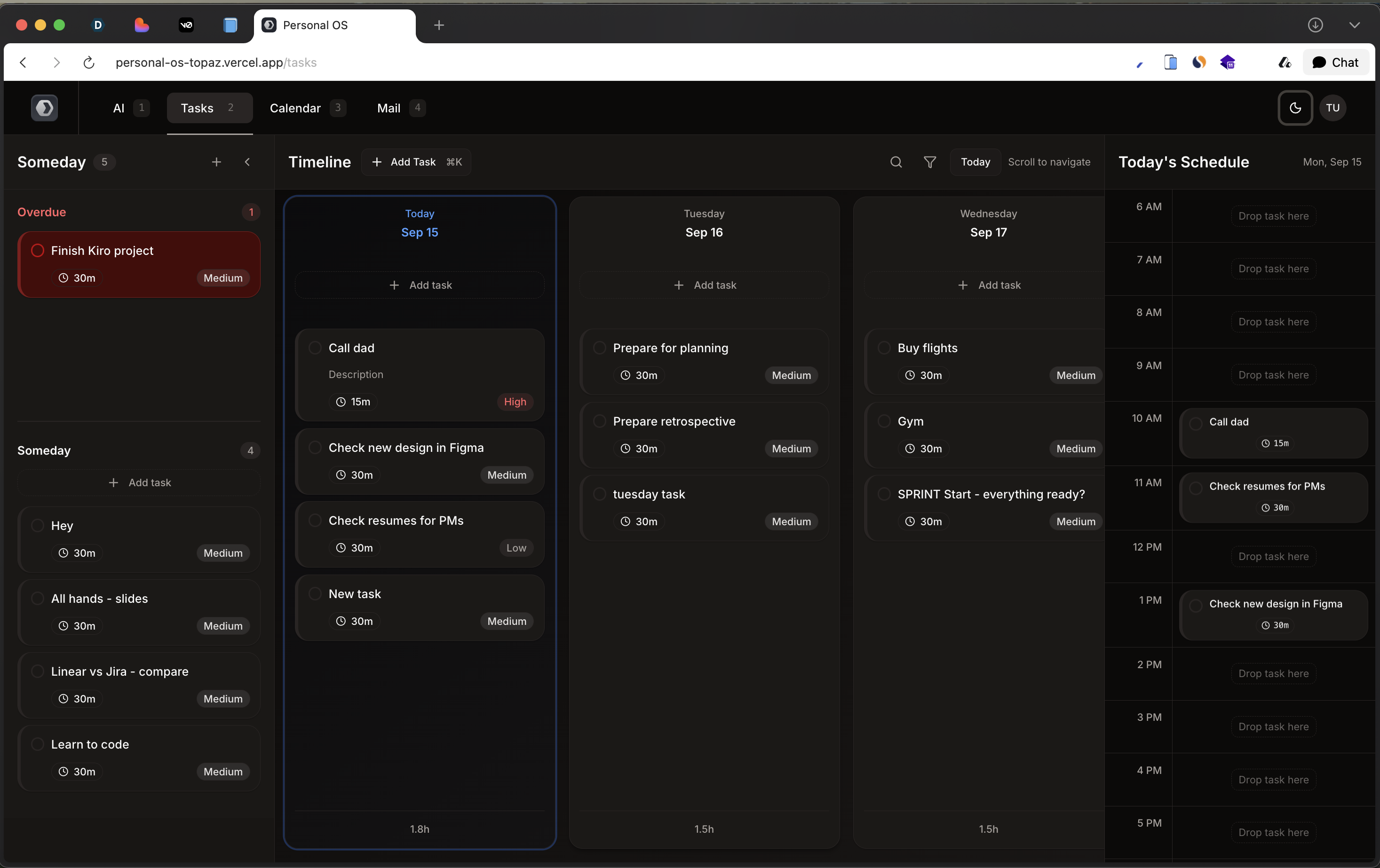
PersonalOS is a task management tool that lets you log in each day, see overdue tasks, move them around the timeline, and time-block your day with ease. It already includes the Tasks view with Someday, Overdue, Timeline, and Today’s Schedule. These are the core features I needed to finally stay productive.
How we built it
I used this hackathon as the opportunity to lay the foundation. For the first time, I went beyond just HTML, CSS, and frontend code. With the help of AI tools like Cursor, Windsurf, and Bolt, I was able to vibe-code quickly the frontend but nothing else. What I appreciated most with Kiro was the structure. Writing specs, breaking down tasks, and building step by step gave me a whole new perspective.
I even touched areas I had never explored before: creating a database with Prisma, working with tests, and connecting a backend to the frontend. That was all new to me, and it was incredibly rewarding to see it come together.
Challenges we ran into
Connecting the frontend and backend was tough. Making everything work seamlessly across the stack is still a work in progress. Balancing speed of development with learning brand new tools was also challenging, but worthwhile.
Accomplishments that we're proud of
I’m proud that the Tasks view is already functional. Someday, Overdue, Timeline, and Today’s Schedule are working together, and that’s the core of my personal productivity system. For me, that’s a huge milestone to build an application with backend and database that is really working!
What I learned
I learned... how to build a real apps. I do not have experience in that as I was only working on HTML/CSS projects and in different Coding tools I was only able to build Frontend.
Here I built a specification for the project more clearly and Kiro help me with connecting frontend and backend, tought me about existence of databases and things like Prisma/Postgres. I also learned the value of tests and how AI coding assistants can accelerate building complex apps when combined with clear structure and planning.
What's next for PersonalOS
The next step is to extend beyond tasks. Email is high on the list, since so many tasks come from email conversations. After that, I want to bring AI into the center of the product, so it can help users highlight unfinished work, plan their day, and stay on top of their week. Imagine logging in each day and having AI highlight unfinished tasks, suggest how to schedule your week, and guide your planning.
Ultimately, the goal is to make PersonalOS the open-source productivity OS I’ve always wanted — powerful, simple, and free for anyone to use.
Built With
- nextjs
- postgresql
- prisma
- shadcn
- supabase
- typescript


Log in or sign up for Devpost to join the conversation.