-
-
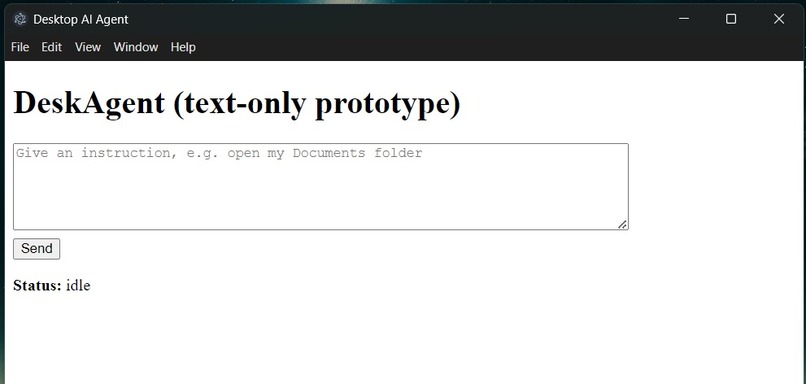
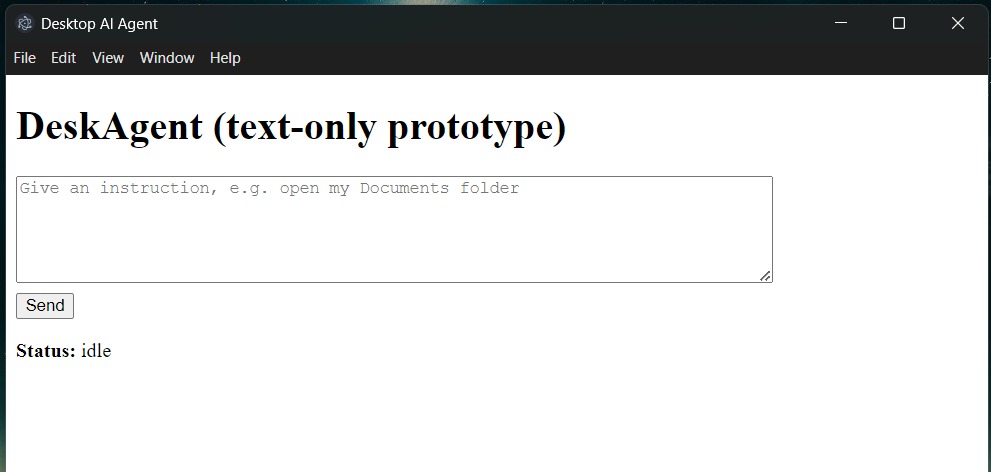
App screenshot
-
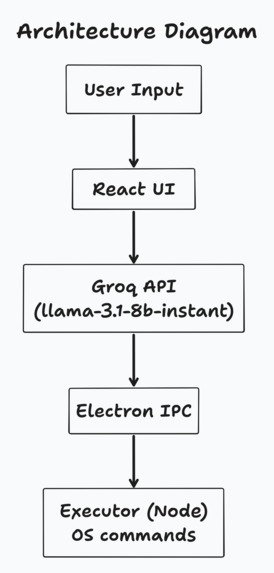
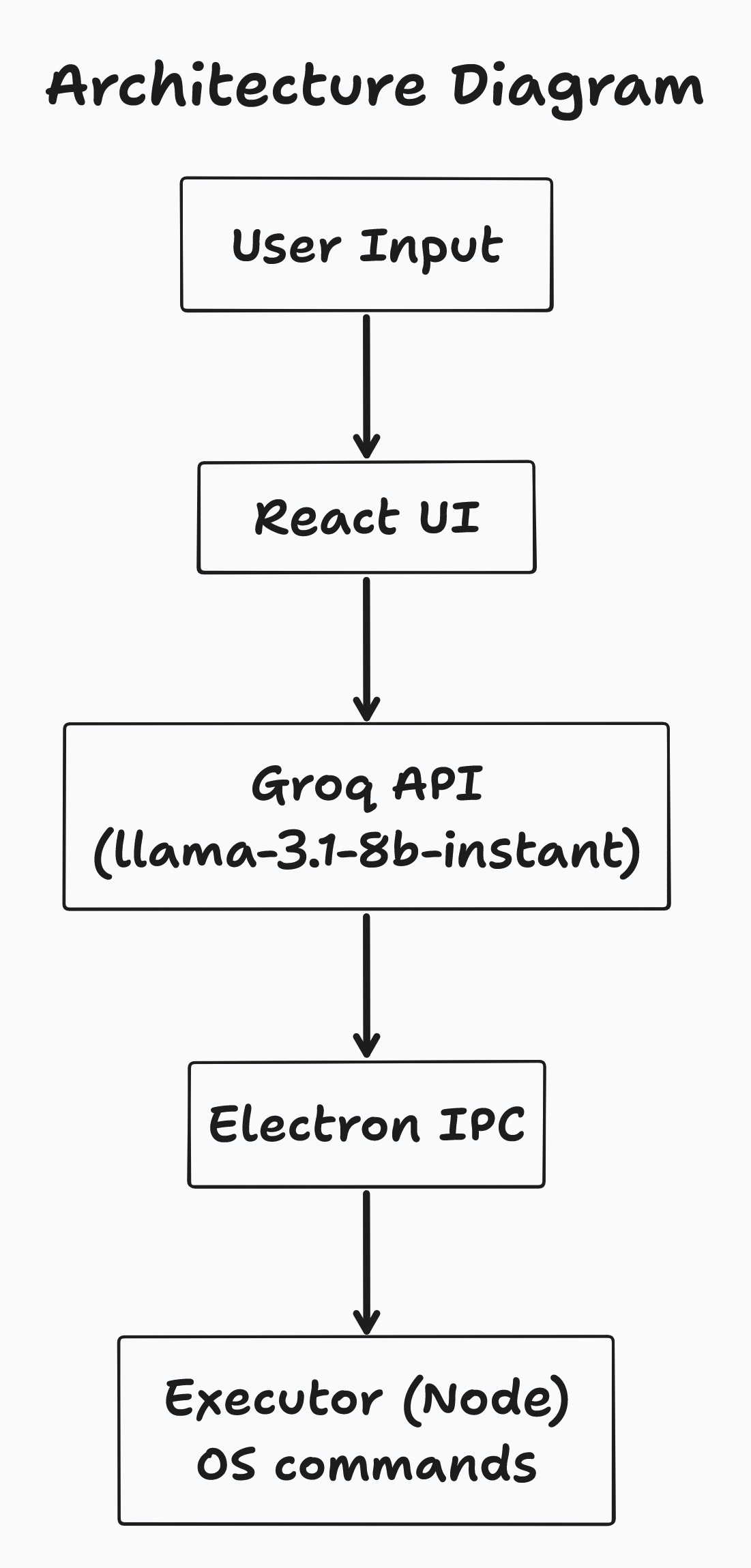
Architecture Diagram
Inspiration
We wanted to create a hands-free desktop assistant that can help users interact with their computer more efficiently. Inspired by voice assistants like Siri and Alexa, but for real file, app, and media management on the desktop, DeskAgent aims to save time and make everyday tasks simpler through natural language commands.
What it does
DeskAgent allows users to type natural language commands into a simple text box to perform actions on their computer. For example: open my Documents folder and play the cat's video
Currently, it can:
- Open folders or files
- Launch applications
- Play media files
DeskAgent parses the text command using the GROQ API (Llama model), converts it into a structured JSON command, and safely executes it via Electron.
How we built it
Frontend: React for a clean desktop widget where users can type commands. Backend / Execution: Electron + Node.js handles system commands safely in the executor.ts file. AI / Parsing: GROQ API (Llama model) converts natural language text into structured JSON actions. Architecture flow: User Text Input → React UI → GROQ API → Electron IPC → Executor → OS action → UI feedback Safety measures: Only safe predefined actions (open_folder, open_file, launch_app, play_media) are allowed, and all paths and app names are validated before execution.
Challenges we ran into
- Multi-step parsing: Translating natural language into precise OS commands reliably.
- Safe execution: Ensuring the AI cannot trigger unsafe system commands.
- Command duplication: Initially commands were executed twice due to event handling quirks, which we had to debug.
Accomplishments that we're proud of
- Built a working end-to-end prototype: text input → AI parsing → desktop command execution.
- Maintained a safe execution layer, preventing accidental, harmful commands.
- Structured the project for easy future expansion, including voice input and cloud integration.
- Created modular architecture separating UI, AI parsing, and executor logic, making it hackathon-ready.
What we learned
- The importance of separating AI parsing from system execution for safety.
- How to integrate external AI APIs into a desktop workflow.
- Best practices for building Electron + React desktop apps with real-time user interaction.
What's next for DeskAgent
- Add voice input and output to make it fully hands-free.
- Integrate Google Gemini for multimodal AI commands.
- Add cloud logging or Firestore to track executed commands.
- Support multi-step workflows and remember recent actions for context-aware automation.
- Build a dashboard to visualize command history and time saved.

Log in or sign up for Devpost to join the conversation.