-
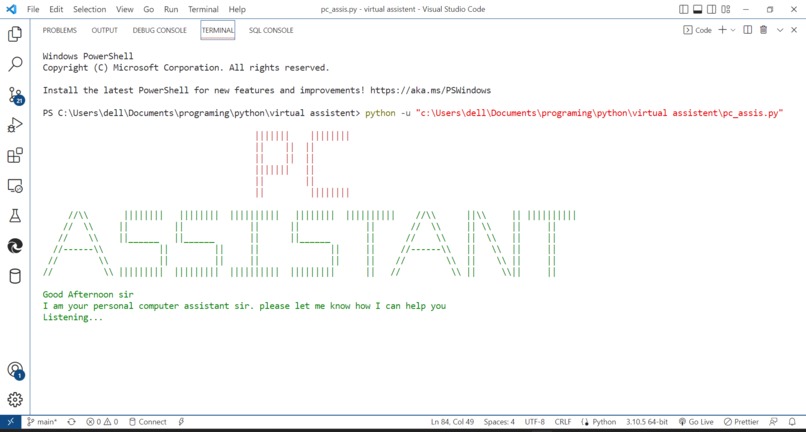
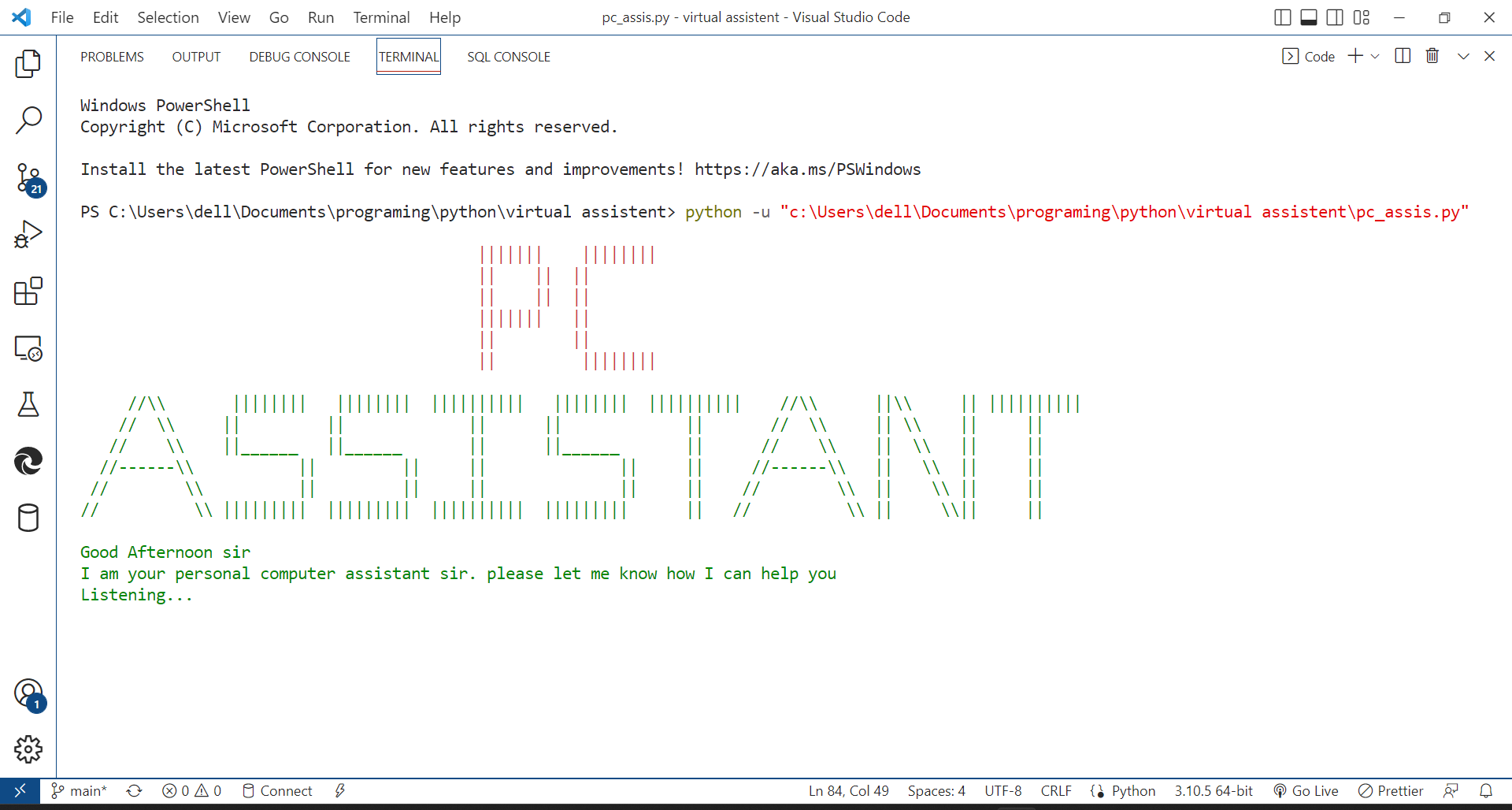
Starting
-
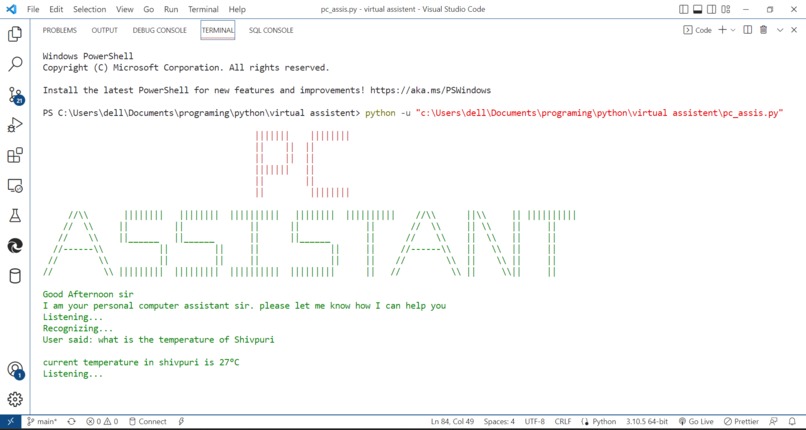
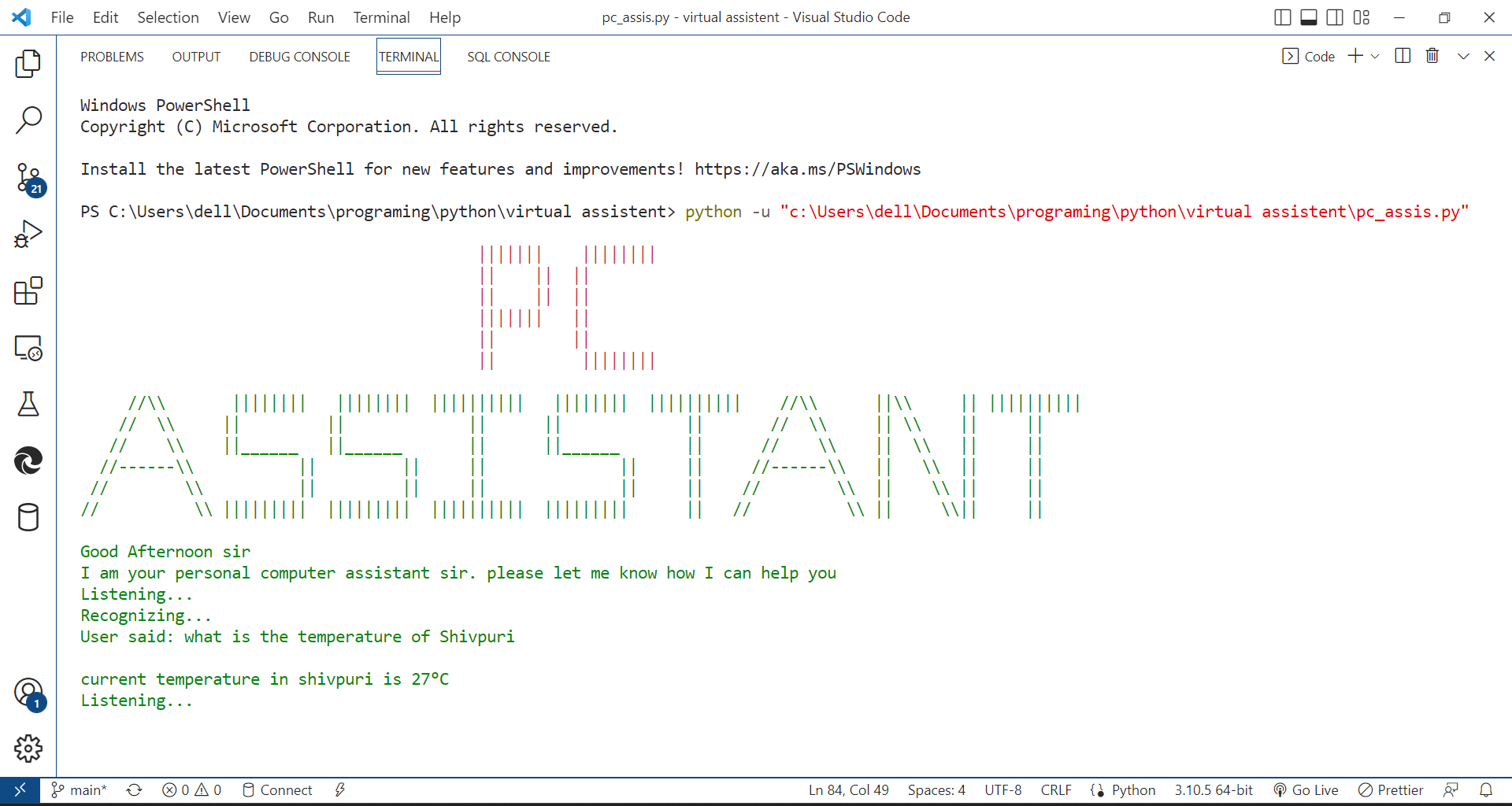
Temperature of city
-
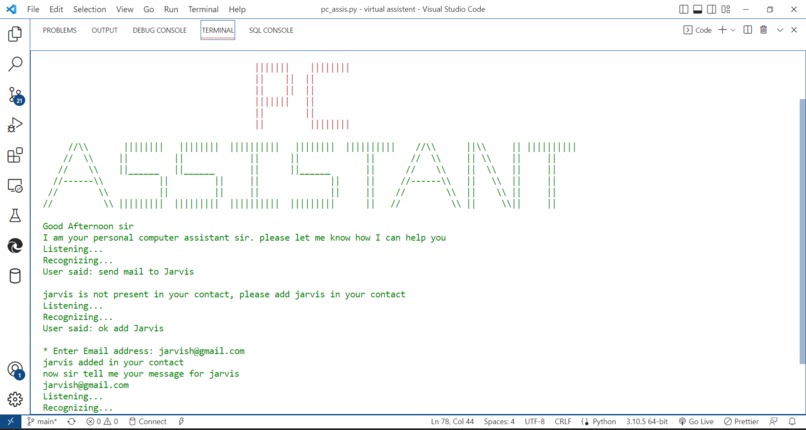
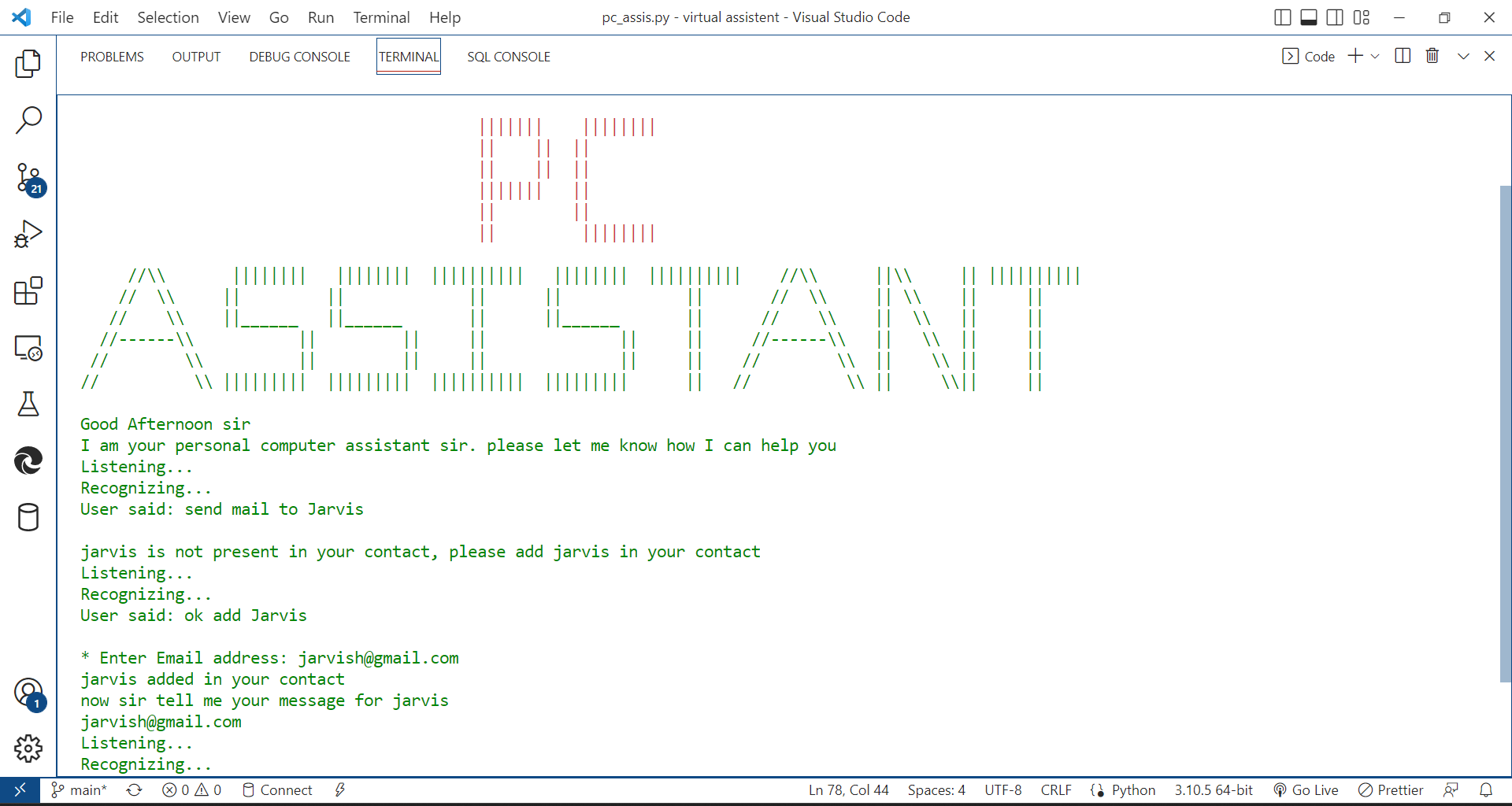
Send mail
-
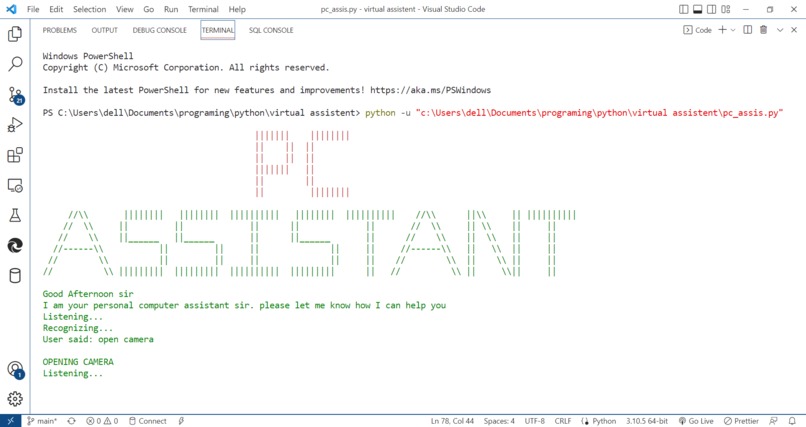
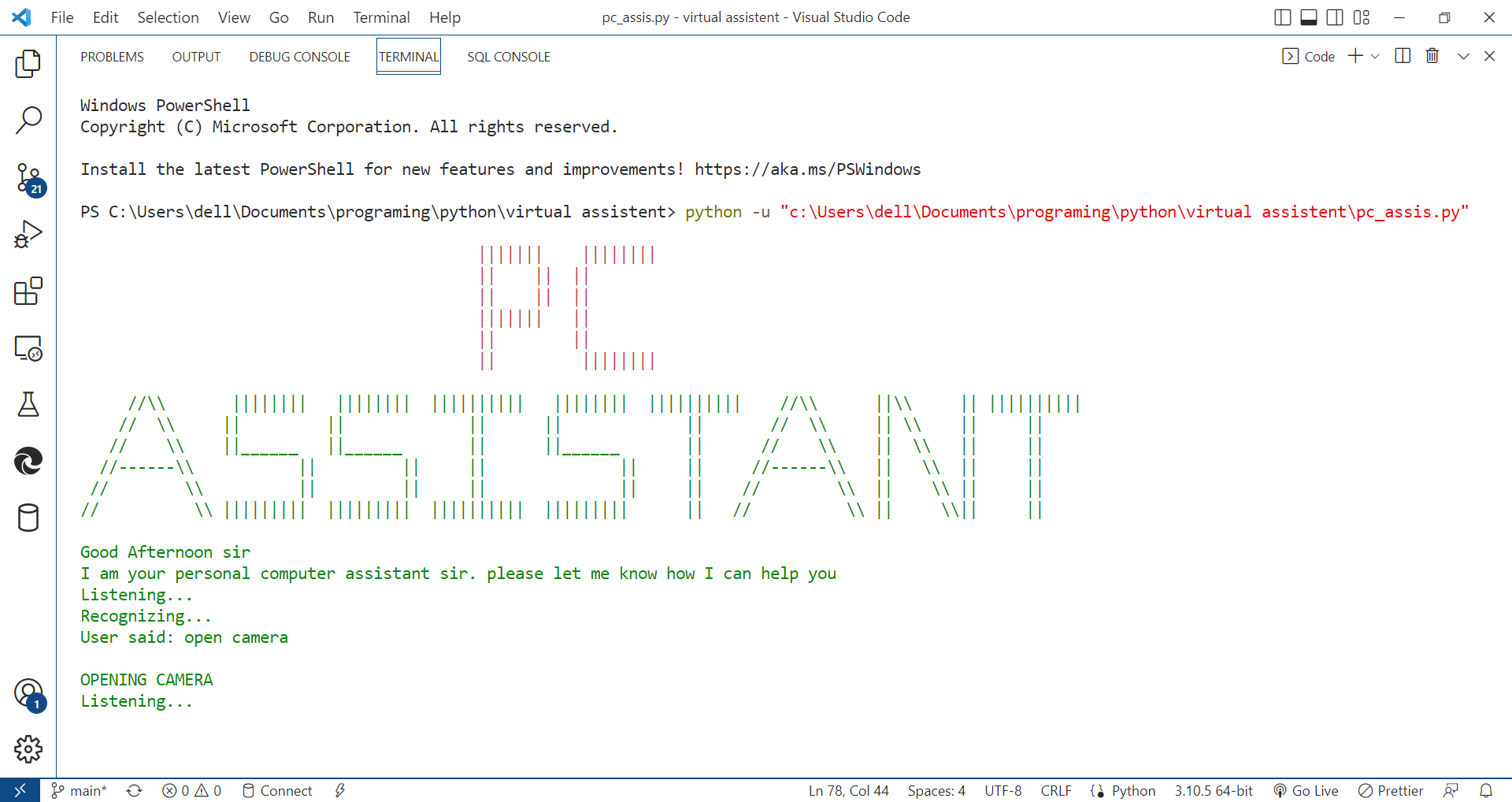
Open any application
-
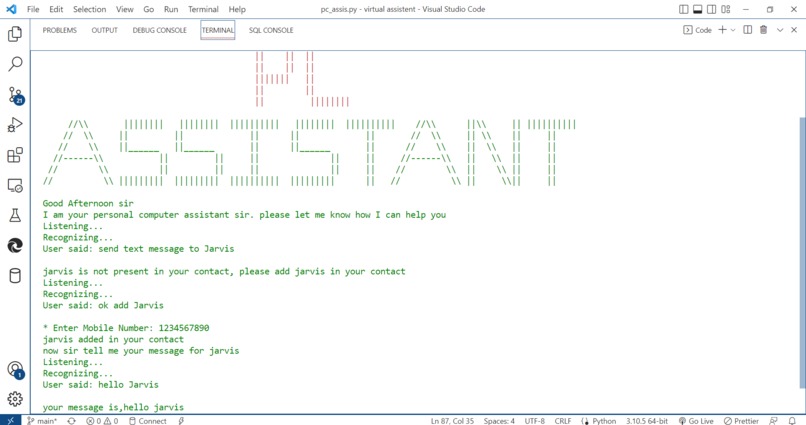
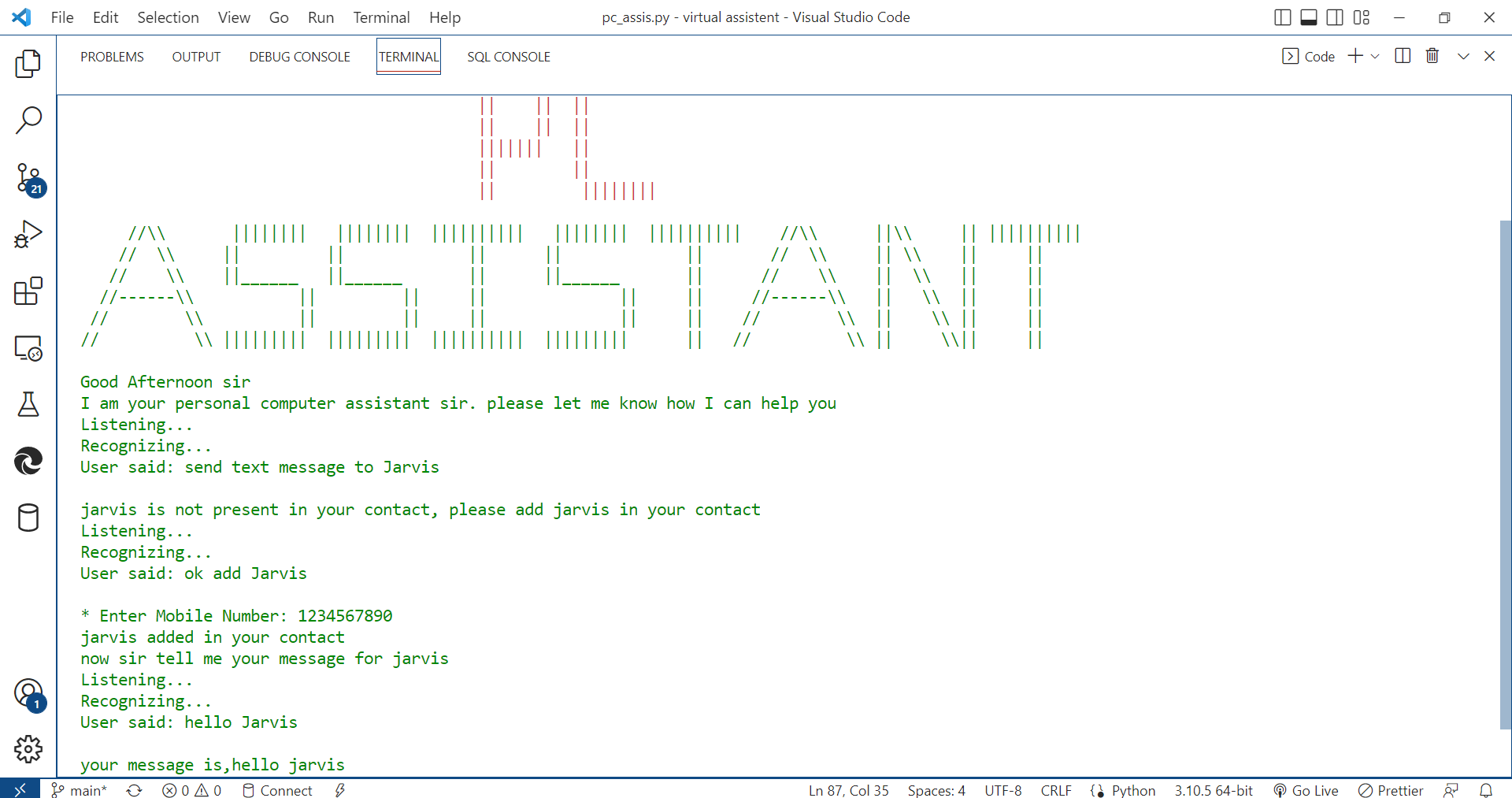
Send Text message
-
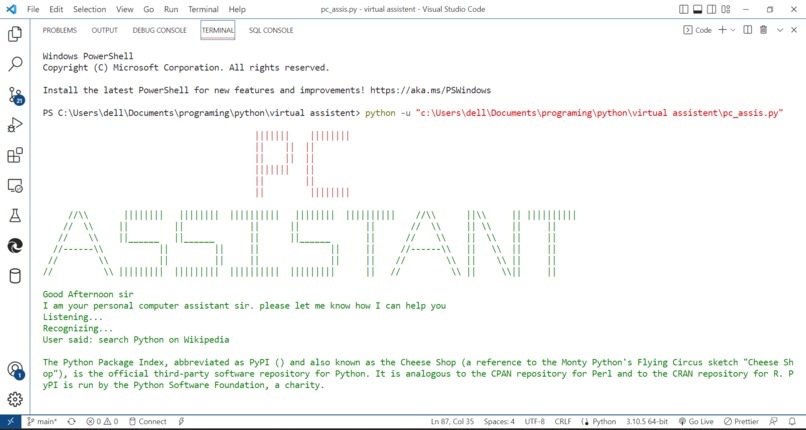
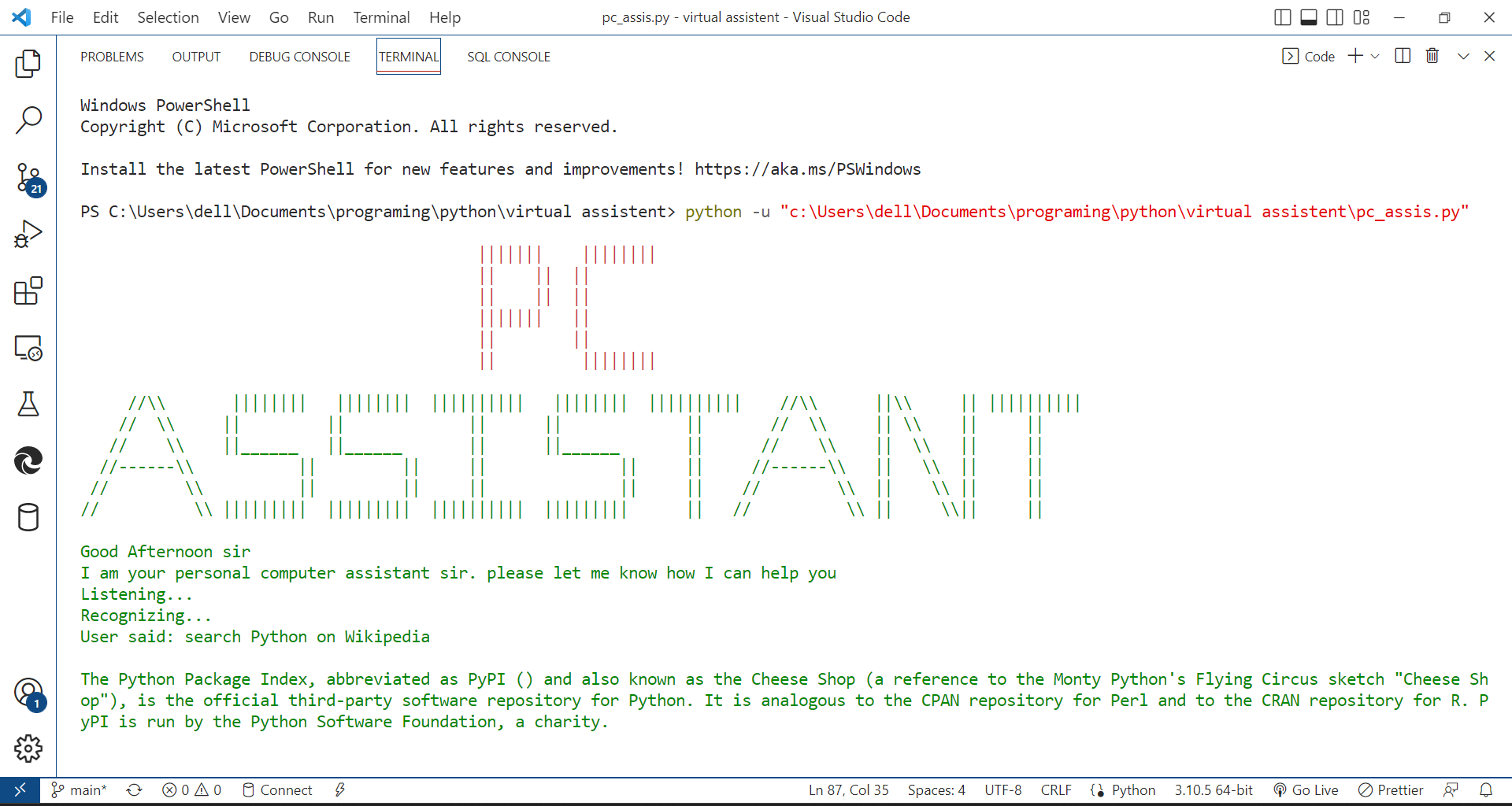
search according Wikipedia
-
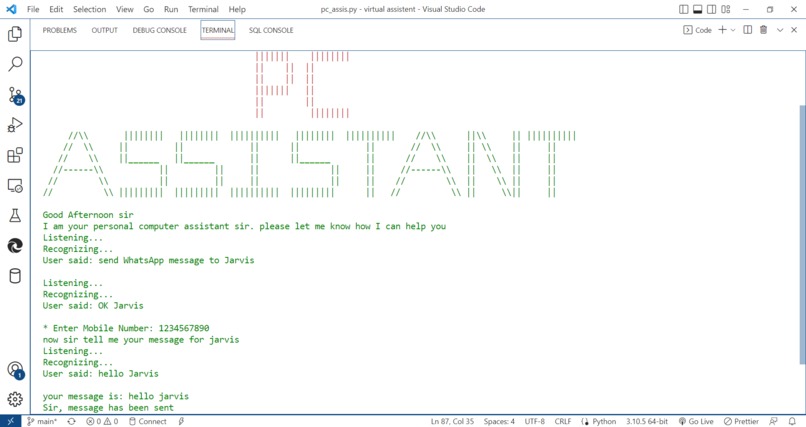
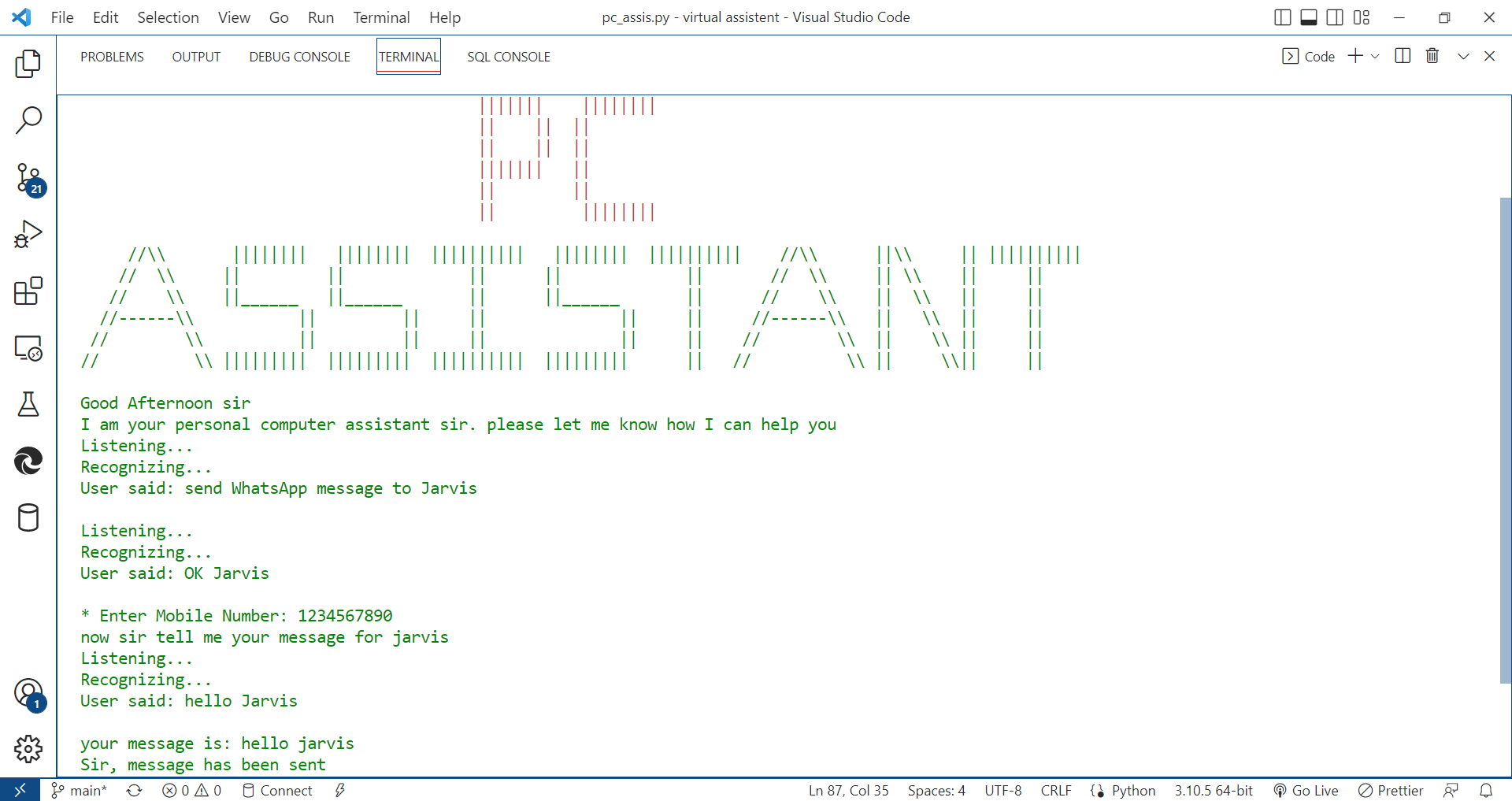
send WhatsApp message
-
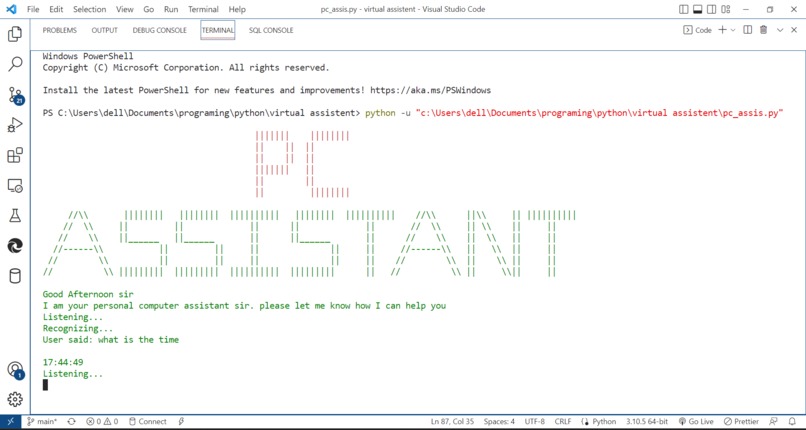
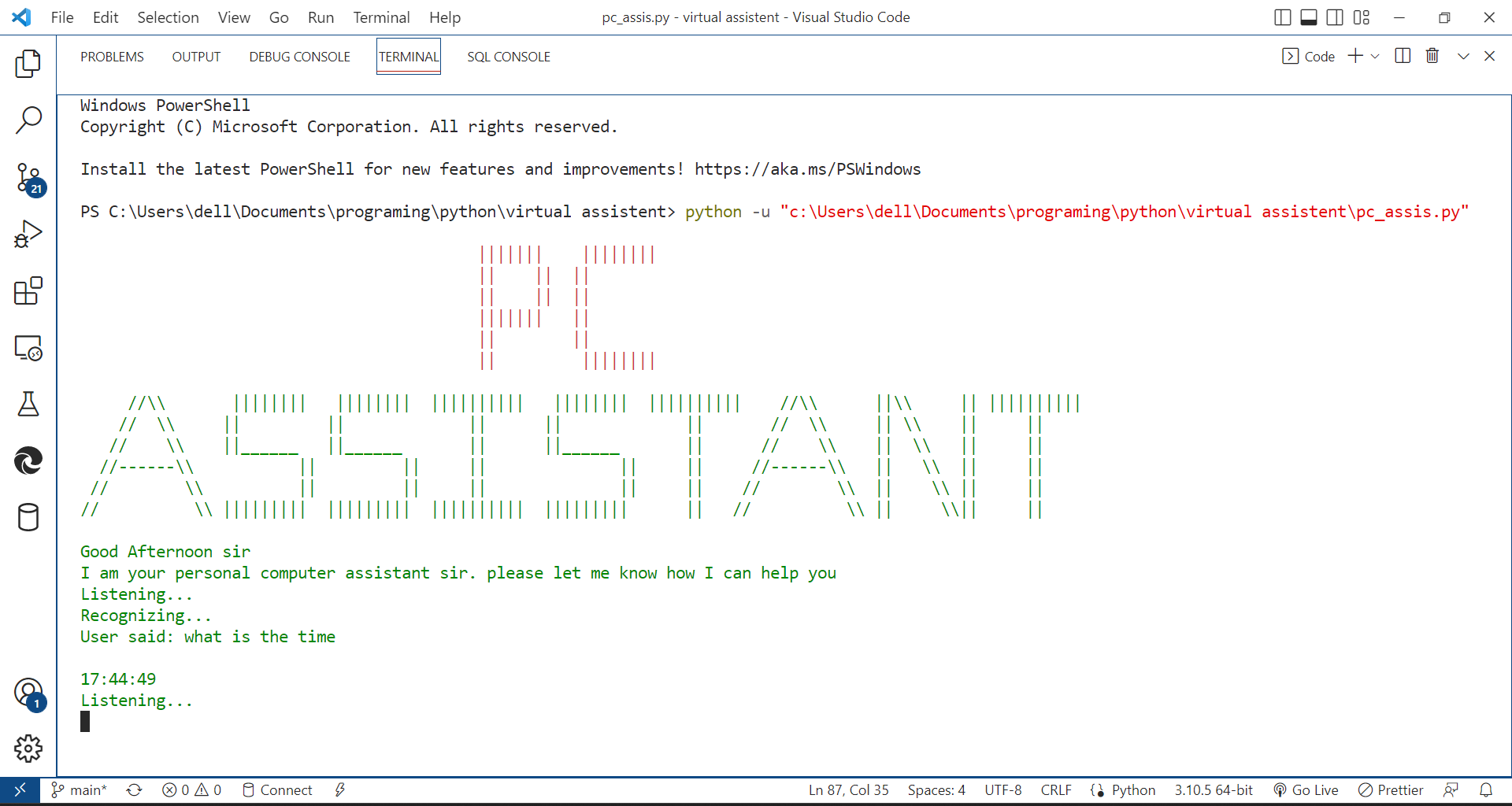
time
Personal Computer Assistant
Introduction
The virtual assistant is a general-purpose desktop-based application software, that understands voice commands and completes tasks or replies to queries said by the user.
Why did i make this project
In the current scenario, advancements in technologies are such that they can perform any task with the same effectiveness or can say more effectively than us. By making this project, we realized that the concept of AI in every field is decreasing human effort and saving time.
Working
- PC Assistant can assist you by showing you the correct time, with the help of the command “what s the time”.
- PC Assistant can assist you by searching for the desired result you want to find from Wikipedia by using the command “Search (Topic Name) on Wikipedia”
- PC Assistant can open any youtube video by using the command “Play (Song Name) on youtube”
- PC Assistant can open any webpage by using the command “Open (Website Name)”
- PC Assistant can open any application by using the command “Open (Application Name)”
- PC Assistant can tell you the temperature of your city by using the command “What is The Temperature of (City Name)”
- PC Assistant can take the screenshot by using the command “Take a Screenshot”
- PC Assistant can send mail by using the command “Sends Mail To (Name of a Person)”
- PC Assistant can send a message by using the command “Sends Message to (Name of a Person)”
- PC Assistant can Lock, Restart, Shutdown your PC by using the command “Lock My PC / Shut down my PC / Restart My PC”
Technology used
- Programming Language: Python
- Code Editor: Visual Studio Code
- Python libraries
- os
- pyttsx3
- datetime
- requests
- pywhatkit
- wikipedia
- webbrowser
- speech_recognition
- AppOpener
- BeautifulSoup
- os
Commands
Sends Mail To (Name of a Person)Sends Message to (Name of a Person)Take a ScreenShotWhat is The Temperature of (City Name)Search (Topic Name)Play (Song Name) on youtubeSearch (Topic Name) on WikipediaOpen (Application Name)What is the timeLock My PC / Shut down my PC / Restart My PCExit: used for closing the program


Log in or sign up for Devpost to join the conversation.