-
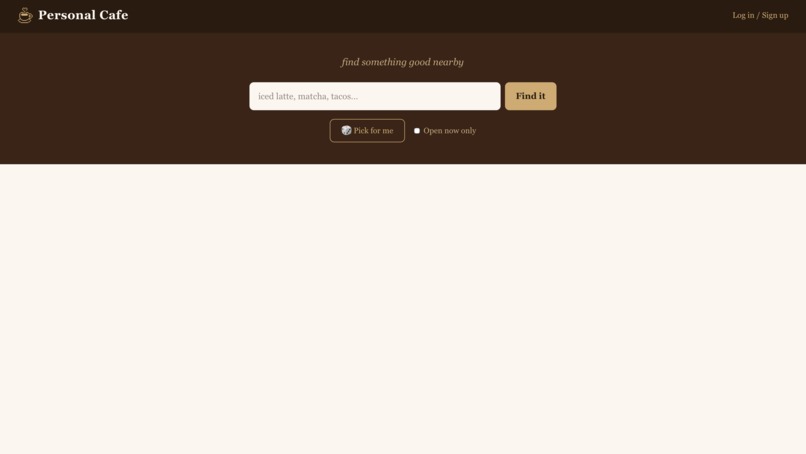
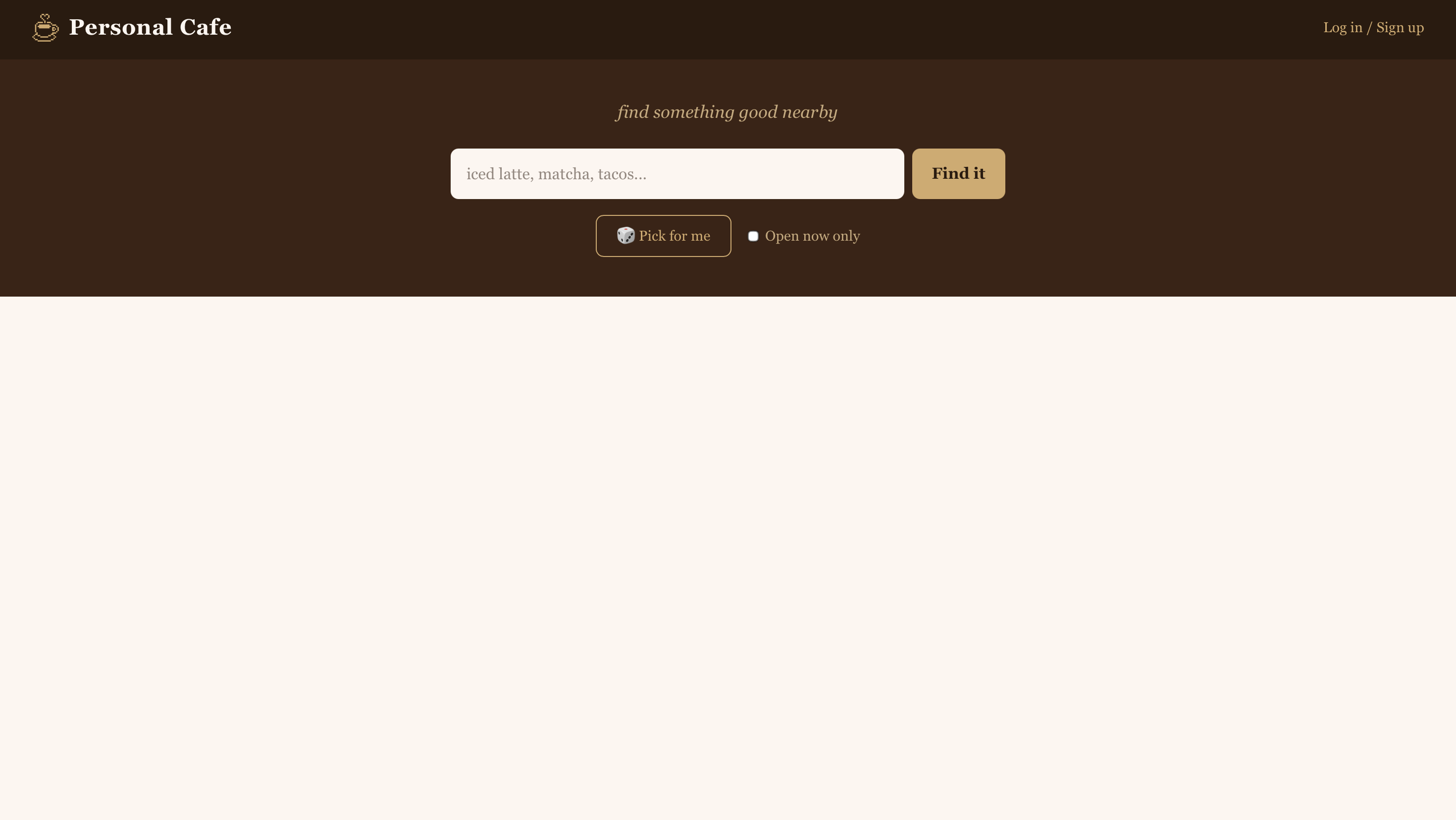
search screen
-
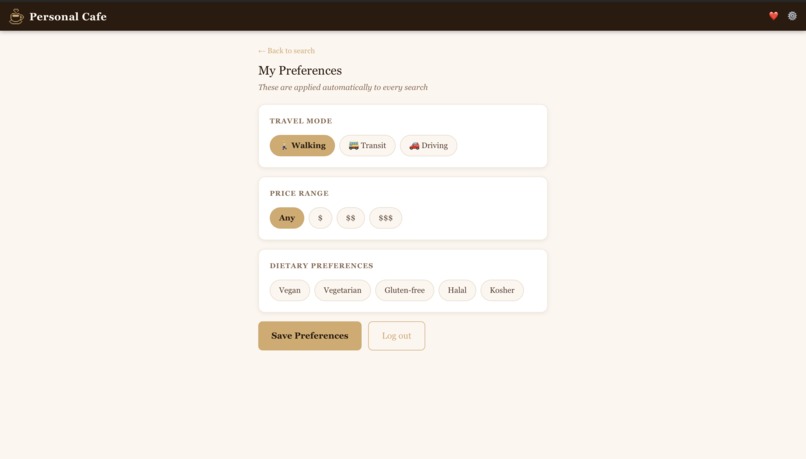
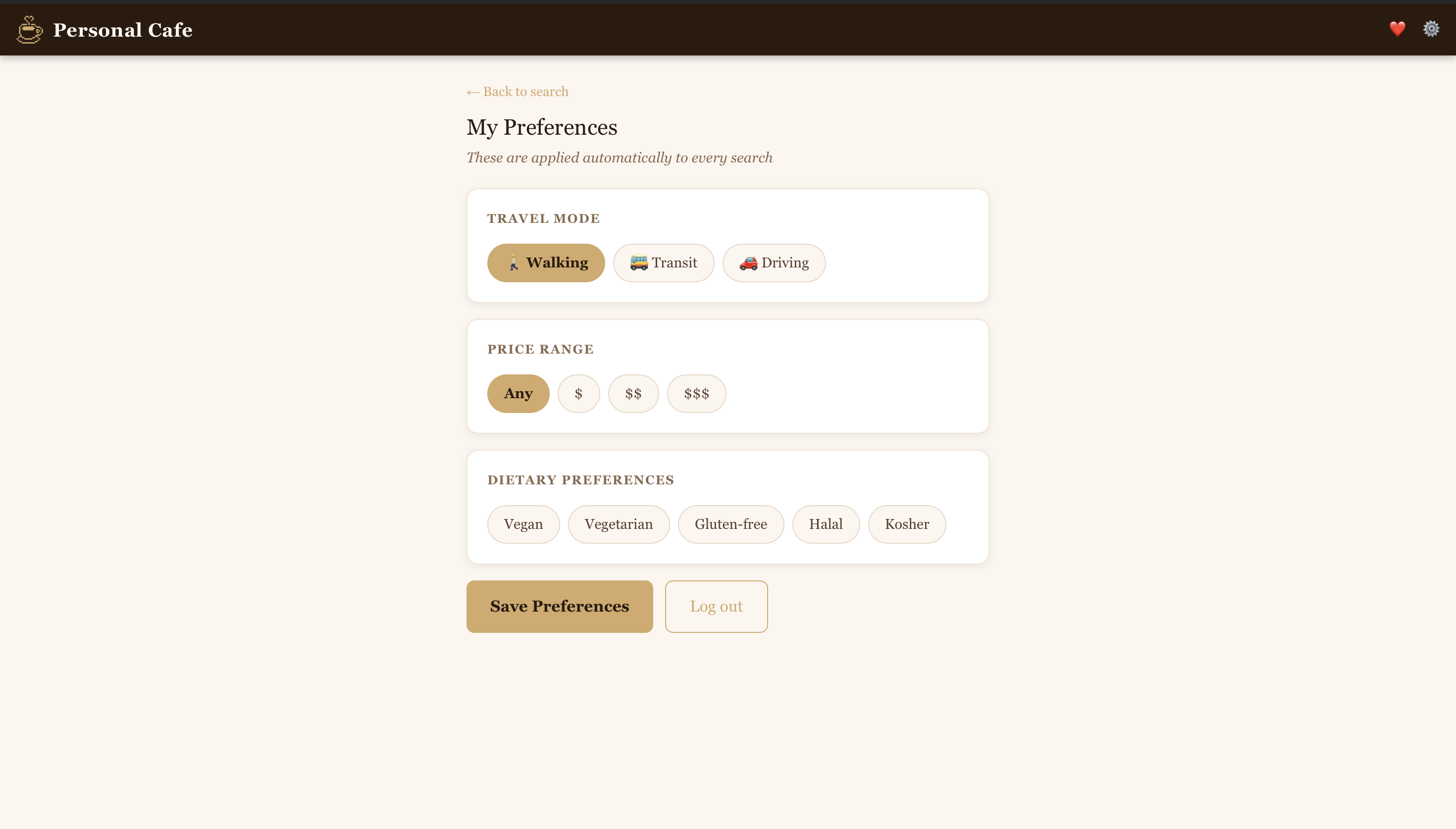
personalizations in profile
Inspiration
I spend a lot of time in coffee shops. But whenever I was somewhere new, or just feeling indecisive, the process of finding one was oddly frustrating. Google Maps would give me a list of places, but it had no idea I was specifically looking for somewhere with good matcha, or a spot that wasn't a chain, or something within walking distance. I'd open it, scroll around, stand there for 30 minutes looking at each place's menu, then get frustrated and go home.
I wanted something that let me search the way I actually think: "I want an iced latte" or "somewhere with good pastries"; and get back cafes, not a list of every place within a 20 mile radius. Personal Cafe started as that: a smarter, more personal way to find a place to sit down with a coffee.
What it does
Personal Cafe lets you search for cafes and coffee shops nearby by what you're craving. Type in "matcha latte", "cold brew", or "avocado toast" and it returns nearby cafes sorted by distance, along with whether they're open right now, their rating, and how far away they are.
Key features:
- Search by craving — finds cafes that match what you actually want, not just "cafe near me"
- Pick for me — when you're fully indecisive, one click picks a random cafe and opens it in Google Maps
- Open now filter — toggle to hide anything that's closed
- User accounts — log in to save favorite places and set preferences
- Personalized search — your travel mode (walking, transit, driving), price range, and dietary preferences are automatically factored into every search
- Pending favorites — if you try to save a place while logged out, you're sent to login and the save completes automatically once you're authenticated
How I built it
The frontend is built with Next.js (App Router) and TypeScript, styled with inline styles for fine-grained control. The backend is a Next.js API route that proxies requests to the Google Places API v1 (the new Text Search endpoint).
The trickiest part of the search architecture: a single query like "iced latte" to Google Places can return coffee shops, but it can also return grocery stores, restaurants with lattes on the menu, or unrelated results. To ensure results stay cafe-relevant, the API route runs two parallel requests — one for the user's actual query and one for "cafe coffee shop near me" — then merges and deduplicates them by place ID. The result is a list that's both relevant to the craving and filtered to actual cafes.
Distance is calculated with the Haversine formula on the server, and results are sorted closest-first before being returned to the client.
User accounts and saved places are handled by Supabase. Supabase Auth for login, and two Postgres tables (profiles and saved_places) for storing preferences and favorites. The app is deployed on Netlify.
Challenges I ran into
Getting Google Places to only return cafes. The Places API doesn't have a simple "cafes only" filter. A search for "matcha" can return spas, grocery stores, or juice bars. The dual-query approach — merging a craving search with a cafe-specific search — was the solution, but getting the deduplication and merging logic right without dropping good results took iteration.
The pending intent flow. When a logged-out user taps the heart on a result, they shouldn't just lose that action after logging in. I used sessionStorage to persist both the pending place and the pending search query, then check for them immediately after auth completes. Getting this to feel seamless — save fires automatically, no extra steps — required careful ordering of the useEffect hooks on load.
Location on mobile. The browser Geolocation API behaves differently across browsers and OS versions, especially on iOS. Handling the case where permission is denied, permission is pending, or the browser silently fails required defensive error handling throughout the search and pick-for-me flows.
Filtering without losing results. The "open now" and price filters are applied client-side against the full result set. This means toggling "open now" off doesn't require a new API call — it restores the original list. Keeping allResults and results as separate state was essential here, and easy to get wrong.
Accomplishments that I'm proud of
The thing I'm most proud of is how natural the full preference-aware search feels. When a logged-in user searches, their travel mode expands or shrinks the radius automatically, dietary preferences are silently appended to the query, and price filtering is applied to the results — all without the user having to touch any of it on the search page. It just works according to what they told the app once, in their profile.
I'm also proud of the pending intent flow. It's a small detail, but it's the kind of thing that makes an app feel finished: you shouldn't lose your place just because you weren't logged in.
What I learned
- The Google Places API v1 is significantly more powerful than the legacy API, but the documentation is dense. Learning to use
X-Goog-FieldMaskto request only the fields you need (and avoid unnecessary billing) was a useful lesson. - Supabase makes auth and a Postgres database genuinely fast to set up, but the Row Level Security policies matter — I learned to think carefully about what data each user should be able to read or write.
- Building a search experience that feels personal is less about adding filters and more about removing friction. Every preference that's applied silently is one less thing the user has to think about.
- The Haversine formula — distance between two lat/lng coordinates on a sphere — is surprisingly simple once you break it down.
$$d = 2R \arctan\left(\sqrt{\frac{a}{1-a}}\right)$$
where $a = \sin^2!\left(\frac{\Delta\phi}{2}\right) + \cos\phi_1 \cos\phi_2 \sin^2!\left(\frac{\Delta\lambda}{2}\right)$ and $R = 3958.8$ miles.
What's next for Personal Cafe
- Map view — show results on a small map so you can see where everything is relative to you
- Hours display — show today's hours on each result card, not just open/closed
- Social saves — see what places friends have saved, or share a place directly
- Review snippets — surface a highlight from recent Google reviews so you get a sense of vibe before you go
Built With
- google-places
- netlify
- next.js
- supabase
- tailwindcss
- typescript

Log in or sign up for Devpost to join the conversation.