-
-
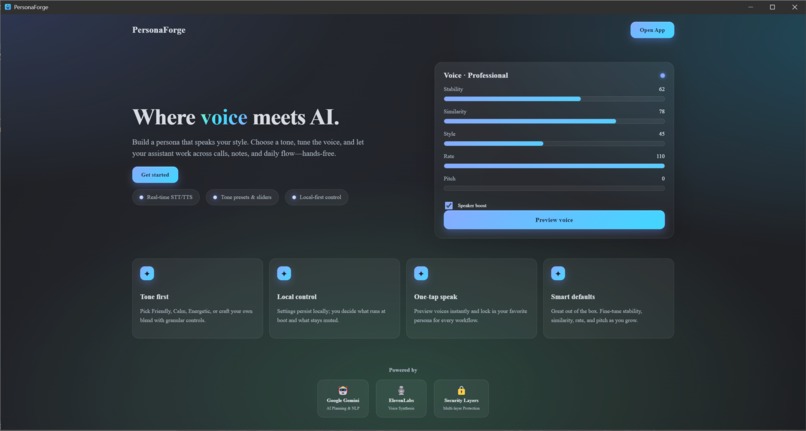
Thumbnail.png
-
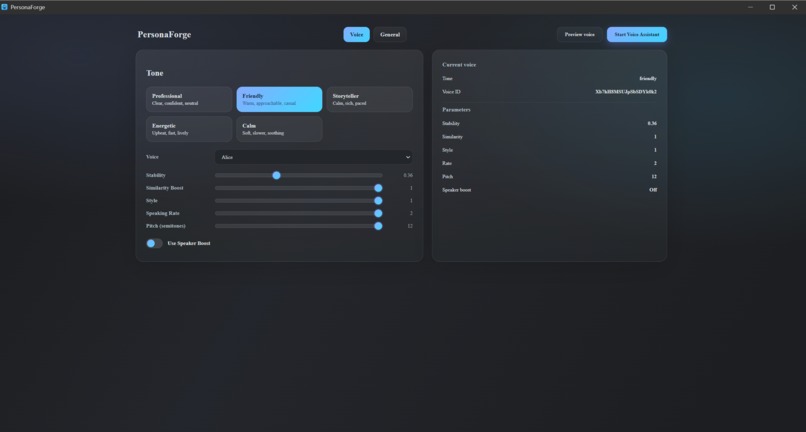
Voice-Control.png
-
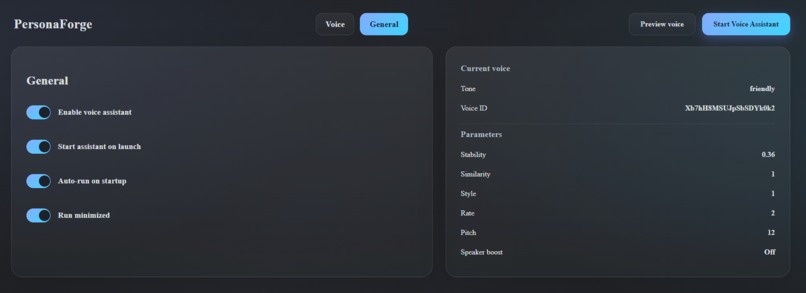
Settings.png
-
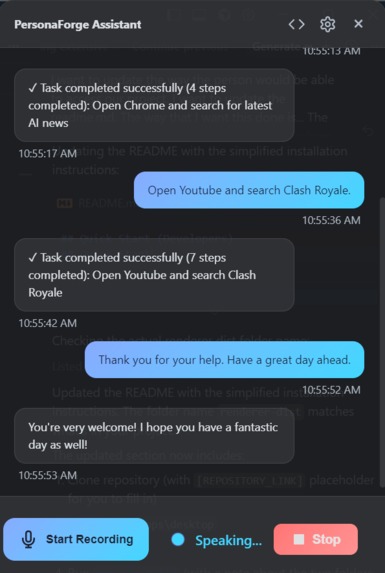
Voice-Assistant.png
-
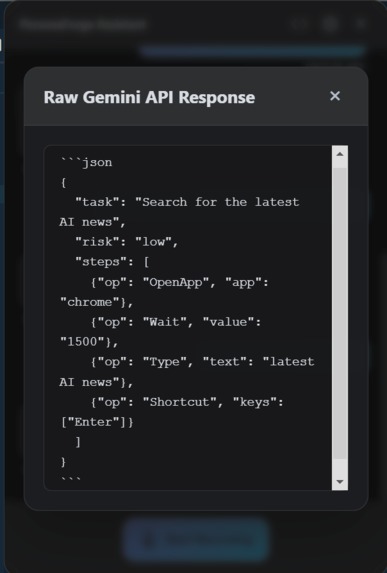
Raw-Gemini-Response.png
-
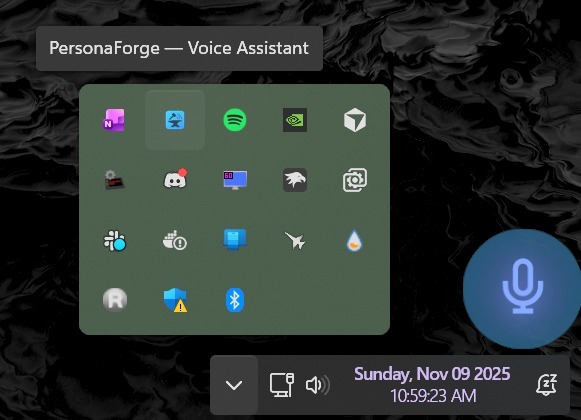
System-Tray-&_Overlay.png
Project Story
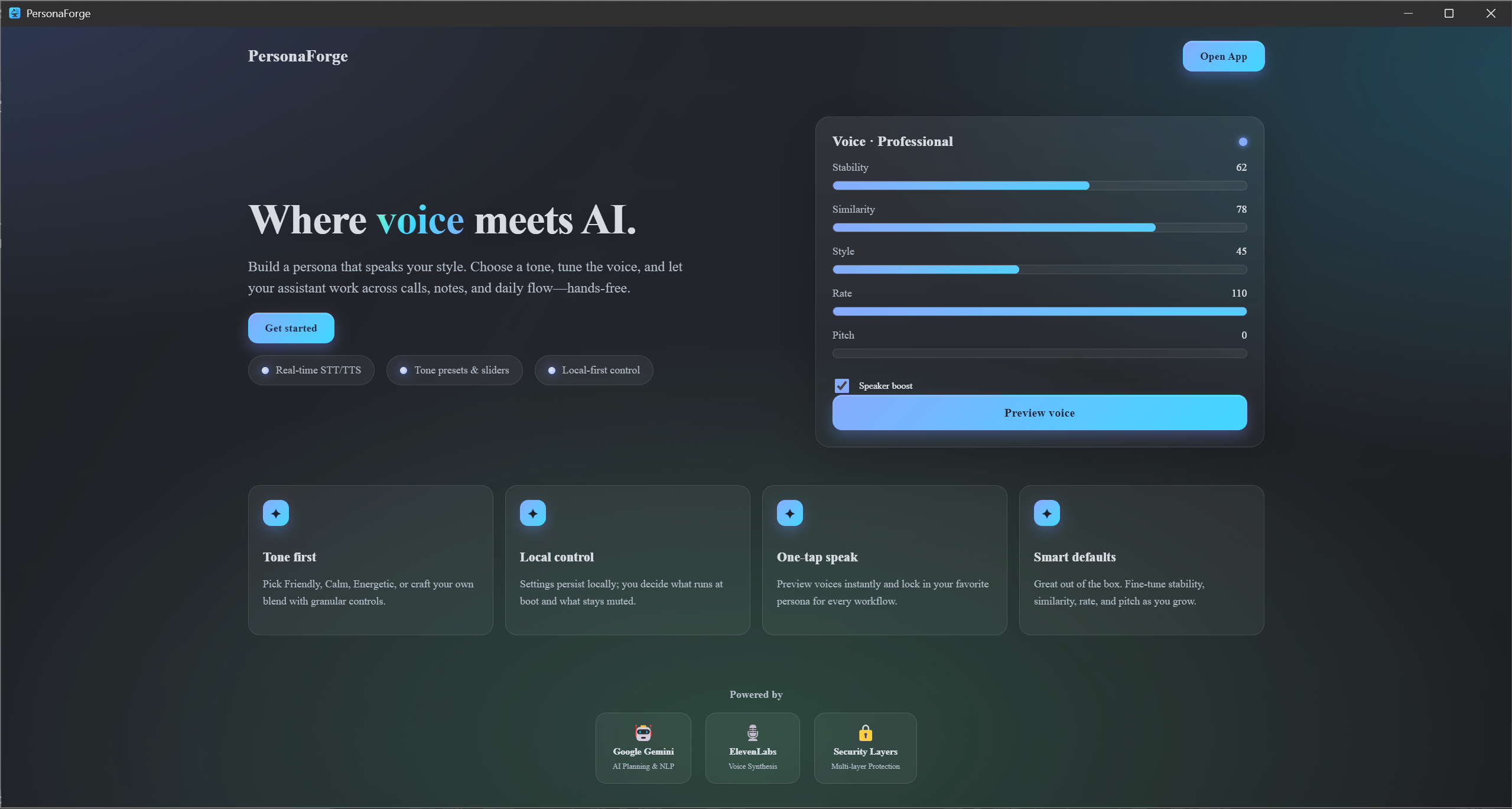
PersonaForge — Where voice meets AI
A consent‑first Windows voice agent that turns speech → intent → action → voice. Built for MakeUC 2025.
Inspiration
Voice assistants have become ubiquitous, but most are cloud-based black boxes that send your data to remote servers and give you limited control over what they can actually do on your computer. We wanted to build something different: a consent-first, privacy-focused voice agent that runs locally on Windows and actually performs real computer tasks—not just answers questions.
The inspiration came from the frustration of having to manually navigate Windows Settings, adjust system controls, or send messages while your hands are busy. What if you could just say "Jarvis, set brightness to 30%" and it actually happens? What if you could control your entire PC workflow through voice, but with full transparency and safety controls?
We built PersonaForge to bridge the gap between powerful AI capabilities and user autonomy—giving you the convenience of voice control while keeping you in complete control.
What it does
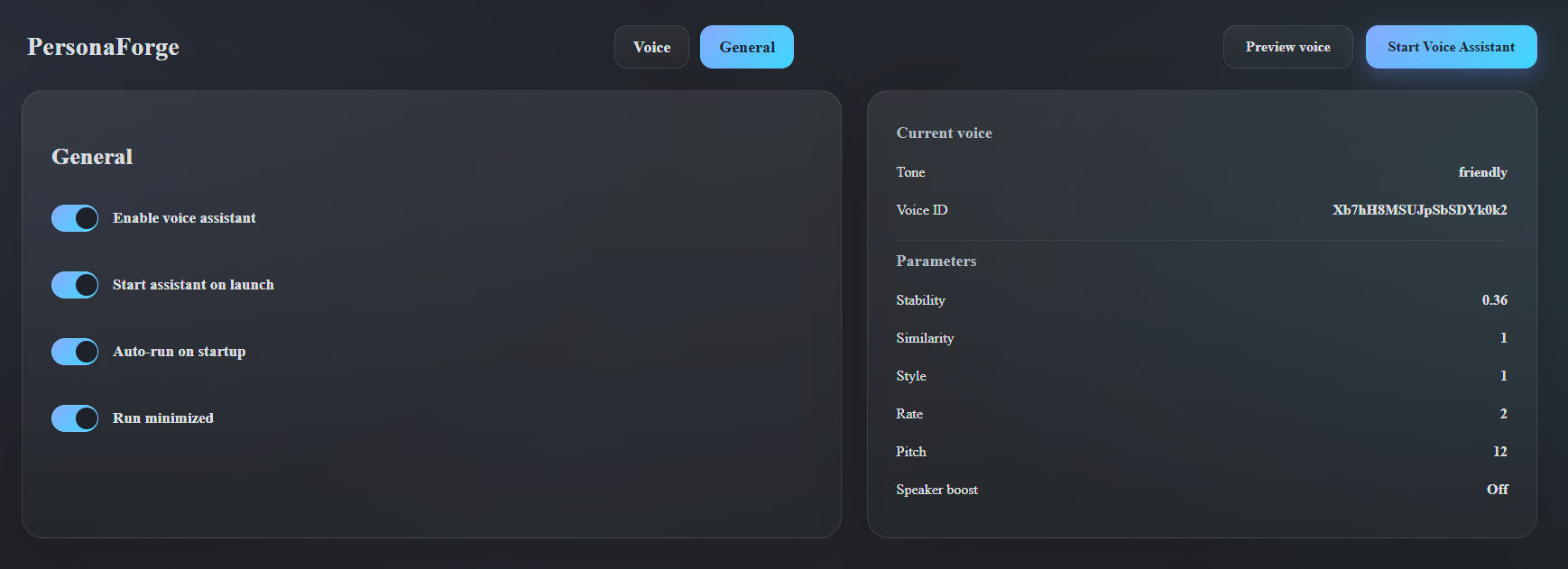
PersonaForge is a Windows desktop voice agent that transforms speech into real computer actions. The pipeline is elegant: speech → intent → action → voice response.
Here's what it can do:
- System Controls: Adjust screen brightness, navigate Windows Settings, and control system preferences through natural voice commands
- App Automation: Open applications, navigate UI elements, type text, and execute keyboard shortcuts—all hands-free
- Communication: Send Slack messages via voice command, with support for both UI automation and API integration
- Safety First: Every action is validated, logged in an audit trail, and requires explicit consent for risky operations. A kill switch (Ctrl+Shift+F12) can instantly abort any operation
- Transparent Operation: All actions are logged with timestamps, risk levels, and outcomes in a visible audit log
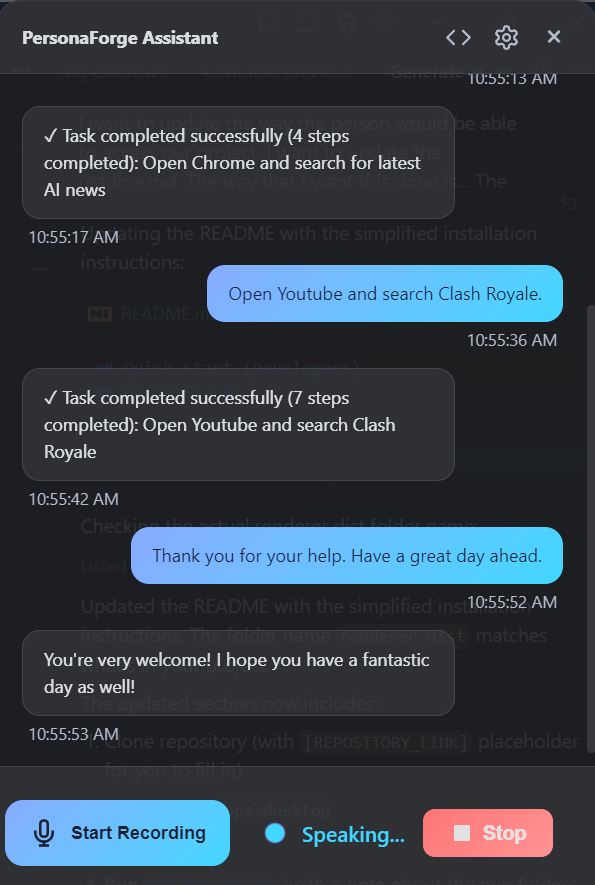
The core workflow: You speak a command like "Open Settings and search for focus assist." PersonaForge uses Google Gemini to understand your intent and generate a structured task plan. The plan is validated for security, you approve it (if required), and then it's executed through Windows automation. Finally, ElevenLabs provides a natural voice response confirming the action.
How we built it
PersonaForge is built with a modern, modular architecture:
Frontend & Desktop Shell
- Electron + React + TypeScript for the native Windows application
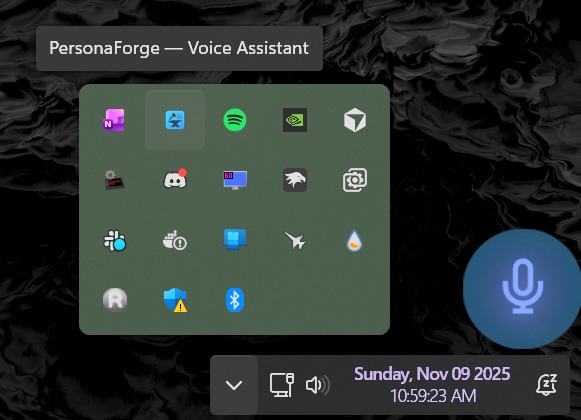
- Custom overlay UI for consent prompts and status indicators
- Vite for fast development and optimized production builds
AI & NLP Pipeline
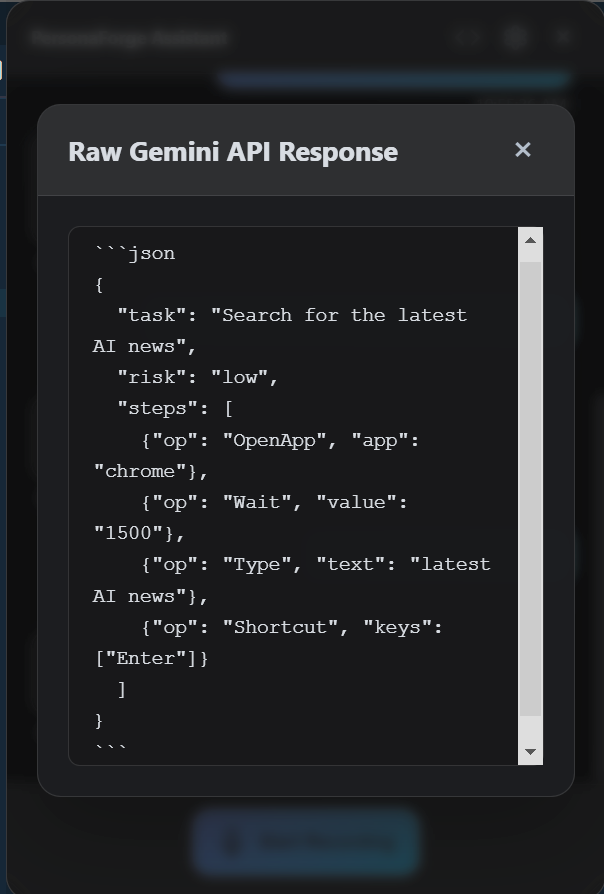
- Google Gemini 2.x for natural language understanding and task planning (returns structured JSON plans)
- ElevenLabs for high-quality text-to-speech with streaming support
- Speech-to-text via ElevenLabs STT API (with plans for local Whisper.cpp integration)
Task Execution System
- Router: Intelligent task routing that maps planned operations to appropriate executors
- Executors: Multiple execution backends:
- PowerShell: System settings, app launching, brightness control via WMI/ACPI
- UI Automation: Windows UI Automation API for navigating applications, finding elements, and sending input
- Hotkey Emulation: System-wide keyboard shortcuts
Security & Consent Layer
- Multi-layer security validation that checks task plans against risk profiles
- Consent prompts for medium/high-risk operations (with optional PIN for sensitive actions)
- Comprehensive audit logging to JSONL files with chain-hashing for integrity
- Rate limiting to prevent abuse
- Kill switch mechanism for instant operation abortion
Data & Configuration
- Local-first architecture: all settings, logs, and catalogs stored locally
- Environment-based configuration for API keys and feature toggles
- App catalog system for discovering installed applications
The entire system is designed to be transparent, auditable, and user-controlled—no hidden operations, no cloud dependencies for core functionality.
Challenges we ran into
Windows Automation Complexity: Windows UI Automation can be finicky. Different applications have different accessibility structures, and finding the right elements programmatically required extensive testing and fallback strategies. We had to implement multiple traversal methods (by name, by automation ID, by tab navigation) to handle various app layouts.
Security Validation Logic: Determining what constitutes a "risky" operation and when to require consent was more nuanced than expected. We had to balance user convenience with safety, creating a risk classification system that considers operation type, target, and context.
Electron IPC Architecture: Coordinating between the main process (where security and execution happen) and the renderer process (where the UI lives) required careful design of the IPC bridge. We had to ensure all security checks happen in the main process while maintaining a responsive UI.
Task Plan Parsing: Gemini's JSON output isn't always perfectly structured. We had to build robust parsers with validation and error handling to gracefully handle edge cases in the AI-generated plans.
Real-time Audio Processing: Streaming audio from ElevenLabs while maintaining low latency and handling errors gracefully required careful async/await management and proper cleanup of audio resources.
Brightness Control Limitations: Windows brightness control via WMI/ACPI only works on integrated displays, not external monitors. We had to detect this limitation and provide clear feedback to users.
Accomplishments that we're proud of
Consent-First Architecture: We're particularly proud of building a voice agent that prioritizes user consent and transparency. Every risky operation requires explicit approval, and users can see exactly what the system is doing through the audit logs.
End-to-End Pipeline: Getting the full pipeline working—from voice input through AI planning, security validation, execution, and voice response—was a significant achievement. The system handles the complete cycle reliably.
Modular Executor System: The executor architecture allows us to easily add new capabilities. Each executor is independent, making the system extensible without touching core logic.
Security Audit Trail: The comprehensive logging system creates a complete record of all operations, which is crucial for debugging, compliance, and user trust. The chain-hashing ensures log integrity.
Windows-Native Experience: Building a true Windows desktop application (not a web app) that feels native and integrates properly with the OS was a key goal we achieved.
Real-World Task Execution: Unlike many voice assistants that only answer questions, PersonaForge actually performs actions on your computer. Seeing it successfully navigate Windows Settings, adjust brightness, and send Slack messages was incredibly satisfying.
What we learned
AI Planning Requires Structure: We learned that giving the AI (Gemini) a strict JSON schema and clear examples produces much more reliable results than free-form responses. The structured planning approach makes the system predictable and debuggable.
Security is a Feature, Not a Burden: Building security in from the start (rather than adding it later) made the system more trustworthy and actually improved the user experience by providing transparency.
Local-First Matters: Keeping core functionality local (even if we use cloud APIs for AI) gives users more control and reduces privacy concerns. The audit logs being local-only was a conscious choice that users appreciate.
Windows Automation is Powerful but Fragile: UI Automation can do amazing things, but it's sensitive to application updates and UI changes. We learned to build robust fallbacks and error handling.
Voice UX is Different: Voice interfaces require different UX patterns than graphical interfaces. Users need clear feedback about what's happening, what's being processed, and what succeeded or failed. The overlay UI and voice responses work together to provide this feedback.
Modularity Enables Speed: By building the system in modular components (executors, security service, consent service, etc.), we could develop and test features independently, which significantly accelerated development.
What's next for PersonaForge: Where Voice meets AI
Enhanced Automation: Expand the executor library to support more applications and workflows—email composition, calendar management, file operations, and more complex multi-step tasks.
Local AI Options: Integrate local Whisper.cpp for offline speech-to-text, giving users the option to run completely offline for maximum privacy.
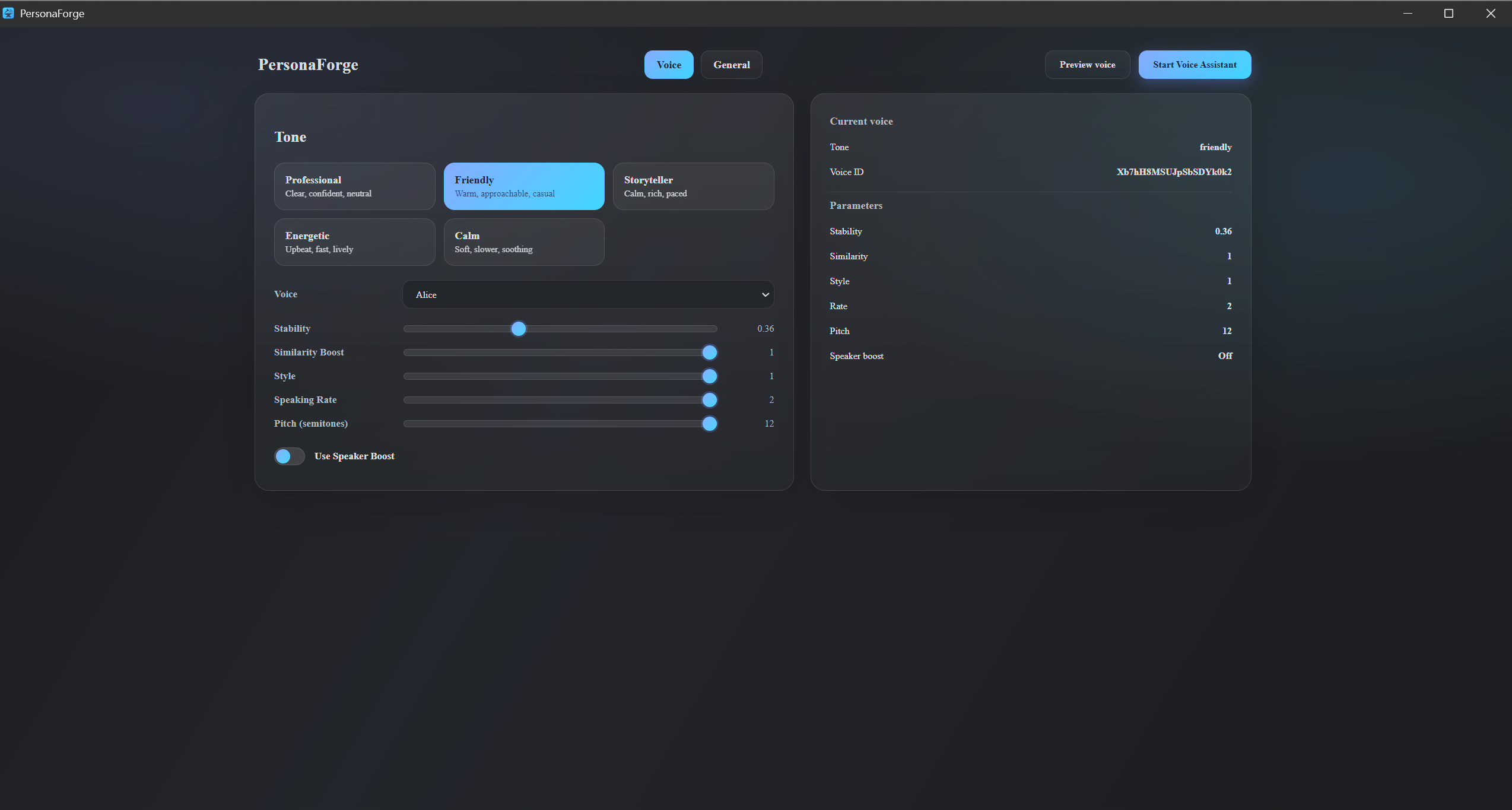
Voice Customization: Allow users to train or fine-tune their own voice models, creating truly personalized assistants that sound like them.
Plugin System: Build a plugin architecture so developers can create custom executors for their favorite applications, making PersonaForge extensible by the community.
Cross-Platform Support: While currently Windows-only, the architecture could be extended to macOS and Linux with platform-specific executors.
Advanced Planning: Implement multi-turn conversations where PersonaForge can ask clarifying questions, handle ambiguous requests, and learn from user corrections.
Visual Feedback: Add screen overlay indicators that show what the system is doing in real-time, making the automation process more transparent and educational.
Machine Learning Router: Replace the rule-based router with a trained classifier that learns from user behavior to better route tasks and resolve ambiguities.
Enterprise Features: Add team management, shared catalogs, and centralized audit logging for organizations that want to deploy PersonaForge across teams.
The vision is to make PersonaForge the most trusted, capable, and transparent voice agent for desktop computing—one that respects user autonomy while delivering powerful automation capabilities.
Built With
- acpi
- electron
- elevenlabs
- google-gemini-api
- javascript
- node.js
- powershell
- react
- typescript
- ui-automation
- vite
- windows-10
- windows-11
- wmi


Log in or sign up for Devpost to join the conversation.