-
-
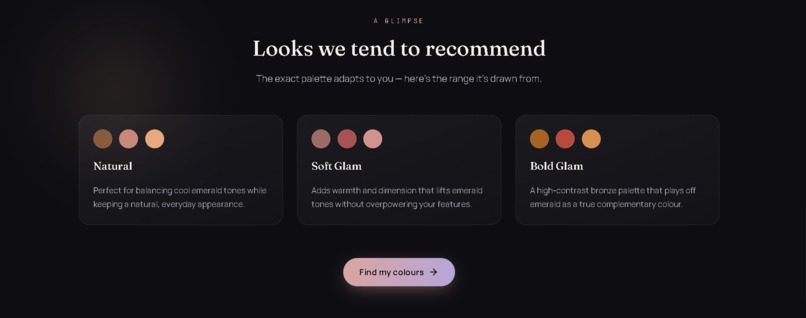
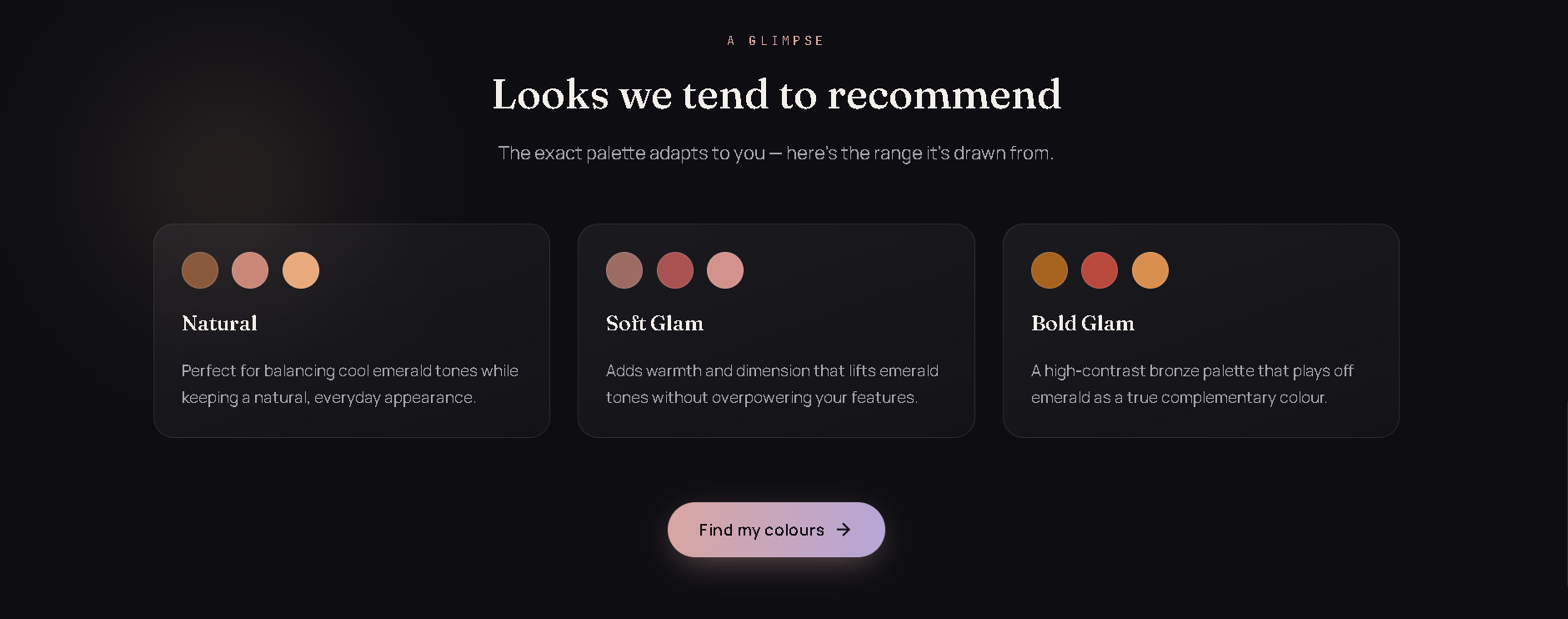
Palette gallery: Natural, Soft Glam, Bold Glam looks with CTA
-
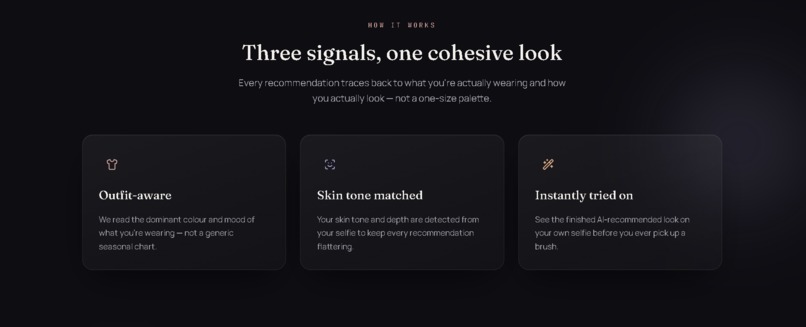
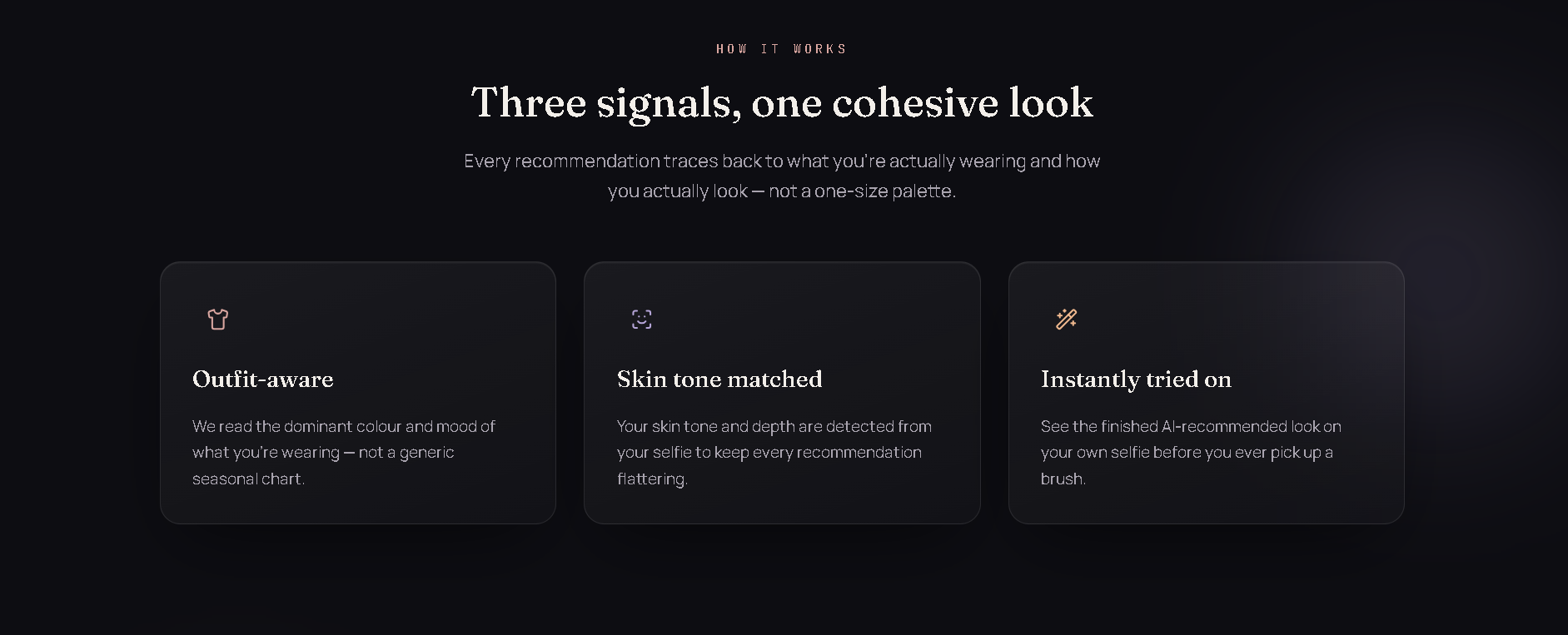
Three-step explainer: outfit-aware, skin tone matched, instantly tried on.
-
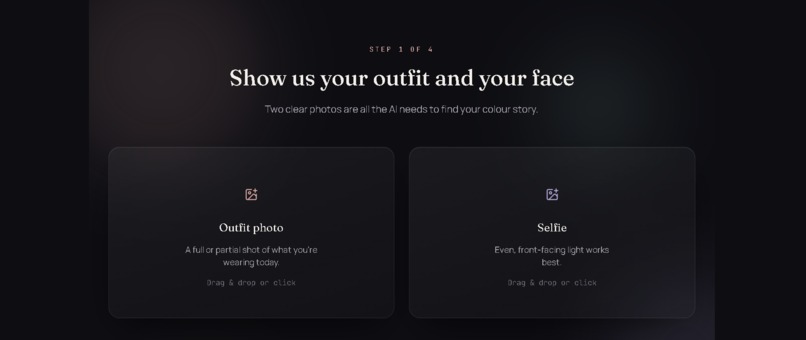
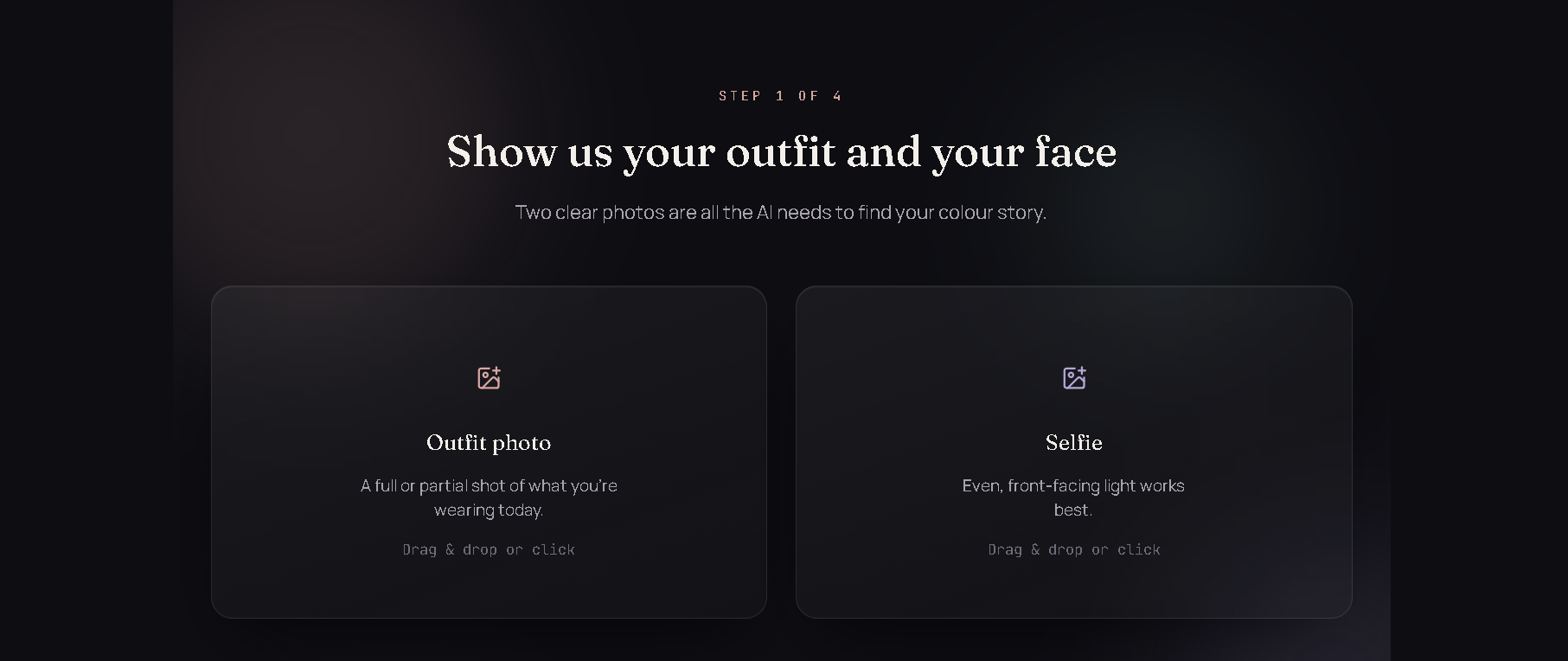
Upload prompt for outfit photo and selfie.
-

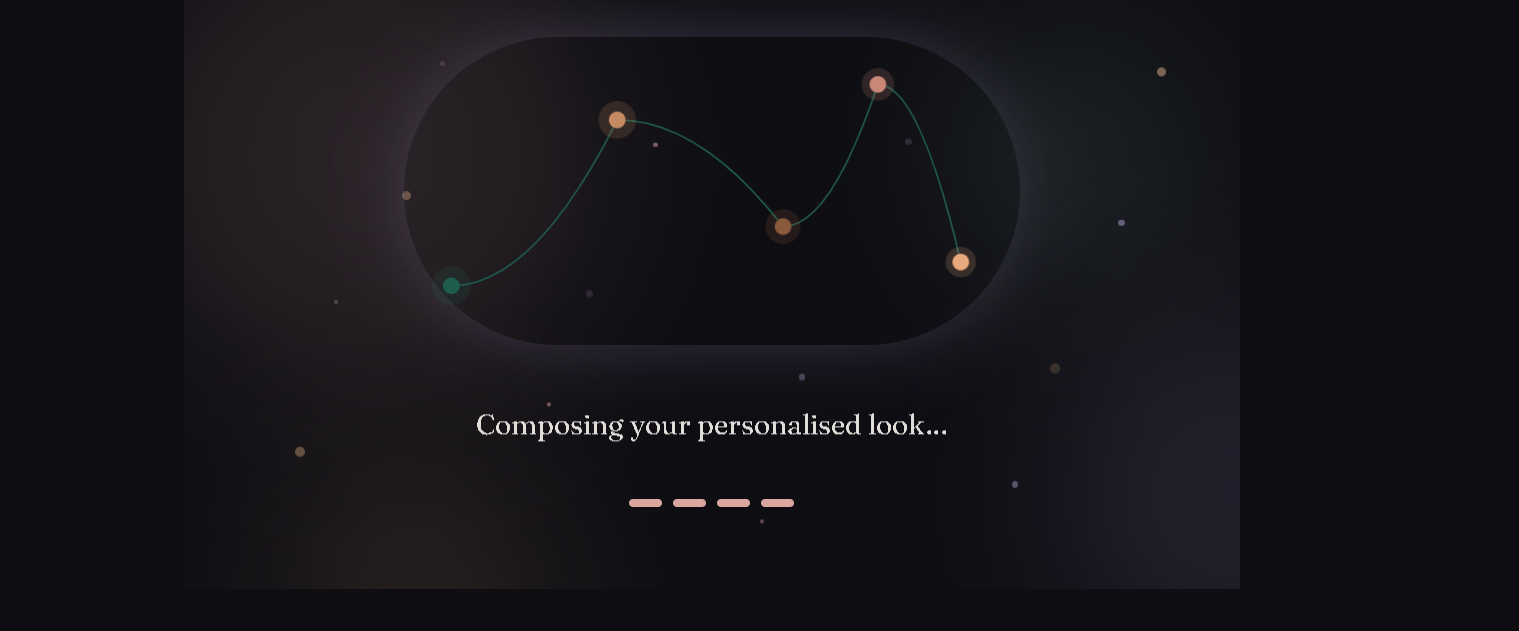
AI processing/loading screen generating the final look
-
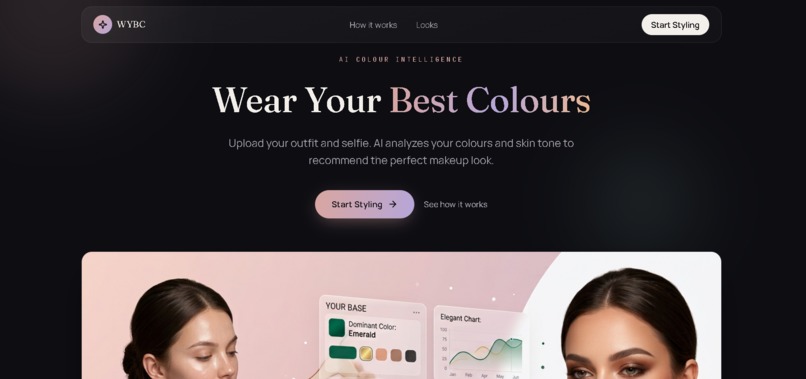
Home Page
-
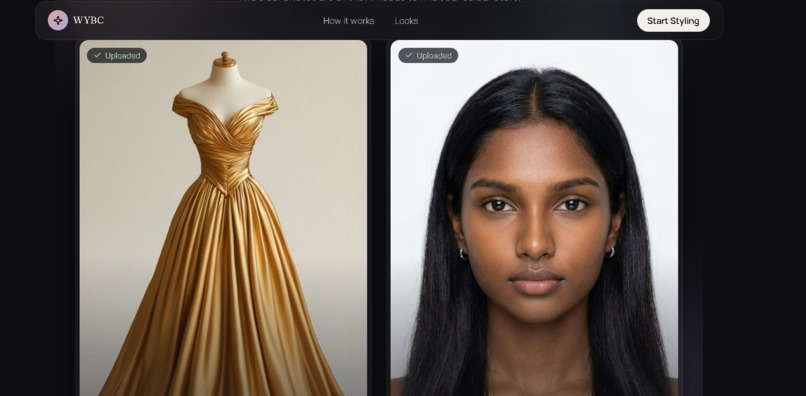
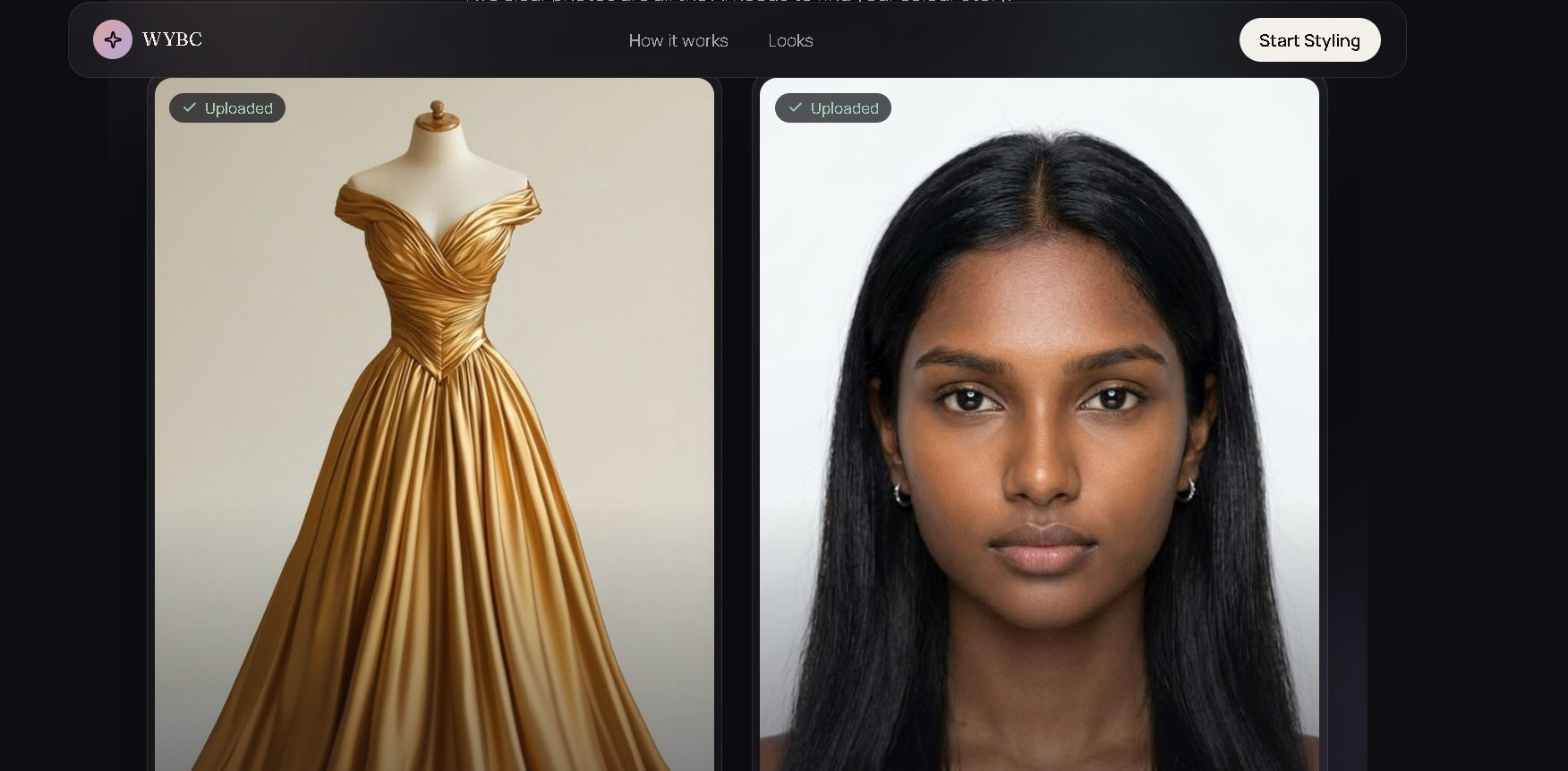
Uploaded photos confirmed (gown + selfie).
-
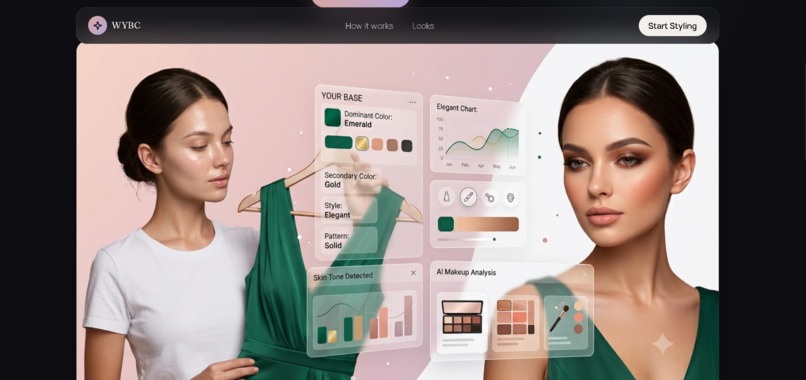
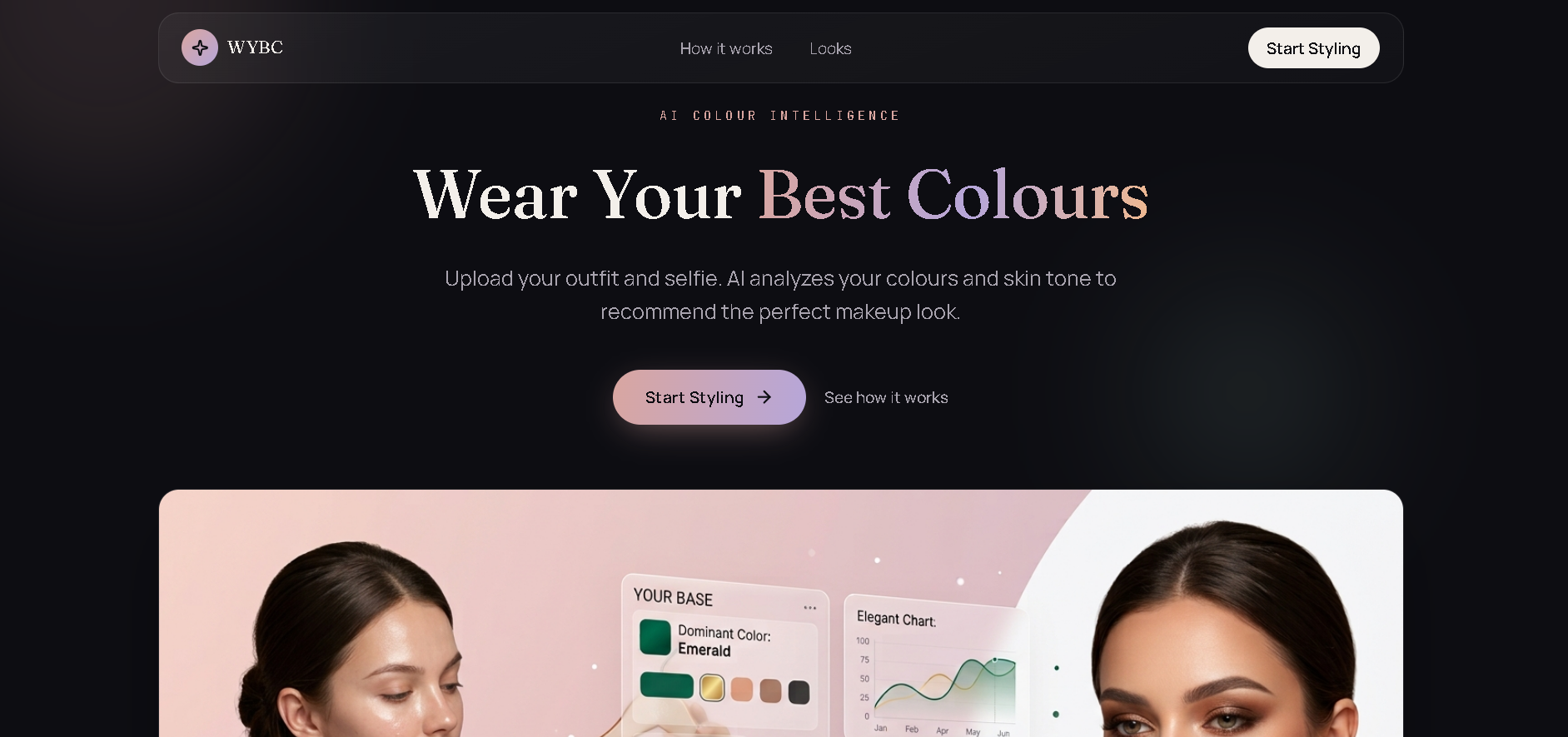
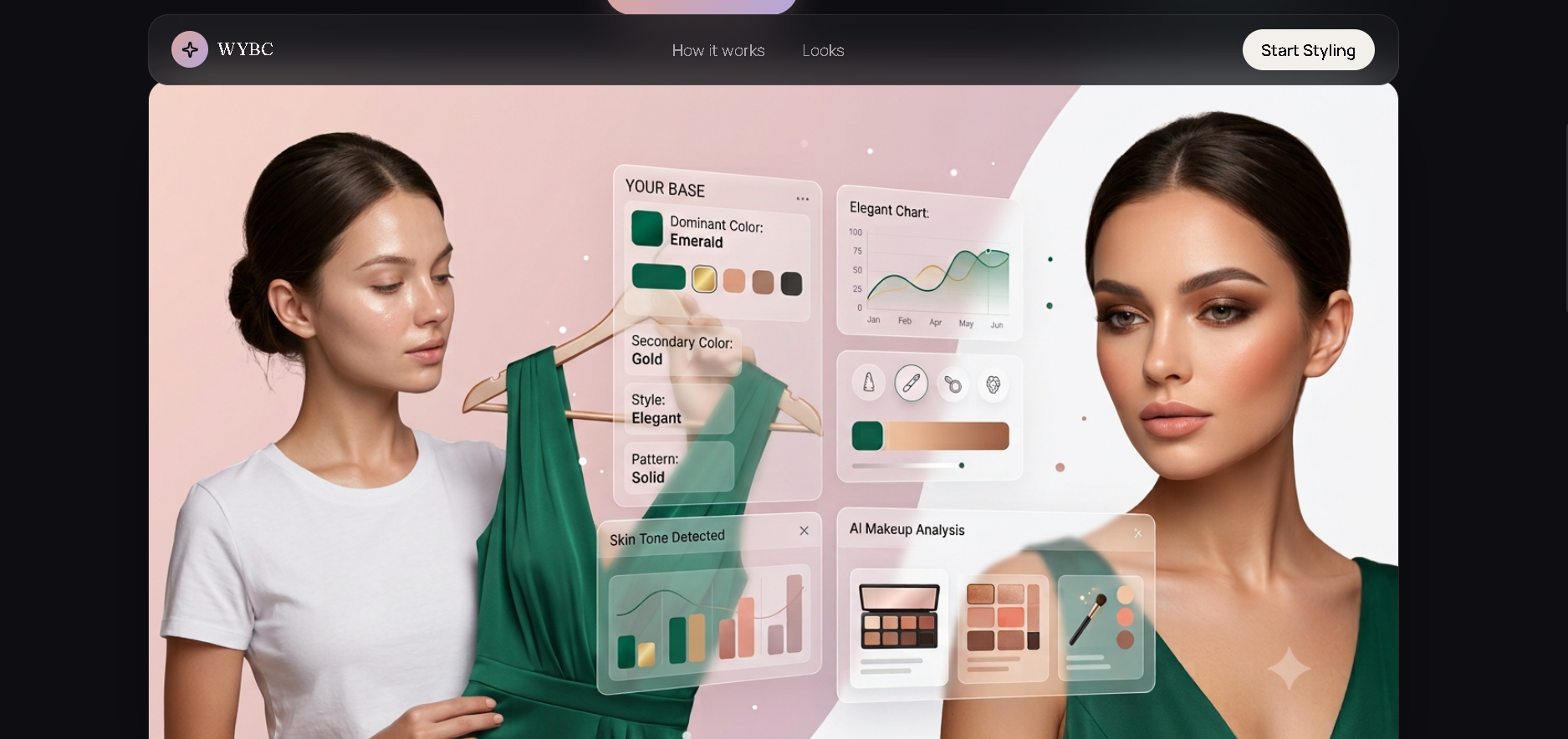
Hero banner teasing AI-driven outfit-to-makeup matching with overlay UI cards.
-
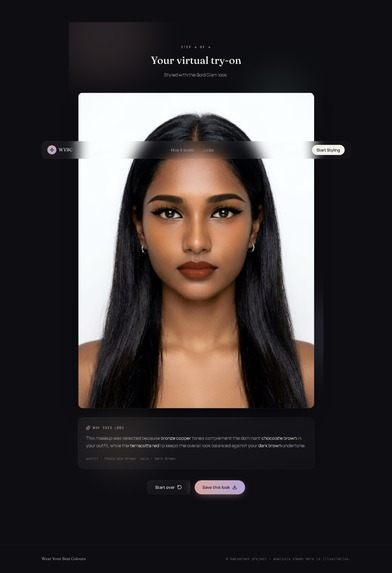
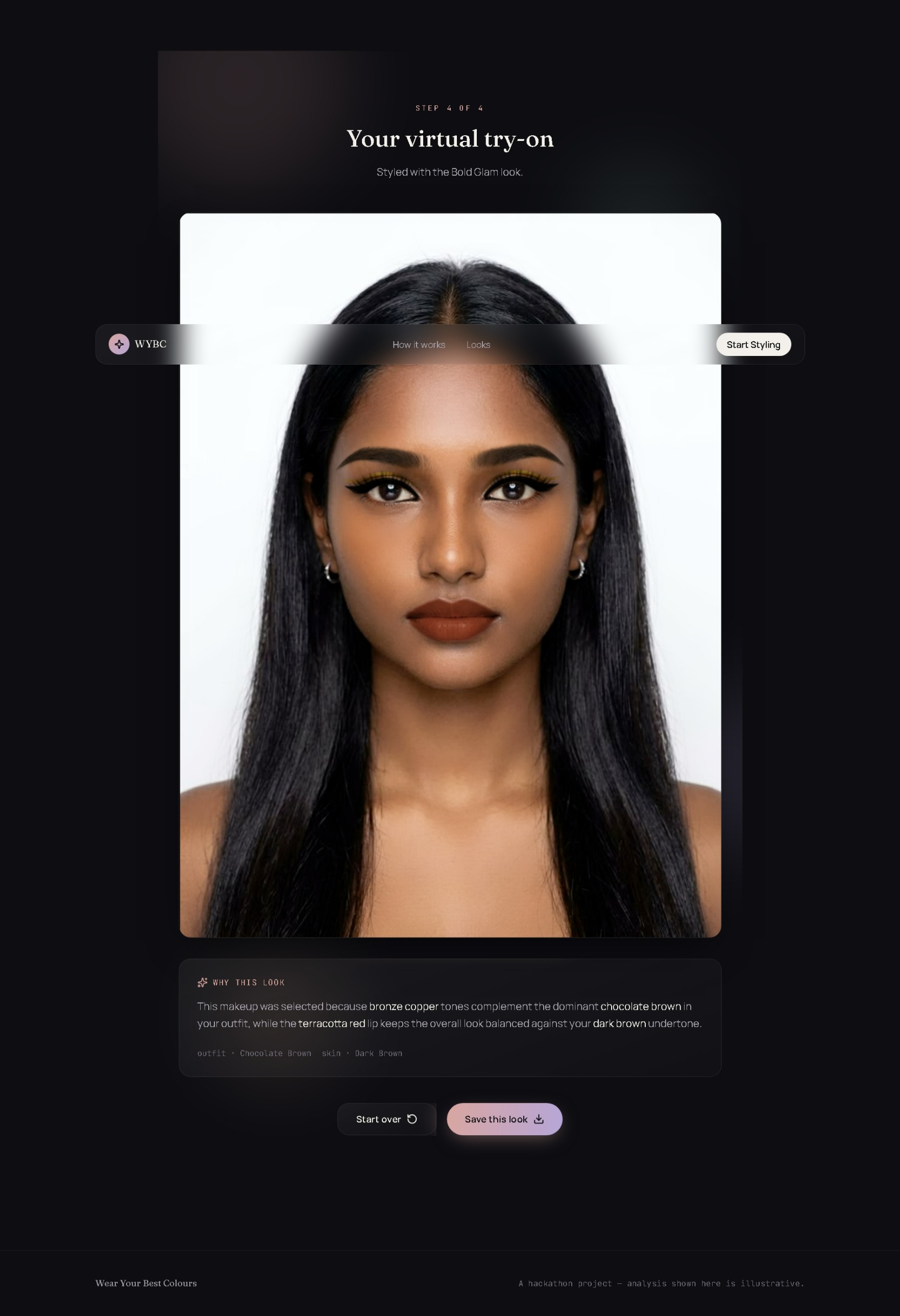
Full makeup look according to skin tone and outfit colour
Wear Your Best Colors
Inspiration
We were inspired by a simple problem: seeing a makeup look online doesn't necessarily mean it will look the same on you. A makeup color that complements one skin tone can look very different on another person. At the same time, choosing makeup that works with an outfit can be difficult without knowing which colors complement each other. We wanted to create a styling experience that considers both the user's skin tone and their outfit, rather than recommending makeup based on only one factor. This led us to build Wear Your Best Colors an AI-powered styling platform that connects outfit colors with skin tone to recommend a personalized makeup look and lets users virtually try it on.
What it does
Wear Your Best Colors takes two inputs:
- An outfit image to determine the dominant clothing color.
- A selfie to analyze the user's skin tone. The system then combines the detected skin tone and outfit color to recommend one of three makeup styles:
- Natural
- Soft Glam
- Bold Glam Each style contains different makeup variations designed around different outfit color themes. The recommended look is then applied to the user's selfie using the YouCam Makeup API, allowing them to see how the makeup looks on them before deciding on the style. The goal isn't simply to ask "What makeup looks good?" it's to ask: > "What makeup is likely to complement this outfit and this skin tone?"
How we built it
We built the application with a React frontend and a FastAPI backend. The main workflow is:
- User uploads outfit + selfie
- Outfit processing
- Background removal
- Clothing color extraction
- Dominant color identification
- Skin tone detection
- Combine skin tone + outfit color
- Recommendation engine
- Style selection — Natural / Soft Glam / Bold Glam
- Makeup variant selection
- YouCam Virtual Try-On
- Final result For the outfit, we use background removal and color extraction to focus on the clothing rather than unrelated colors in the image. For skin tone analysis, we use YouCam Skin AI. We then use a deterministic recommendation system that maps the combination of skin tone and outfit color family to a makeup style. Each style has multiple predefined makeup variants, allowing different outfit colors to produce different makeup palettes. Finally, the selected makeup configuration is sent to the YouCam Makeup API for virtual try-on.
Challenges we ran into
One of our biggest challenges was extracting the correct clothing color from a real-world image. An outfit image can contain backgrounds, skin, hair, furniture, shadows, and other colors — simply extracting the most common color from the entire image can produce the wrong result. We experimented with background removal before performing color extraction so the system could focus specifically on the clothing. Another challenge was working with limited API credits during the hackathon. Since virtual try-on calls consume API units, we had to be careful about unnecessary API calls during development and testing. We also had to make the recommendation logic predictable rather than producing the same makeup style for every input. We separated style recommendation from makeup variant selection, allowing the system to choose different color palettes within Natural, Soft Glam, and Bold Glam.
Accomplishments we're proud of
We're proud that we built a complete styling pipeline rather than only a standalone recommendation feature. The project combines:
- Computer vision-based outfit processing
- Clothing color extraction
- Skin tone analysis
- Rule-based personalization
- Multiple makeup style variations
- Virtual makeup try-on
- React frontend
- FastAPI backend
- YouCam APIs We're particularly proud of the outfit color extraction pipeline, since getting a reliable clothing color from different images was one of the more challenging parts of the project. We also designed the system so the makeup recommendation is explainable. Instead of simply returning a makeup style, it can provide a reason based on the relationship between the detected skin tone and outfit color.
What we learned
One of our biggest lessons was that getting a model or API to produce an output is only one part of building an AI application. Real-world inputs are messy. Lighting, backgrounds, image composition, and other objects can affect computer vision results. We learned that preprocessing and the overall pipeline can be just as important as the model itself.
We also learned how important it is to design AI applications around real constraints. Because the YouCam API had limited credits, we had to think carefully about which processing could happen locally and which operations actually required an API call. Most importantly, we learned that personalization requires more than one input. Combining skin tone with outfit color allowed us to create a more meaningful recommendation than simply matching makeup to clothing color.
What's next for Wear Your Best Colors
We'd like to make Wear Your Best Colors more personalized in the future. Planned features include:
- Undertone analysis
- Face-shape-aware makeup recommendations
- Occasion-based looks casual, office, party, or wedding
- More makeup styles and color variations
- Improved clothing segmentation and color extraction
- User preferences and feedback to refine recommendations
- More personalized recommendations based on multiple visual attributes
Our long-term goal is to turn Wear Your Best Colors into a complete AI personal styling assistant where users can understand not only what looks good, but why it works for them.
Built With
- artificial-intelligence
- background-removal
- beauty-tech
- computer-vision
- fastapi
- image-processing
- javascript
- machine-learning
- python
- react
- virtual-try-on
- youcam-makeup-api
- youcam-skin-ai

Log in or sign up for Devpost to join the conversation.